
Scene Templates
Start with a GPT Image 2 scene template
Choose a visual scene, inspect the sample image and prompt, then load the template into the generator without copying text between tools.
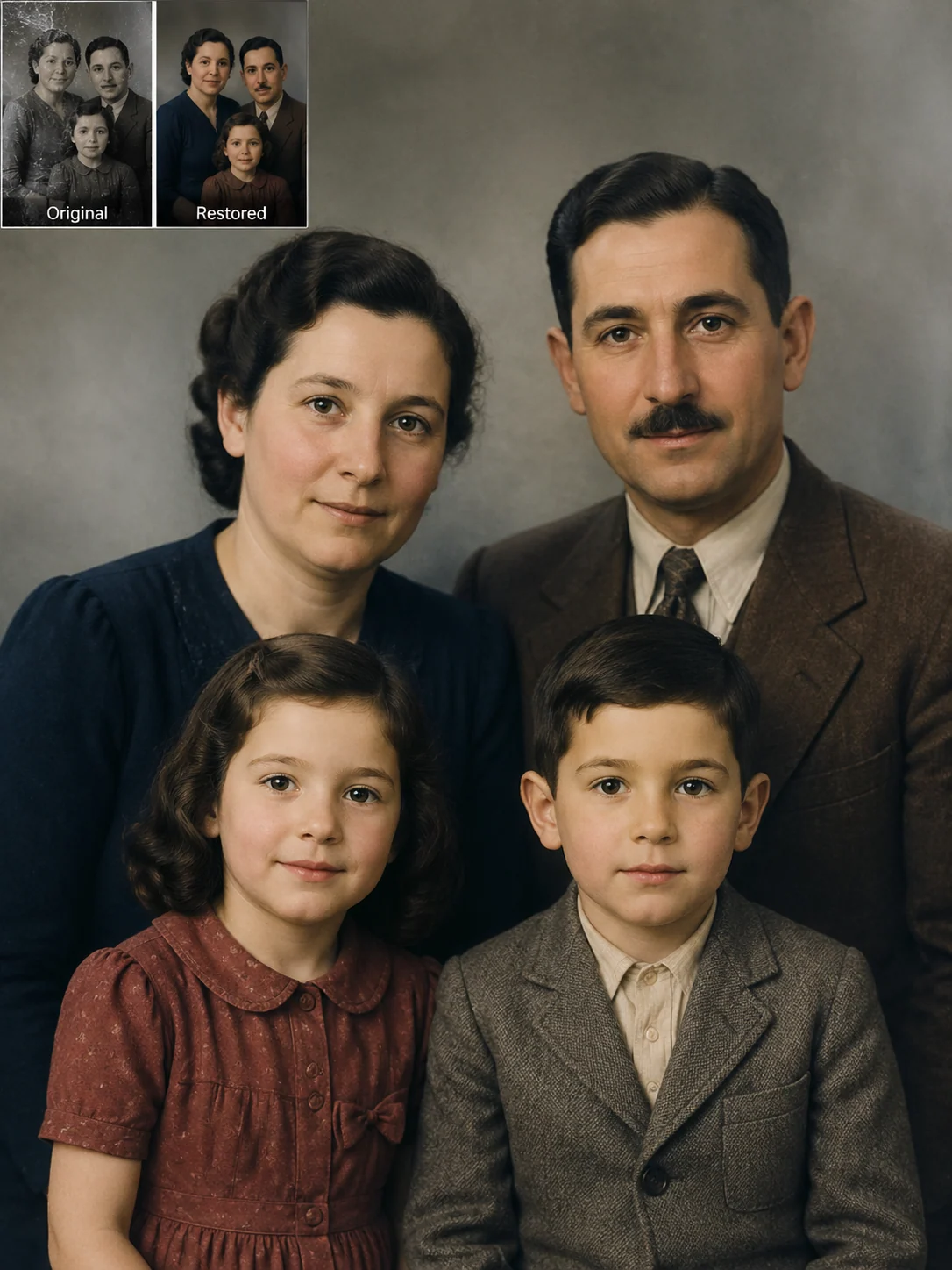
Old Photo Restore
Restore damaged family photos with identity-preserving GPT Image 2 prompts.
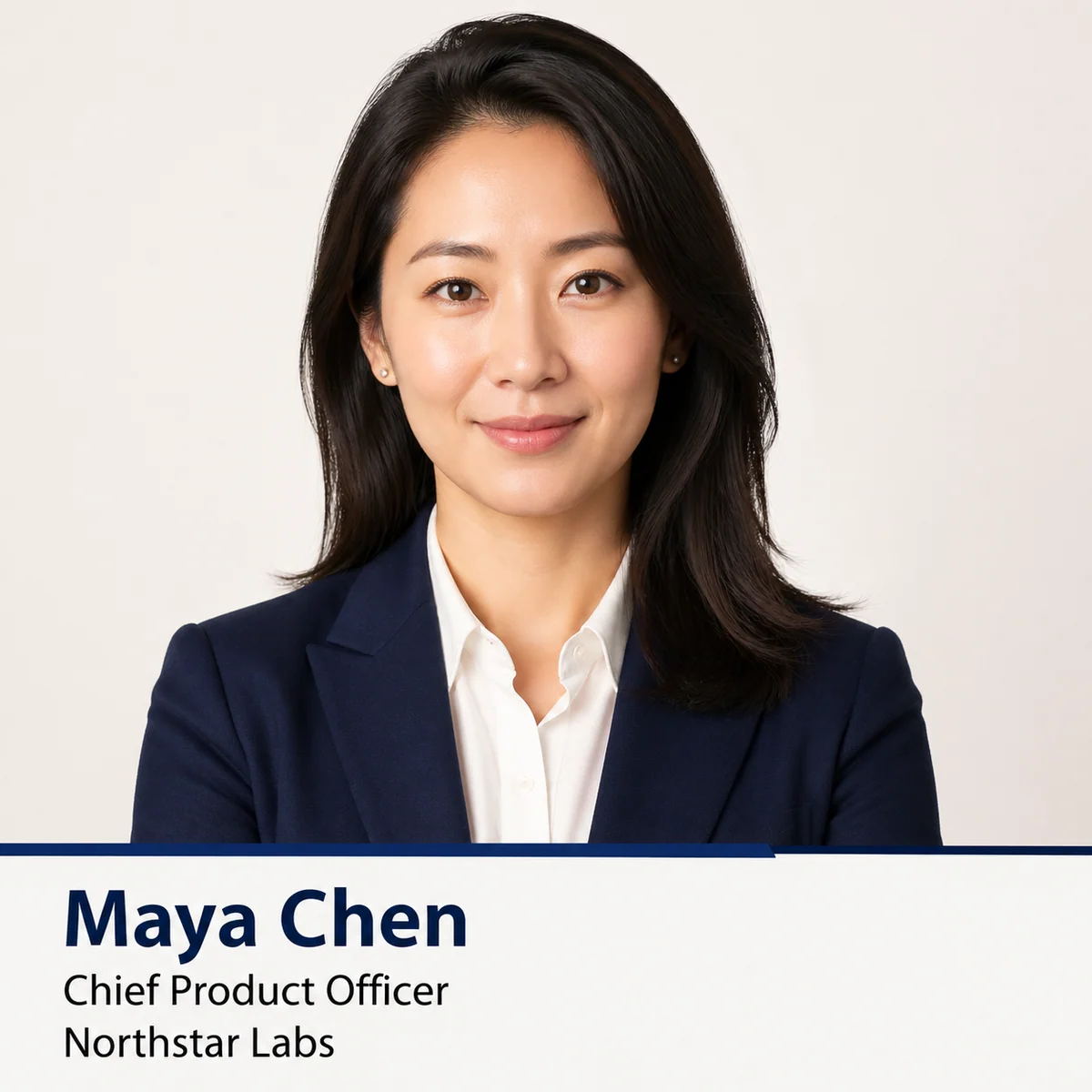
Business Headshot Posters
Create professional profile cards from portrait references with GPT Image 2 prompts.
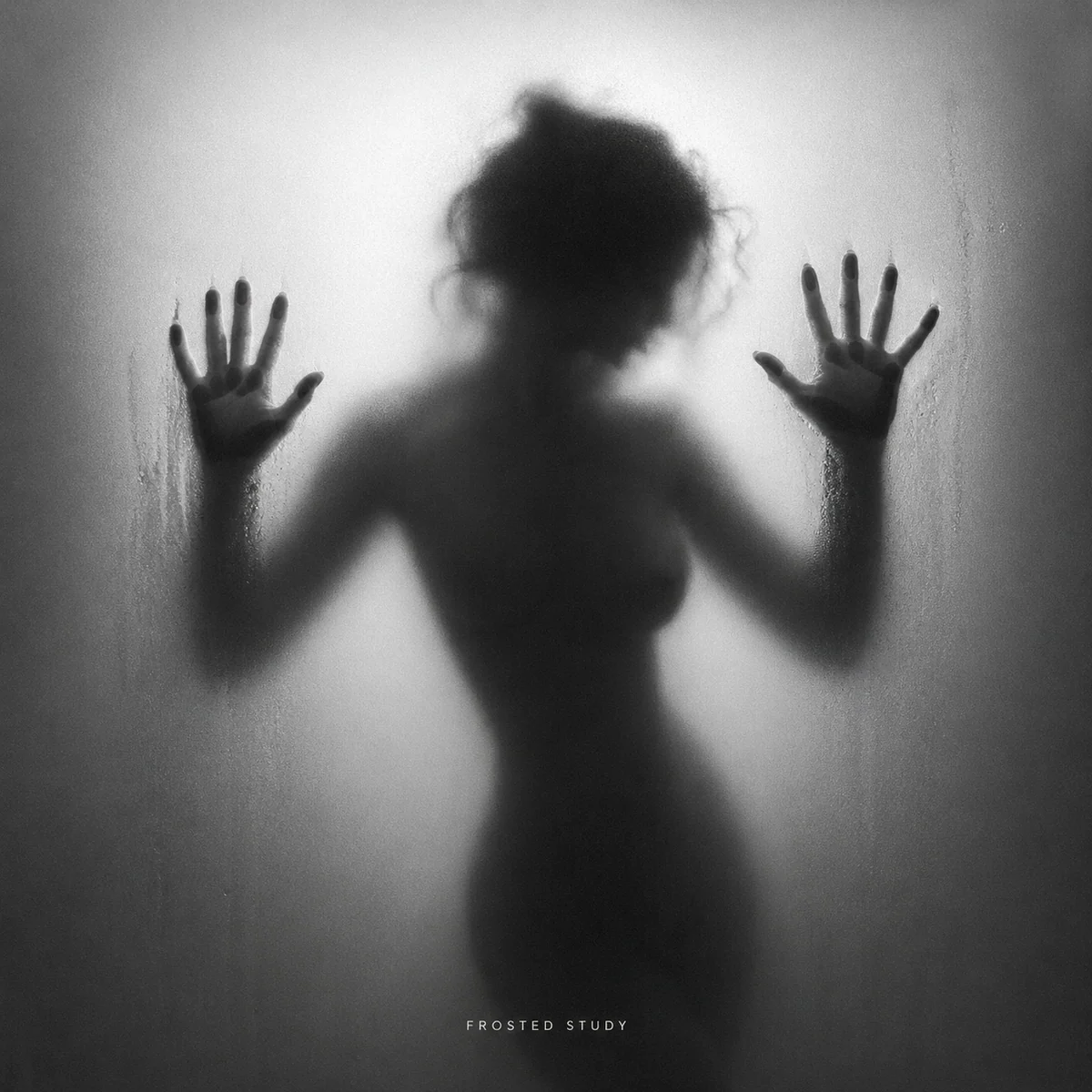
Frosted Glass Silhouettes
Create black-and-white frosted glass silhouettes with GPT Image 2 prompts.
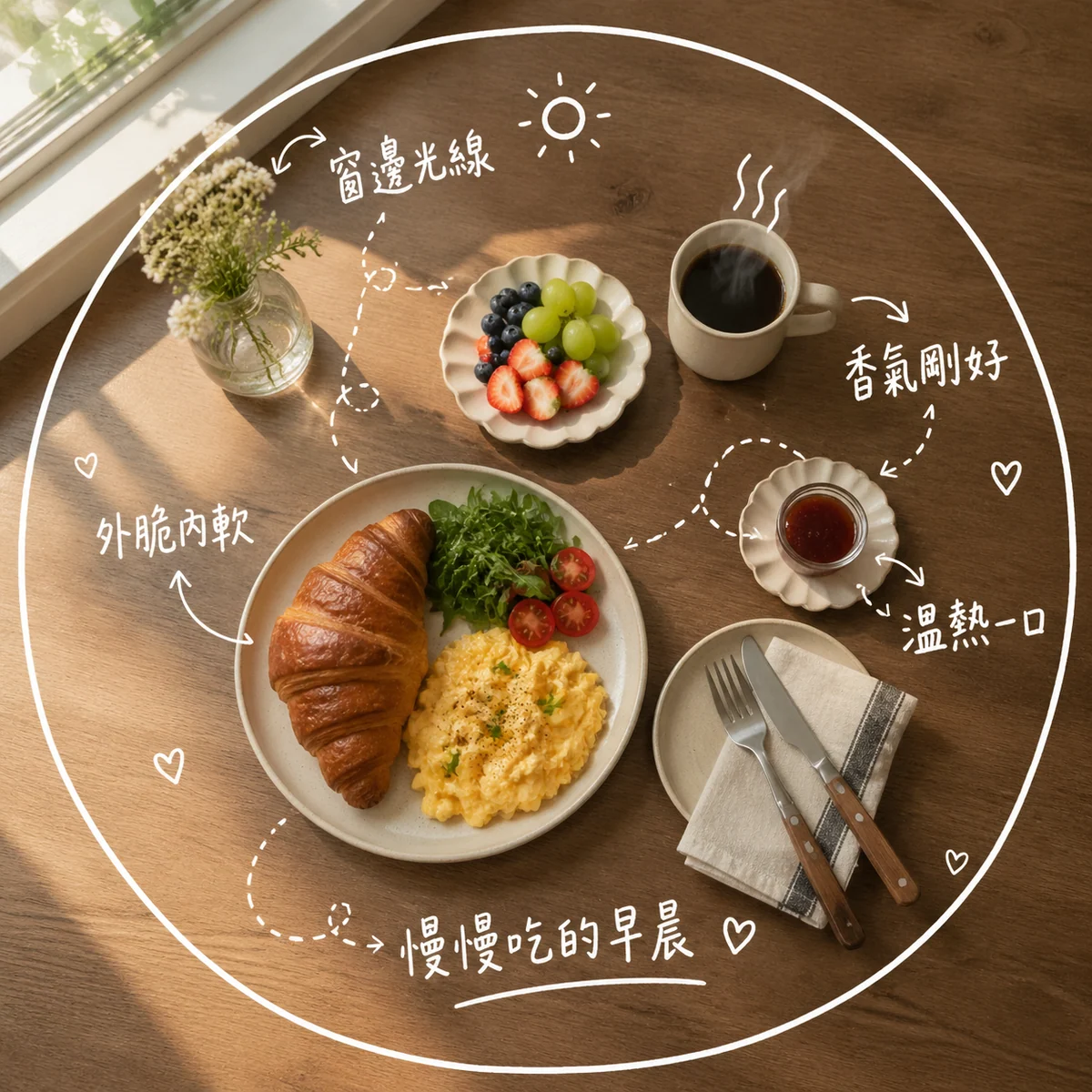
Cafe Memo Prompts
Add handwritten tasting notes to cafe and dessert photos.
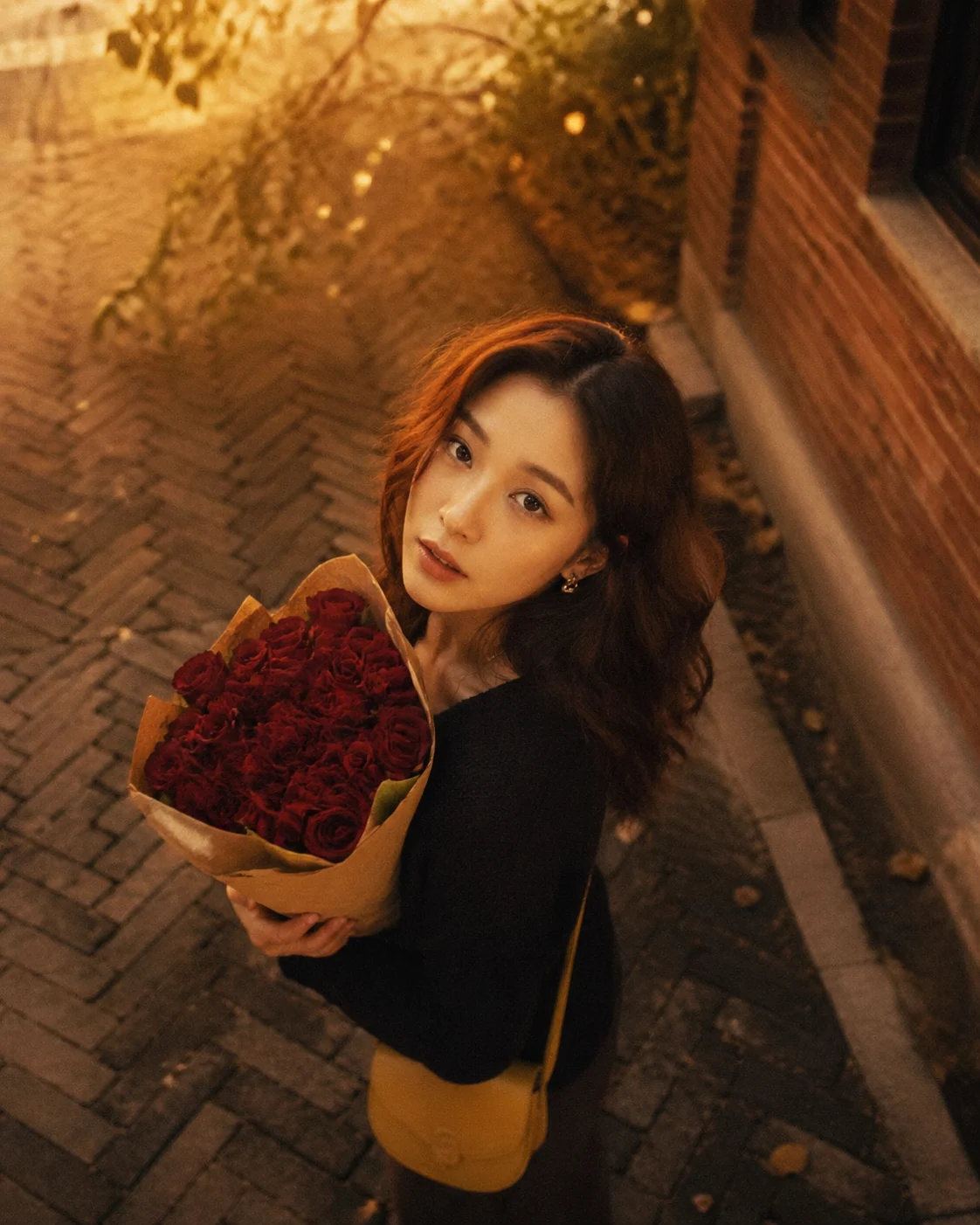
Cinematic Flower Portraits
Create romantic flower portraits with reusable GPT Image 2 prompts.
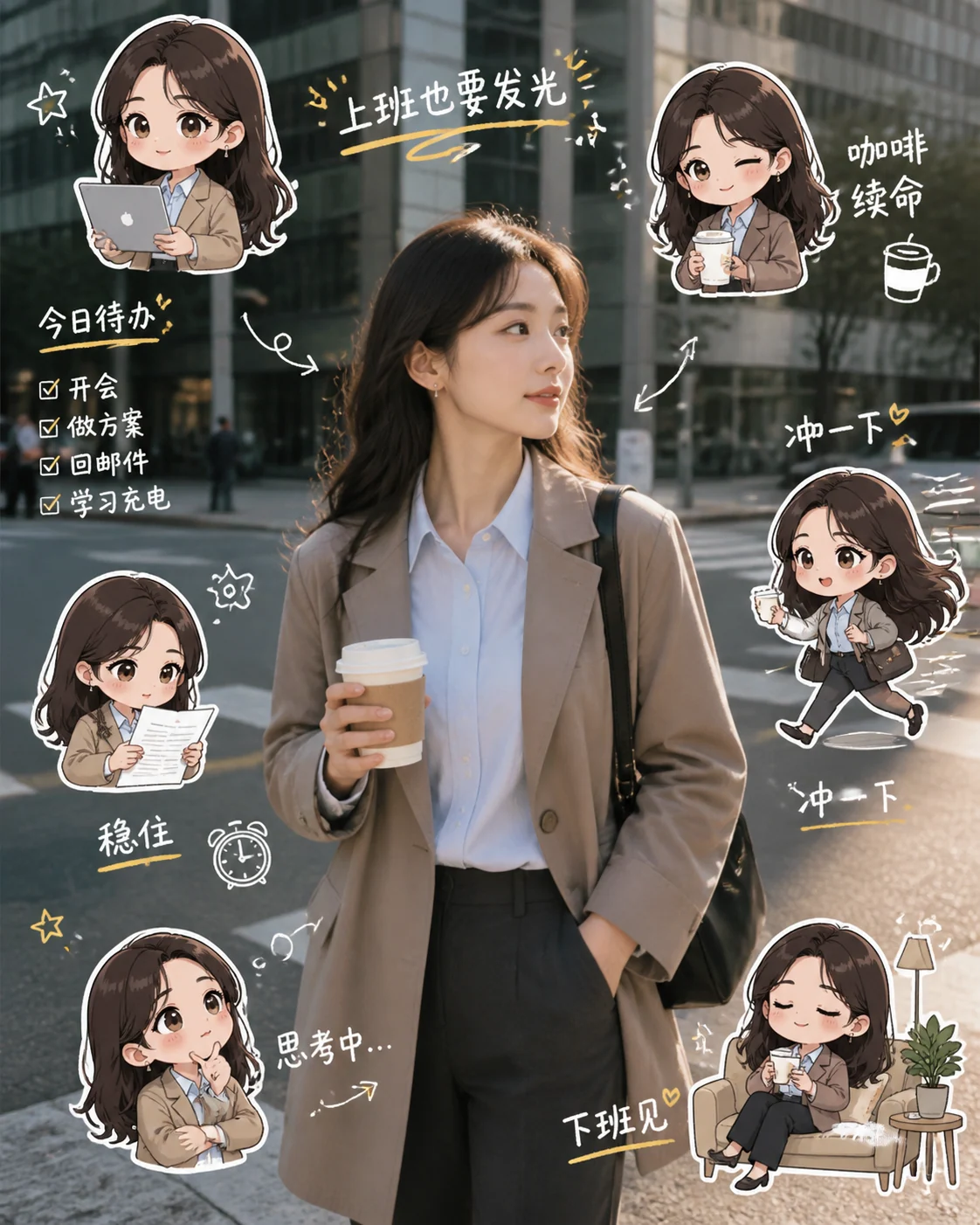
Chibi Selfie Prompts
Create chibi mini-me scrapbook selfies with GPT Image 2 prompts.
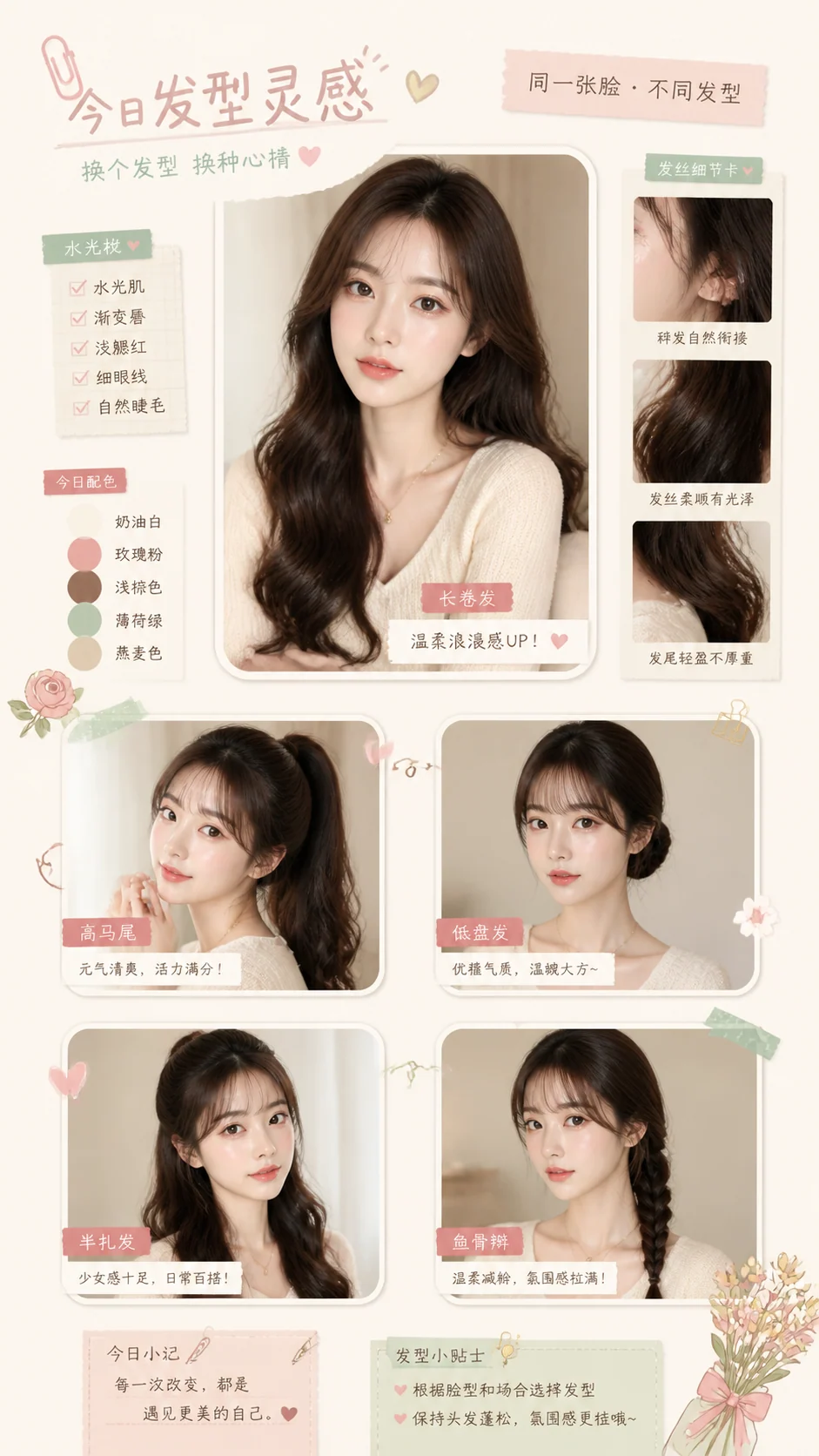
Scrapbook Selfies
Create playful portrait collages with GPT Image 2 prompts.
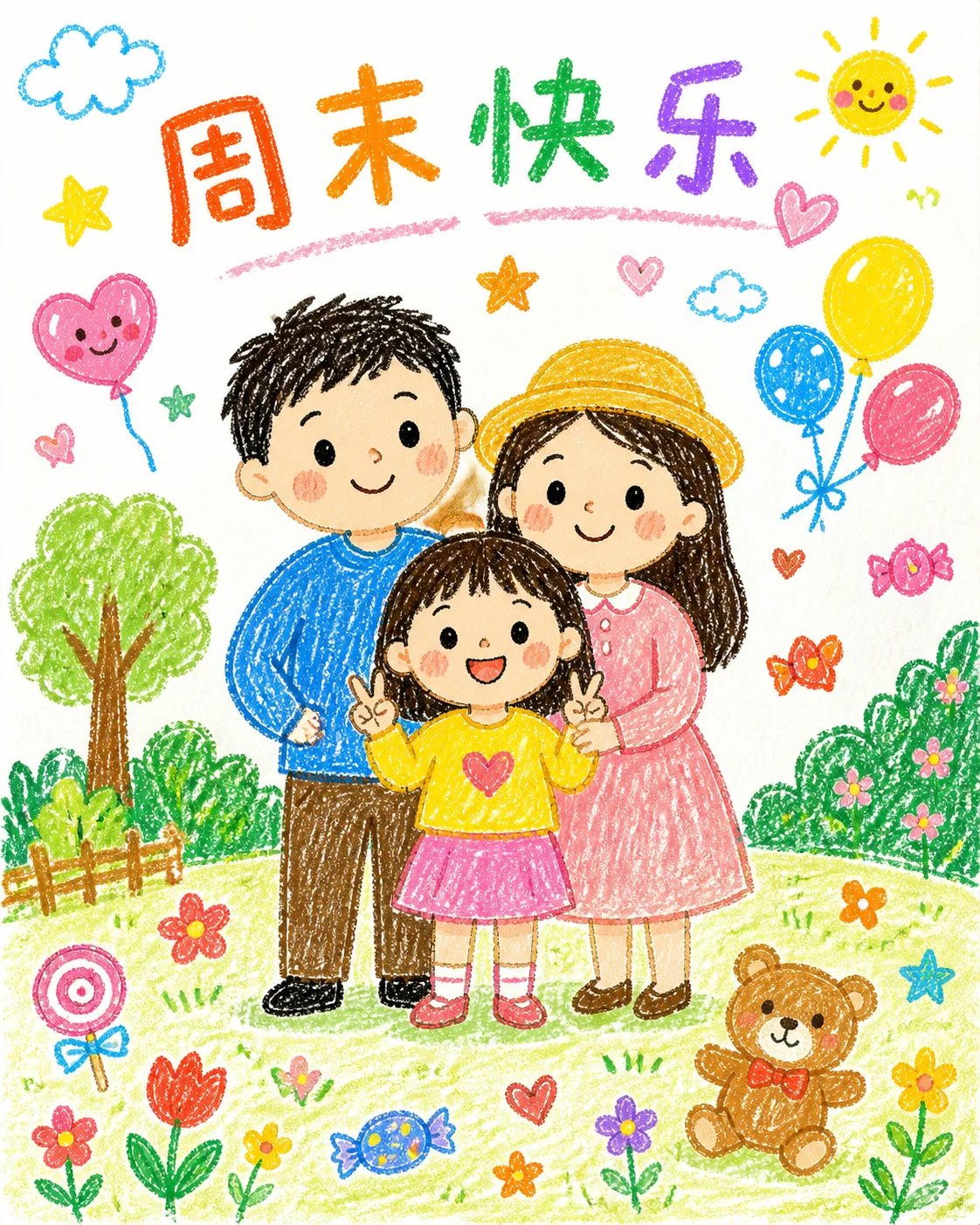
Crayon Redraw Prompts
Make reference photos into cute crayon-style GPT Image 2 redraws.
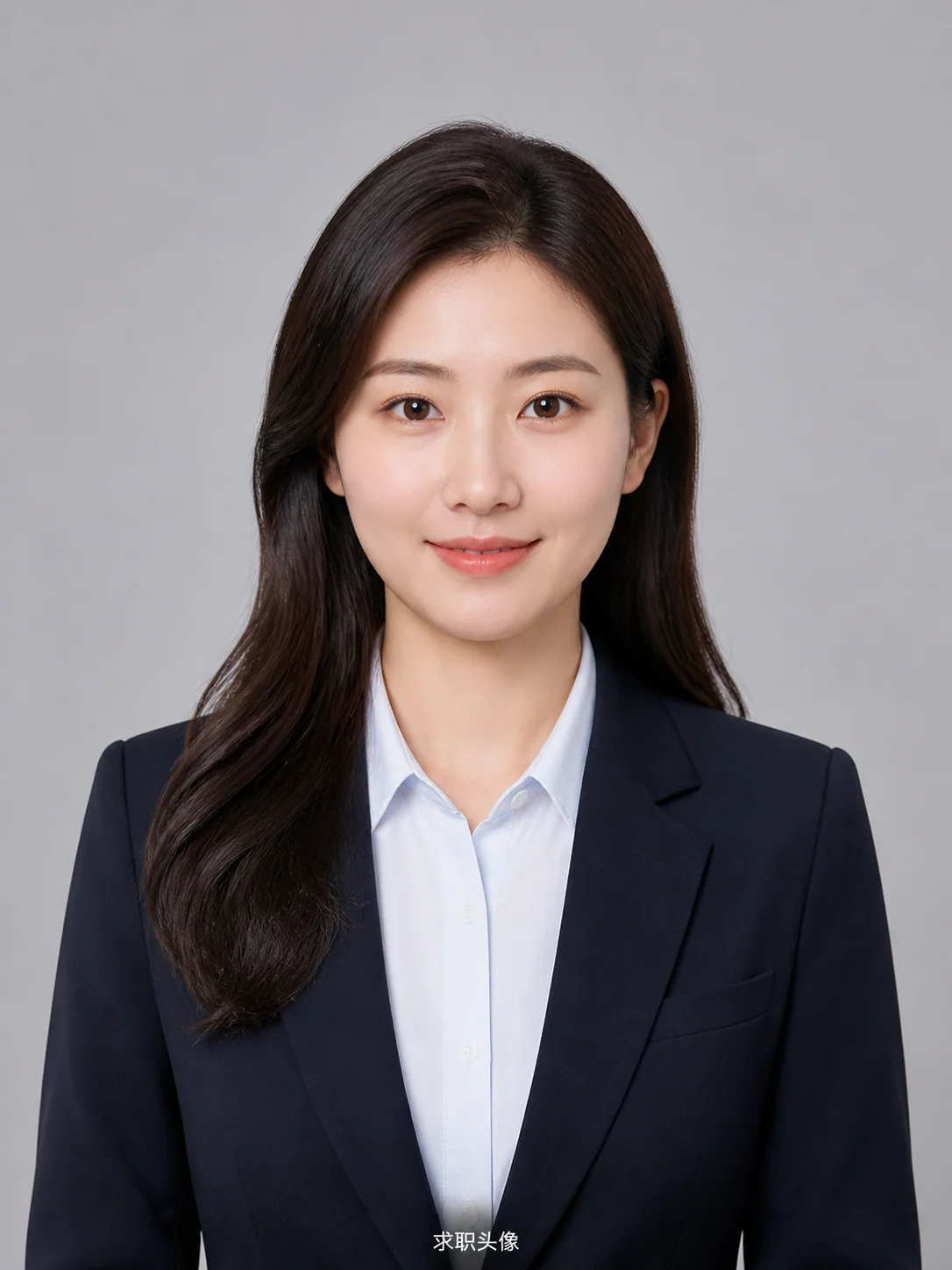
Professional ID Headshots
Create HR-friendly headshots for resumes, staff profiles, and business avatars.
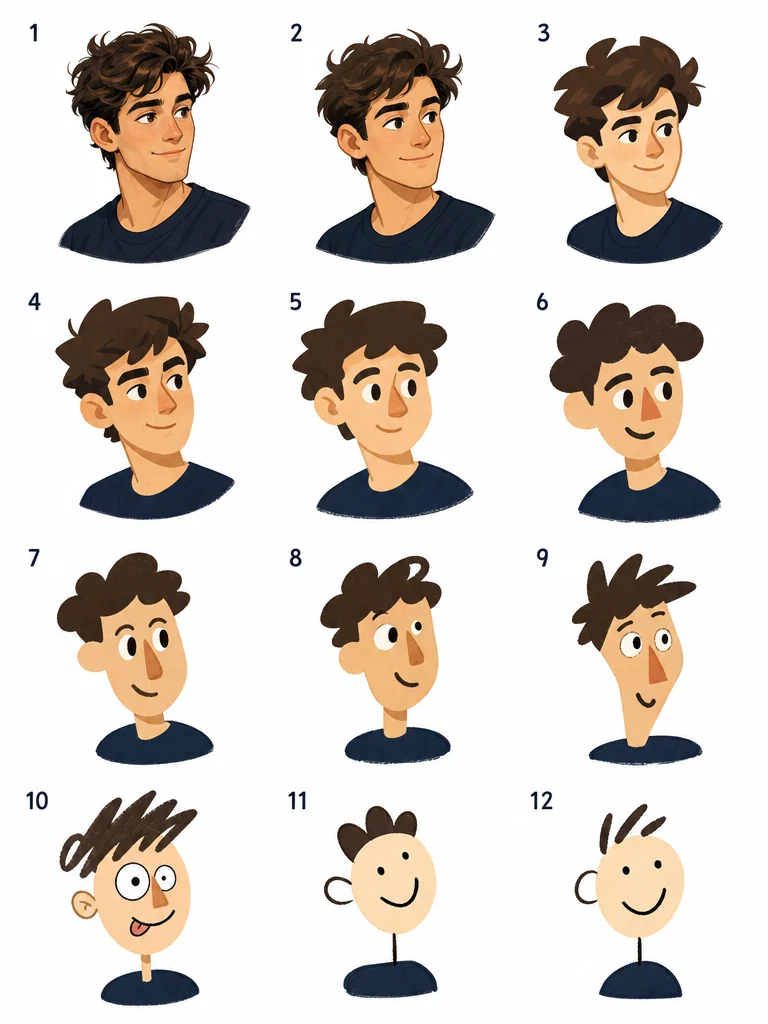
Visual Telephone Grids
Make funny 3x4 memory redraw grids from reference images.
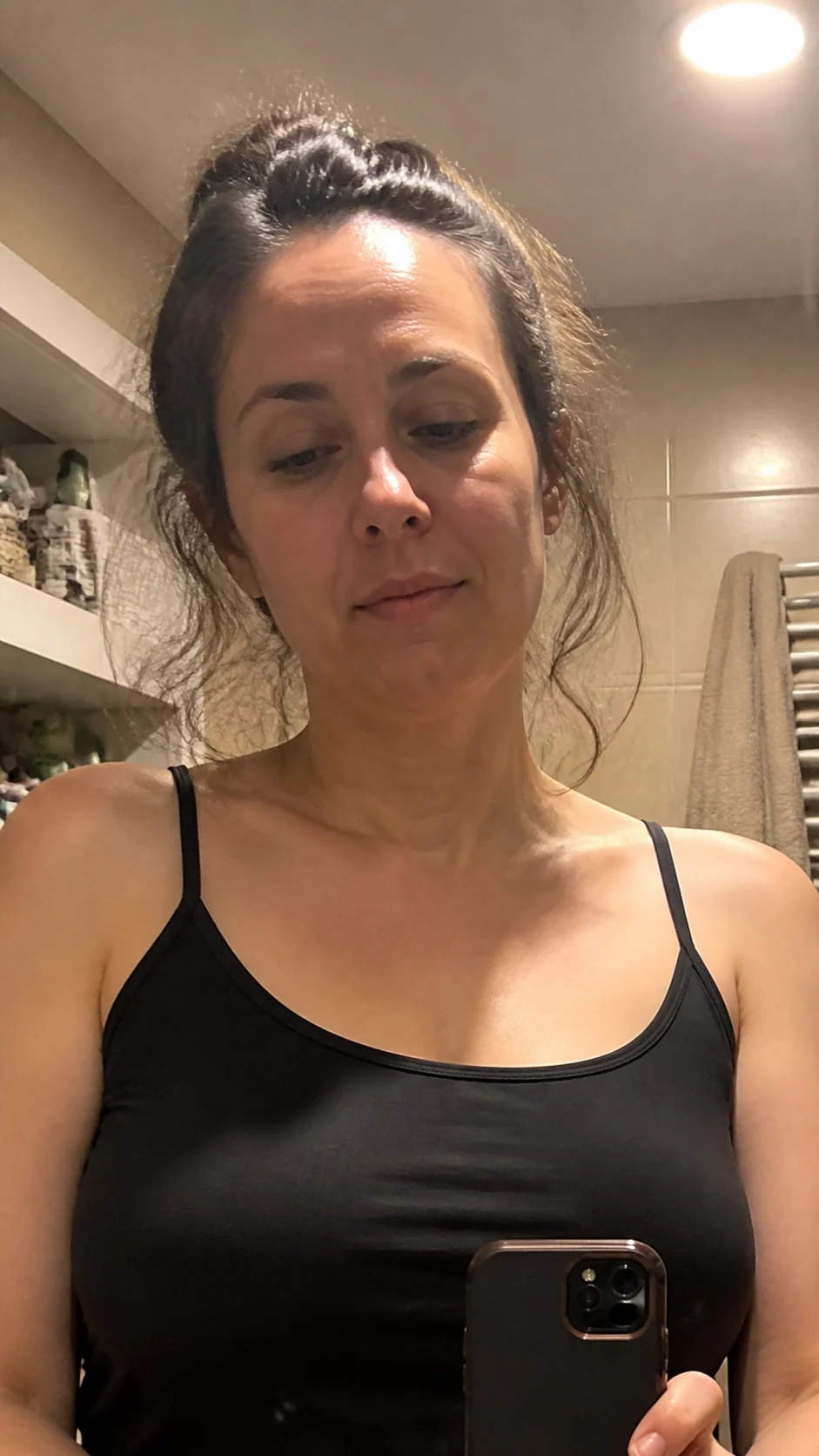
Mirror Selfies
Create realistic phone mirror selfies with GPT Image 2 prompts.
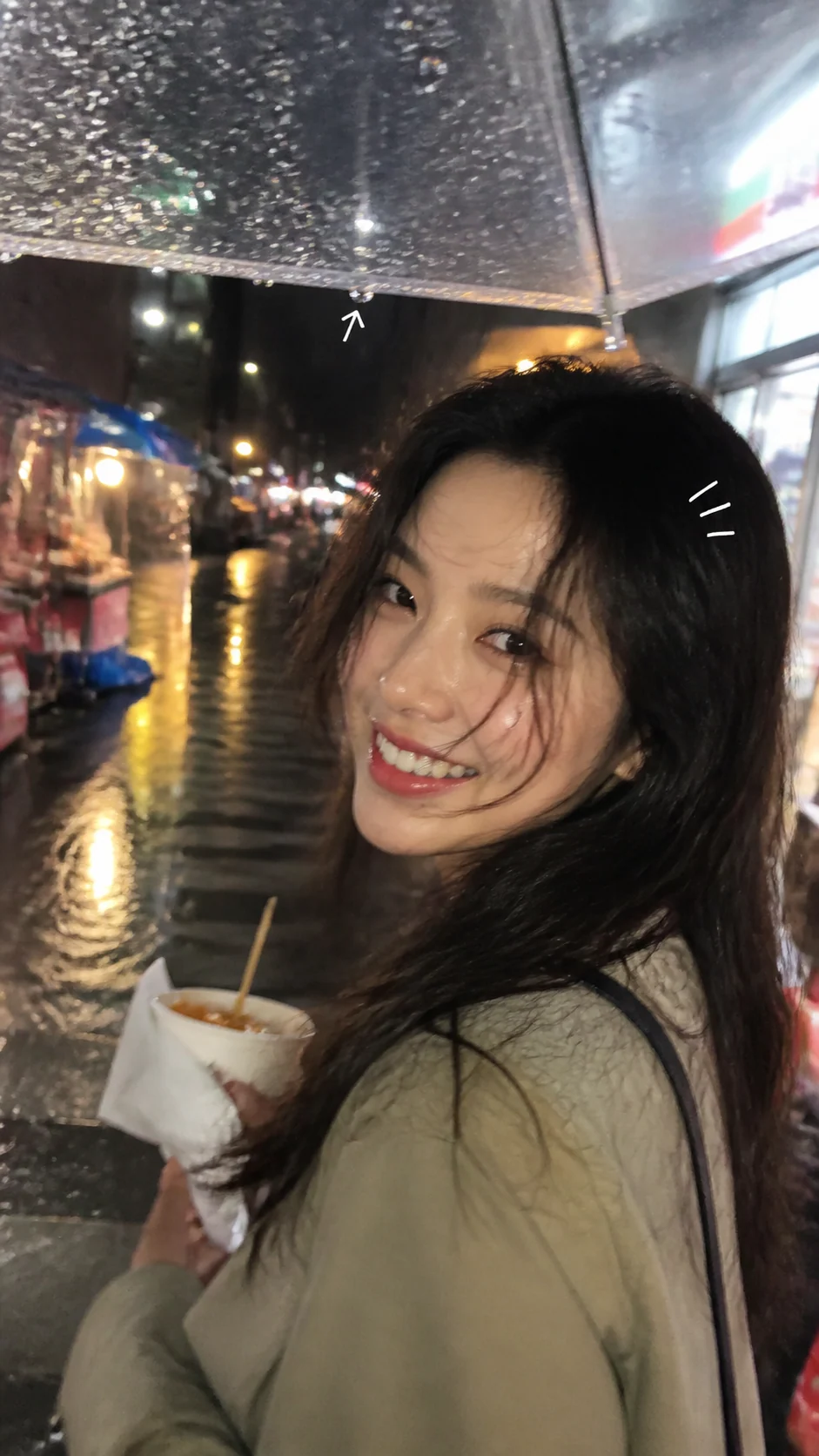
Candid Camera Roll
Create believable phone snapshots with GPT Image 2 prompts.
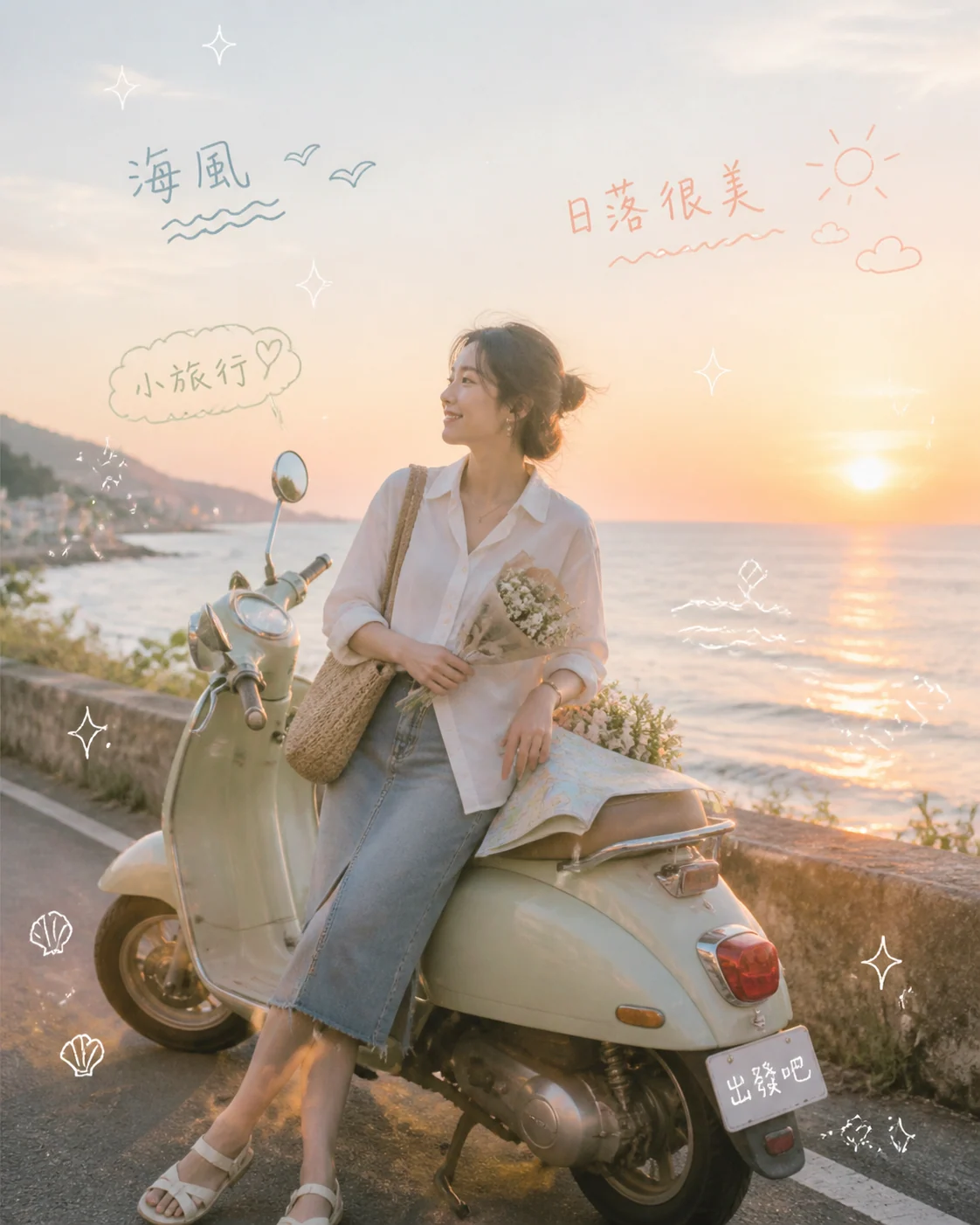
Dreamy Diary Photos
Create pastel lifestyle photos with diary doodles and captions.
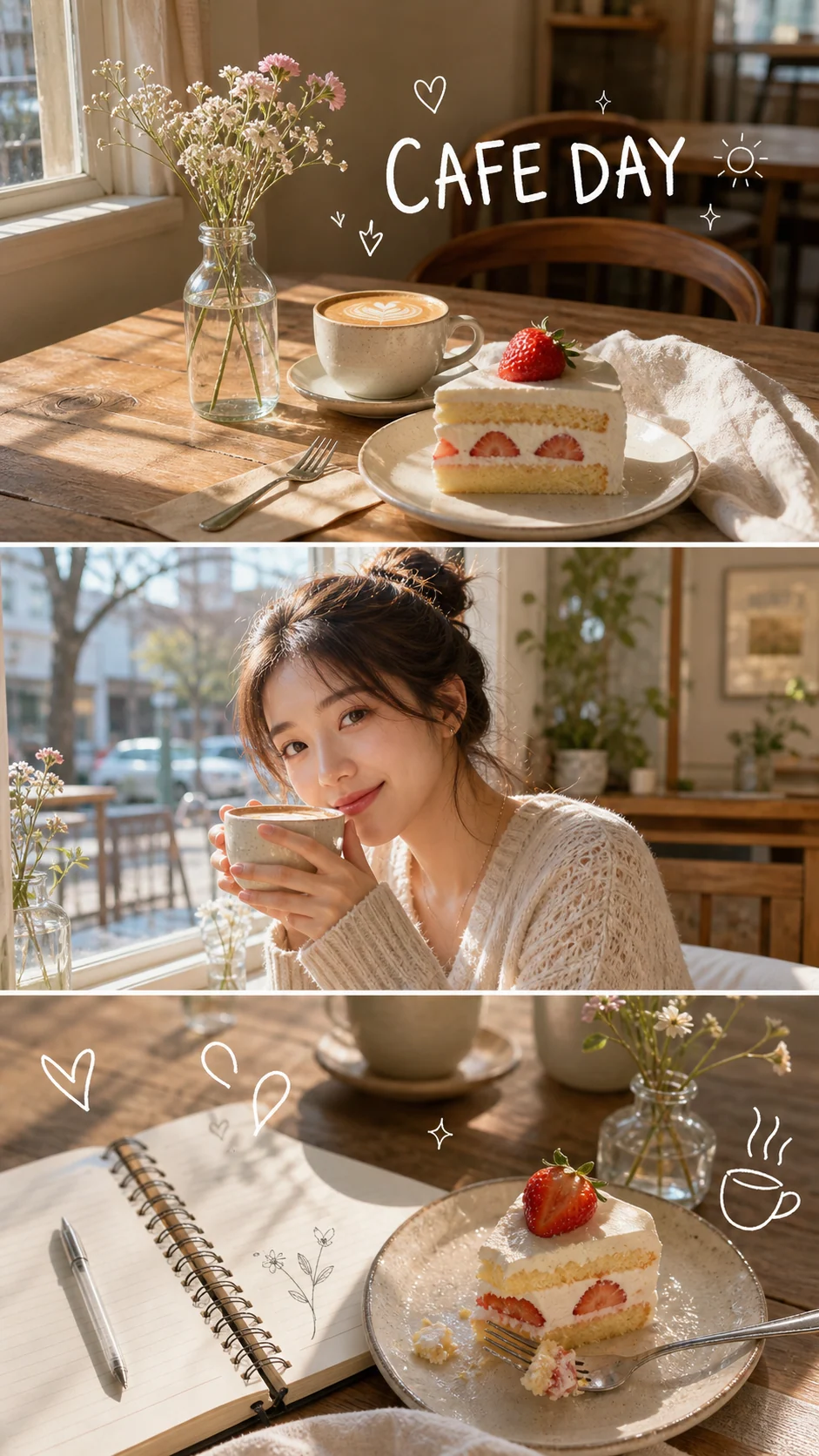
Spring Collage Prompts
Create bright lifestyle collages with GPT Image 2 prompts.
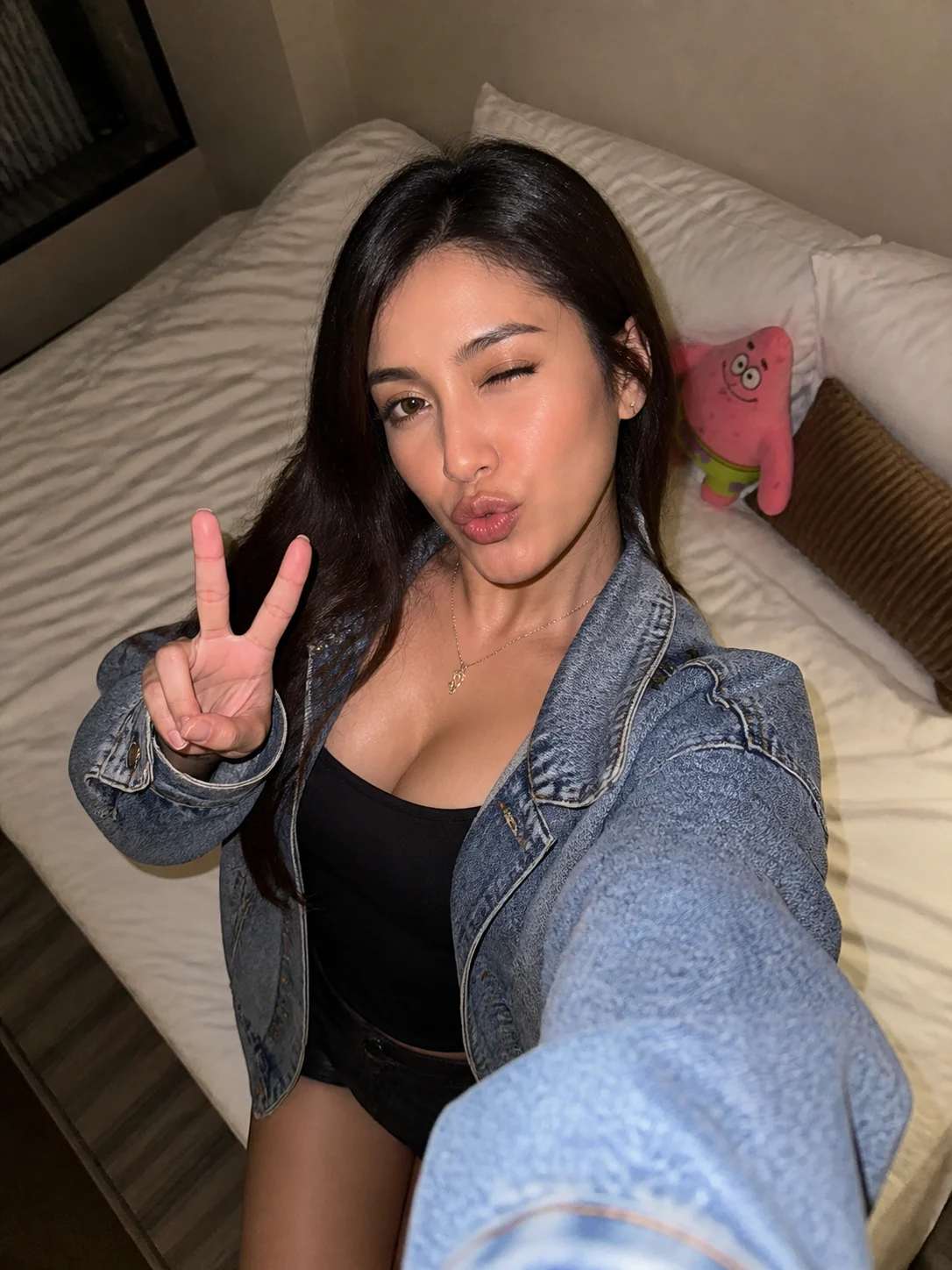
Casual Flash Selfies
Create adult phone-flash selfie portraits with reusable GPT Image 2 prompts.
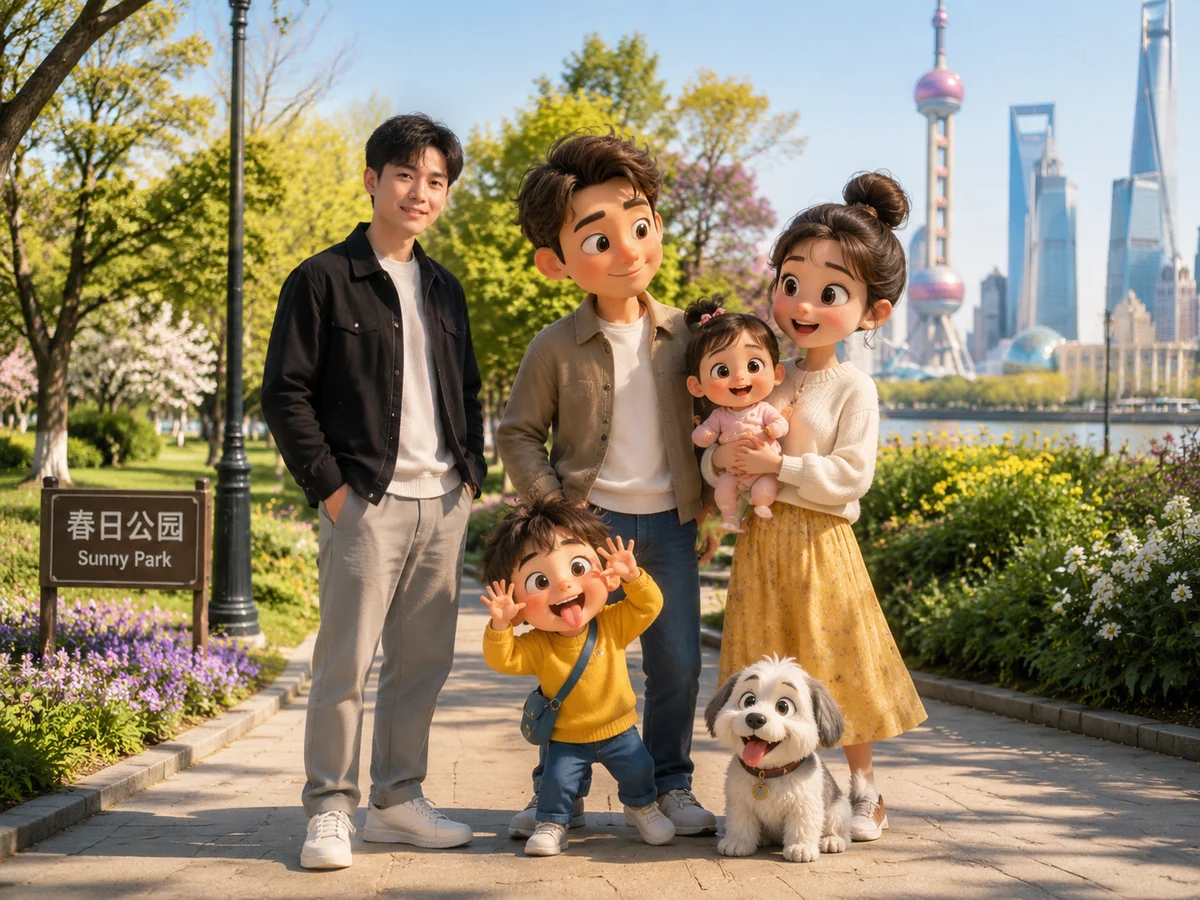
Animated Cameo Photos
Blend a reference photo with original animated characters using GPT Image 2 prompts.
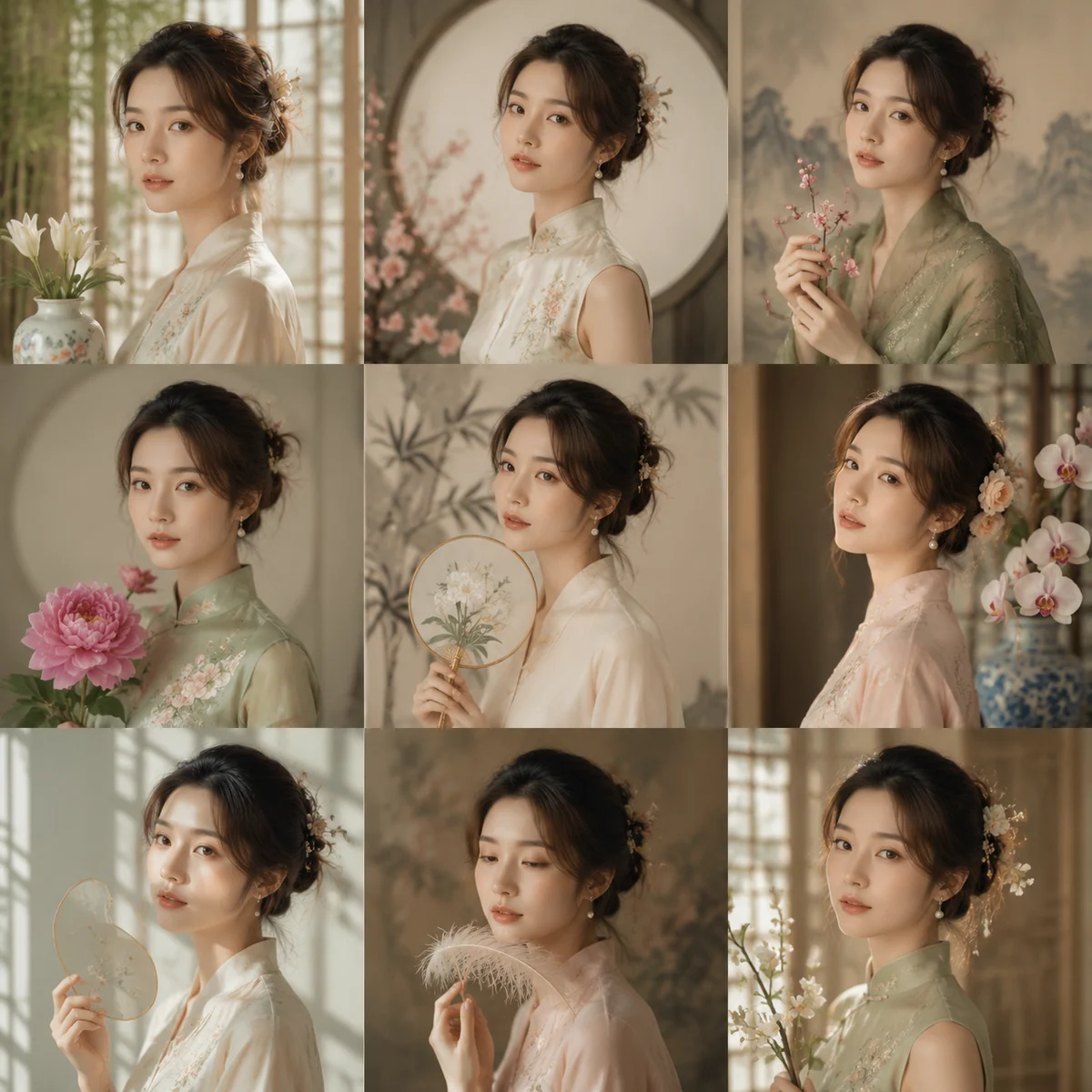
Studio Portrait Grids
Create consistent 3x3 portrait sets from one adult reference photo.
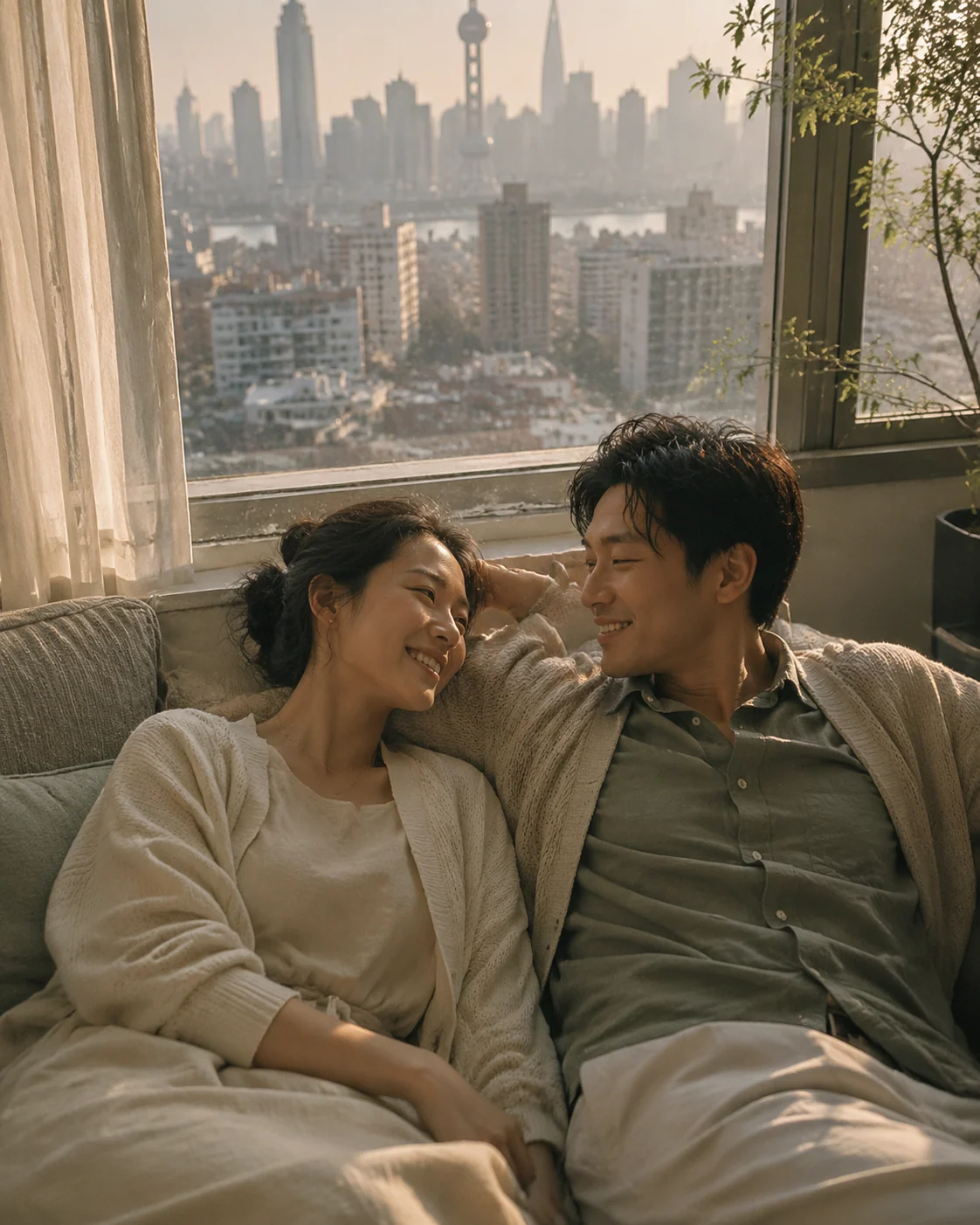
Couple Portrait Prompts
Create cinematic couple portraits with reusable GPT Image 2 prompts.
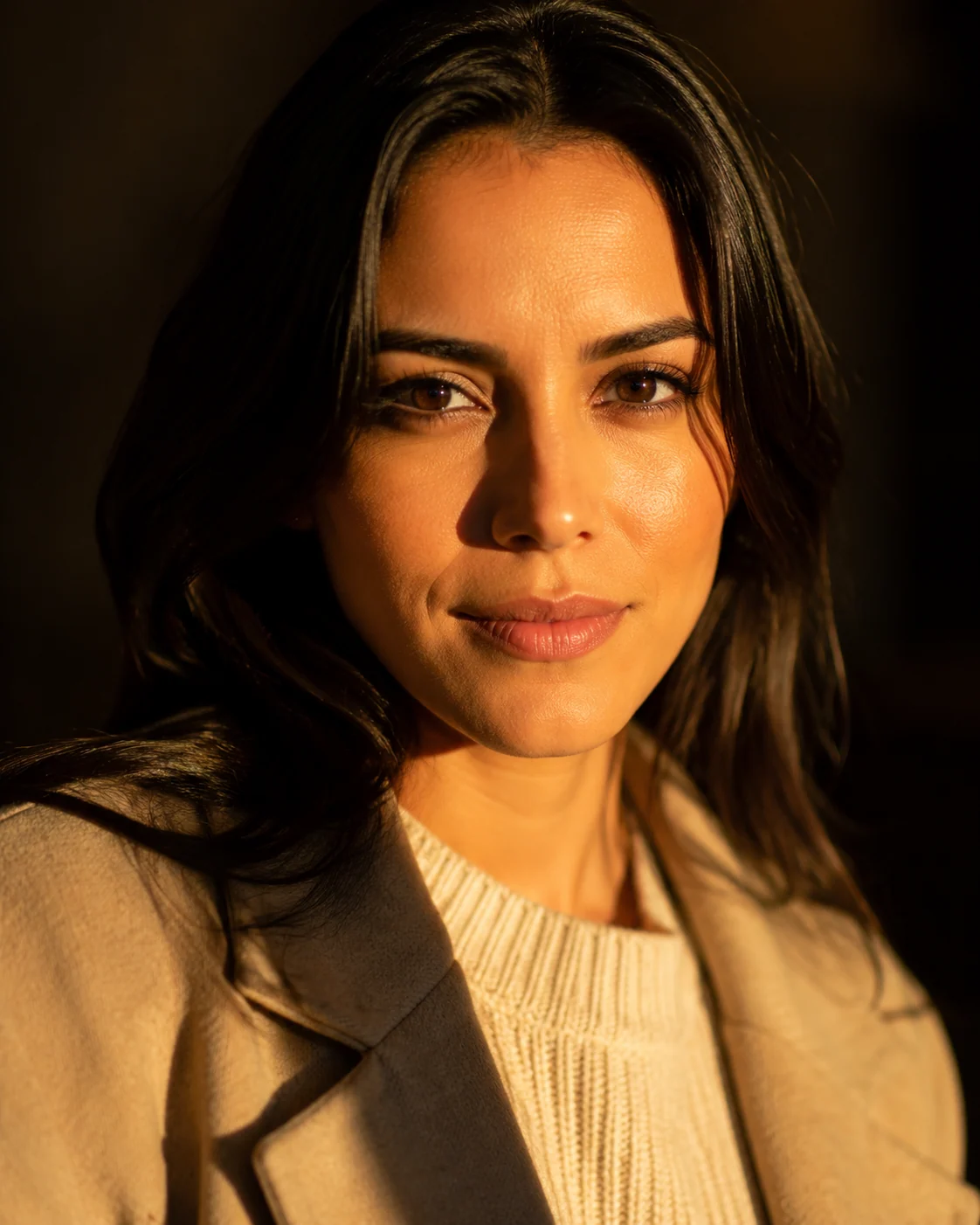
Golden Hour Portraits
Create cinematic portraits from reference photos.
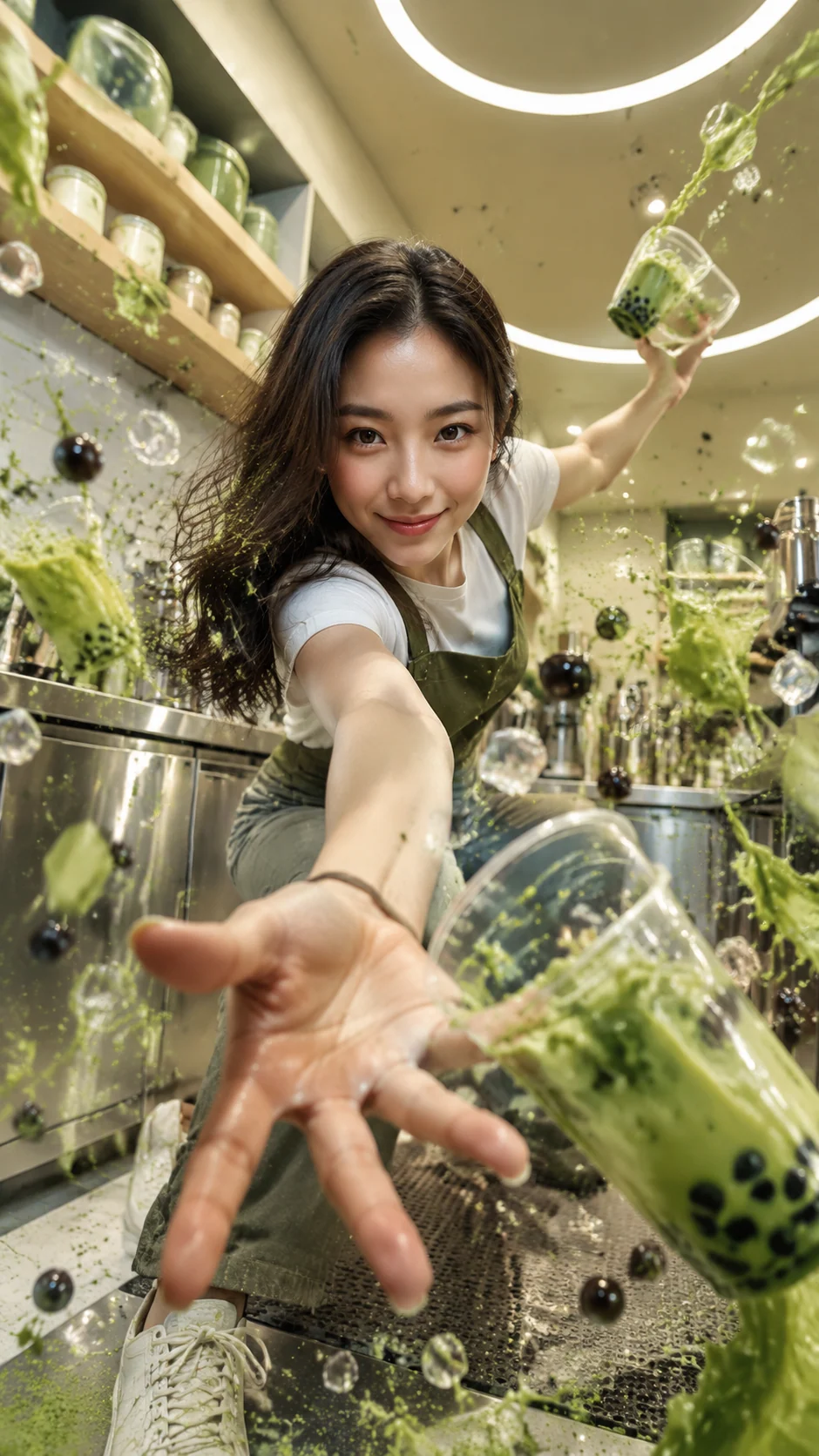
Tea Splash Portraits
Create identity-preserving bubble tea action portraits with GPT Image 2 prompts.
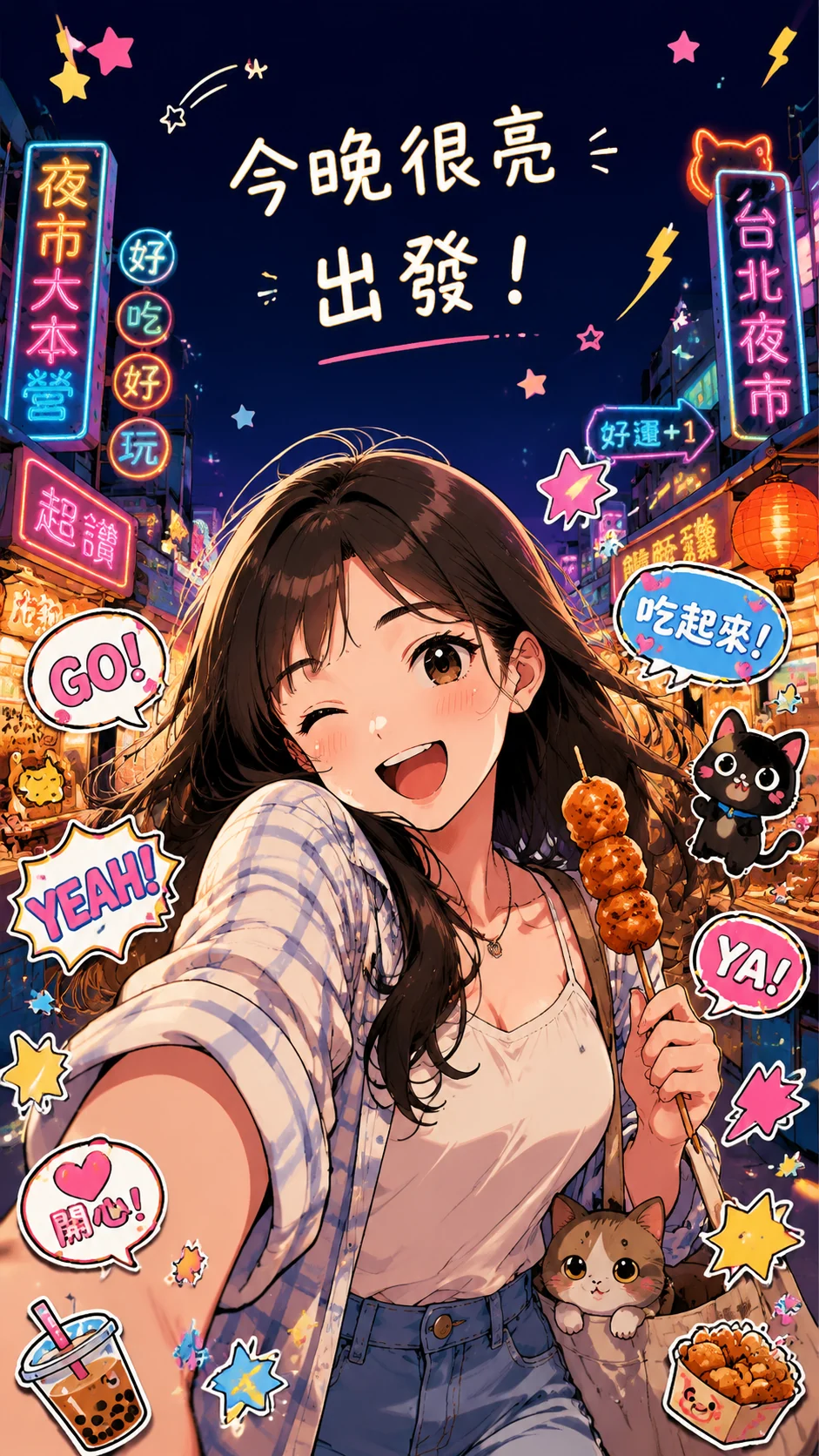
Anime Photo Remix
Turn reference photos into bold cel-shaded anime posters.
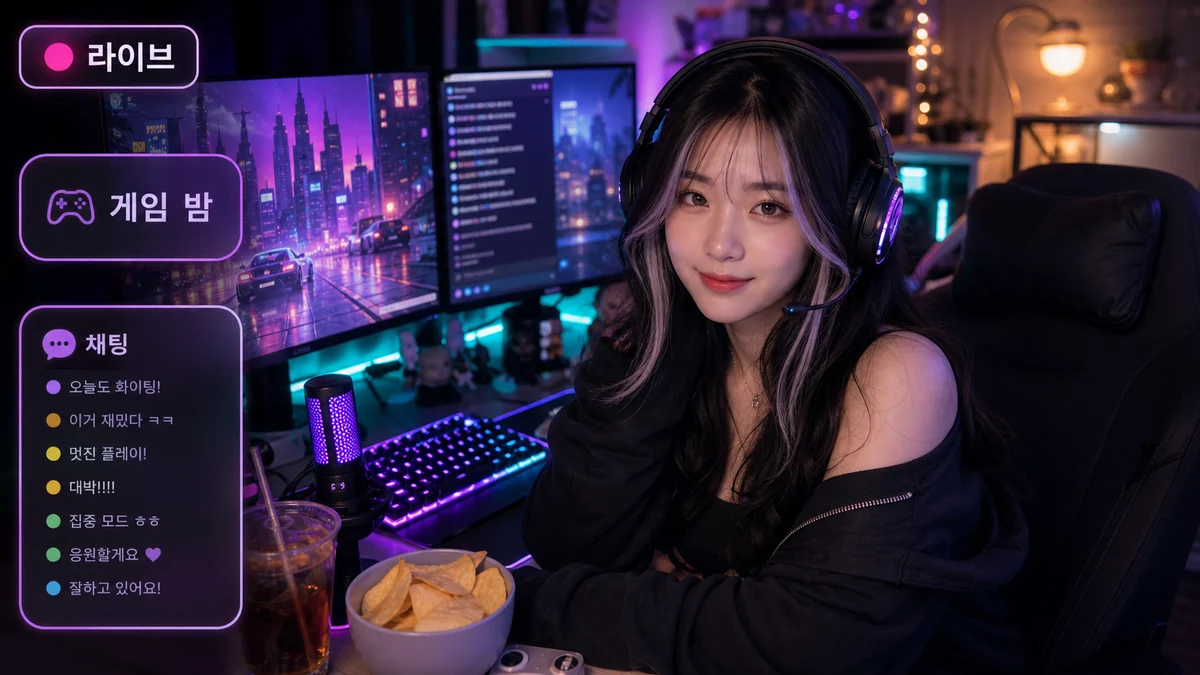
Livestream Portraits
Create cozy gamer livestream portraits with reusable GPT Image 2 prompts.
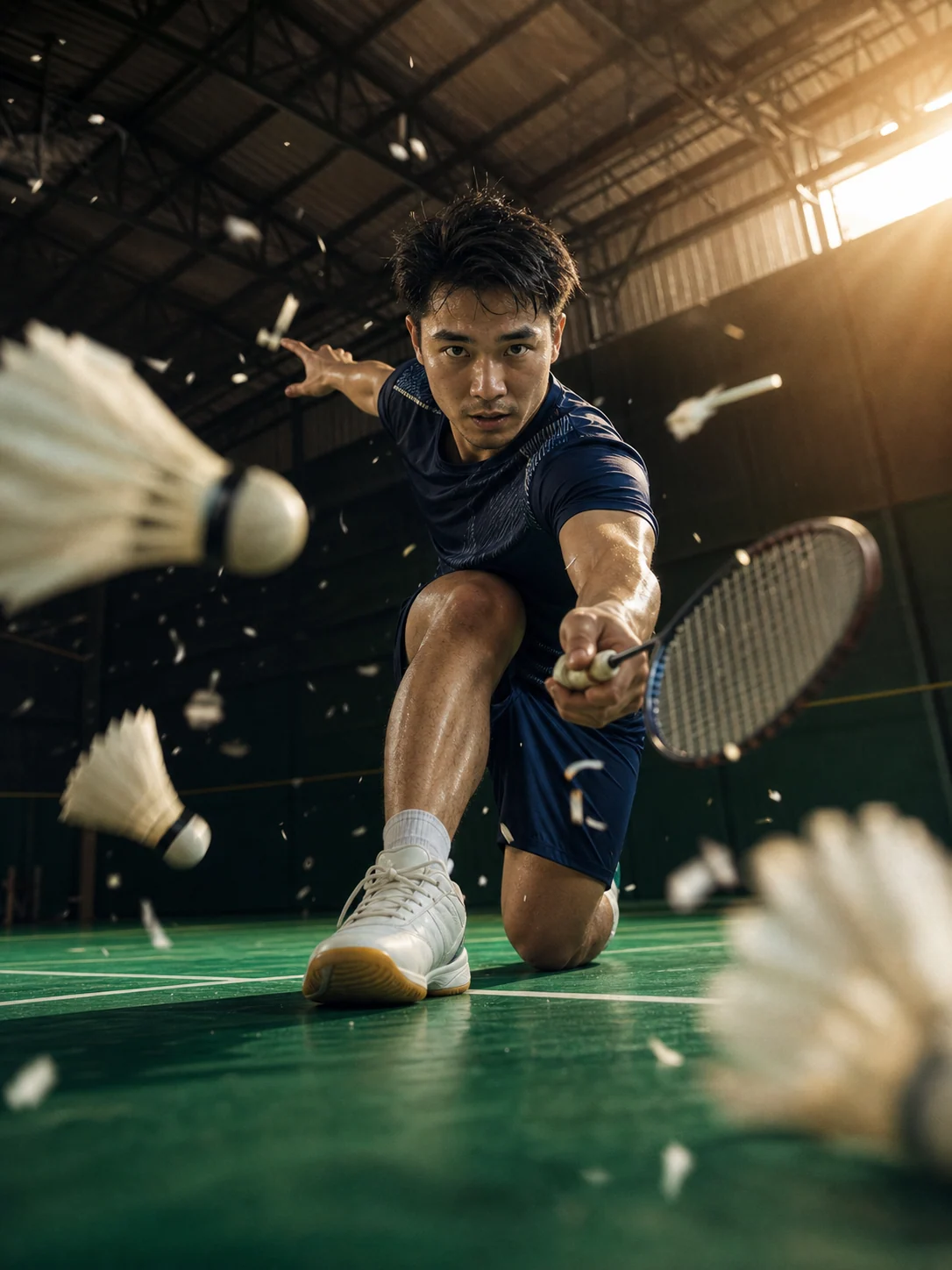
Sports Action Portraits
Create cinematic sports portraits from reference photos with GPT Image 2 prompts.
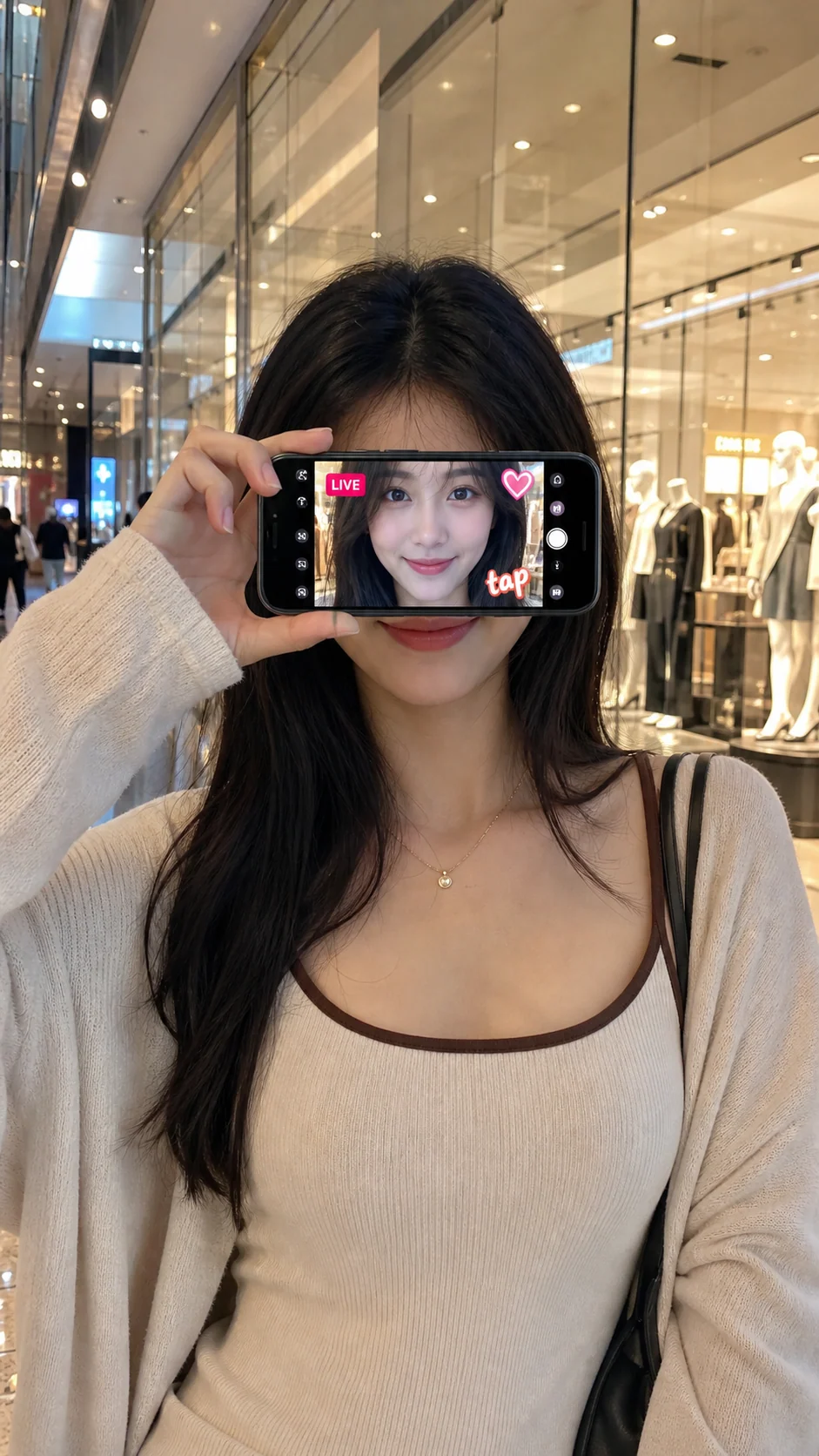
Phone Reveal Portraits
Create realistic phone-screen face reveal portraits with GPT Image 2.
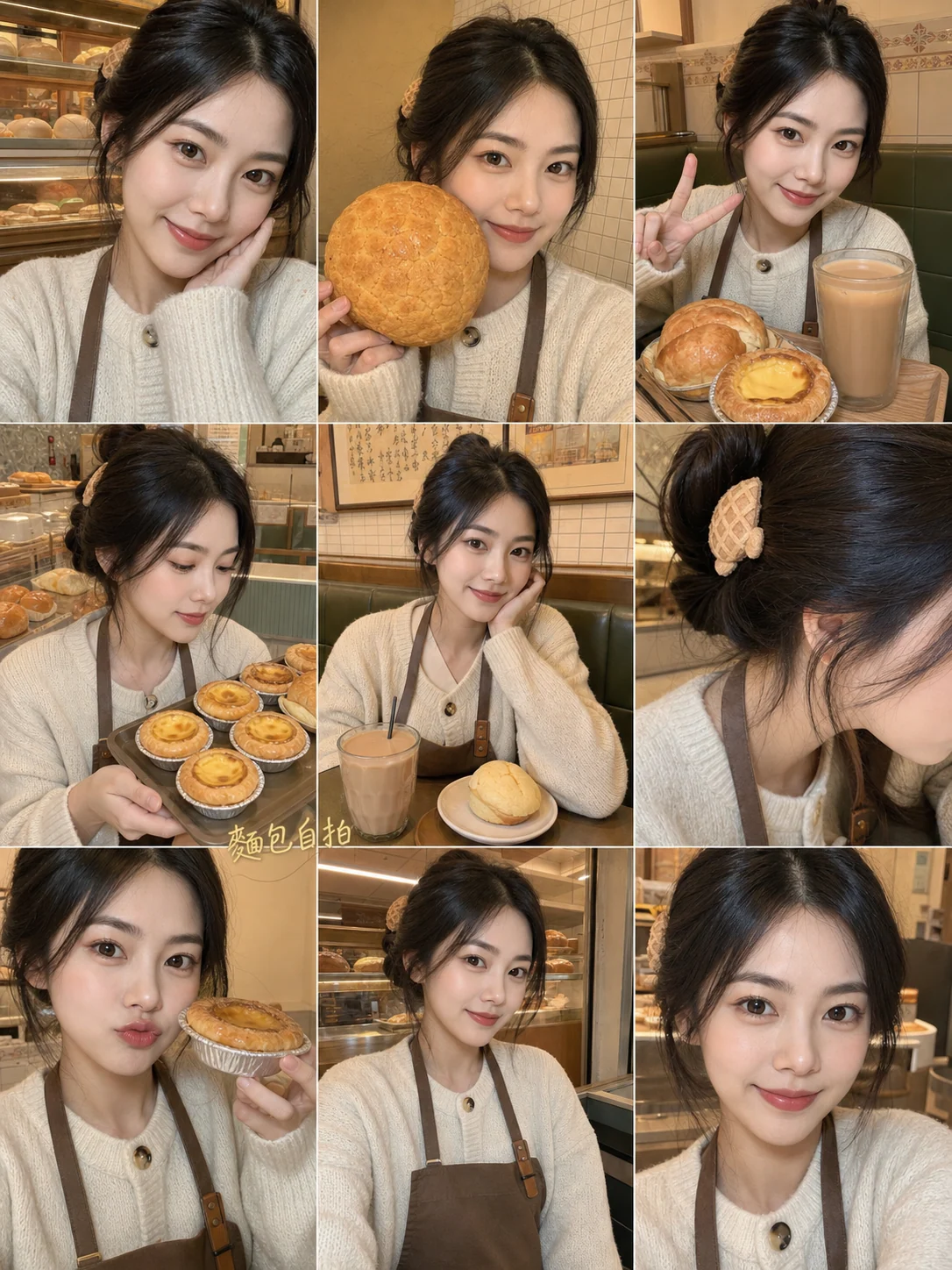
Bakery Selfie Collages
Create bakery-themed 3x3 portrait grids with reusable GPT Image 2 prompts.
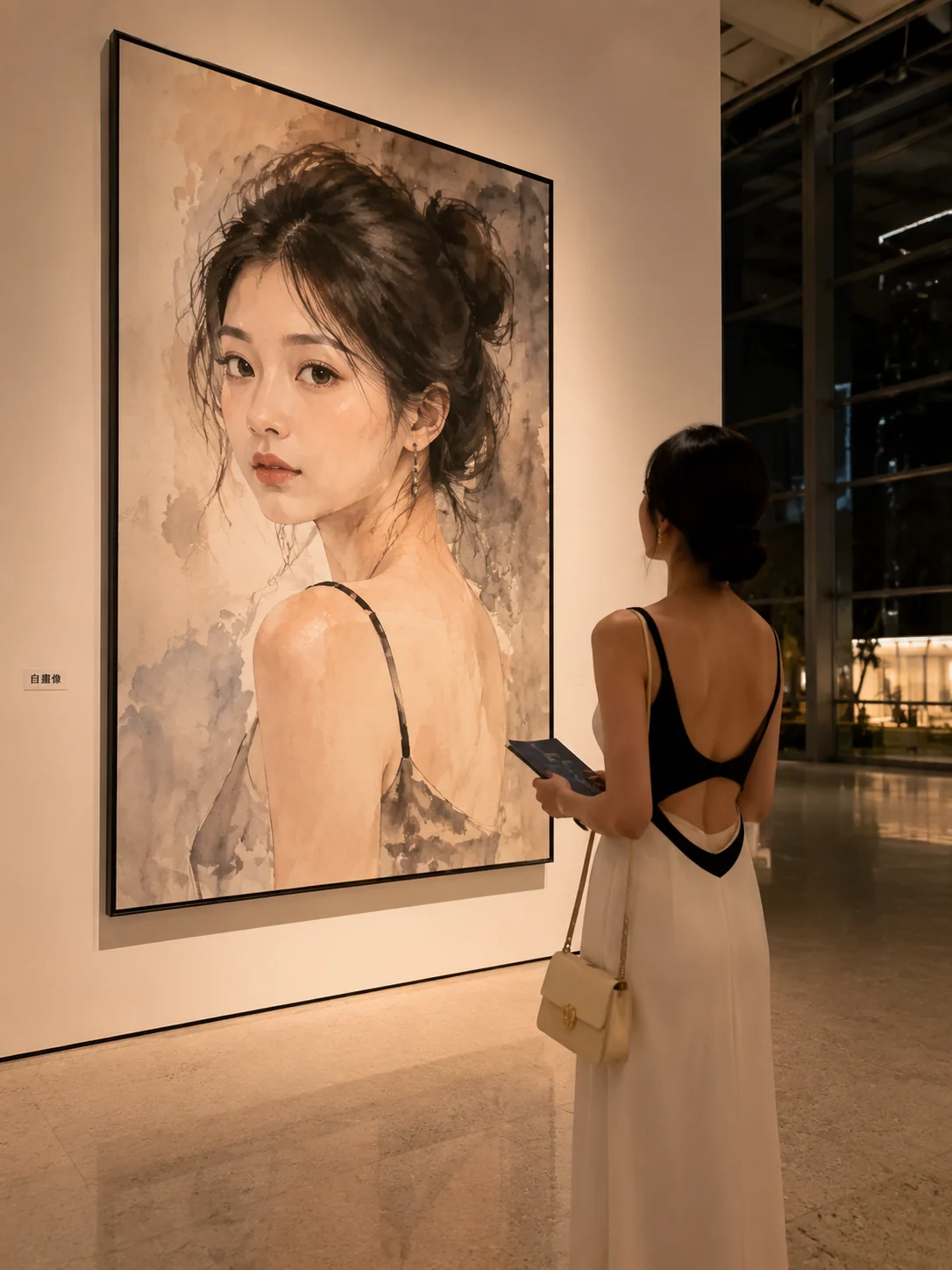
Gallery Portraits
Create gallery self-portraits from one adult reference photo.
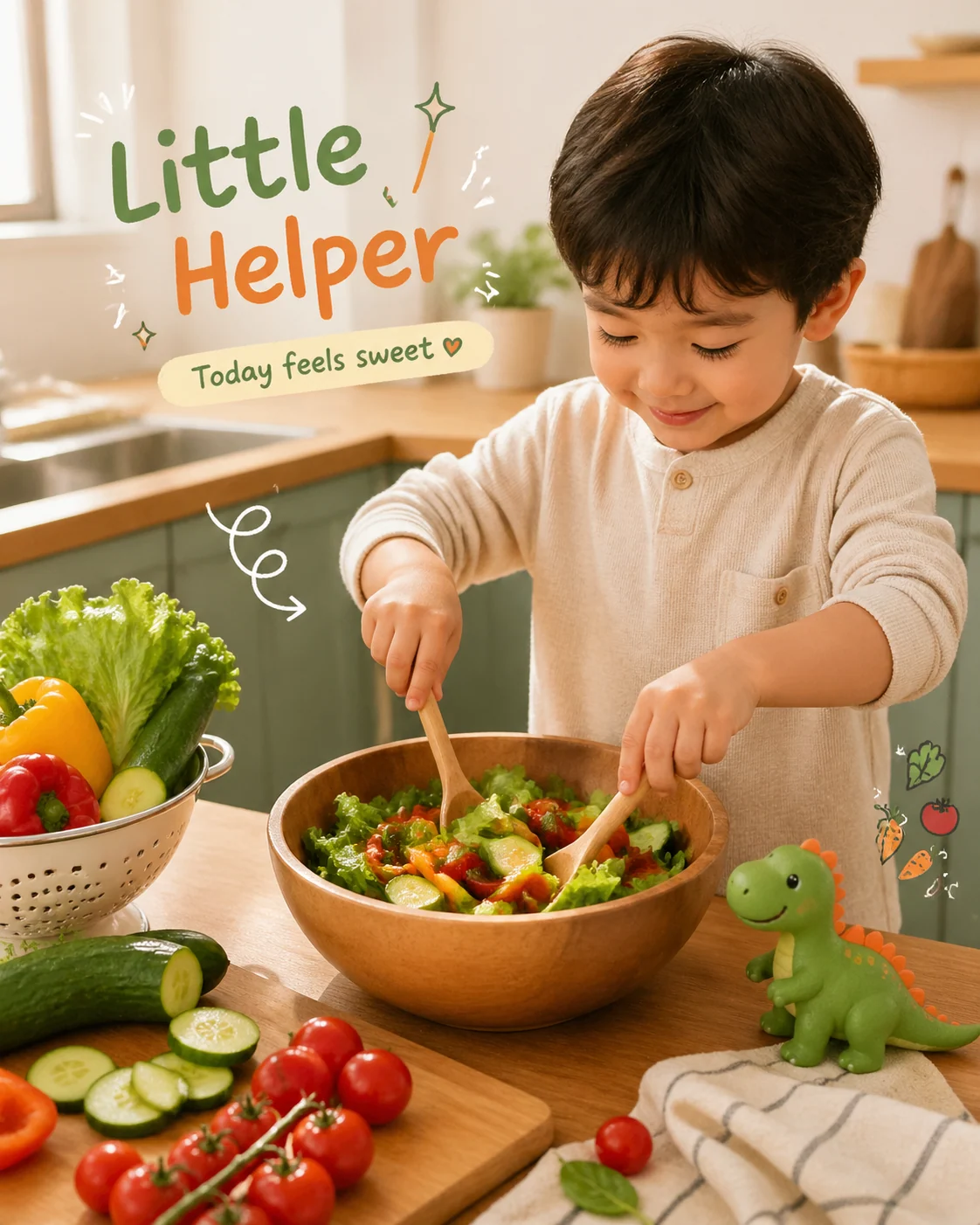
Smart Photo Remix
Clean, caption, and remix reference photos with GPT Image 2 prompts.
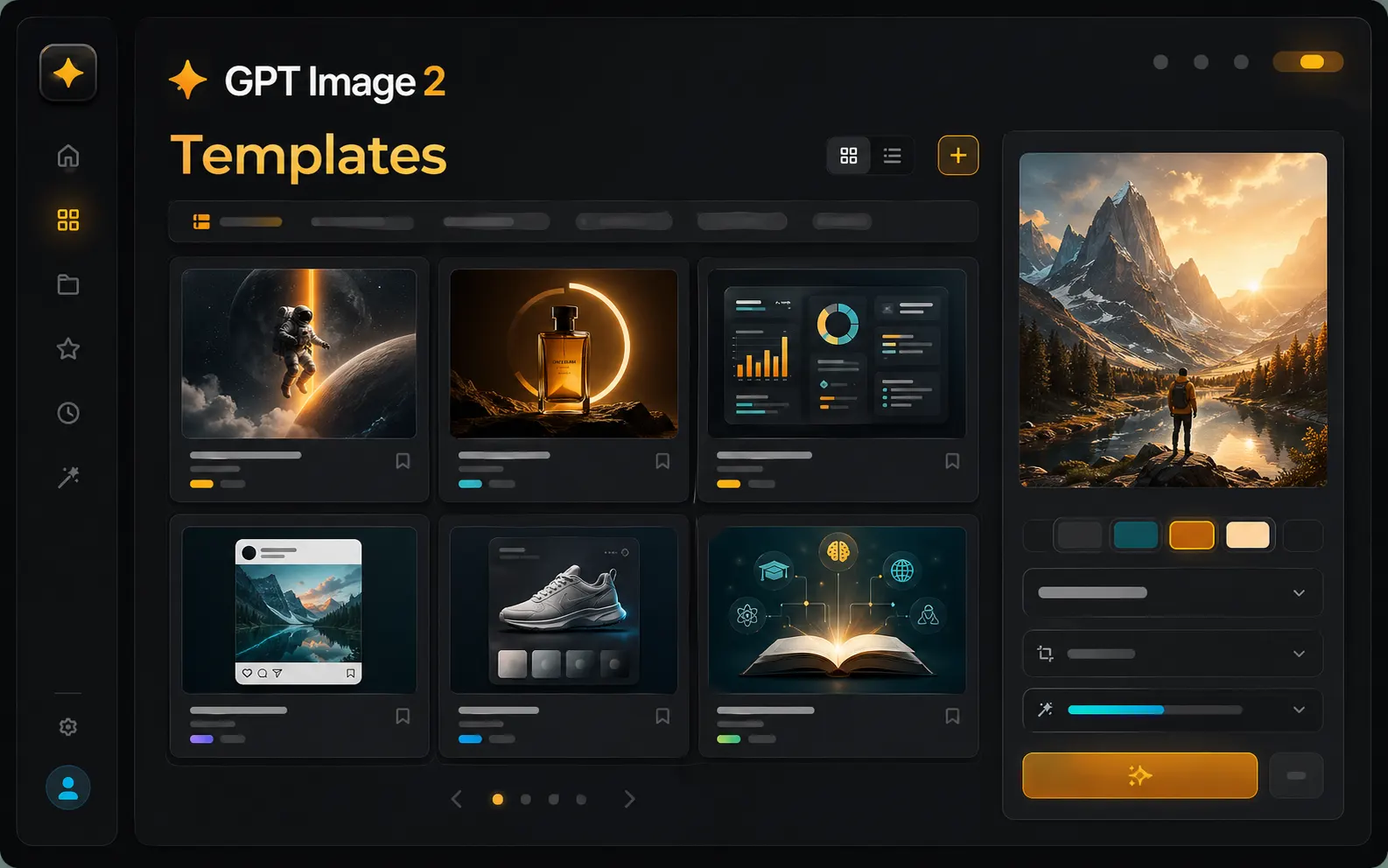
Find the right GPT Image 2 template before you write from scratch
The template workspace is built for users who already know the image they need, but do not want to start with an empty prompt box. Browse scene-based GPT Image 2 templates, choose a visual task, open prompt examples, and move straight into generation with the same workspace controls.
Scene-based template browsing
Start from real output goals such as posters, ads, infographics, social posts, product mockups, learning cards, and concept art instead of browsing a generic prompt list.
Reusable image prompt templates
Each template is designed as a practical image prompt template with subject, composition, short text, style, lighting, aspect ratio, and output intent already framed.
Generator handoff in one workspace
Open a scene, load a prompt example, upload references, choose an aspect ratio, and generate with GPT Image 2 without switching away from the template workflow.
A foundation for many future scenes
This page is ready for a larger template library, so new campaign, creator, ecommerce, education, and brand scenarios can grow without changing the user's creation path.
Templates for the image scenes people actually generate
A strong AI image prompt template should do more than add style words. It should describe the job of the image, the parts of the layout, the role of any visible text, and how the result will be reused after the first generation.
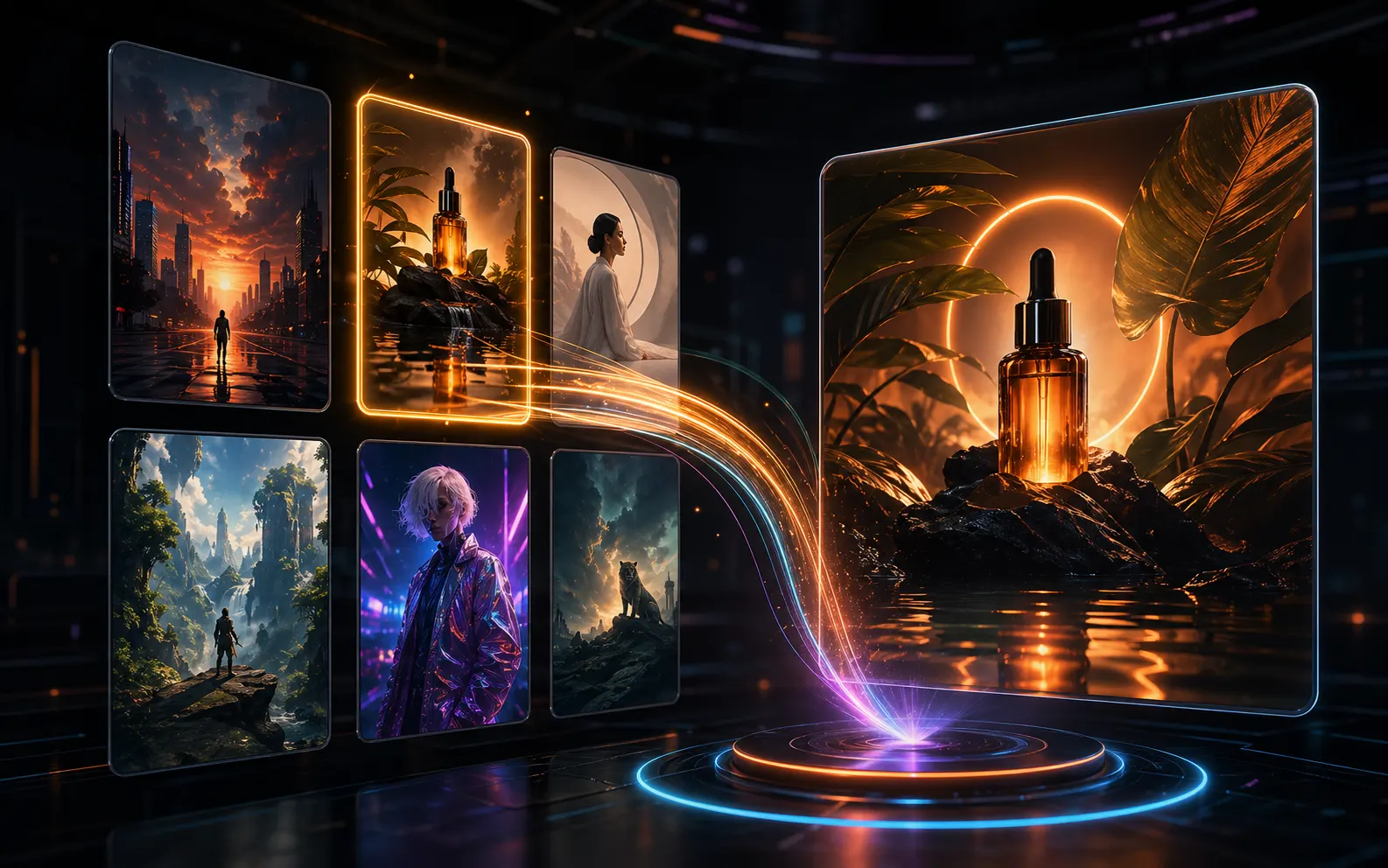
Use templates when the output has a clear job
Poster templates, ad templates, infographic templates, product mockup templates, and social visual templates help GPT Image 2 understand the format before it starts composing the image. That matters when the result needs readable short text, a clear focal point, and a layout that can become a real campaign draft.
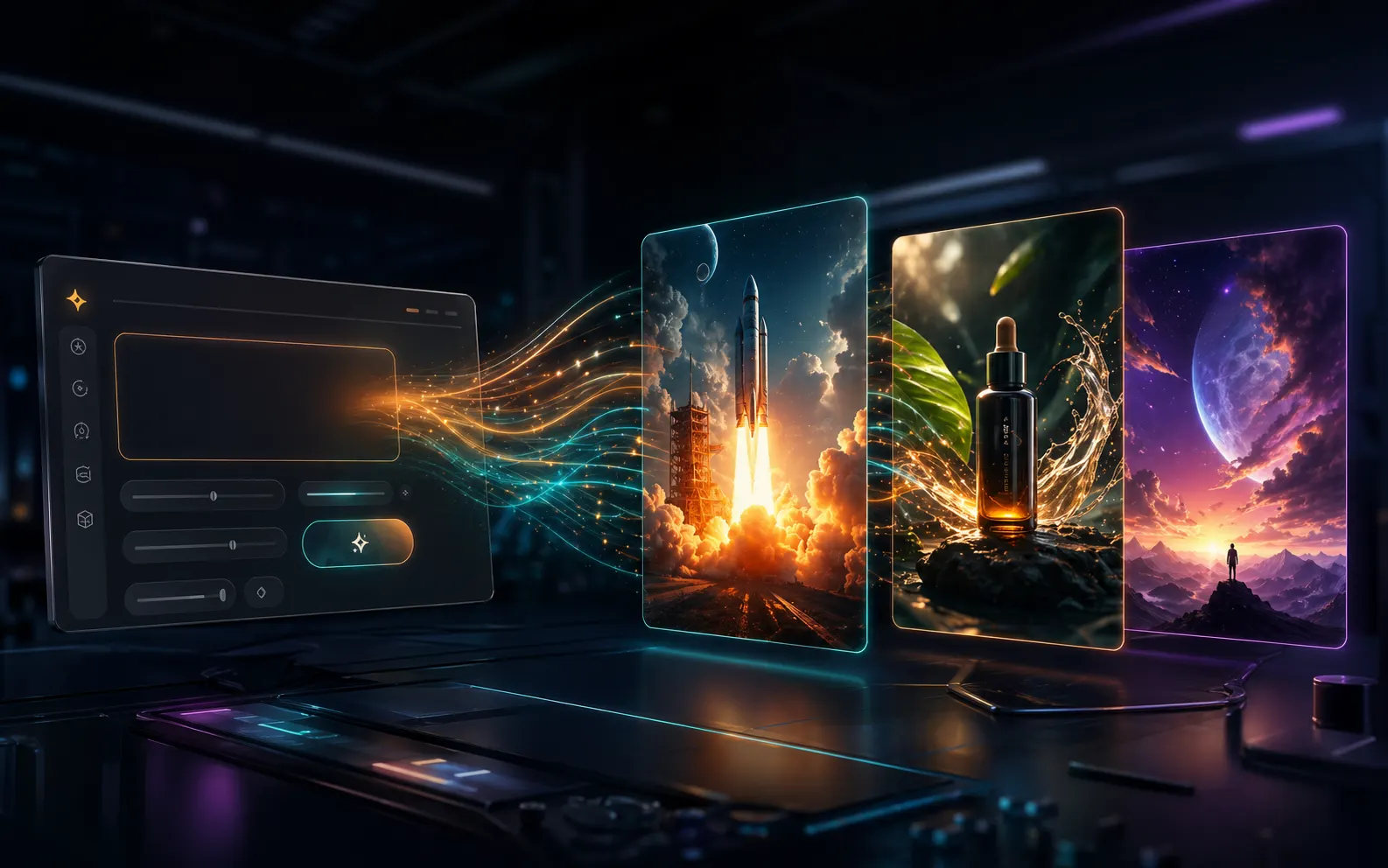
Turn a template into a generation brief
A good image prompt template gives you a structured starting point: subject, purpose, audience, scene, typography, color direction, reference role, and aspect ratio. You can keep the parts that work, replace the product or message, and send a clearer brief into the GPT Image 2 generator.
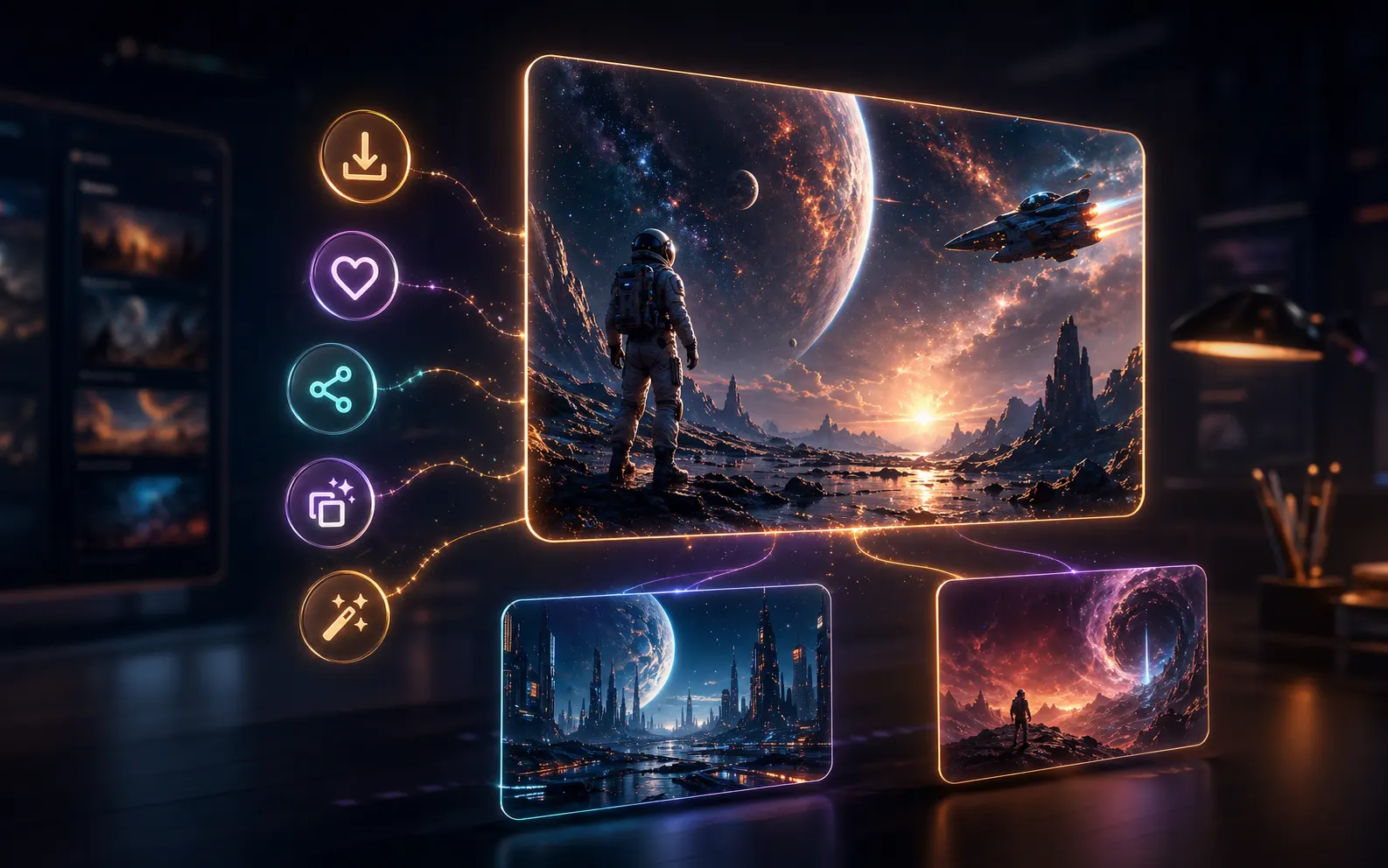
Reuse the best result as the next template direction
After generation, the workspace keeps the prompt, result image, references, download action, saved prompt action, and create-similar path close together. This makes the template library useful beyond the first click: one strong draft can become a repeatable visual direction.
From scene template to generated image
The template page is meant to shorten the path from idea to usable first draft. Pick a scene, adjust the prompt, add references when needed, then keep iterating from the result instead of rewriting everything.
Choose a scene
Search or browse templates by the visual result you need: campaign poster, product ad, educational diagram, launch graphic, social card, cover image, or brand concept.
Open prompt examples
Use the template detail page to inspect prompt examples and sample images. The prompt stays specific enough for GPT Image 2 while leaving space for your product, message, audience, and style.
Generate in context
Load the prompt into the workspace generator, choose auto or a fixed aspect ratio, add reference images, and create a draft that matches the chosen scene.
Save and repeat
Download the image, save the prompt, share public results, or use the image as a reference for another GPT Image 2 pass when the first draft points in the right direction.
GPT Image 2 template FAQ
Practical answers about using this template workspace for AI image prompt templates, scene browsing, reference images, and reusable GPT Image 2 workflows.
Start with a GPT Image 2 template
Choose a scene template, load a reusable image prompt, and turn it into a visual draft with GPT Image 2. The more scenarios added to the library, the faster you can move from intent to generation.