
Browse sample poster results on the right, then tap one to load that prompt back into the generator on the left.
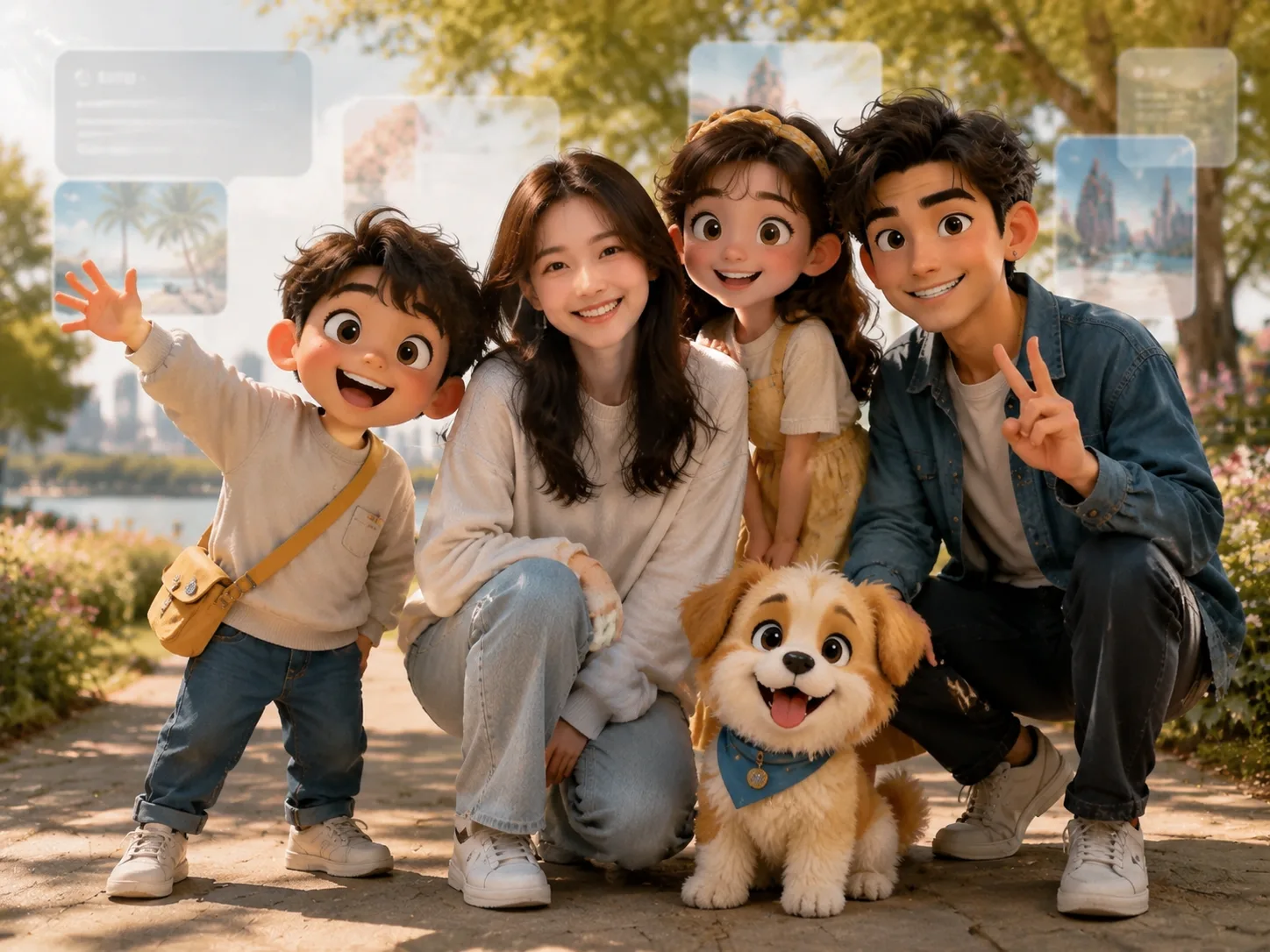
Create animated cameo photos with GPT Image 2 prompts
Turn a real reference photo into a playful group portrait with original animated companions that share the same light, scale, perspective, and contact shadows.
Reference-photo cameos
Upload a person photo and use structured prompts that keep facial identity, clothing, body proportions, and posture stable while changing the animated cast and location.
Original animated casts
Build cartoon families, classmates, mascots, travel guides, cafe groups, or fictional friends from scratch instead of copying named characters, logos, or franchise designs.
Believable photo blending
Each animated cameo photo prompt calls out shared daylight, neon, window light, floor contact, occlusion, lens perspective, and shadows so the group feels physically present.
Localized scene details
Use editable signage and cultural settings for Shanghai parks, Taipei night markets, Seoul classrooms, Tokyo streets, Lisbon trams, Madrid plazas, Berlin museums, and Paris cafes.
From reference photo to animated group shot
Choose a ready setup, replace the variables, then generate and refine a cross-style image without drifting into protected cartoon IP.
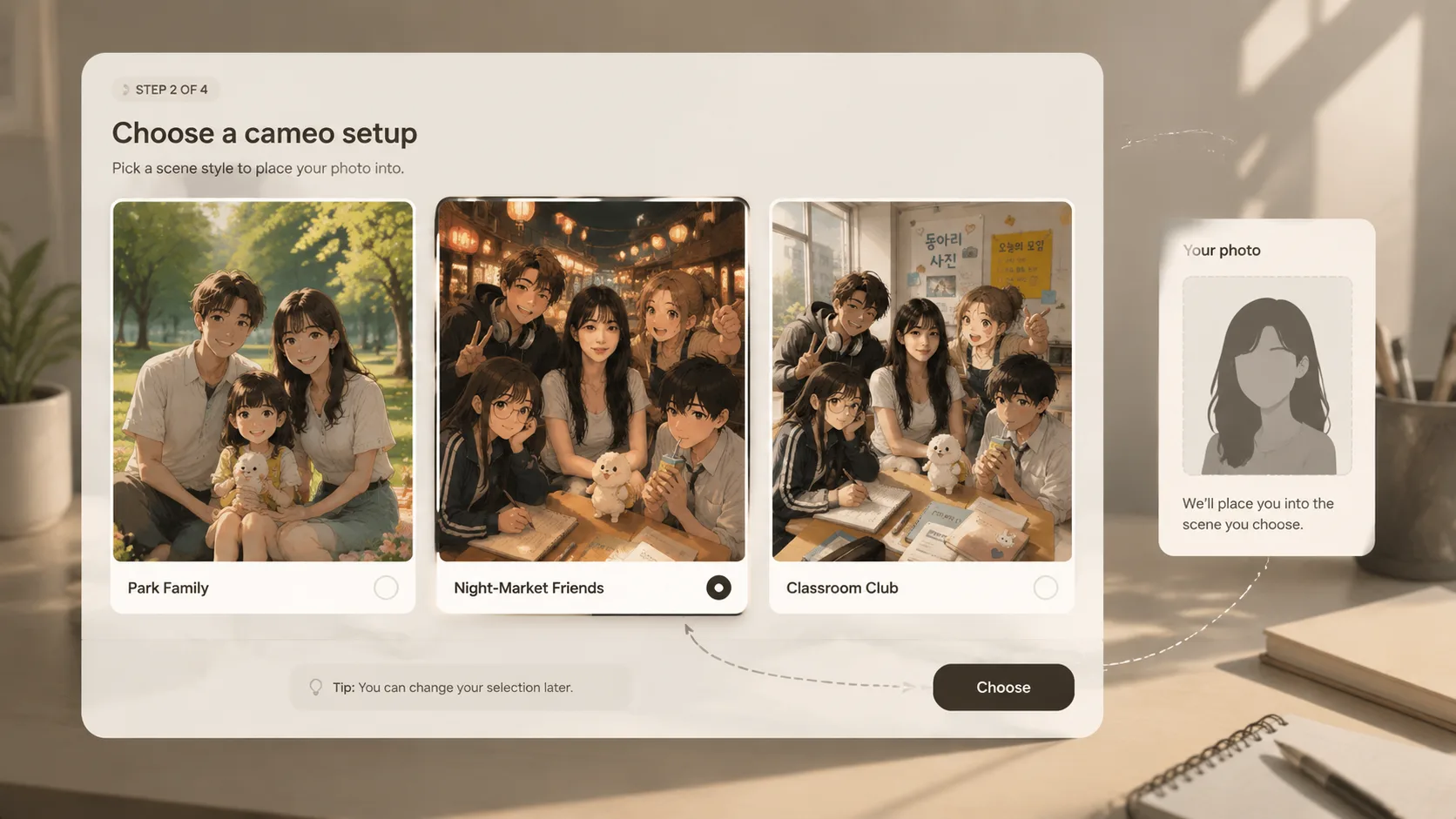
Choose a cameo setup
Start with a GPT Image 2 animated cameo photo prompt for family portraits, school clubs, travel mascots, museum guides, cafe keepsakes, or square social posts.
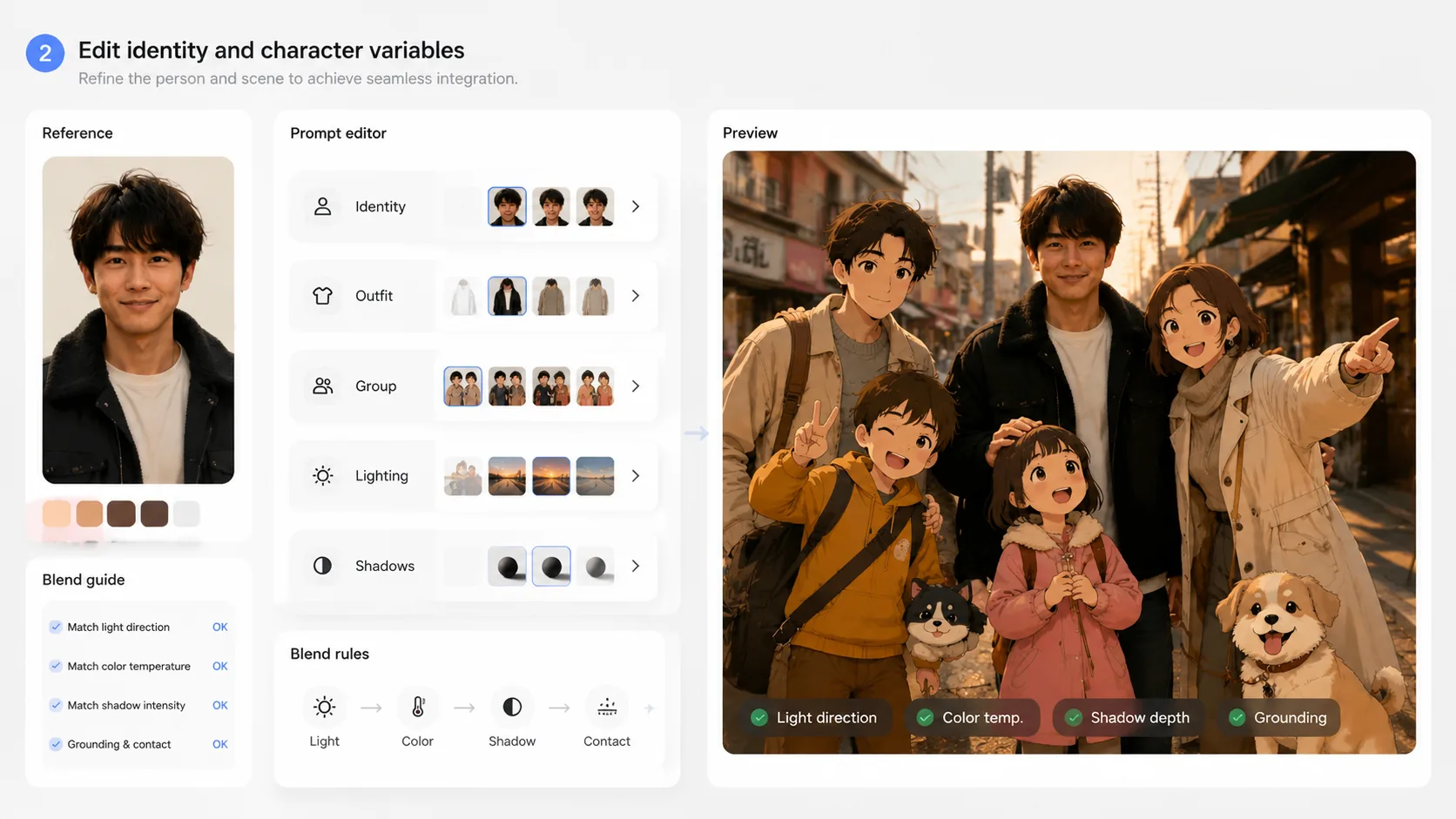
Edit person, cast, and setting
Replace the reference person, animated character roles, location, visible text, mood, lighting, aspect ratio, and any clothing-preservation instructions before generating.
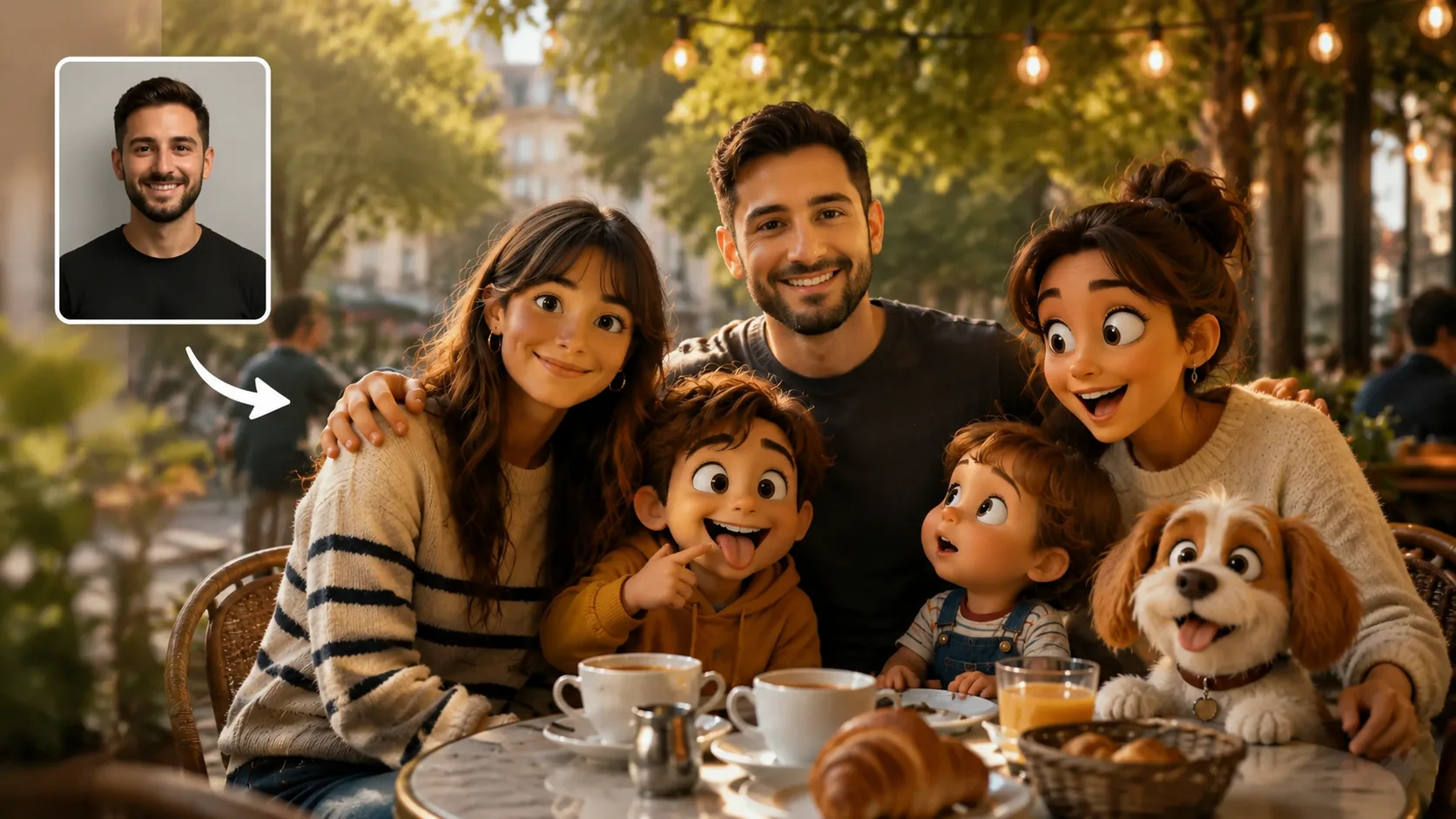
Generate, inspect, and refine
Create the blended group photo, then tighten the prompt around shadows, scale, camera angle, language on signs, or character originality if the first result needs adjustment.
Animated cameo photo prompt FAQ
Answers for using GPT Image 2 prompts to blend real people with original animated characters.
Generate an animated cameo
Pick a ready prompt, upload a reference photo, and create a group shot with original animated companions in GPT Image 2.