
Browse sample poster results on the right, then tap one to load that prompt back into the generator on the left.
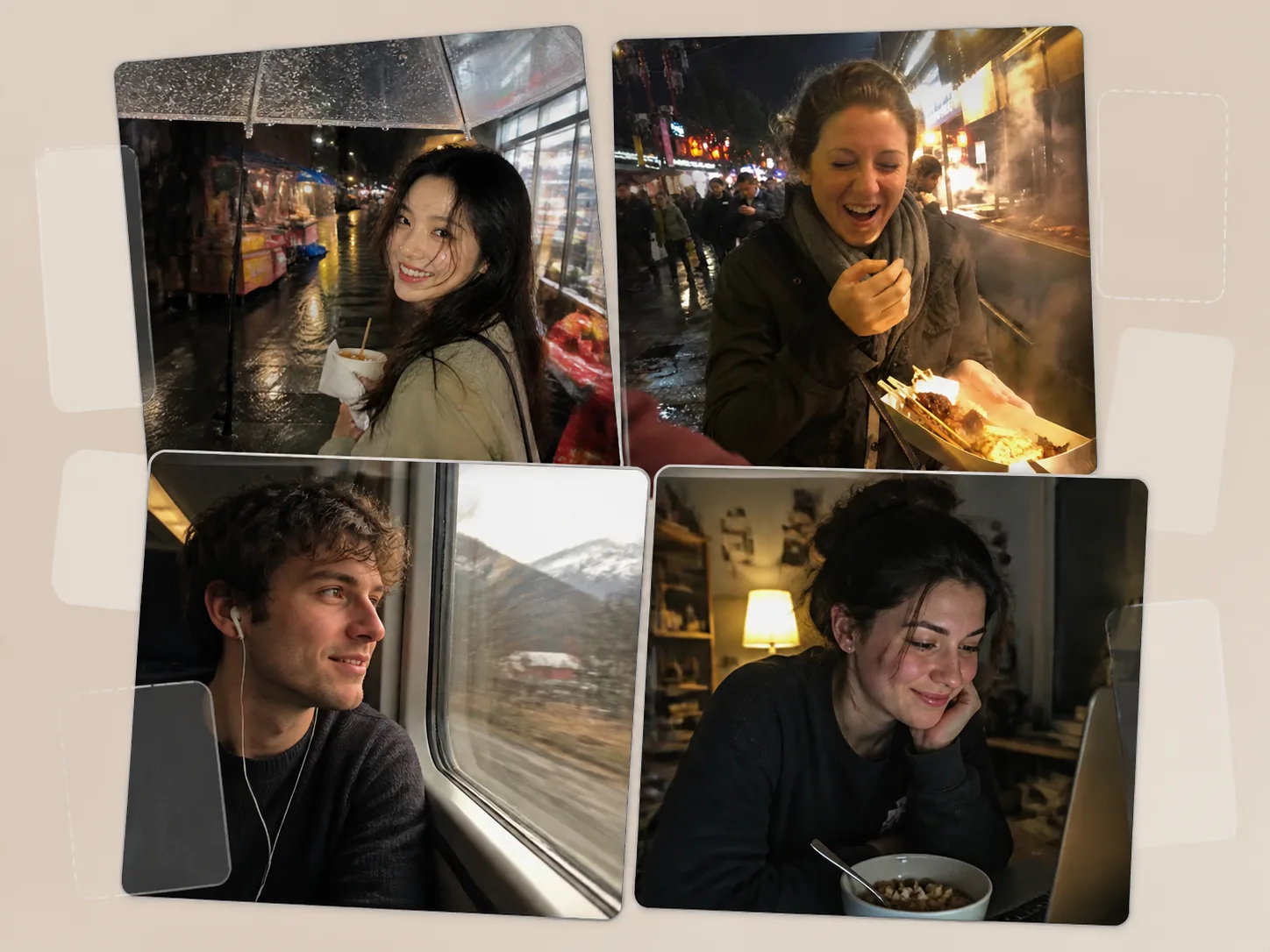
Create candid photo GPT Image 2 prompts for camera-roll realism
This template set helps creators move beyond polished AI portraits and build believable phone-camera memories. Each prompt combines a real-life setting, an adult subject, a small action, imperfect framing, and clear safety limits so the output feels like a saved camera-roll photo rather than a studio campaign.
Phone-photo texture
Use iPhone-style exposure, flash, grain, lens smudge, motion blur, tilted horizons, close crops, and warm color casts to keep the result casual and imperfect.
Editable scene variables
Replace the city, weather, room, activity, clothing, foreground obstruction, food, drink, or prop while preserving the same candid snapshot structure.
Lifestyle use cases
Draft travel memories, night-market posts, cafe moments, friend-group photos, day-trip selfies, beach walks, and late-night desk scenes for social or concept work.
Realism boundaries
The prompts keep scenes adult, tasteful, and non-explicit while avoiding readable text, logos, watermarks, surveillance framing, and over-polished editorial lighting.
How to use camera roll GPT Image 2 templates
Start from the closest candid photo template, edit only the variables that matter, then generate and refine until the snapshot has the right emotional plausibility.
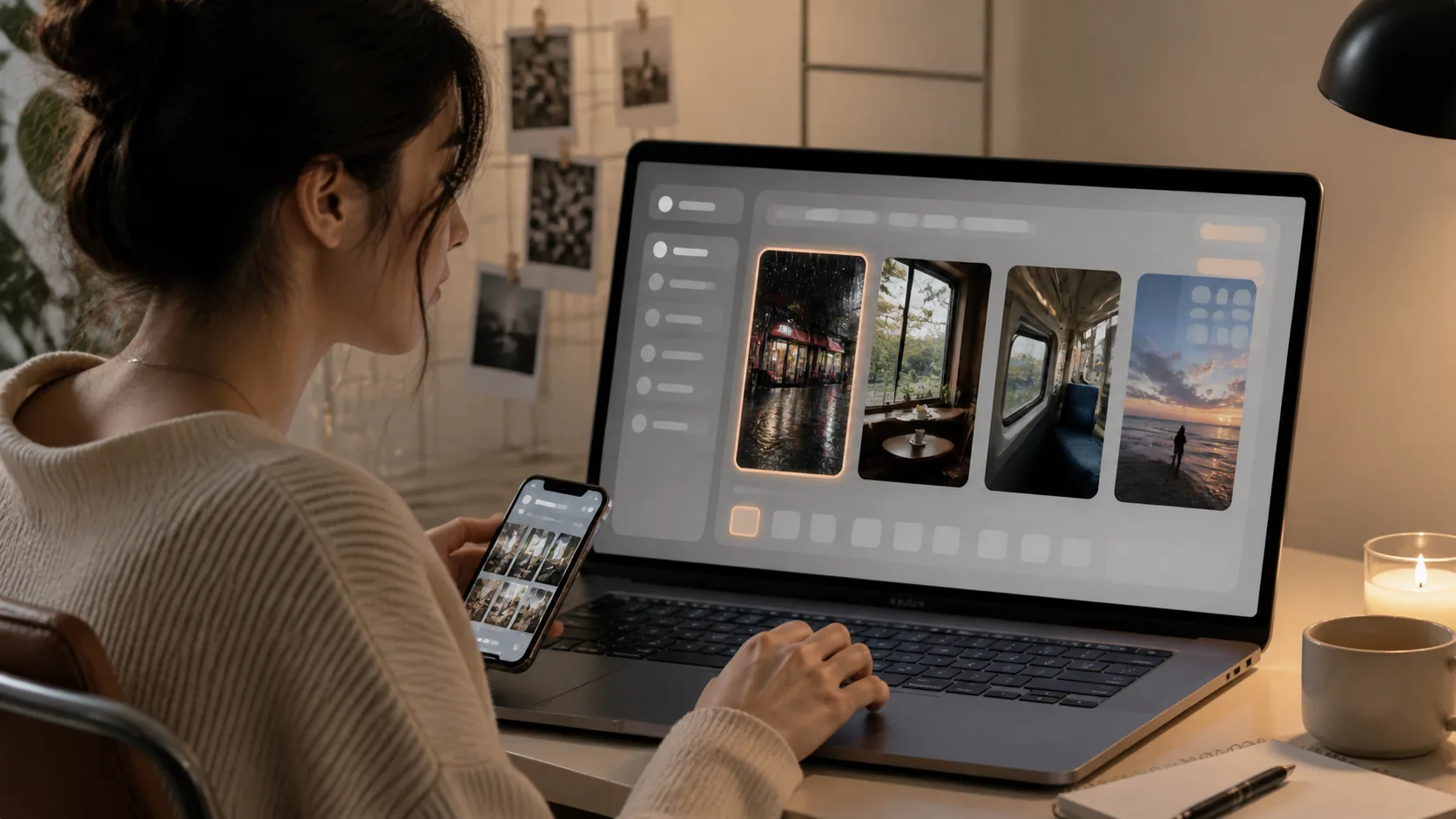
Choose a real-life moment
Pick a prompt for a rainy storefront, after-event kitchen, night market, train window, karaoke hallway, bookstore cafe, beach boardwalk, or late-night desk break. The starting scene gives GPT Image 2 a complete camera-roll composition instead of a vague photo style request.
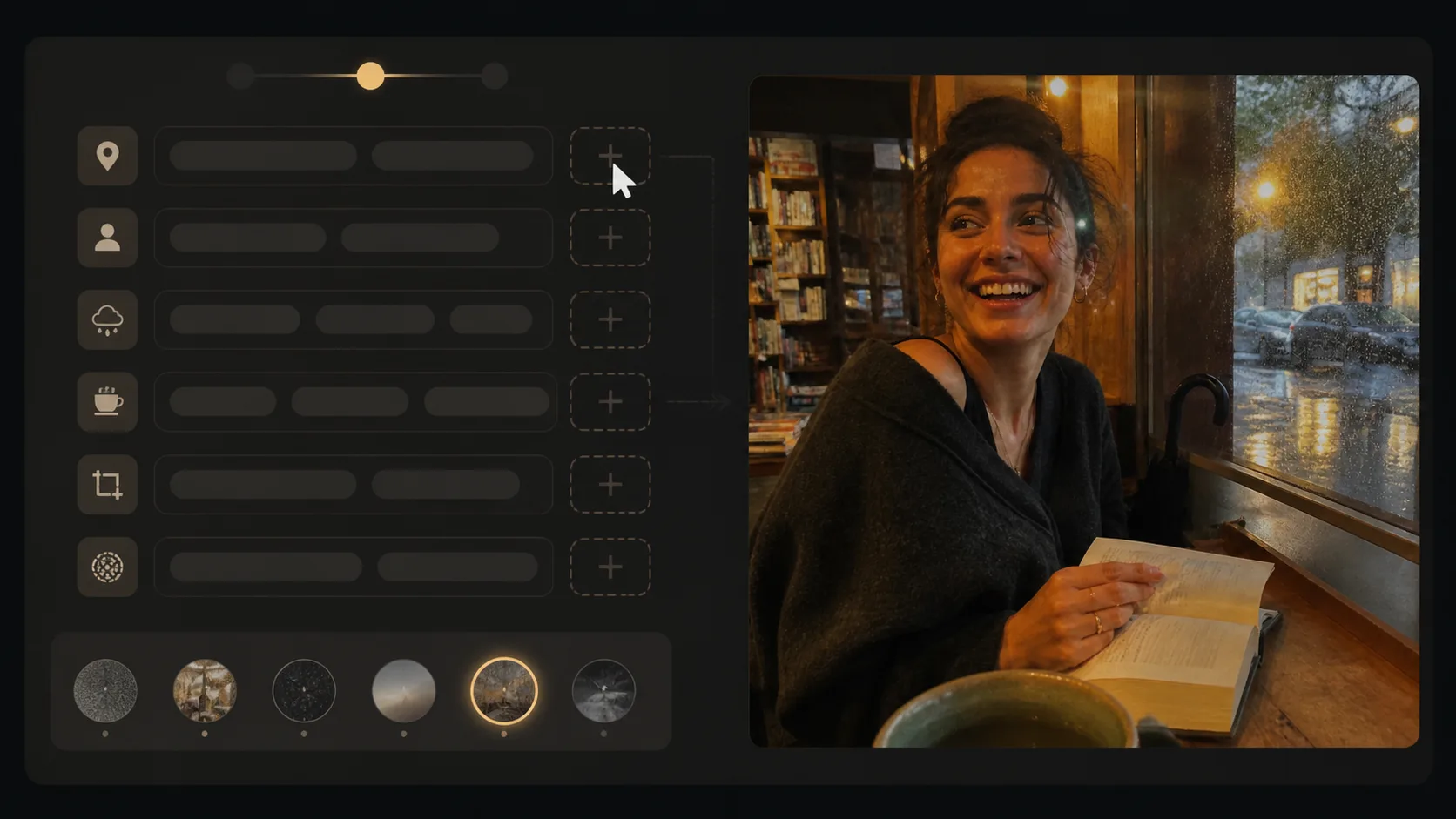
Swap details without losing intent
Change the place, weather, subject action, outfit, props, lighting color, or foreground obstruction. Keep the phone-camera flaws and adult-only constraints because those details carry the candid lifestyle image prompt intent.
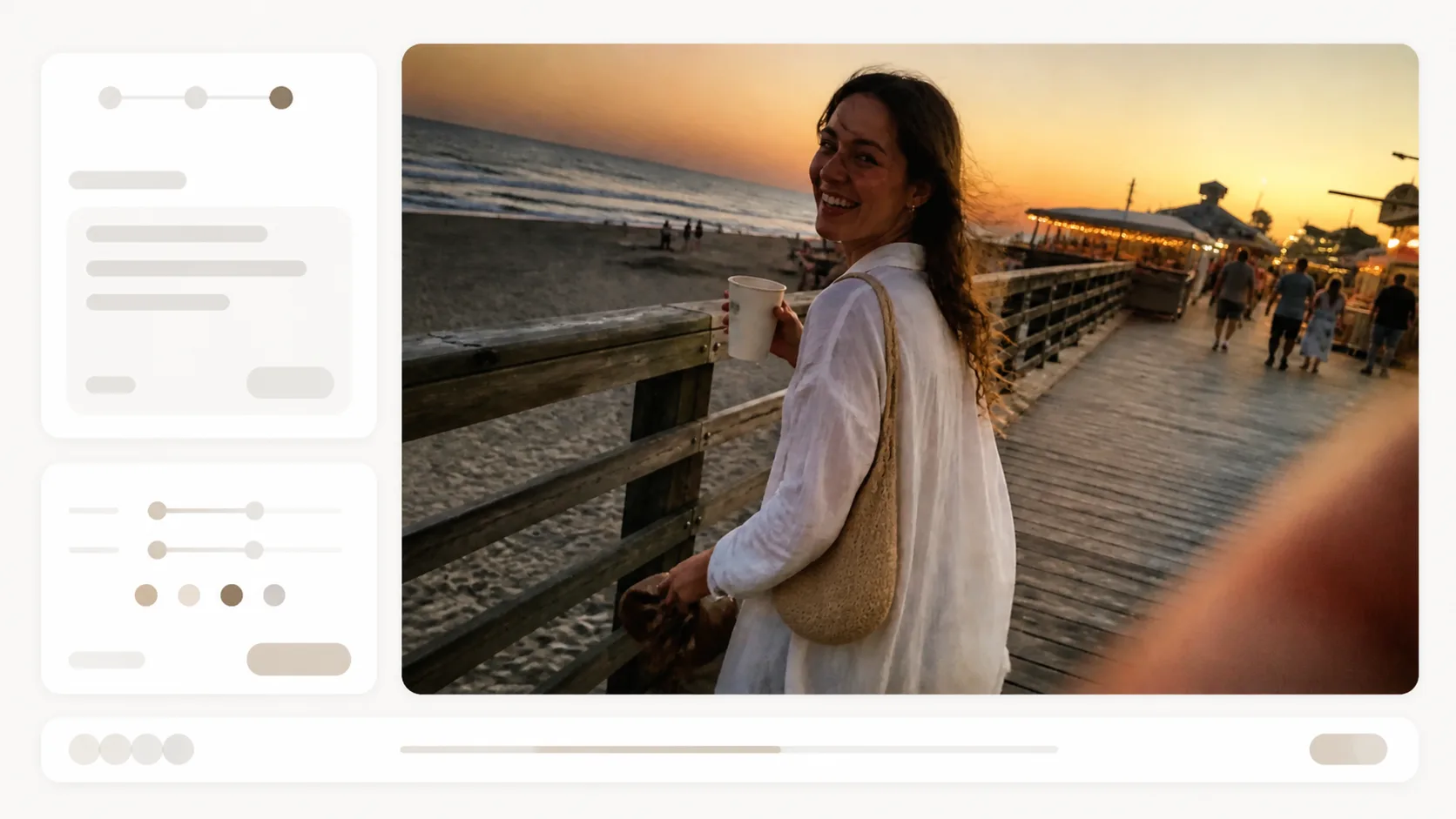
Generate, compare, and tighten
Generate a first version, then refine crop, expression, focus, lighting, and realism. If the image looks too staged, add more natural timing, partial obstruction, low-light grain, or private-album context.
Candid camera roll prompt FAQ
Search-focused answers about realistic iPhone photo prompts, editable variables, and safe use.
Generate a candid camera-roll photo
Choose a template, replace the scene details, and create a realistic phone snapshot with GPT Image 2.