
Browse sample poster results on the right, then tap one to load that prompt back into the generator on the left.
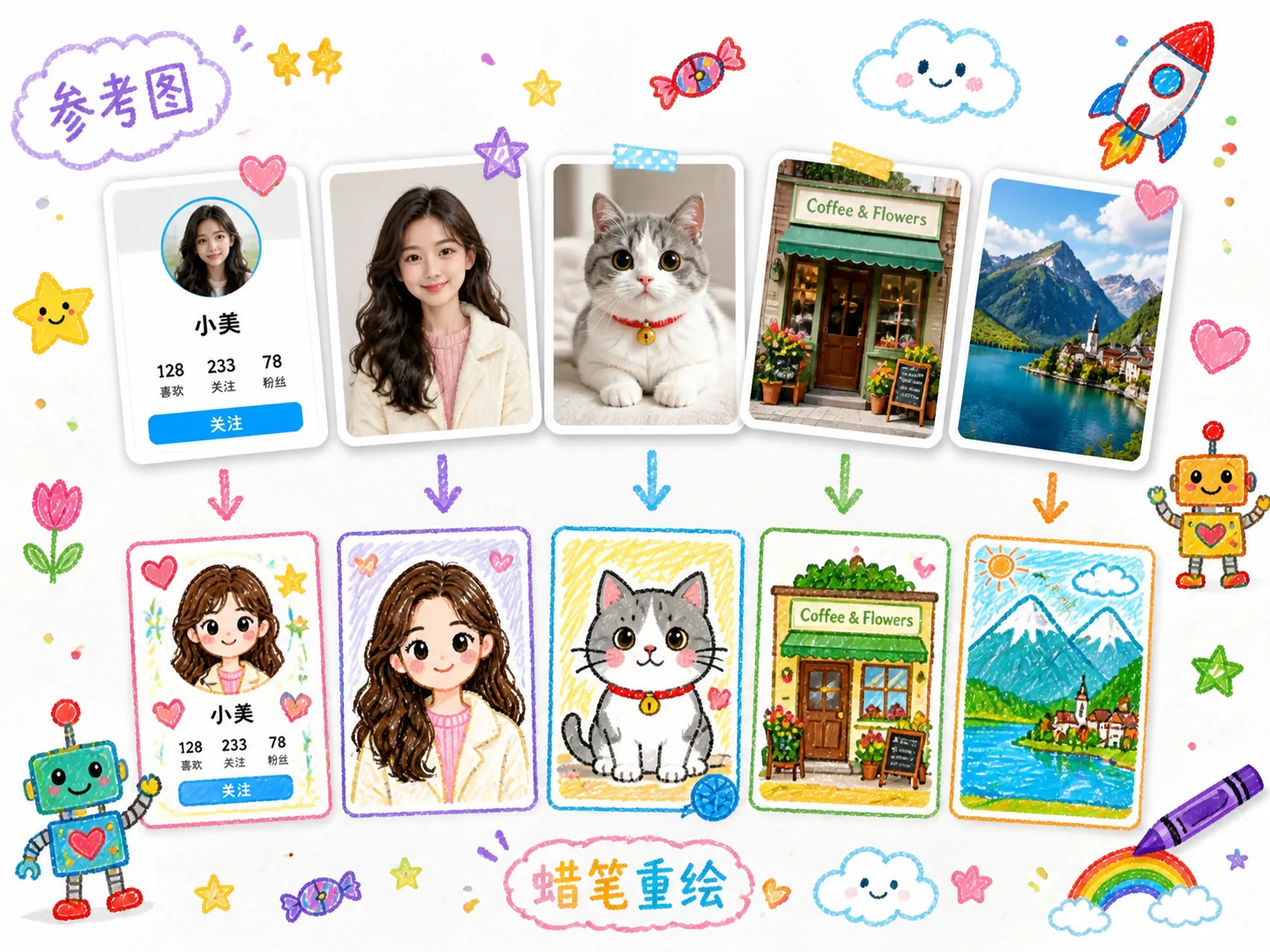
Create cute crayon redraws from reference images
These GPT Image 2 crayon drawing prompts are built for users who want an uploaded image to stay recognizable while the final result becomes playful, soft, and hand-drawn. Start with a profile screenshot, avatar, pet photo, family picture, storefront, classroom scene, travel snapshot, or product shot. The templates keep the main structure, pose, subject, and layout cues, then replace the original mood with white paper, bright crayon colors, uneven childlike lines, and small doodle decorations.
Reference-image structure
Each template tells GPT Image 2 to use the uploaded image as the guide for layout, pose, silhouette, and key visual details, so the redraw still echoes the original.
Childlike crayon finish
The style direction asks for clean white paper, imperfect outlines, bright waxy strokes, soft smudges, rounded forms, and a handmade drawing mood.
Doodle-rich decoration
Stars, candy, small rockets, robots, clouds, hearts, flowers, route lines, toys, and stickers can be swapped to match the subject or story.
Reusable prompt variables
Change the image type, subject description, caption, color cues, and decoration set before generating another crayon-style image prompt result.
How to use crayon redraw GPT Image 2 prompts
The workflow is simple: choose the closest redraw template, adapt the reference details, generate, then refine the prompt for a second pass.
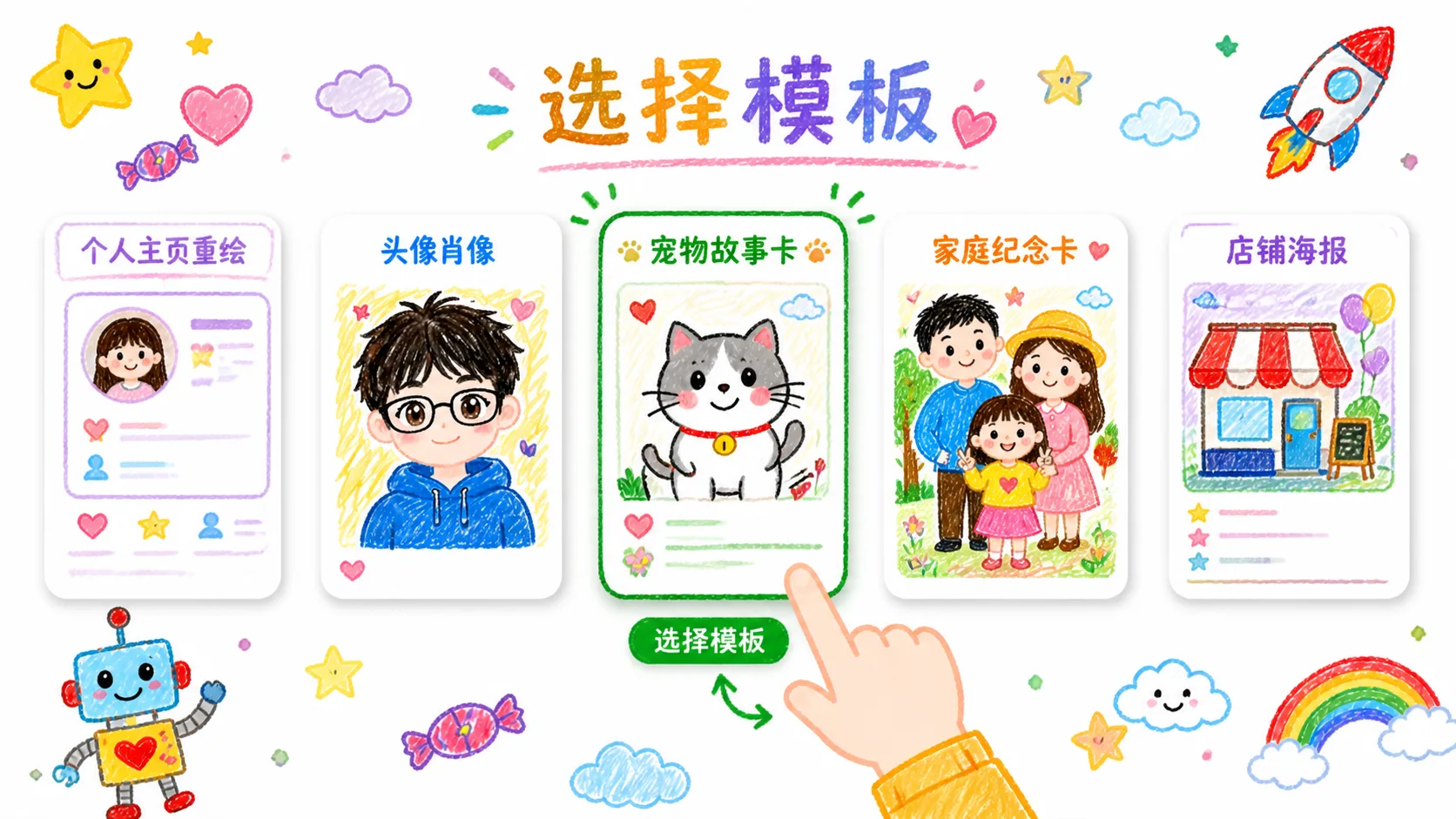
Choose the closest scene
Pick a profile, avatar, family, pet, storefront, classroom, travel, or product template based on what the uploaded reference image needs to preserve.
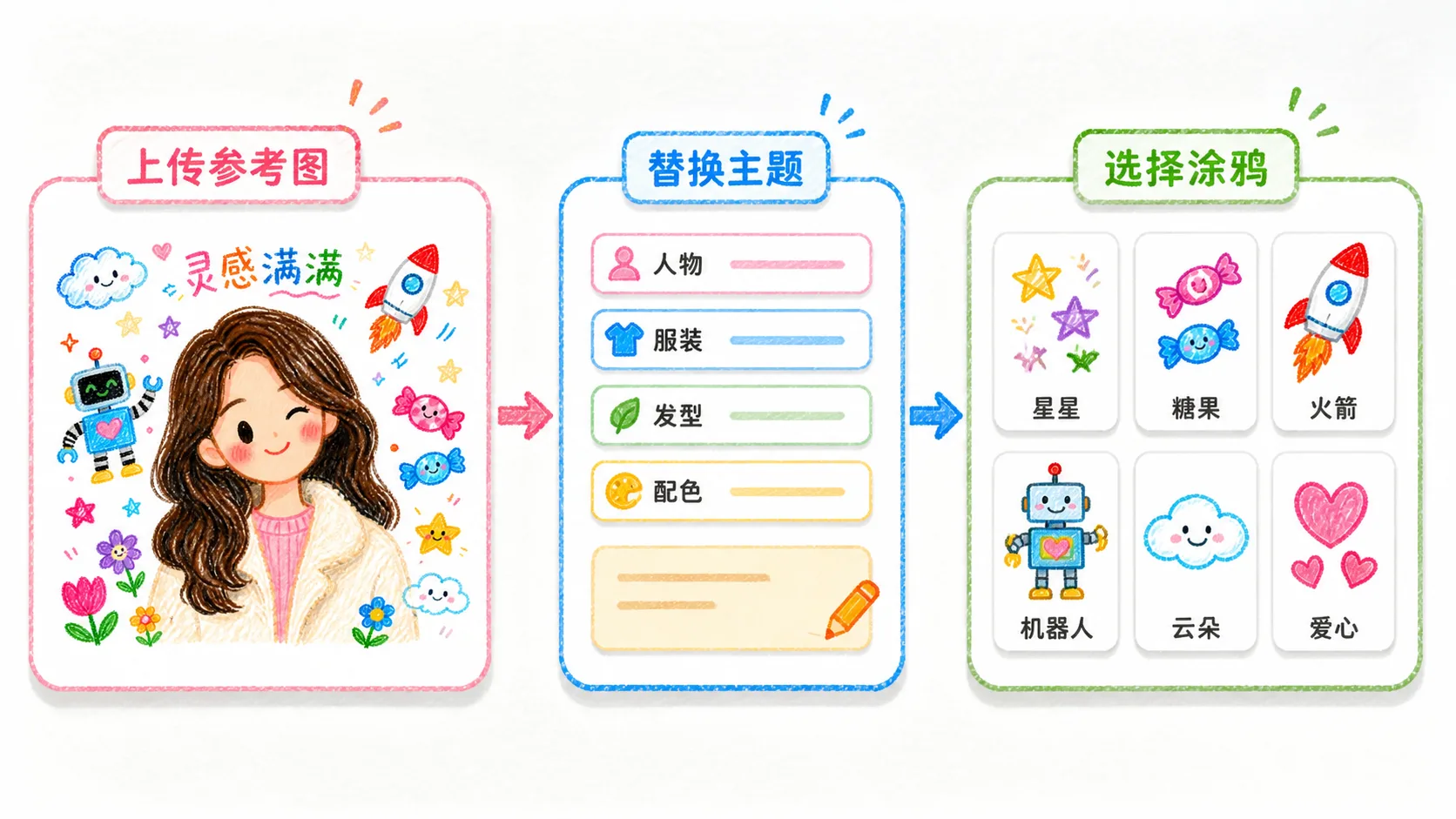
Replace subject and doodle details
Edit the prompt with the subject, short caption, decorative doodles, mood words, and any elements that should stay readable or be simplified.
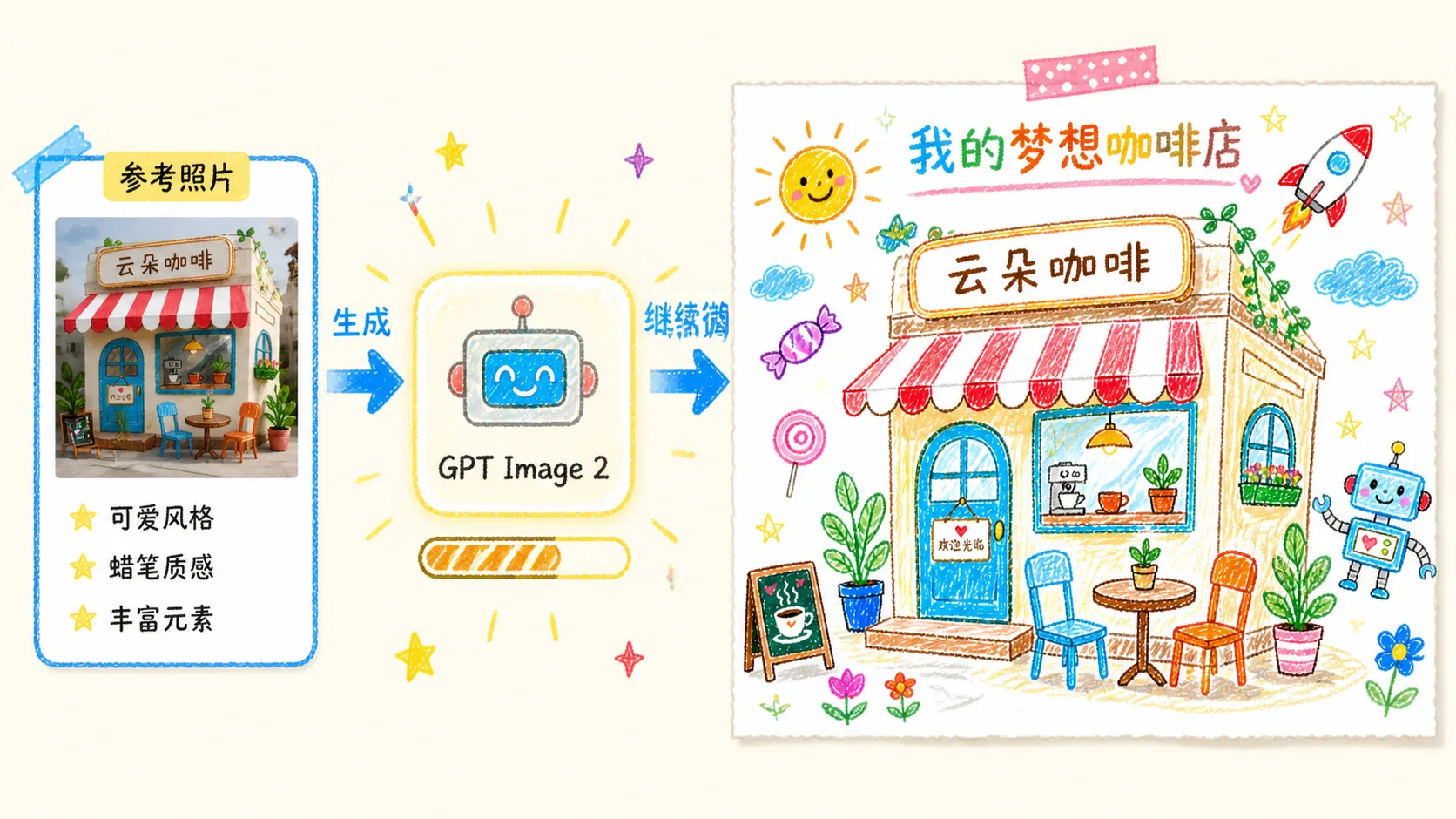
Generate and refine the redraw
Run GPT Image 2, compare the crayon result with the reference, then reuse the prompt with clearer structure or a different decoration set.
Crayon drawing prompt FAQ
Search-style answers for using these GPT Image 2 crayon redraw templates.
Generate a crayon redraw
Upload a reference image, start from a crayon drawing prompt, and create a cute GPT Image 2 redraw you can refine.