
Prompt ideas
GPT Image 2 Prompt Ideas Gallery
Browse curated GPT Image 2 template images in a five-column visual gallery. The data matches the prompt wall on the model workspace, and this page spreads images by template so one scene does not dominate the feed.
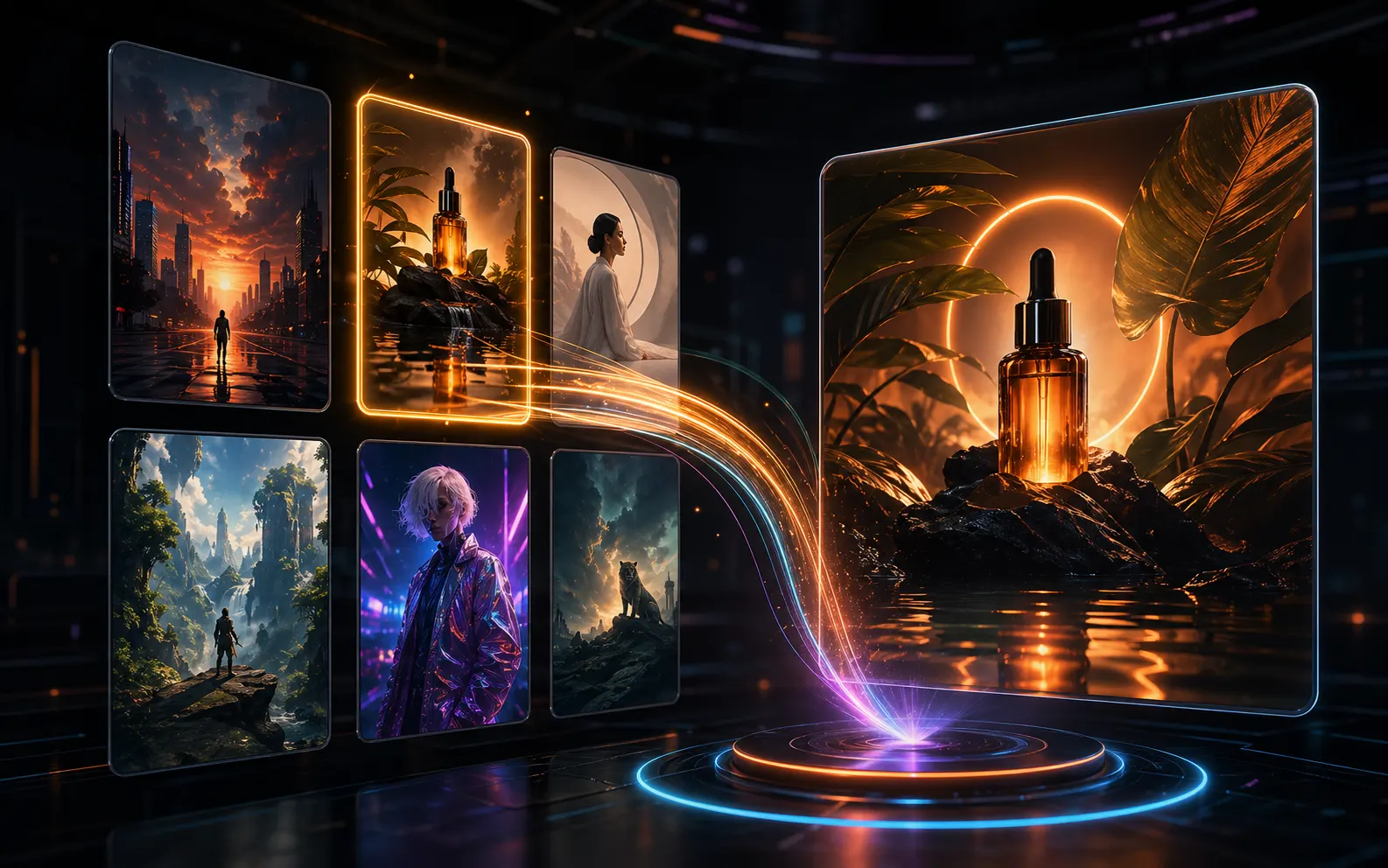
Use GPT Image 2 template ideas as practical prompt examples
The Ideas page is built for creators who want curated prompt examples without opening the full workspace. It keeps the gallery visual, while the detail panel preserves the prompt, reference images, prompt share link, and download action behind each template image.
Scan curated template images
The masonry layout makes posters, ads, infographics, social cards, and visual drafts easy to compare at a glance.
Open the full image detail panel
Click any prompt idea to inspect the image, prompt, output dimensions, reference images, prompt share link, and download action.
Learn from reusable prompts
Treat each template image as a GPT Image 2 prompt example. Review how the prompt describes format, layout, subject, visible text, and final use.
Browse by template rounds
Load more keeps adding the same prompt template dataset in stable rounds: one image from each template first, then the next image from each template.
GPT Image 2 prompt ideas FAQ
Answers about the prompt ideas gallery, GPT Image 2 templates, image detail preview, and Load more browsing behavior.
Turn a GPT Image 2 prompt idea into your next image
Browse the gallery, study a curated prompt template, then open the generator when you are ready to create your own version.