
Browse sample poster results on the right, then tap one to load that prompt back into the generator on the left.
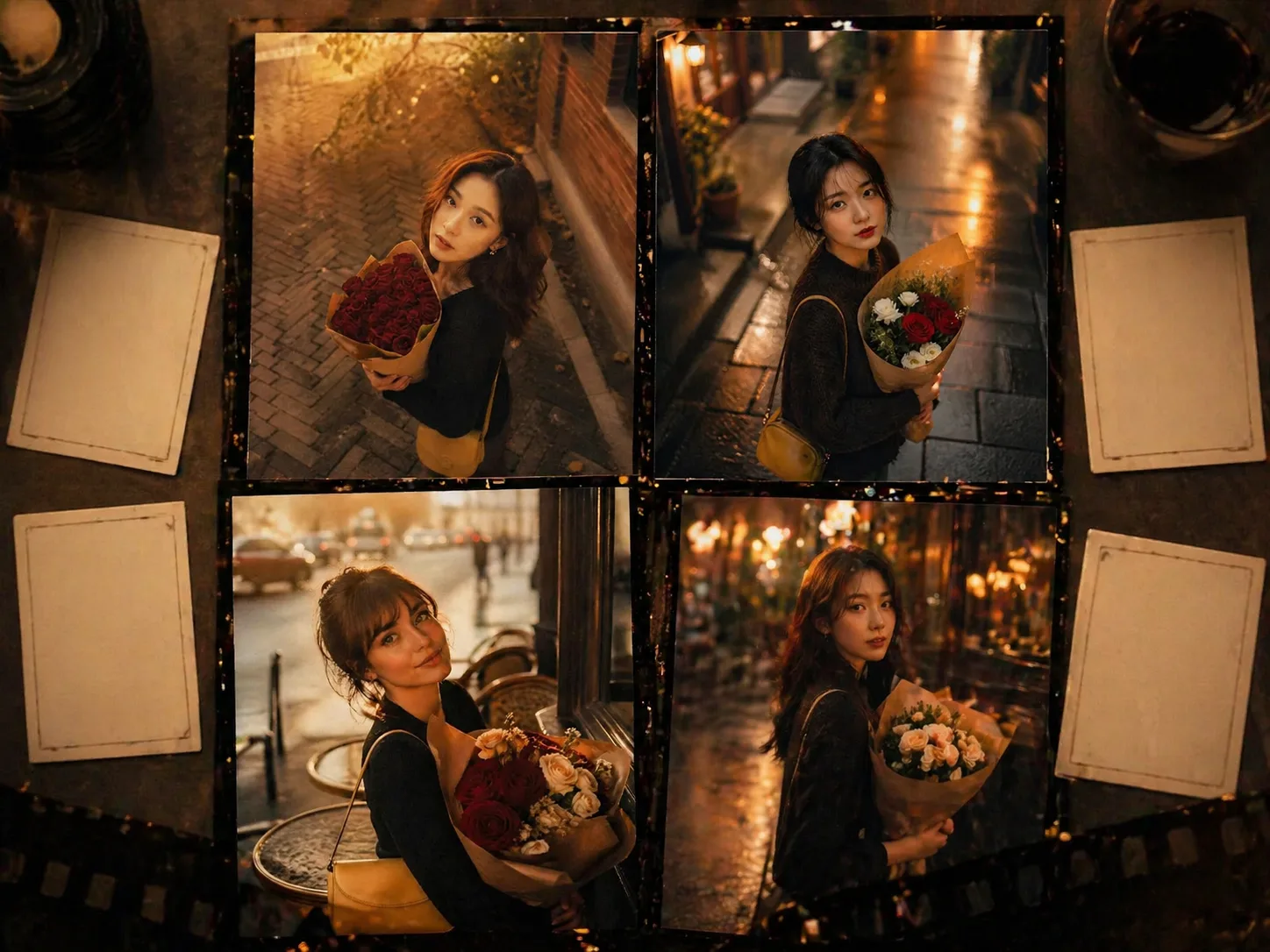
Create cinematic flower portrait GPT Image 2 prompts
This template turns a simple adult portrait idea into a romantic flower-led image direction. Start with a bouquet, a city texture, warm or rainy light, and vintage film color, then reuse the structure for profile photos, editorial moodboards, social portraits, and AI-assisted photography concepts.
Flower-led portrait composition
Use top-down or slightly elevated framing, direct eye contact, a visible bouquet, and a clear adult subject description so GPT Image 2 understands the romantic portrait structure before style details are added.
Editable mood and setting
Swap roses, camellias, osmanthus, market flowers, rain, cafe windows, balconies, lane textures, wardrobe accents, and time of day while keeping the same cinematic portrait intent.
Vintage film finish
Guide the result toward natural skin texture, shallow depth of field, gentle haze, warm color grading, realistic bokeh, and tasteful film grain instead of glossy stock-photo styling.
A reusable workflow for flower portrait prompt templates
Choose a flower portrait prompt, replace the visual variables, generate with GPT Image 2, then refine framing, light, bouquet, wardrobe, or color grading until the image feels like a coherent editorial portrait.
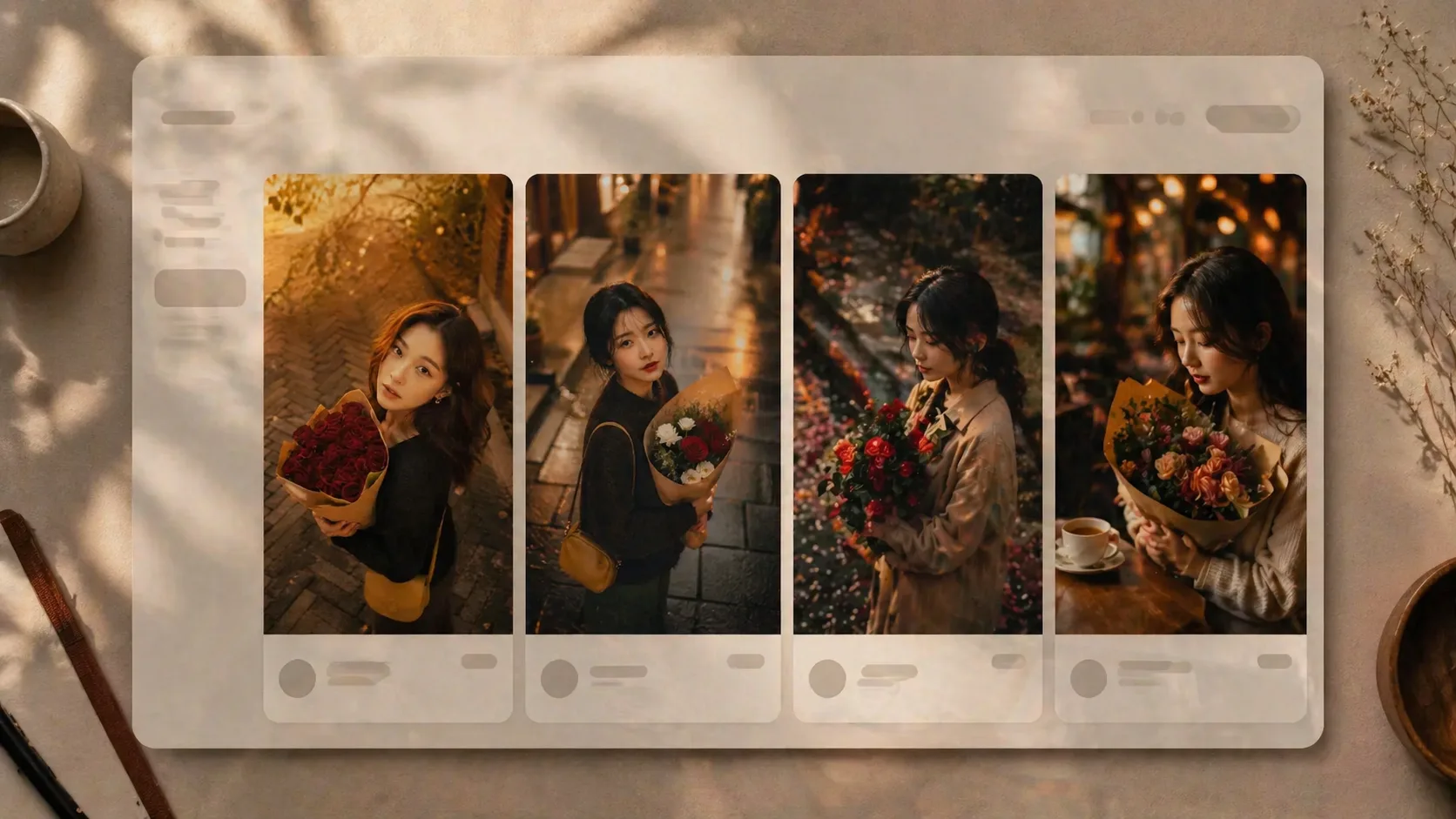
Choose the portrait mood
Start from golden-hour roses, rainy street bouquets, quiet stone paths, flower markets, cafe windows, or balcony portraits. Each option keeps the same intent: a cinematic adult portrait built around flowers and atmosphere.
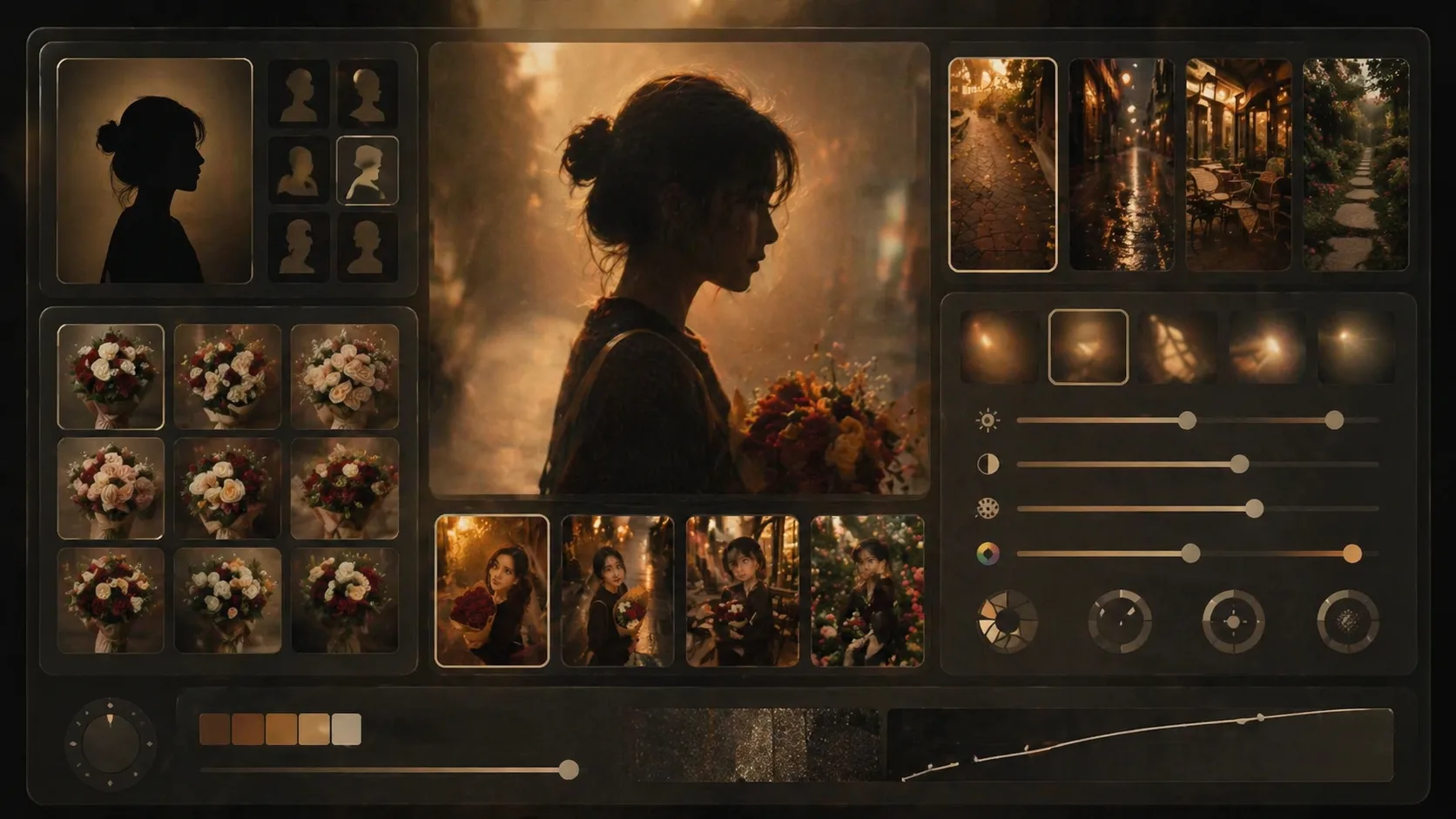
Edit subject, flowers, and camera
Replace the adult subject, bouquet type, wrapping material, location, outfit, lens mood, camera angle, and palette. If you use a reference photo, keep it to an image you own and use the prompt to control styling rather than identity changes.
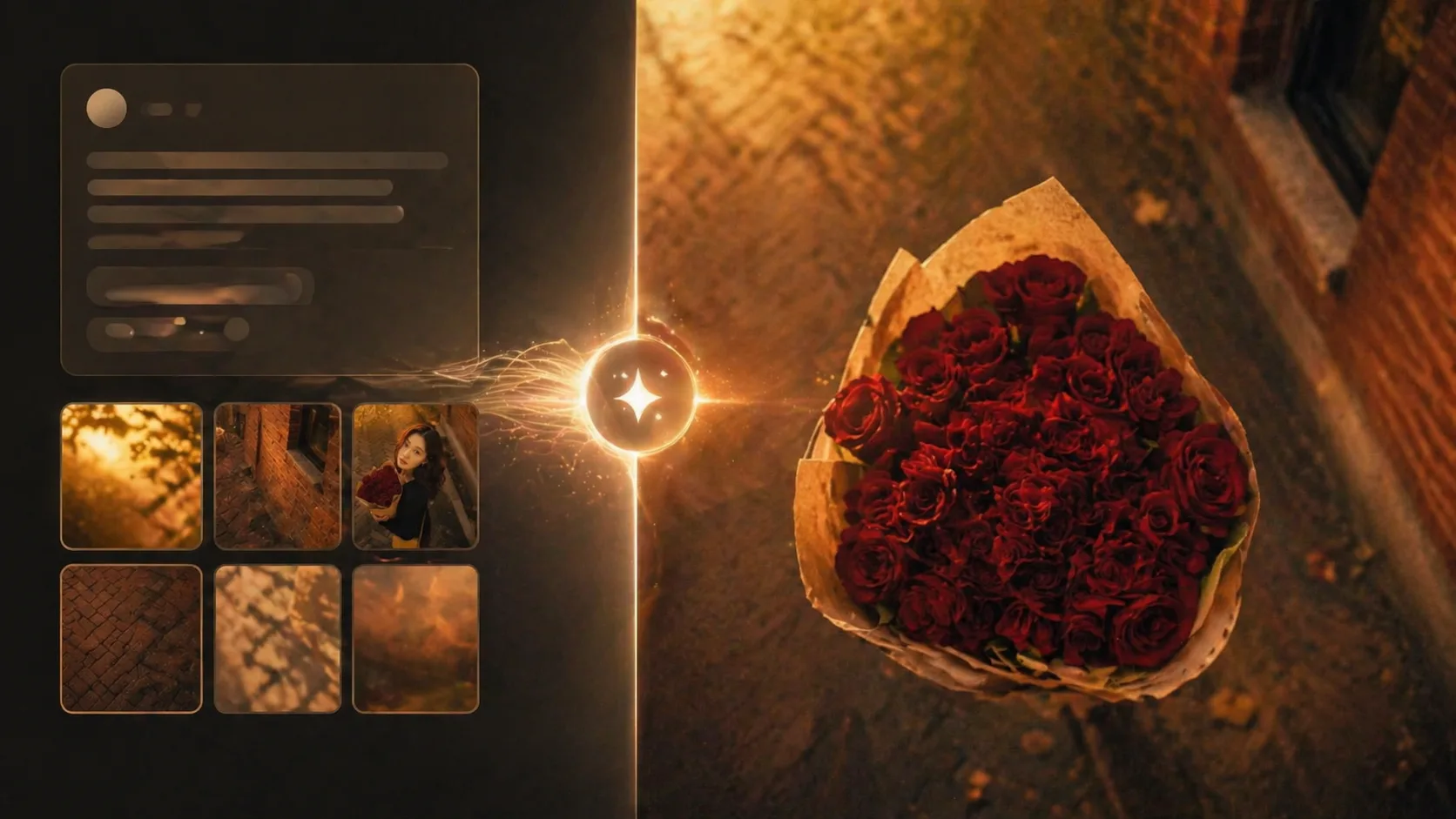
Generate, compare, and refine
Run the edited prompt in GPT Image 2, compare the sample to your intended portrait direction, then adjust light, background texture, flower color, gaze, depth of field, or film grain for the next version.
Cinematic flower portrait prompts FAQ
Answers for using GPT Image 2 cinematic portrait prompts with flowers, warm light, rain, cafe scenes, and vintage film texture.
Generate a cinematic flower portrait
Pick a flower portrait prompt, edit the adult subject, bouquet, location, light, and film mood, then generate a new GPT Image 2 portrait variation.