
Browse sample poster results on the right, then tap one to load that prompt back into the generator on the left.
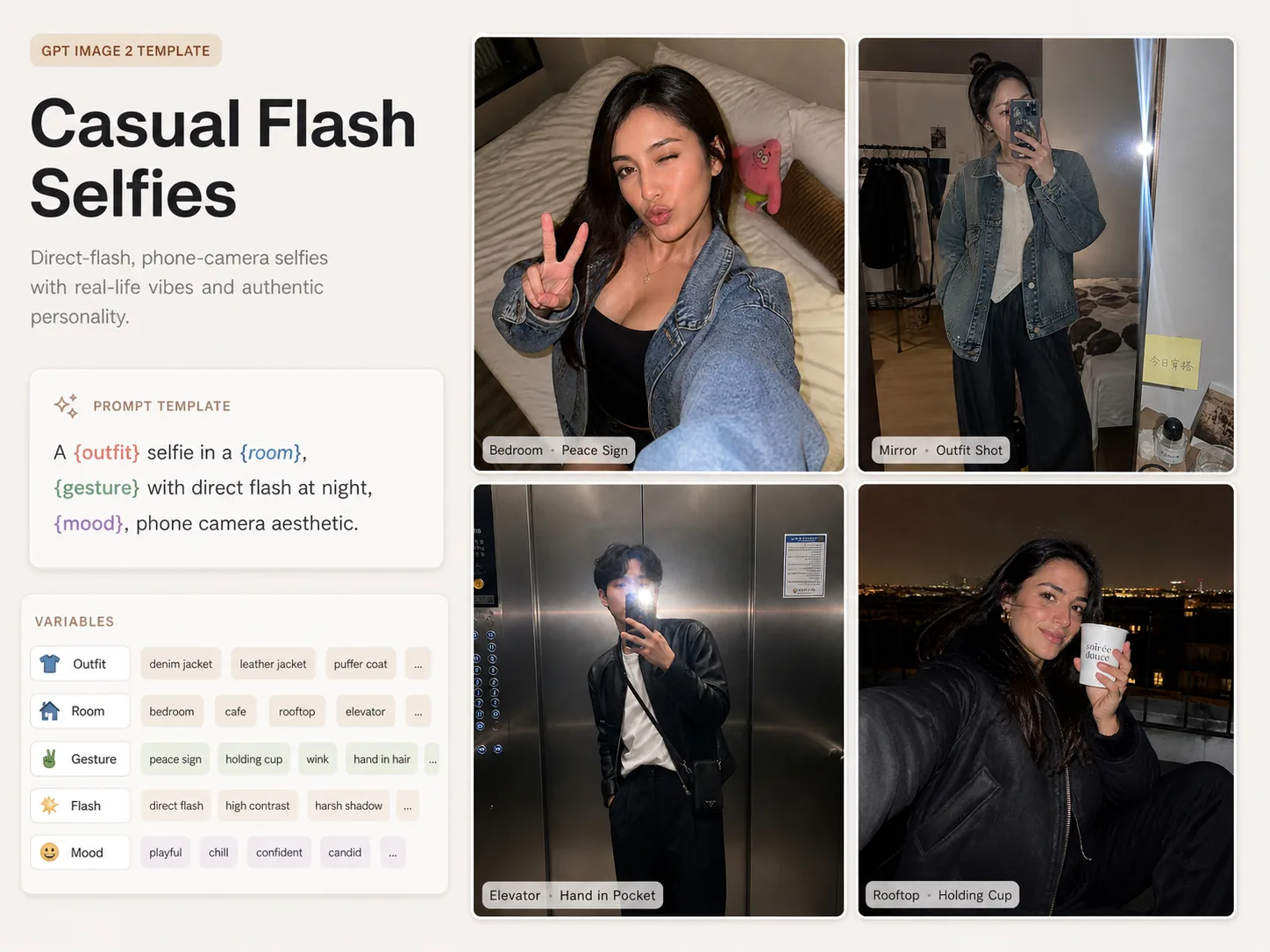
Create phone-flash selfie portraits with GPT Image 2
This scene turns direct-flash phone photography into reusable GPT Image 2 selfie portrait prompts for adult creators, stylists, and portrait teams. Each template keeps the useful parts of a real handheld shot: close framing, flash glare, room detail, natural skin texture, modest outfit styling, and small imperfections that make the image feel social instead of studio-made.
Direct phone-flash realism
Build adult selfie portraits around visible front-camera flash, glossy face and fabric highlights, handheld framing, and realistic room clutter.
Editable styling variables
Swap the adult subject, hairstyle, outfit, room props, gesture, expression, and mood while preserving the selfie prompt structure.
Social portrait use cases
Create bedroom selfies, mirror outfit checks, desk portraits, travel-room shots, cafe posts, makeup prep images, and rooftop night selfies.
Adult-safe prompt direction
The copy keeps subjects clearly adult, fully clothed, non-explicit, and avoids minor-coded or age-ambiguous framing.
How to use these selfie portrait prompts
Choose a selfie structure, edit the visible details, generate with GPT Image 2, then refine the prompt or reference image until the phone-shot mood is right.
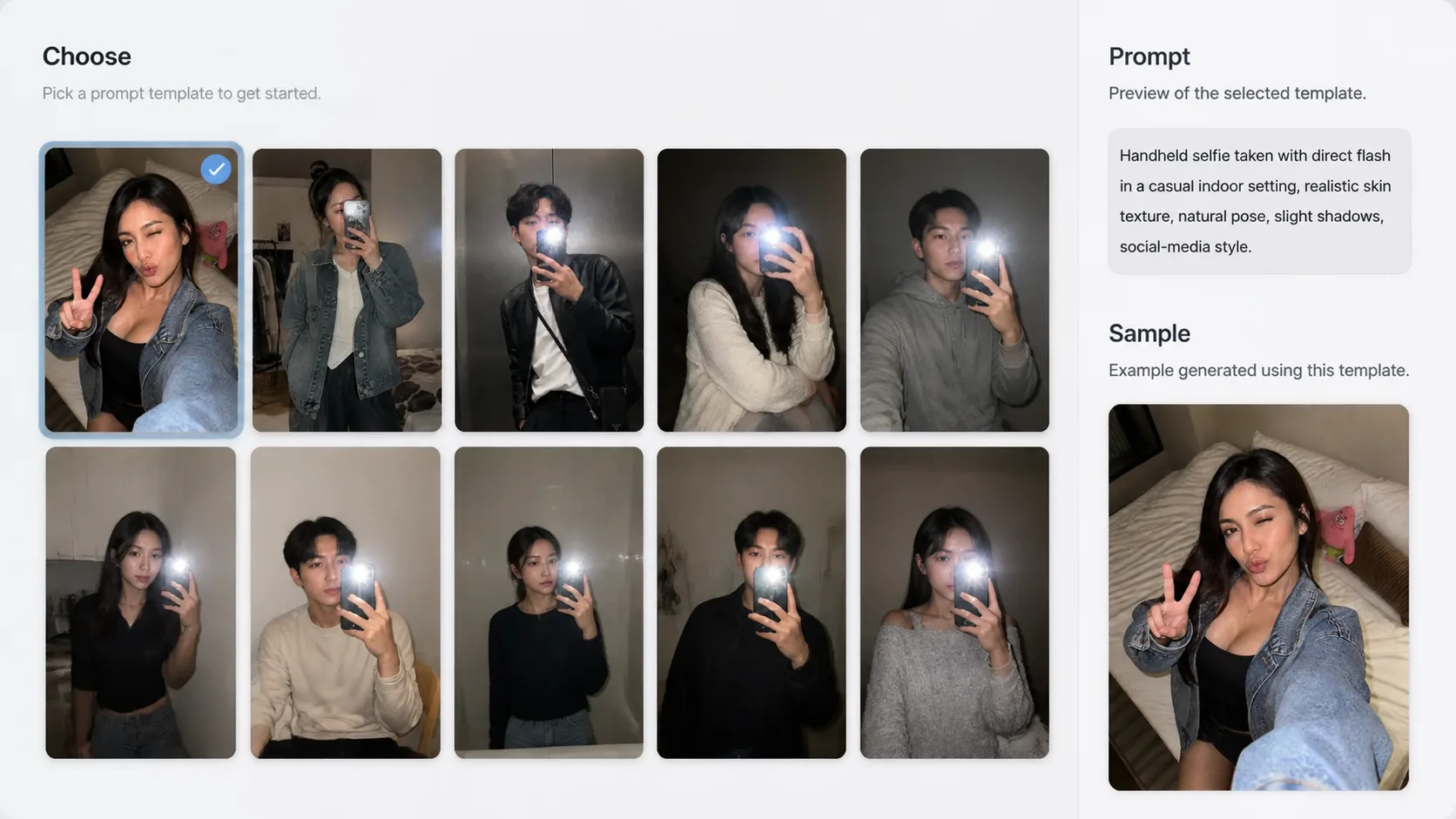
Choose the selfie setup
Start with the bed, mirror, desk, elevator, hotel, plush room, cafe, makeup, or rooftop template that matches the portrait you want to create.
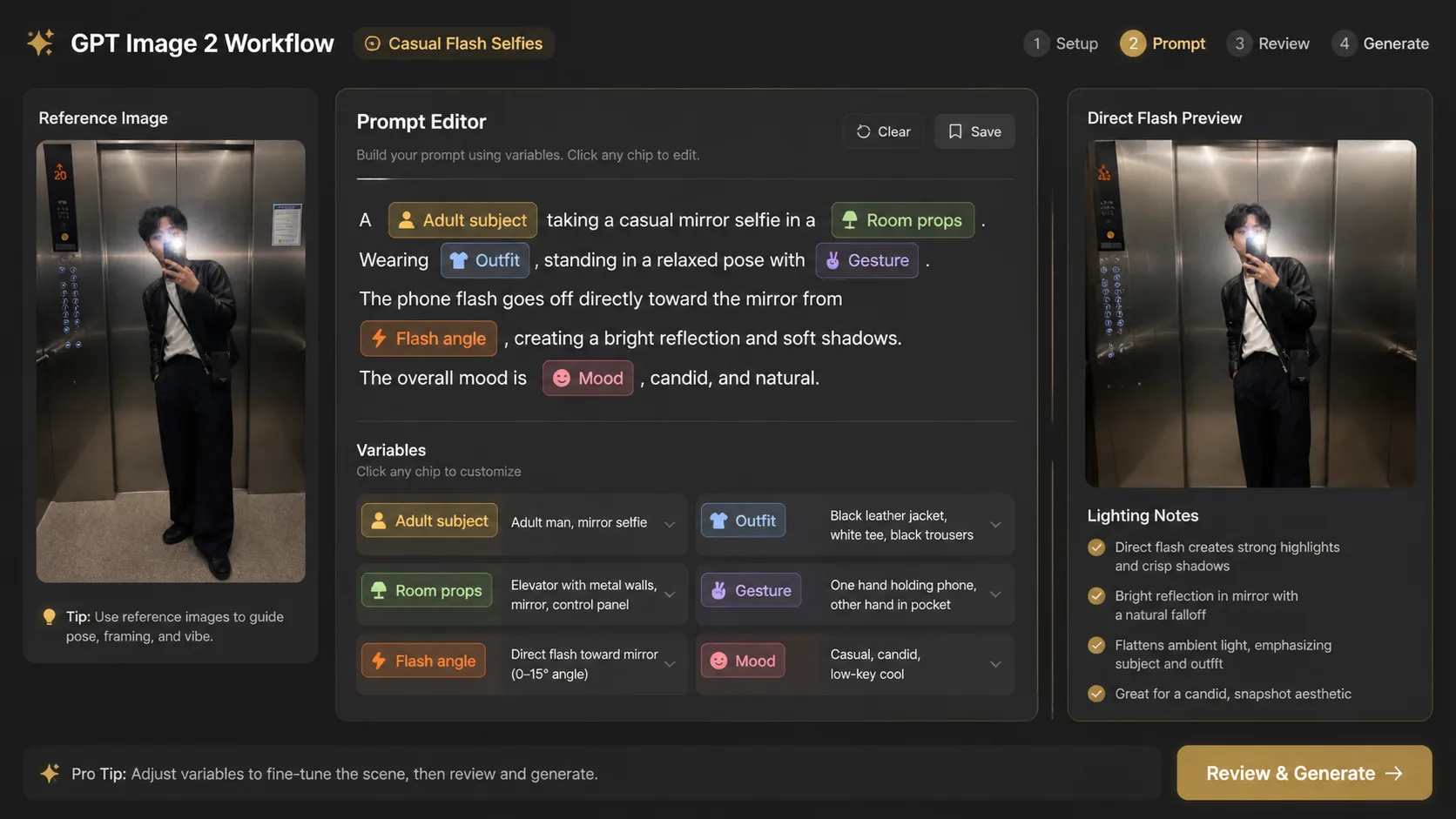
Replace the variables
Edit the adult subject, outfit, room, props, phone angle, flash intensity, gesture, expression, and visible text language before generating.
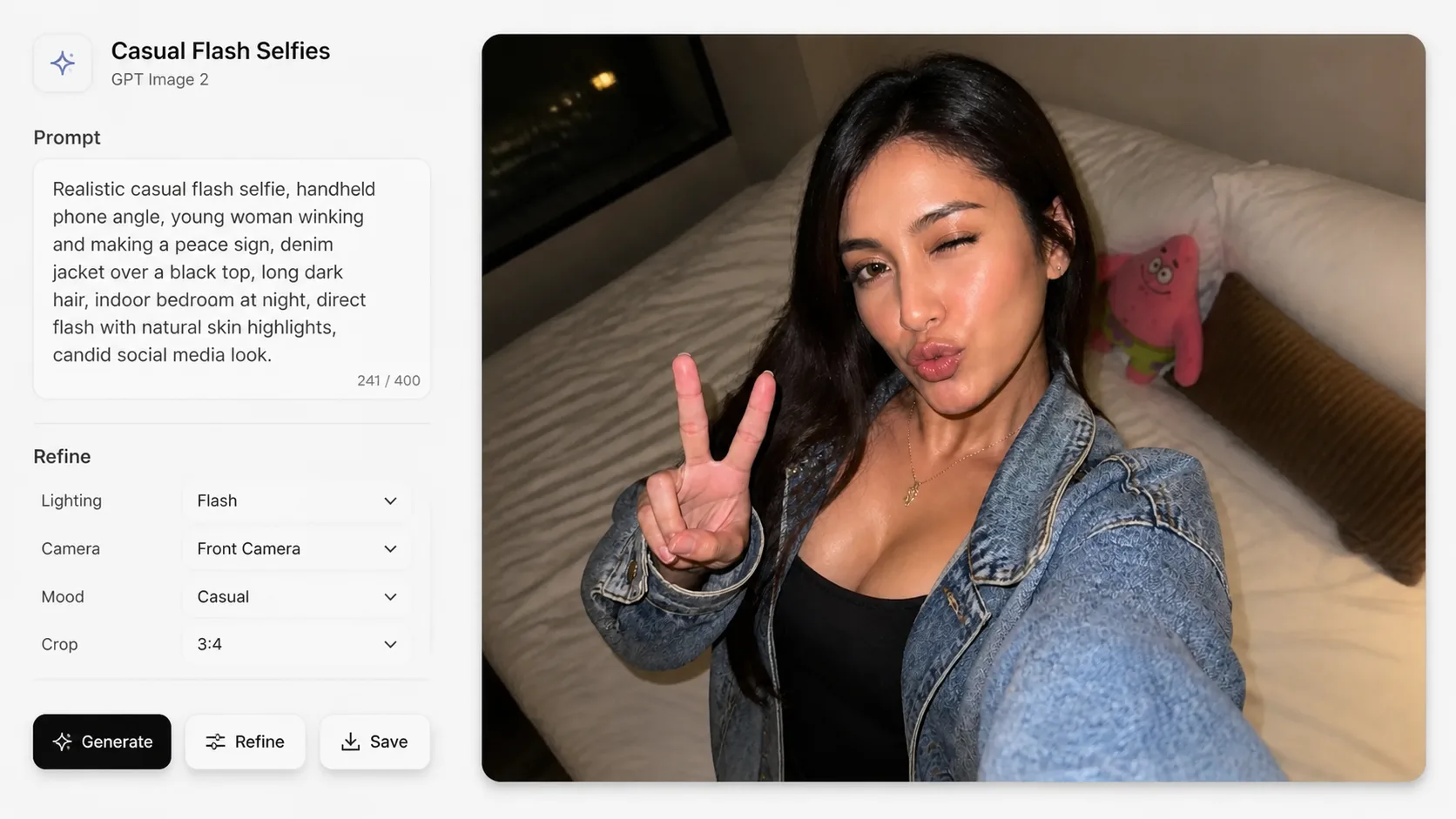
Generate and refine
Run the prompt in GPT Image 2, compare the sample image, then adjust framing, styling, safety wording, or reference images for a more believable phone selfie.
GPT Image 2 selfie portrait FAQ
Search-focused answers for direct-flash selfie prompts, adult portrait safety, and template reuse.
Generate a flash selfie
Start from a prompt template, edit the adult-safe details, and create a realistic GPT Image 2 phone portrait.