
Browse sample poster results on the right, then tap one to load that prompt back into the generator on the left.
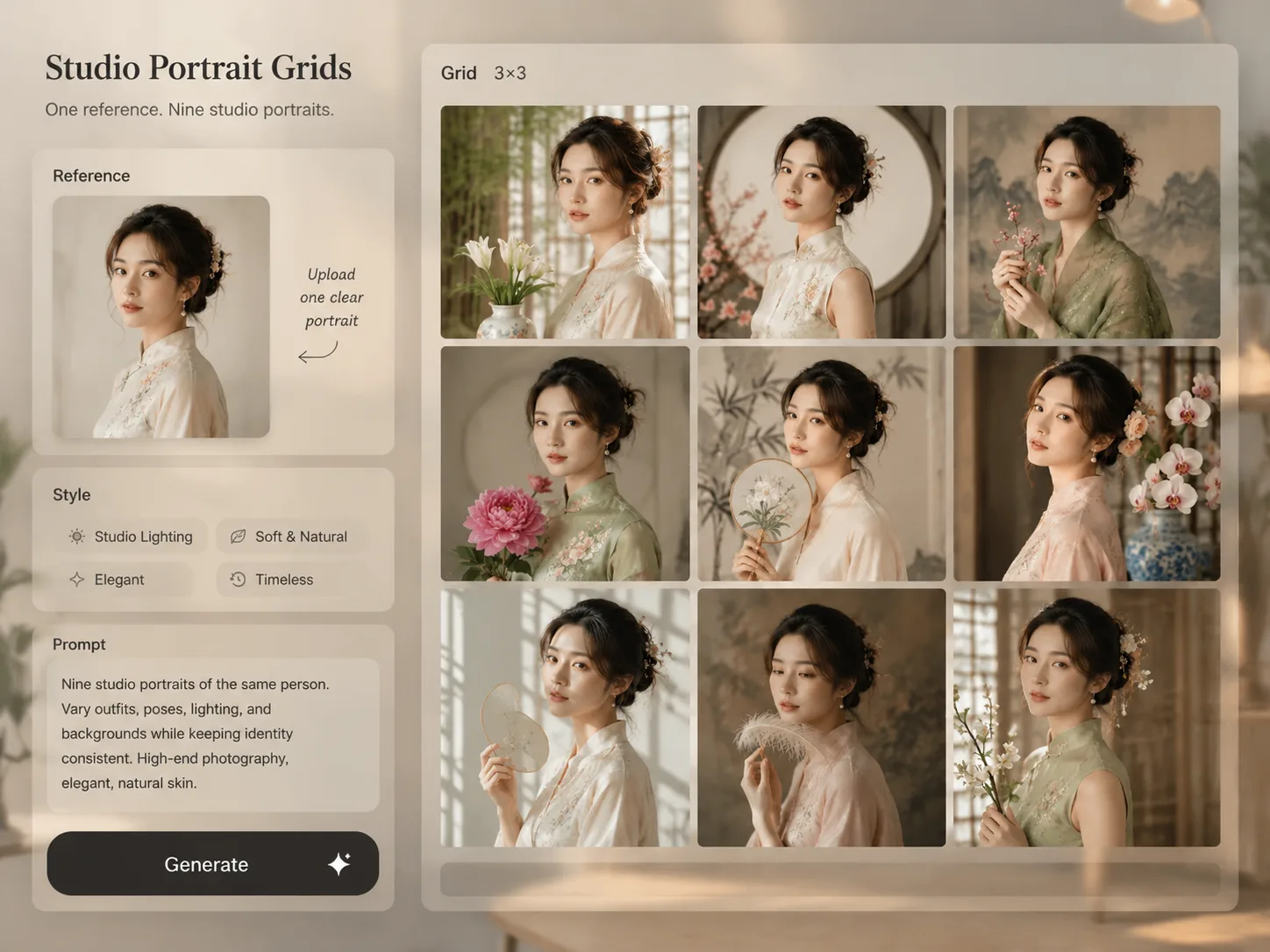
Create studio portrait grid GPT Image 2 prompts
Turn one adult reference photo into a polished nine-panel portrait package with controlled identity, styling, lighting, and scene variation.
Identity-consistent portrait sets
Each prompt tells GPT Image 2 to preserve the same adult facial structure, hairstyle basis, skin tone, age impression, and natural expression while changing the shoot setup.
3x3 photoshoot variation
Build a complete grid instead of a single headshot by varying pose, crop, wardrobe, props, backdrop, and lighting across nine coordinated panels.
Ready studio directions
Start with fairycore, new-Chinese flower studio, Hong Kong vintage, Korean profile, spring, lifestyle, editorial, minimal fashion, and romantic portrait styles.
Reference-photo workflow
Upload an adult reference image, replace the style variables, and keep the safety wording that avoids minors, celebrity imitation, extra people, distorted faces, and broken hands.
From reference photo to portrait grid
Use the template as a controlled GPT Image 2 portrait prompt workflow: choose a package style, edit the variables, generate, then refine the grid.
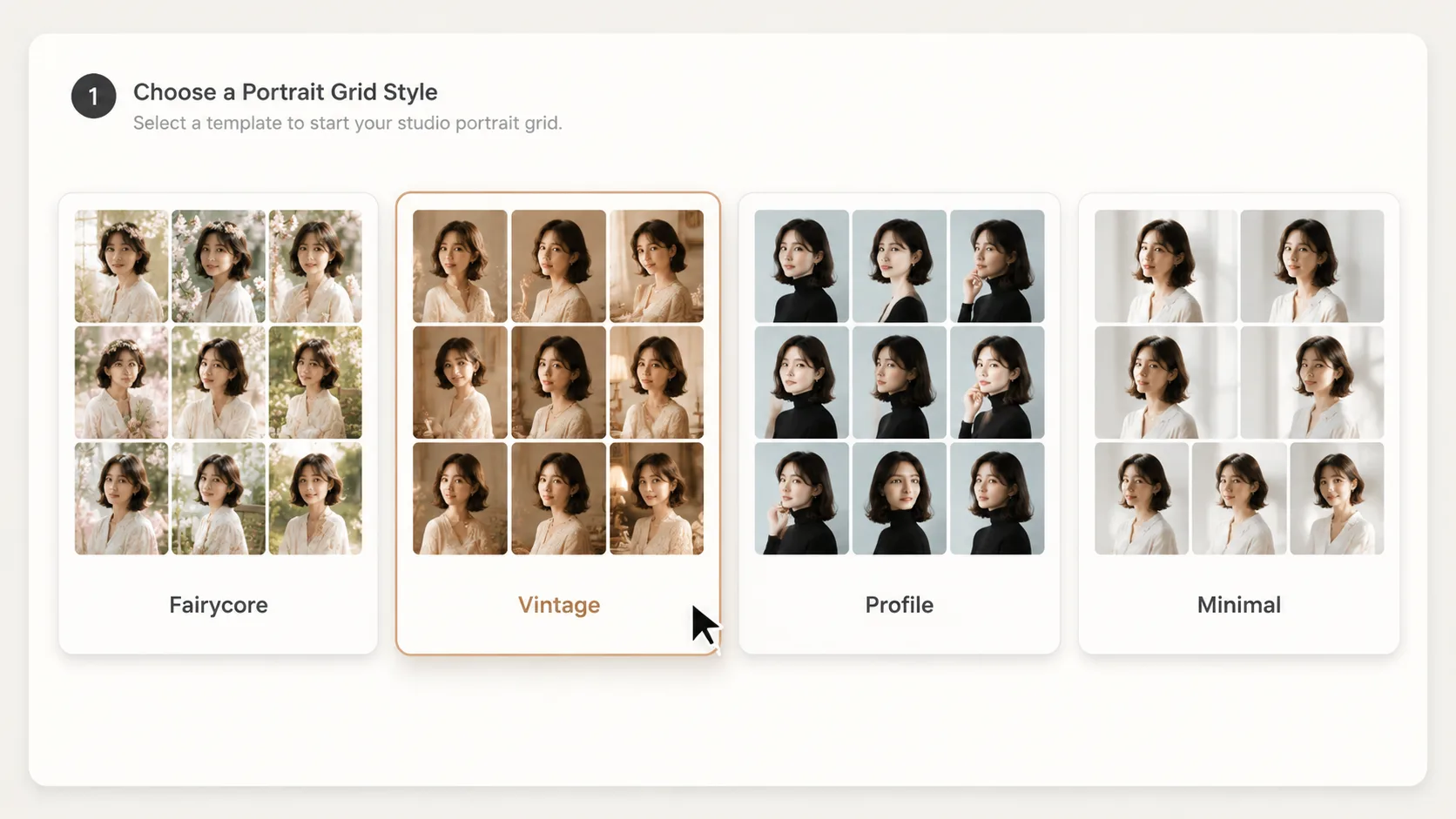
Choose a portrait package
Pick the grid prompt that matches your goal, such as profile-photo sets, editorial social portraits, romantic studio photos, or minimal fashion looks.
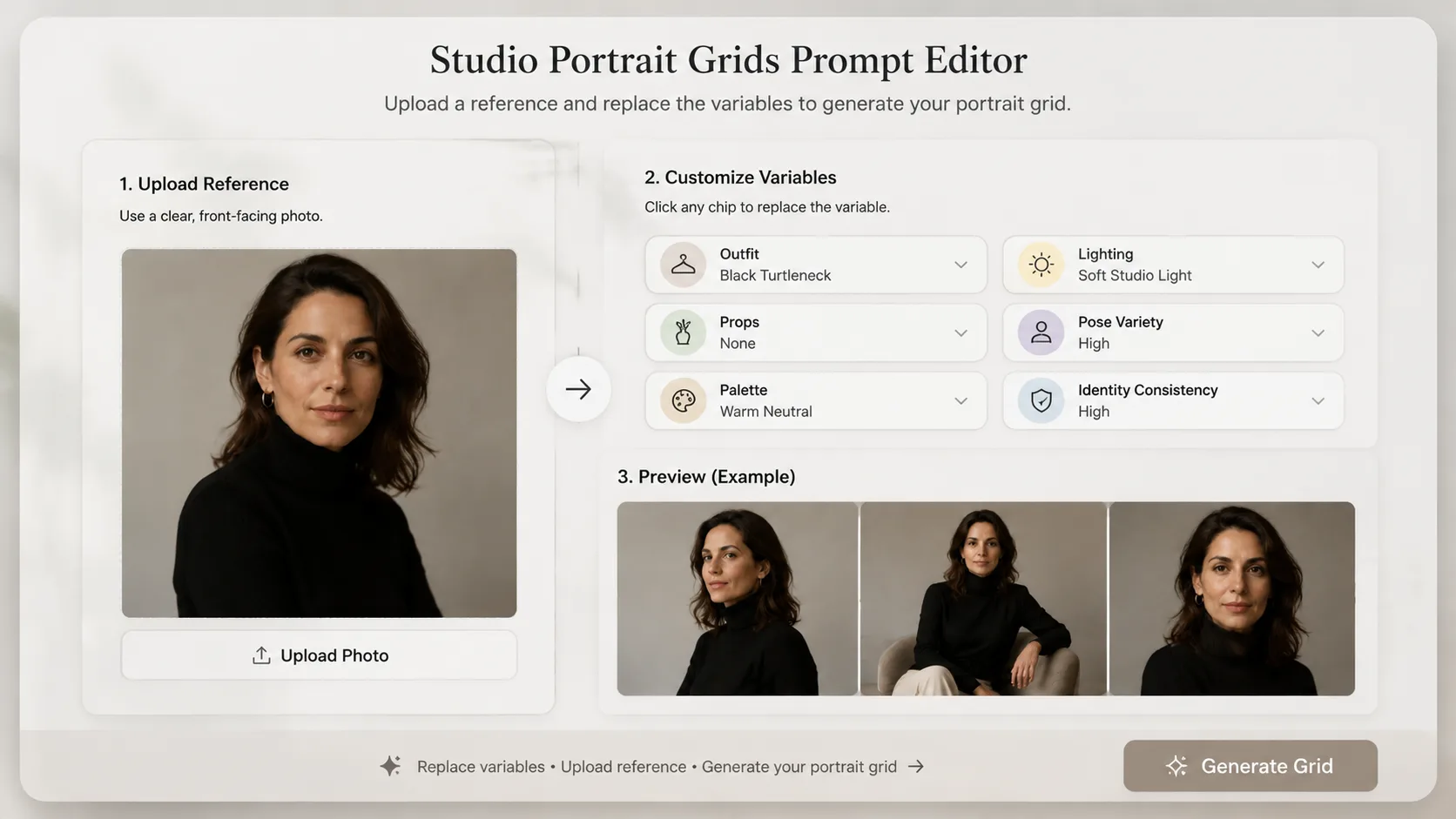
Edit identity and style variables
Replace outfit, props, background, palette, lighting, and mood while keeping the adult reference-photo and identity-consistency instructions intact.
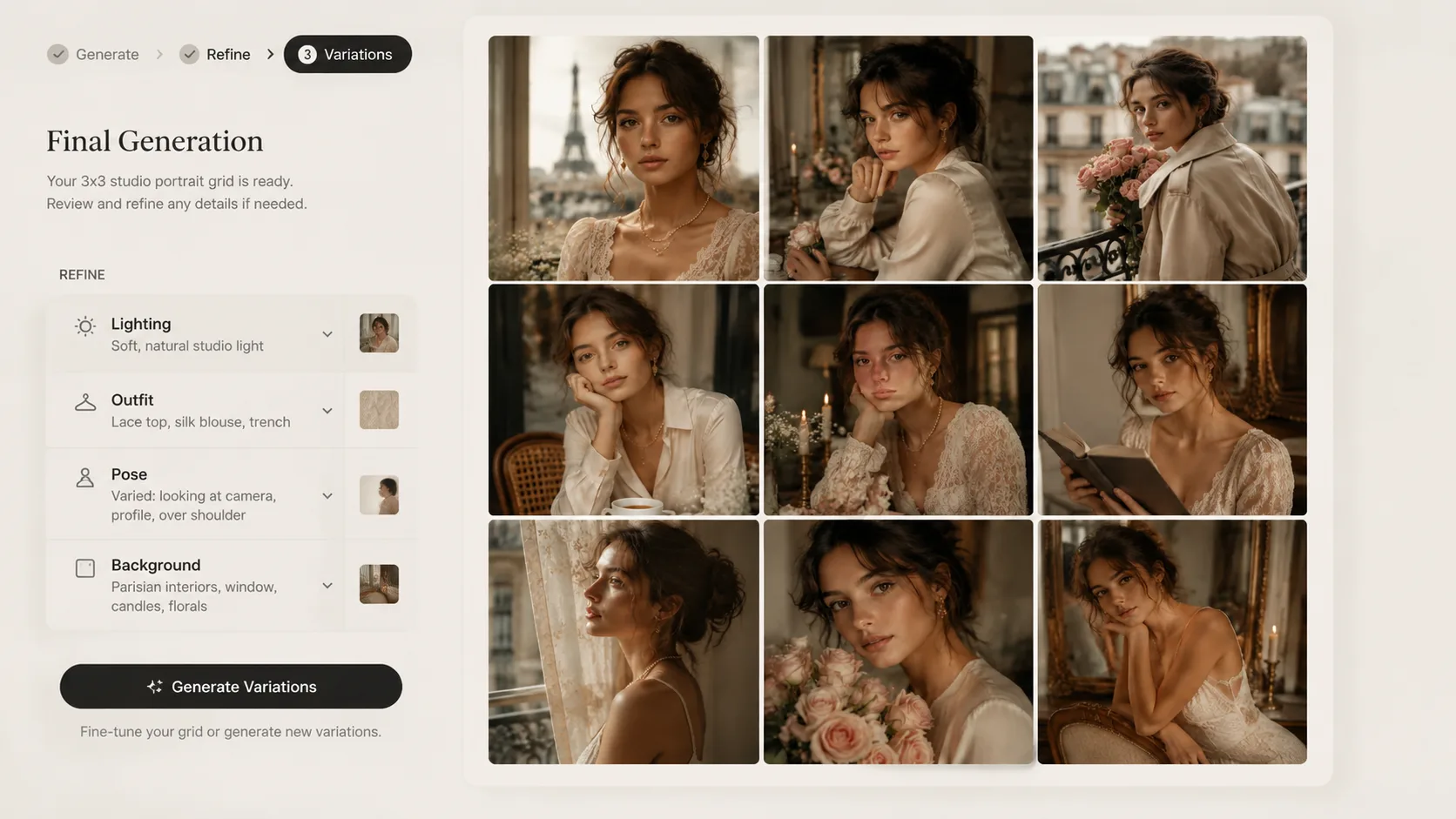
Generate and compare the grid
Run GPT Image 2, inspect all nine panels for face consistency, hands, lighting, and styling, then refine the prompt before saving or sharing the strongest result.
Studio portrait grid FAQ
Answers for using GPT Image 2 portrait grid prompts with adult reference photos and reusable studio styles.
Generate a studio portrait grid
Start from a GPT Image 2 portrait grid prompt, upload an adult reference photo, and create a consistent nine-panel studio set.