
Browse sample poster results on the right, then tap one to load that prompt back into the generator on the left.
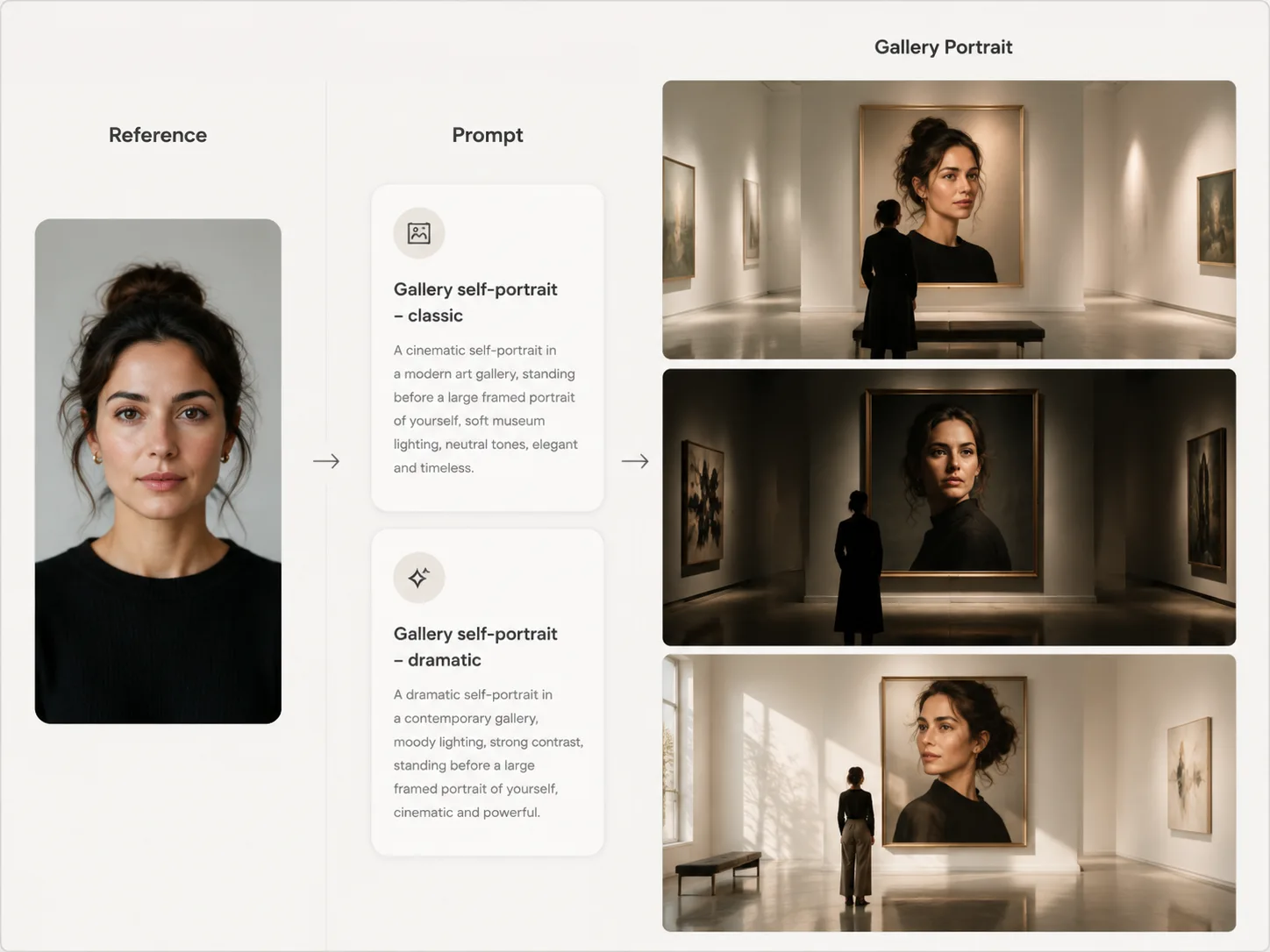
Create gallery self-portraits with GPT Image 2 prompts
Turn one adult portrait reference into a polished museum scene where the person stands before a large artwork of themselves. These gallery self portrait GPT Image 2 prompts focus on identity preservation, editorial lighting, and clean negative constraints for social, profile, and campaign concepts.
Preserve the artwork identity
Use the uploaded adult portrait only for the face, facial structure, skin tone, hairstyle, and natural age impression shown inside the large artwork, while the real gallery pose can change.
Build premium gallery scenes
Choose modern white-cube rooms, Shanghai museums, Taipei openings, Tokyo skylights, Lisbon tile galleries, Madrid poster halls, Berlin minimal spaces, or Paris salon interiors.
Control wardrobe and mood
Swap the outfit, accessory, camera angle, lighting direction, artwork medium, and gallery atmosphere without copying the original photo background.
Avoid common portrait errors
The prompts include negative constraints for wrong faces, changed hair, logos, watermarks, random text, duplicate bodies, over-retouching, and childlike styling.
How the gallery portrait workflow works
Start from a sample prompt, edit the reference-driven details, then generate and refine a museum-style portrait with GPT Image 2.
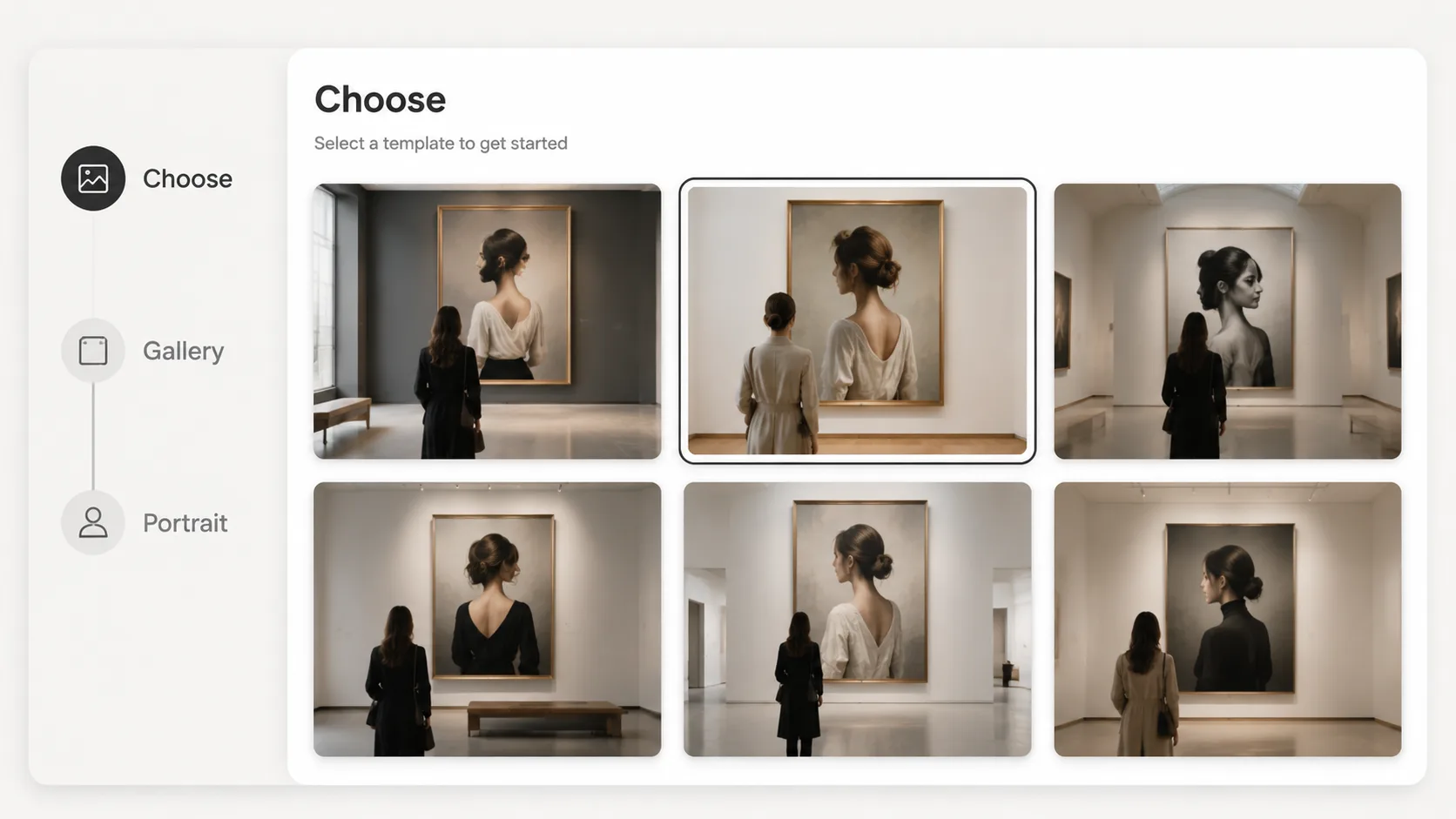
Choose a gallery portrait prompt
Pick the layout that matches your goal: quiet watercolor portrait, art-opening lifestyle image, exhibition poster, black-and-white print, or romantic salon portrait.
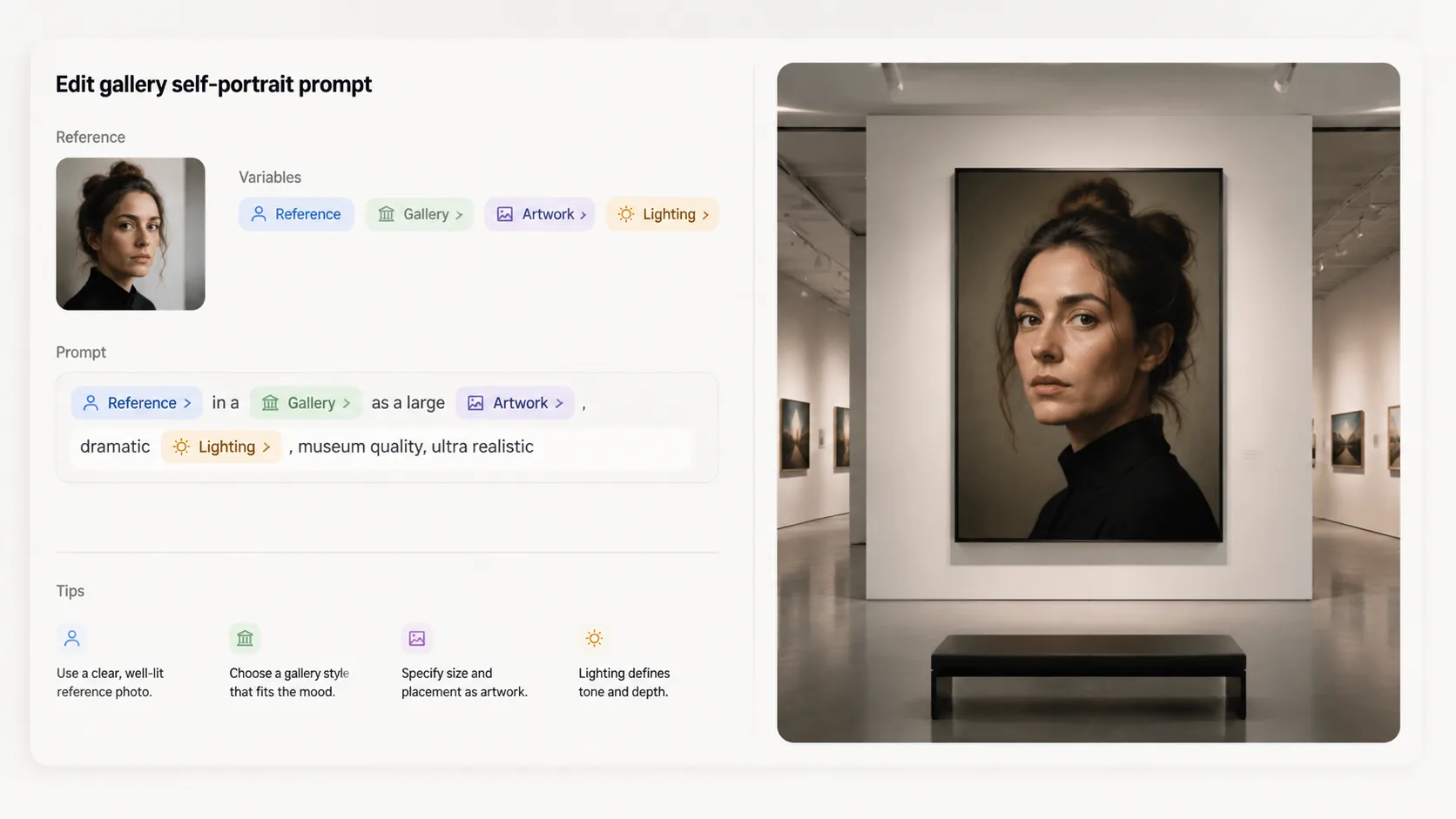
Edit the adult reference variables
Upload a consenting adult portrait and revise the city, gallery architecture, artwork style, wardrobe, accessory, wall label policy, and lighting mood before generating.
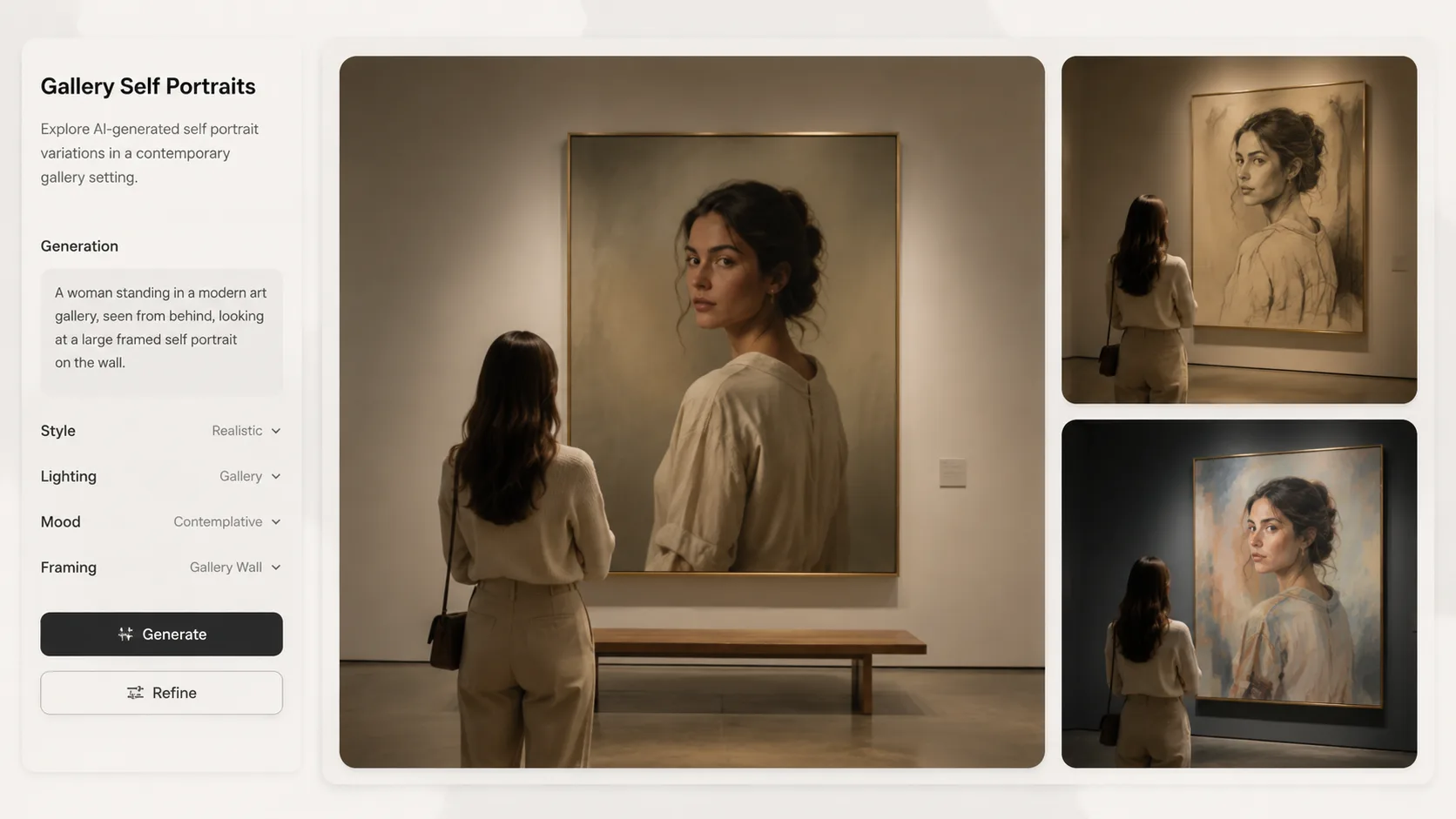
Generate, compare, and refine
Create the first GPT Image 2 result, compare sample directions, then reuse the best prompt to adjust composition, scale, color palette, and identity accuracy.
Gallery self portrait FAQ
Search-focused answers for museum portrait prompts and adult reference-photo workflows.
Generate a gallery self portrait
Open a prompt, add an adult portrait reference, and create a museum-style self portrait with GPT Image 2.