
Browse sample poster results on the right, then tap one to load that prompt back into the generator on the left.
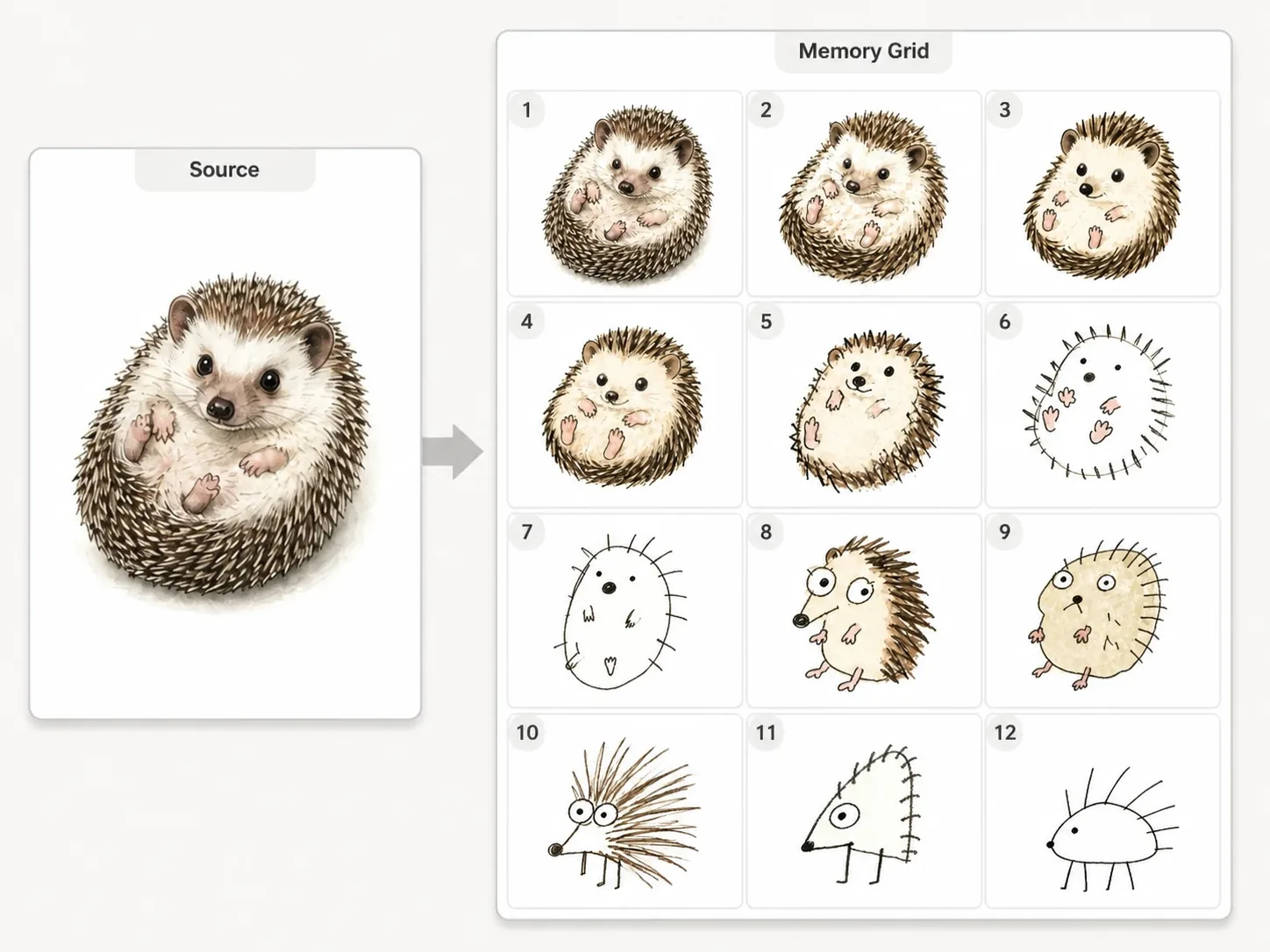
Create visual telephone grids from reference images
These visual telephone grid GPT Image 2 prompts turn one uploaded source into a clean 3x4 sequence where every panel feels like a different person redrew the previous memory. The page is built for creators who want a funny reference image remix without losing the original subject completely.
3x4 redraw structure
Every template asks for twelve readable panels with even spacing, clear borders, and a progression that moves from close reference to humorous distortion.
Reference-image control
Upload a portrait, pet, meal, product, vehicle, mascot, or landmark, then keep a faint visual connection while later panels drift.
Progressive memory drift
The prompts guide GPT Image 2 from recognizable shapes into awkward, simplified, playful versions instead of random unrelated variations.
Reusable subject variants
Pick a universal prompt or a subject-specific template for avatars, pets, food, products, sports subjects, characters, and places.
How the visual telephone prompt workflow works
Start with the source image, choose the closest prompt variant, then tune the humor level and generate a shareable twelve-panel result.
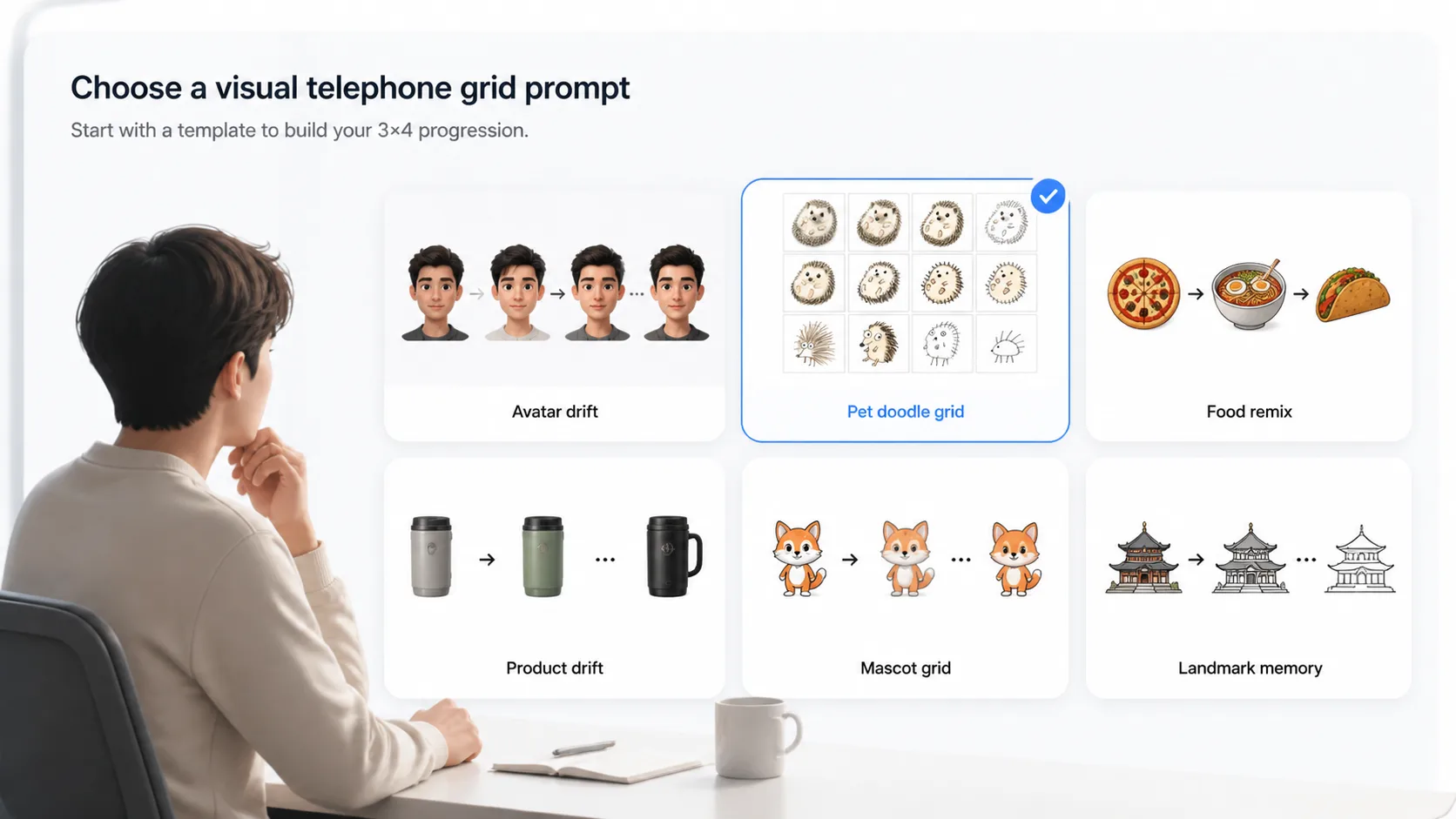
Choose a grid prompt
Use the universal memory redraw prompt for any image, or select a focused variant when the source is a pet, food photo, product concept, avatar, mascot, sports subject, or landmark.
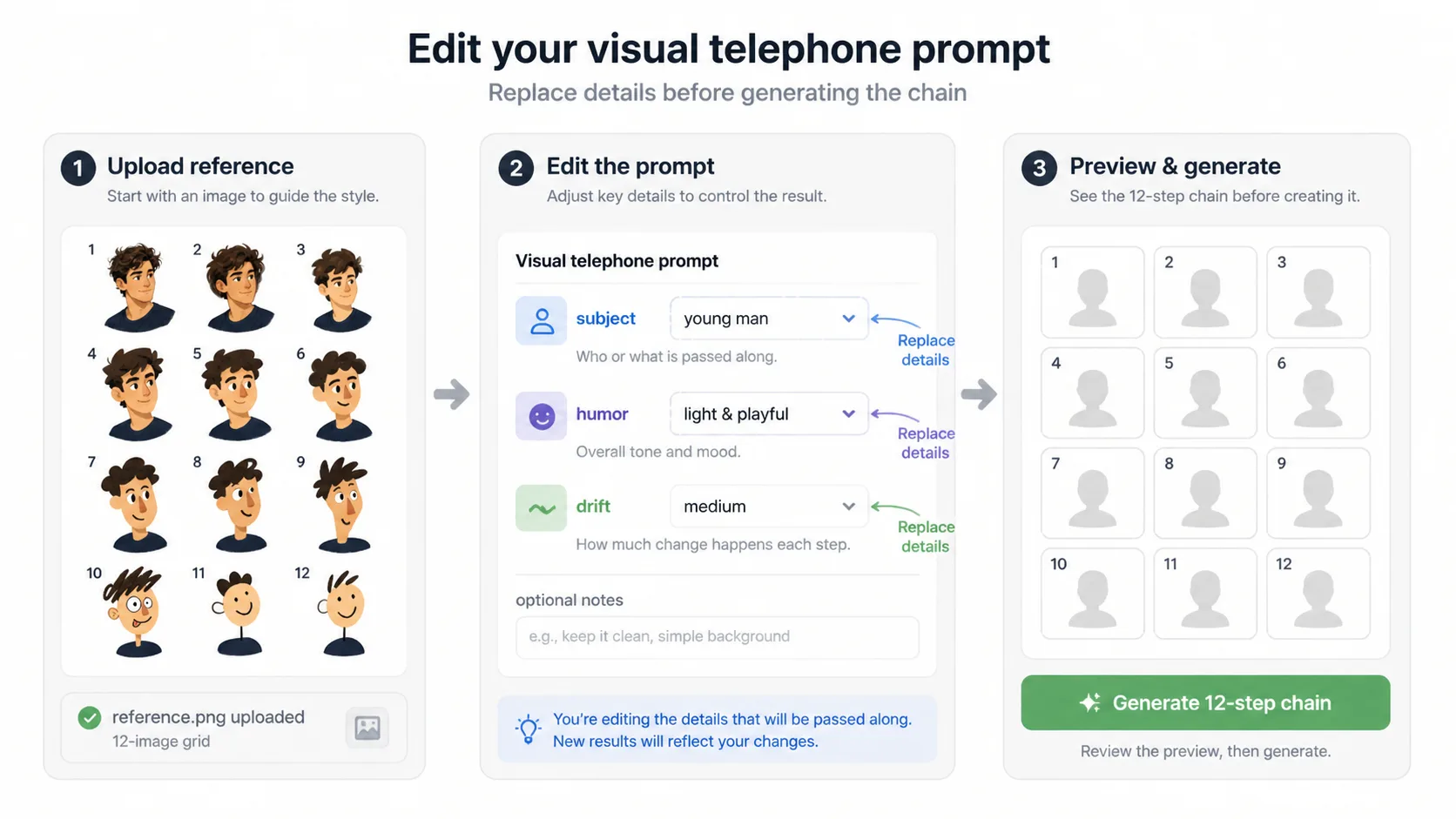
Edit subject variables
Replace the subject details, recognizable features, humor level, drift direction, background style, and any safety notes before sending the prompt to the generator.
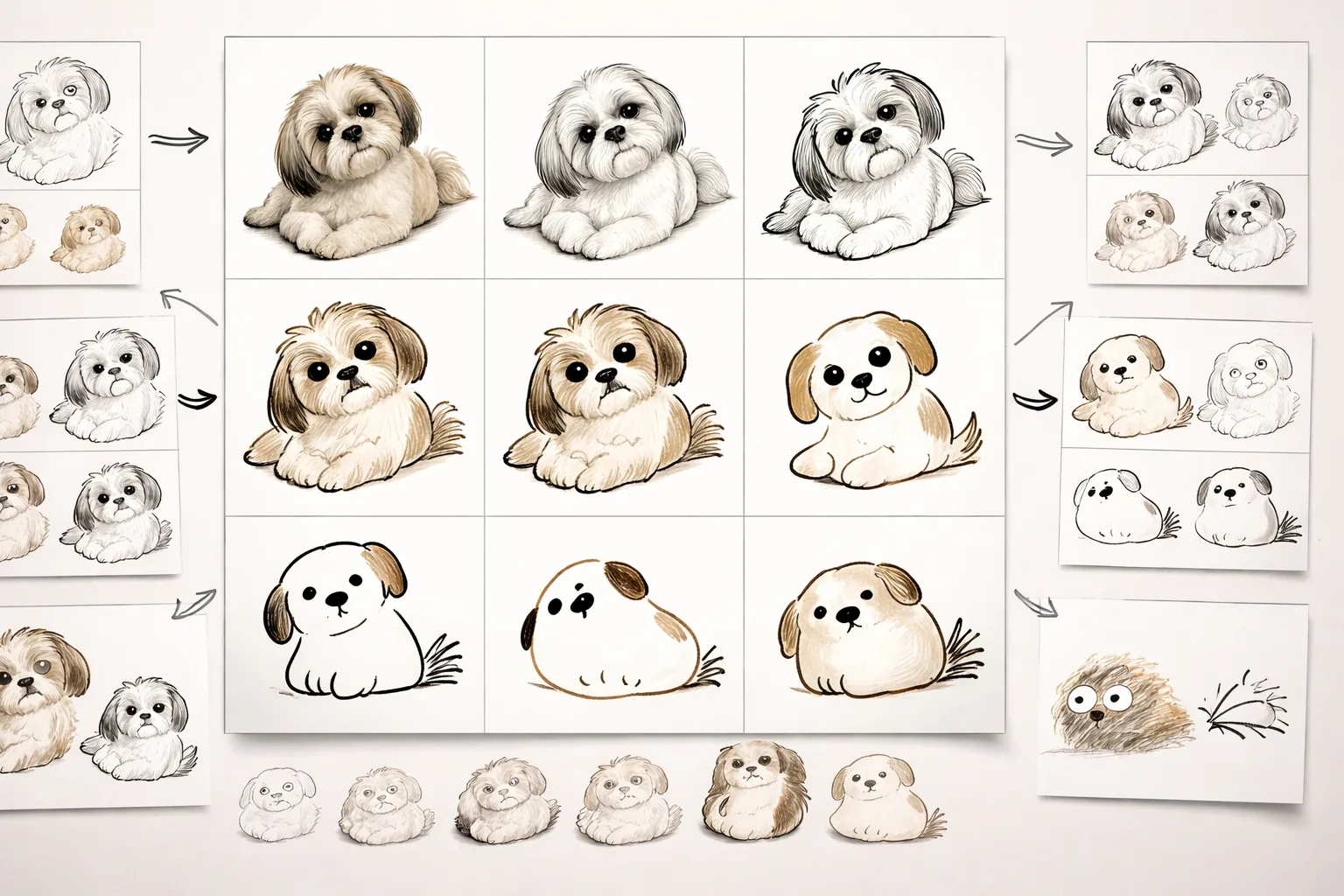
Generate and refine
Create the first 3x4 grid with GPT Image 2, then retry with tighter panel spacing, stronger final-panel exaggeration, or a cleaner white background.
Visual telephone grid prompt FAQ
Search-focused answers for reference-image remix workflows in GPT Image 2.
Generate a visual telephone grid
Upload a reference image, choose a GPT Image 2 prompt, and create a funny twelve-panel redraw sequence.