
Browse sample poster results on the right, then tap one to load that prompt back into the generator on the left.
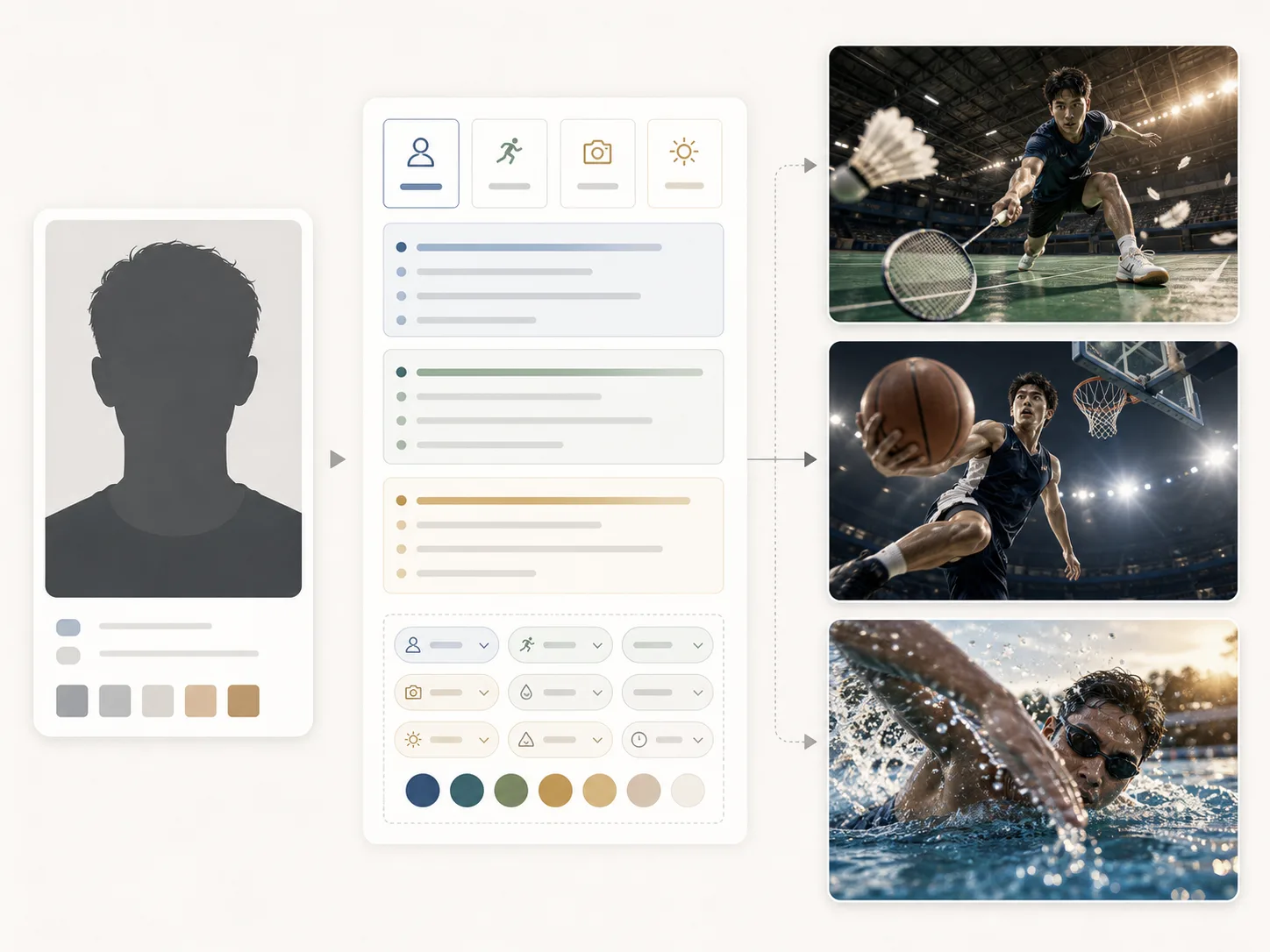
Create sports action portrait GPT Image 2 prompts from one photo
This template set helps athletes, coaches, clubs, photographers, and social editors turn a single portrait reference into cinematic sports action images. Each prompt keeps identity guidance, sport-specific motion, wide-angle camera language, realistic texture, and safety constraints together, so you can explore badminton, tennis, basketball, football, running, boxing, skateboarding, cycling, or swimming without rebuilding the prompt from scratch.
Reference-photo identity
Upload a portrait and keep the person recognizable while changing the sport, outfit, venue, equipment, and lighting.
Cinematic motion framing
Use low camera positions, wide-lens perspective, frozen particles, foreground equipment, and diagonal poses for sports-editorial energy.
Realistic surface detail
Prompt for skin, fabric, sweat, court dust, water spray, grass, track rubber, racket strings, gloves, wheels, and venue texture.
Clean production limits
Avoid logos, readable signs, famous athlete likenesses, unsafe injury cues, malformed anatomy, extra limbs, and distorted gear.
How to use a reference photo sports portrait template
Pick the closest sport scene, replace the editable variables, generate in GPT Image 2, then refine the pose, light, and motion until the portrait feels believable.
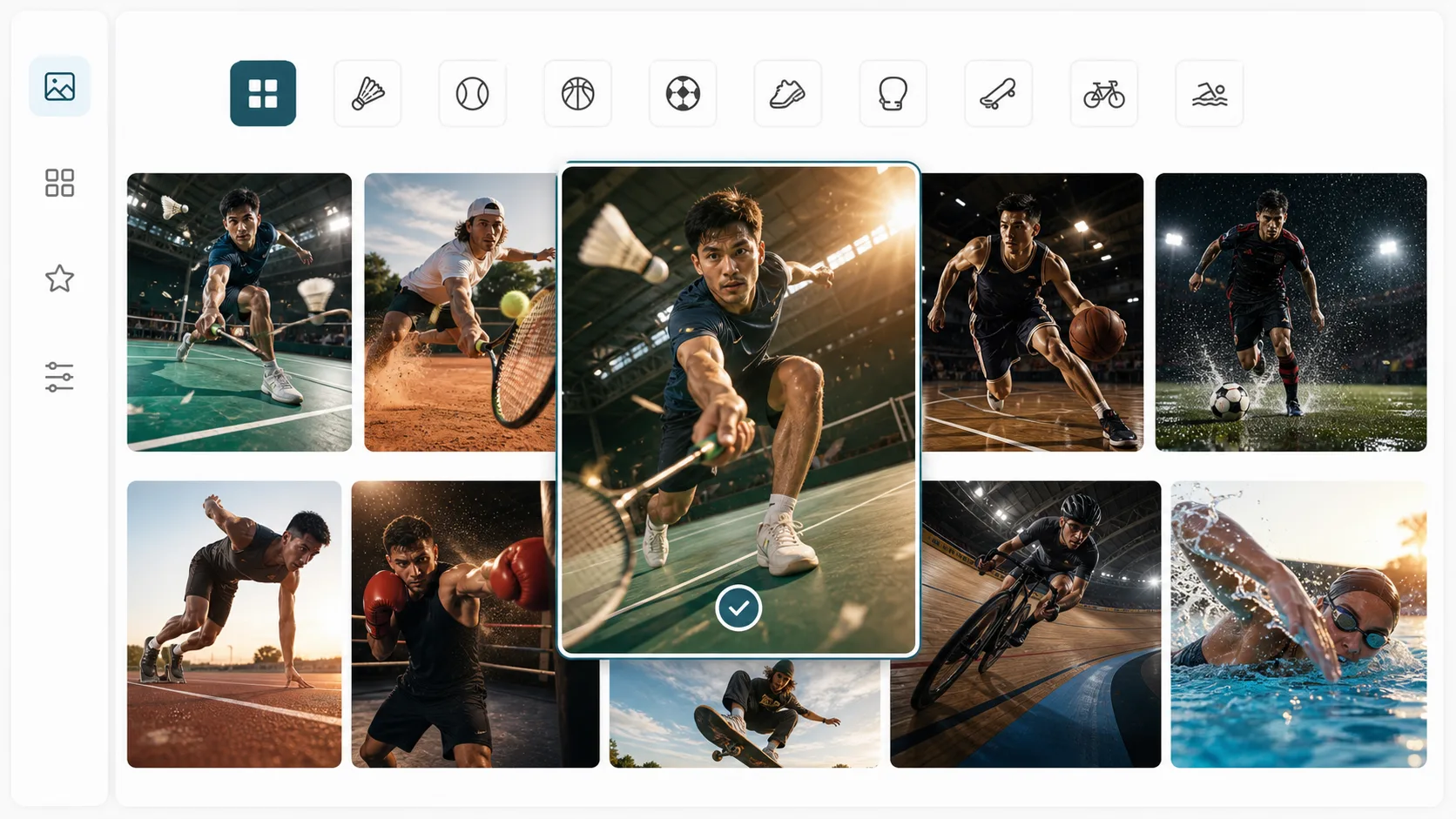
Choose the sport and frame
Start with badminton, clay tennis, indoor basketball, rainy football, sprint start, boxing gym, skatepark, velodrome, or swimming waterline prompts. Match the aspect ratio to the final use, such as a profile image, poster, thumbnail, or vertical social post.
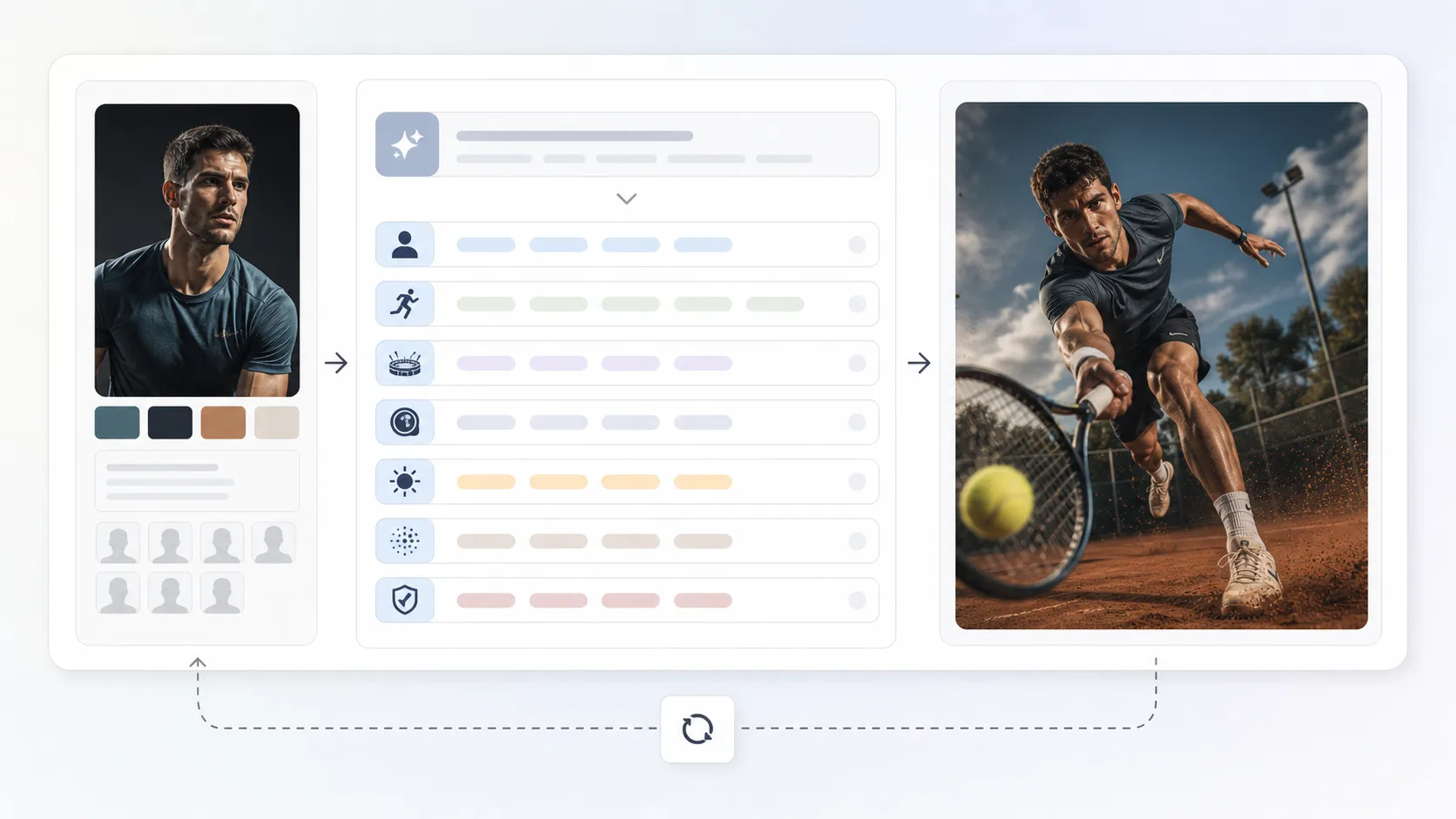
Edit reference and scene variables
Replace the athlete description, clothing, venue, lens feel, lighting direction, equipment, motion particles, and no-logo constraints. Keep the reference-photo instruction close to the top so identity preservation stays central.
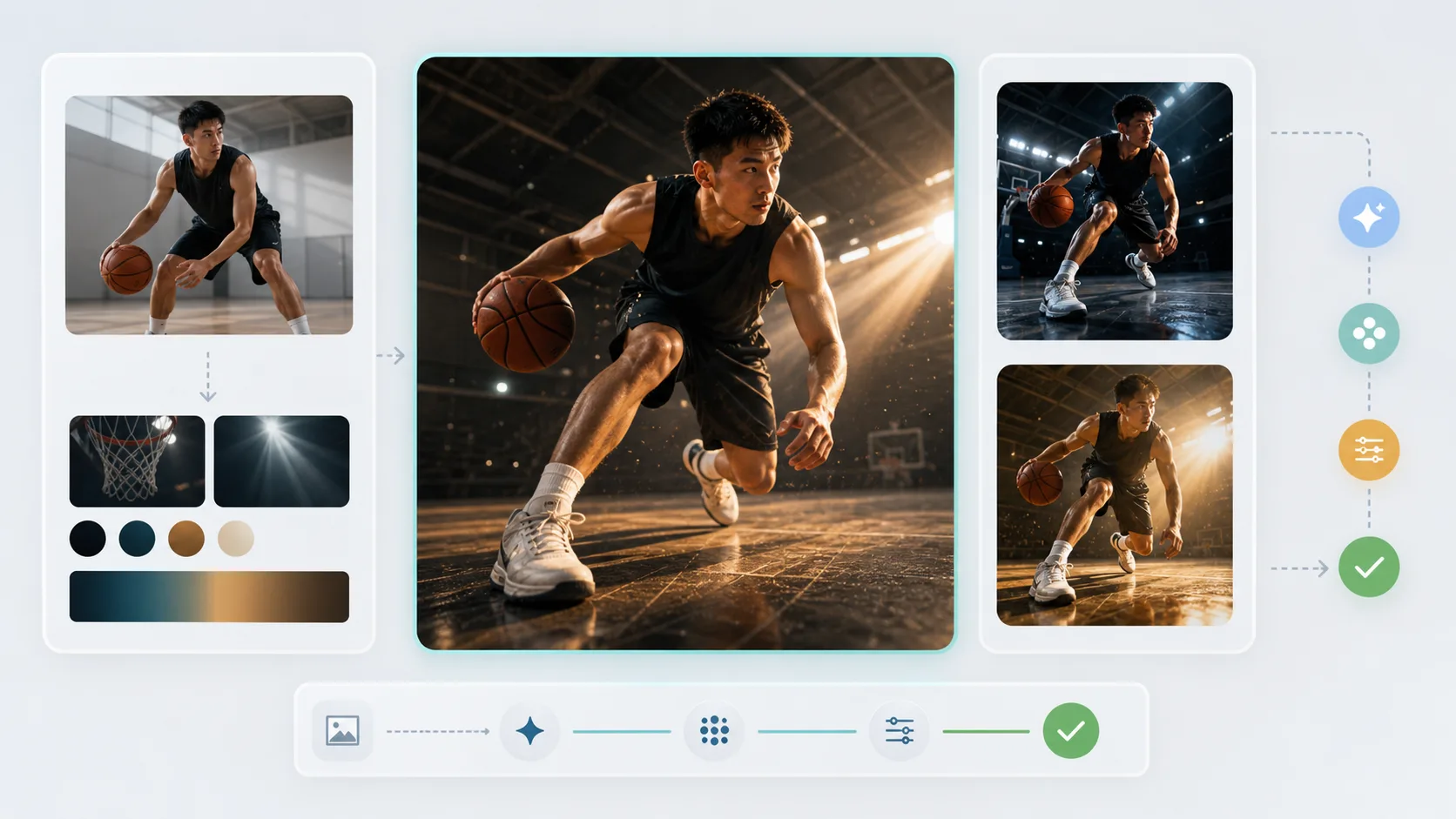
Generate, compare, and tighten
Run the prompt in GPT Image 2, compare variants, and adjust camera distance, facial visibility, hands, gear geometry, and background clutter. Use the best result as a new reference only after checking identity, anatomy, and brand safety.
Sports action portrait FAQ
Generate a sports portrait
Choose a sports action prompt, upload a portrait reference, and create a cinematic GPT Image 2 result you can refine.