
Browse sample poster results on the right, then tap one to load that prompt back into the generator on the left.
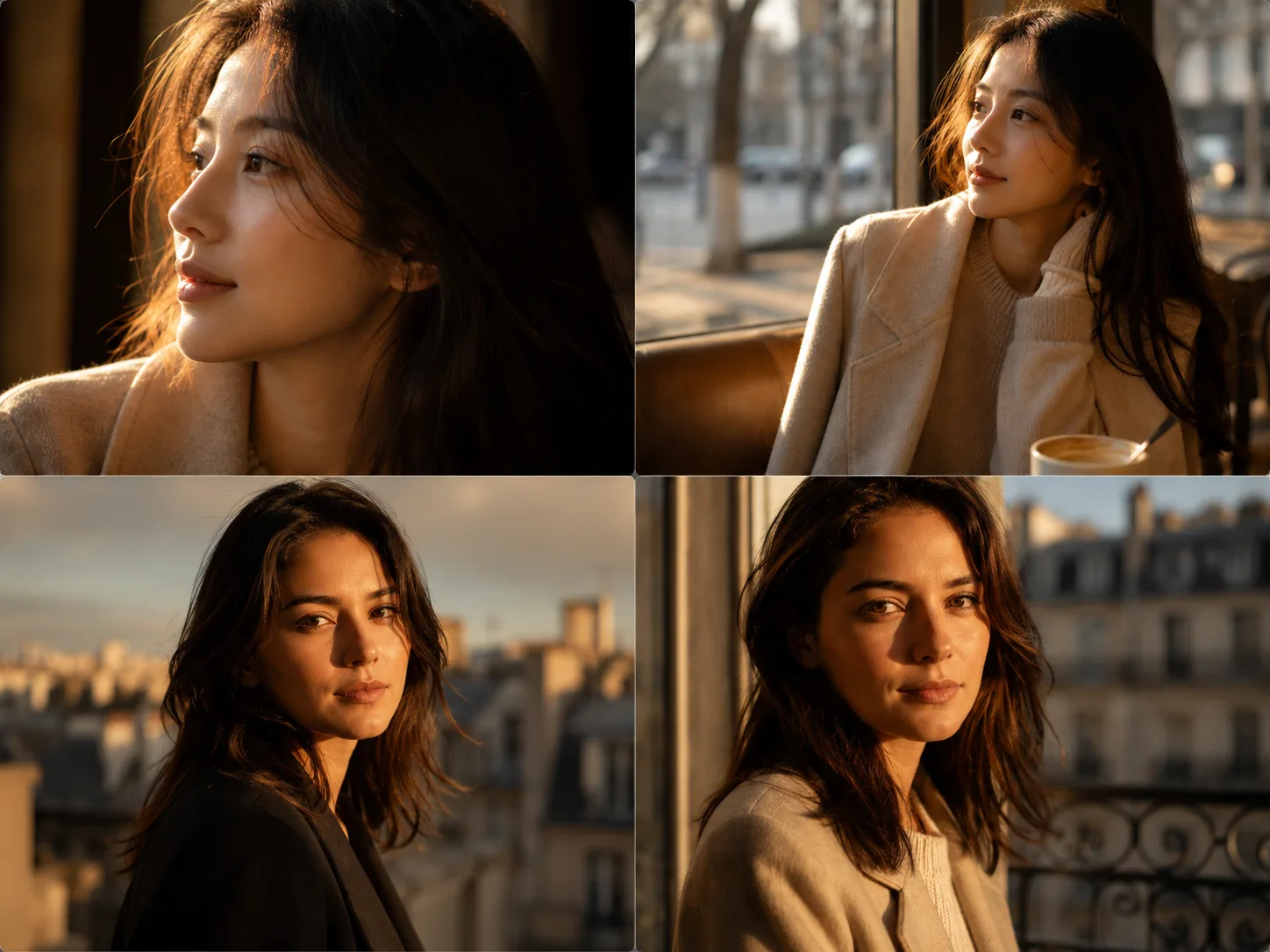
Golden hour portrait GPT Image 2 prompts for reference photos
These golden hour portrait GPT Image 2 prompts are built for users who already have a reference portrait and want a polished but natural result. Each template keeps the person recognizable while changing the scene direction: warm cafe light, a riverside evening mood, a quiet city alley, a rooftop fashion crop, an artist atelier, or a soft editorial portrait. The page is not a general photography guide. It gives reusable AI portrait prompt templates with sample images, editable variables, and negative prompt guidance for common portrait artifacts.
Preserve the reference portrait
Use an uploaded portrait as the anchor for identity, pose, framing, facial structure, and natural expression instead of starting from a generic face.
Shape warm cinematic light
Prompt for golden side light, rim light, soft shadows, shallow depth of field, and balanced warm color grading without turning the image orange.
Change style without losing realism
Swap wardrobe, location, props, lens feel, and background mood while keeping realistic skin texture, natural asymmetry, and believable portrait details.
Compare portrait directions
Move between close-up, cafe, riverside, street, rooftop, atelier, and editorial prompts before refining the best GPT Image 2 result.
How to use the golden hour portrait prompt template
Start by choosing the sample image closest to the portrait you want. Replace the subject, outfit, location, light angle, lens, and mood variables, then upload a reference photo so GPT Image 2 can carry over identity and pose cues. Generate a first version, compare the face, skin texture, expression, and lighting against your target, then refine the prompt instead of rewriting from scratch. This workflow works for profile updates, dating profile options, creator headshots, lifestyle campaign drafts, photographer moodboards, and editorial portrait concepts that still need human review before commercial use.
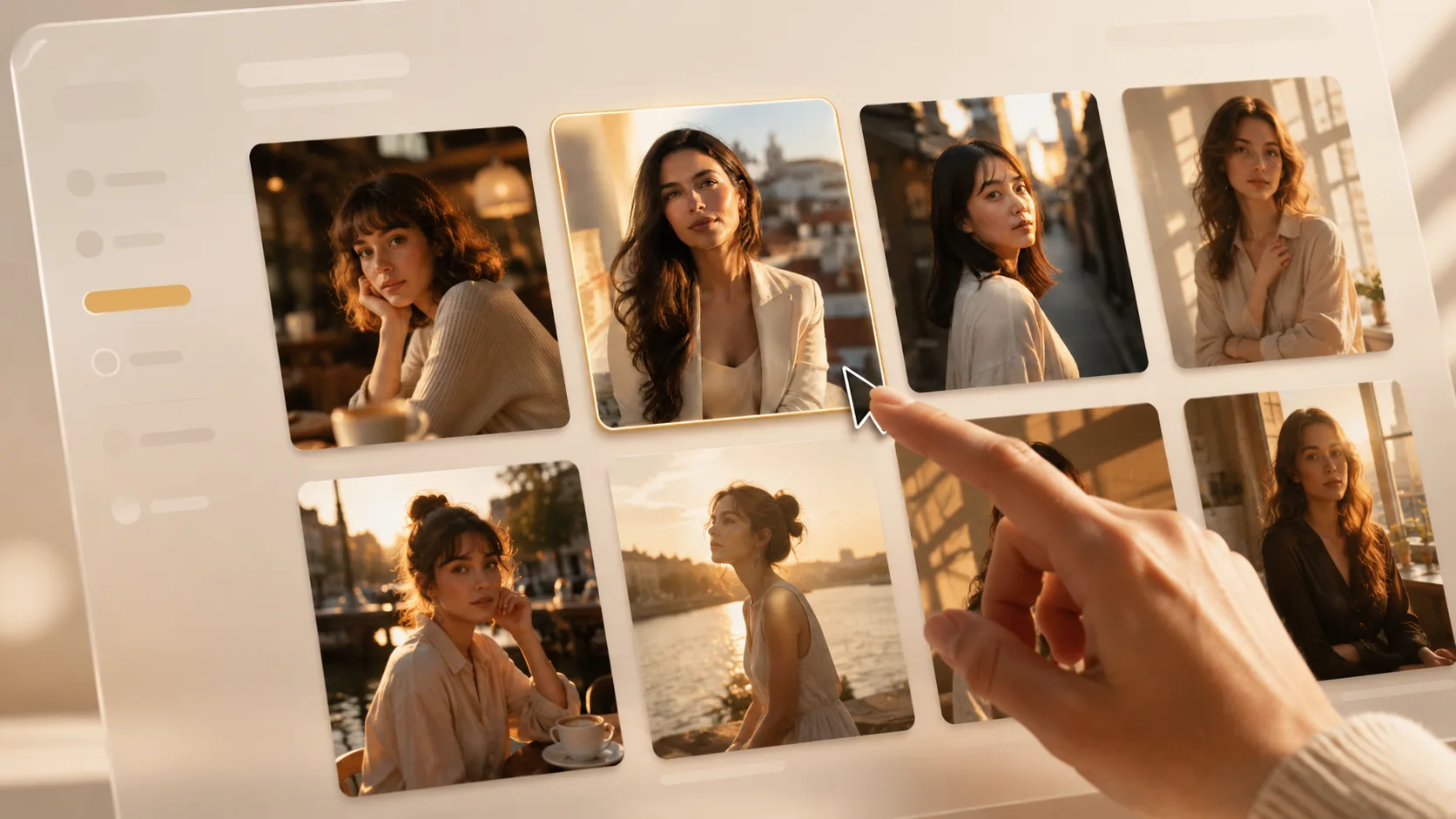
Choose the closest portrait mood from the close-up, cafe, riverside, alley, terrace, rooftop, atelier, or editorial samples.
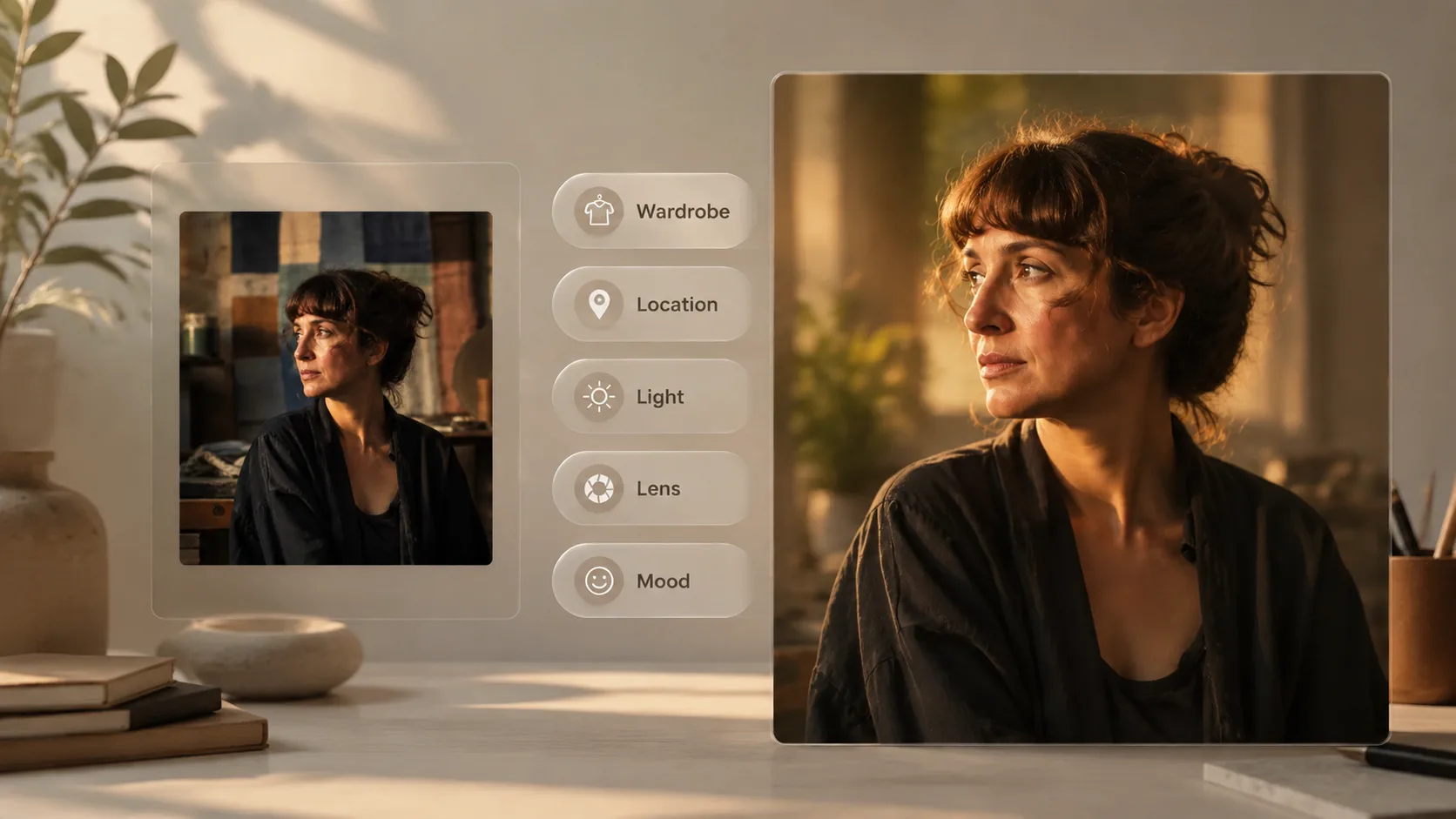
Replace identity, wardrobe, location, light direction, lens, pose, background, and mood details while keeping the negative prompt safeguards.
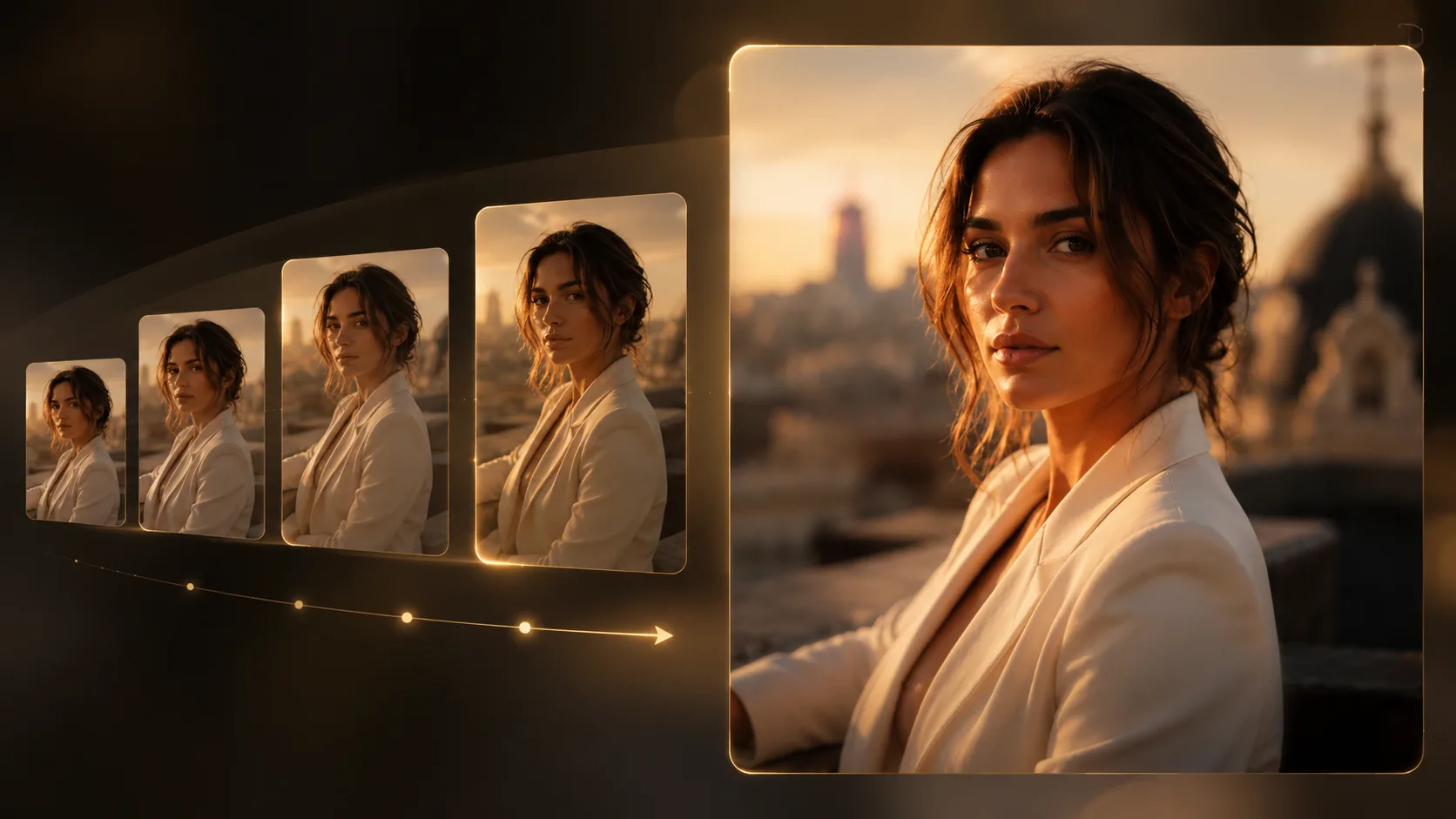
Upload a reference image, generate with GPT Image 2, then refine skin texture, facial consistency, warmth, and composition.
Golden hour portrait prompt FAQ
Generate a golden hour portrait
Pick a prompt, add a reference image, and create a warm cinematic GPT Image 2 portrait draft.