
Browse sample poster results on the right, then tap one to load that prompt back into the generator on the left.
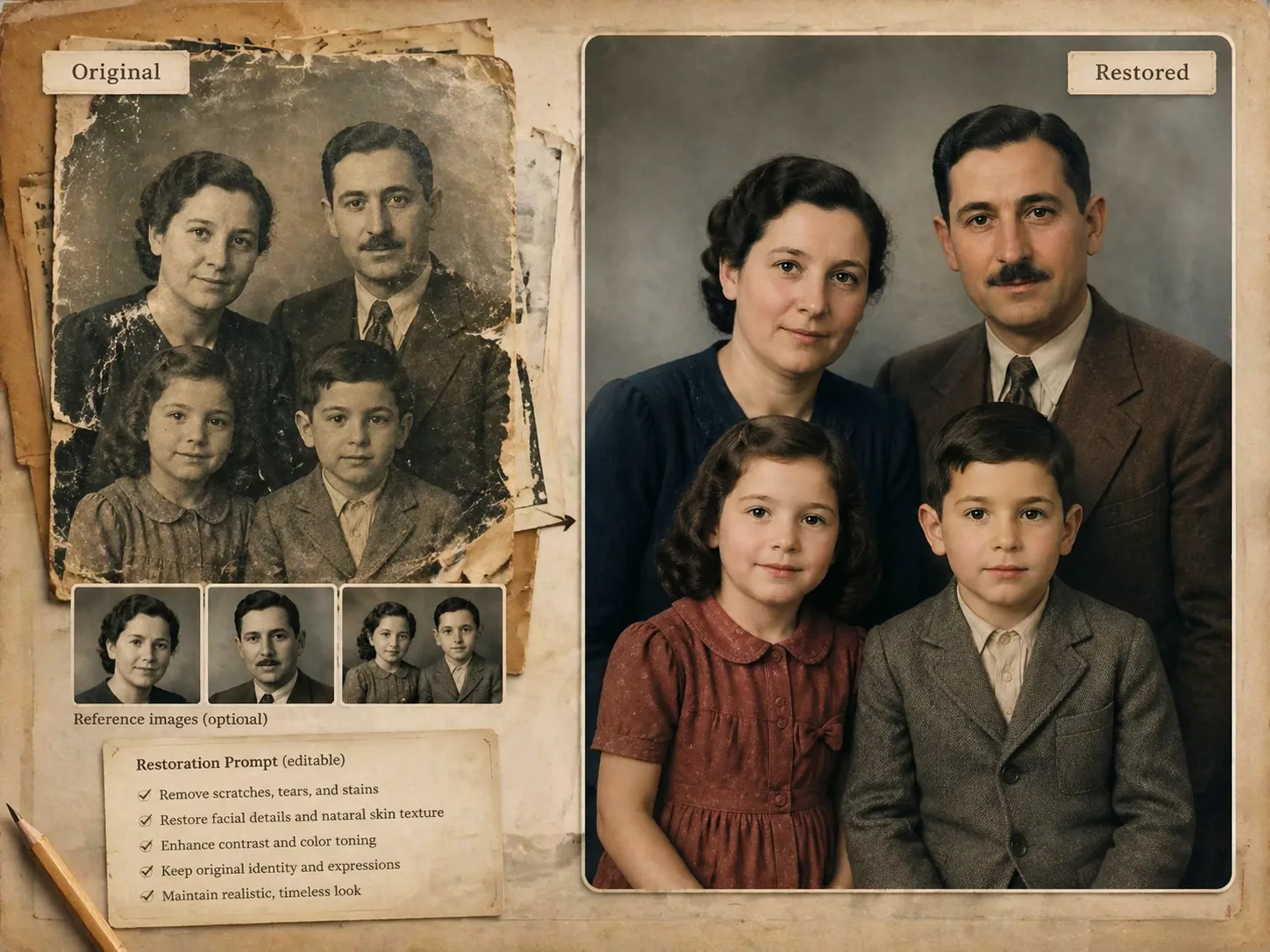
Restore old photos with GPT Image 2 prompts
This old photo restoration template gives you focused prompts for family portraits, wedding photos, studio headshots, ID photos, group photos, sepia albums, and historical scenes. Each prompt is written for reference-image use, so GPT Image 2 has clear instructions to preserve faces, repair damage, recover believable detail, and avoid modernizing the original memory.
Preserve identity first
The prompts repeatedly anchor facial structure, age, expression, hairstyle, pose, clothing, and original composition. That keeps the restoration useful for family albums and genealogy work instead of turning the person into a generic AI portrait.
Repair real photo damage
Use damaged photo repair prompts for scratches, cracks, folds, stains, dust, blur, fading, water marks, low resolution, weak contrast, and missing edge detail. The wording tells GPT Image 2 to rebuild only what the source photo clearly implies.
Recover natural color
For black-and-white, sepia, or faded prints, the templates ask for restrained, historically plausible color. You can keep a warm album tone, request light colorization, or restore a wedding and portrait image without fantasy grading.
Reuse a careful workflow
Choose the closest restoration prompt, attach the old photo, replace variables for damage type and output use, then generate a first draft. Refine with stricter preservation rules when the face, clothing, or background needs more fidelity.
How the restoration prompt workflow works
Start from the template that matches your source image, give GPT Image 2 the old photo as a reference, then refine the restoration brief until the result feels clean but still authentic.
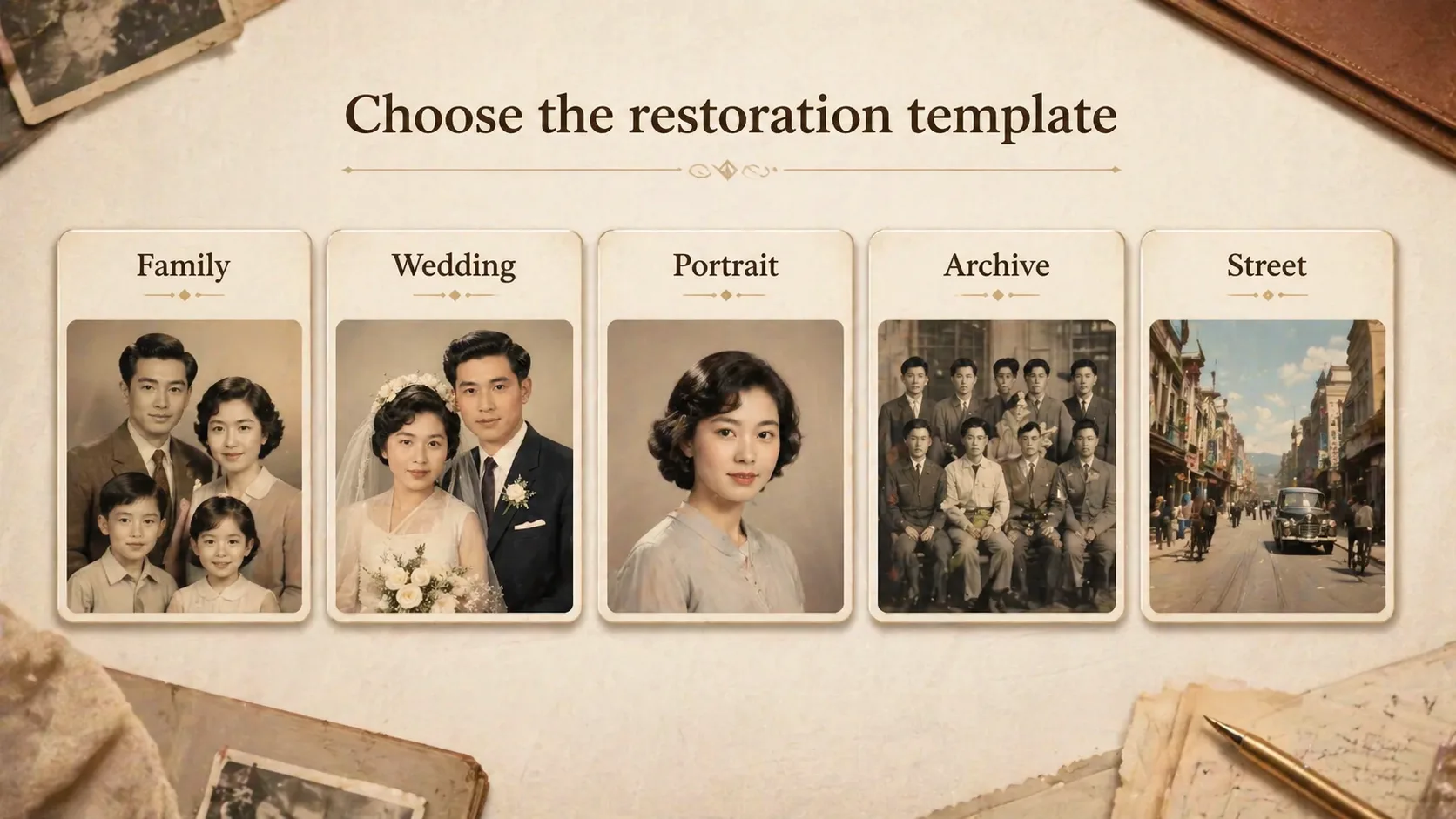
Choose the photo type
Pick family portrait, scratched portrait, wedding colorization, studio headshot, street scene, sepia album, documentary portrait, group photo, or vintage ID restoration. A specific prompt reduces vague repair instructions.
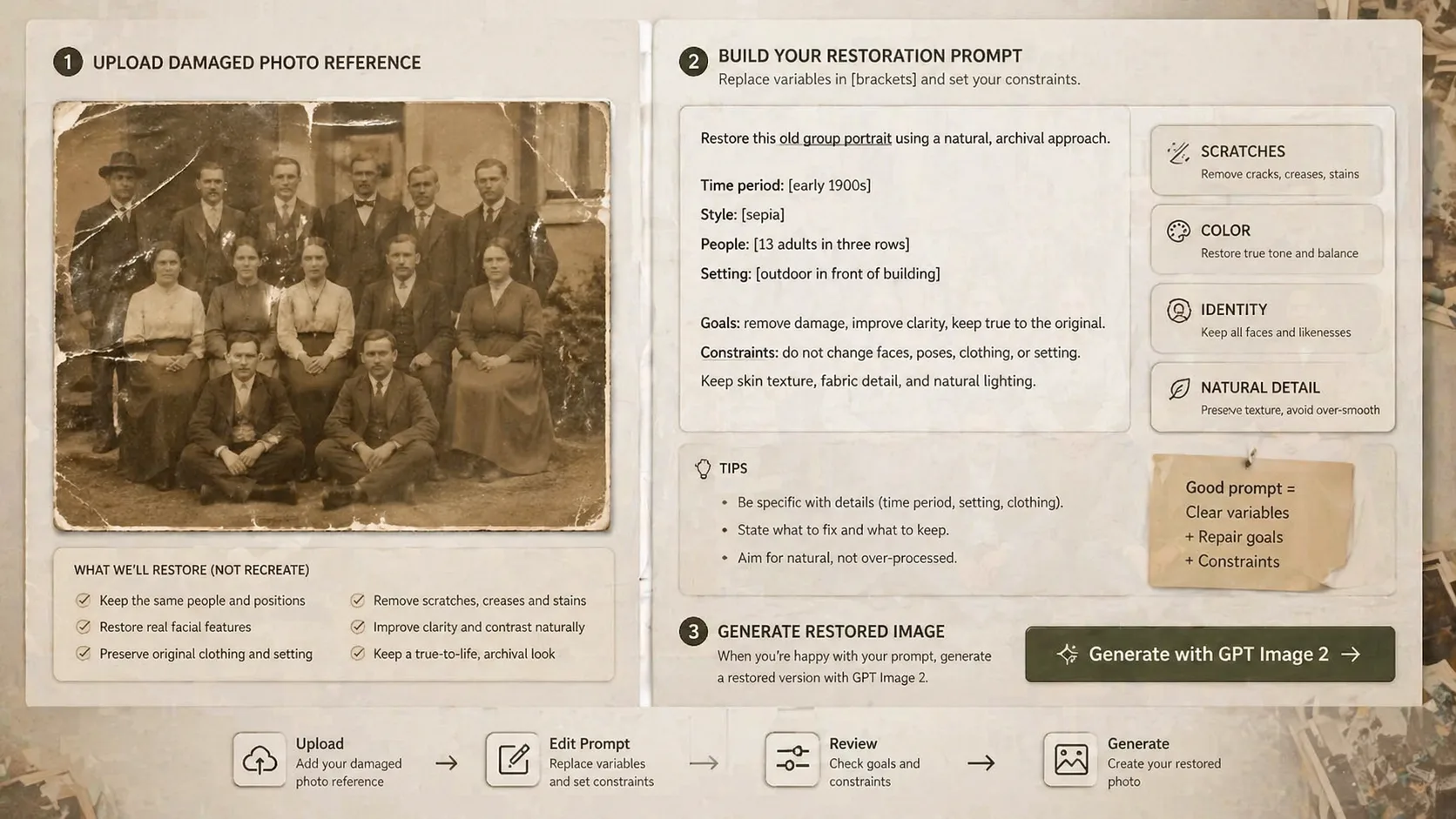
Set repair constraints
Edit the damage level, color approach, crop, print style, and preservation rules. Keep language such as do not change identity, do not modernize clothing, and do not invent new people when the reference must stay faithful.
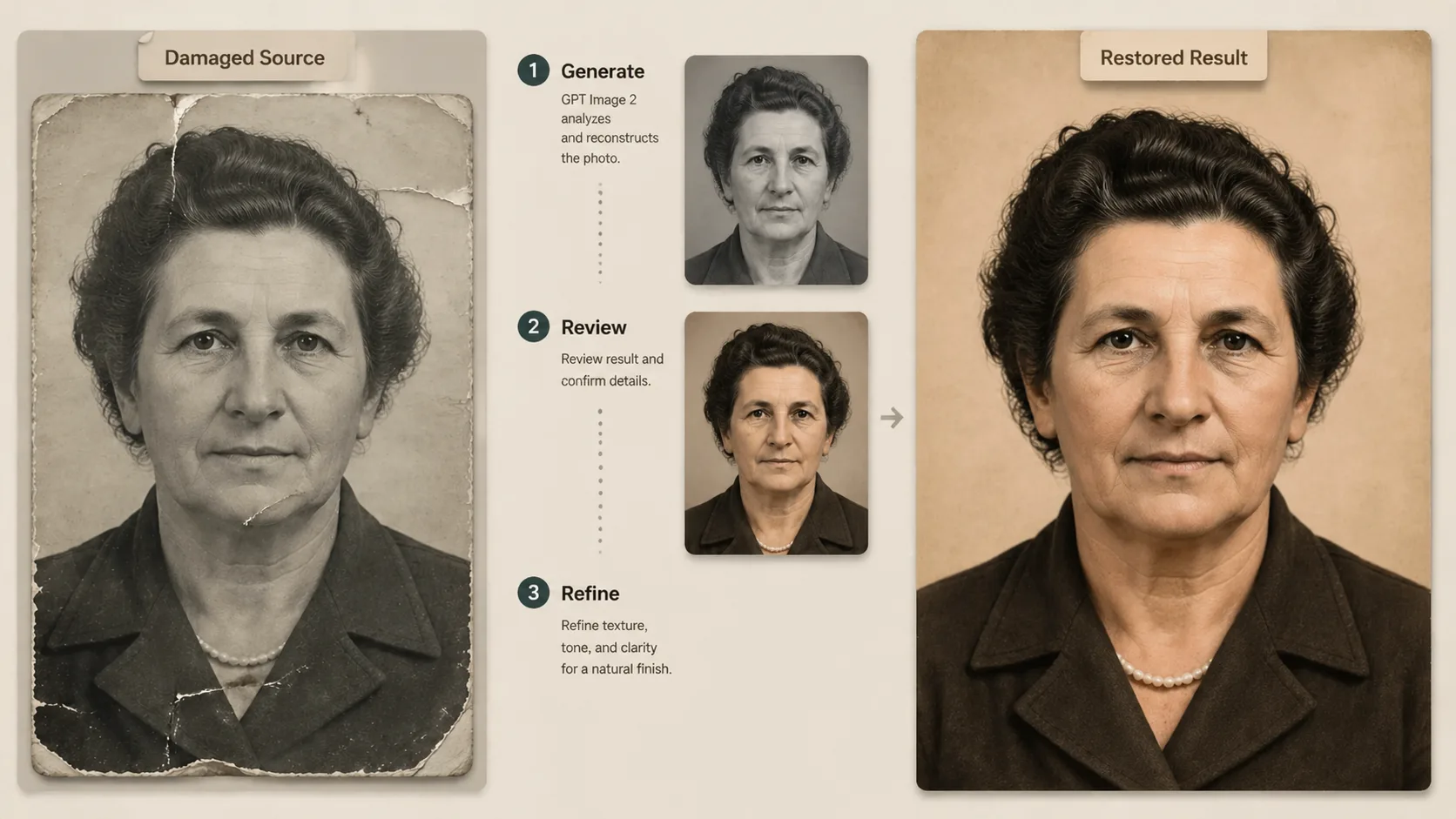
Generate, compare, refine
Generate a restored draft, compare it with the original photo, then tighten the prompt if faces look too smooth, colors feel too new, or damaged areas were invented. Save the best prompt for similar archive work.
Old photo restoration prompt FAQ
Search-focused answers for restoring old photos, portraits, albums, and archive images with GPT Image 2 prompts.
Restore an old photo
Load an old photo restoration GPT Image 2 prompt, attach your reference image, and generate a faithful first draft for repair, colorization, or archive cleanup.