
Prompt Gallery
GPT Image 2 Free Image Generator
Use GPT Image 2 for free to create posters, ads, infographics, and social visuals from prompts, reference images, and reusable templates.
GPT Image 2 Generator
Get inspiration for GPT Image 2 creations
Tap any card to load its prompt into the generator above.
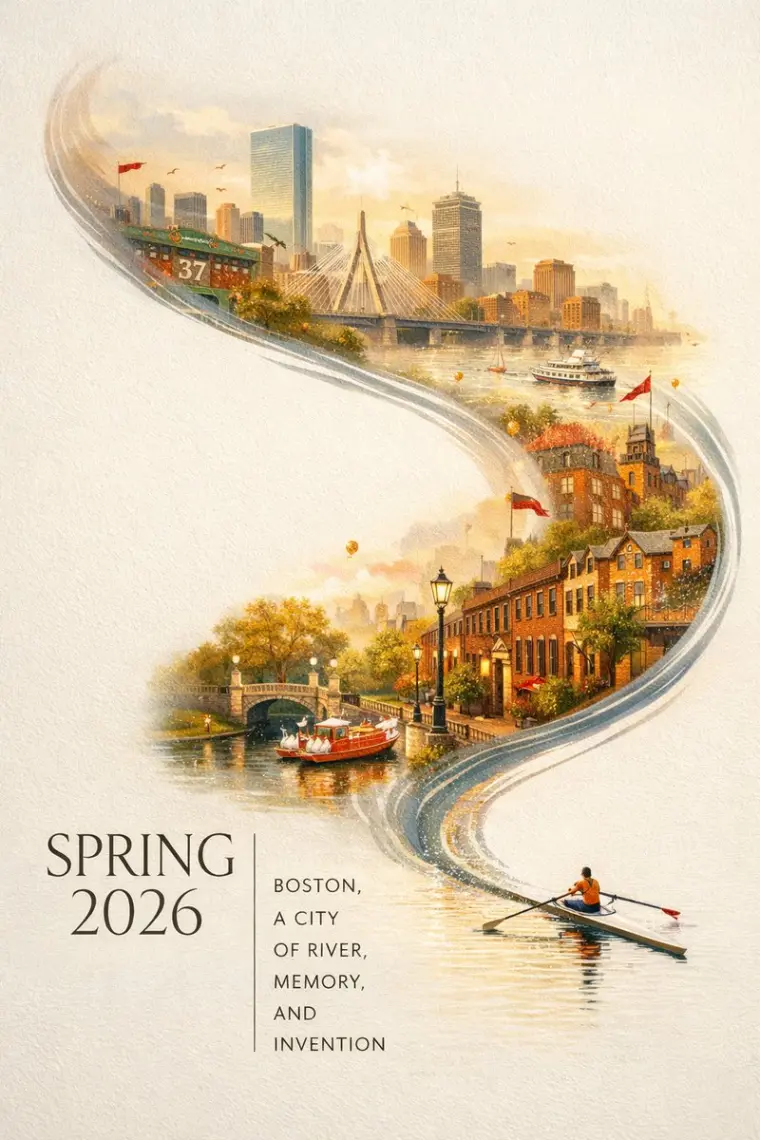
Boston Spring 2026 City Poster
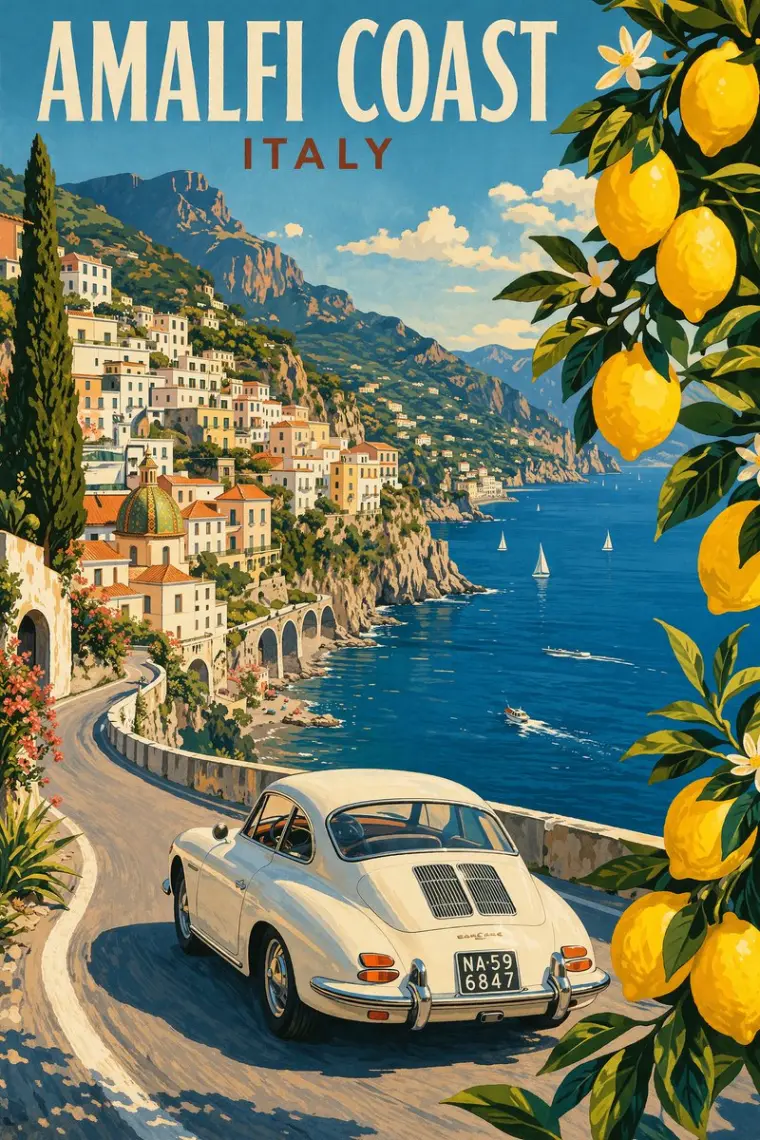
Vintage Amalfi Travel Poster
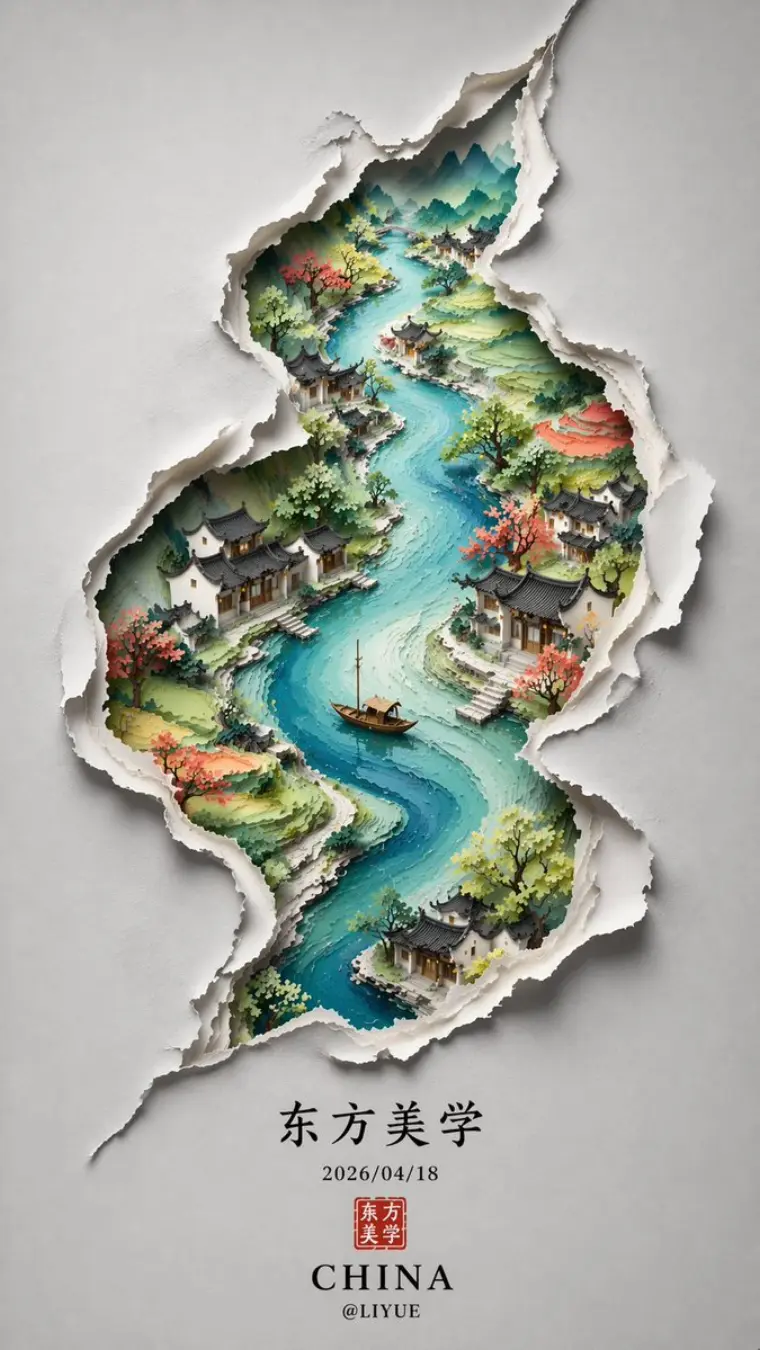
Chinese Minimalist S-Shaped Poster
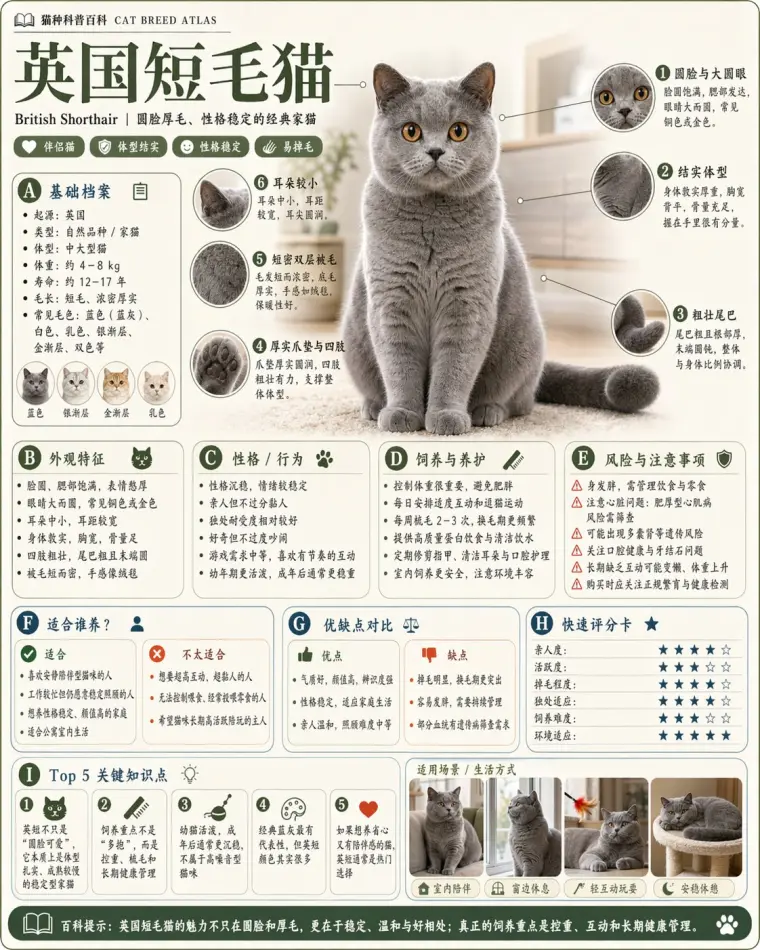
Science Encyclopedia Infographic
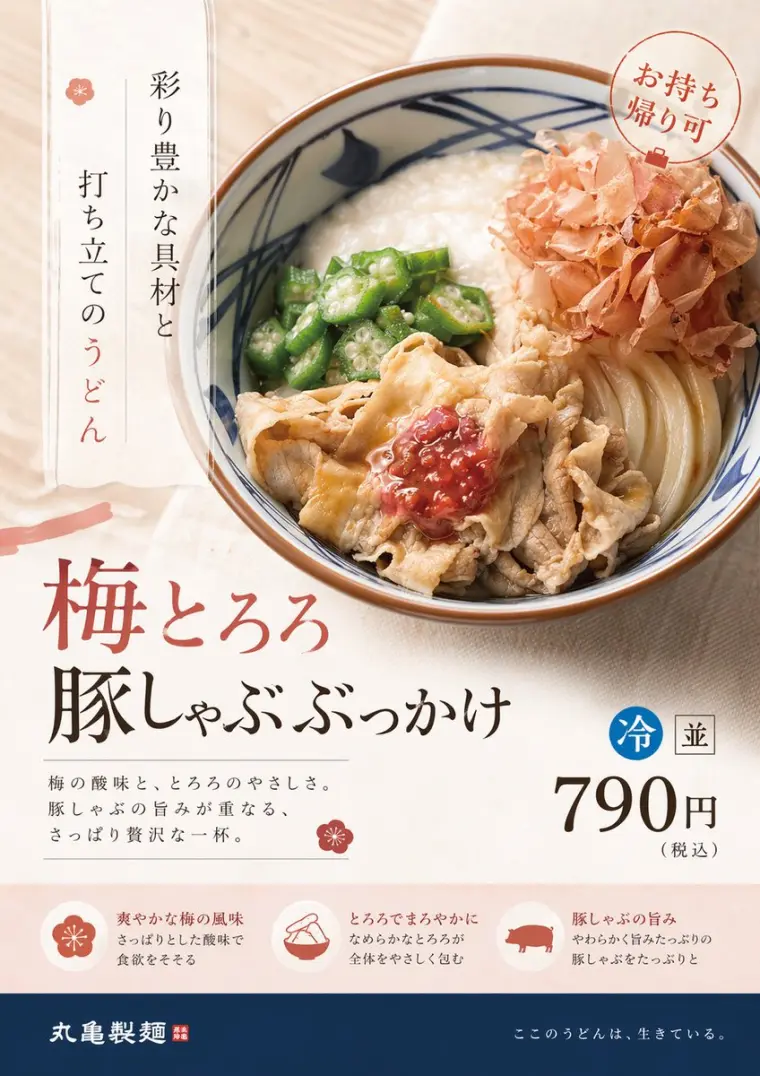
Product Ad Redesign
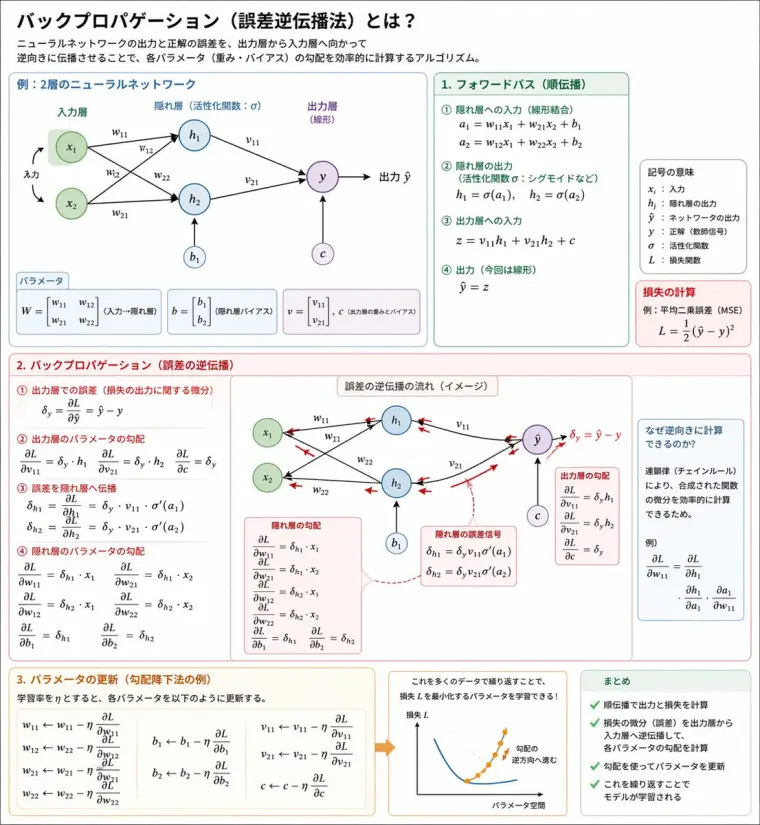
Backpropagation Diagram Poster
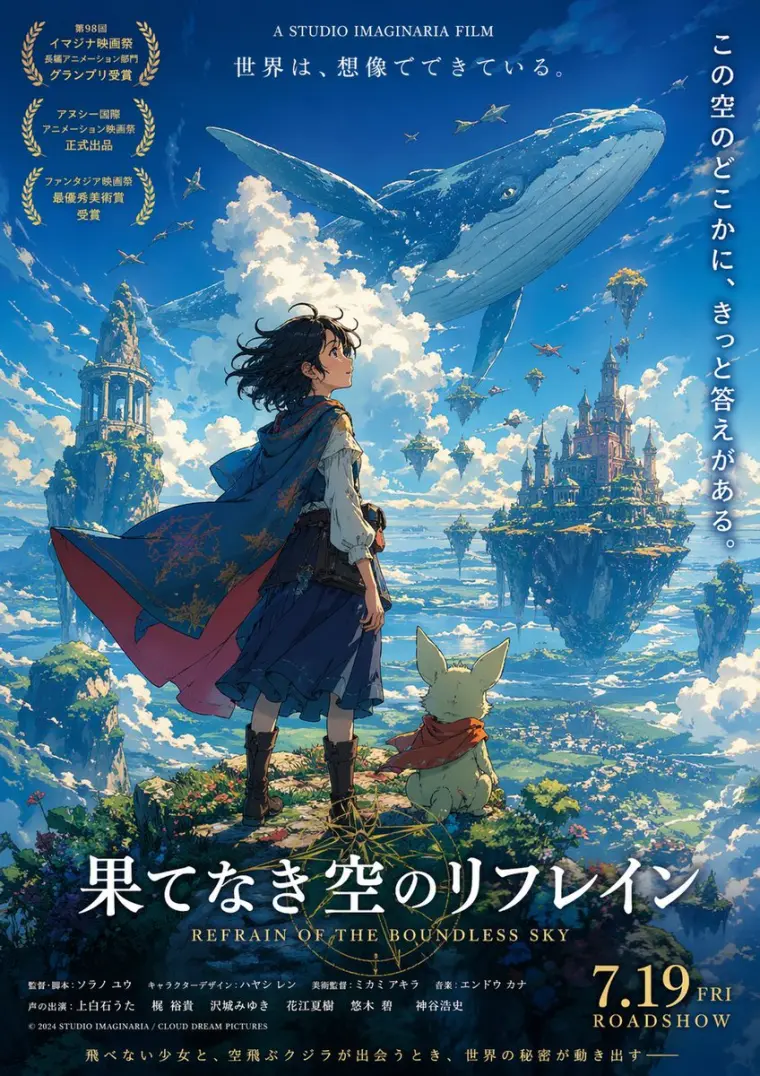
Fictional Anime Movie Poster
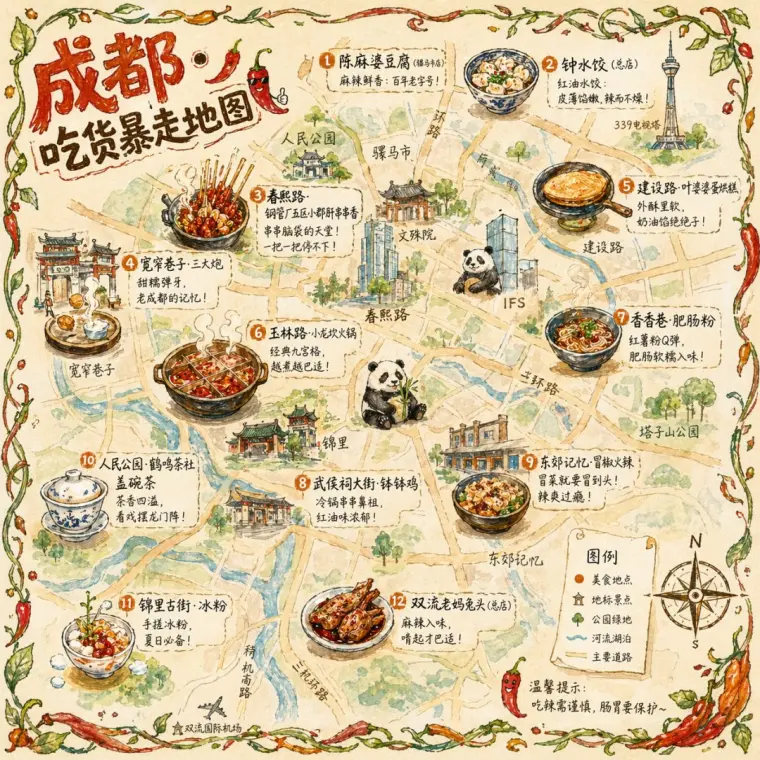
Chengdu Food Map Illustration
Scene Templates
Start from a GPT Image 2 scene template
Pick one of the ready-made GPT Image 2 workflows below, then open its workspace to reuse prompts and sample images.
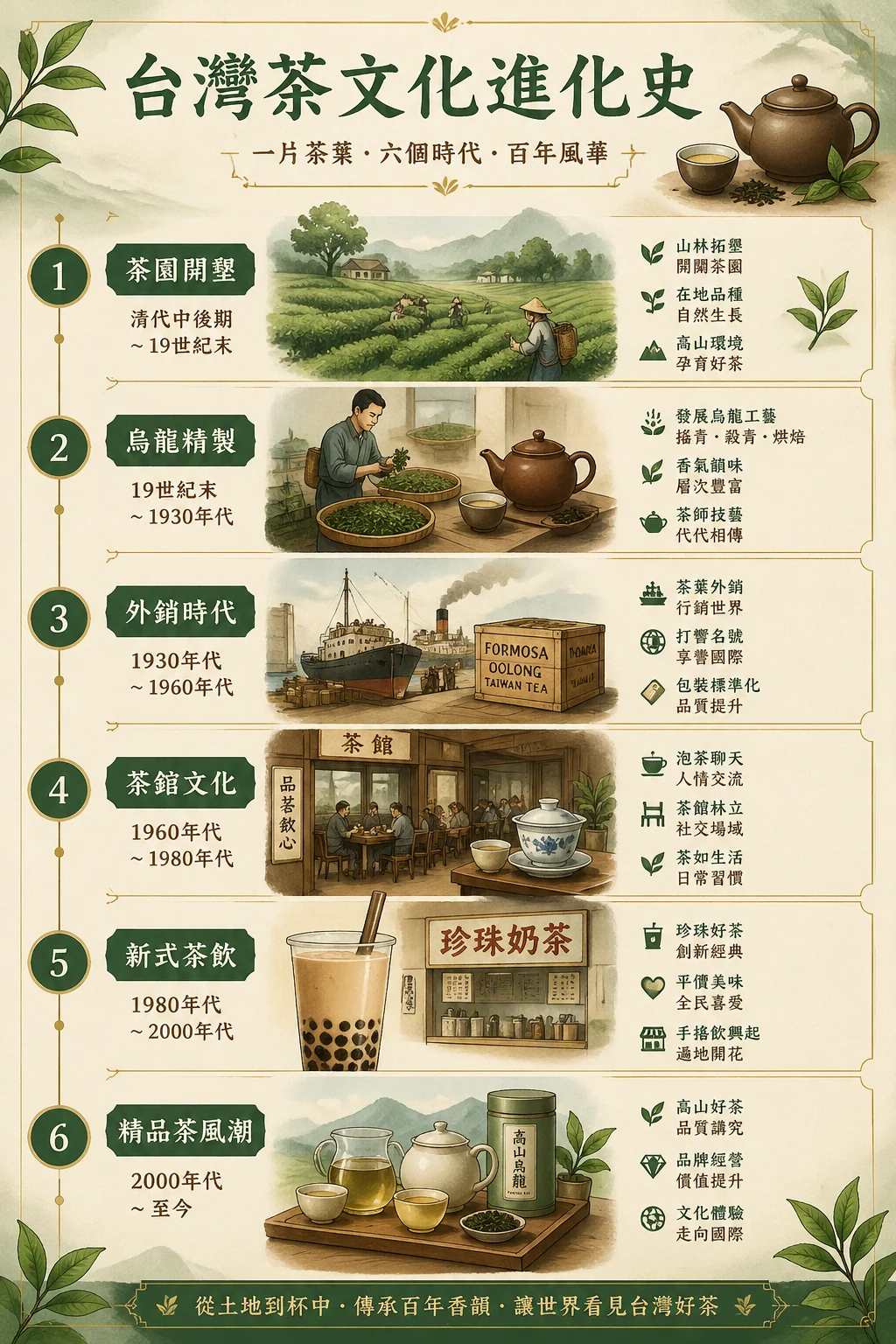
Evolution Infographics
Turn any topic history into a structured GPT Image 2 infographic.
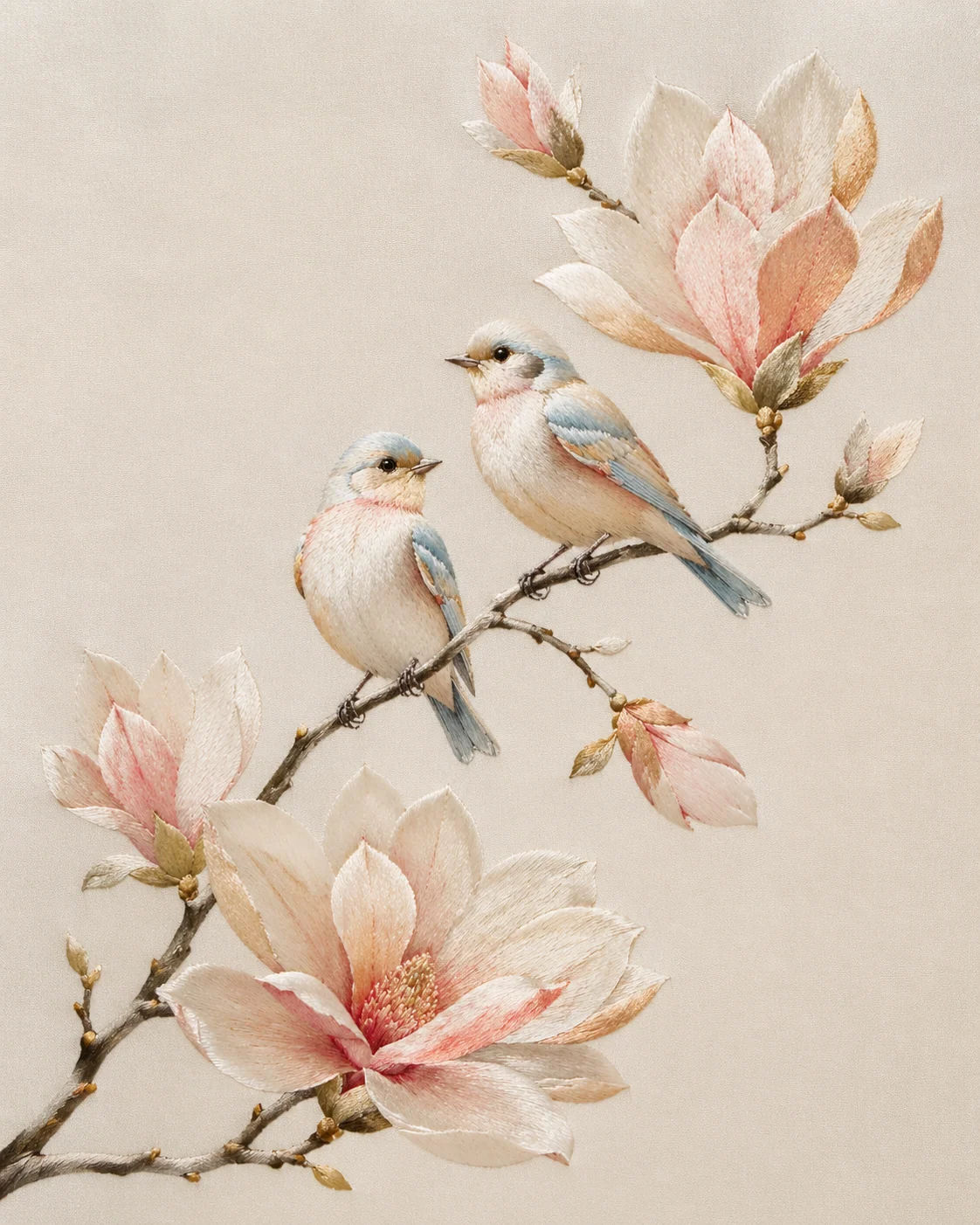
Silk Embroidery Birds
Create raised bird-and-flower embroidery art with GPT Image 2 prompts.
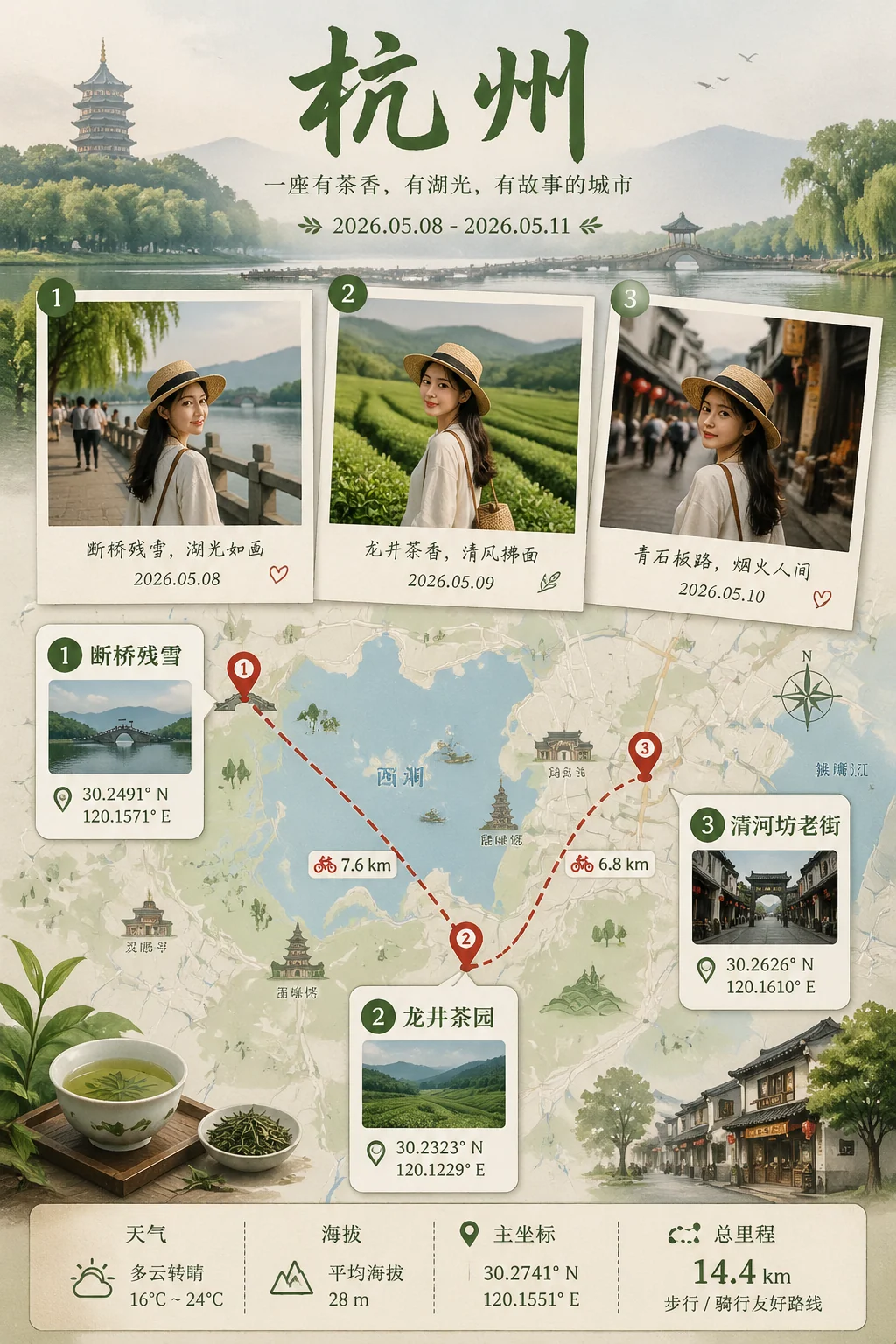
Travel Memory Posters
Create route-map travel posters with Polaroid memories, trip stats, and editable prompts.
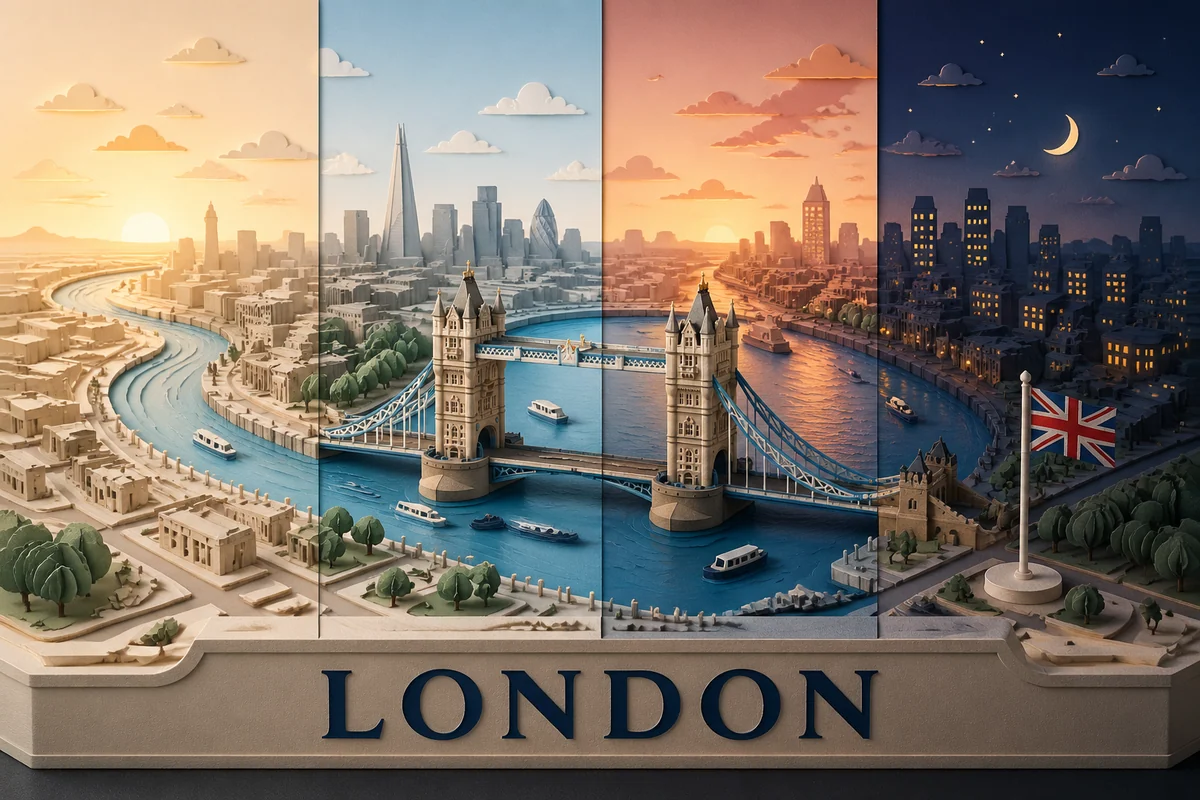
Time-Slice City Dioramas
Generate layered city map dioramas with GPT Image 2 prompts.
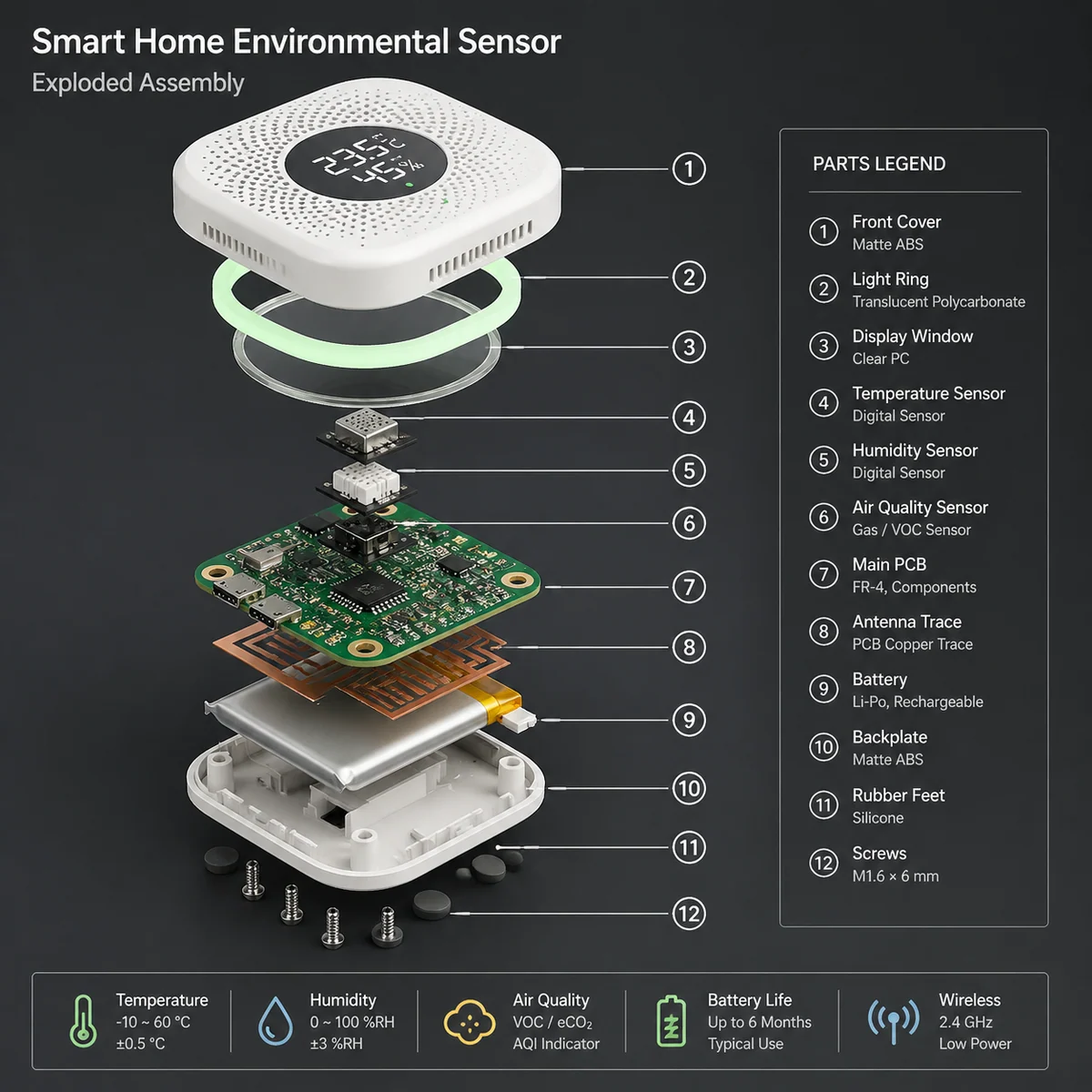
Exploded Assembly Prompts
Create labeled product breakdowns with GPT Image 2 prompts.
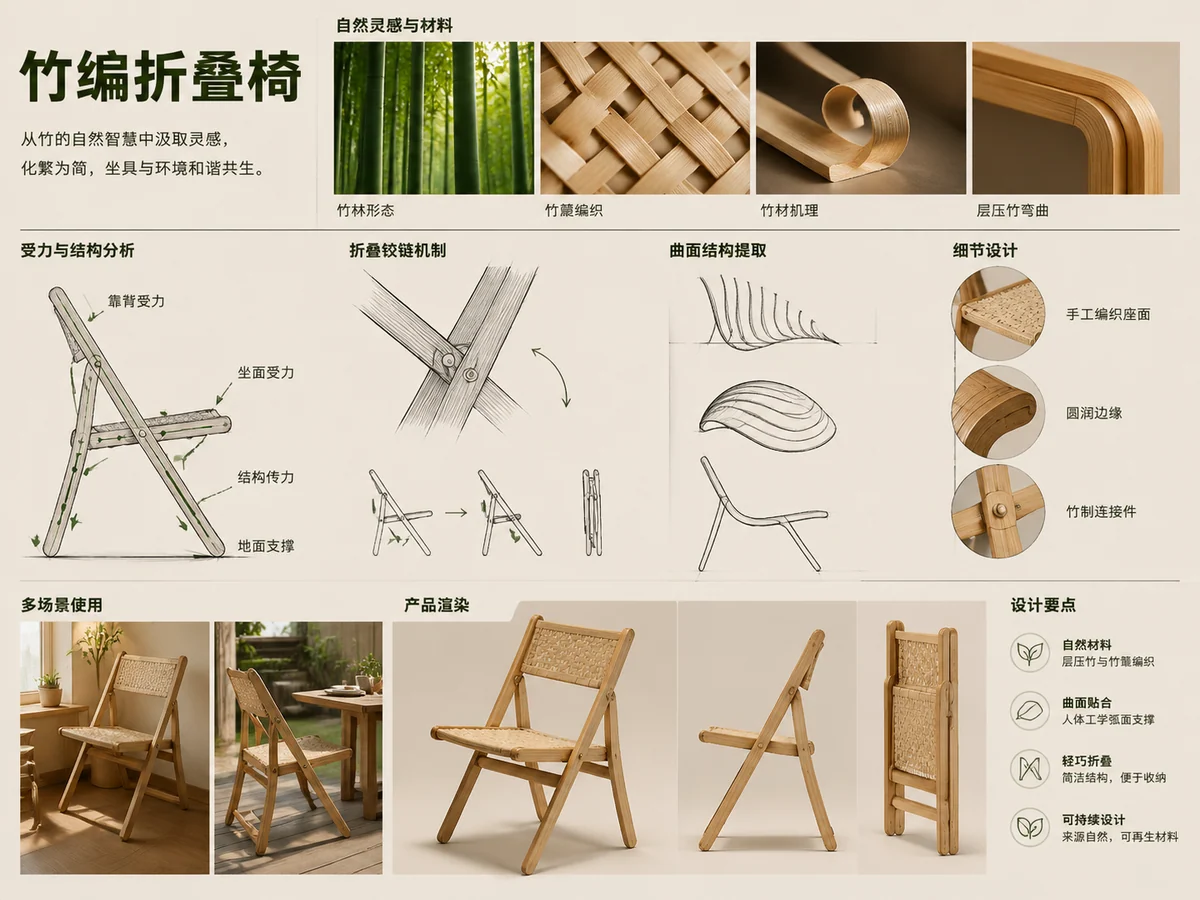
Biomimicry Concepts
Create nature-inspired product boards with GPT Image 2 prompts.
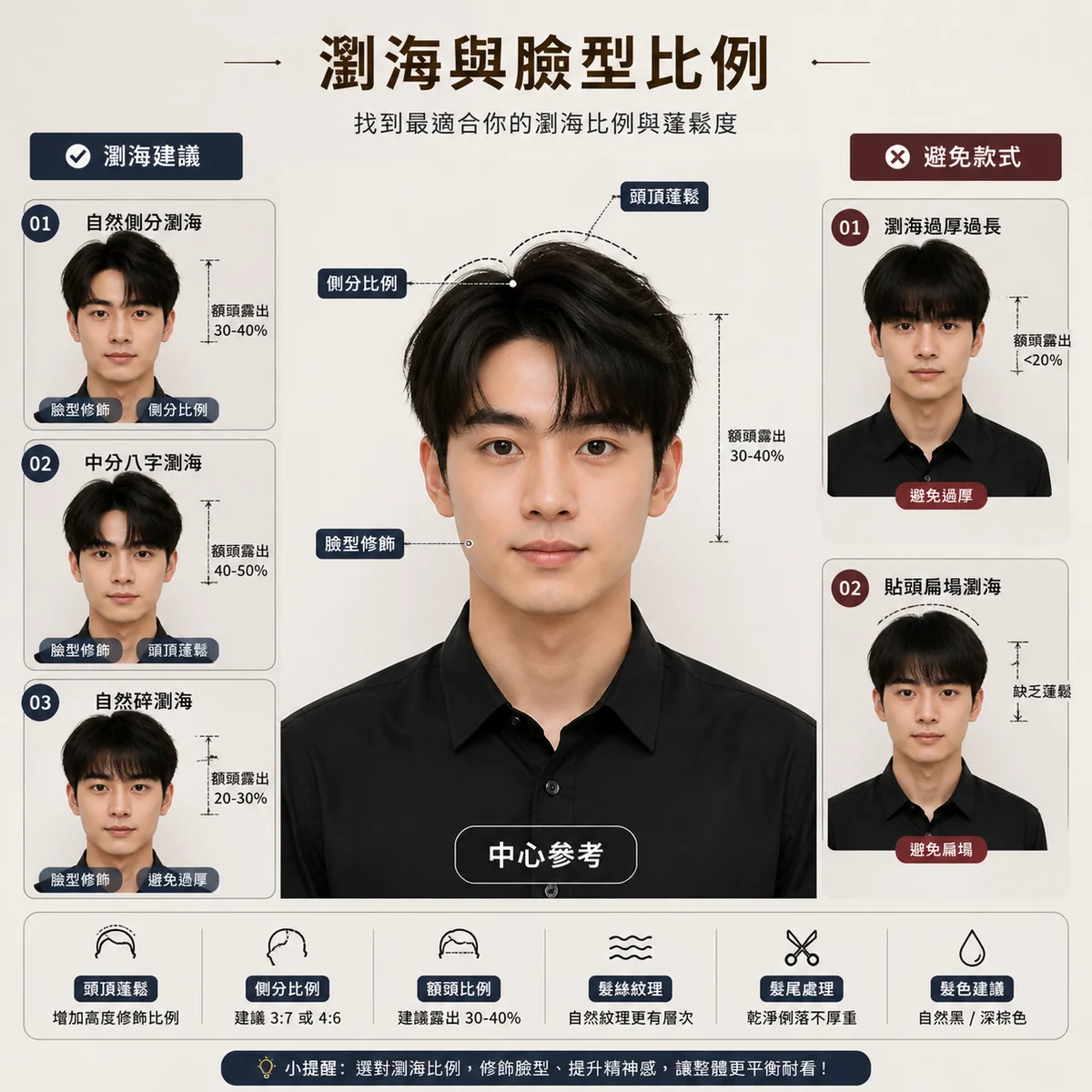
Hairstyle Report Prompts
Create identity-preserving haircut consultation boards with GPT Image 2 prompts.
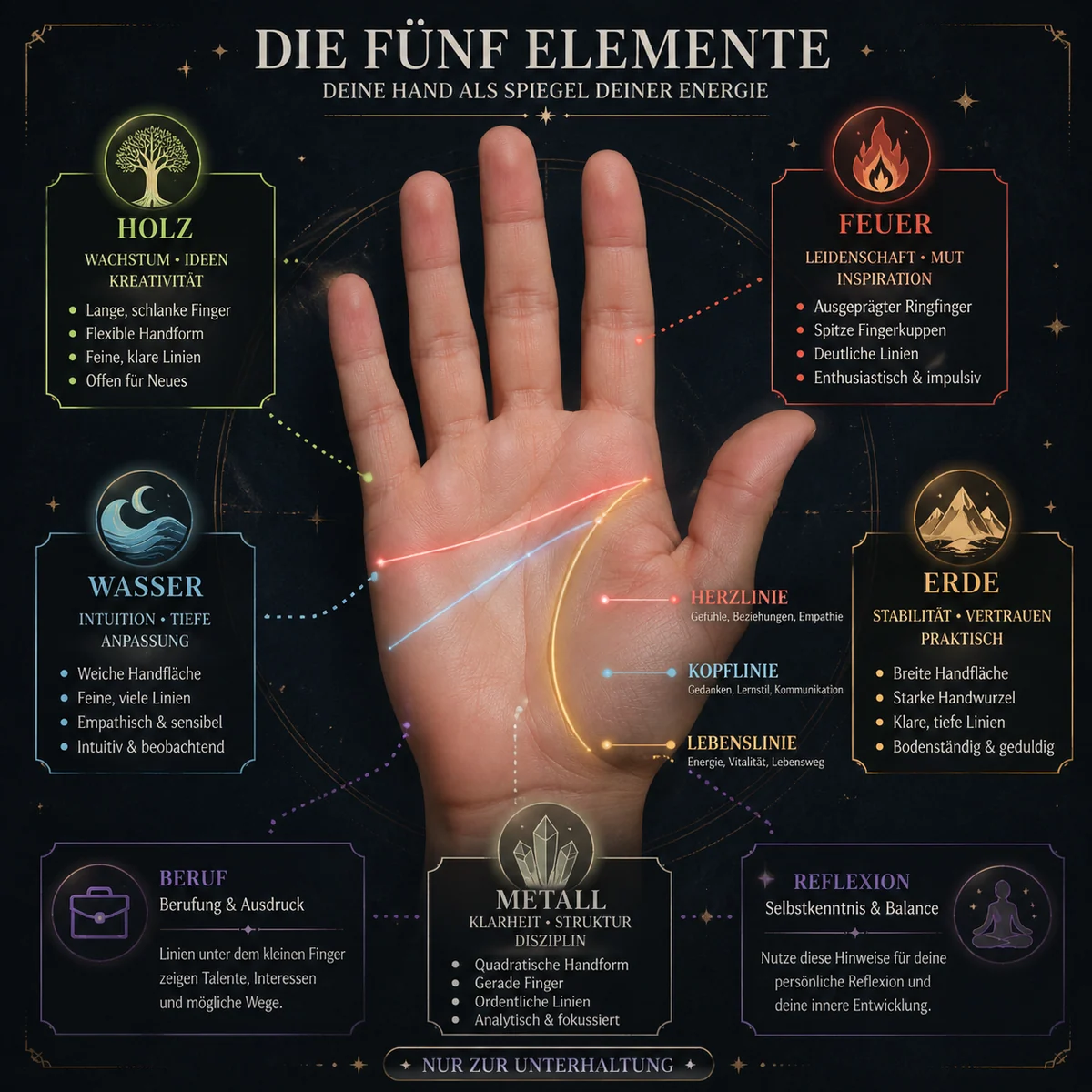
Palmistry Prompts
Create palm-reading infographics from hand photos with GPT Image 2 prompts.
A GPT Image 2 image generator built around prompts, templates, and reuse
The homepage starts with generation, then helps you keep moving: upload references, load prompt examples, open scene templates, save useful prompts, and share finished images when a result is ready.
Generate from a focused prompt box
Start with text, add up to four reference images, choose an aspect ratio, and create a GPT Image 2 draft without leaving the homepage.
Use GPT Image 2 prompt templates
Open poster, ad, infographic, illustration, typography, and social visual prompts when you need a stronger starting point than a blank textarea.
Browse visual inspiration by scene
The prompt gallery shows real example images beside the prompt structure, so you can judge the look first and load the prompt only when it fits your brief.
Create posters, ads, and explainers
Use the generator for launch posters, ecommerce sale graphics, information cards, thumbnails, editorial visuals, and text-led social media drafts.
Keep prompt context with each result
Generated image details keep the prompt, reference images, aspect ratio, status, and output context together so you can review the result before making another version.
Save prompts that worked
Logged-in users can save useful GPT Image 2 prompts and return to them from the saved workspace instead of rebuilding the same idea from memory.
Share public images and prompts
Public results can open through share pages, and published prompt templates can be copied or shared when you want to pass an idea to a teammate or audience.
Return through history
History gives you a practical review surface for previous generations, including the ability to reopen an image and use its prompt for the next draft.
Sign in, then choose higher resolution
New users get starter credits after sign-in, while paid users with credits can unlock 2K, 4K, and private generation controls.
From GPT Image 2 prompt idea to reusable visual workflow
The product is designed for the full loop: start from a prompt, generate a result, inspect the image, reuse what worked, and keep the strongest prompt for later.
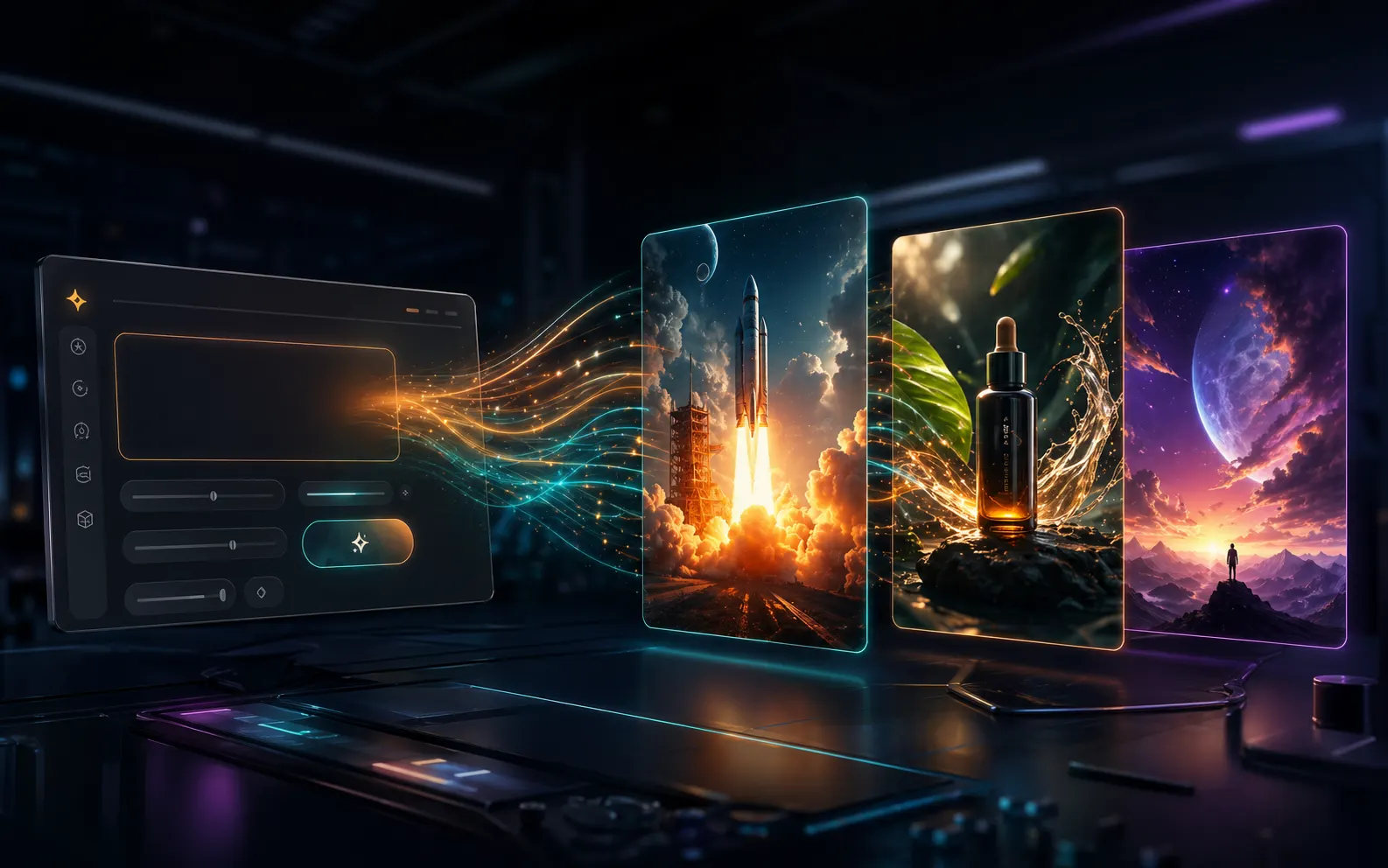
Start with the generator, not a marketing page
The first screen is the working GPT Image 2 image generator. Type a prompt, upload reference images, pick an aspect ratio, and create a 1K draft before deciding whether the workflow is worth more credits.
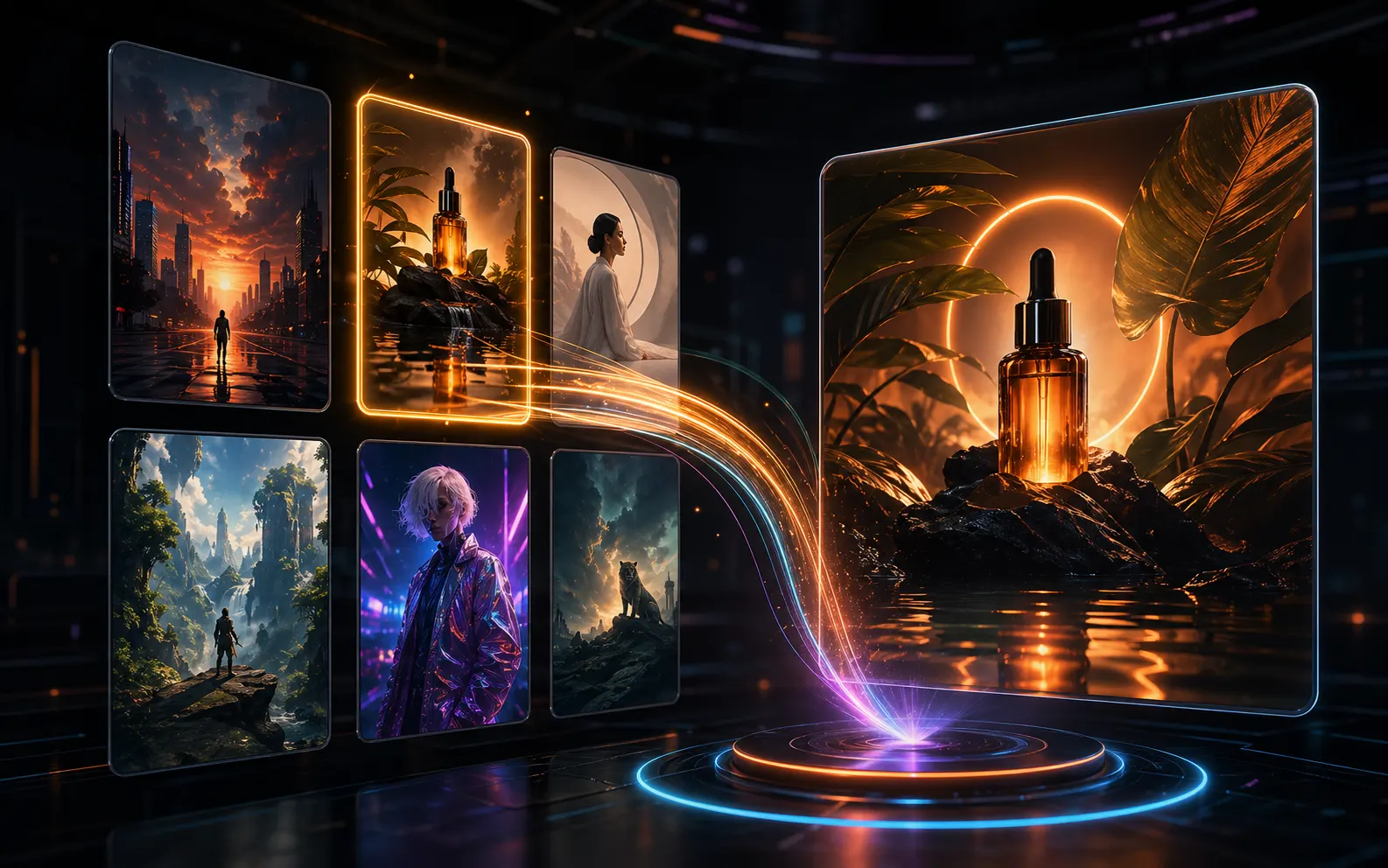
Load a proven prompt template when the blank box slows you down
The inspiration gallery and template workspace give you scene-based GPT Image 2 prompts for posters, ads, infographics, typography, and illustrations. Load one, edit the subject or copy, and generate a version for your own brief.
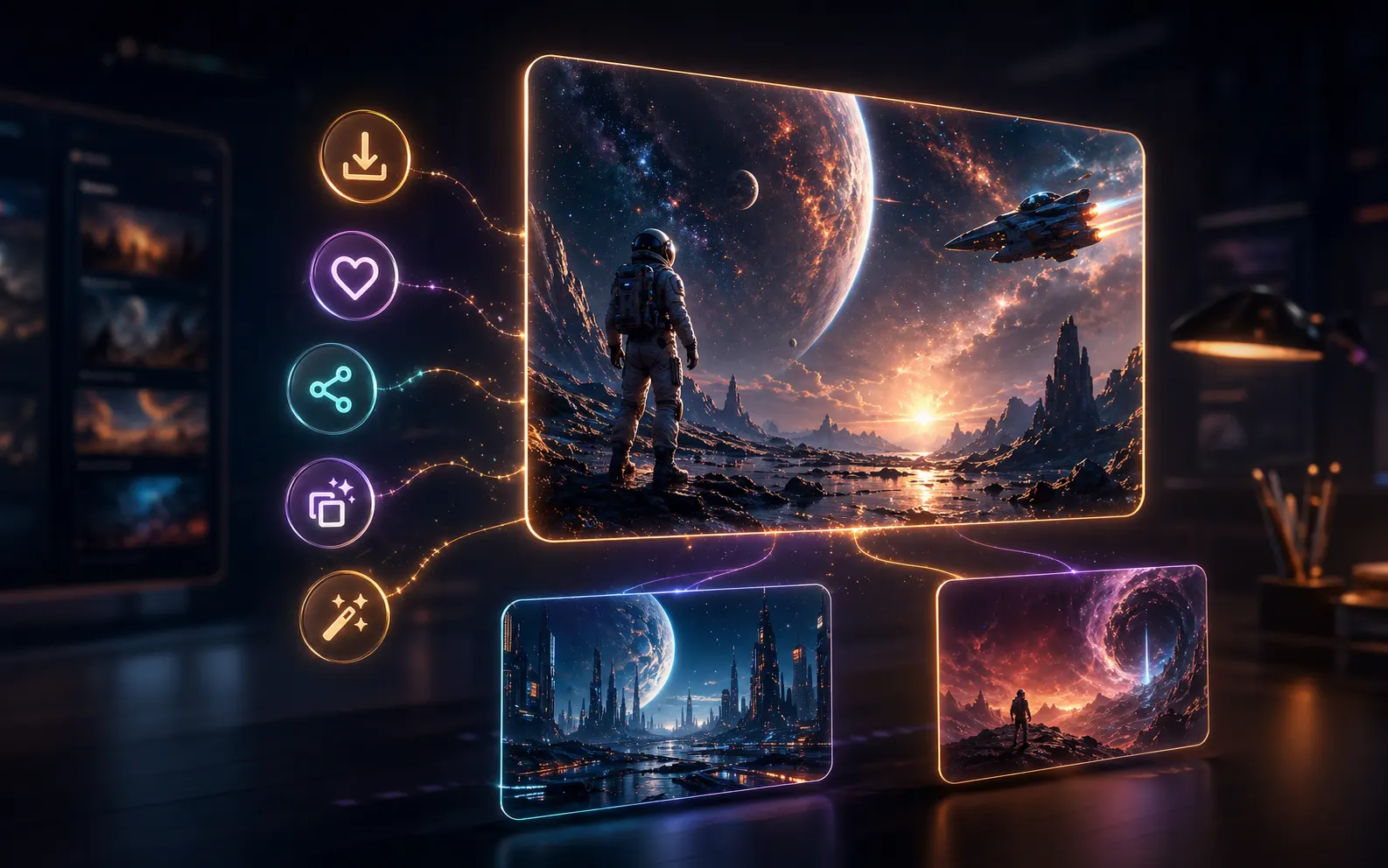
Turn each result into the next prompt decision
Generated images open in a detail panel with download, copy prompt, save prompt, share link, and create-similar actions. That makes the page useful after the first output, not only before generation starts.
What you can make with GPT Image 2 prompts on this homepage
The useful search intent is not only making a pretty image. The page is strongest when a creator needs a practical draft, a reusable prompt, and a way to continue from the result.
Use GPT Image 2 prompts to draft launch posters, product announcement graphics, event covers, and campaign visuals where the headline, offer, and visual hierarchy matter.

Brand designer, Launch assets
Brand designer
Launch assets
Create social cards, story graphics, thumbnails, and ad concepts from one prompt pattern, then reuse the strongest wording for follow-up posts and A/B variants.

Social marketer, Campaign posts
Social marketer
Campaign posts
Build infographic-style images, lesson cards, comparison visuals, and blog graphics when the image needs labels, sections, and readable short copy instead of only atmosphere.

Content editor, Explainers
Content editor
Explainers
Test landing page directions, feature-launch visuals, and quick promo graphics before spending time on a full design pass or asking a designer to explore the same idea.

Founder, Early launches
Founder
Early launches
Use reference images and prompt templates to explore composition, mood, typography direction, and editorial layout before refining the final visual by hand.

Illustrator, Concept drafts
Illustrator
Concept drafts
Turn one product claim into a comparison graphic, sale flyer, explainer card, or ad direction, then keep the prompt that best communicates the message.
Product marketer, Feature launches
Product marketer
Feature launches
GPT Image 2 image generator FAQ
Practical answers about the GPT Image 2 generator, prompt templates, reference images, saved prompts, public sharing, credits, and daily check-in rewards.
Try GPT Image 2 free, then keep the prompt that works
Open the image generator, load a prompt template, compare the result, and save or share the version worth revisiting.