
Browse sample poster results on the right, then tap one to load that prompt back into the generator on the left.
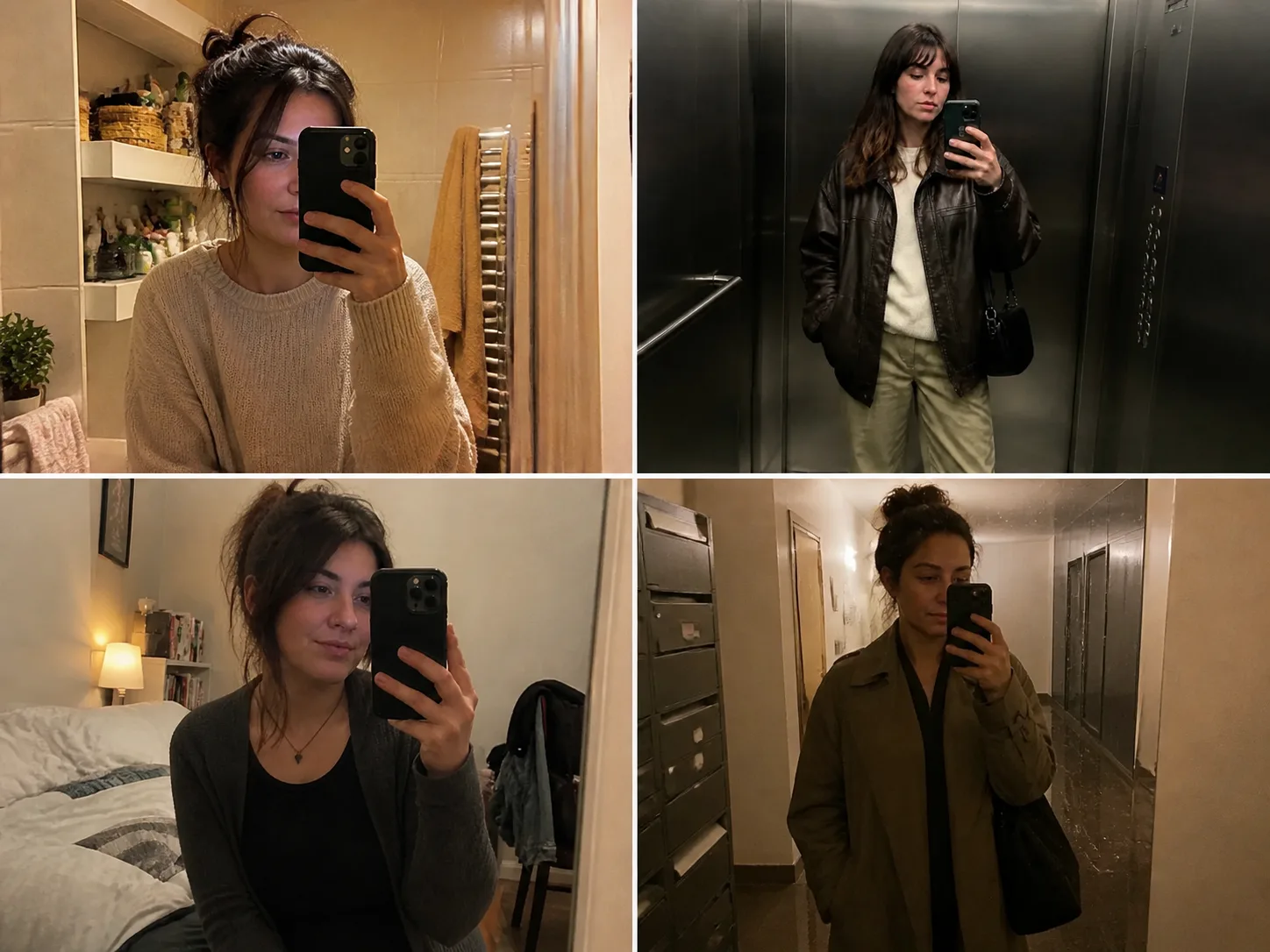
GPT Image 2 mirror selfie prompts for believable phone photos
This scene is for creators who want a casual mirror snapshot instead of a polished studio portrait. The prompts describe adult subjects, covered outfits, room clutter, phone placement, mirror reflection, compression, soft focus, uneven indoor light, and low-resolution camera artifacts so GPT Image 2 can produce images that feel socially native and unplanned.
Phone-camera texture
Direct GPT Image 2 toward mild blur, low dynamic range, sensor noise, compression, flash artifacts, and imperfect white balance.
Mirror-aware framing
Control phone position, reflection layers, tilted horizons, close crops, background objects, and ordinary bathroom, bedroom, elevator, hallway, gym, or hotel mirrors.
Editable lifestyle variables
Swap the adult subject, outfit, hair, accessory, room, travel prop, weather detail, lighting mood, camera age, and snapshot crop before generating.
Adult safety boundaries
Keep results adult-only, fully clothed, non-explicit, non-deceptive, and focused on casual style or phone-photo realism rather than body emphasis.
How to create a casual mirror selfie
Choose the closest phone snapshot, edit the variables, add a reference image when useful, then refine the realism cues before generating.
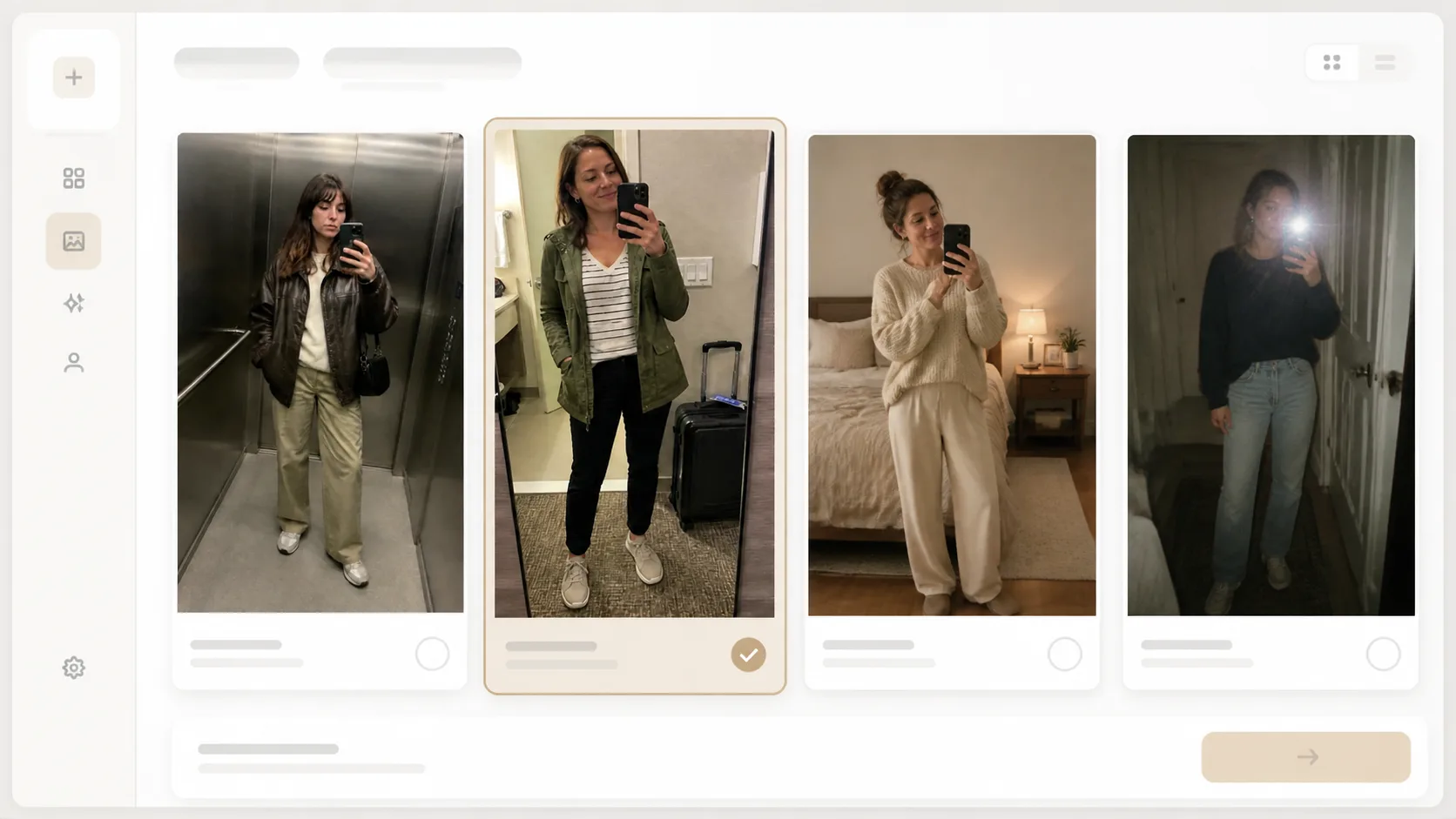
Choose a selfie scenario
Start with bathroom, elevator outfit check, cozy bedroom, playful accessory, gym locker, hotel travel, rainy hallway, or vintage compact mirror prompts.
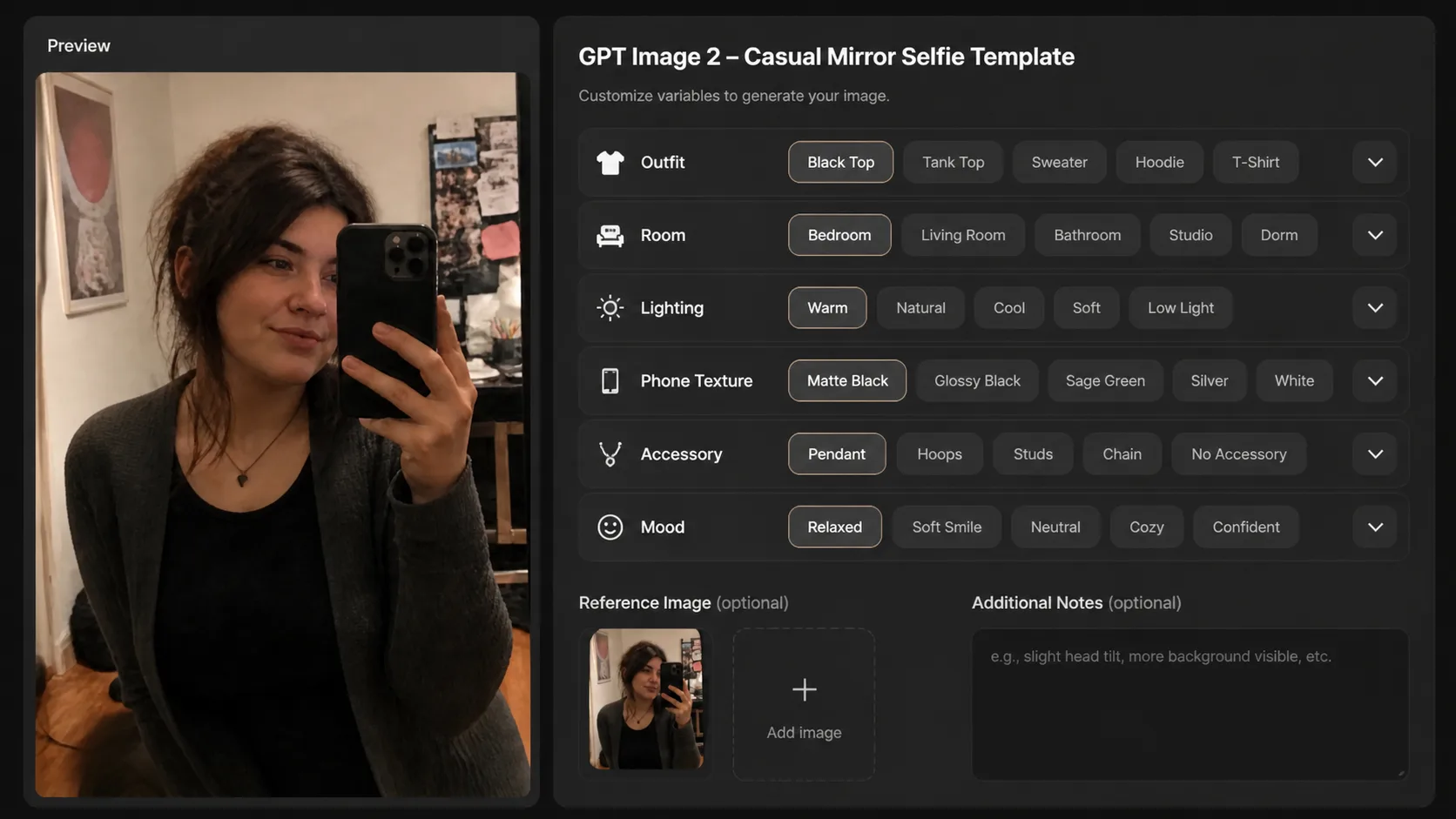
Replace subject and setting details
Edit the adult subject, modest outfit, phone position, room clutter, mirror size, light source, reference image, and low-fi texture instructions.
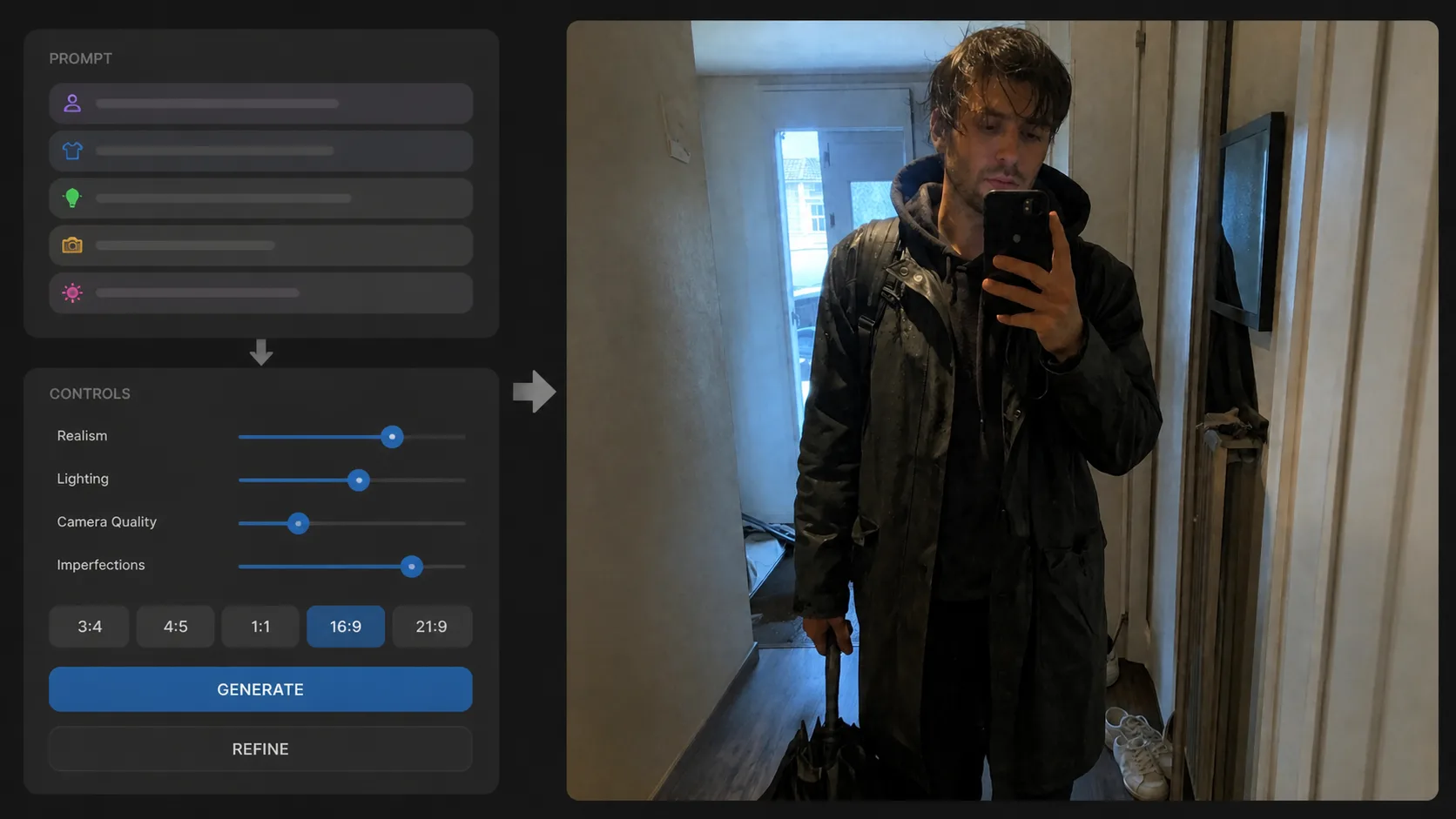
Generate and tune realism
Use GPT Image 2, inspect whether the result looks too polished, then add stronger blur, compression, uneven lighting, reflection, or crop constraints.
Mirror selfie prompt FAQ
Search-focused answers for realistic GPT Image 2 mirror selfie prompts and casual phone-photo templates.
Generate a mirror selfie
Open a prompt, adjust the adult subject and phone-photo details, then create a realistic mirror snapshot with GPT Image 2.