
Browse sample poster results on the right, then tap one to load that prompt back into the generator on the left.
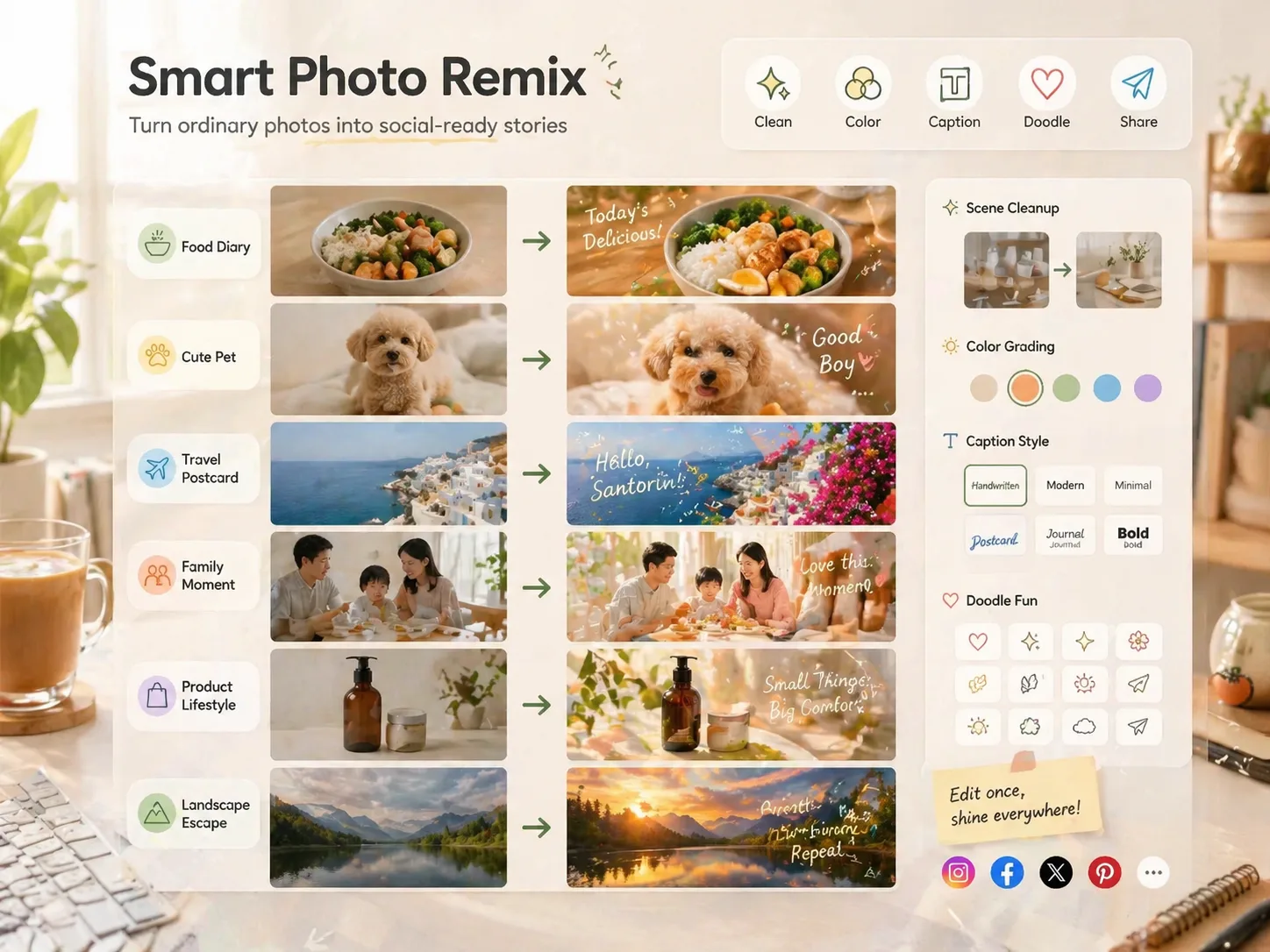
Create social-ready photo remixes with GPT Image 2
These photo remix GPT Image 2 prompts turn everyday reference photos into cleaner, warmer, more shareable edits while keeping the real subject recognizable.
Reference-preserving cleanup
Upload a food, pet, travel, family, couple, landscape, product, or daily-life photo and guide GPT Image 2 to reduce clutter without replacing the main subject, expression, dish, place, or product.
Mood and color direction
Shape the result with bright Japanese lifestyle color, soft Korean warmth, literary Instagram tones, cute fuzzy texture, clean minimal light, or a darker cinematic poster feel.
Captions, labels, and doodles
Add short readable lettering, handwritten notes, arrows, sparkles, stickers, location marks, or tiny companion doodles that support the photo instead of covering it.
Reusable scene prompts
Start from focused AI photo retouch prompt templates for meals, pets, family moments, travel postcards, couple dates, landscapes, product lifestyle shots, and dark artistic posters.
How to use smart photo cleanup prompts
Choose the closest scene, swap the editable variables, upload a reference image, then generate and refine the remix in the GPT Image 2 workspace.
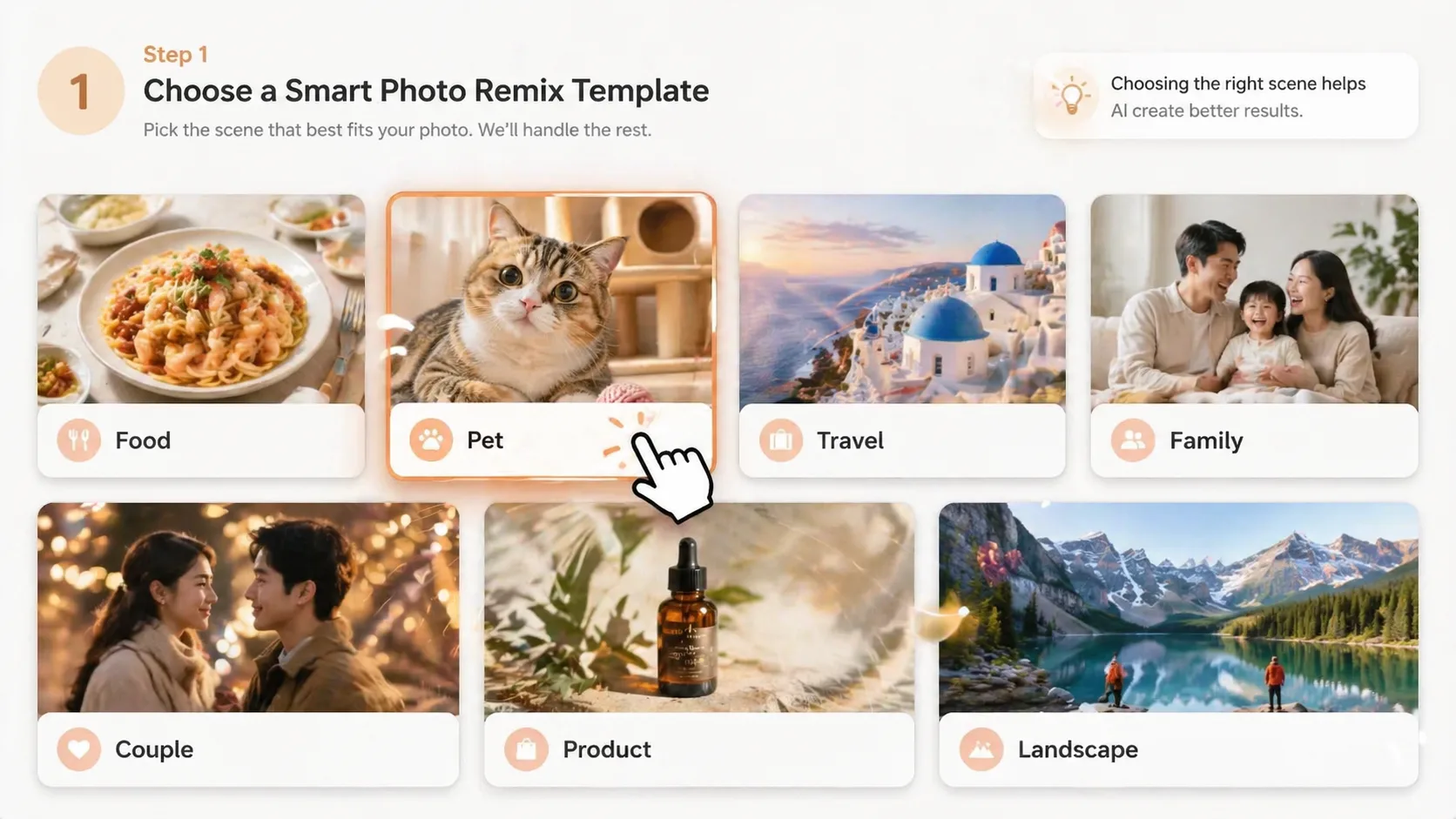
Pick the photo scene
Select the prompt that matches the uploaded image: a casual meal, pet portrait, family memory, travel snapshot, date photo, landscape view, product shot, or everyday scene.
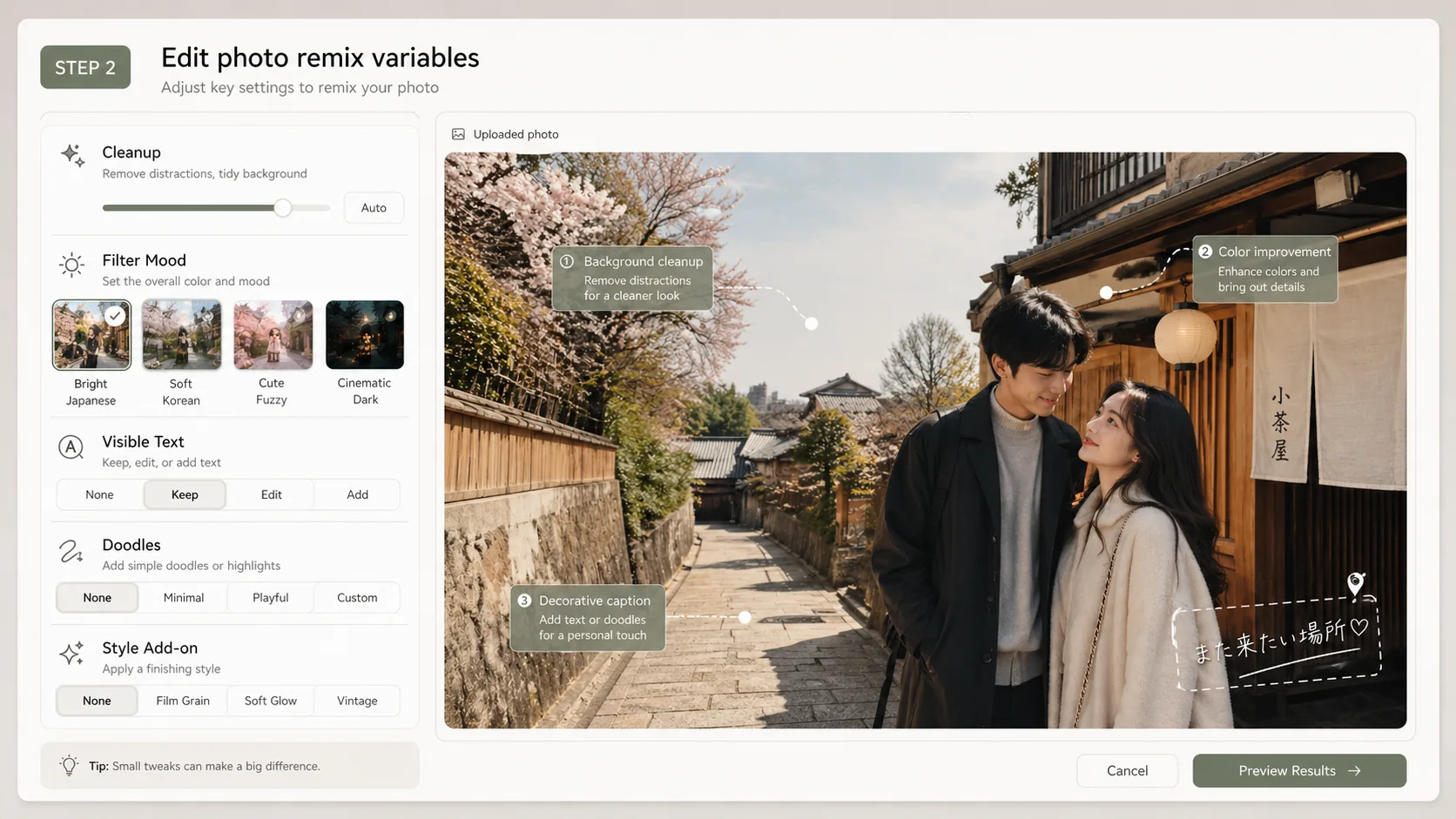
Edit visible details
Replace the cleanup priority, mood, visible language, caption text, doodle idea, and optional style add-on so the prompt matches the photo and the post you want to share.
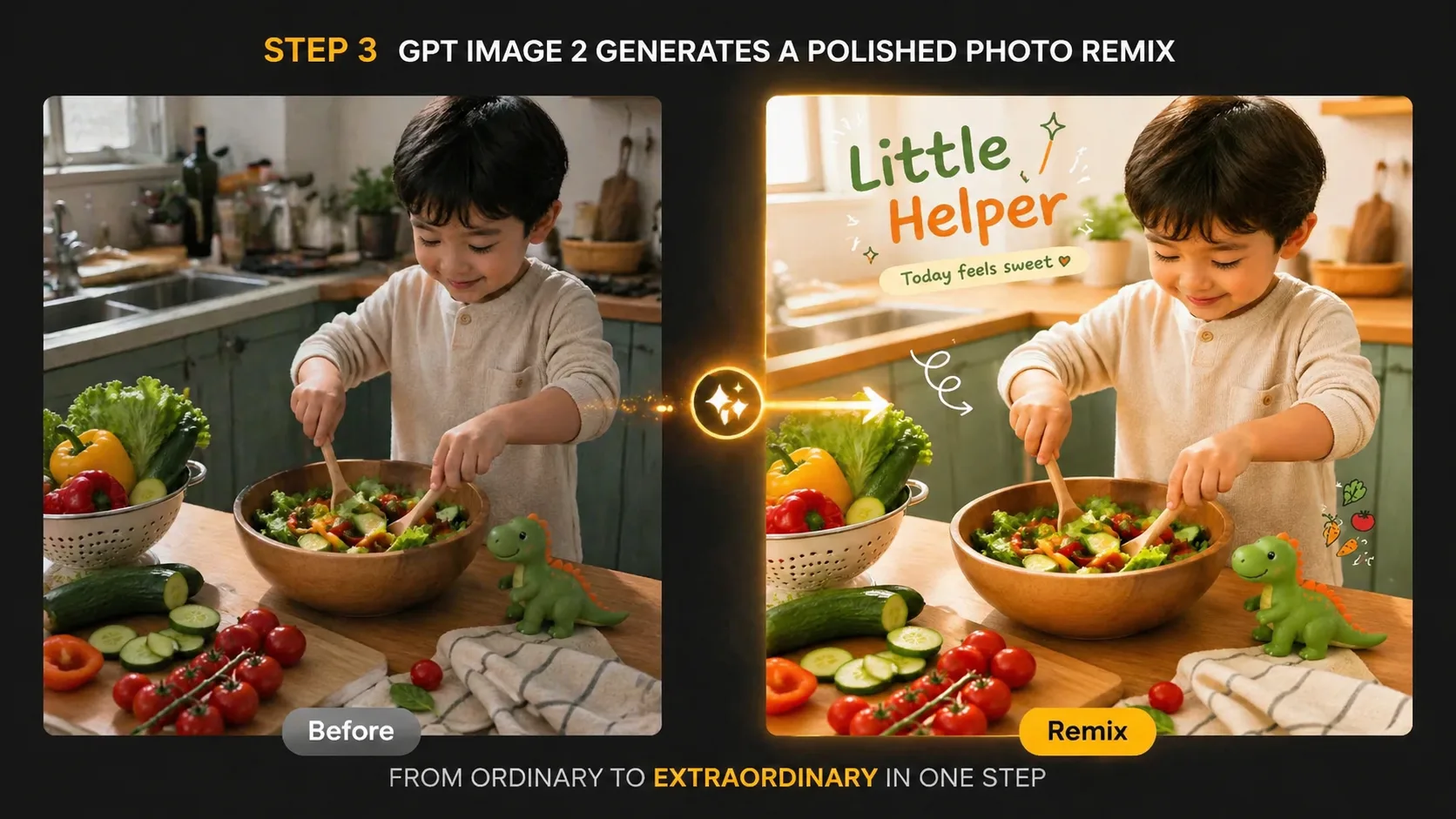
Generate and refine
Run the GPT Image 2 reference image edit, inspect whether the subject stayed intact, then adjust wording for less clutter, softer color, clearer text, or fewer decorative elements.
Photo remix GPT Image 2 prompts FAQ
Answers for using reference photos, cleanup instructions, captions, doodles, and social-ready image remixes.
Remix a reference photo
Choose a smart photo remix template, upload your image, and generate a cleaner GPT Image 2 edit.