
Browse sample poster results on the right, then tap one to load that prompt back into the generator on the left.
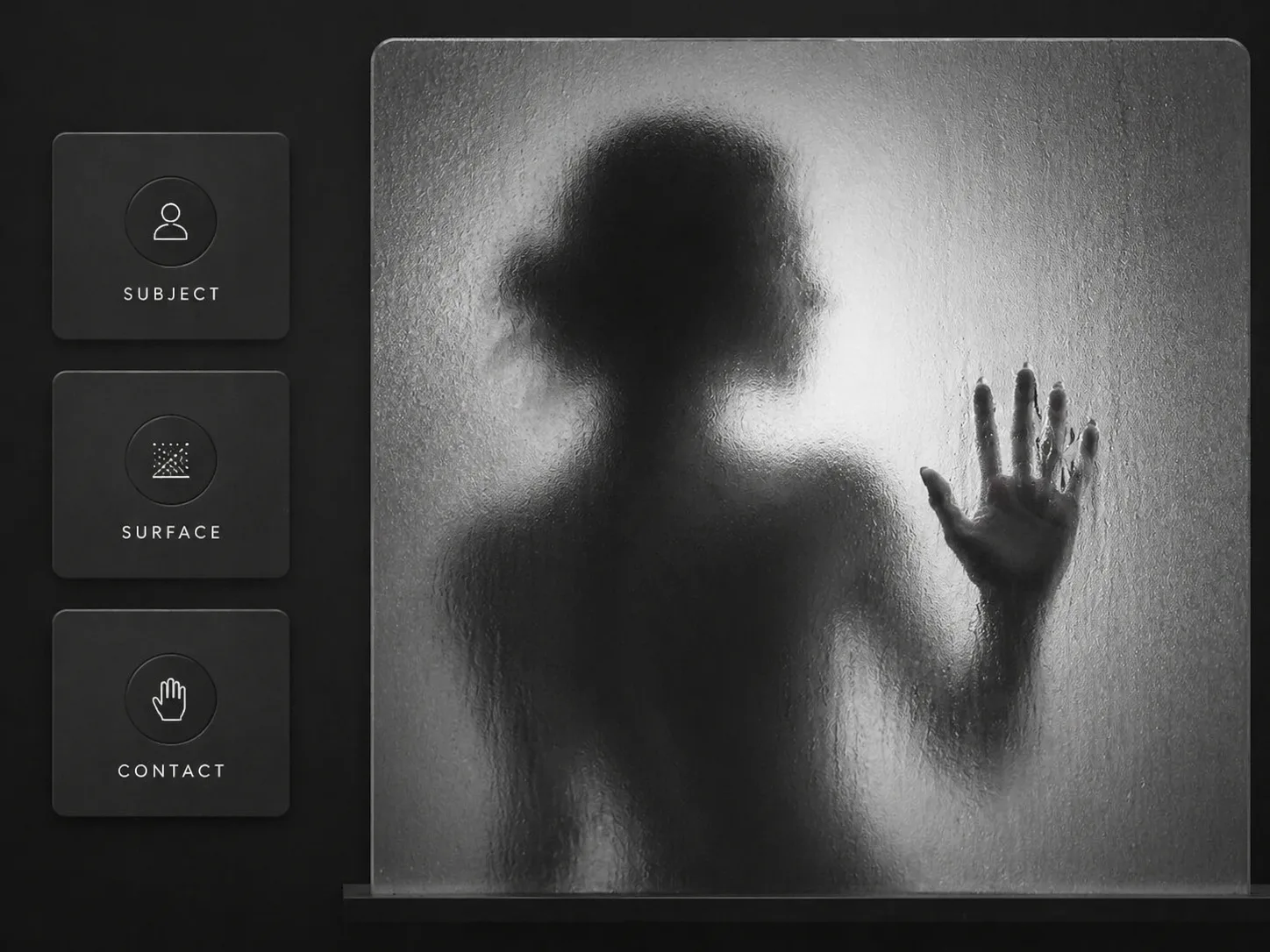
Create frosted glass silhouette prompts for GPT Image 2
This scene turns a simple subject into a mysterious black-and-white image: the body stays blurred behind a translucent surface while one hand, profile edge, paw, fabric fold, or object contour becomes the clear focal point. The prompts are built for creators who want atmospheric portraits, poster studies, gallery visuals, and social images without drifting into horror or unsafe staging.
Editable subject and surface
Replace the person, animal, object, pose, frosted glass material, rain window, acrylic panel, veil, or screen texture while keeping the same visual grammar.
Sharp contact detail
Guide GPT Image 2 to make the contact point believable, with pressure, condensation, fingerprints, scratches, fabric tension, or a clean profile edge cutting through the haze.
Monochrome editorial mood
Use high-contrast grayscale, soft backlight, gray gradients, rain trails, subtle reflections, and film grain to build a fine-art silhouette rather than a generic AI portrait.
Safe mysterious framing
Keep the output elegant and atmospheric by avoiding gore, trapped-person narratives, threat cues, sexualized poses, real logos, celebrity likenesses, and random unreadable text.
How to use the frosted glass template
Start with the closest sample, edit the variables that control subject and contact, then generate with GPT Image 2 and refine only the details that affect readability.
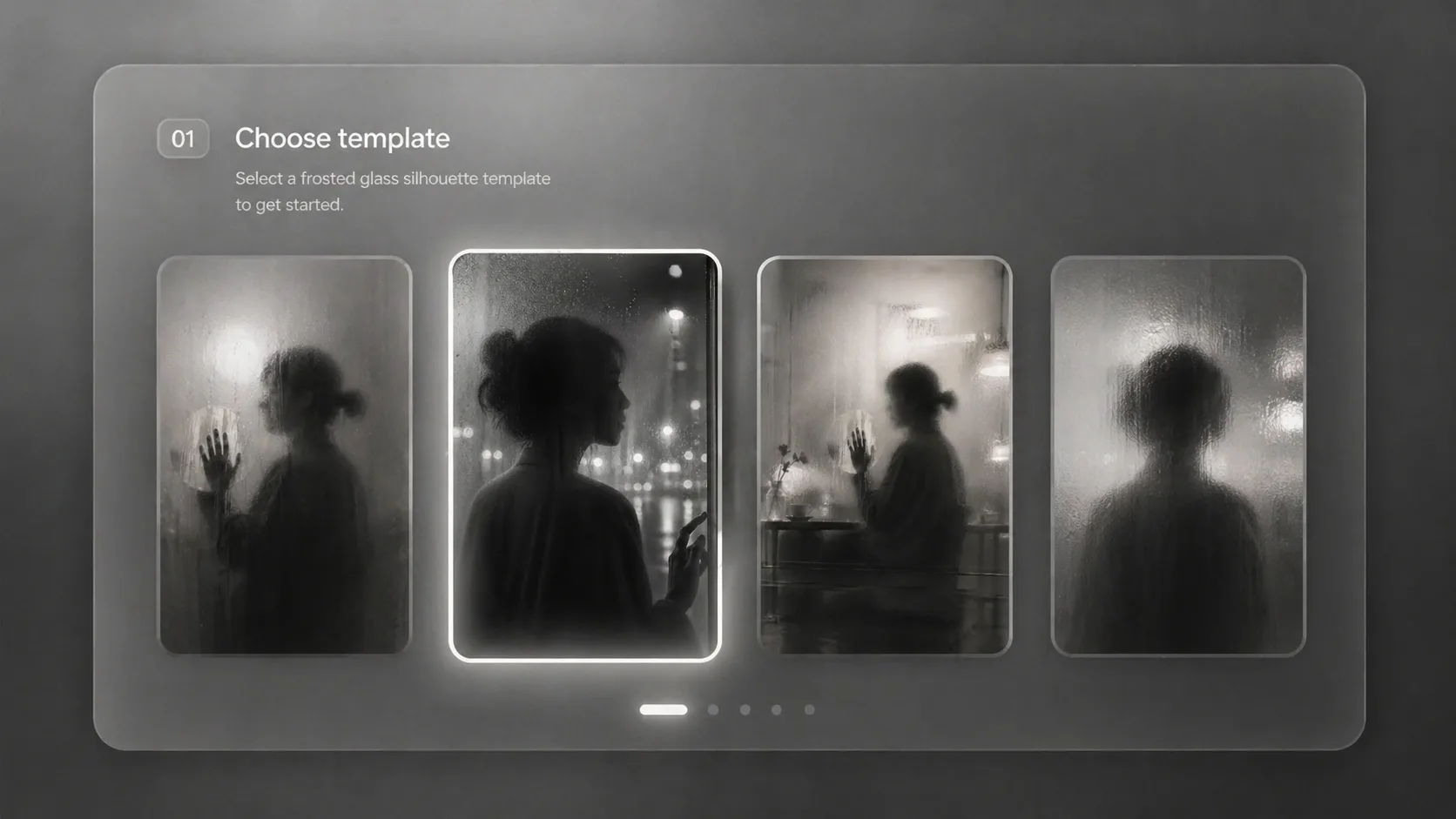
Choose a silhouette prompt
Pick a square studio portrait, rainy transit window, cafe condensation portrait, gallery dancer, acrylic profile, balcony figure, or fashion veil prompt based on the mood and aspect ratio you need.
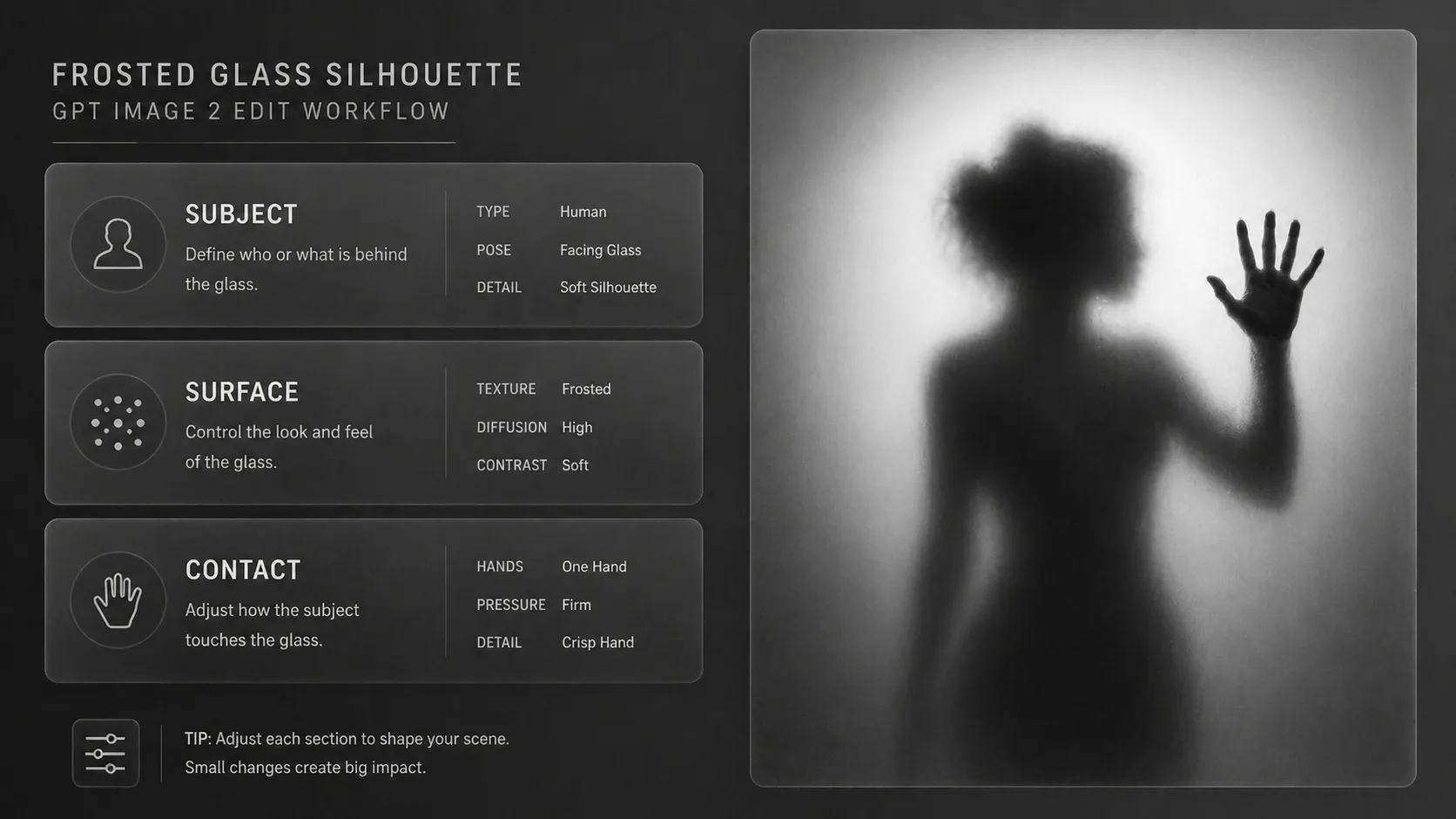
Replace the core variables
Change the subject description, translucent surface, contact detail, visible text language, background gradient, lighting, and mood. Keep the frosted surface and blurred silhouette as the anchor.
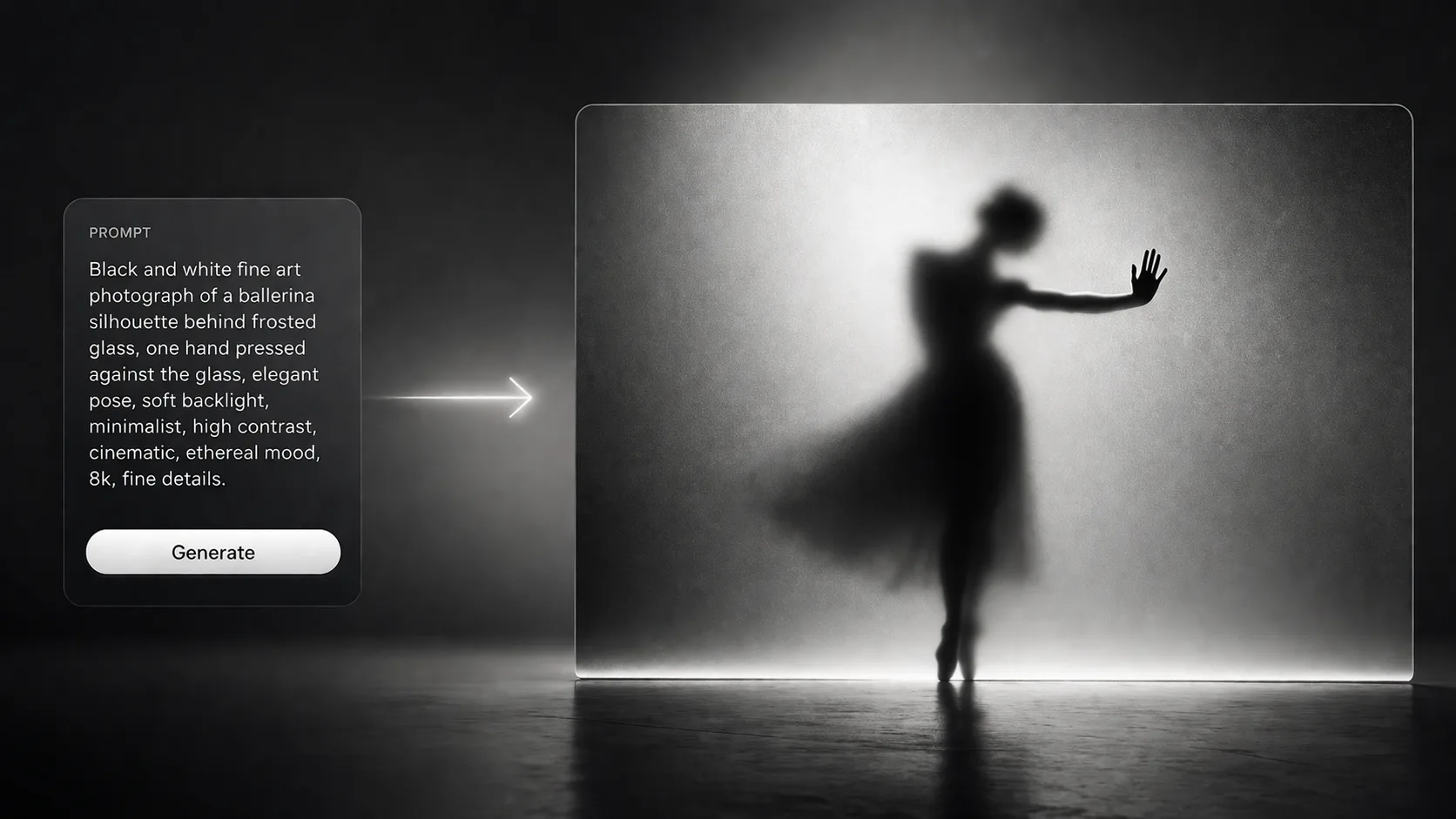
Generate and refine the image
Run the prompt, then adjust contrast, blur strength, contact clarity, and safety language. If the silhouette becomes too readable, ask for more diffusion; if the contact detail disappears, make that detail the only crisp anchor.
Frosted glass silhouette prompt FAQ
Search-style answers for using these GPT Image 2 prompts consistently.
Generate a frosted glass silhouette
Use a template, replace the subject and contact detail, then create a polished GPT Image 2 result.