
Scene Templates
Start with a GPT Image 2 scene template
Choose a visual scene, inspect the sample image and prompt, then load the template into the generator without copying text between tools.
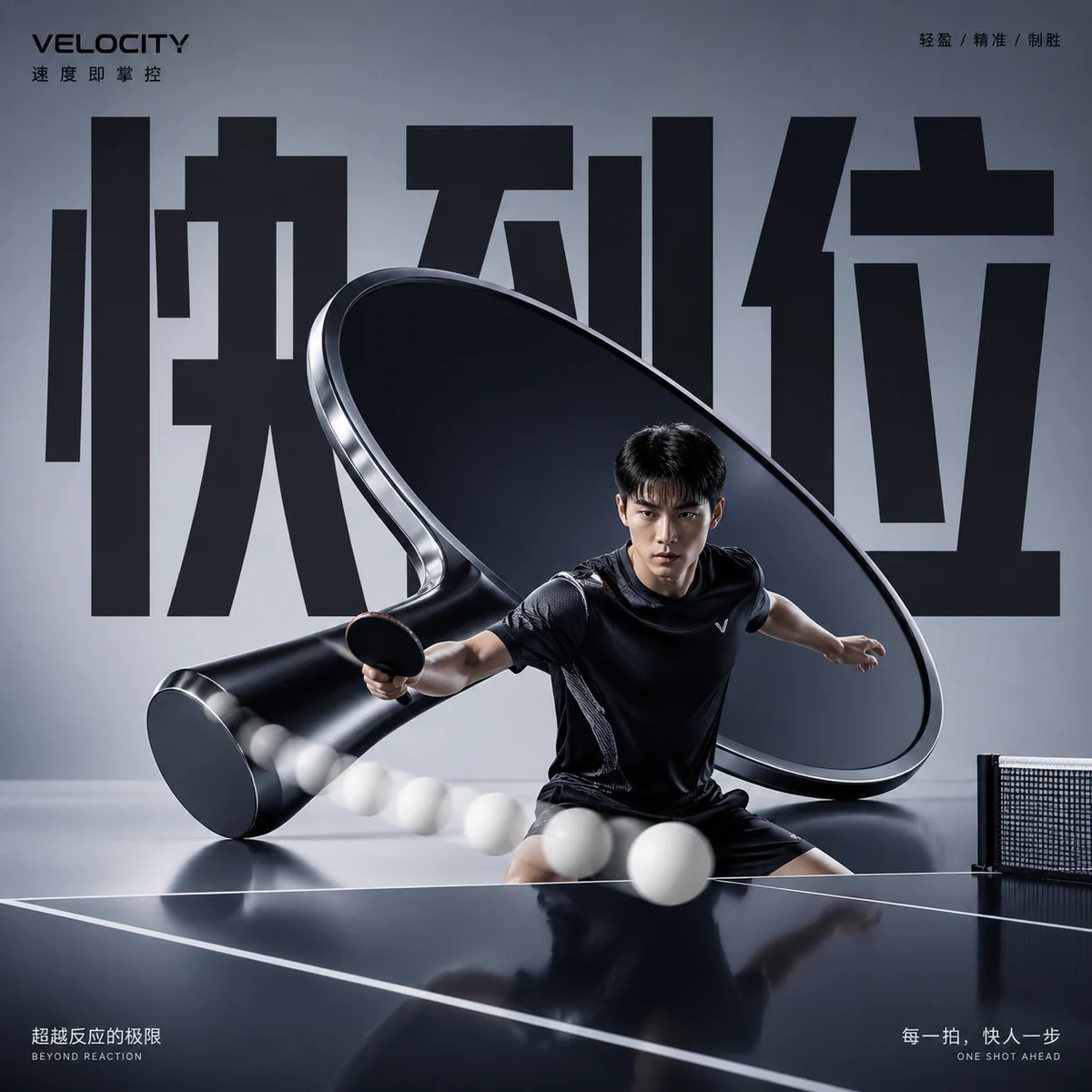
Sports Fashion Ads
Create premium sports campaign posters from reusable GPT Image 2 prompts.
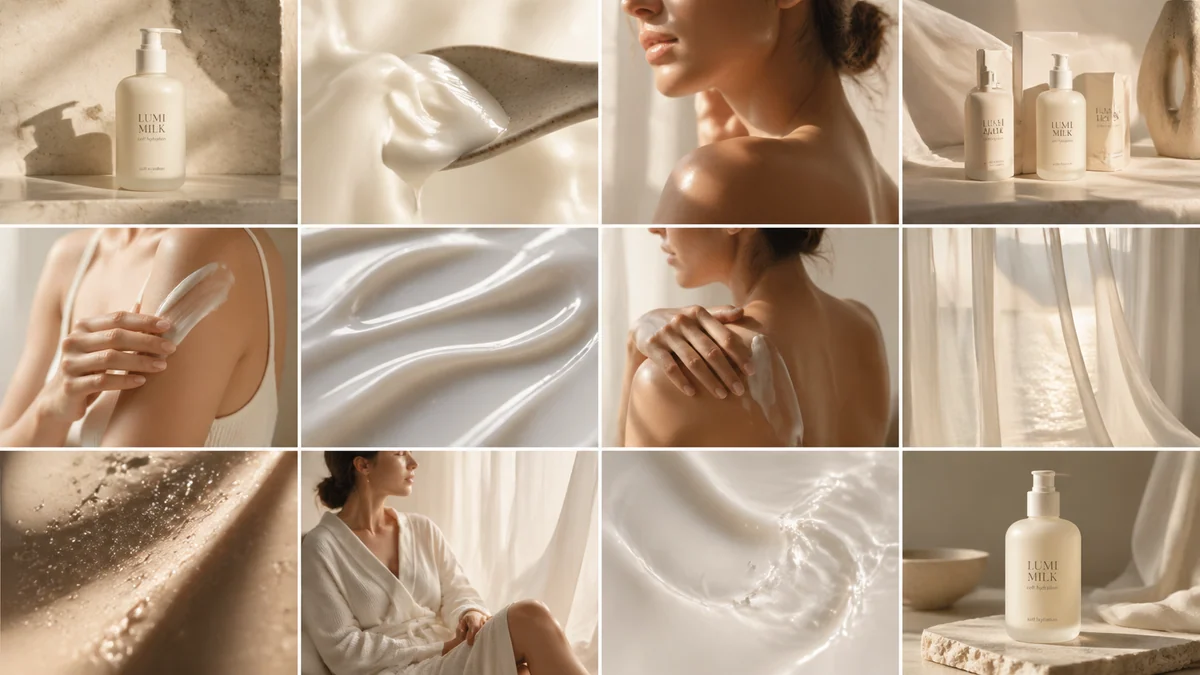
Skincare Storyboards
Create luxury skincare campaign boards with reusable GPT Image 2 prompts.
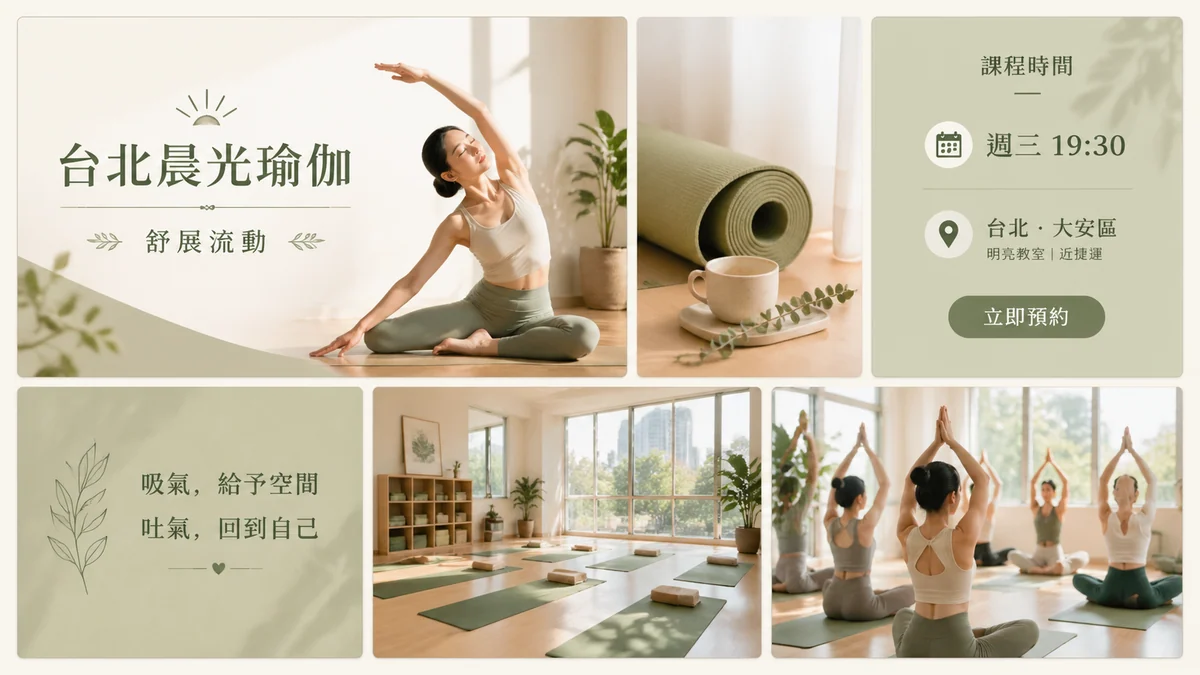
Yoga Campaign Templates
Create yoga posters, class cards, and pose storyboards with GPT Image 2 prompts.
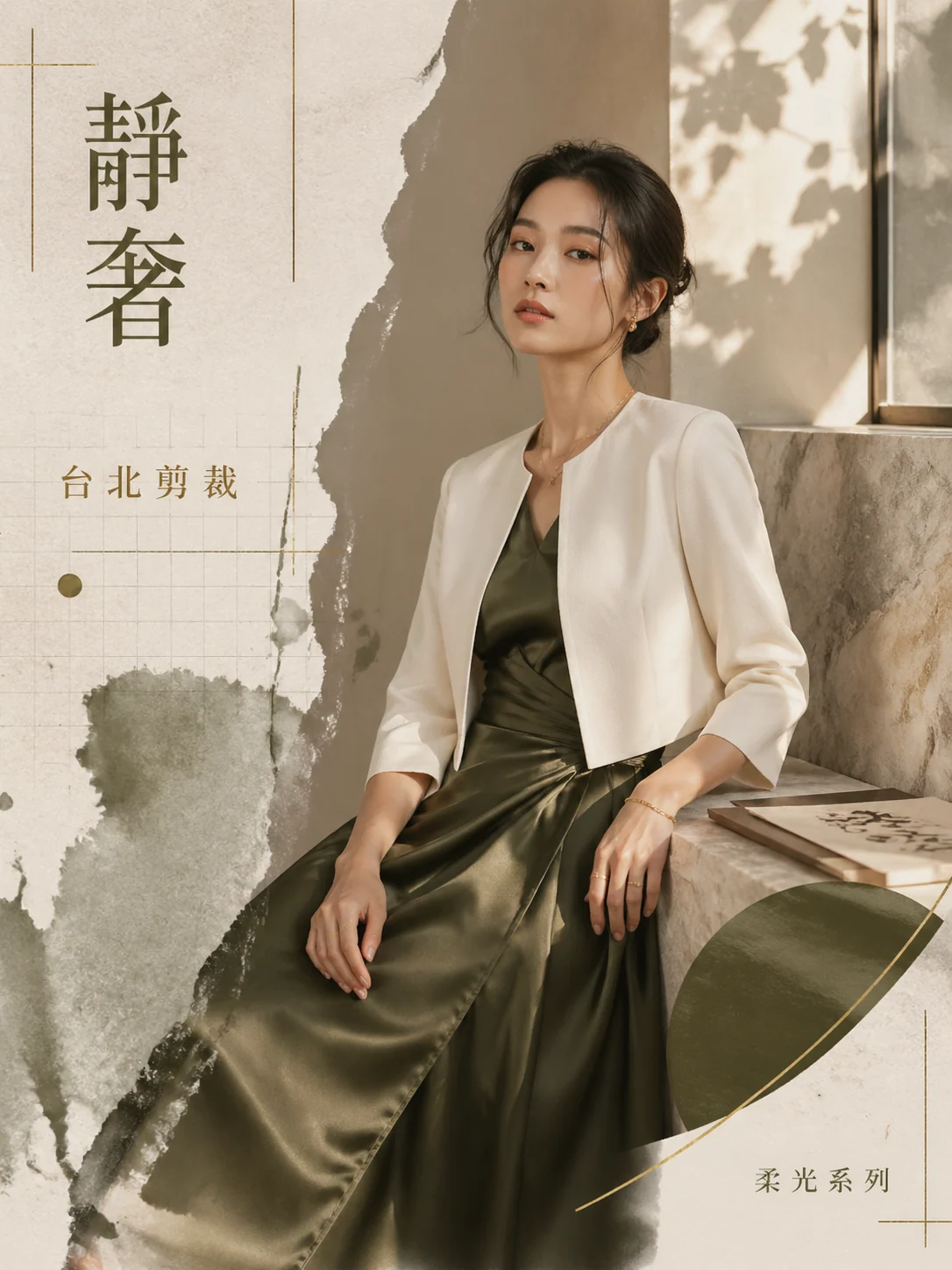
Editorial Fashion Posters
Create luxury fashion editorial posters with GPT Image 2 prompts.
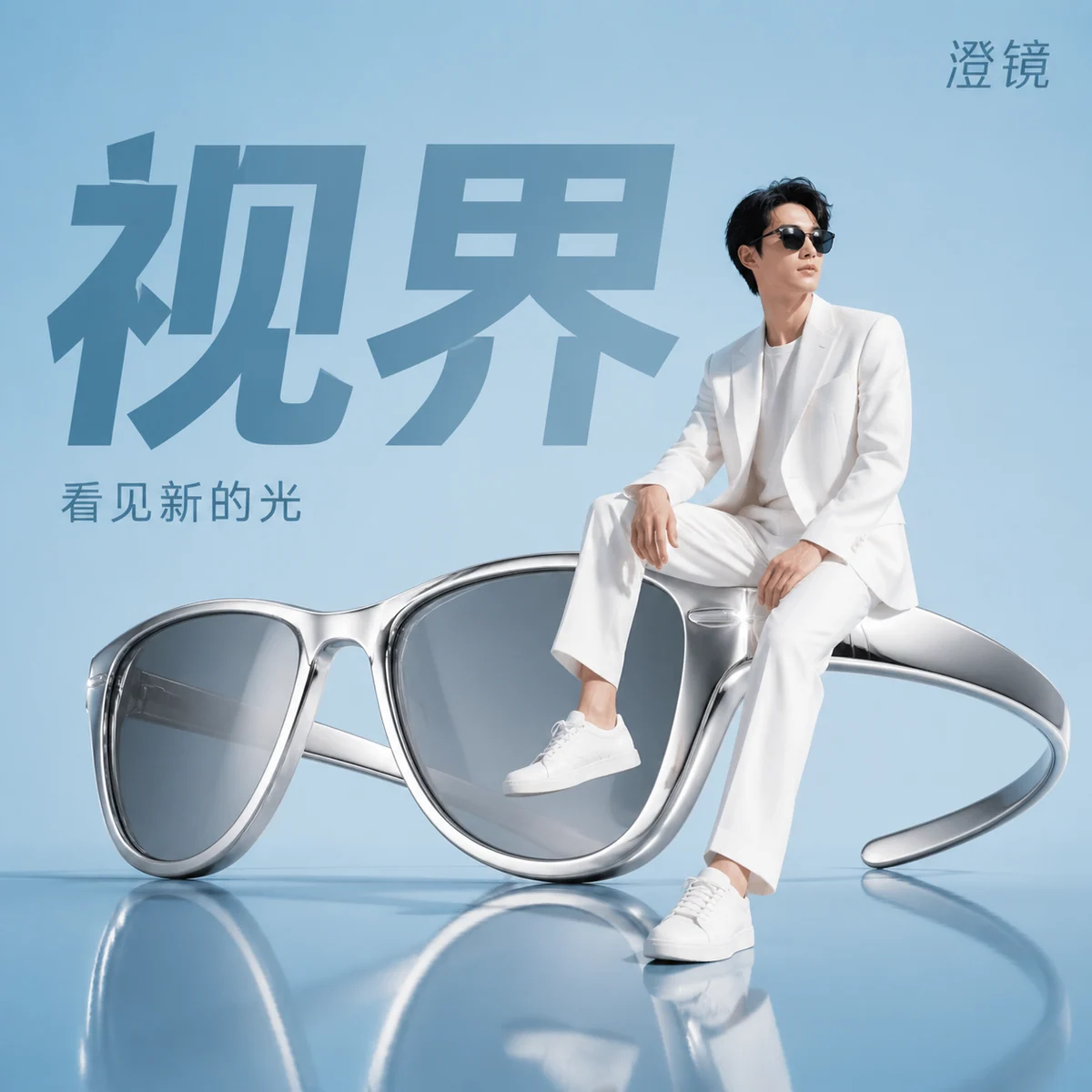
Oversized Product Ads
Create product-as-sculpture campaign visuals with reusable GPT Image 2 prompts.
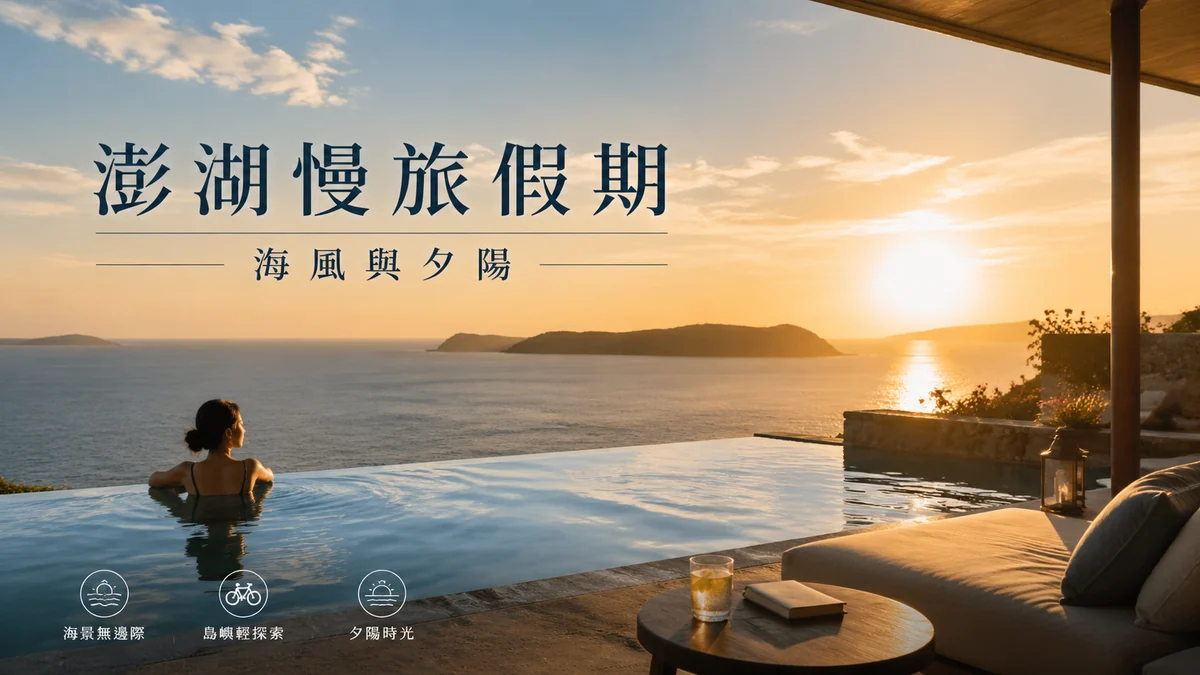
Luxury Travel Campaigns
Create destination posters, resort ads, and city guide visuals with GPT Image 2 prompts.
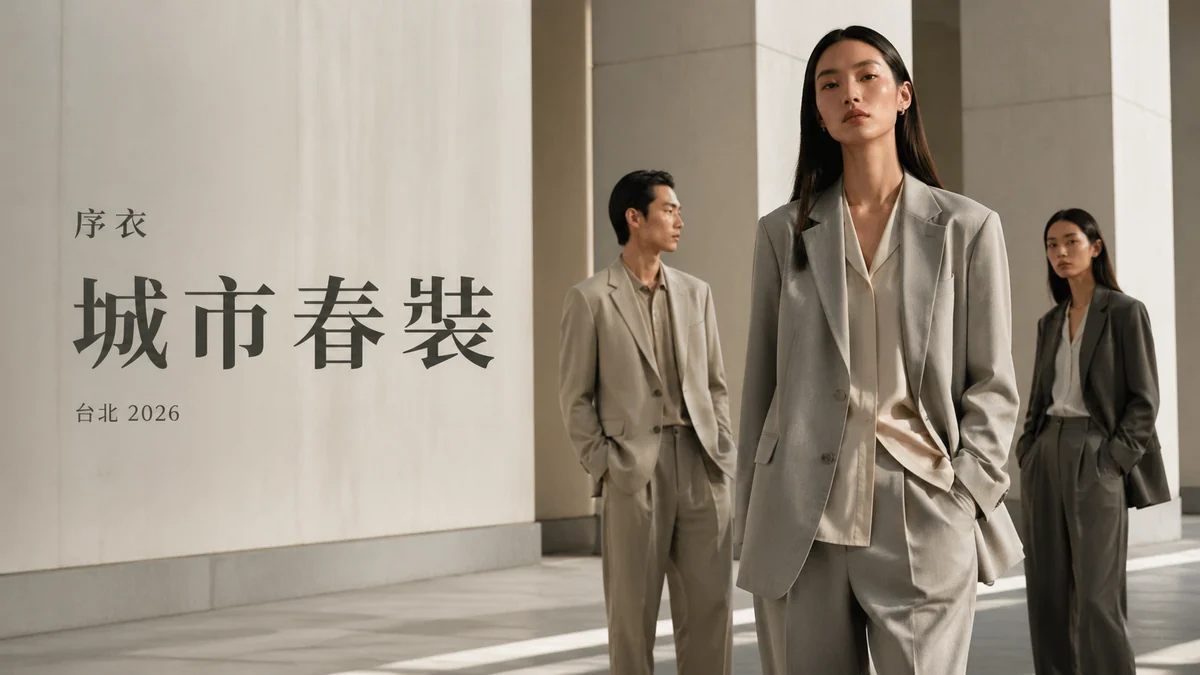
Fashion Campaign Prompts
Create reference-aware fashion campaign visuals with GPT Image 2 prompts.
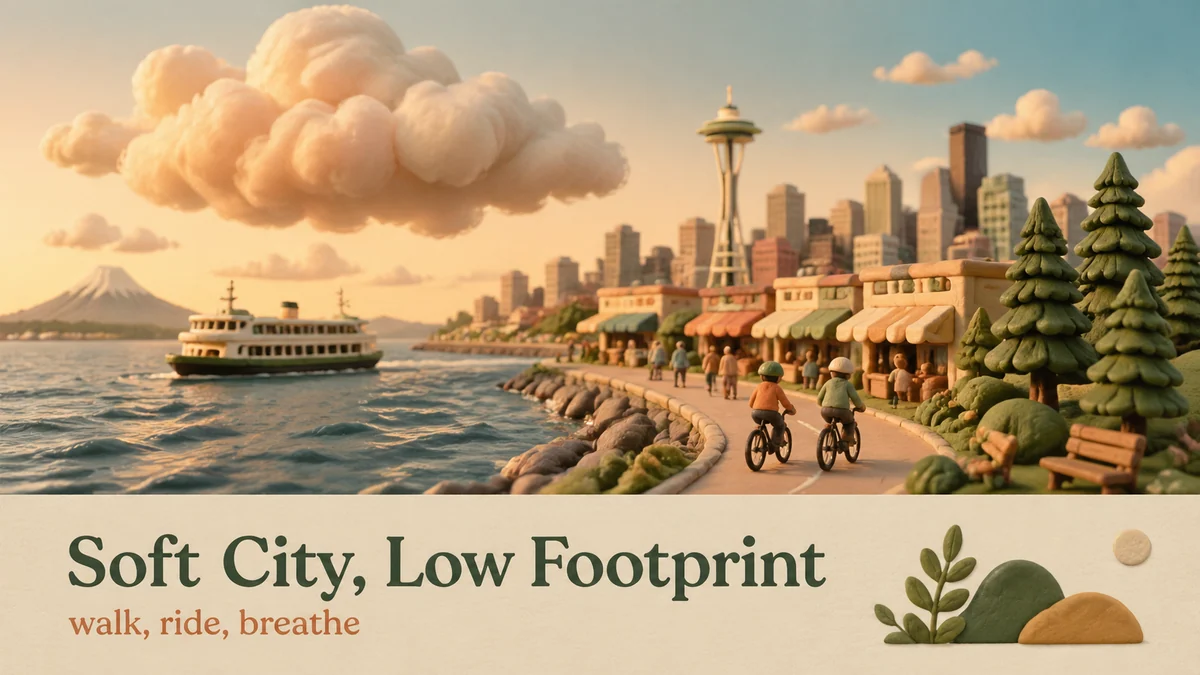
Clay Eco Posters
Make miniature clay eco posters with reusable GPT Image 2 prompts.
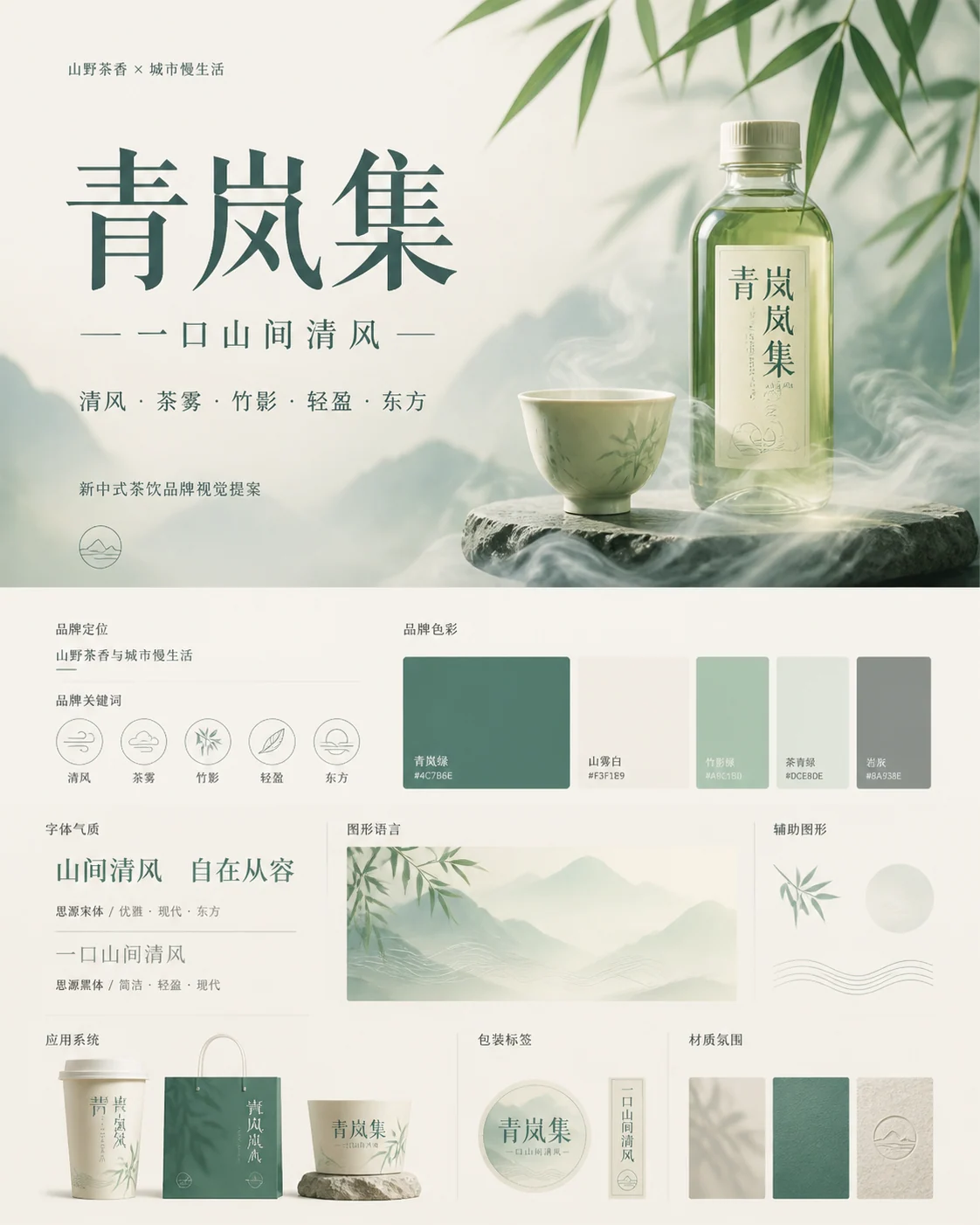
Brand Proposal Boards
Create brand proposal boards with GPT Image 2 prompts.
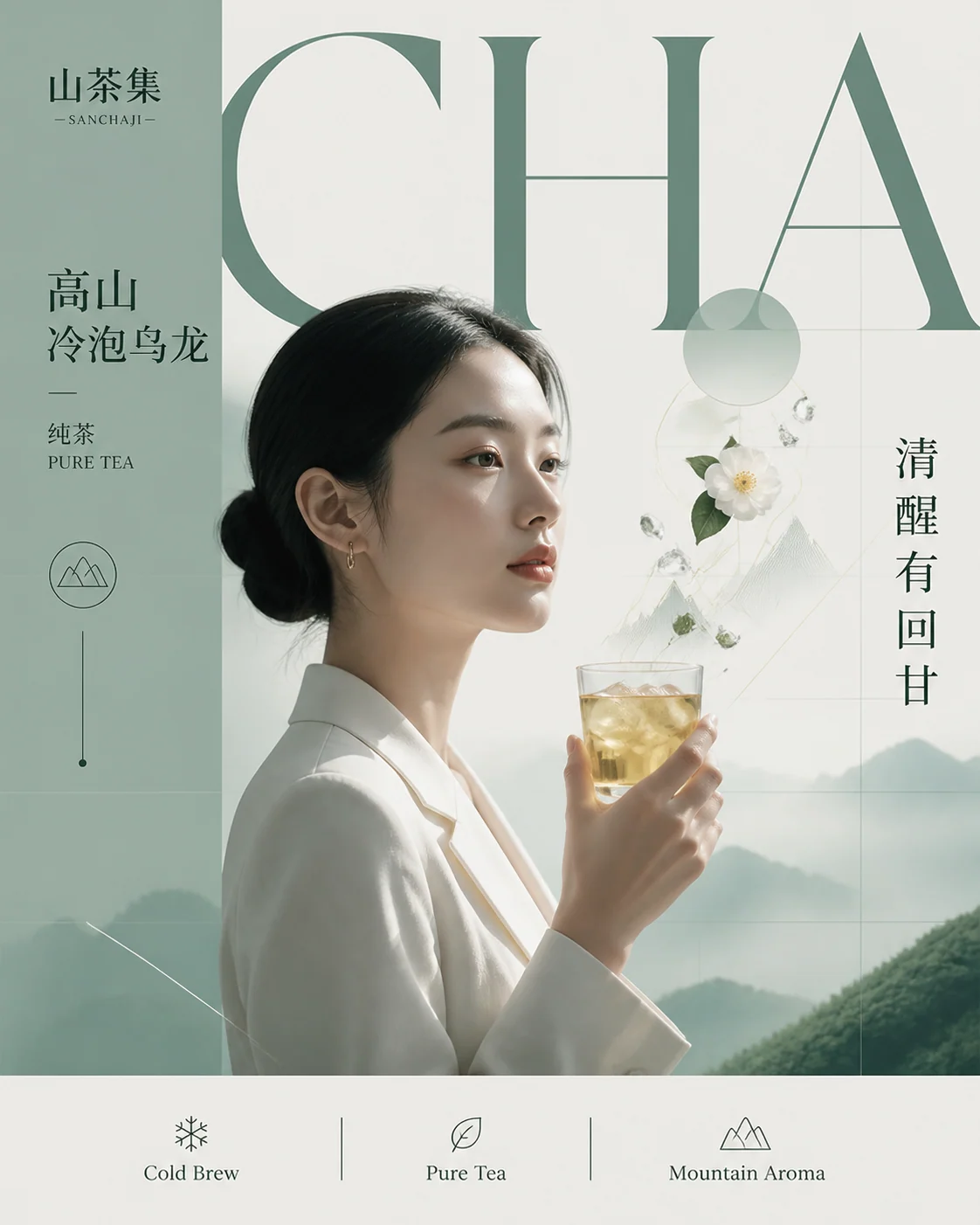
Beverage Campaign Posters
Create premium drink ads with reusable GPT Image 2 prompts.
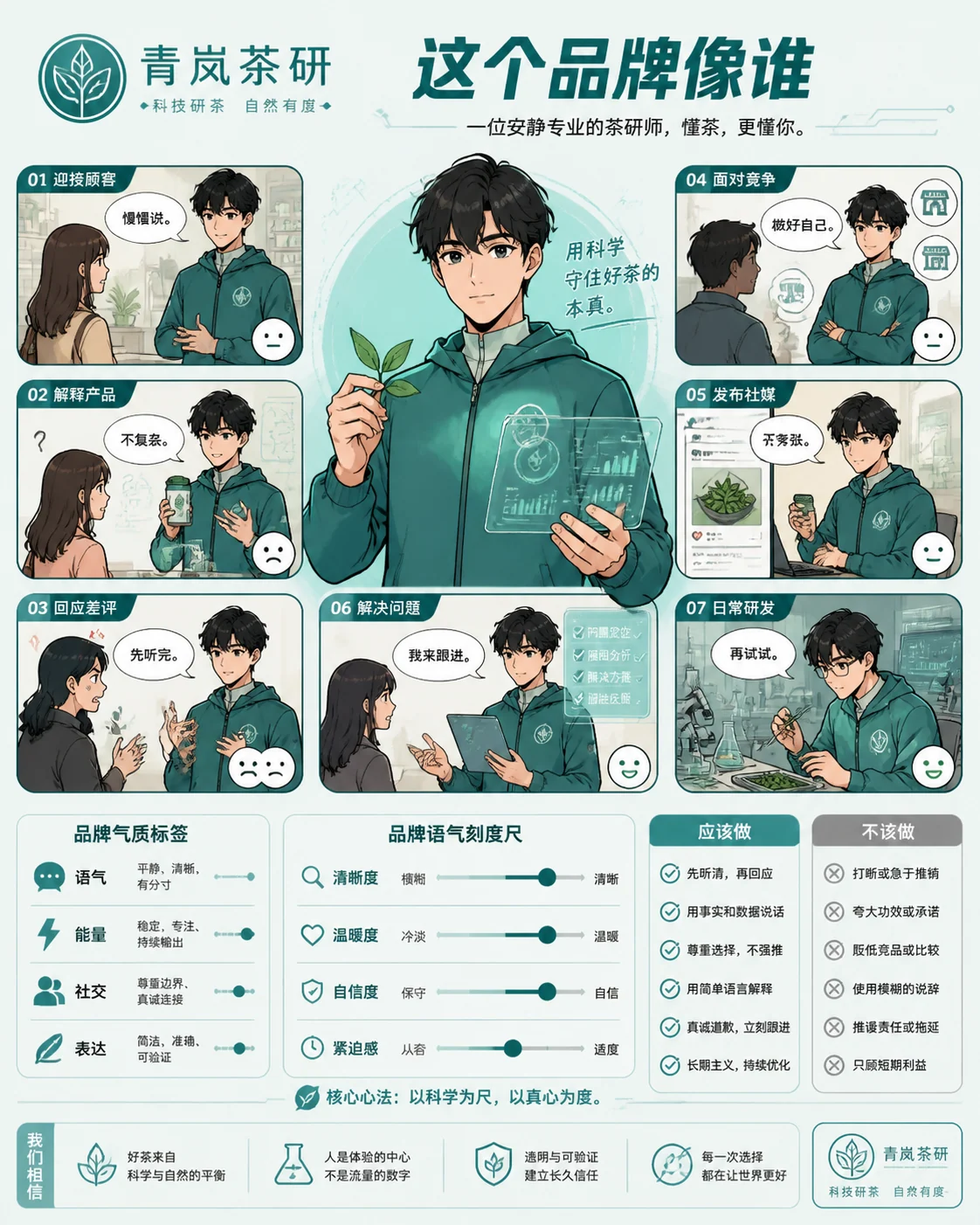
Brand Comics
Build logo-derived brand personality comics with GPT Image 2 prompts.
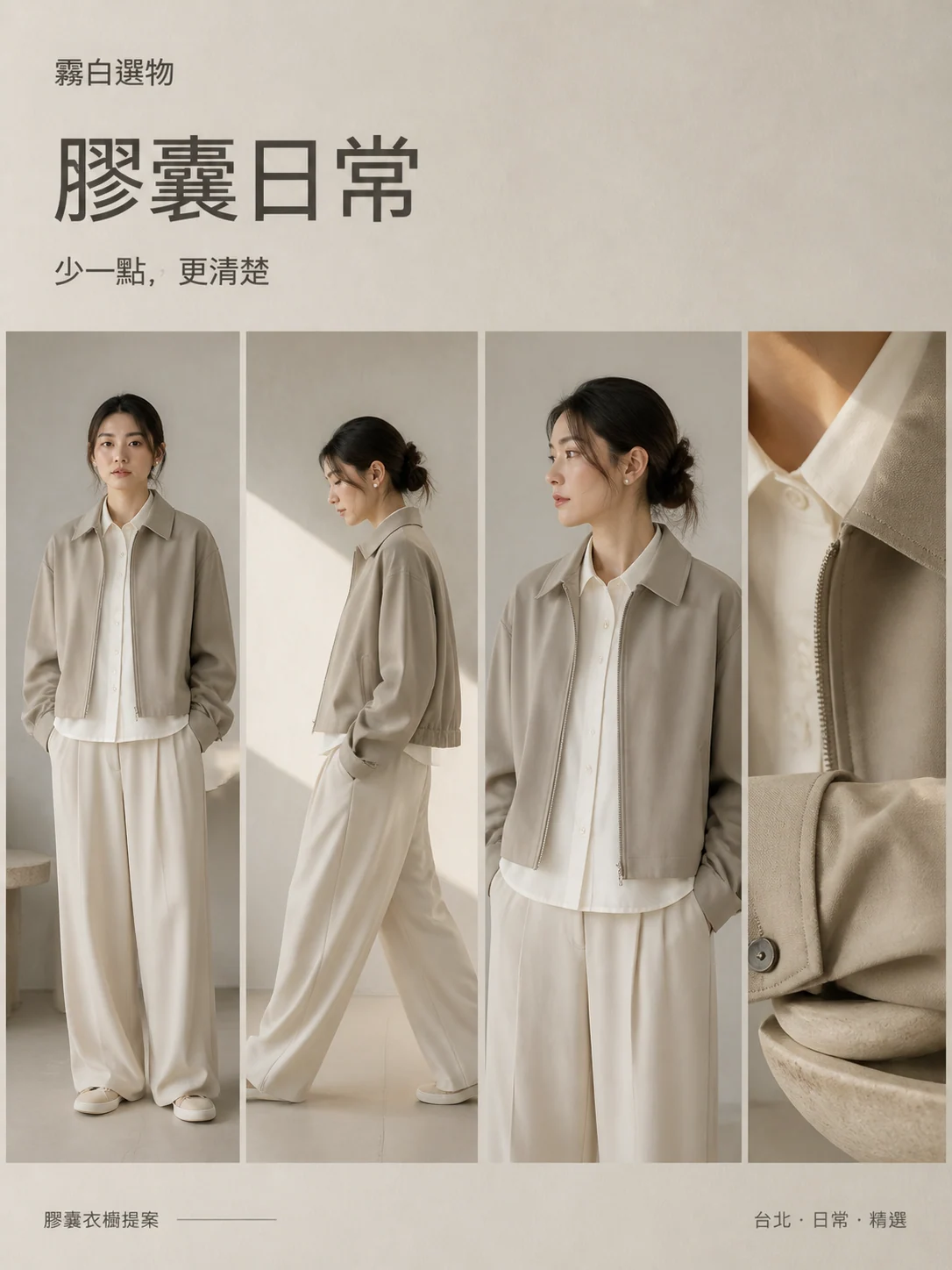
Minimal Fashion Ads
Create minimalist fashion ad collages with reusable GPT Image 2 prompts.
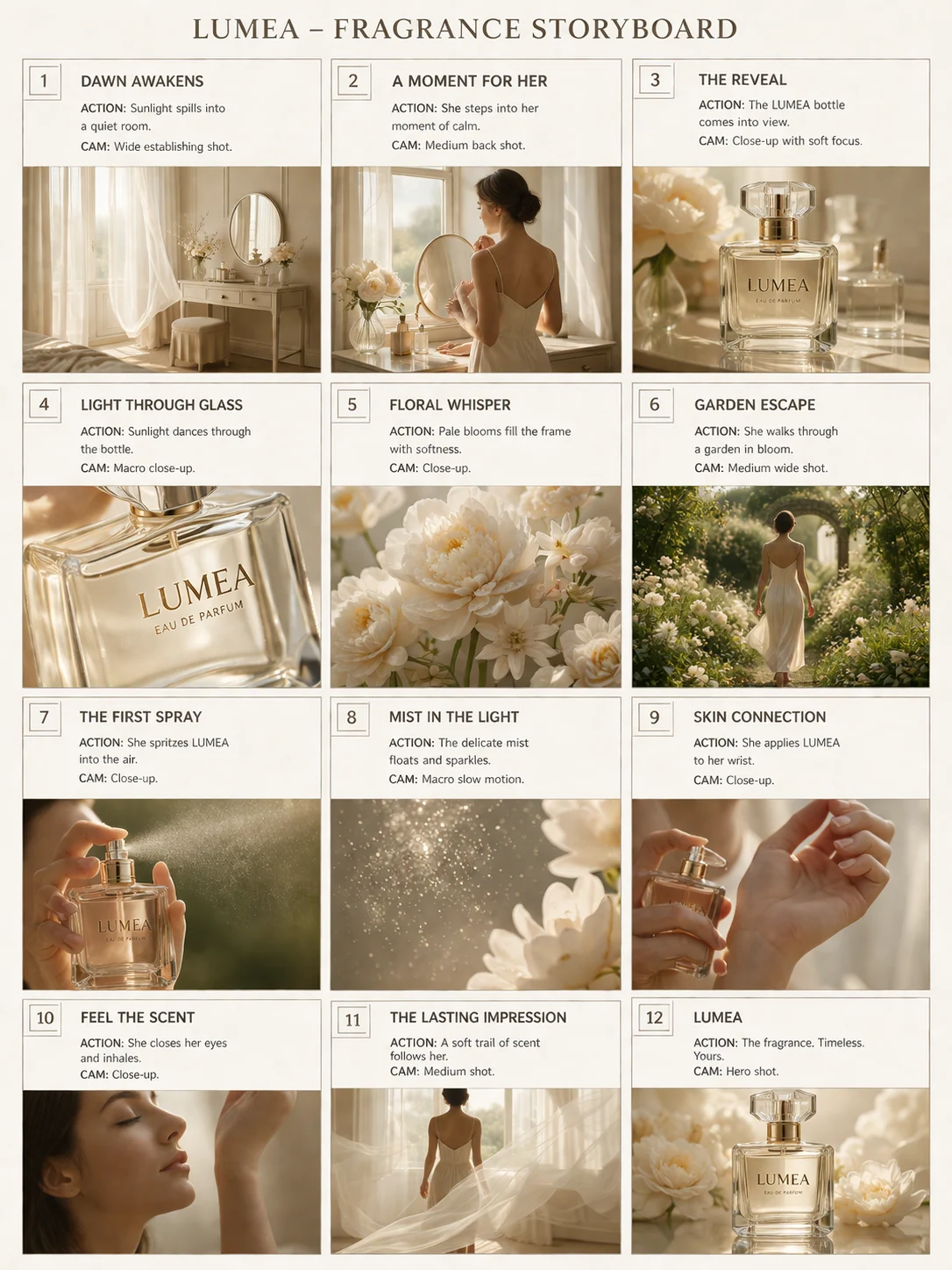
Luxury Product Storyboards
Create premium product ad storyboards with GPT Image 2 prompts.
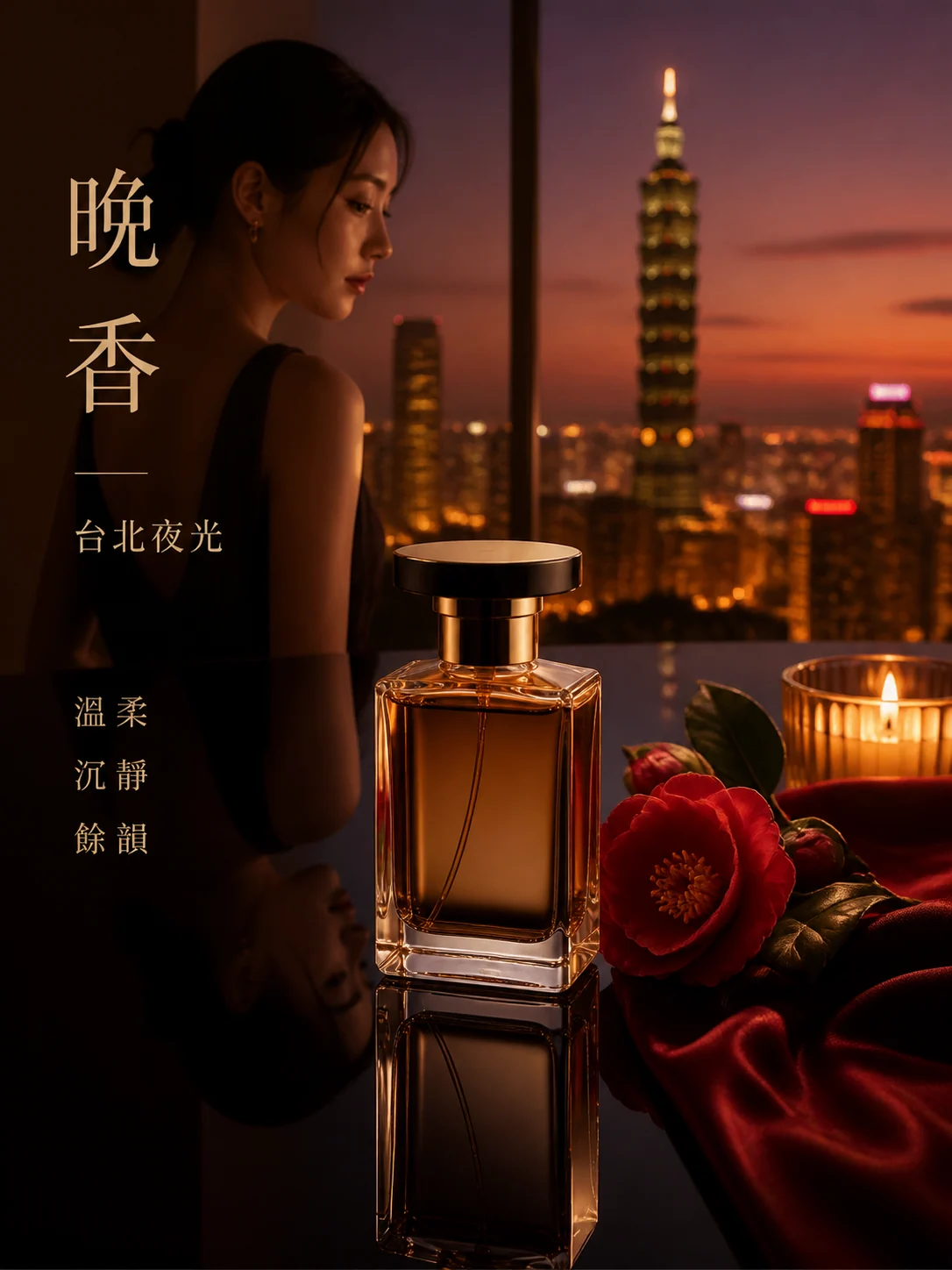
Perfume Ads
Create luxury fragrance ads with GPT Image 2 prompts.
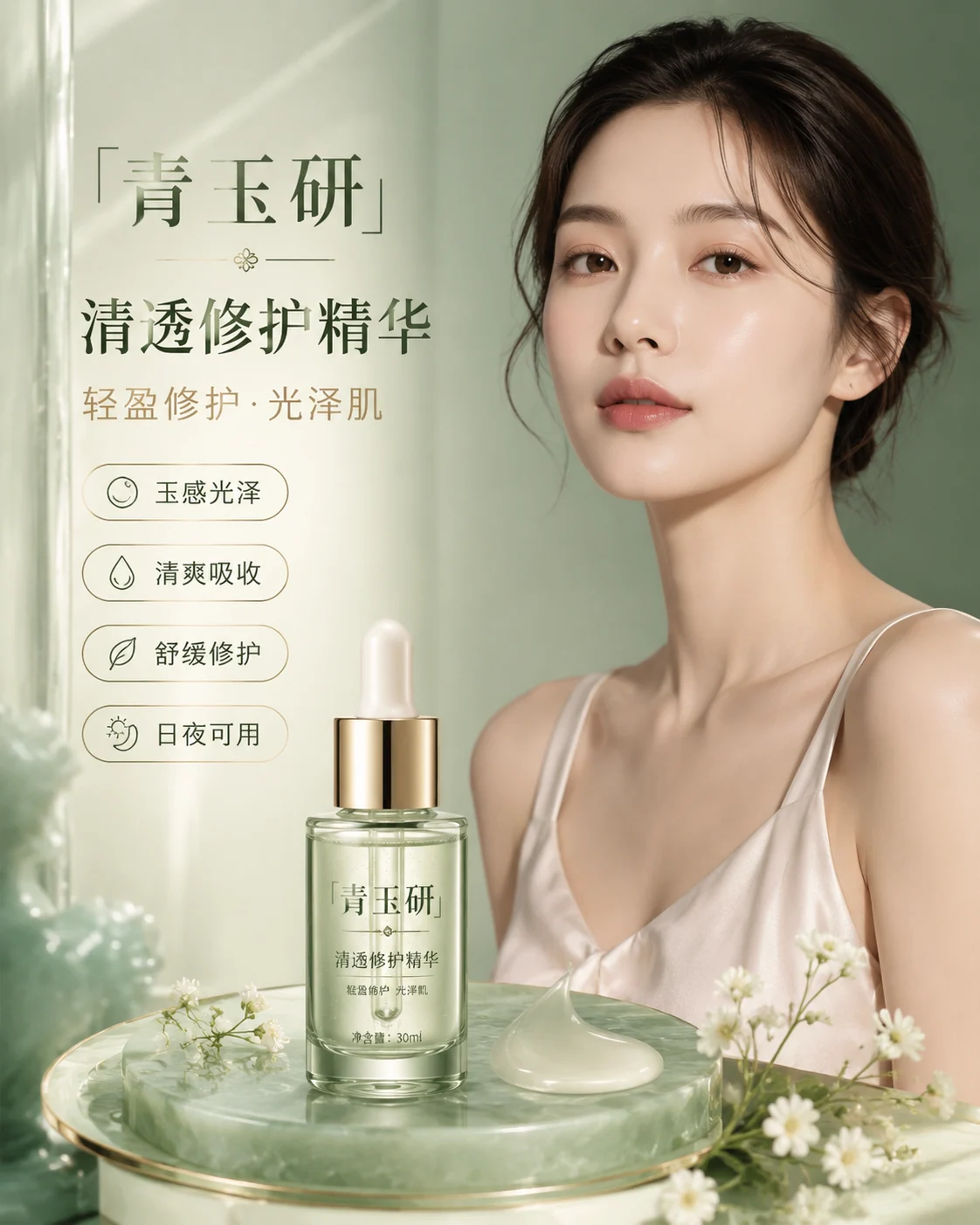
Beauty Ad Posters
Create premium cosmetic campaign posters with GPT Image 2 prompts.
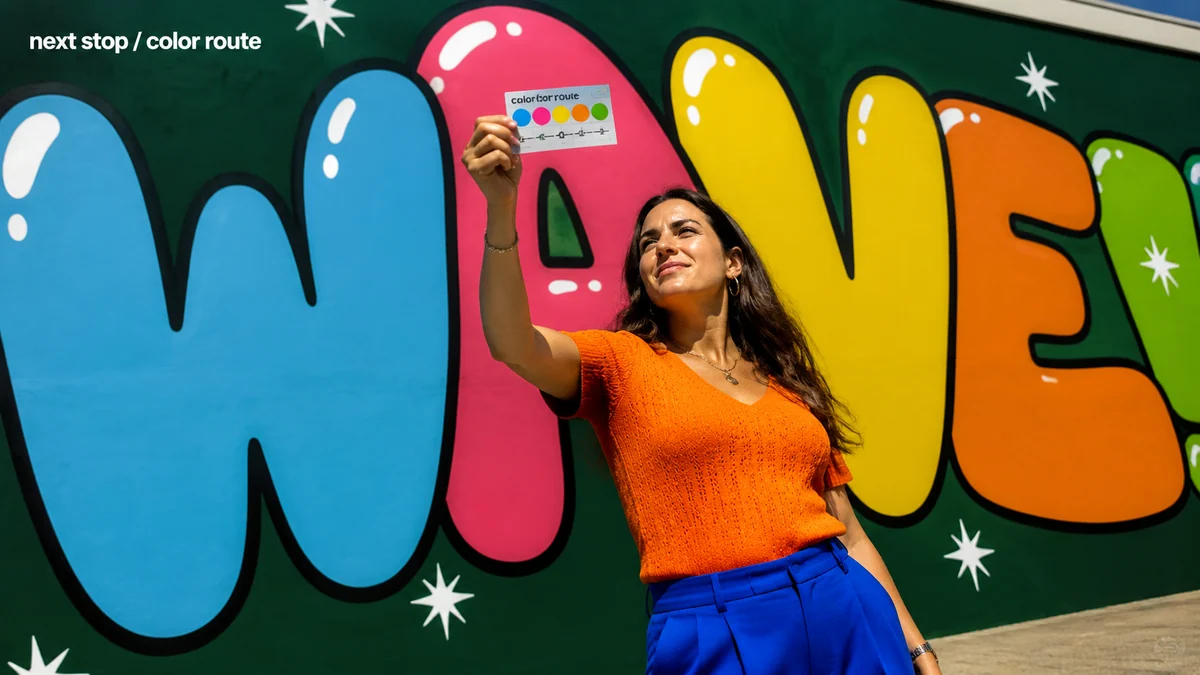
Pop Bubble Portraits
Create Pop bubble-letter portraits with reusable GPT Image 2 prompts.
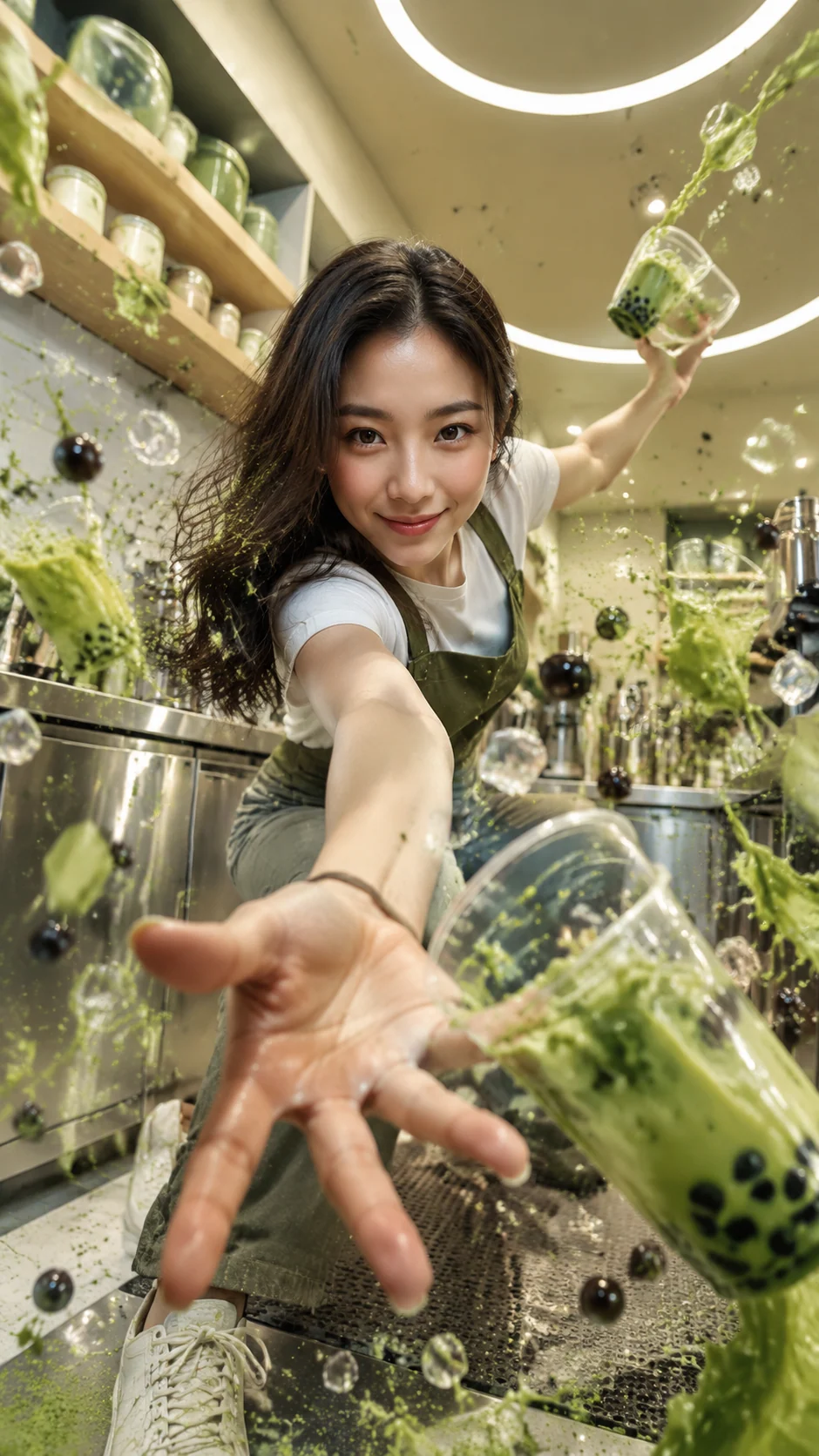
Tea Splash Portraits
Create identity-preserving bubble tea action portraits with GPT Image 2 prompts.
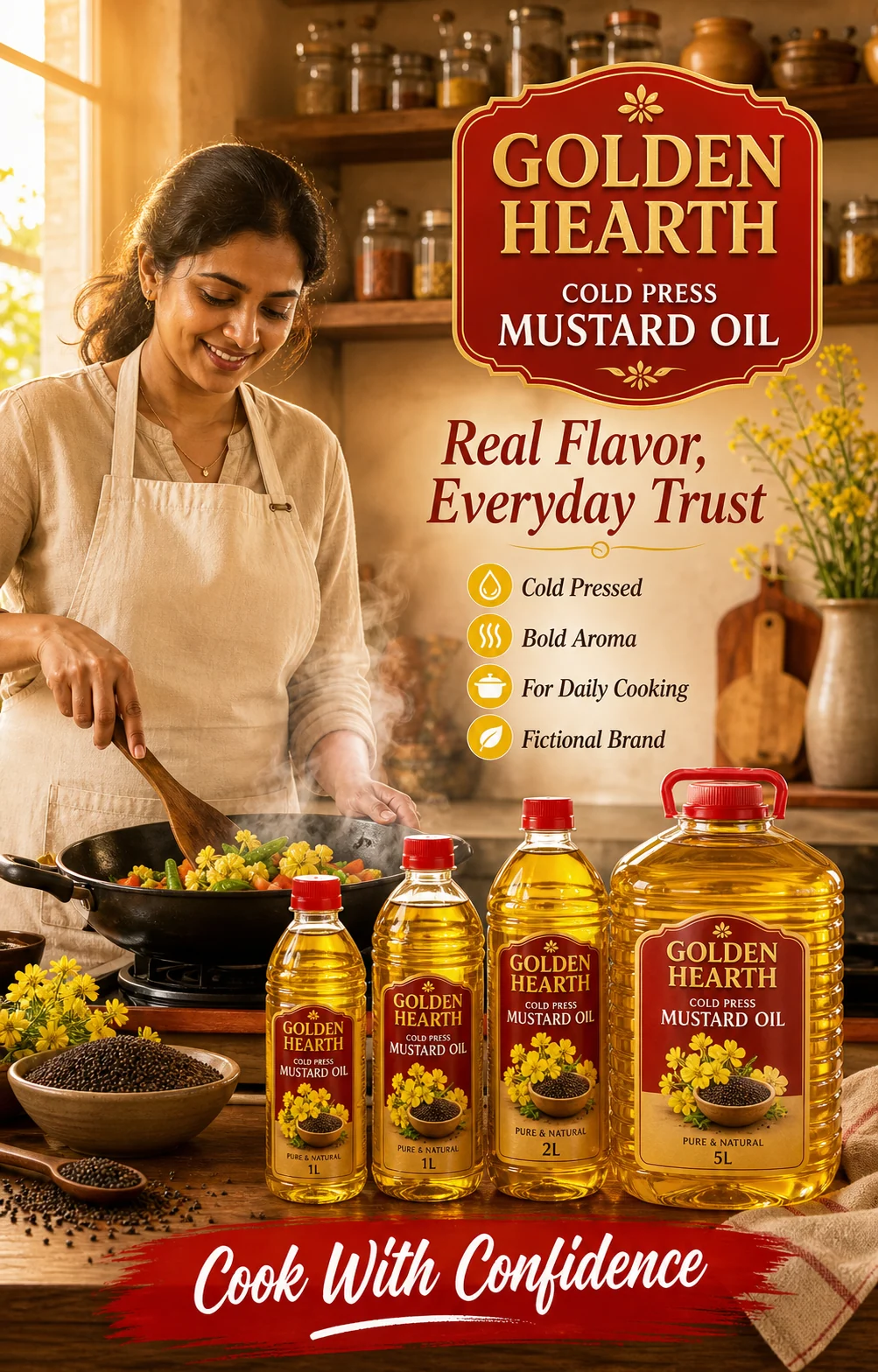
FMCG Food Ads
Create packaged food campaign posters with reusable GPT Image 2 prompts.
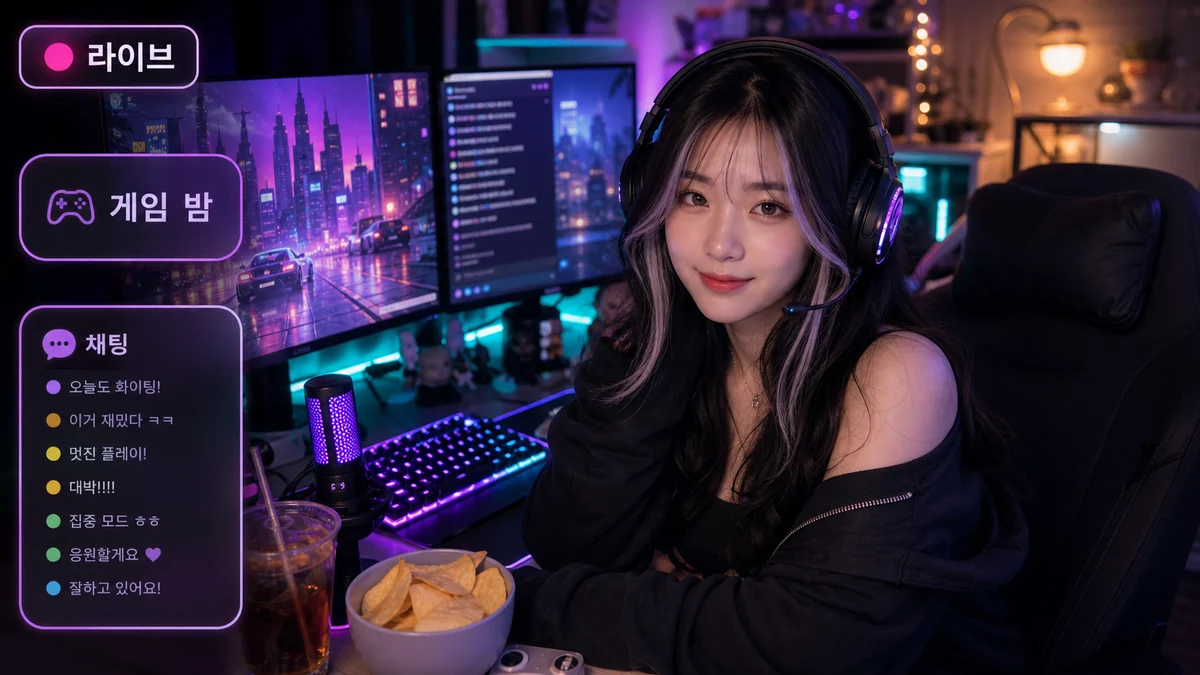
Livestream Portraits
Create cozy gamer livestream portraits with reusable GPT Image 2 prompts.
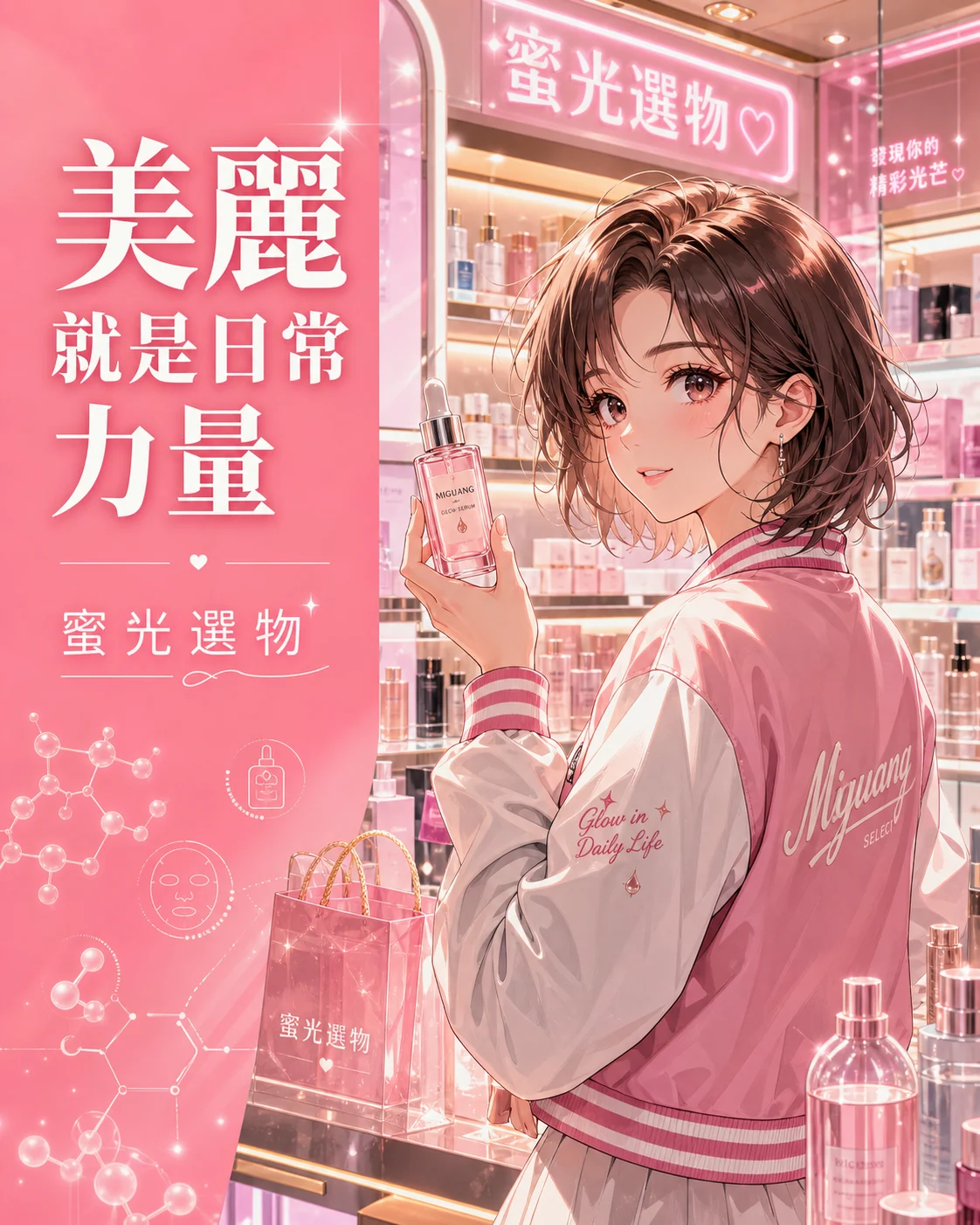
Anime Retail Posters
Create fictional retail campaign posters with GPT Image 2 prompts.
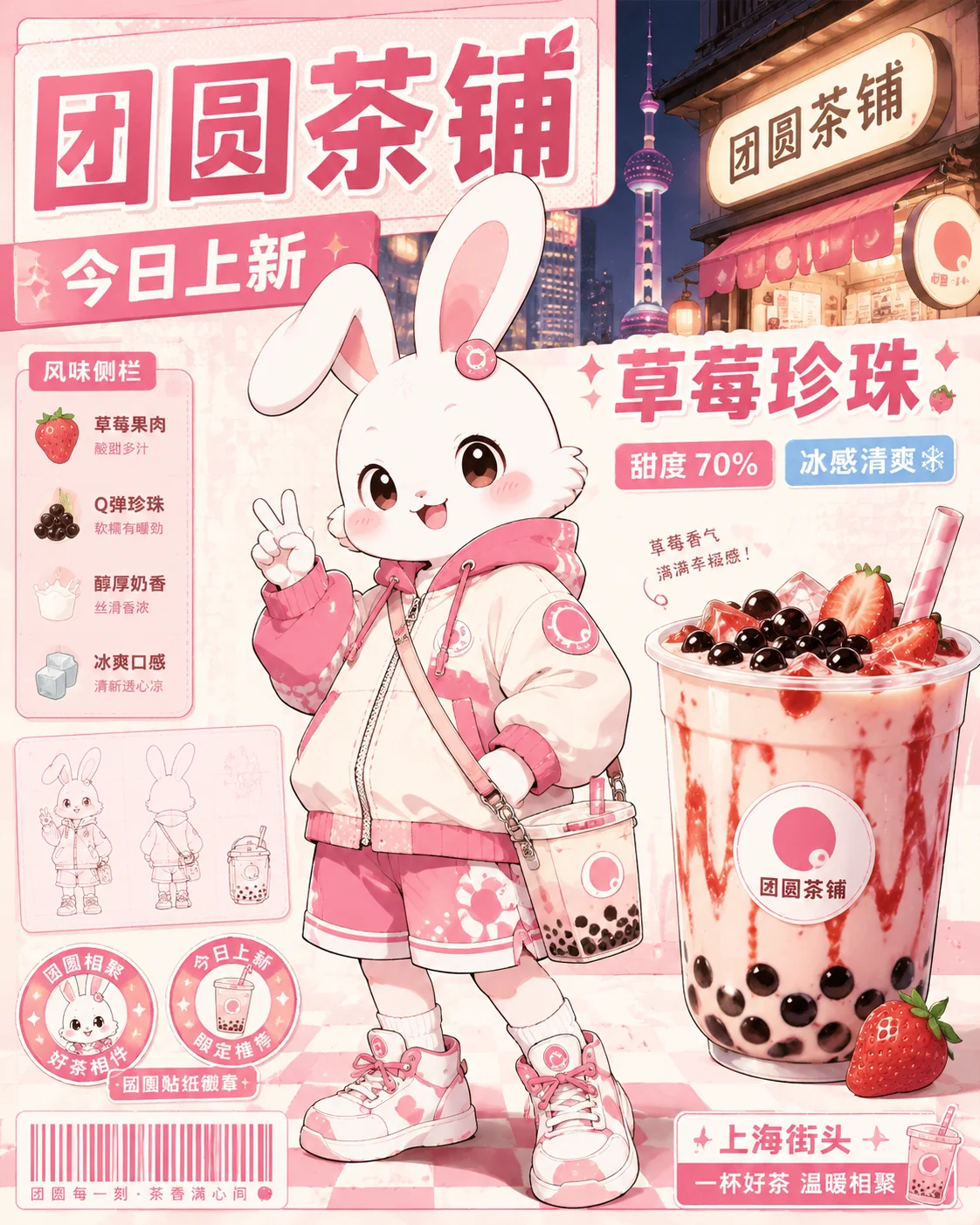
Anime Mascot Posters
Create fictional brand mascot posters with reusable GPT Image 2 prompts.
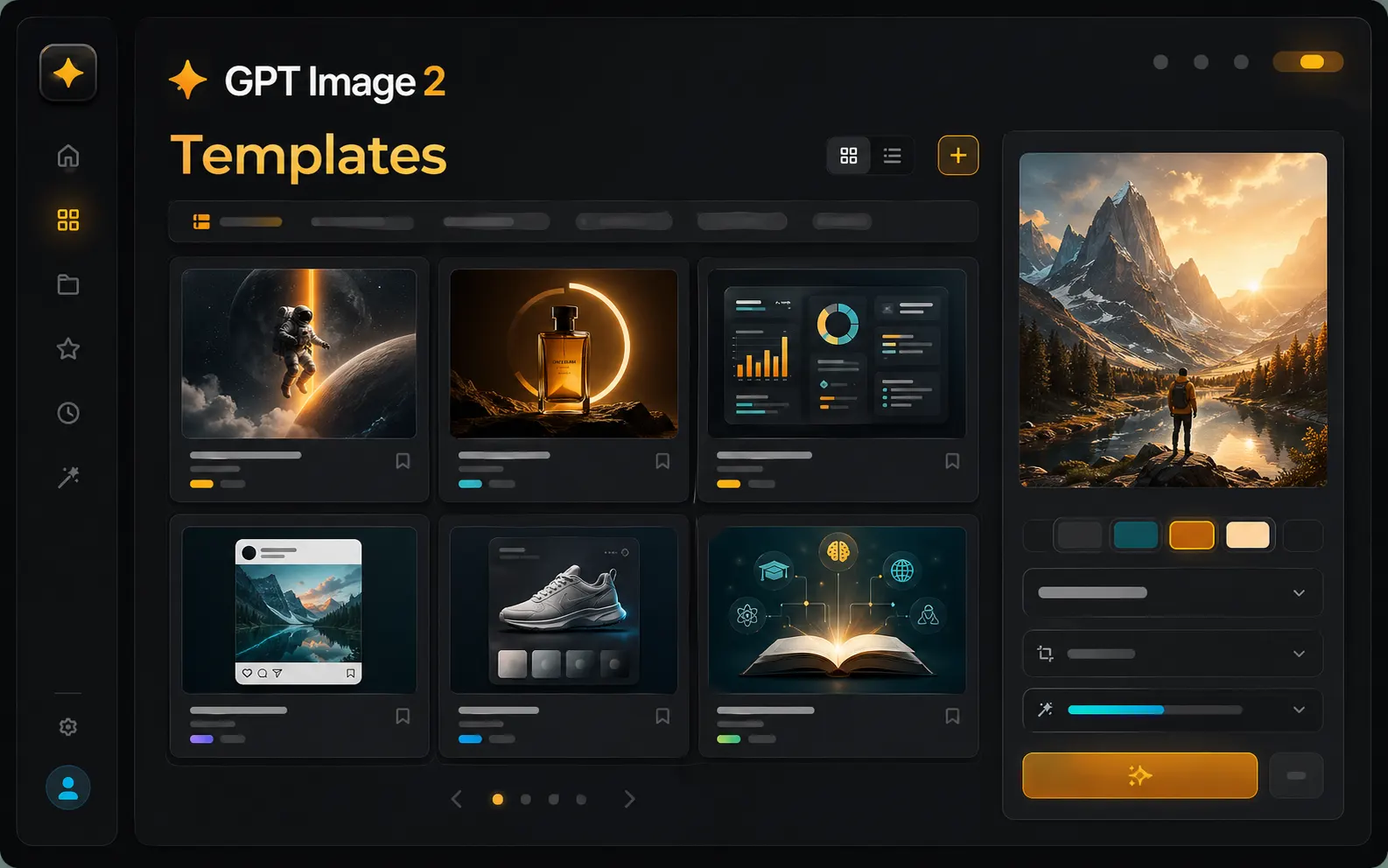
Find the right GPT Image 2 template before you write from scratch
The template workspace is built for users who already know the image they need, but do not want to start with an empty prompt box. Browse scene-based GPT Image 2 templates, choose a visual task, open prompt examples, and move straight into generation with the same workspace controls.
Scene-based template browsing
Start from real output goals such as posters, ads, infographics, social posts, product mockups, learning cards, and concept art instead of browsing a generic prompt list.
Reusable image prompt templates
Each template is designed as a practical image prompt template with subject, composition, short text, style, lighting, aspect ratio, and output intent already framed.
Generator handoff in one workspace
Open a scene, load a prompt example, upload references, choose an aspect ratio, and generate with GPT Image 2 without switching away from the template workflow.
A foundation for many future scenes
This page is ready for a larger template library, so new campaign, creator, ecommerce, education, and brand scenarios can grow without changing the user's creation path.
Templates for the image scenes people actually generate
A strong AI image prompt template should do more than add style words. It should describe the job of the image, the parts of the layout, the role of any visible text, and how the result will be reused after the first generation.
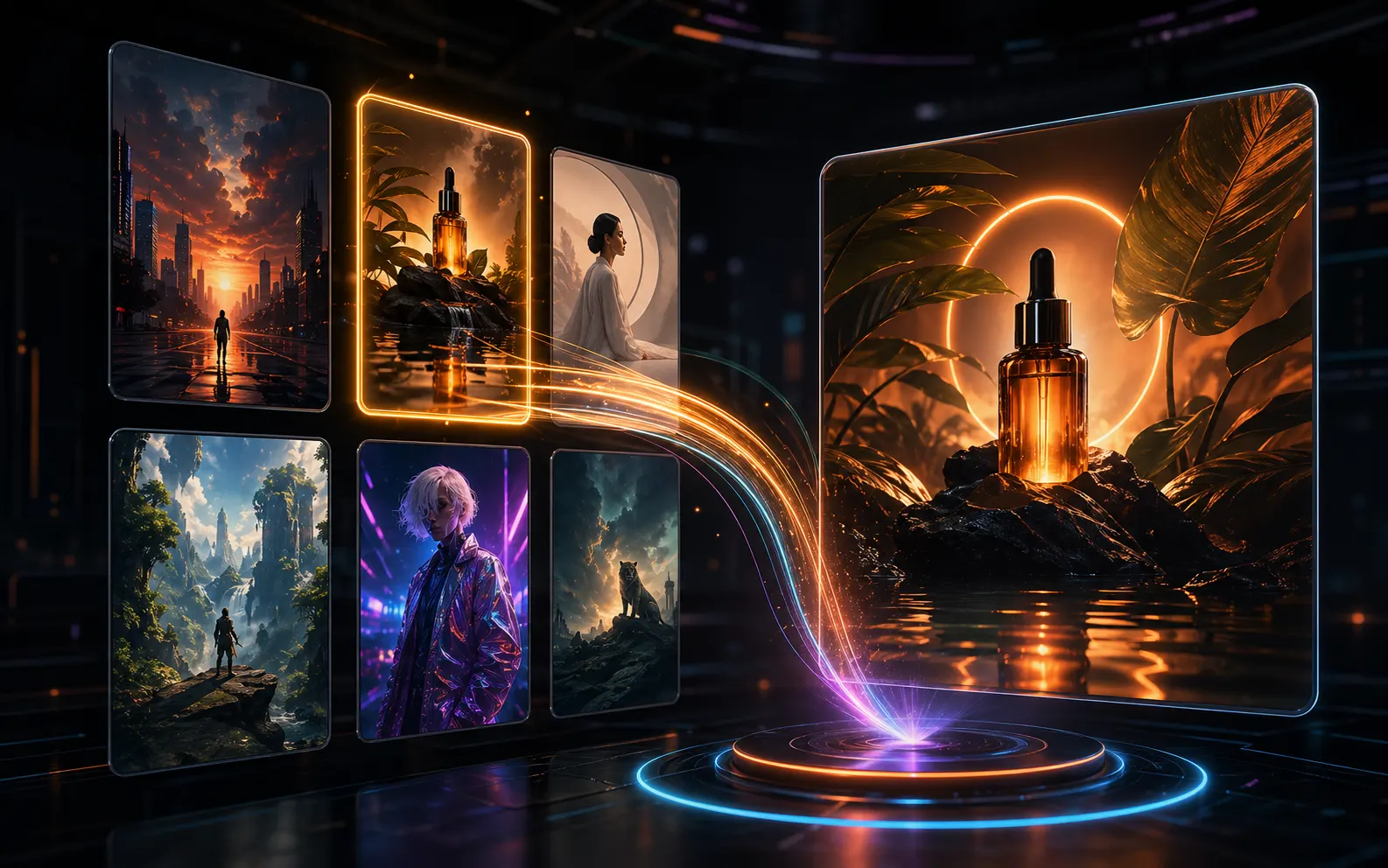
Use templates when the output has a clear job
Poster templates, ad templates, infographic templates, product mockup templates, and social visual templates help GPT Image 2 understand the format before it starts composing the image. That matters when the result needs readable short text, a clear focal point, and a layout that can become a real campaign draft.
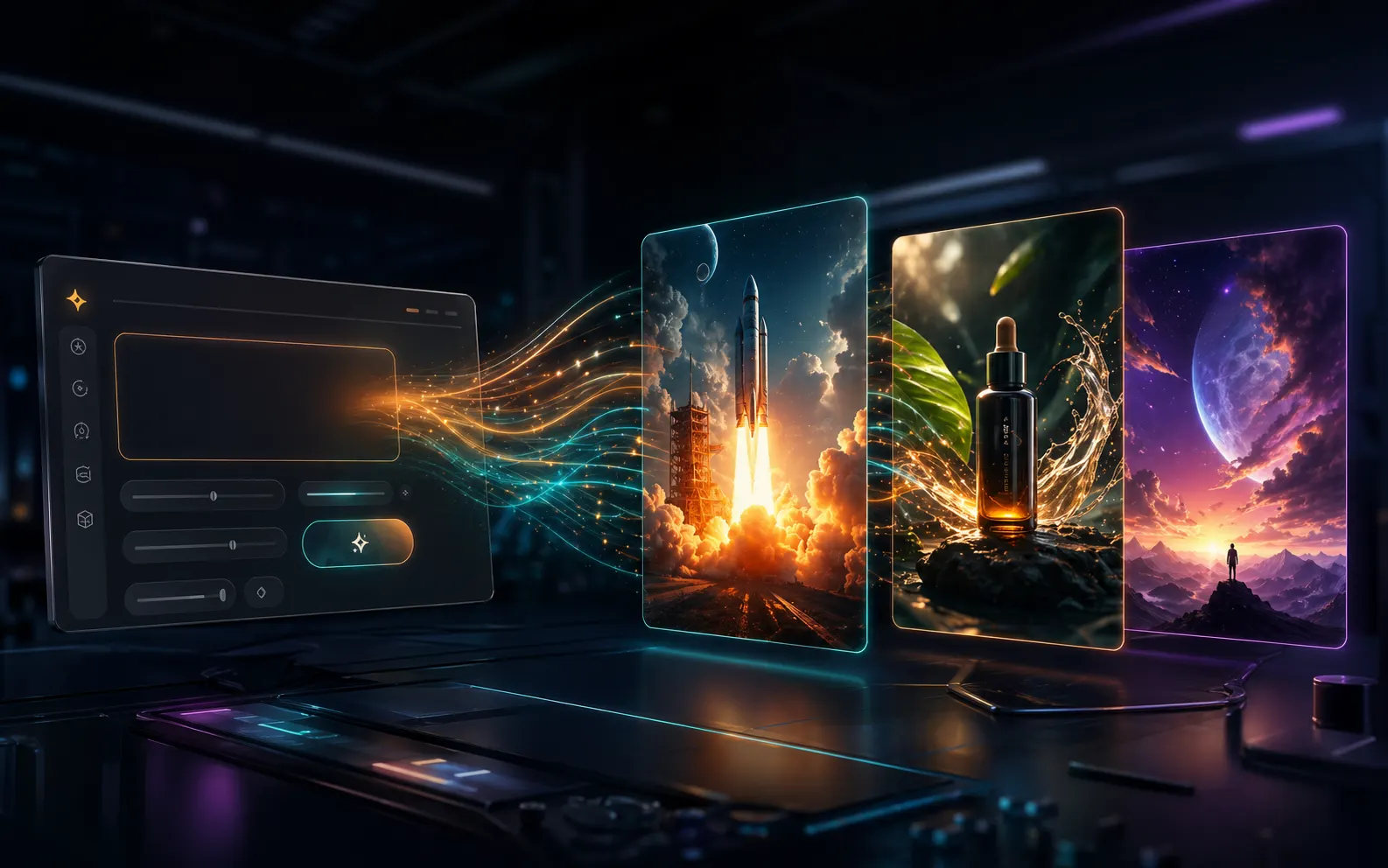
Turn a template into a generation brief
A good image prompt template gives you a structured starting point: subject, purpose, audience, scene, typography, color direction, reference role, and aspect ratio. You can keep the parts that work, replace the product or message, and send a clearer brief into the GPT Image 2 generator.
Reuse the best result as the next template direction
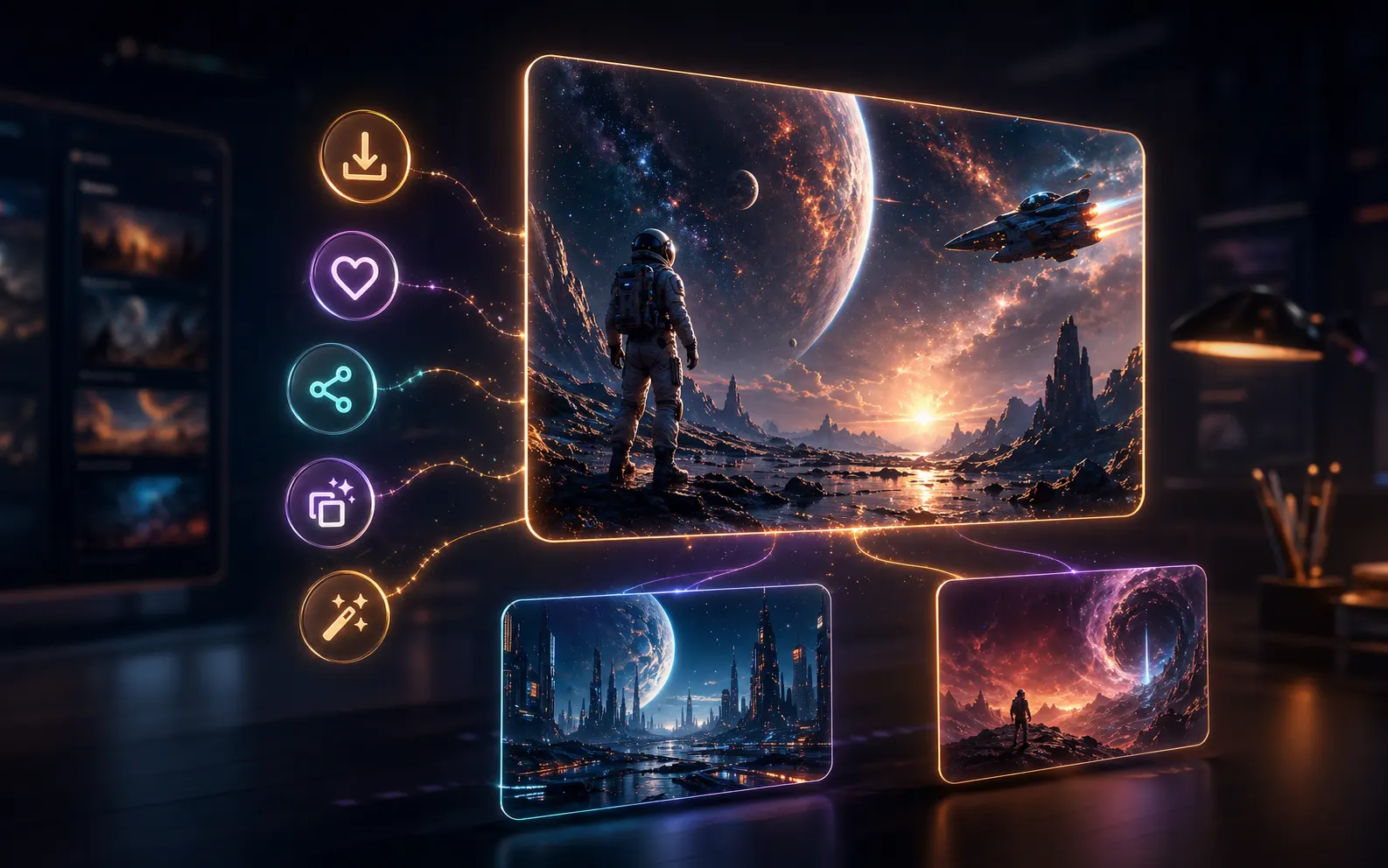
After generation, the workspace keeps the prompt, result image, references, download action, saved prompt action, and create-similar path close together. This makes the template library useful beyond the first click: one strong draft can become a repeatable visual direction.
From scene template to generated image
The template page is meant to shorten the path from idea to usable first draft. Pick a scene, adjust the prompt, add references when needed, then keep iterating from the result instead of rewriting everything.
Choose a scene
Search or browse templates by the visual result you need: campaign poster, product ad, educational diagram, launch graphic, social card, cover image, or brand concept.
Open prompt examples
Use the template detail page to inspect prompt examples and sample images. The prompt stays specific enough for GPT Image 2 while leaving space for your product, message, audience, and style.
Generate in context
Load the prompt into the workspace generator, choose auto or a fixed aspect ratio, add reference images, and create a draft that matches the chosen scene.
Save and repeat
Download the image, save the prompt, share public results, or use the image as a reference for another GPT Image 2 pass when the first draft points in the right direction.
GPT Image 2 template FAQ
Practical answers about using this template workspace for AI image prompt templates, scene browsing, reference images, and reusable GPT Image 2 workflows.
Start with a GPT Image 2 template
Choose a scene template, load a reusable image prompt, and turn it into a visual draft with GPT Image 2. The more scenarios added to the library, the faster you can move from intent to generation.