
Browse sample poster results on the right, then tap one to load that prompt back into the generator on the left.
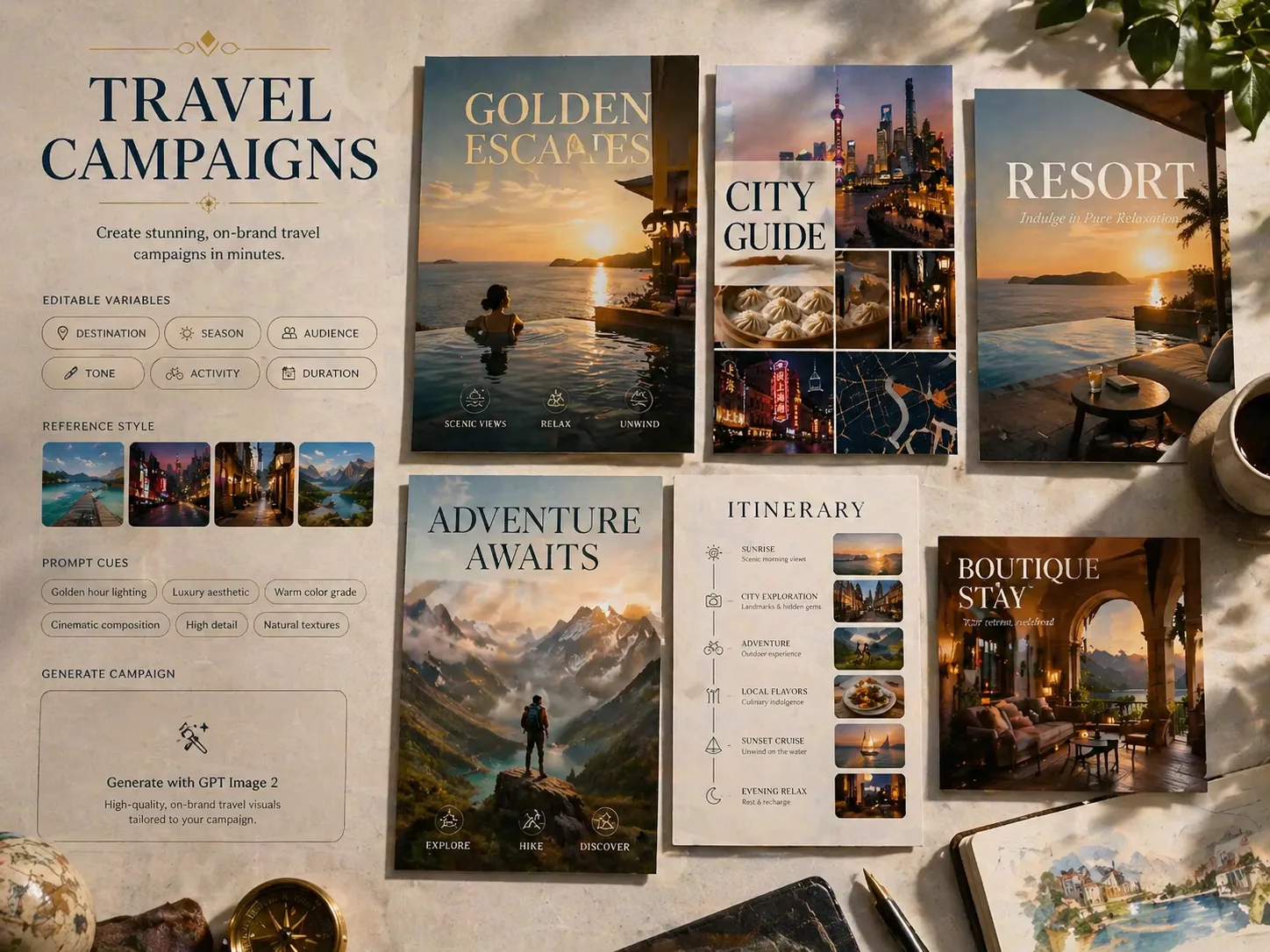
Create luxury travel campaign visuals with GPT Image 2 prompts
Use this scene when a destination, hotel, travel creator, or agency needs polished campaign directions before opening a design file. The prompts keep the same creative job in focus: turn an editable destination brief into premium tourism visuals such as cinematic landmark posters, city guide covers, resort hero ads, adventure campaigns, romantic weekend promotions, boutique hotel social posts, food and culture collages, itinerary posters, and coastal route advertisements. Each template is built for practical ideation, with short readable copy, clear visual hierarchy, and room for reference images when you need a landmark, room, landscape, route, or brand moodboard to guide the result.
Campaign-ready formats
Start from poster, city guide, resort ad, adventure, itinerary, boutique hotel, food culture, or scenic route layouts without rewriting the whole prompt.
Editable travel variables
Replace the destination, landmark, venue, route, activity, season, mood, offer-free tagline, and visible headline while keeping the campaign structure intact.
Localized visual directions
Review sample ideas across nine site languages so city names, guide labels, and campaign headlines can feel native to the target market.
Reference image support
Add photos of landmarks, hotel spaces, landscapes, transport routes, or moodboards to steer GPT Image 2 toward the right place and visual tone.
From destination brief to campaign visual
Choose a focused travel ad prompt template, replace the important variables, then generate and refine the first visual direction with GPT Image 2.
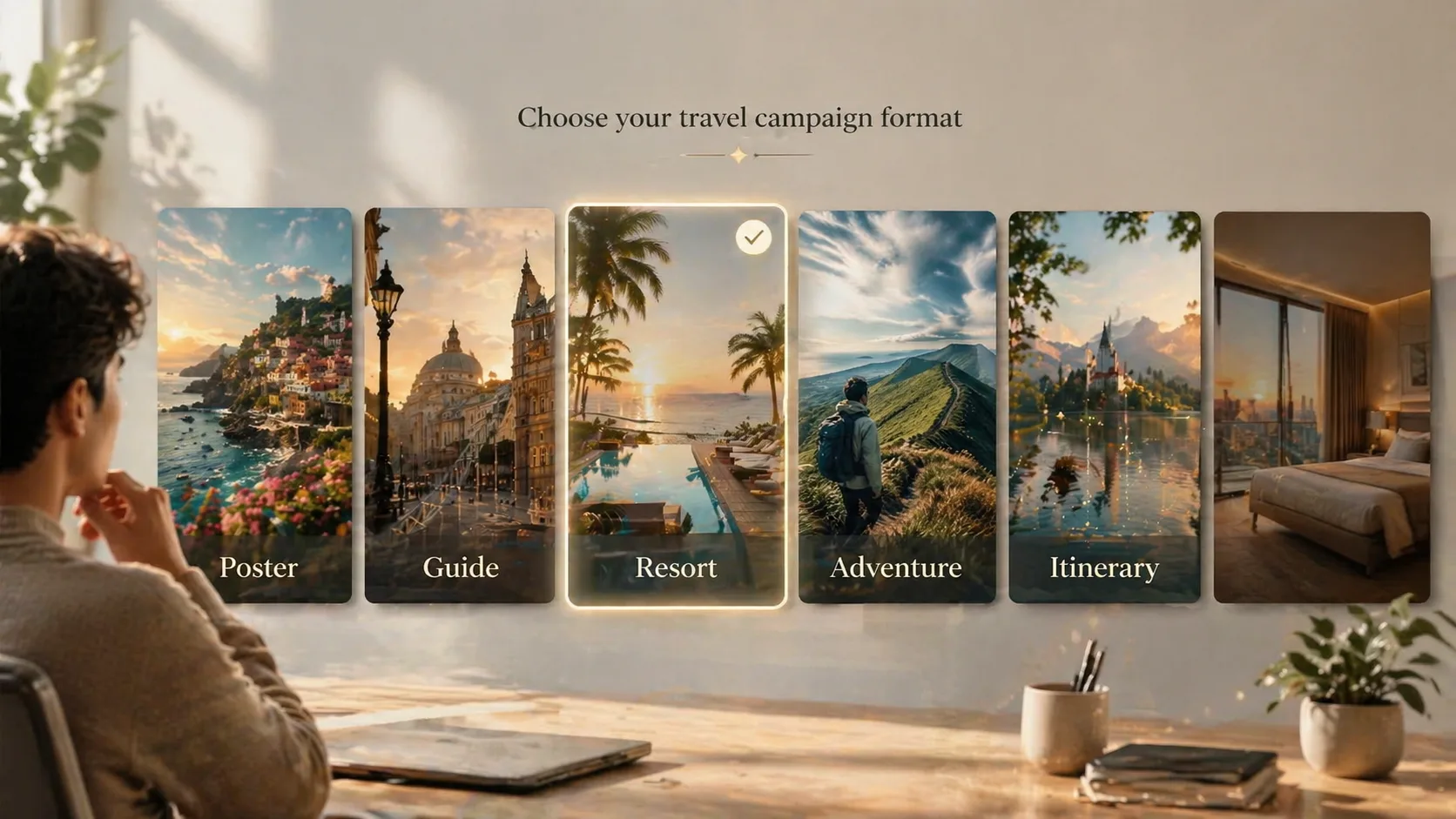
Choose the campaign format
Pick the template that matches the job: a cinematic destination poster, viral city guide cover, luxury resort advertisement, adventure poster, weekend getaway concept, boutique hotel social ad, culture collage, itinerary poster, or route-led destination ad.
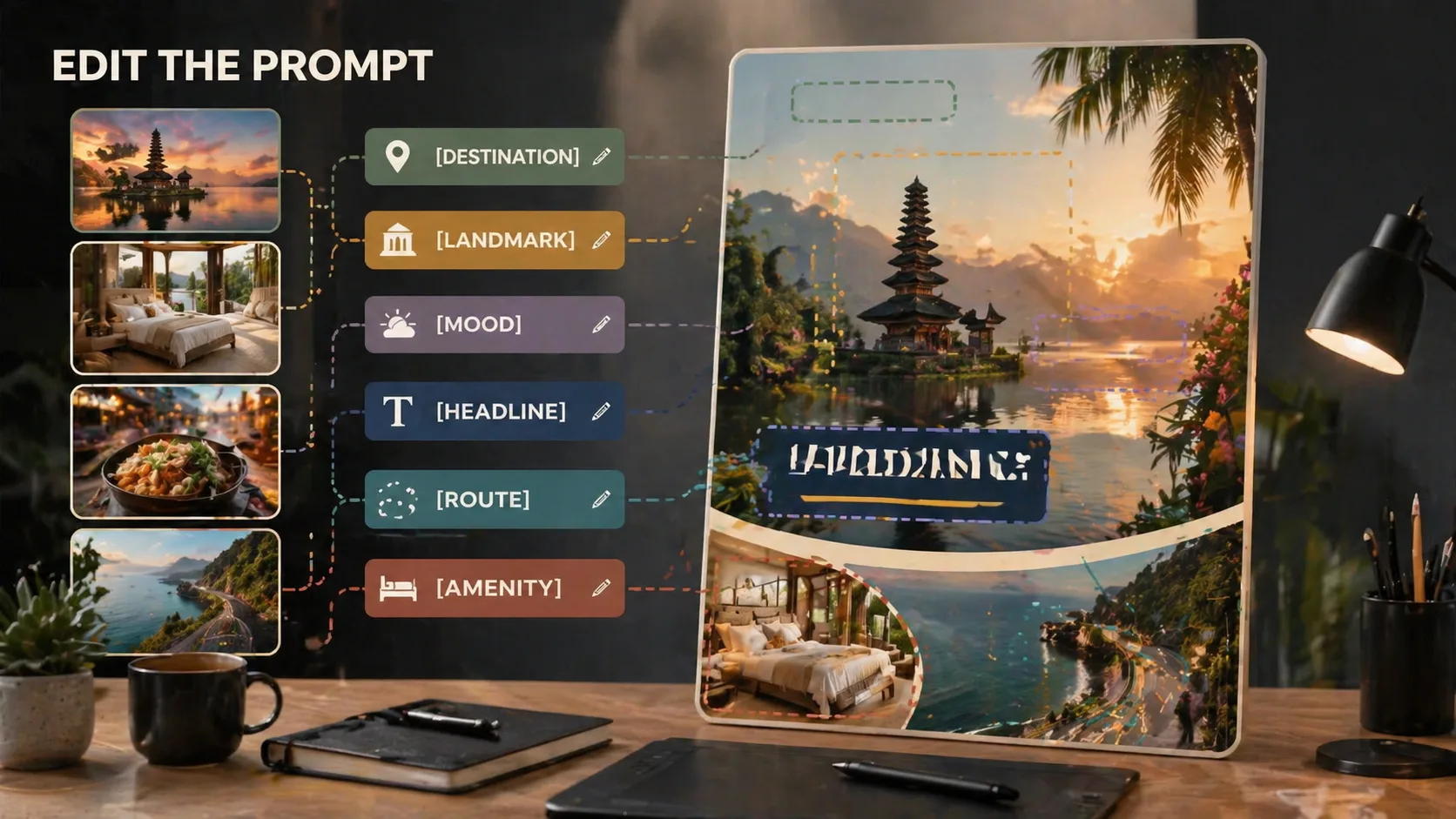
Edit destination and offer details
Swap in the place, landmark, venue, room, activity, route, headline, short labels, season, color palette, and campaign mood. Keep visible text brief so the generated layout looks like a premium travel campaign rather than a cluttered flyer.
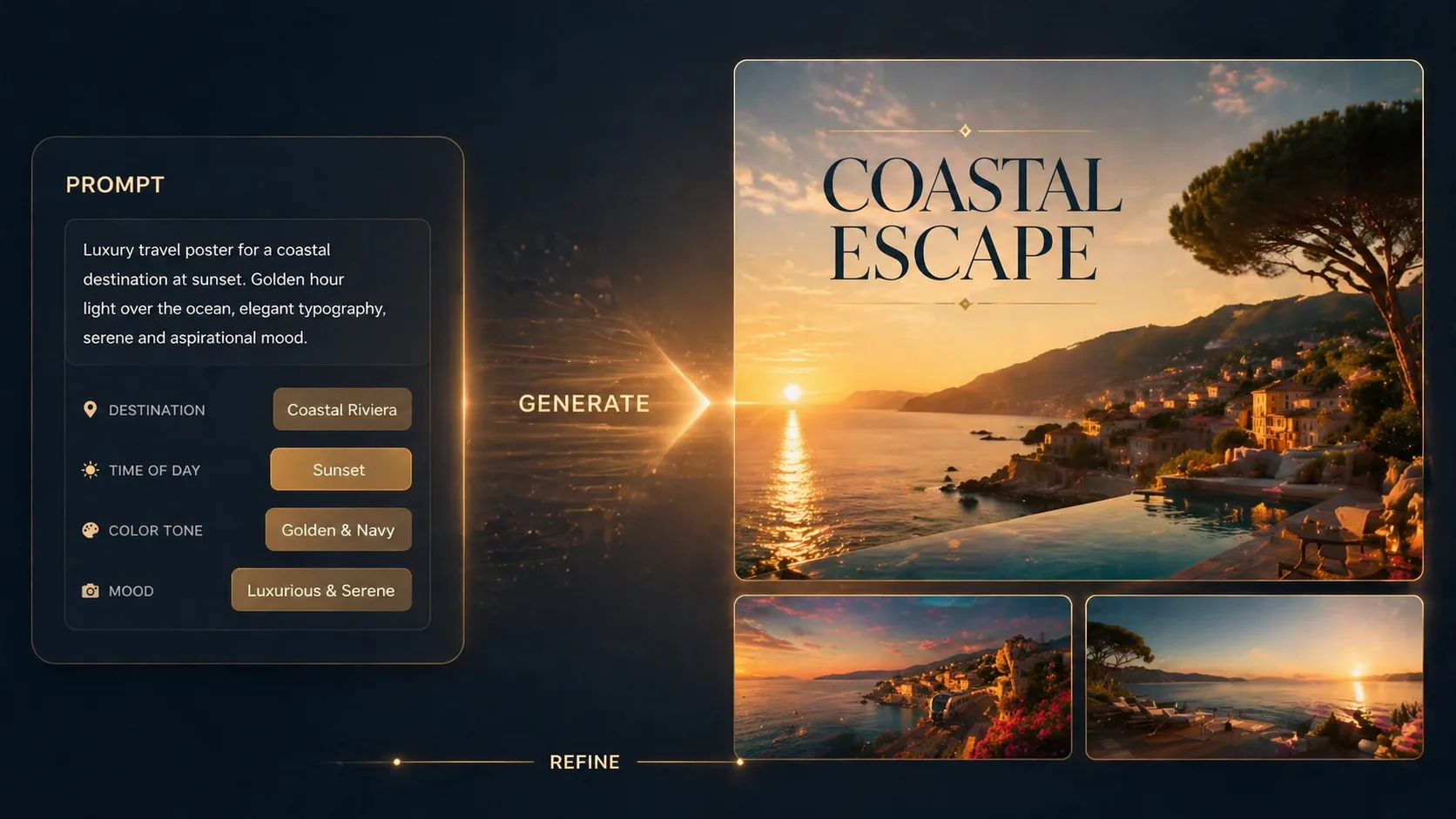
Generate, compare, and refine
Run the prompt with GPT Image 2, compare several directions, then adjust reference images, typography cues, atmosphere, or copy length before handing the strongest concept to your design or marketing workflow.
Luxury travel campaign prompt FAQ
Search-focused answers for using GPT Image 2 travel campaign prompts safely and effectively.
Generate a travel campaign concept
Open a template, replace the destination details, and create a premium GPT Image 2 travel visual for review.