
Browse sample poster results on the right, then tap one to load that prompt back into the generator on the left.
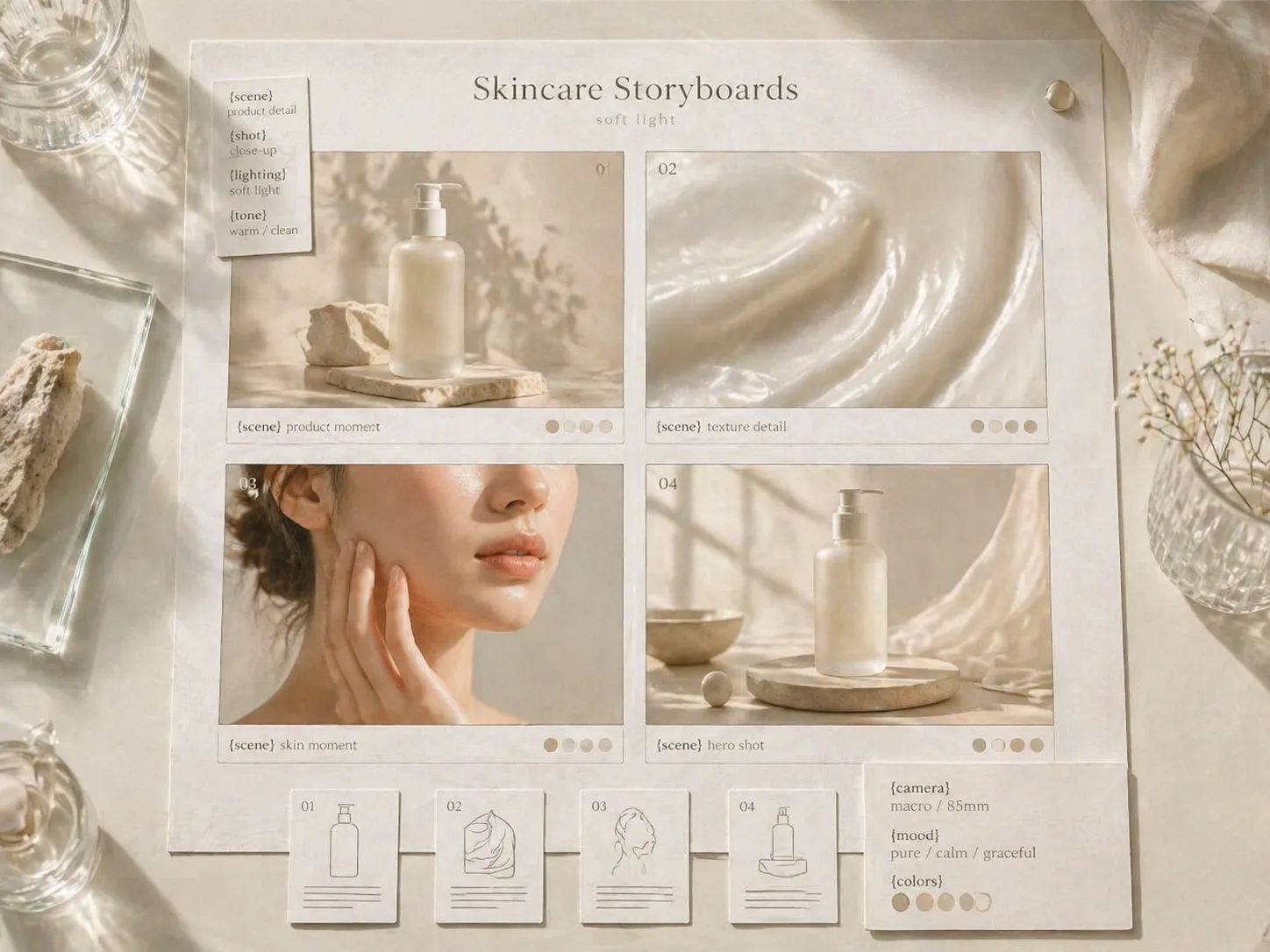
Build luxury skincare storyboards with GPT Image 2 prompts
Start with prompt templates designed for beauty founders, marketers, and art directors who need polished skincare campaign images before a shoot or launch. Each prompt keeps the same luxury skincare storyboard intent while letting you swap the product, texture, model, light, visible text, and campaign angle.
Campaign boards, not generic beauty images
Create 12-frame collages, launch moodboards, editorial spreads, spa campaign boards, and film-like mist storyboards that show product, skin, texture, packaging, and atmosphere together.
Reusable skincare prompt variables
Replace product name, ingredient, skin detail, packaging material, model cue, language, and campaign phrase without rebuilding the prompt from scratch.
Milky luxury visual direction
The prompts keep soft white light, pale beige tones, breathable skin texture, clean negative space, and high-end beauty magazine pacing built into the scene.
Reference-ready brand exploration
Upload packaging or mood references, then use GPT Image 2 to test campaign directions while avoiding real logo imitation, medical claims, or fake certification marks.
Create a skincare campaign storyboard
Choose the closest template, edit the variables, generate a first board, then refine the prompt around the best product, texture, and light direction.
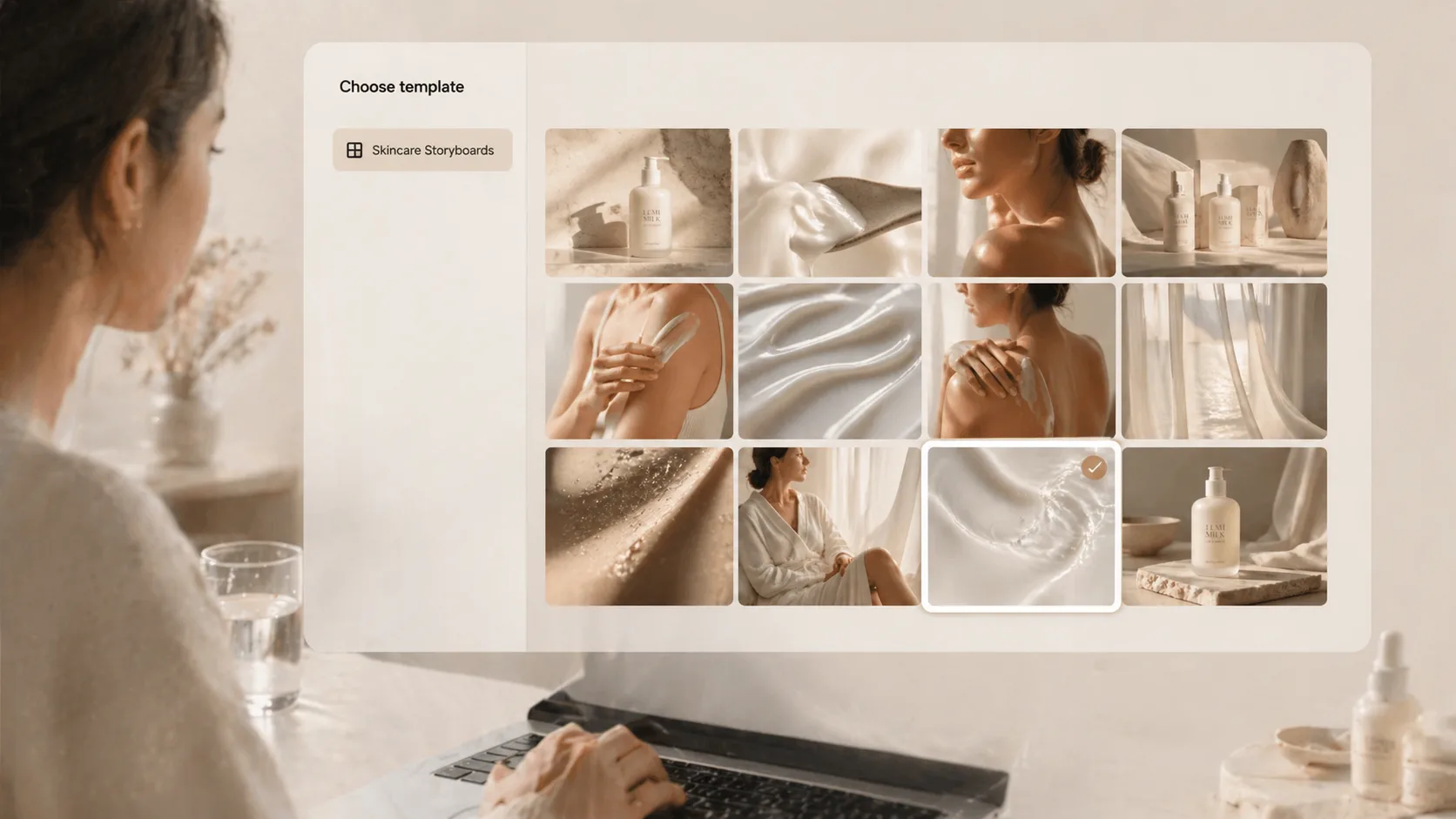
Choose the campaign format
Pick a collage, body lotion routine, cream editorial, serum launch moodboard, texture study, spa board, morning social story, clean beauty still life, or facial mist film frame.
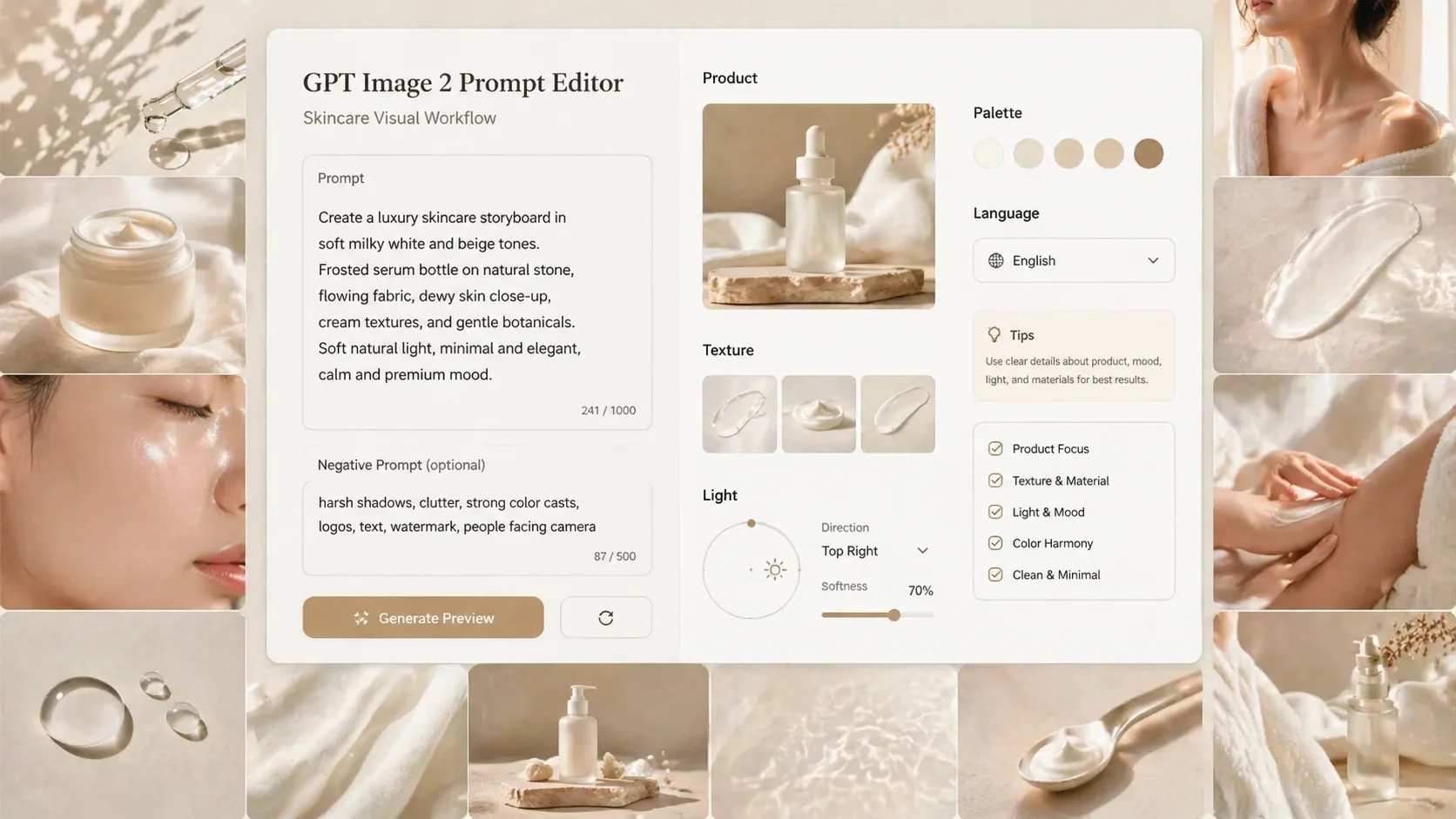
Edit product and market details
Replace the fictional product, ingredient, packaging, visible text language, model cue, color palette, and safe campaign phrase so the prompt matches your brand direction.
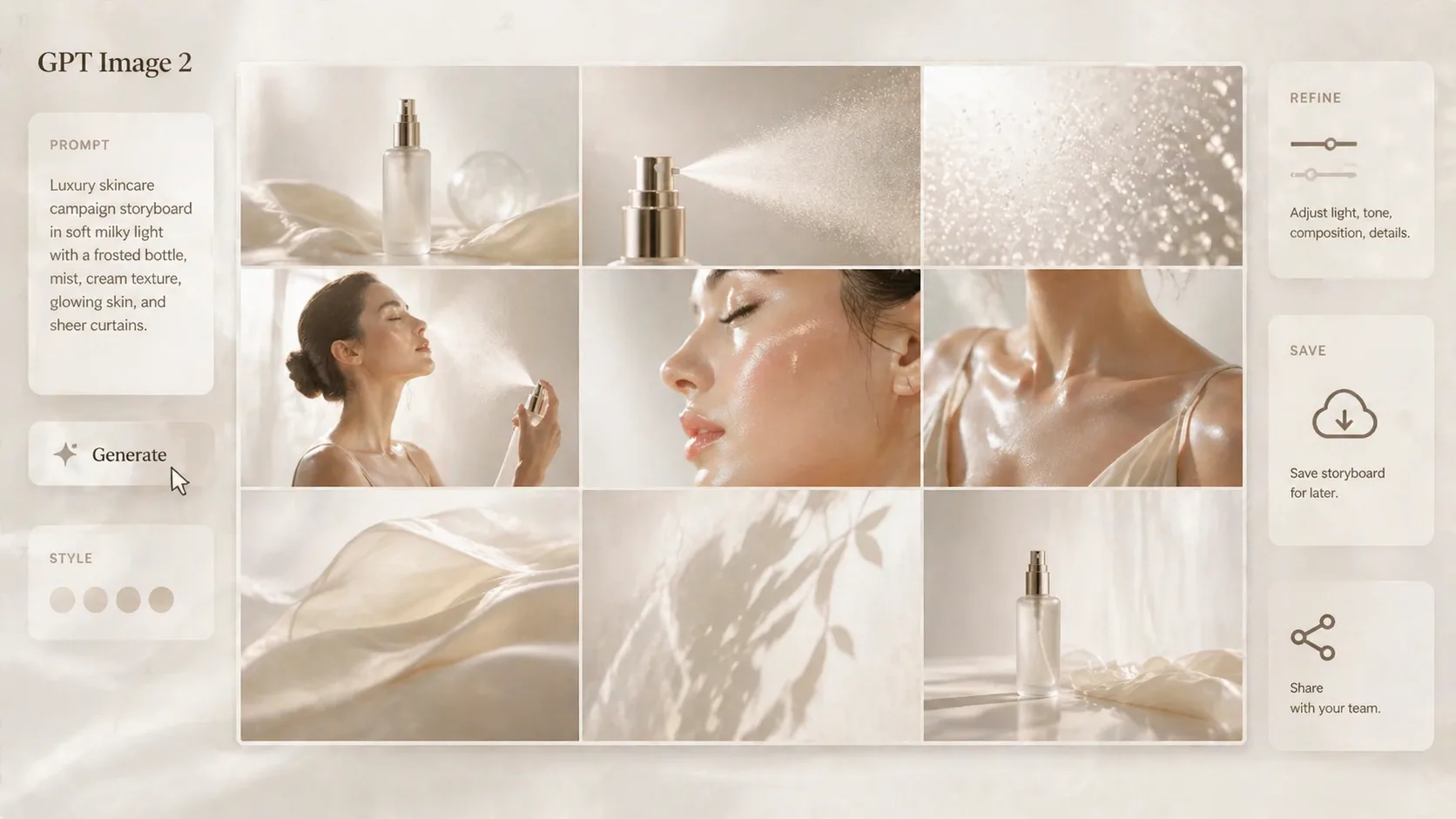
Generate, compare, and reuse
Run GPT Image 2, compare the output against the sample image, keep the strongest storyboard direction, and reuse the prompt for more campaign variations.
Luxury skincare storyboard FAQ
Search-focused answers for using these GPT Image 2 skincare prompt templates.
Generate a luxury skincare storyboard
Start from a prompt template, add your product details, and create a refined GPT Image 2 campaign board.