
Browse sample poster results on the right, then tap one to load that prompt back into the generator on the left.
Create luxury perfume ads with GPT Image 2 prompts
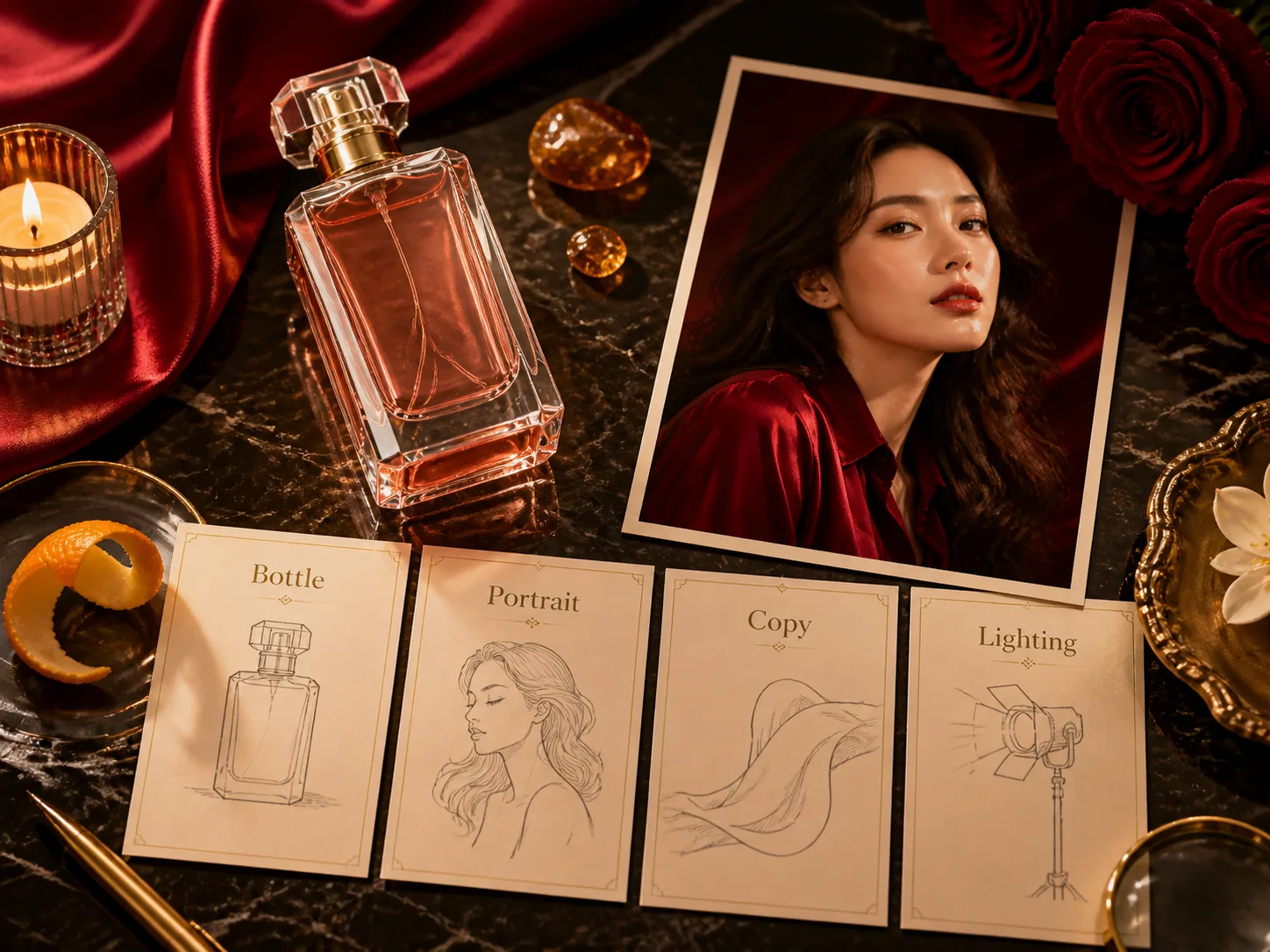
This template turns fragrance positioning into usable campaign visuals: bottle-first product shots, beauty portraits, ingredient still lifes, launch posters, and editorial layouts. Start from a prompt, replace the brand placeholder, scent notes, bottle shape, color palette, location, short ad copy, and reference constraints, then generate a first premium image without asking GPT Image 2 to copy a real perfume brand.
Bottle-first product direction
Build hero images around glass thickness, liquid color, cap material, label space, marble surfaces, florals, silk, candles, and controlled luxury lighting.
Beauty and editorial formats
Choose portrait, poster, still life, boutique, citrus, rose, amber, or haute parfumerie prompts depending on the campaign mood and channel.
Editable market copy
Swap headlines, scent notes, CTA phrases, and target-language visible text so the image feels like a realistic launch concept instead of generic product art.
Reference-friendly workflow
Use a bottle or mood reference to guide shape, material, palette, and composition while keeping the generated ad trademark-safe and fictional.
How to use these perfume ad prompts
Pick the closest campaign format, edit the variables, generate with GPT Image 2, then refine the output for a stronger fragrance ad concept.
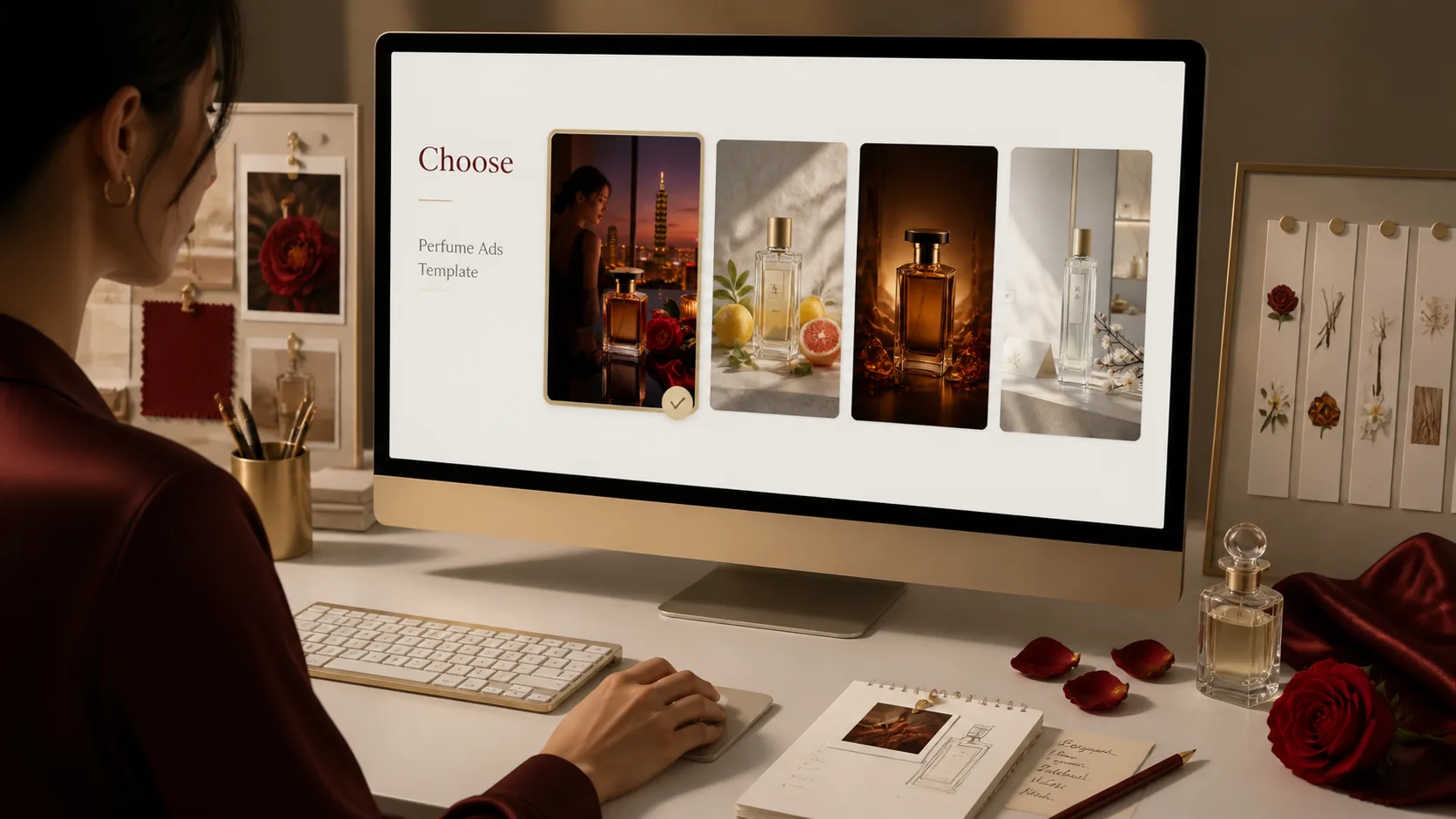
Choose the ad format
Select a prompt for a portrait campaign, bottle hero shot, launch poster, ingredient still life, boutique fragrance visual, or editorial perfume ad. Match the aspect ratio to the channel before generating.
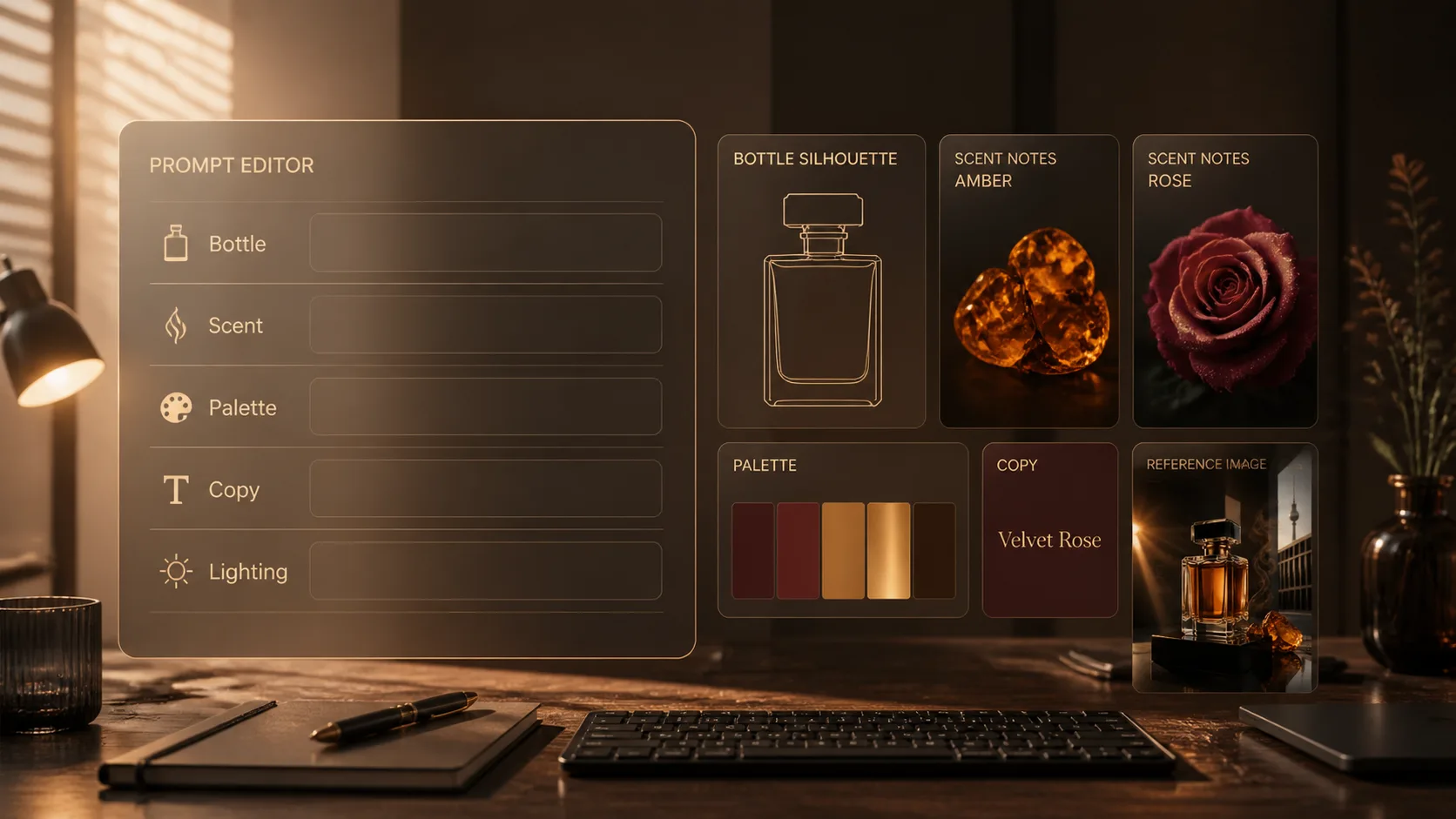
Edit scent and brand variables
Replace placeholders for brand name, perfume line, bottle shape, scent family, hero ingredient, model styling, city, palette, headline, scent notes, and CTA text. Add a bottle reference if shape accuracy matters.
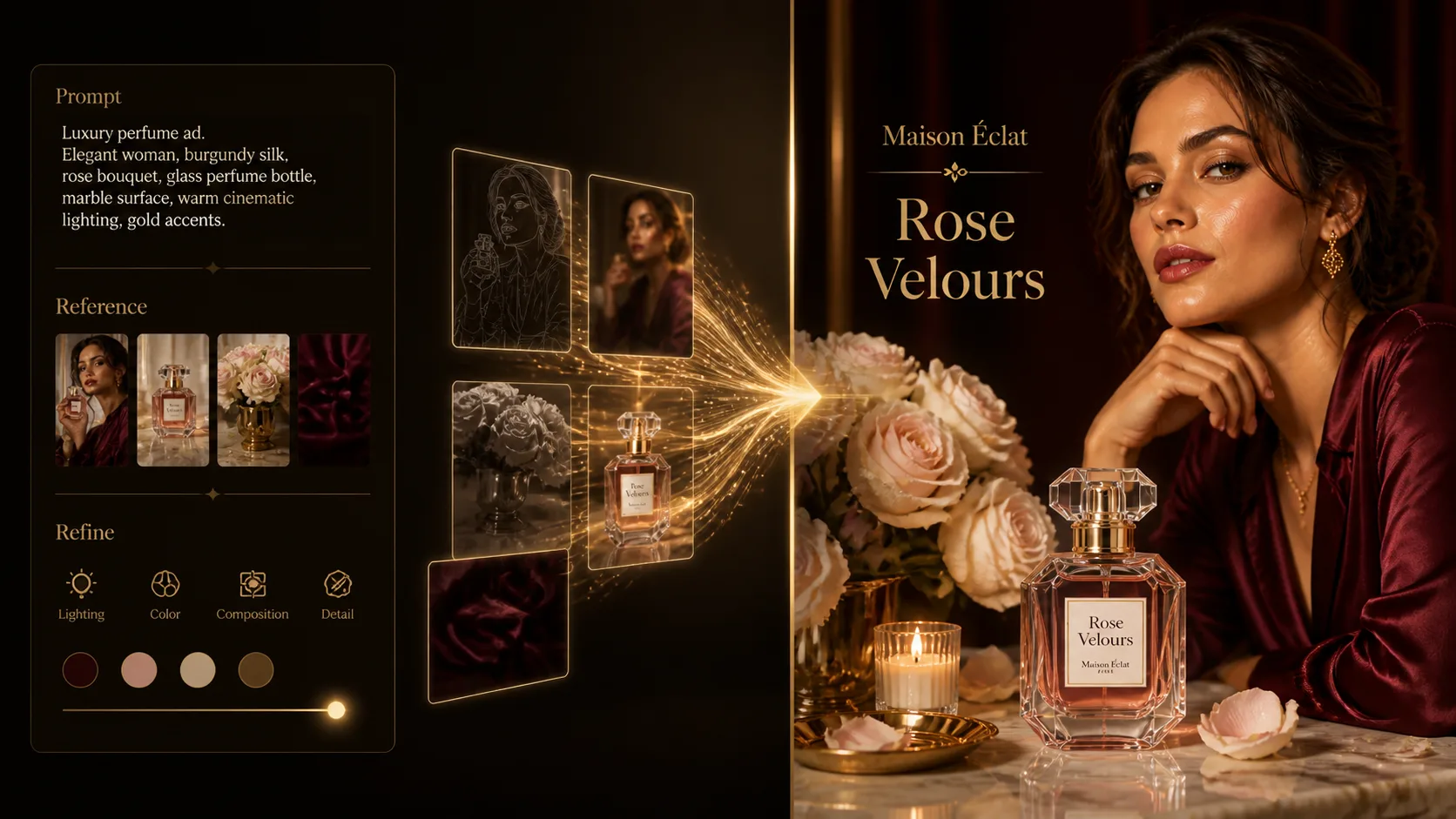
Generate, compare, and refine
Run GPT Image 2, review glass reflections, label readability, product focus, visible text, and luxury tone. Adjust lighting, composition, copy length, and trademark-safe constraints before using the result as a campaign draft.
Luxury perfume ad prompt FAQ
Search-focused answers for using GPT Image 2 perfume ad templates.
Generate a luxury perfume ad
Start with a fragrance campaign template, edit the bottle and scent variables, then generate with GPT Image 2.