
Browse sample poster results on the right, then tap one to load that prompt back into the generator on the left.
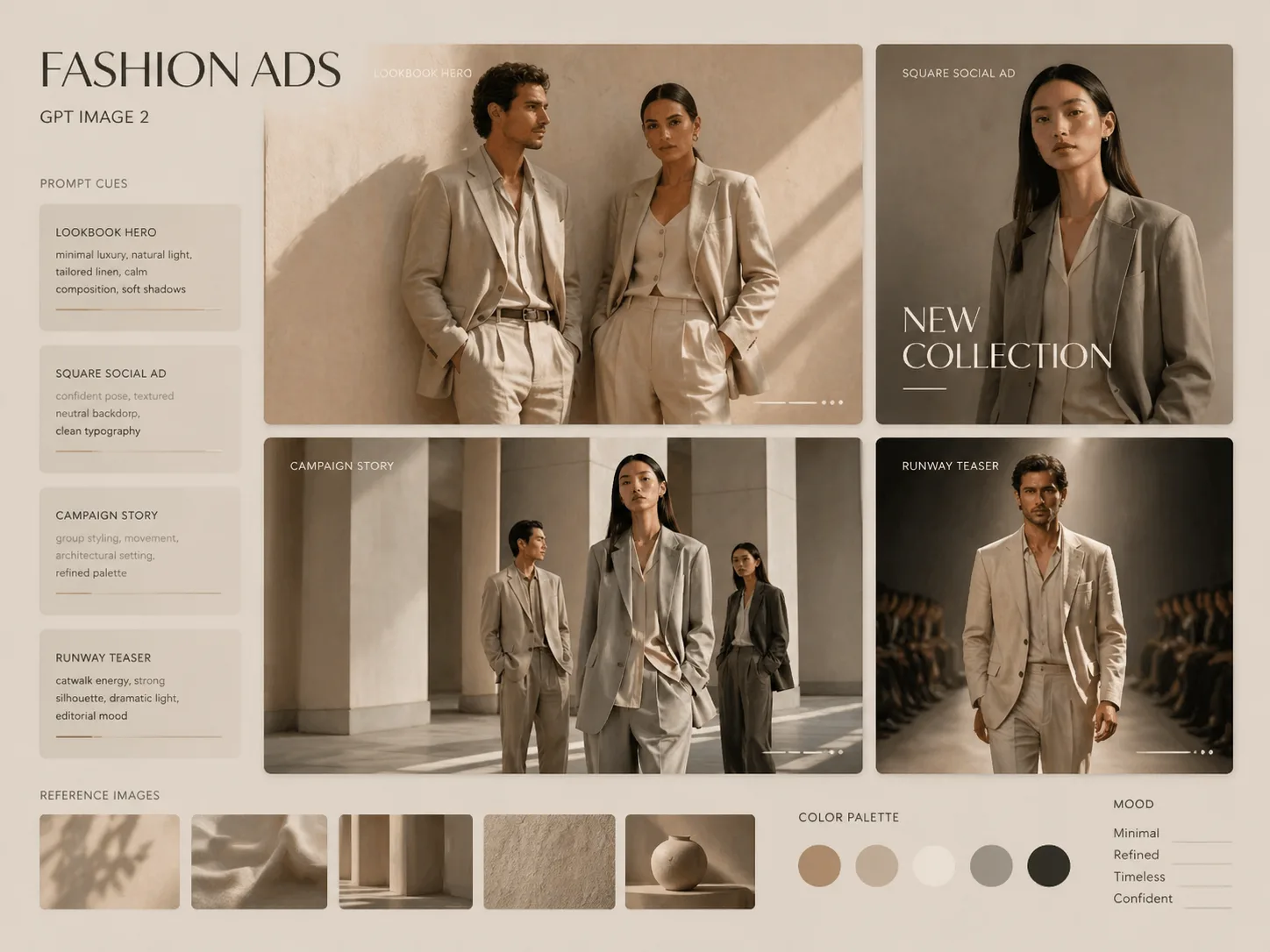
Create reference fashion campaign images with GPT Image 2
These reference fashion campaign GPT Image 2 prompts turn model, garment, moodboard, or brand-direction inputs into polished campaign drafts with editable text and realistic editorial styling.
Reference-aware fashion direction
Upload a model, garment, accessory, or moodboard reference and use prompts written to preserve the intended styling cues, fabric texture, color palette, adult model continuity, and campaign mood without starting from a blank image prompt.
Editable brand and collection text
Each template uses replaceable brand, collection, date, headline, location, and outfit variables, so fashion marketers and stylists can test fictional campaign directions while avoiding default real logos or trademarked marks.
Campaign formats for real channels
Generate square social drops, vertical mobile posters, widescreen lookbook heroes, boutique window visuals, accessory ads, tailoring spreads, resort collection ads, and cinematic runway teasers from one focused fashion ad prompt library.
Editorial realism before production
Use GPT Image 2 fashion ad templates to explore lighting, pose, layout, typography, and art direction before a shoot, ecommerce launch, social campaign, or creative review with a human final check.
How to use the fashion ad prompt templates
Pick the closest campaign layout, edit the variables and references, then generate a draft you can refine into more fashion campaign variations.
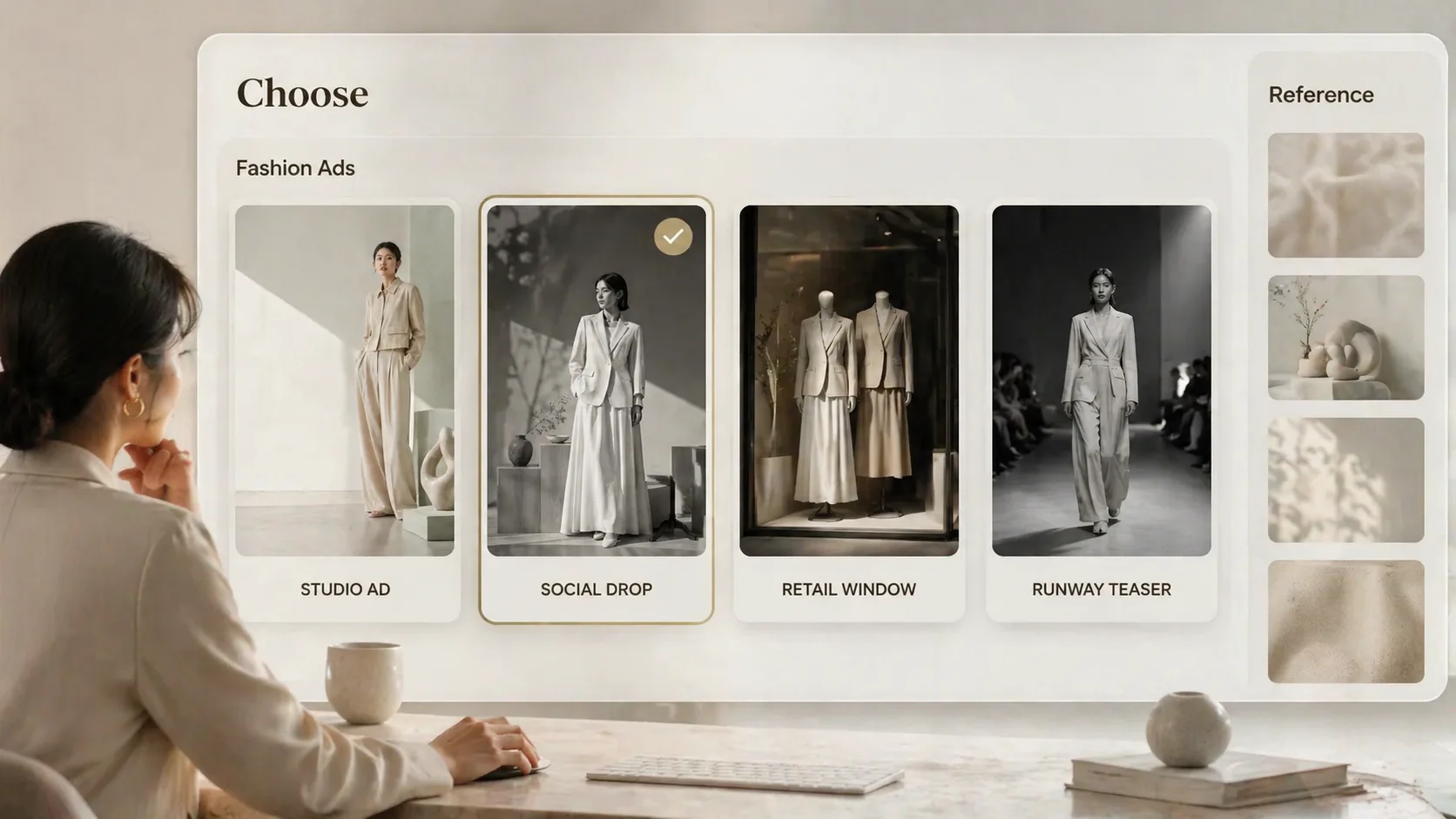
Choose the campaign layout
Start from the prompt that matches the output you need: minimalist studio ad, square capsule drop, lookbook hero, streetwear story, boutique window, tailoring spread, resort collection, accessory campaign, or runway teaser.
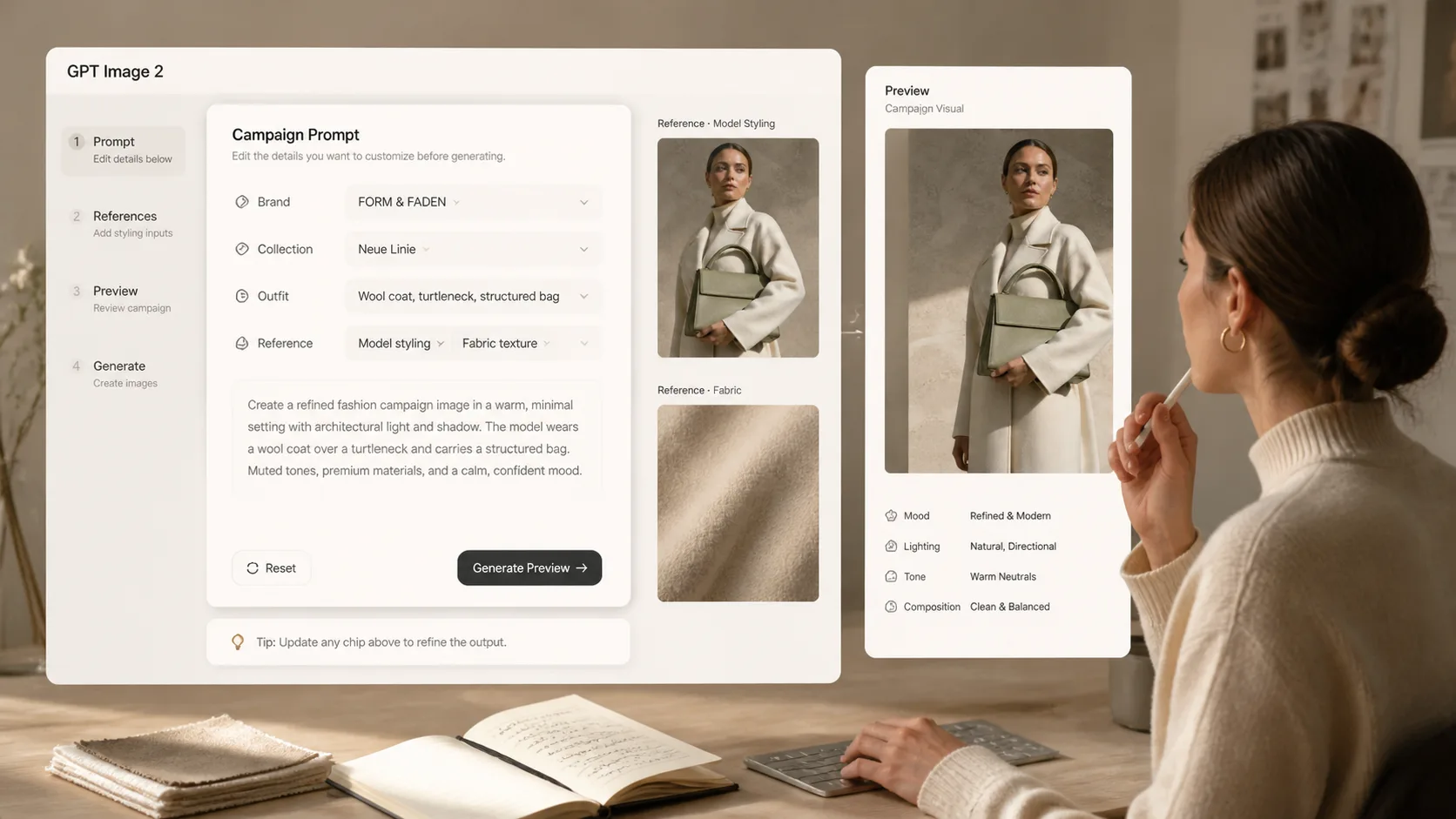
Replace references and visible text
Swap in your fictional or owned brand name, collection line, garment notes, adult model direction, location mood, and optional reference images so the GPT Image 2 prompt stays specific to the campaign concept.
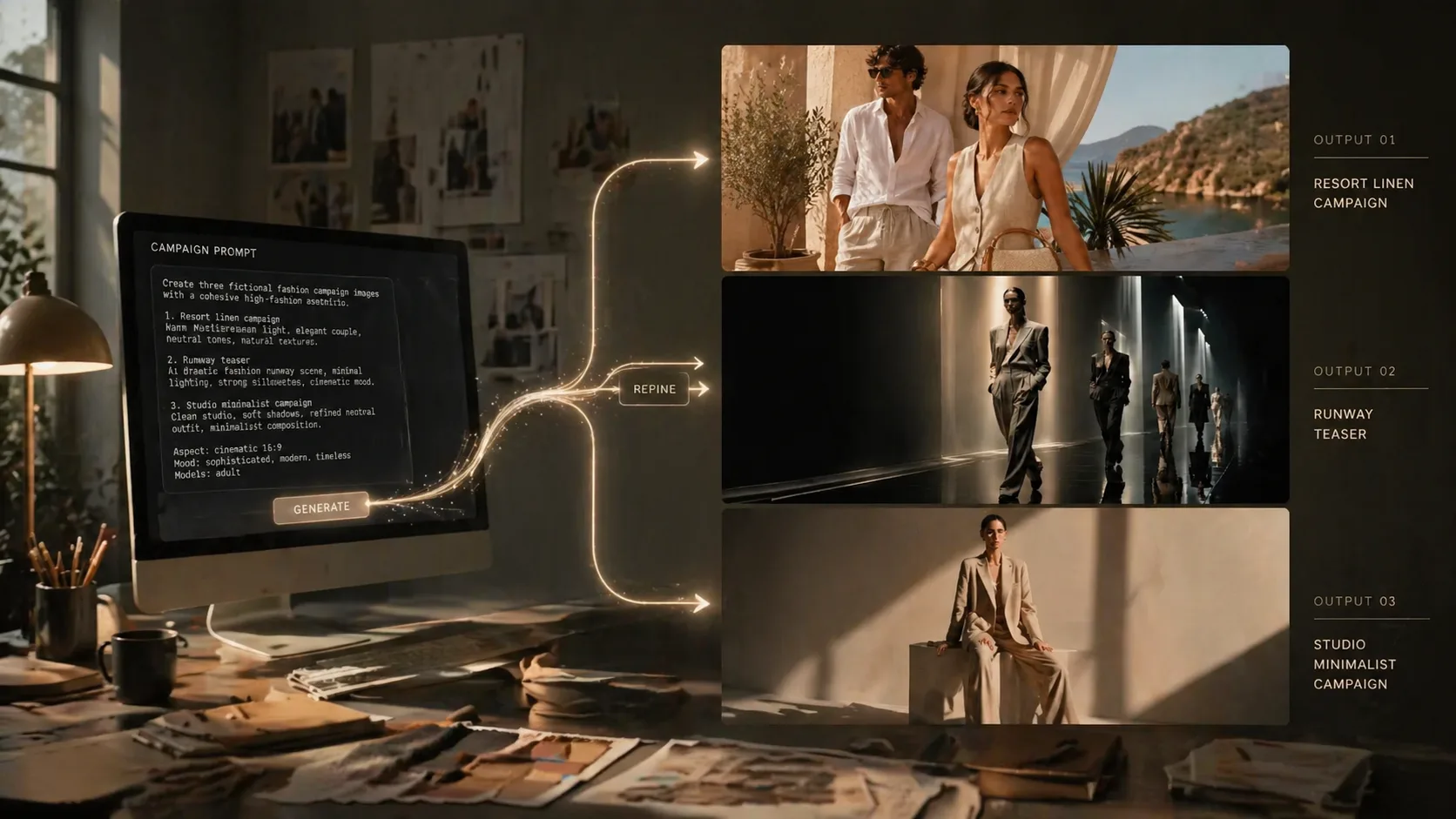
Generate, review, and refine
Create the first visual, inspect text, anatomy, fabric detail, and rights-sensitive marks, then reuse the same prompt with tighter variables to build consistent lookbook, social, and editorial variants.
Reference fashion campaign prompt FAQ
Search-style answers for using GPT Image 2 prompts to create fashion advertising drafts from references.
Generate a fashion campaign draft
Open a reference-aware GPT Image 2 fashion prompt, replace the campaign variables, and create a polished visual direction for your next lookbook, social drop, or retail concept.