
Browse sample poster results on the right, then tap one to load that prompt back into the generator on the left.
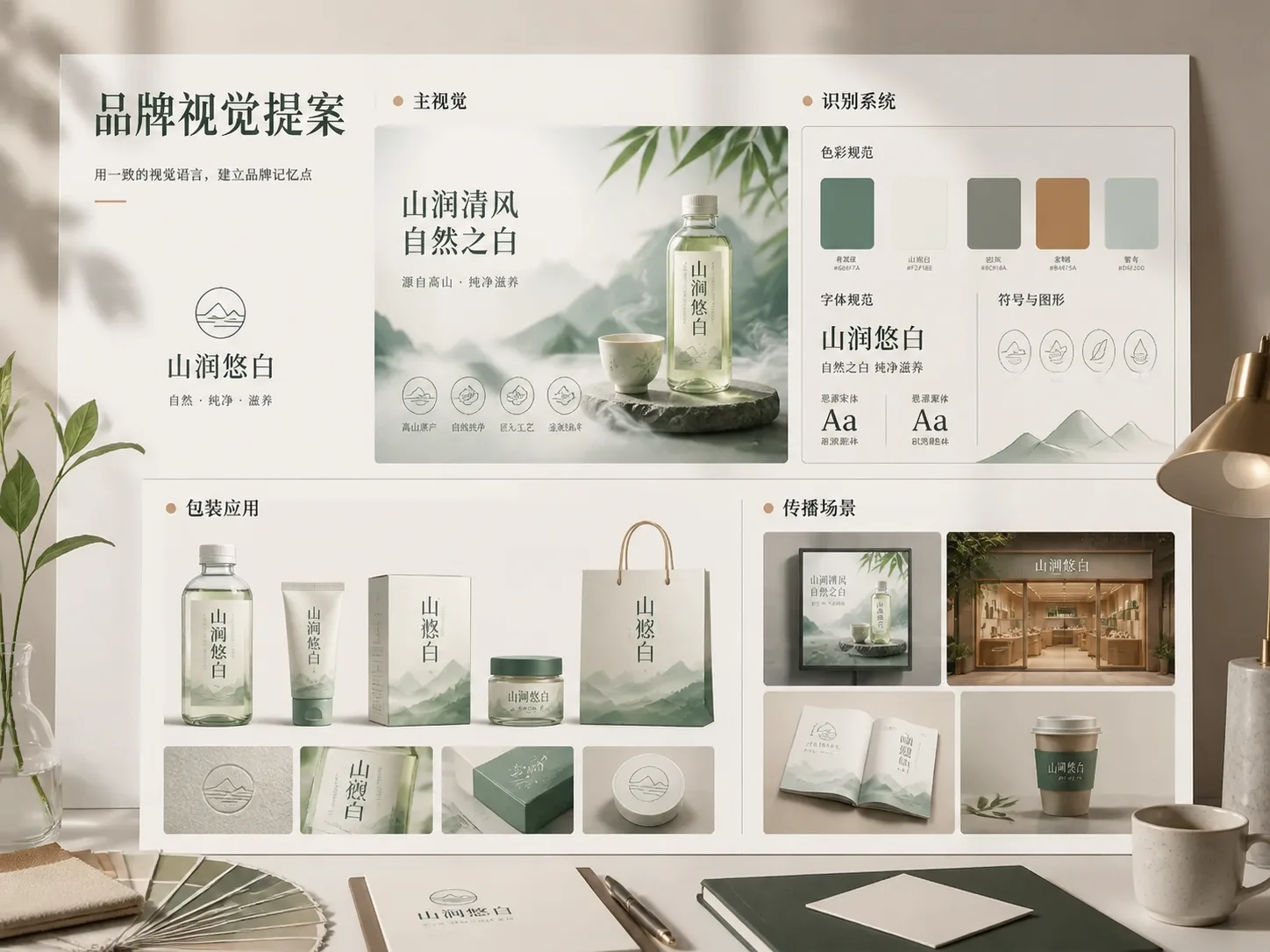
Create brand proposal boards with GPT Image 2 prompts
Turn a rough brand idea into a proposal-ready visual system. These prompts help founders, designers, marketers, and studio teams explore a consistent brand direction across hero visuals, identity boards, product packaging, app or retail applications, and campaign spaces without starting from a blank prompt.
Board-specific brand visuals
Choose separate prompts for a hero cover, identity system, packaging board, campaign space, food launch, beauty system, tech app identity, or cultural retail IP board so each image has a clear proposal role.
Editable brand variables
Replace brand name, category, positioning, audience, slogan, color system, material direction, product type, UI screens, or campaign theme while keeping the output focused on one brand DNA.
Consistent proposal language
Use short fictional text, clear typography cues, controlled layout notes, and commercial presentation framing to keep GPT Image 2 outputs readable and review-friendly.
Fast direction reviews
Generate visual boards that can start a client, founder, or internal launch discussion before investing in final identity design, trademark checks, package rules, or production artwork.
How to build a brand visual proposal workflow
Start with the board type that matches the discussion, edit the variables, generate with GPT Image 2, then refine the strongest direction into a coherent set.
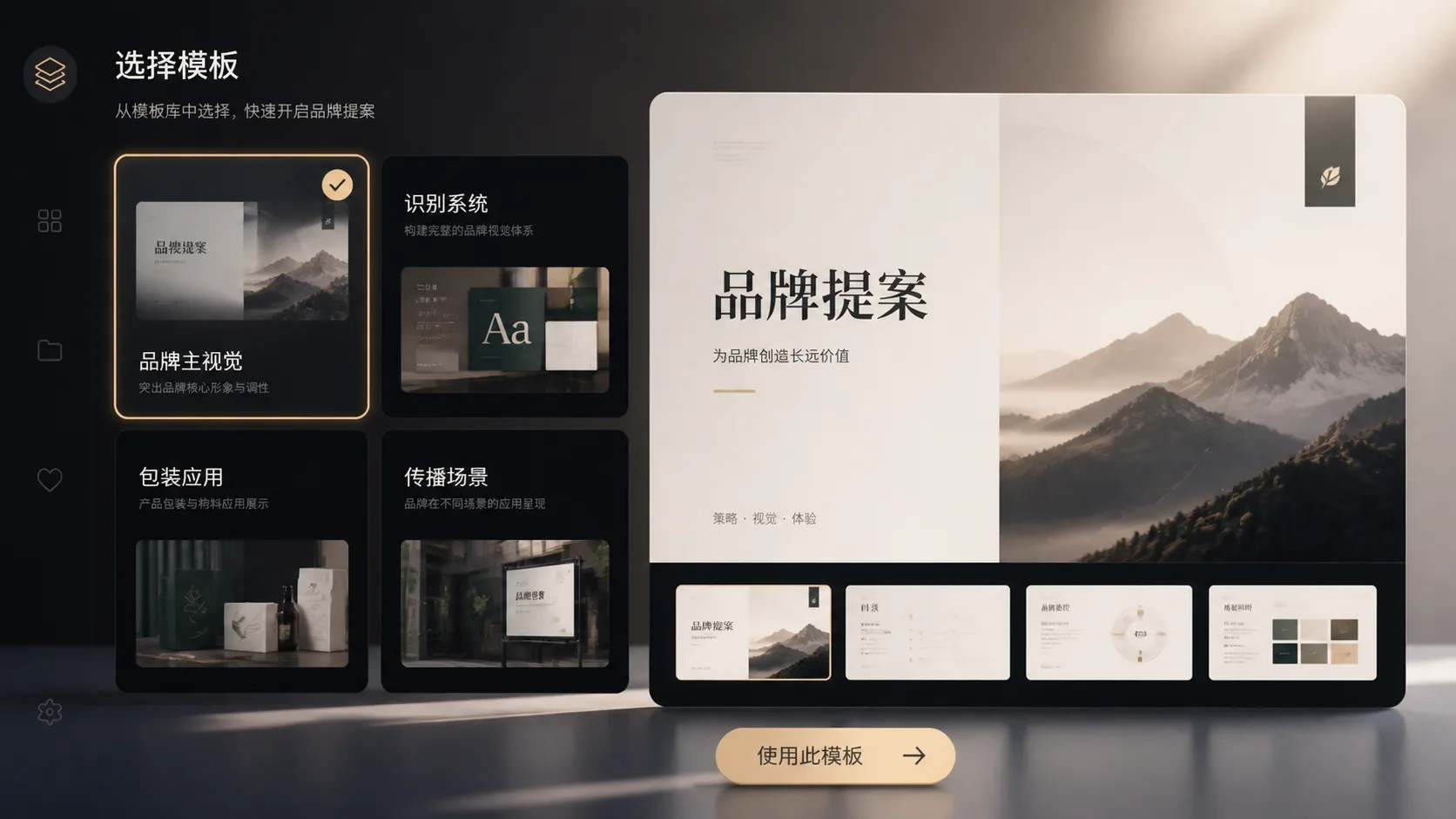
Pick the board responsibility
Use the hero cover prompt for the first impression, the identity prompt for visual DNA, packaging prompts for sellable objects, or campaign prompts for real-world communication contexts.
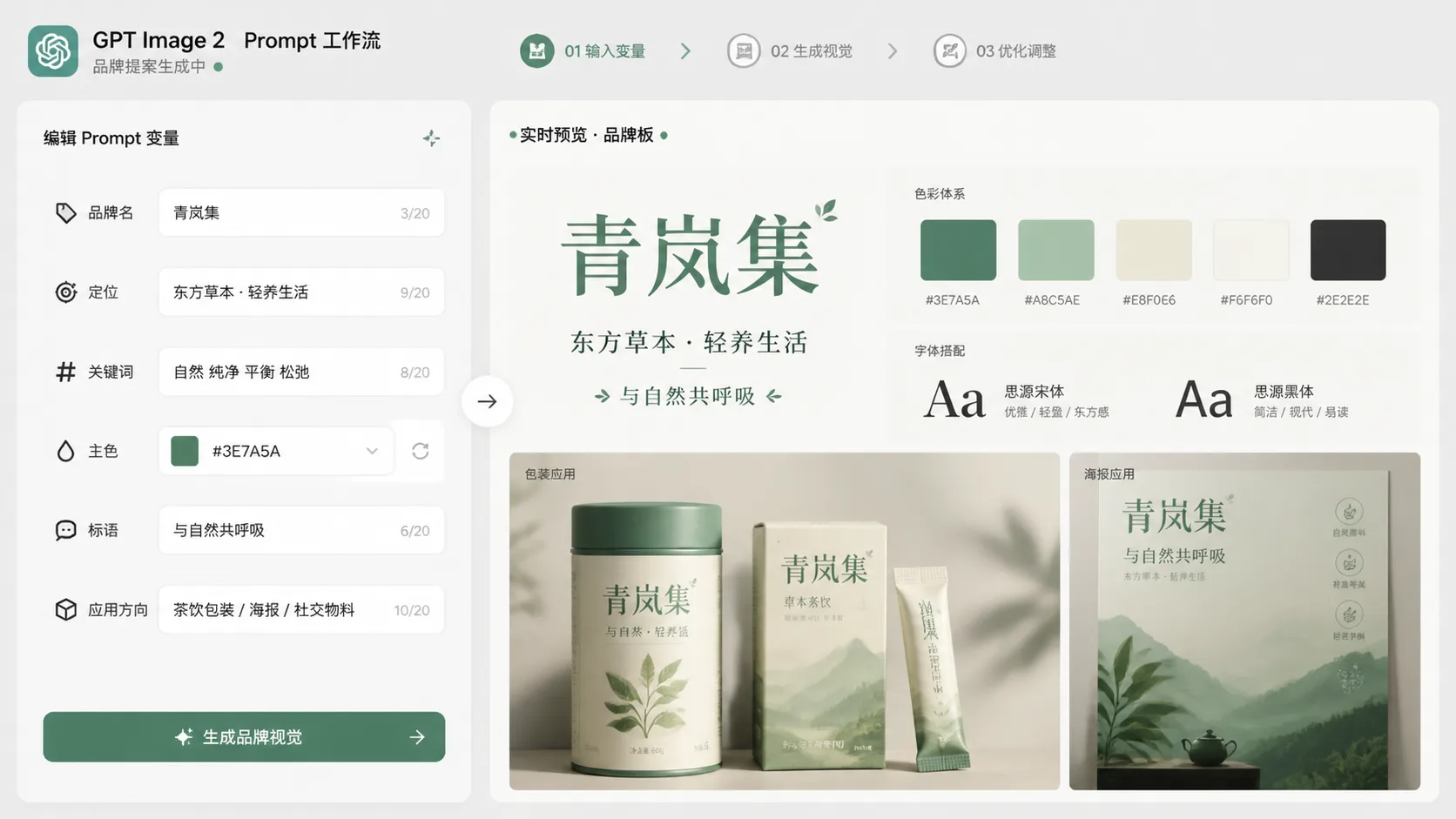
Replace brand and market inputs
Add the fictional brand name, product category, audience, positioning sentence, core keywords, colors, typography mood, materials, and applications that should appear in the board.
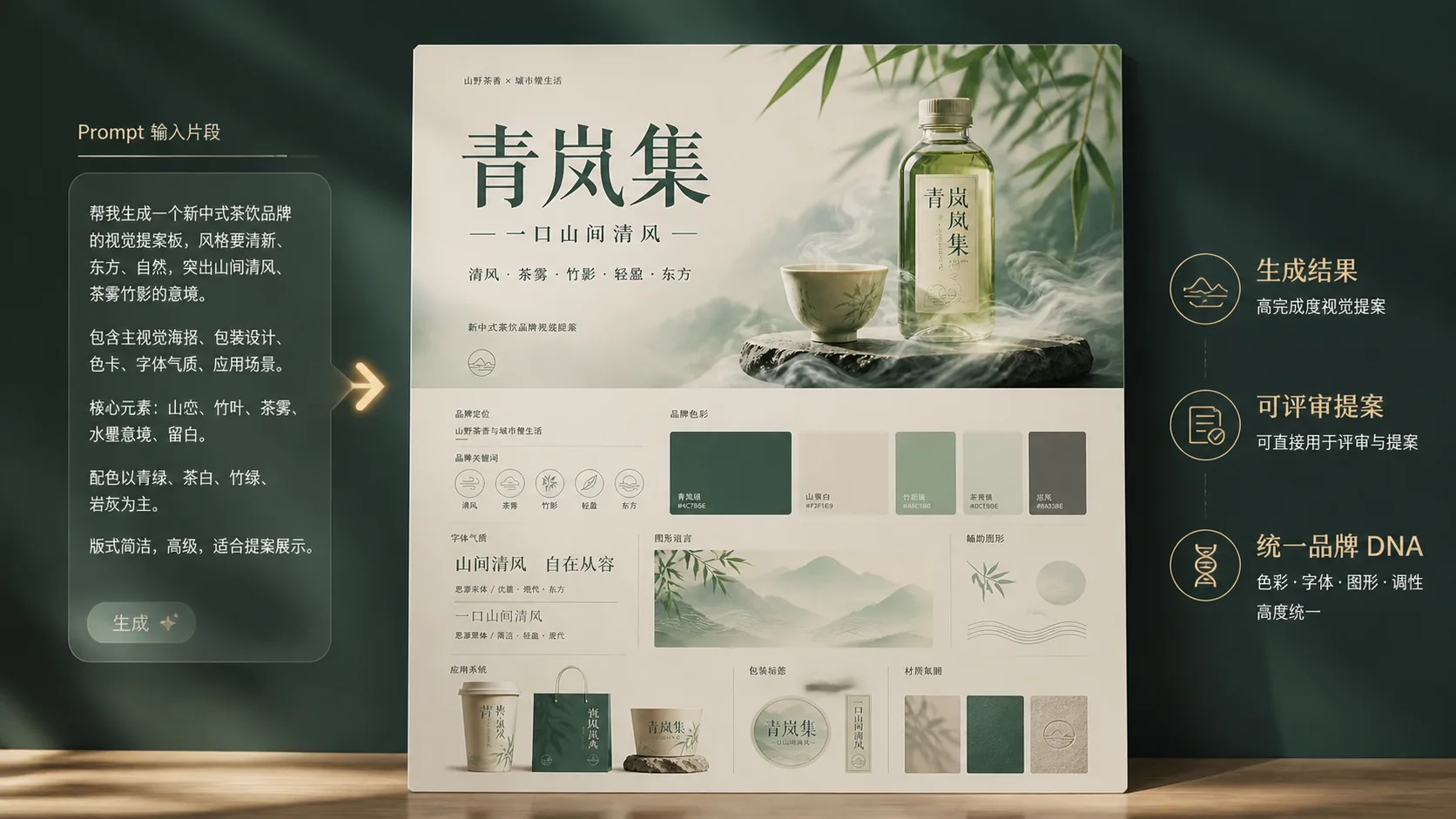
Generate, compare, and refine
Create one board at a time, compare which direction best fits the brand intent, then adjust style, text length, material cues, or application details before presenting the set.
Brand proposal GPT Image 2 prompt FAQ
Practical answers for using AI brand visual board templates responsibly.
Generate a brand proposal board
Choose a brand board template, replace the variables, and create a GPT Image 2 visual direction for your next review.