
Browse sample poster results on the right, then tap one to load that prompt back into the generator on the left.
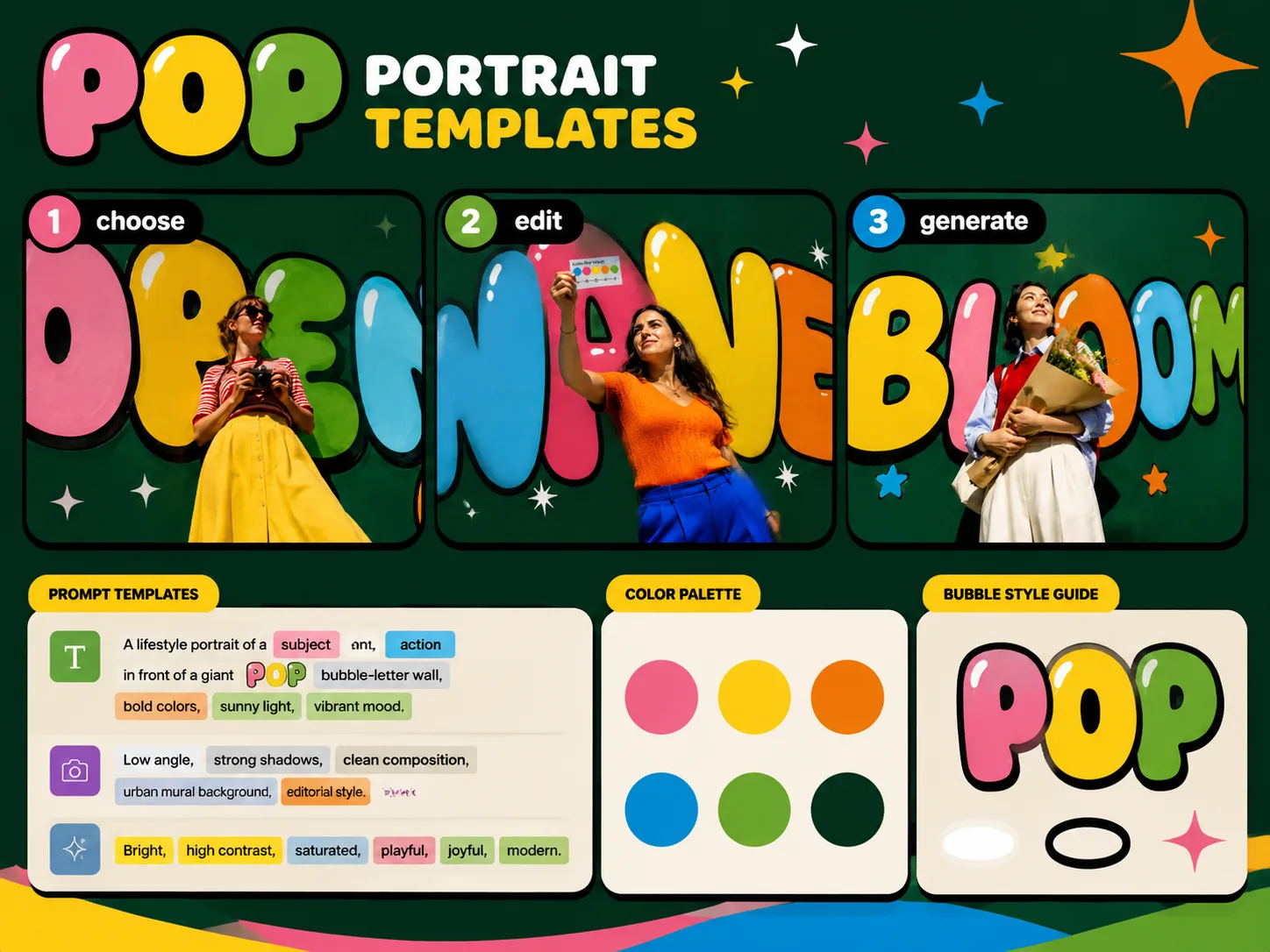
Create pop bubble letter portraits with GPT Image 2 prompts
This template set turns the same visual system into many campaign-ready scenes: realistic adult portraits, oversized bubble typography, thick black outlines, bright color fills, and one short readable label. Start from a prompt, replace the subject, prop, main word, tagline, visible language, and city context, then generate a polished key visual without rebuilding the style from scratch.
Lock the Pop visual system
Keep the low-angle lifestyle photo, deep green graphic wall, rounded bubble letters, black outlines, white highlights, and saturated color palette consistent across every poster concept.
Edit short campaign text
Swap the main bubble word and corner tagline for transit cards, campus lunch posters, flower markets, gallery openings, summer fairs, music zines, beach routes, record shops, or weekend city visuals.
Localize visible wording
Use the prompt variables to request concise visible text in English, Chinese, Korean, Japanese, Portuguese, Spanish, German, or French while avoiding long paragraphs that image models struggle to render.
Generate real-world posters
Create first-pass lifestyle campaign images for social posts, event pages, thumbnails, covers, and moodboards where the portrait and typography need to feel like one locked creative direction.
From bubble portrait template to generated poster
Choose the Pop bubble-letter format, edit only the campaign variables, then use GPT Image 2 to produce and refine a vivid lifestyle poster.
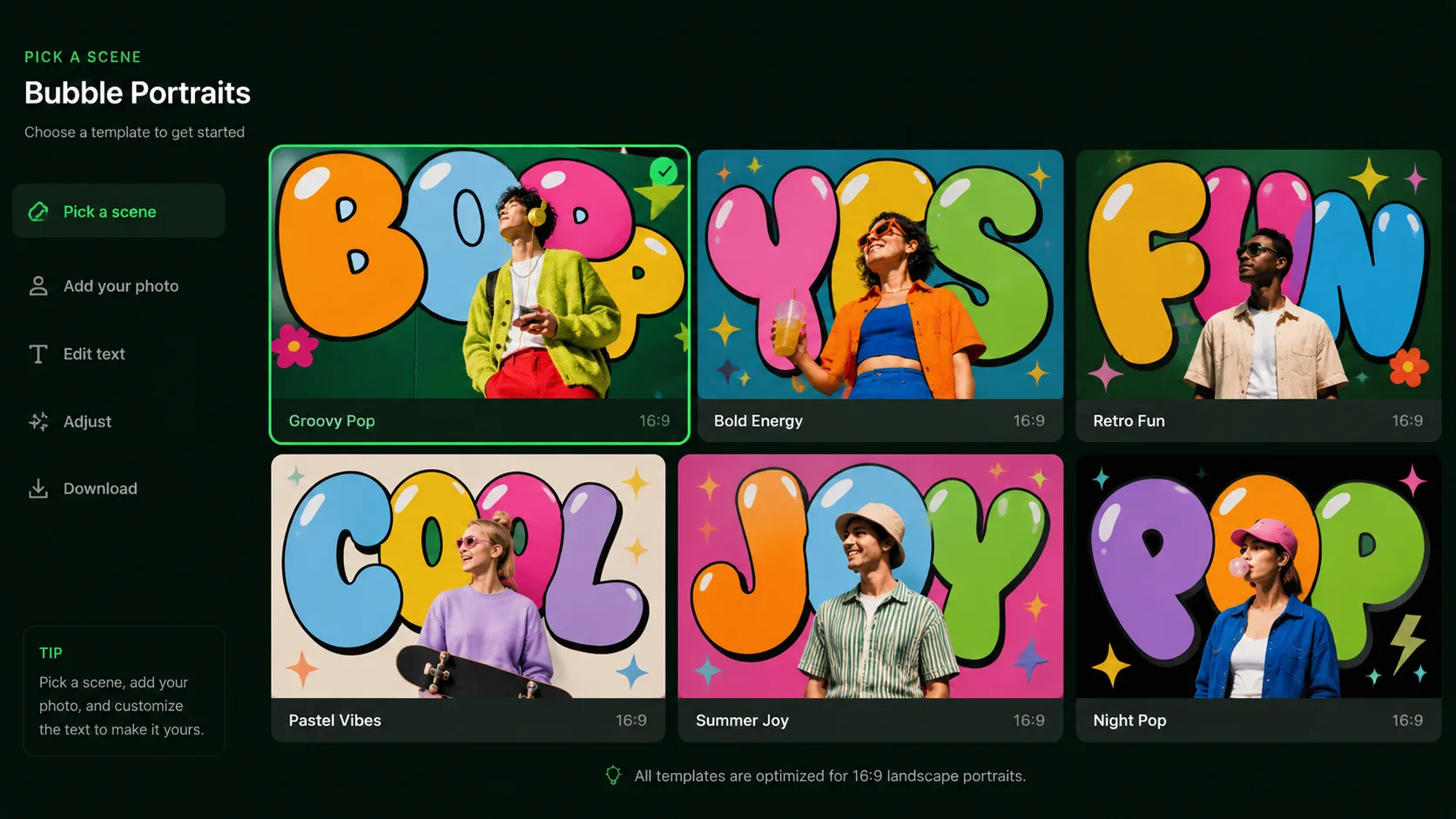
Choose a scene format
Pick the sample closest to your job: transit-card KV, adult campus poster, flower market promo, gallery color wall, summer market social ad, square music-zine cover, coastal route poster, record-shop visual, or weekend city campaign.
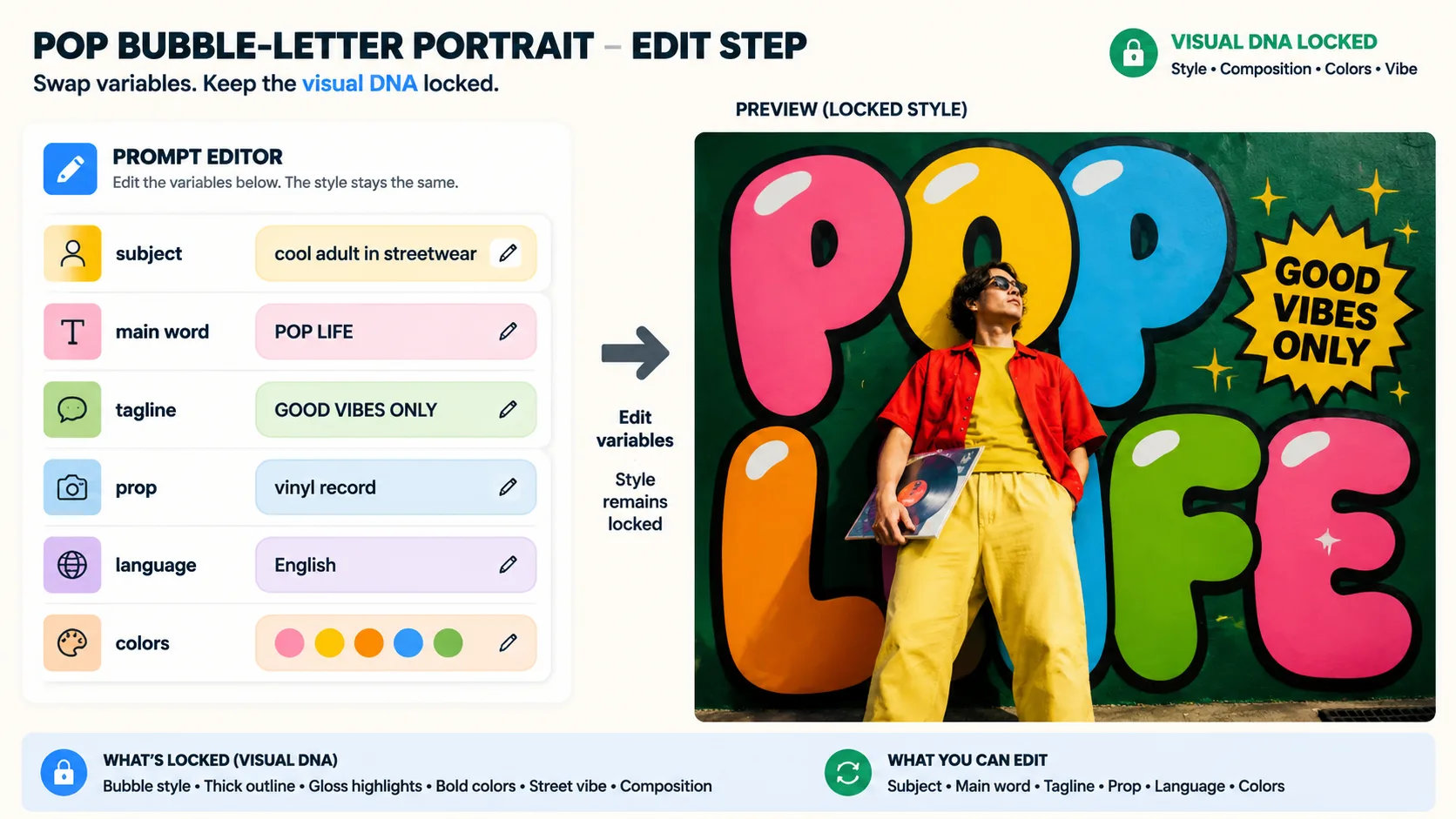
Replace variables, not style
Keep the typography rules intact while editing the adult subject, prop, main bubble word, tagline, clothing colors, aspect ratio, visible text language, and neighborhood mood.
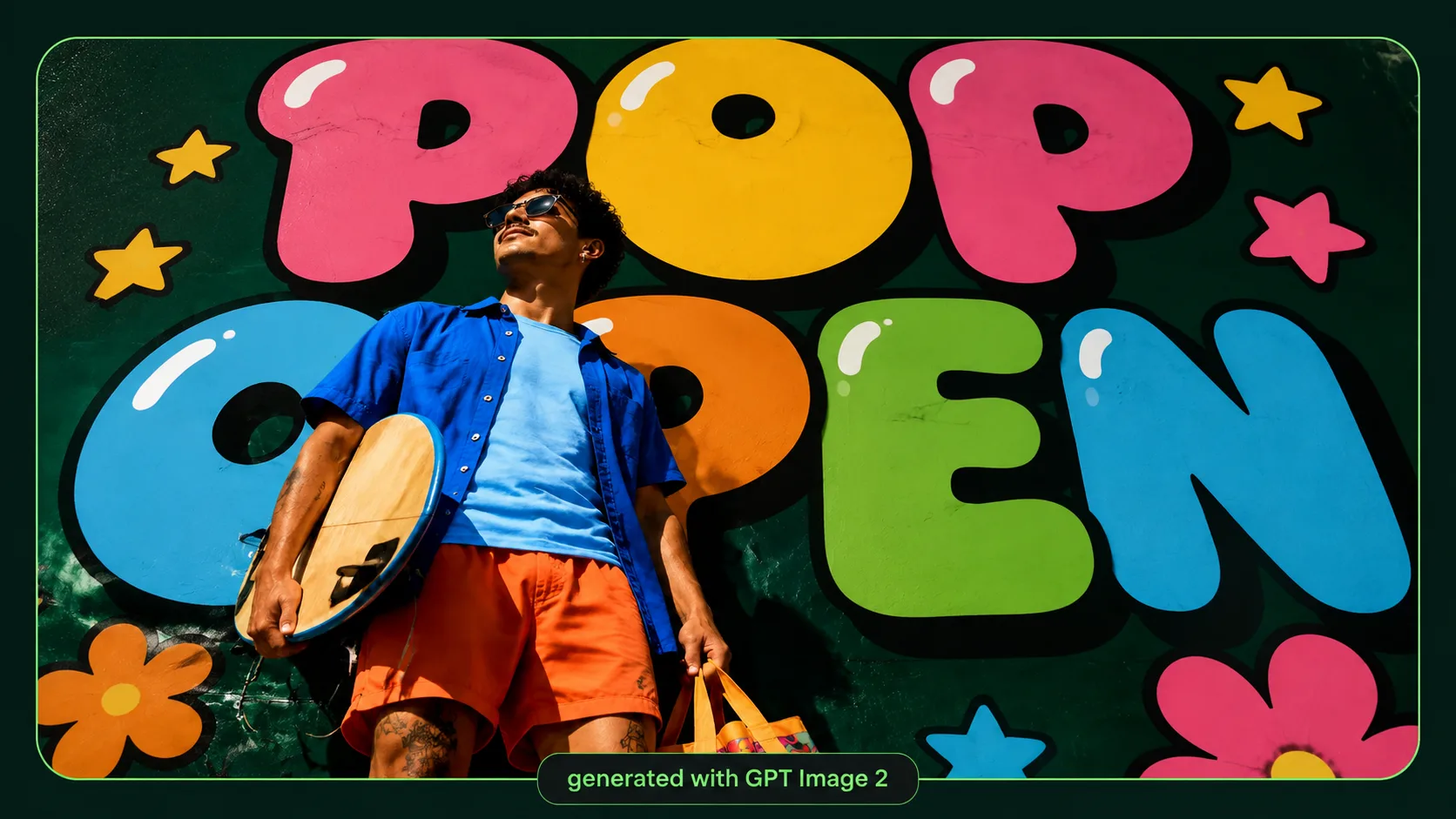
Generate, compare, and refine
Run the prompt with GPT Image 2, inspect the readable text and subject placement, then adjust word length, color emphasis, camera angle, or reference image for the next version.
Pop bubble portrait FAQ
Search-focused answers for using these bubble typography portrait prompts in GPT Image 2.
Generate a Pop bubble portrait
Start with a ready prompt, replace the campaign details, and create your own bubble typography poster in GPT Image 2.