
Browse sample poster results on the right, then tap one to load that prompt back into the generator on the left.
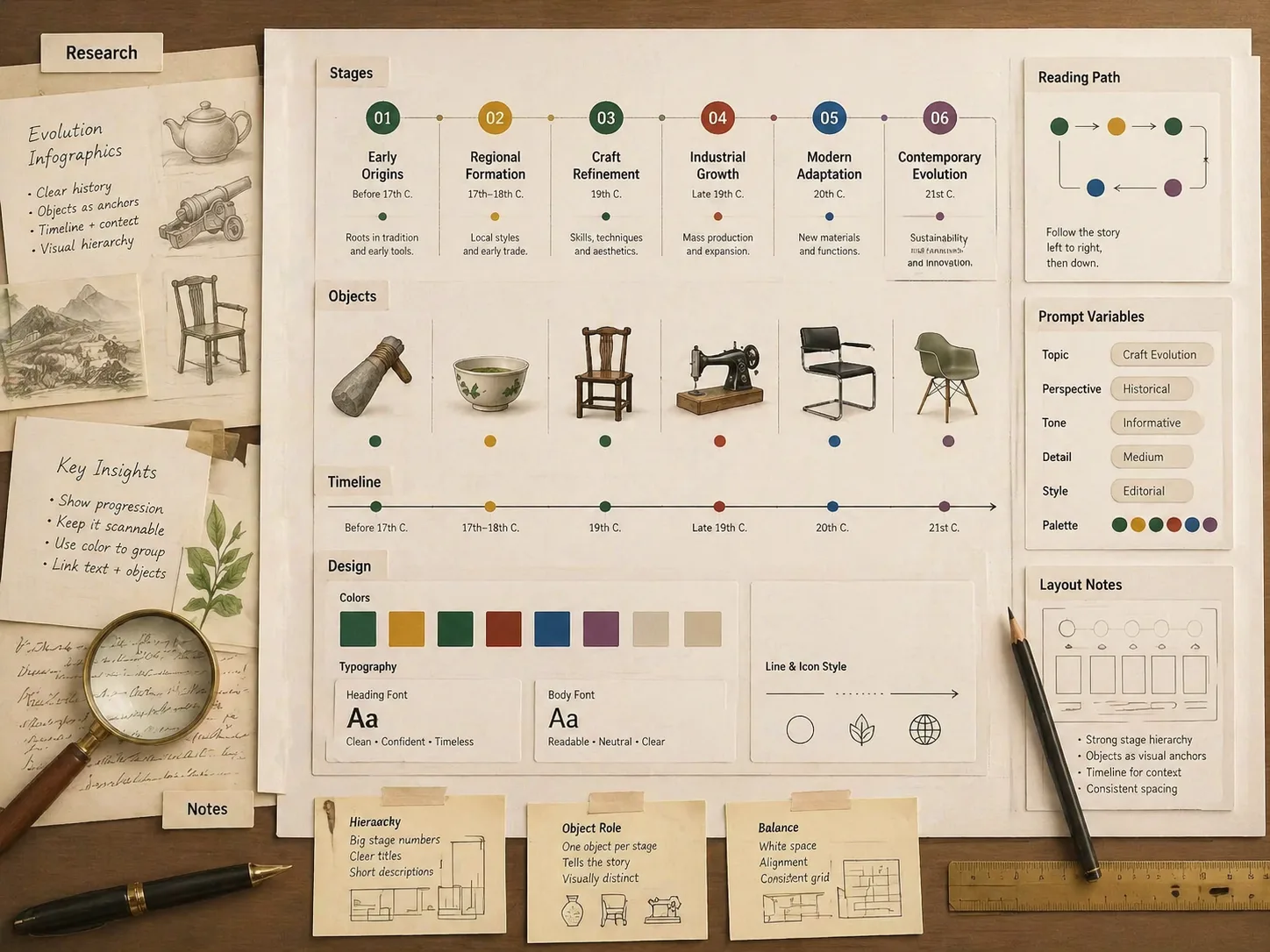
Create evolution history infographics with GPT Image 2 prompts
These evolution history infographic GPT Image 2 prompts help you turn a topic into a researched, staged, and readable visual story instead of a loose timeline. Start with a subject such as coffee beans, game consoles, tea culture, cacao, chairs, street food, or perfume bottles, then adapt the same prompt logic for your own audience and format.
Map the topic before drawing
Each prompt asks GPT Image 2 to reason through 5-7 phases, major turns, representative objects, and the reading path before composing the infographic.
Replace every key variable
Edit the topic, time span, target audience, stage count, visual tone, visible language, and the objects or milestones that should anchor the timeline.
Build dense but readable layouts
Use stage cards, compact labels, object illustrations, restrained annotations, and clear spacing so the result works as a social post, class poster, or deck graphic.
Localize visual histories
Sample prompts cover English, Chinese, Traditional Chinese, Korean, Japanese, Portuguese, Spanish, German, and French so labels and examples match the intended audience.
Avoid weak factual claims
The templates push for short, checkable labels and remind you to verify dates, names, and cultural details before publishing the final infographic.
Reuse one infographic framework
The same brief history infographic template can become a product evolution, cultural timeline, design history, education poster, or founder presentation graphic.
How to make an evolution history infographic
Use the template as a structured workflow: pick the closest example, rewrite the variables, generate with GPT Image 2, then refine the factual and visual details.
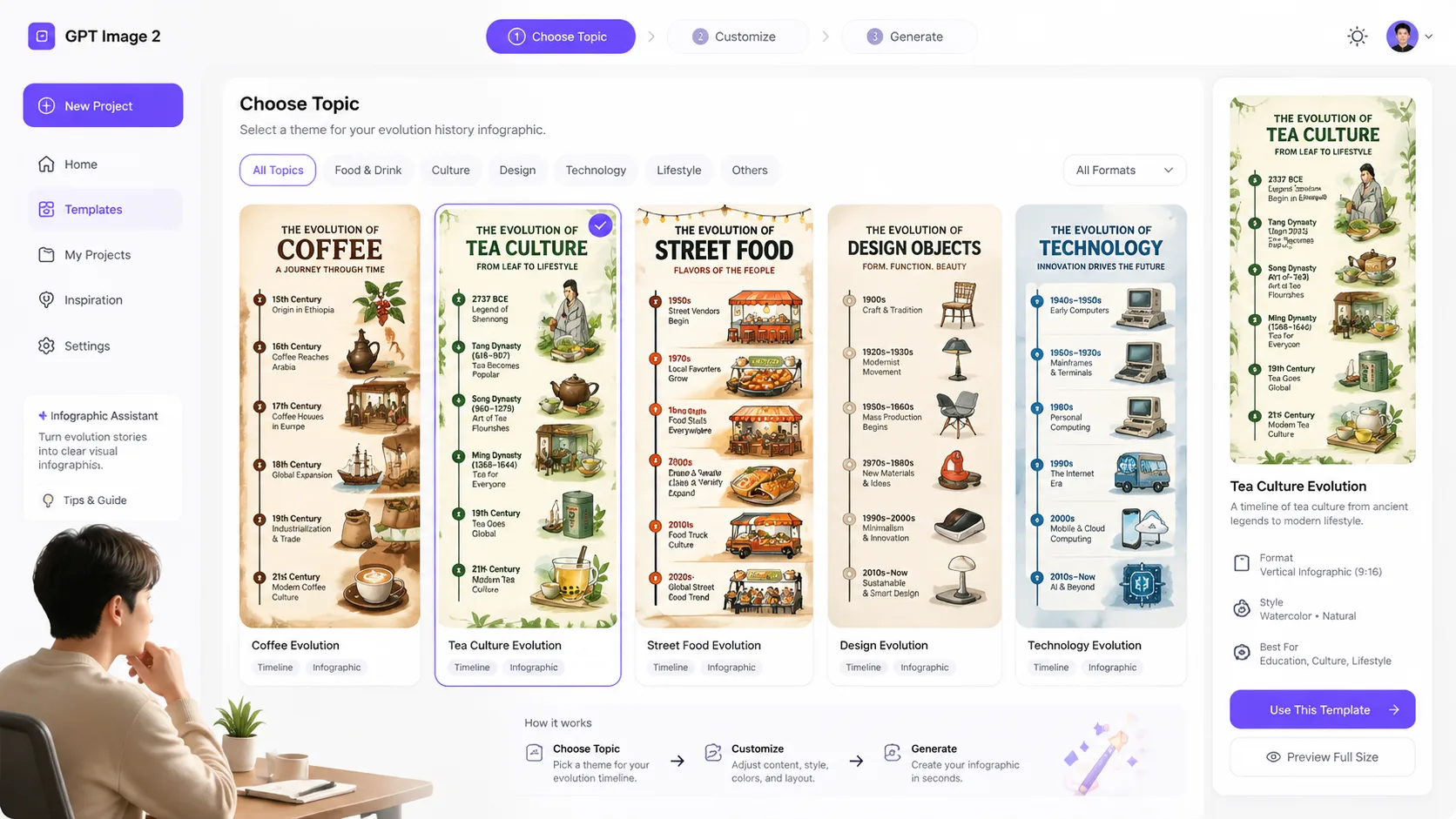
Choose the closest evolution template
Start from the sample that matches your subject type, such as food history, technology generations, cultural objects, product design, sports gear, or luxury packaging.
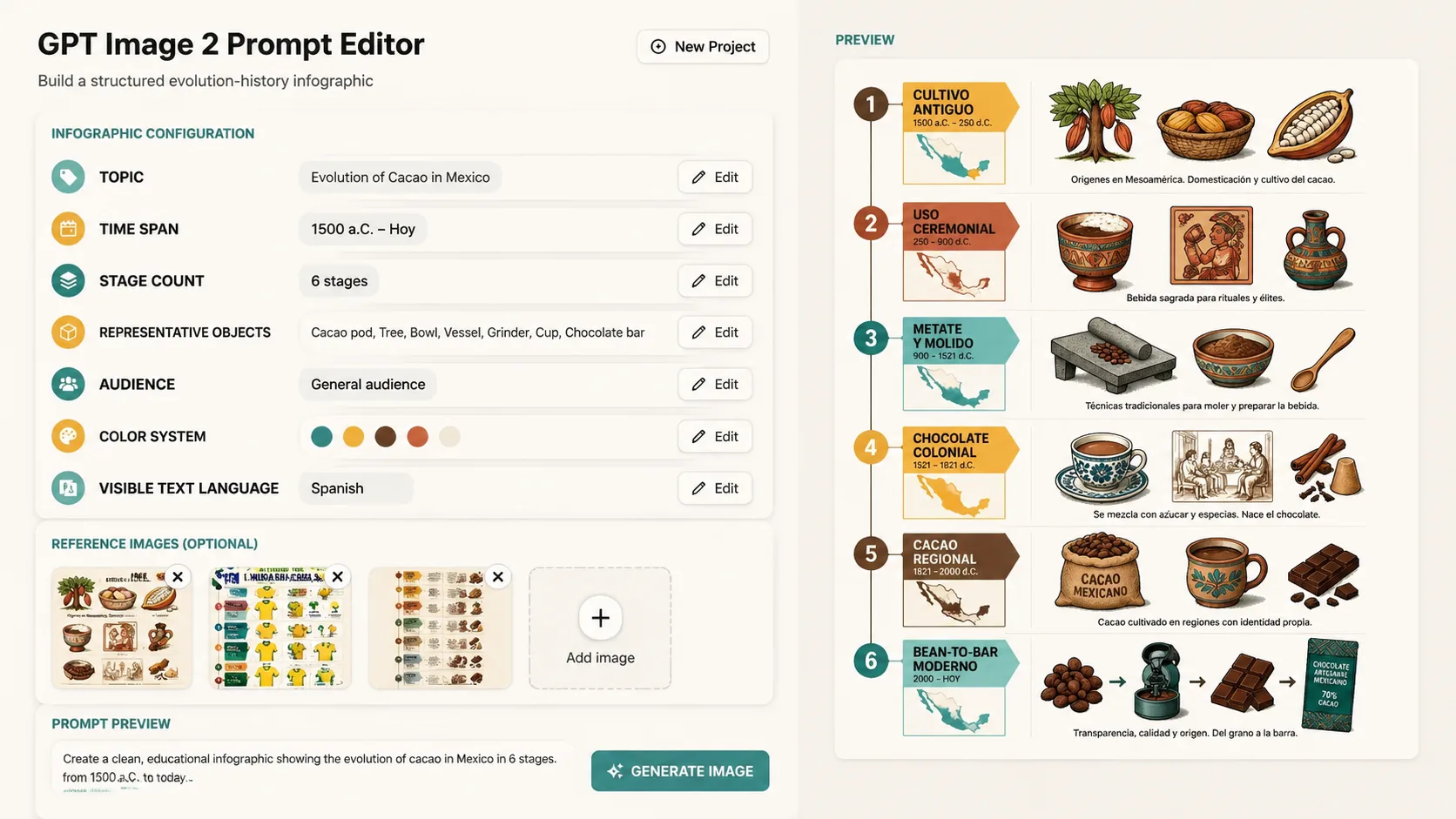
Rewrite topic, stages, and audience
Replace the title, era range, number of stages, representative artifacts, color system, and label language so the prompt fits the exact story you need.
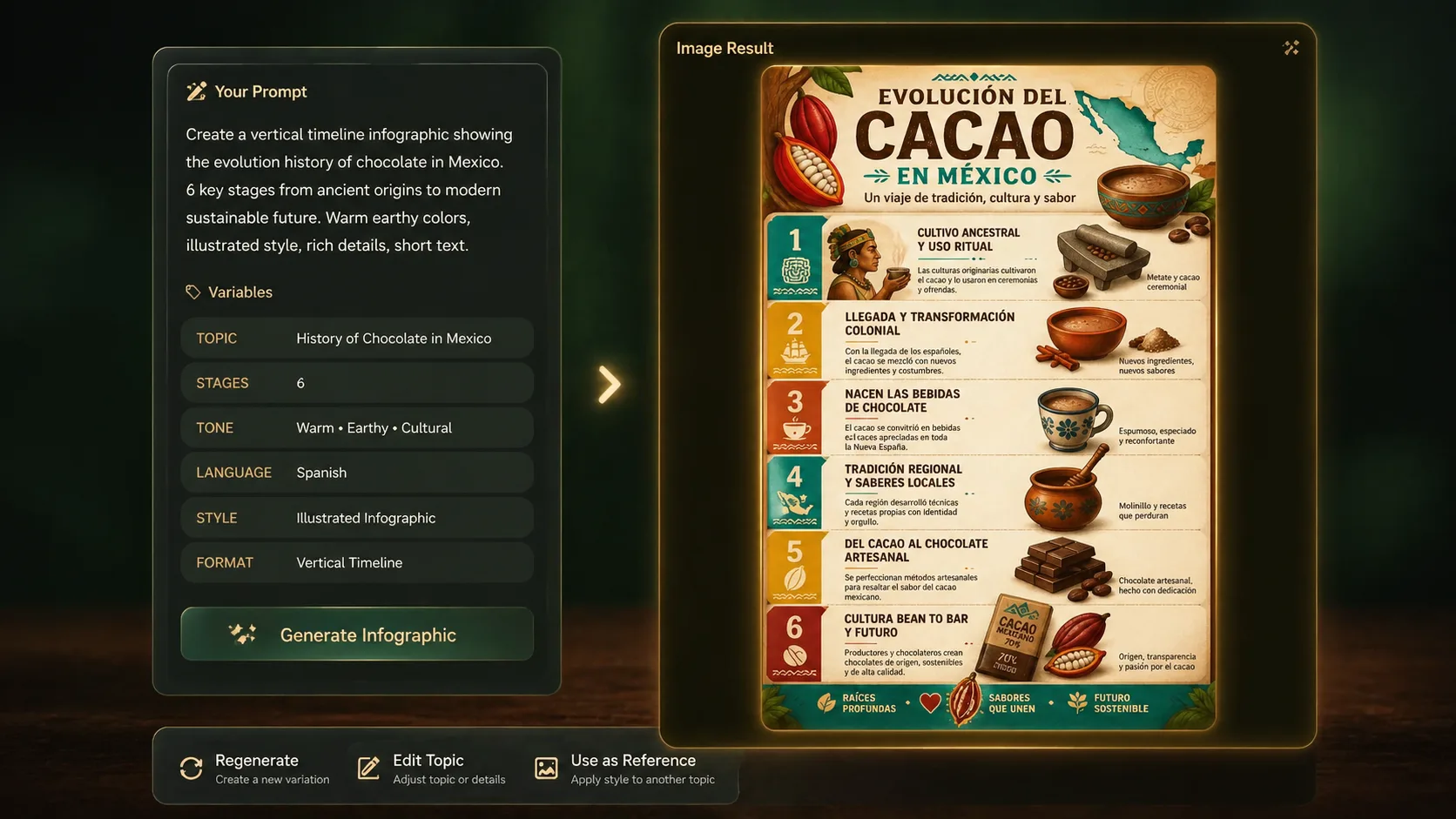
Generate a first visual draft
Run the prompt in the GPT Image 2 generator and inspect whether the timeline order, stage hierarchy, typography, illustrations, and information density are usable.
Refine facts and visual hierarchy
Shorten visible text, remove unsupported claims, adjust stage names, and regenerate until the evolution history infographic is clear enough for readers to scan.
Evolution history infographic FAQ
Practical answers for using these GPT Image 2 prompt templates to create timeline-style knowledge visuals.
Generate an evolution history infographic
Choose a prompt, replace the topic, and create a staged visual history with GPT Image 2.