
Browse sample poster results on the right, then tap one to load that prompt back into the generator on the left.
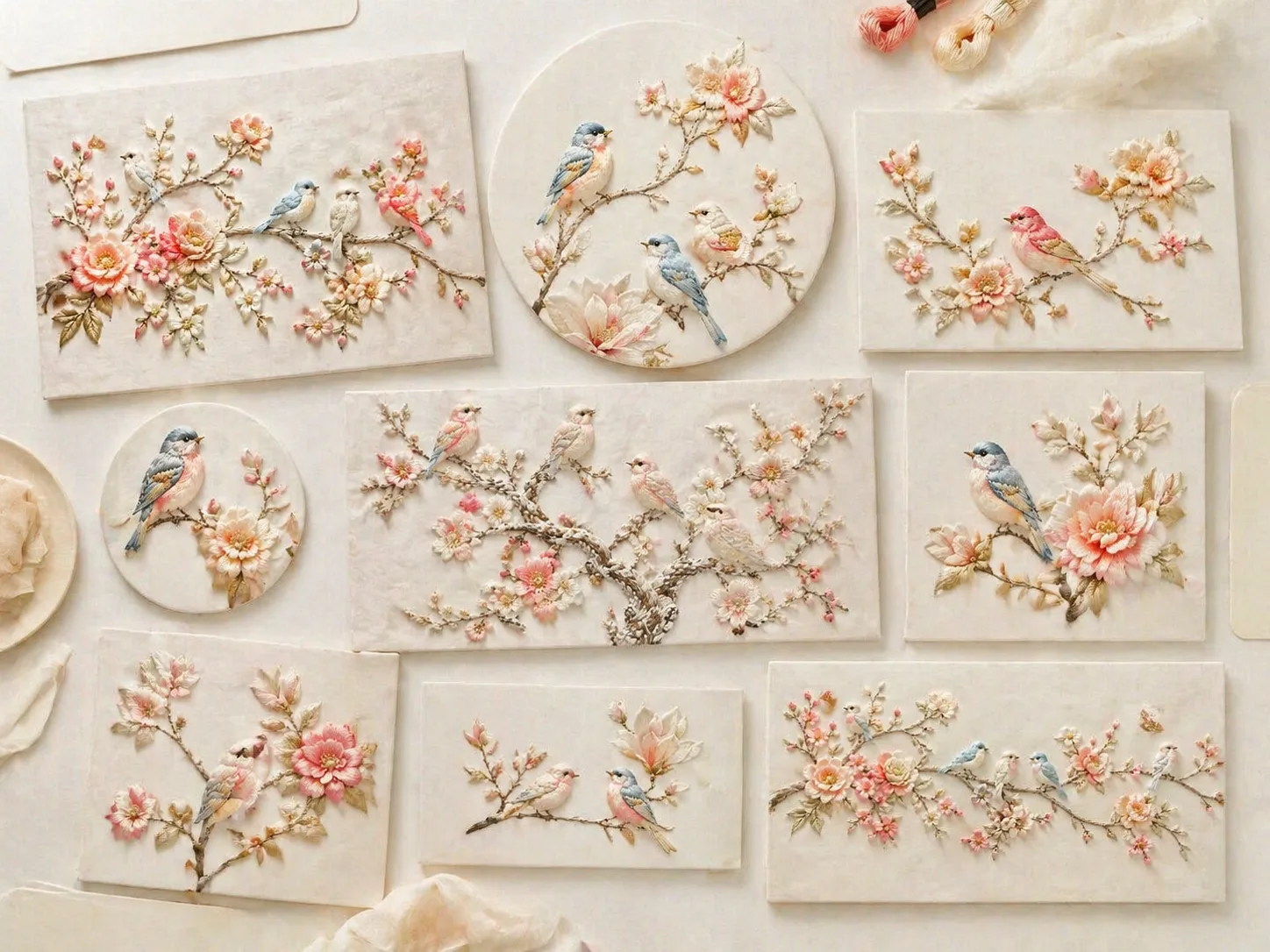
Create silk embroidery bird art with GPT Image 2
These silk embroidery bird GPT Image 2 prompts turn a simple bird-and-flower idea into a tactile textile image. Start with cream fabric, raised silk threads, airy branches, soft blossoms, and editable composition notes, then shape the result for posters, cards, covers, packaging, nursery decor, or couture details.
Raised silk-thread texture
Prompt language guides GPT Image 2 toward satin stitches, shallow padded relief, tiny knots, visible thread direction, and soft fiber shadows, so the image reads as embroidery instead of a flat bird illustration.
Editable bird and flower motifs
Swap the species, branch shape, blossom palette, background fabric, amount of negative space, and relief depth while keeping the same calm silk-white, cream, pale blue, peach, coral, and light-gold visual family.
Formats for real design jobs
Use the same embroidery prompt system for vertical wall art, square gallery posts, greeting cards, wide decorative panels, product wraps, nursery textiles, and couture accessory close-ups.
Reusable visual references
Each sample image acts as a starting point for refinement. Pick the closest output, update the variables, generate with GPT Image 2, then reuse the result as a reference for a cleaner second pass.
How to use these embroidery prompts
The workflow keeps the scene focused on one same-intent job: generating delicate silk-thread bird artwork, not generic craft articles or broad image editing.
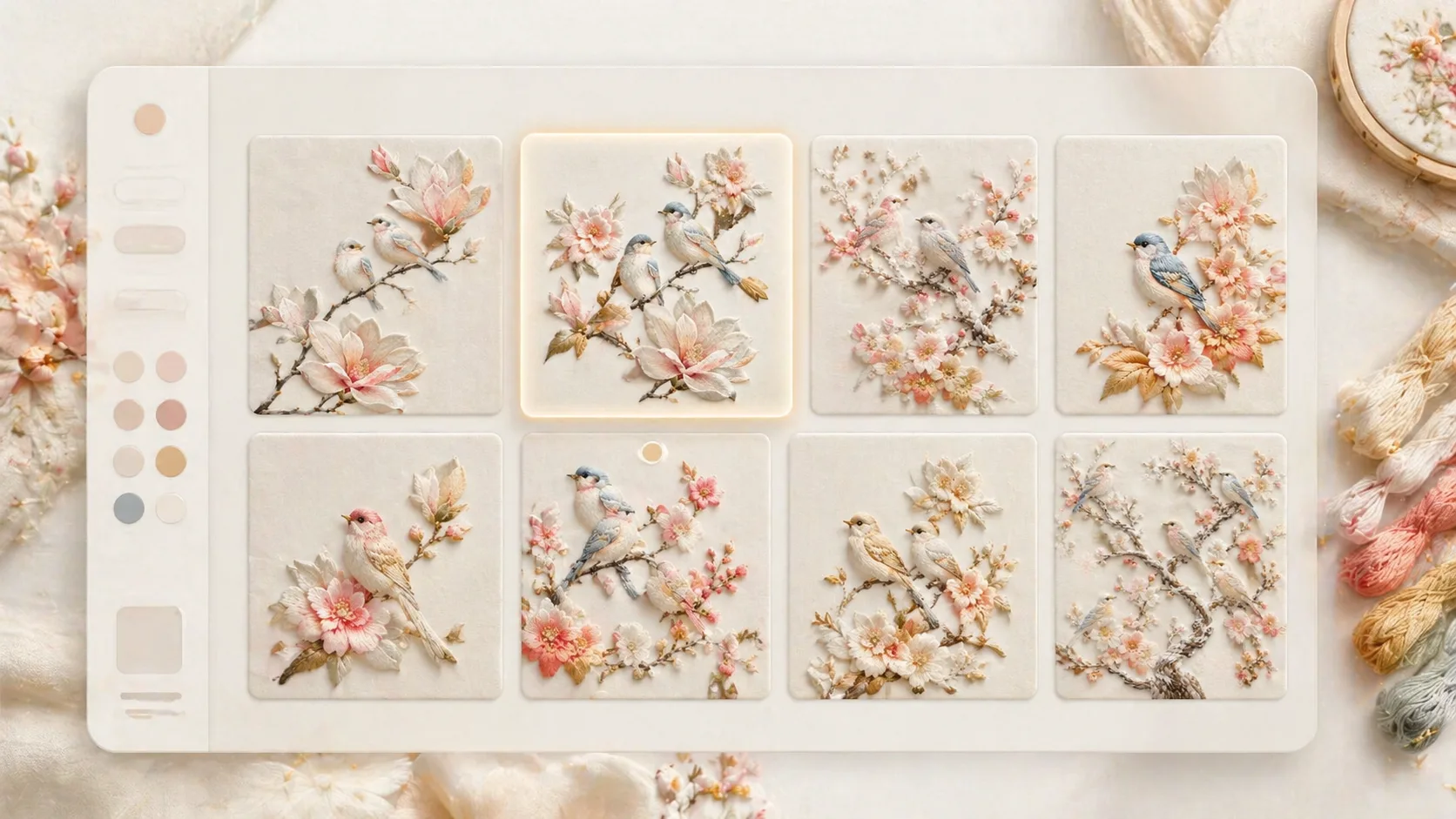
Choose a close template
Browse the bird branch, frosted aviary, magnolia poster, garden panel, greeting card, crane silkwork, product wrap, nursery wall textile, or couture brooch examples. Select the format whose ratio, spacing, and bird arrangement already match your target use.
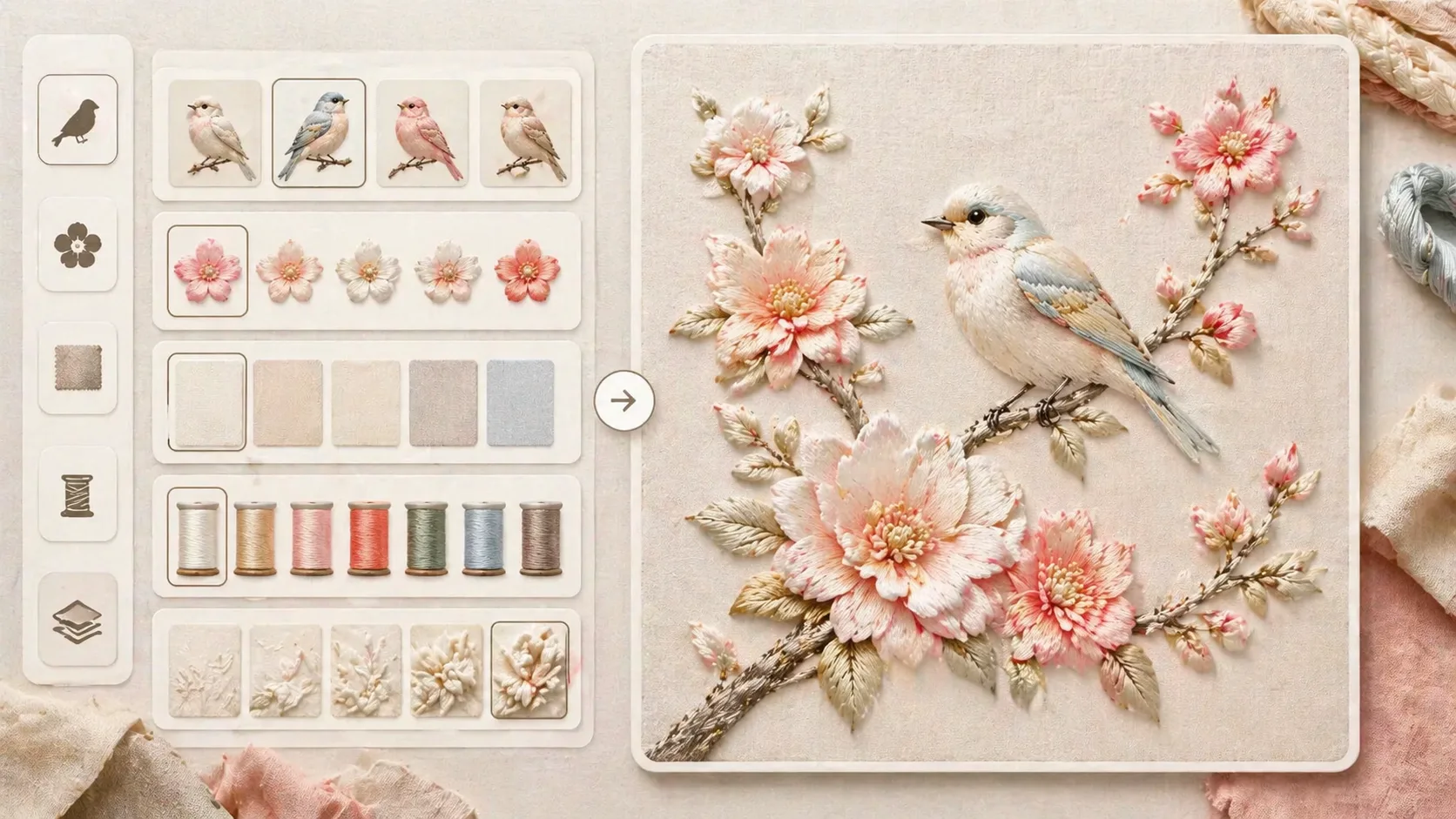
Edit the textile variables
Replace the bird species, blossom type, branch curve, palette, fabric ground, and relief intensity. Keep the embroidery cues explicit: silk thread sheen, satin stitches, raised fiber edges, handmade irregularity, gentle light, and no visible text.
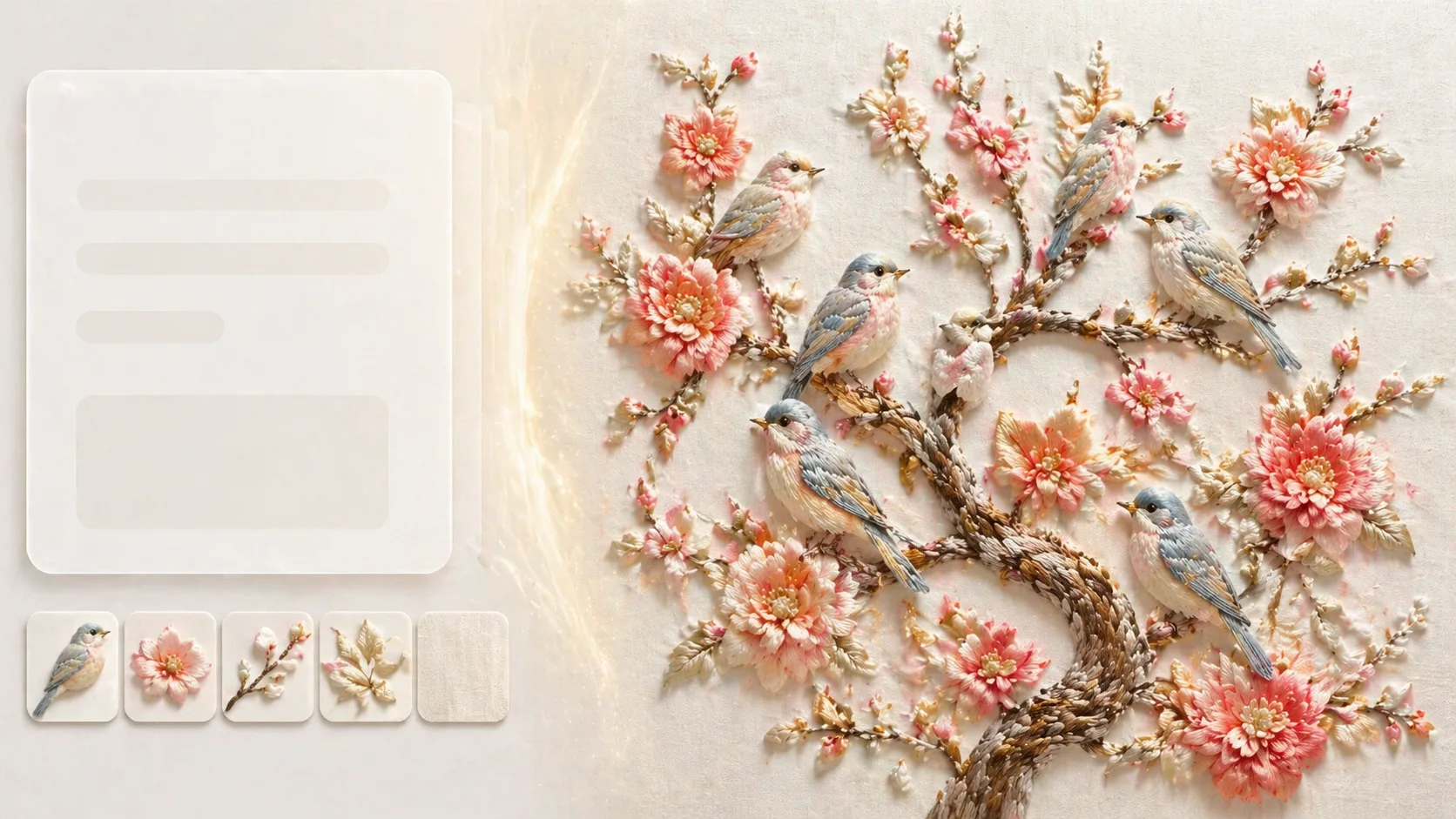
Generate, compare, and refine
Send the edited prompt to GPT Image 2, compare the output against the sample, then tighten the next prompt with reference images or stronger exclusions for plastic white, glossy ceramic surfaces, random text, logos, and oversaturated colors.
Silk embroidery bird prompt FAQ
Search-style answers for using GPT Image 2 silk embroidery bird templates well.
Generate silk embroidery birds
Choose a prompt template, edit the bird, flowers, fabric, and relief cues, then generate a polished GPT Image 2 embroidery-style image for your next poster, card, or textile concept.