
Browse sample poster results on the right, then tap one to load that prompt back into the generator on the left.
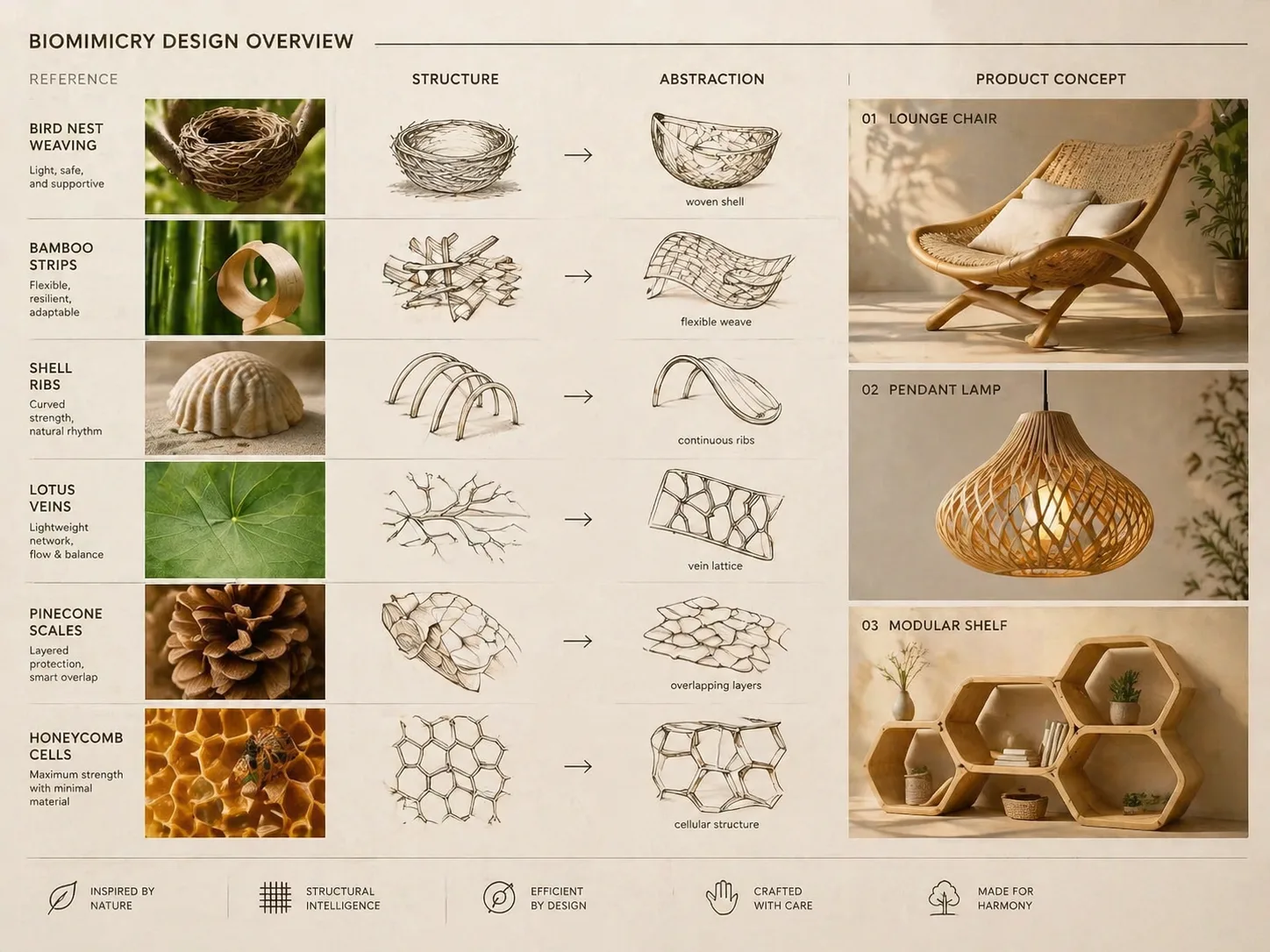
Build biomimicry product concept boards with GPT Image 2
These biomimicry product concept GPT Image 2 prompts help designers turn nests, shells, leaves, bark, cactus ribs, pinecones, and honeycomb cells into polished product-design boards. Each template keeps the same clear logic: start with a natural reference, extract the structural principle, show diagrams and sketches, then finish with a product render that can be used for ideation, classroom critique, or a pitch-deck draft.
Nature-to-product transformation
Use nature inspired product design GPT Image 2 prompts to show how a biological structure becomes furniture, lighting, speakers, storage, bottles, or lifestyle objects.
Complete concept-board layout
Generate one board with reference studies, structural diagrams, material notes, abstraction sketches, and a final product visualization instead of a single isolated render.
Editable design variables
Swap the natural inspiration, product category, material palette, label language, composition style, and level of sketch detail before generating.
Prompt templates for iteration
Load a biomimicry design prompt template, revise the transformation logic, and create alternate directions for design reviews or portfolio studies.
From biological reference to product concept board
Use the templates as a repeatable workflow for exploring product form with GPT Image 2: choose the natural mechanism, edit the design variables, generate the board, then refine what the concept explains.
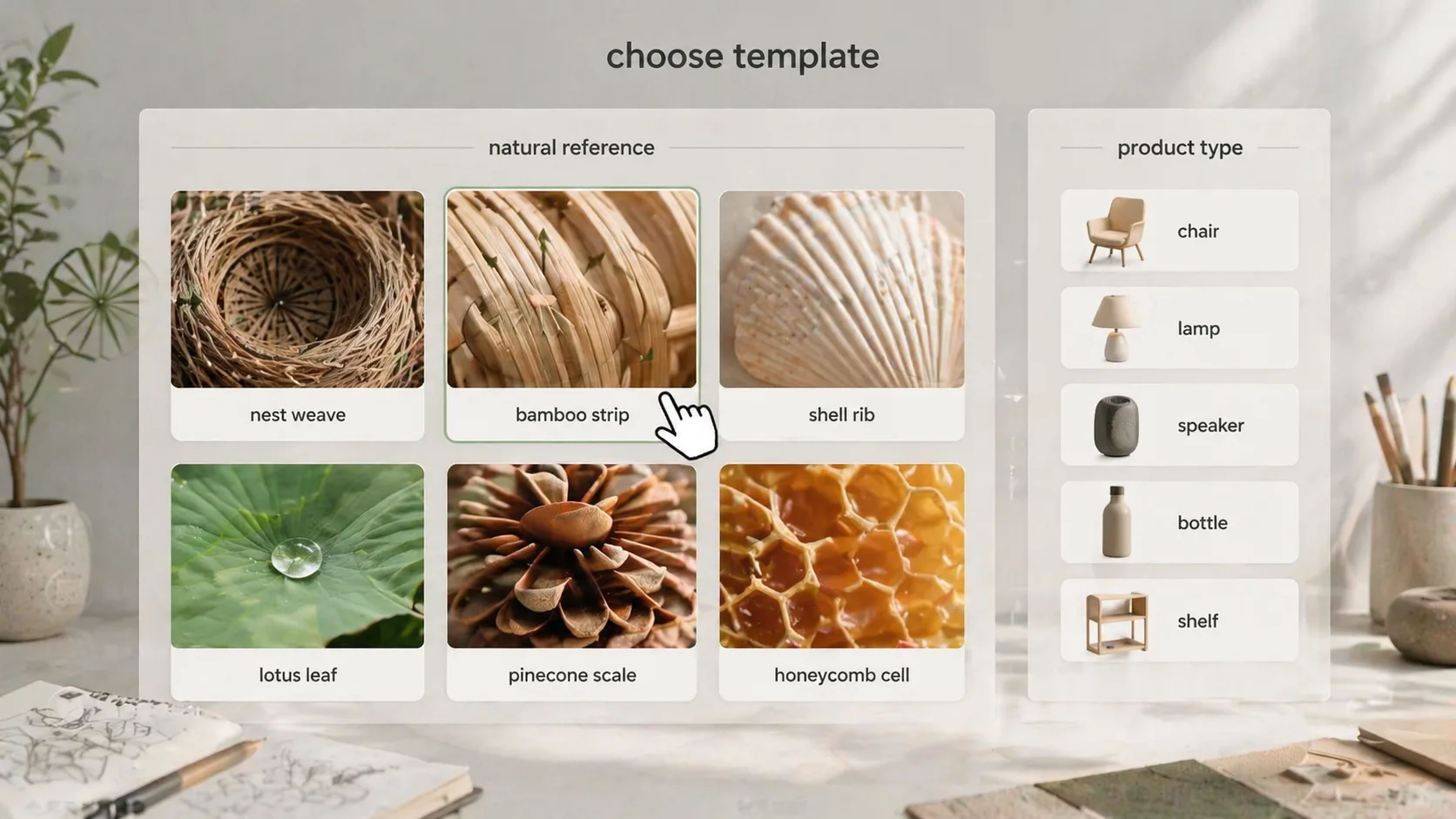
Choose a natural structure
Start with a pattern that has a visible design logic, such as nest weaving, shell ribs, lotus veins, folded leaves, bark cells, cactus grooves, pinecone scales, or honeycomb geometry. Pair it with a product category so the board has a clear design job.
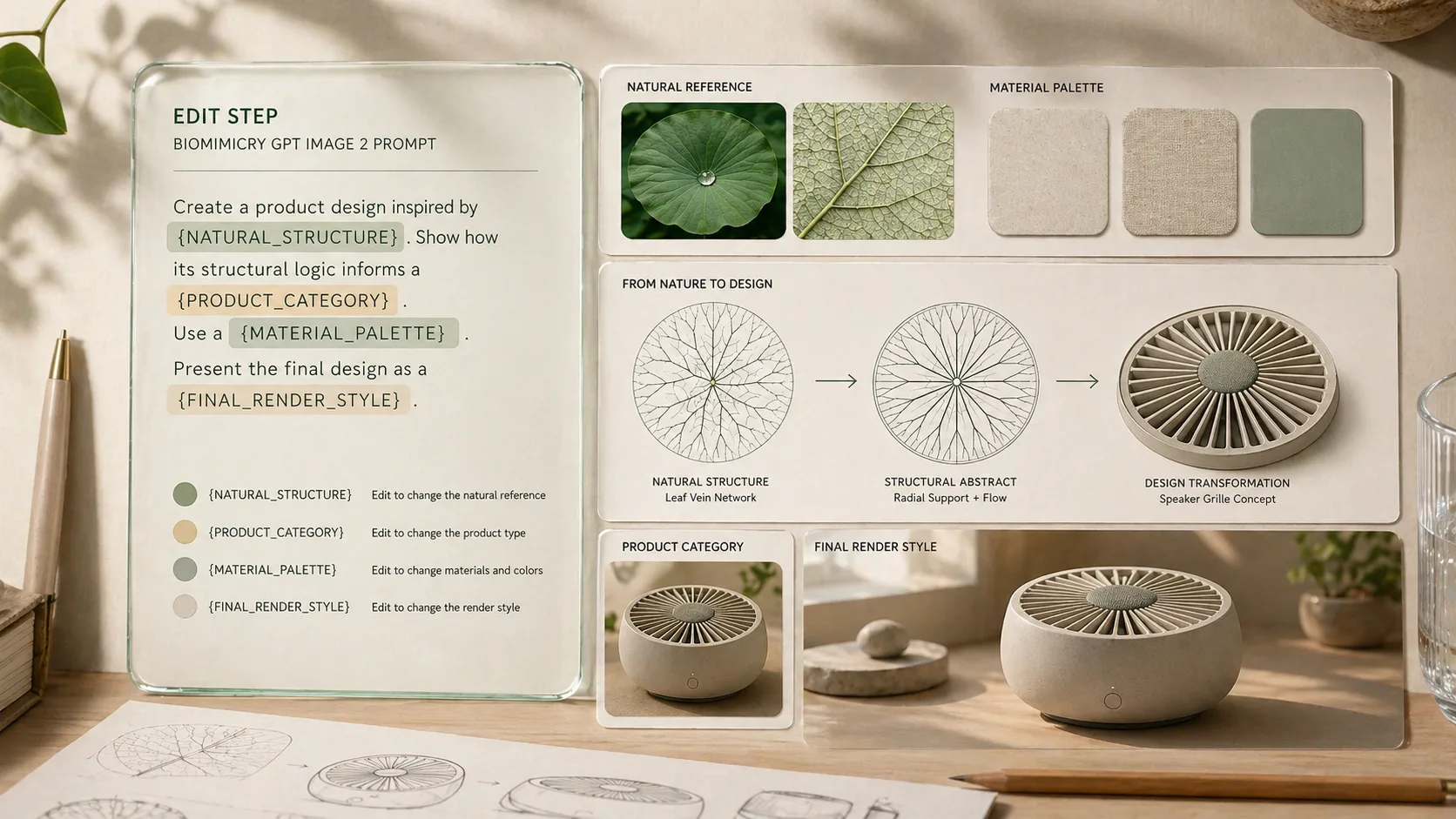
Edit the transformation logic
Replace the material palette, diagram labels, sketch emphasis, product proportions, and final render mood. Keep the prompt focused on concept exploration, not manufacturing validation or unverified performance claims.
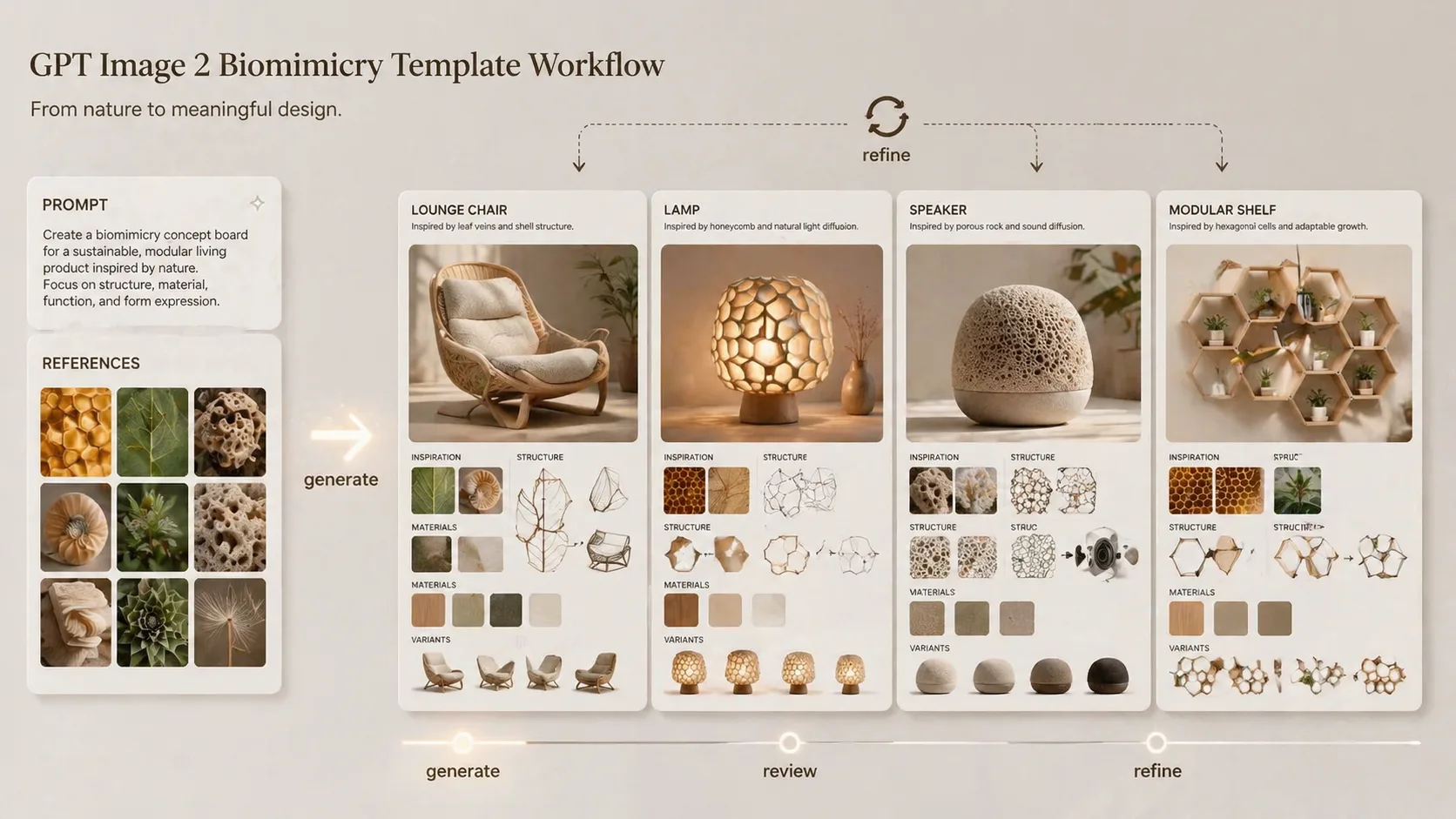
Generate and refine the board
Create the first product concept board with GPT Image 2, then iterate on clarity: stronger reference hierarchy, cleaner labels, more precise diagrams, or a different final object angle.
Biomimicry product concept FAQ
Search-focused answers for using GPT Image 2 biomimicry product concept templates.
Generate a biomimicry concept board
Choose a nature-inspired product prompt, edit the transformation logic, and create your first GPT Image 2 concept board.