
Browse sample poster results on the right, then tap one to load that prompt back into the generator on the left.
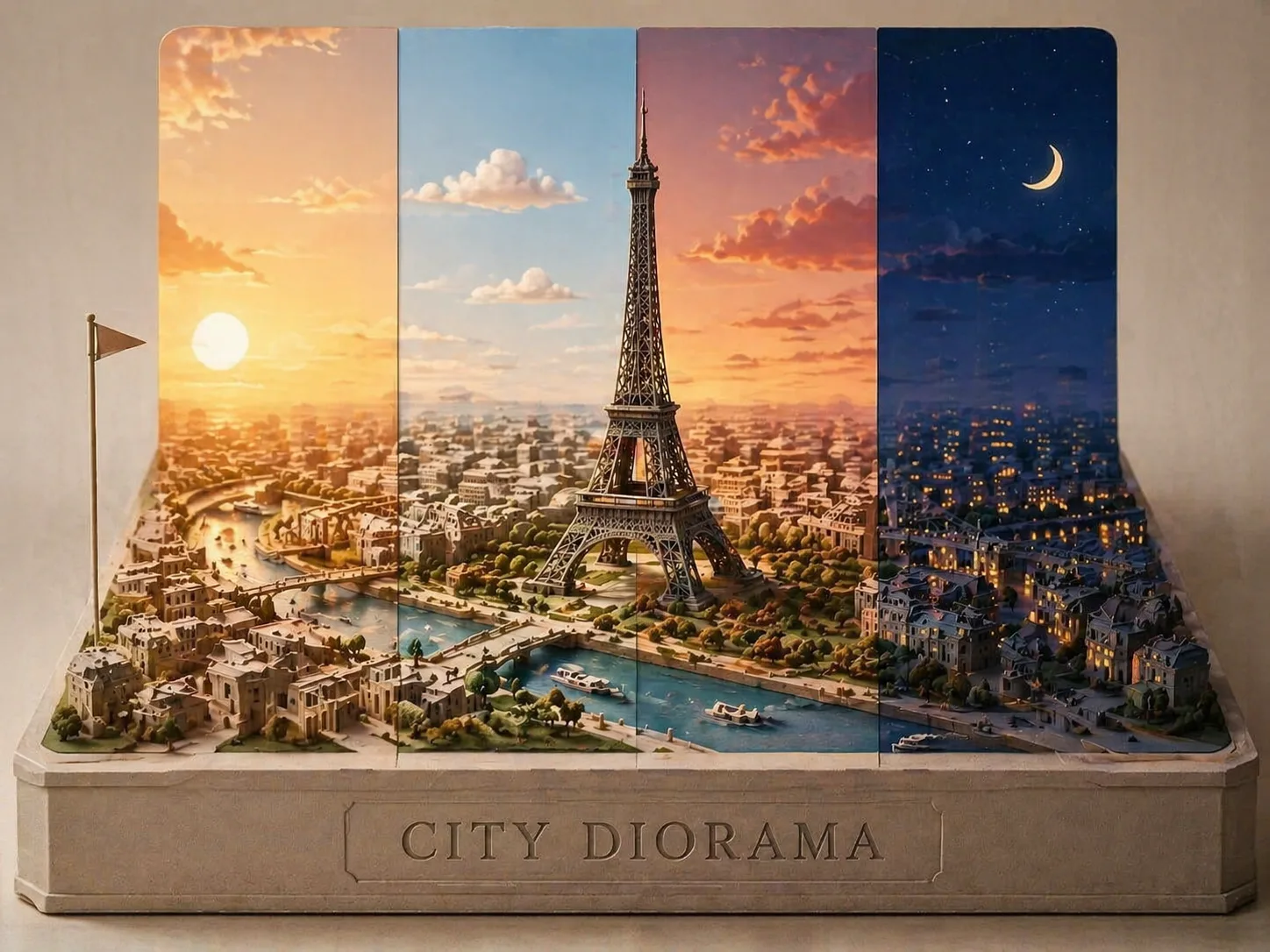
Create GPT Image 2 city diorama prompts for travel visuals
Turn a city, landmark, flag, caption, and regional geography into a premium paper-cut map scene. These GPT Image 2 city diorama prompts are built for tourism posters, editorial keepsakes, city guide artwork, and social campaign concepts rather than generic skyline images.
One clear hero landmark
Each prompt asks for one dominant landmark, placed once and supported by varied architecture. That keeps the city recognizable without cloned towers, repeated bridges, or mirrored skyline blocks.
Layered map-to-model scenes
Streets, rivers, coastlines, hills, plazas, and transit lines become stacked cardstock, clay relief, and precise cut-paper geometry, so the result feels like a handcrafted miniature city map.
Time-slice travel lighting
Sunrise, daylight, sunset, and night appear in one unified composition. The time-slice structure gives each city diorama a premium travel poster rhythm without changing the core map base.
Editable city variables
Swap the city name, hero landmark, caption, flag, color, terrain, and neighborhood details. The same city diorama GPT Image 2 template can become a harbor scene, old-town poster, festival map, or print-ready keepsake.
Build a layered city diorama in GPT Image 2
Start from the closest city map prompt, replace the local variables, then generate and refine the miniature until the landmark, geography, and caption read clearly.
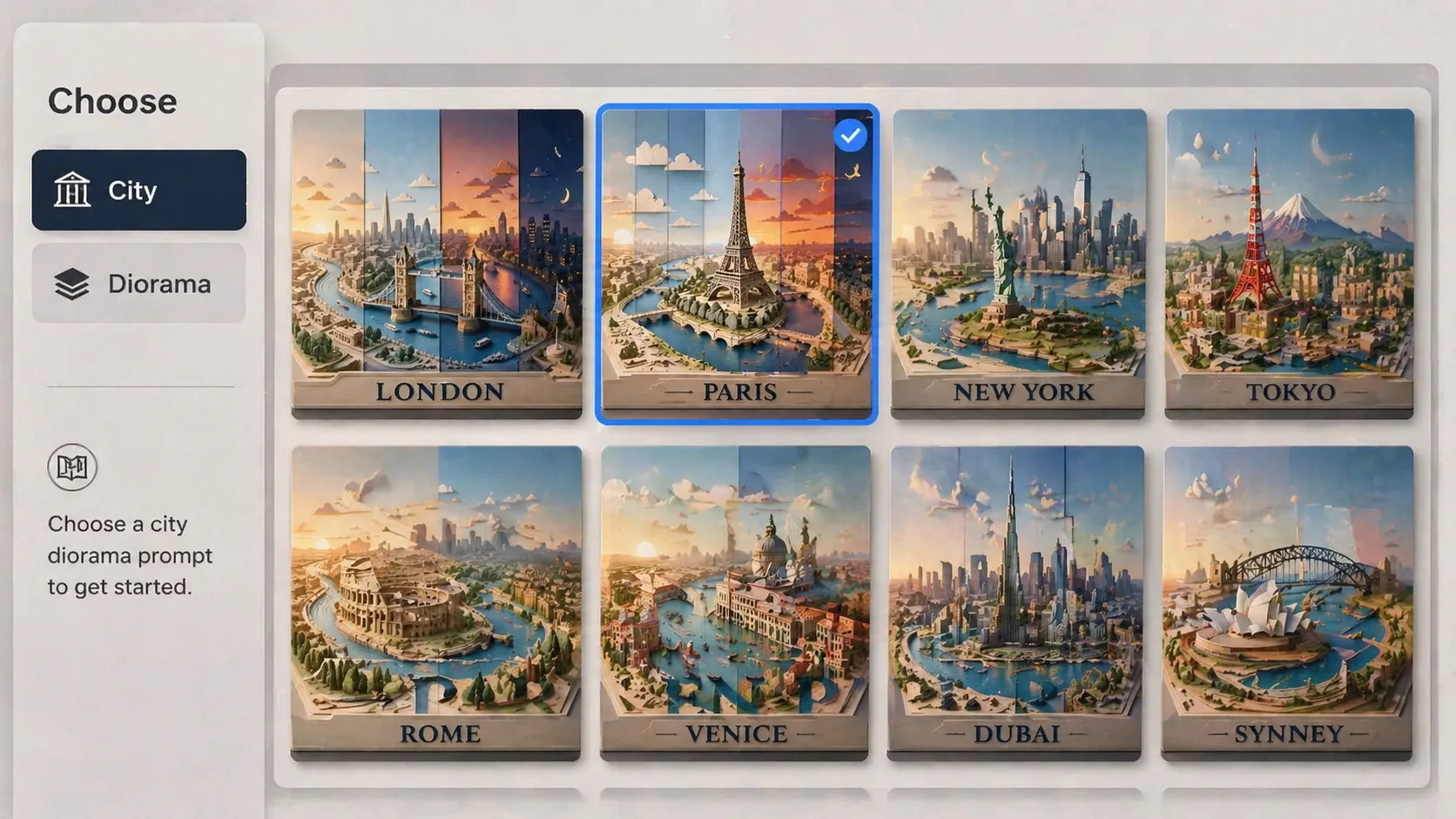
Choose the city format
Pick a template for a hero landmark, river map, old town, skyline season slice, harbor, mountain gateway, cultural quarter, festival map, or editorial keepsake. Each option keeps the same layered paper city diorama intent.
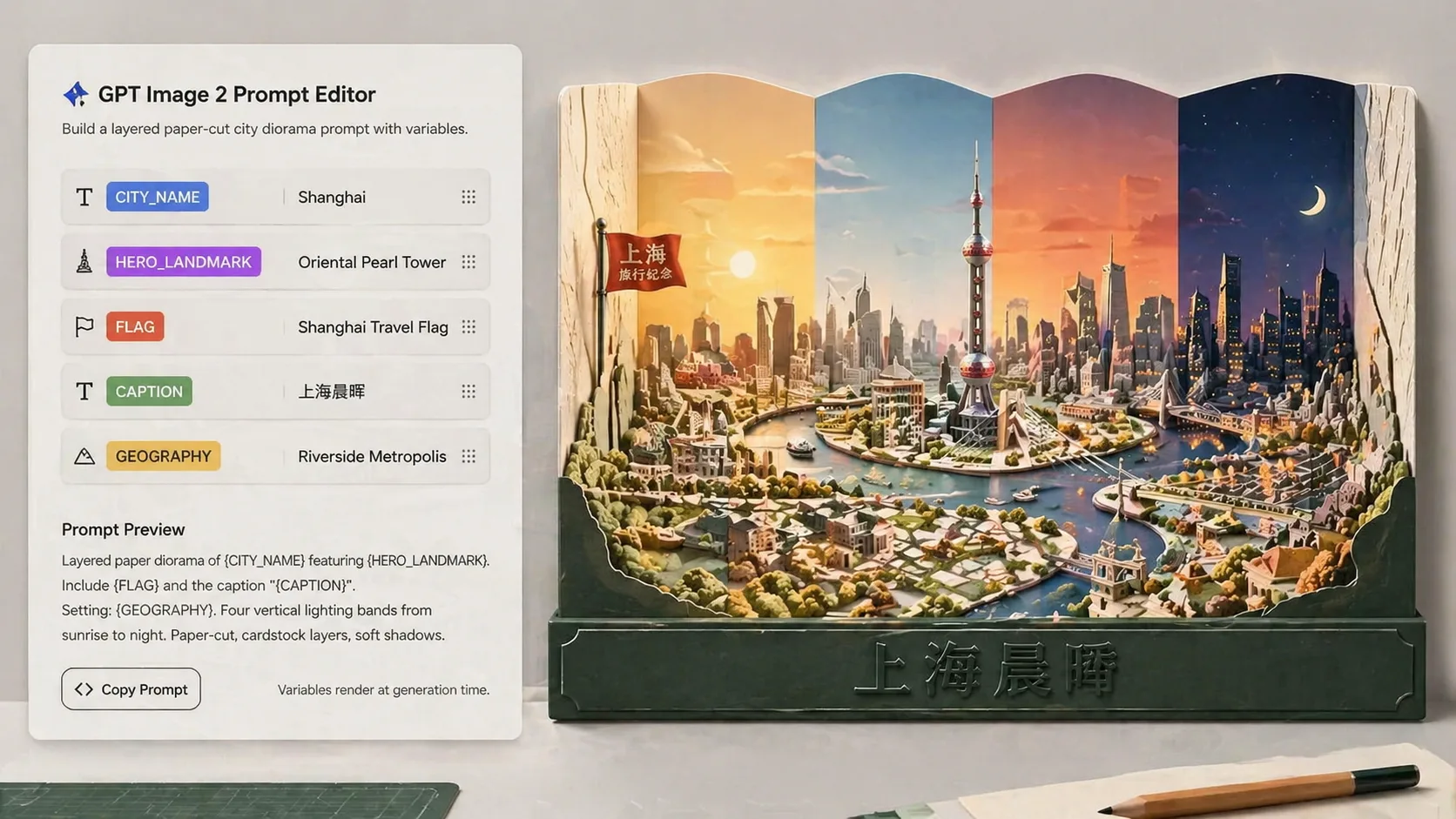
Edit landmarks and references
Replace the city, landmark, map feature, local nature, flag, and base text. Add a reference photo or map when you want GPT Image 2 to hold a skyline silhouette, waterfront curve, or architectural identity more closely.
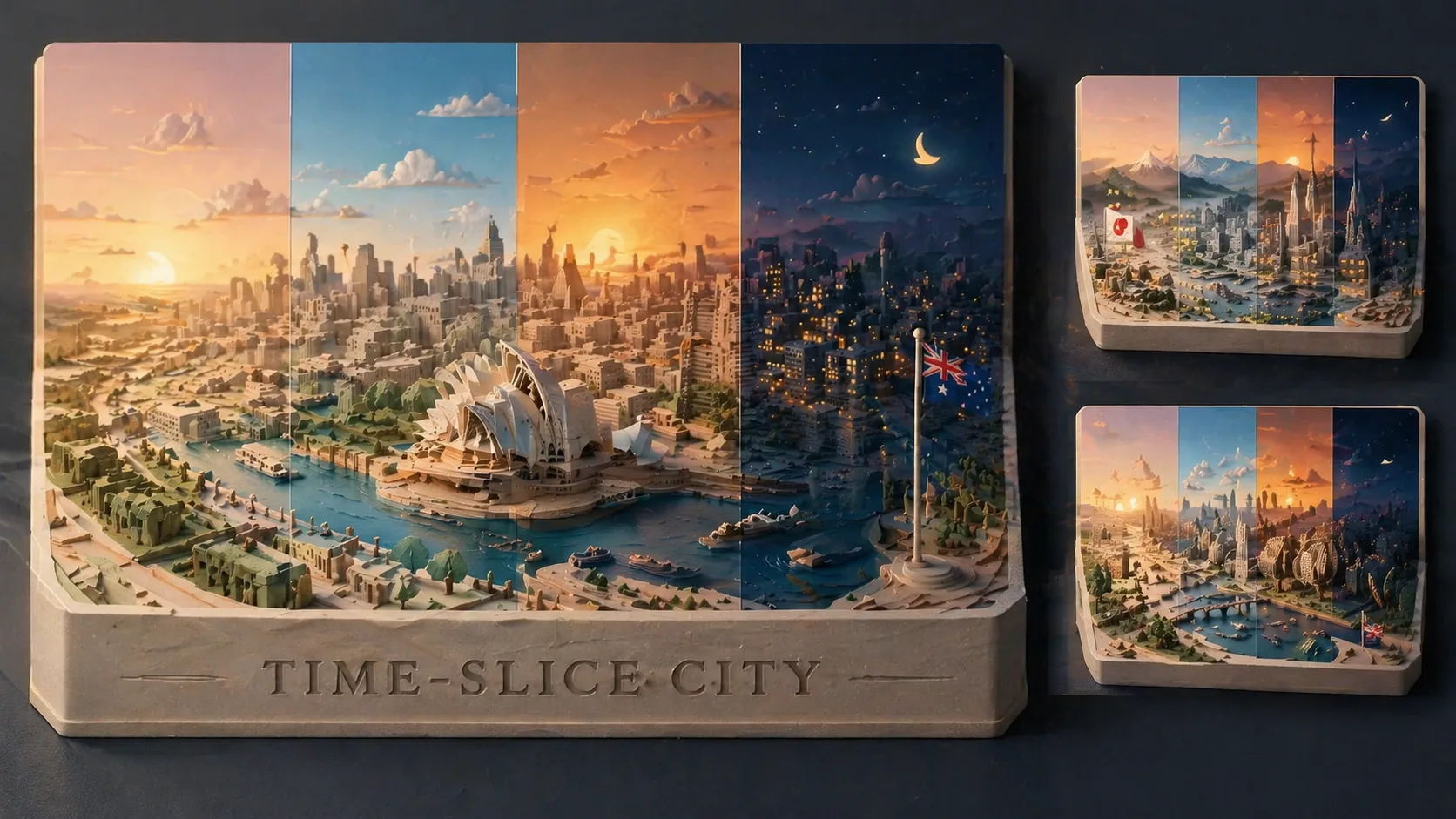
Generate, inspect, and refine
Create the first result, then adjust prompts for duplicate buildings, unclear captions, weak terrain, or missing time-slice contrast. The workflow is prompt-first, but it still supports reference-led refinement.
GPT Image 2 city diorama prompt FAQ
Search-focused answers for paper-cut city map prompts, tourism poster concepts, and layered miniature city visuals.
Generate a city diorama with GPT Image 2
Choose a city prompt, edit the landmark and map variables, then create a layered paper-cut travel visual in the generator.