
Browse sample poster results on the right, then tap one to load that prompt back into the generator on the left.
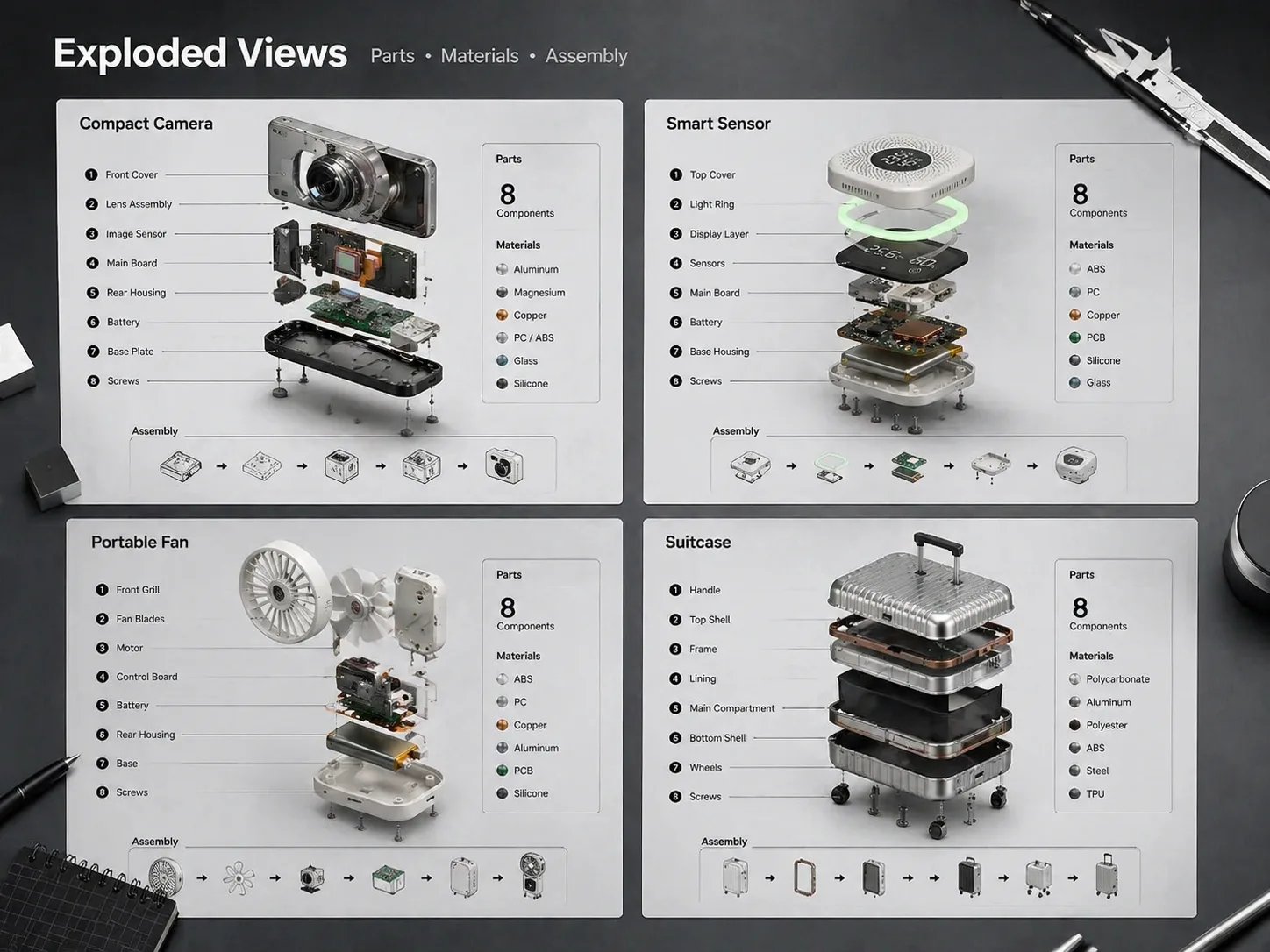
Create exploded assembly drawings from reusable GPT Image 2 prompts
Turn a product, gadget, appliance, or hardware concept into a clear exploded view with separated parts, readable callouts, and realistic technical-poster styling.
Prompted part inventories
Each exploded view prompt asks for the object, key components, materials, label language, background, and poster layout before generation.
Readable assembly spacing
Guide GPT Image 2 to separate shells, boards, screws, modules, seals, frames, and accessories along a clean axis or radial layout.
Technical callouts
Create numbered labels, thin leader lines, compact parts lists, specification strips, and visual hierarchy that make a product breakdown easy to scan.
Concept-safe outputs
Keep the image useful for education, ecommerce, and product storytelling while avoiding real logos, fake certifications, unsafe repair steps, and misleading specs.
How to generate a product teardown visual
Start with the closest exploded assembly drawing template, replace the variables, then generate and refine the diagram in GPT Image 2.
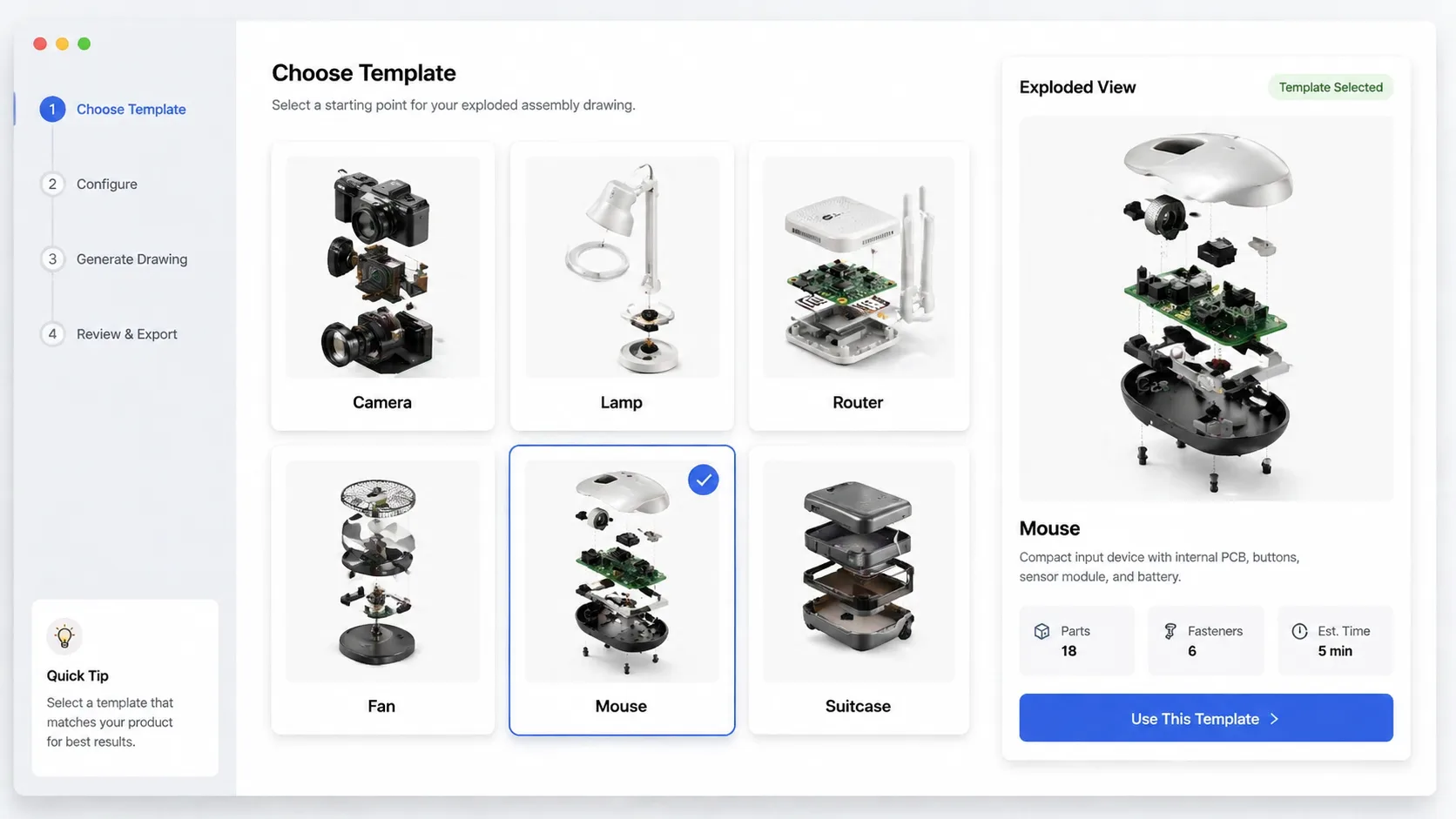
Choose a matching exploded view prompt
Pick a camera, sensor, lamp, router, appliance, outdoor gear, mouse, suitcase, or another template that matches the product structure you want to explain.
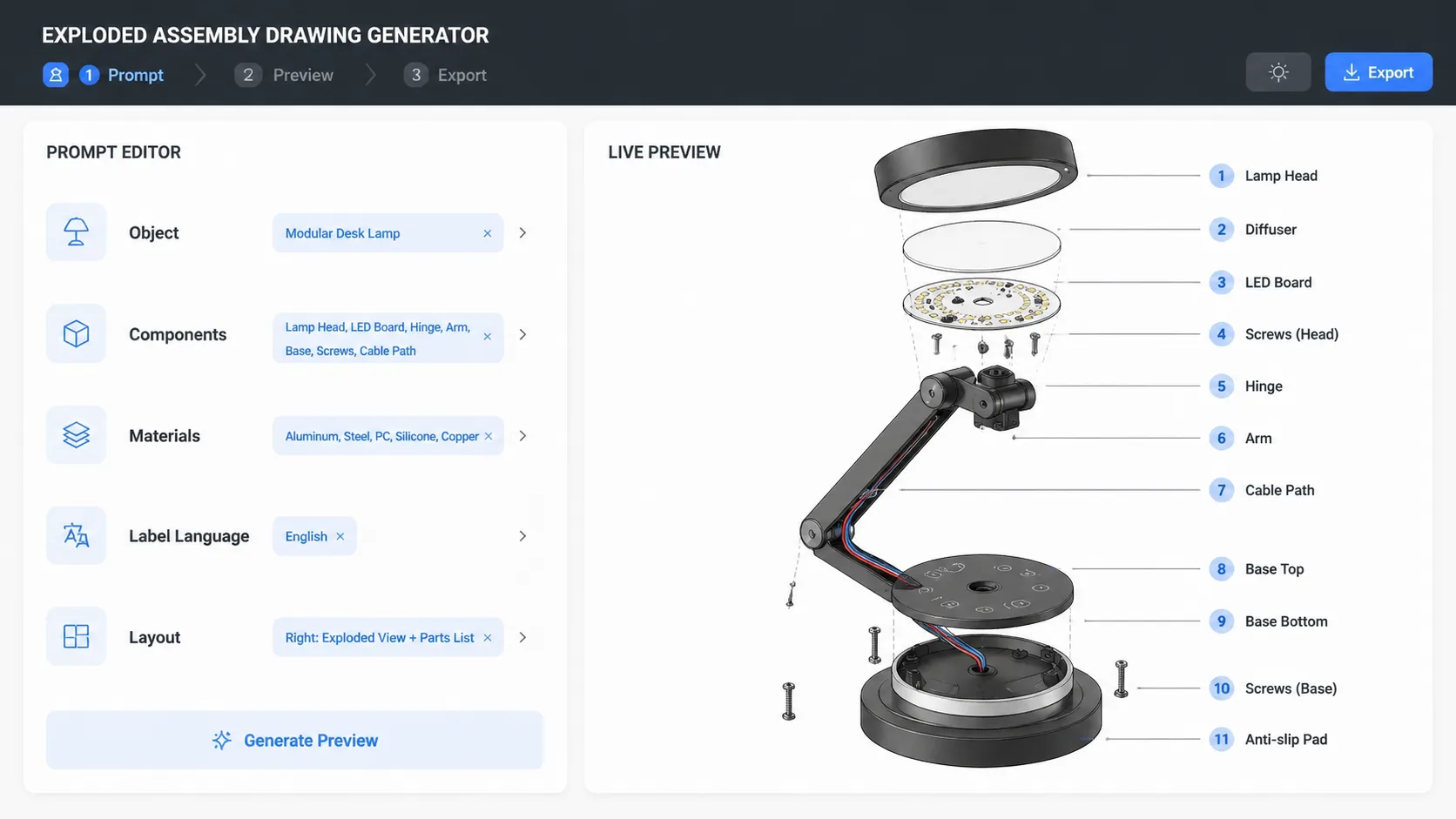
Edit object, parts, and labels
Replace the generic object, component list, material finish, label language, aspect ratio, callout style, and layout direction before sending the prompt.
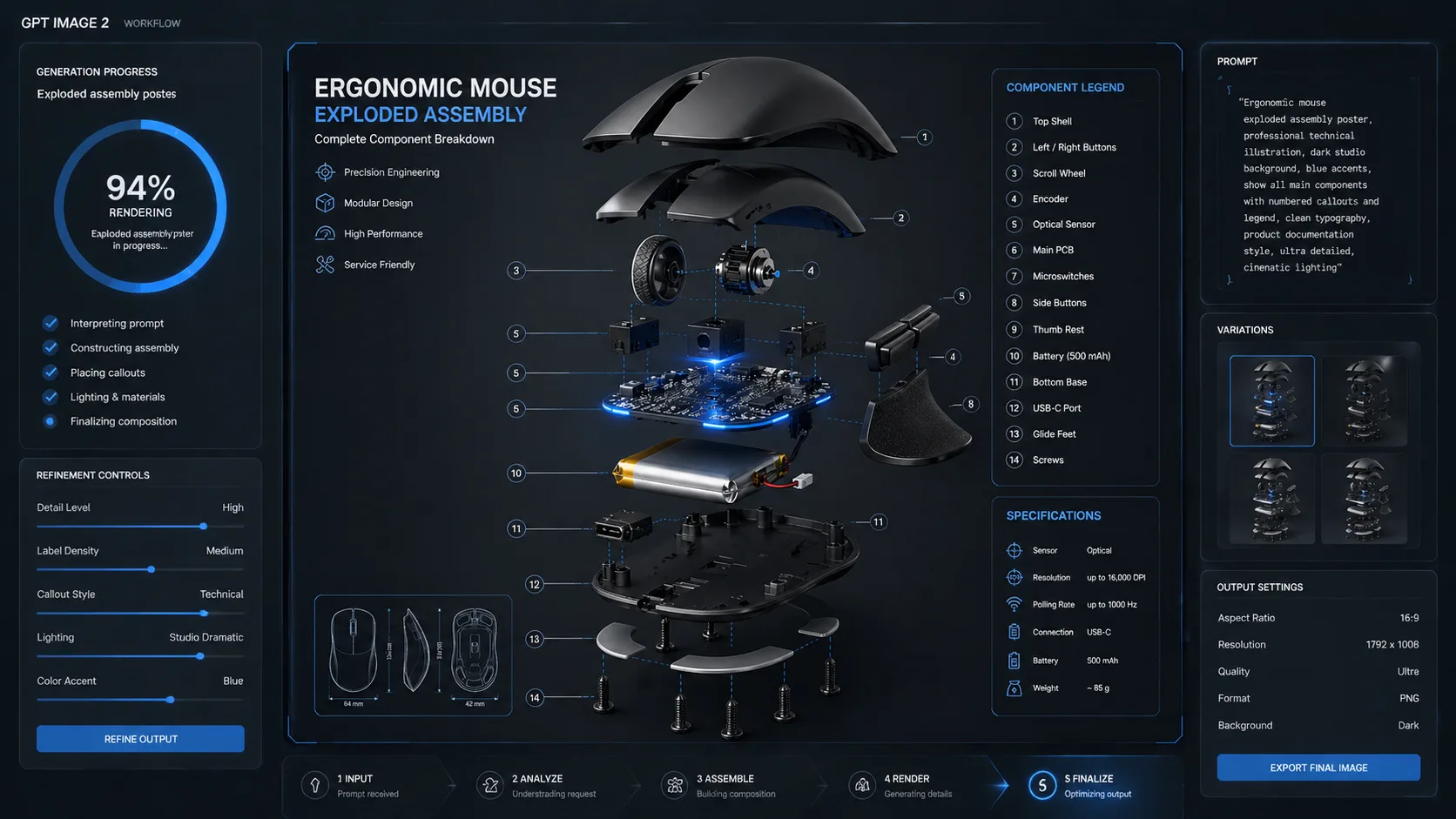
Generate, inspect, and refine
Run the template in GPT Image 2, then adjust spacing, part emphasis, text length, and safety wording until the exploded assembly drawing is presentation-ready.
Exploded assembly drawing prompts FAQ
Answers for using GPT Image 2 prompts to create product breakdowns and exploded view diagrams.
Generate an exploded view
Open a template, edit the product variables, and create a labeled exploded assembly drawing with GPT Image 2.