
Browse sample poster results on the right, then tap one to load that prompt back into the generator on the left.
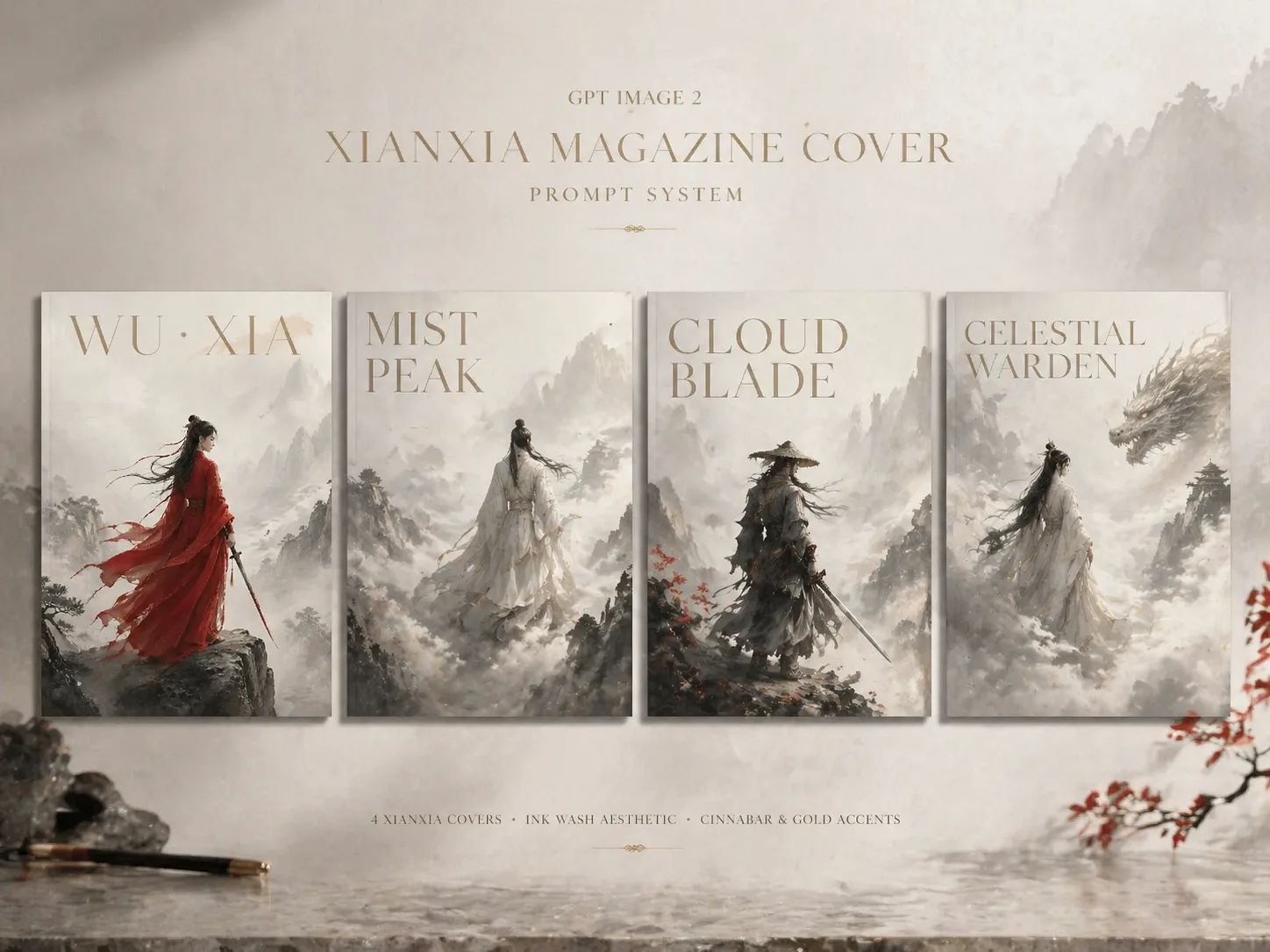
Create xianxia magazine covers with GPT Image 2 prompts
This scene turns a fictional swordsman, immortal, taoist figure, healer, warrior, or cloud guardian into a polished Eastern fantasy magazine cover. The prompts are built for creators who want a calm editorial composition rather than a chaotic battle poster: misty mountains, ink-wash distance, flowing silk robes, cinematic backlight, soft particles, and controlled negative space. Edit the character role, robe color, cover title, visible language, setting, accent color, and short cover lines, then generate a fictional premium cover direction in GPT Image 2.
Editable cover prompt systems
Start from complete wuxia magazine cover prompts with variables for role, robe color, mountain setting, title, palette, and cover lines.
Ink-wash editorial atmosphere
Guide GPT Image 2 toward xianxia fantasy covers with fog depth, distant peaks, silk motion, desaturated ink tones, and subtle gold or cinnabar accents.
Short localized cover text
Specify English, Chinese, Korean, Japanese, Portuguese, Spanish, German, or French visible text while keeping typography brief and cover-like.
Original character framing
The prompt language avoids real magazine logos, copied characters, celebrity faces, QR codes, barcodes, dense body copy, and graphic combat.
How to generate a wuxia magazine cover
Use the template as a controlled creative brief: choose the cover concept, replace the visible variables, generate in GPT Image 2, then refine typography and atmosphere instead of rewriting from scratch.
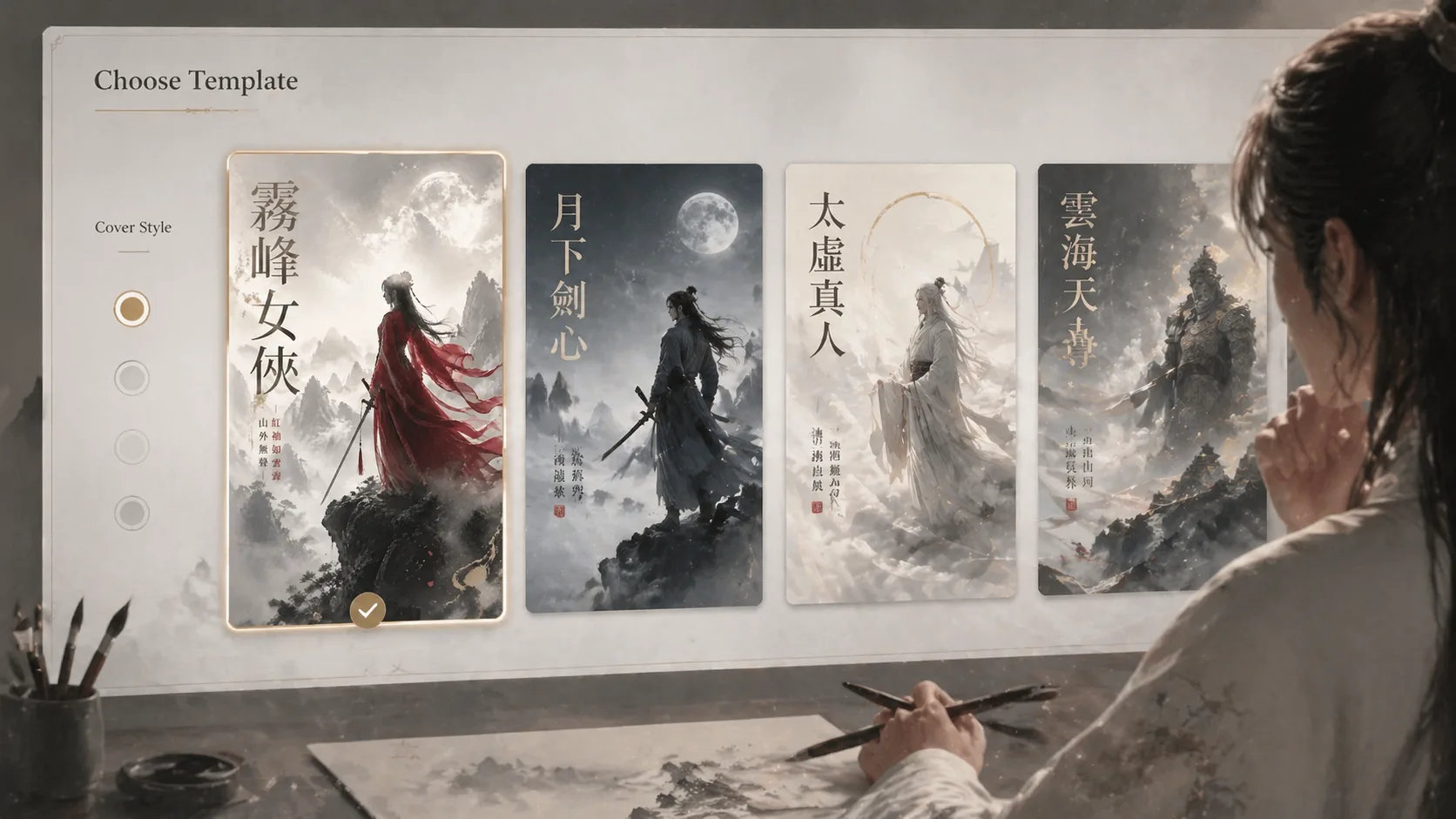
Choose a cover direction
Pick a swordswoman, moonlit swordsman, taoist immortal, wandering warrior, cloud guardian, or mist immortal layout. Each prompt gives GPT Image 2 a clear cover format, aspect ratio, language context, and visual mood so the first result already feels like an editorial cover concept.
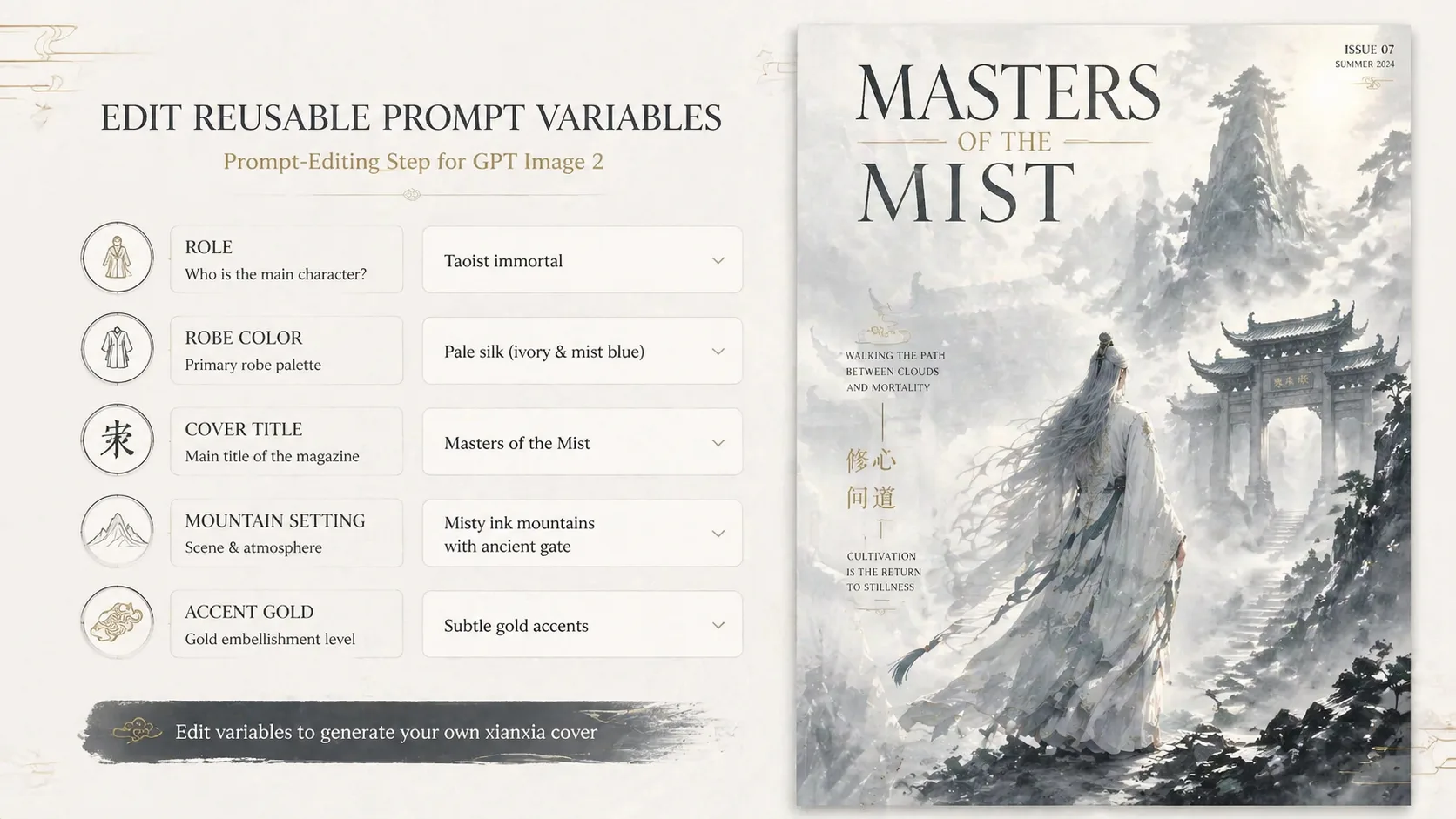
Replace the scene variables
Update the character role, robe material, mountain or temple setting, title, short cover lines, accent color, and visible language. Keep text short, because magazine-cover typography works best when the model only has a few deliberate words to render.
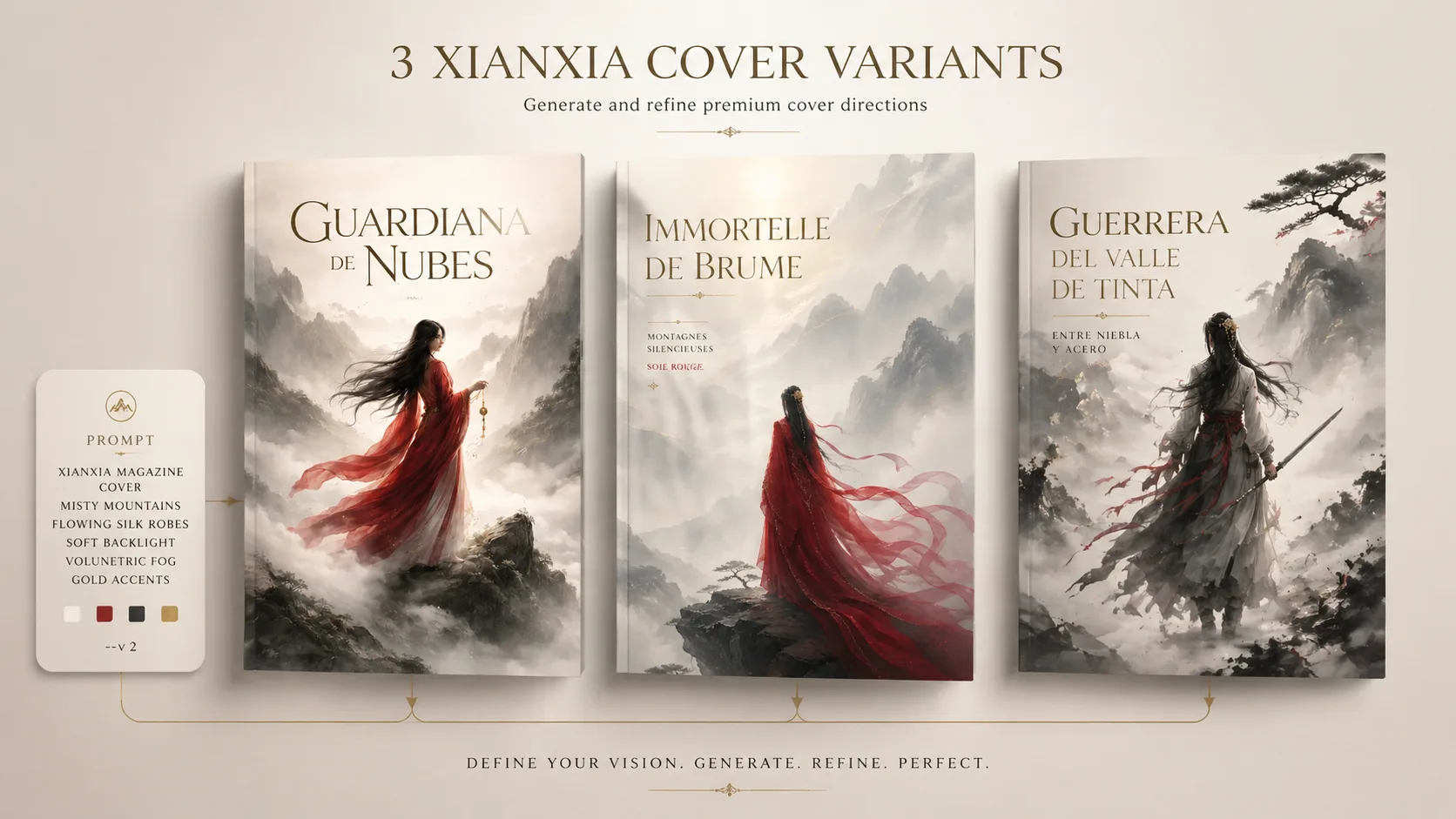
Generate and refine the cover
Run the prompt, compare the sample image direction, then adjust fog density, negative space, robe motion, title length, or lighting. Reference images can guide pose or garment mood, but the scene is designed for original characters rather than copied IP.
Xianxia magazine cover prompt FAQ
Answers for creators using GPT Image 2 xianxia magazine cover prompts.
Generate a xianxia cover
Choose a prompt, edit the character and cover title, then create a wuxia magazine cover with GPT Image 2.