
Browse sample poster results on the right, then tap one to load that prompt back into the generator on the left.
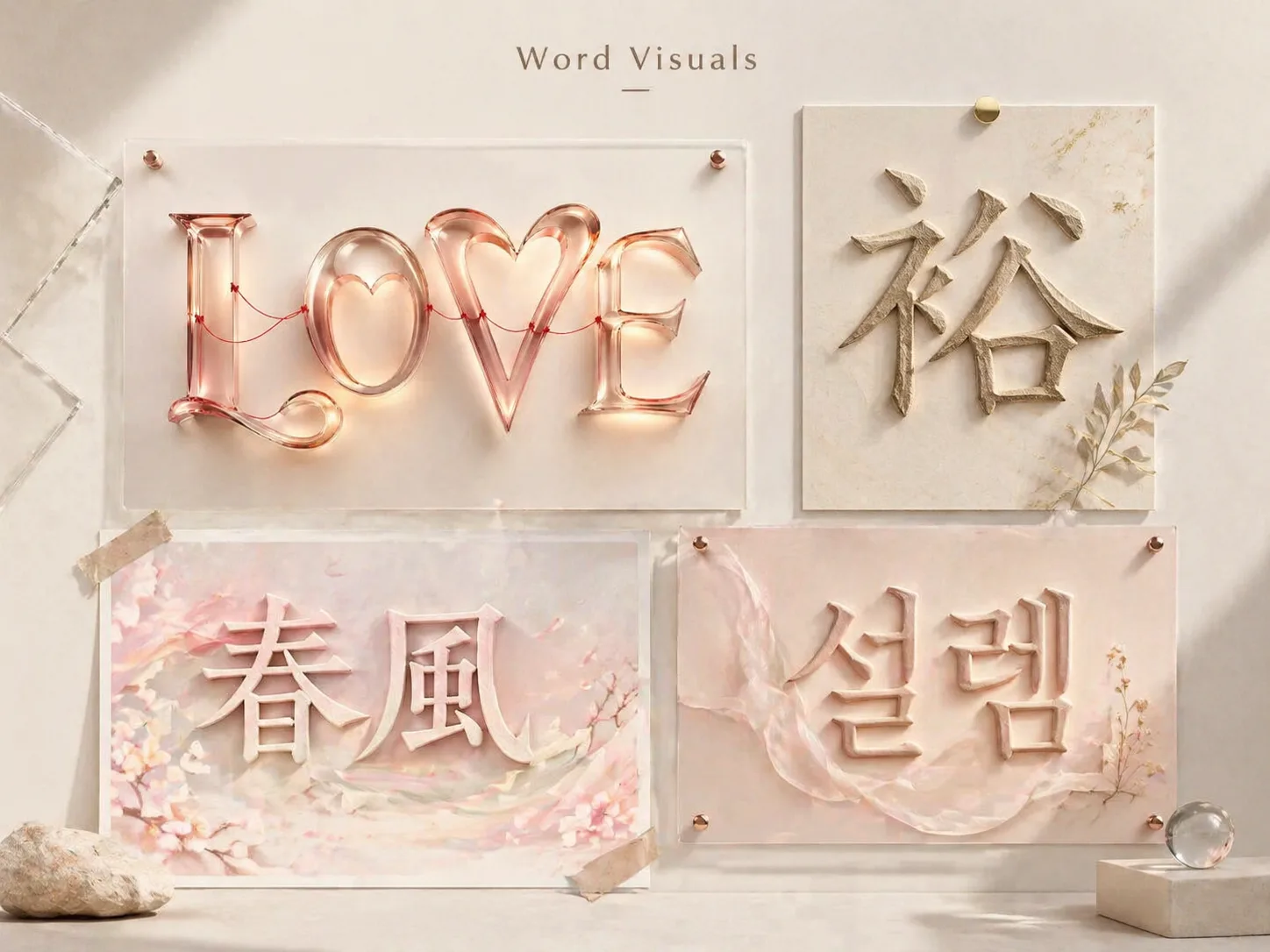
Create word visuals with GPT Image 2 prompts
Word Visuals gives you reusable GPT Image 2 typography prompts for turning a word, name, short phrase, or character into a polished visual concept. Instead of asking for generic 3D text, each template tells the model how the letters should carry meaning through form, material, spacing, motion, lighting, and composition while keeping the visible text short enough to remain readable.
Word visualization prompts
Start with prompt templates for floating word spirits, Chinese character studies, Hangul emotion posters, Japanese seasonal words, grounded word installations, album-title covers, and concept-duality cards. The cluster stays focused on word visualization GPT Image 2 prompts, not broad font tutorials or logo generators.
Editable type variables
Replace the target word, language, meaning notes, material, emotional temperament, background, and layout format. The prompts guide GPT Image 2 to interpret the word before choosing stroke weight, posture, texture, and motion.
Multilingual short-text visuals
Use the same workflow for English words, simplified or traditional Chinese characters, Korean Hangul, Japanese seasonal terms, Portuguese titles, Spanish concept pairs, German editorial boards, and French installation-style typography.
Readable concept images
Generate poster-grade typography images for social posts, covers, moodboards, visual identity exploration, teaching materials, or campaign concepts while treating final logo work and exact vector typography as a separate design step.
How to generate a word visual
The workflow keeps the first action simple: choose a typography prompt, edit the visible text and semantic cues, generate with GPT Image 2, then refine the prompt direction that best preserves readability and meaning.
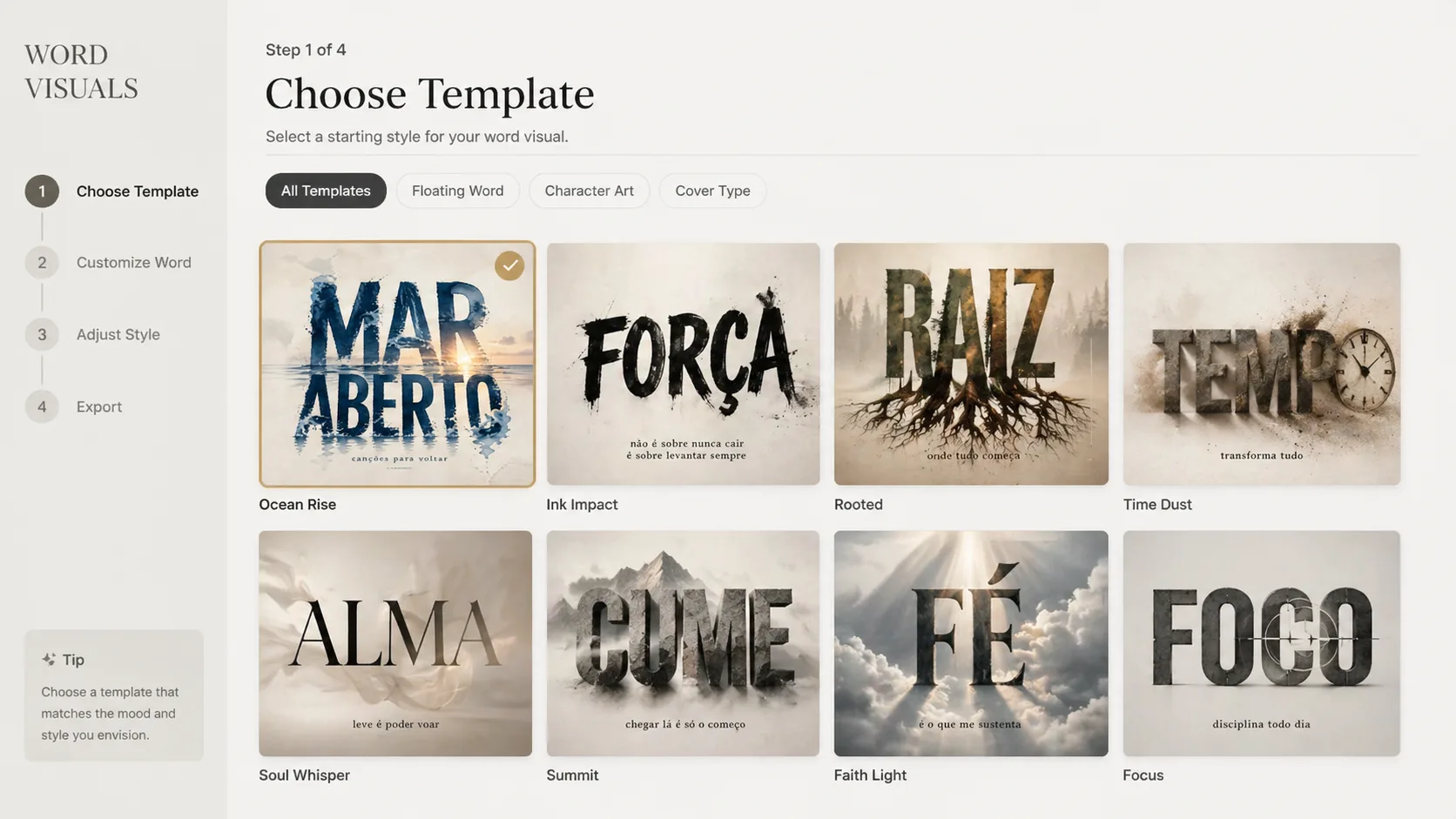
Choose a close template
Pick the prompt that matches the output: a no-ground word poster, a Chinese character artifact, a physical word installation, a music-cover title, or a mirrored concept card. Staying close to the output type helps GPT Image 2 keep the typography clear.
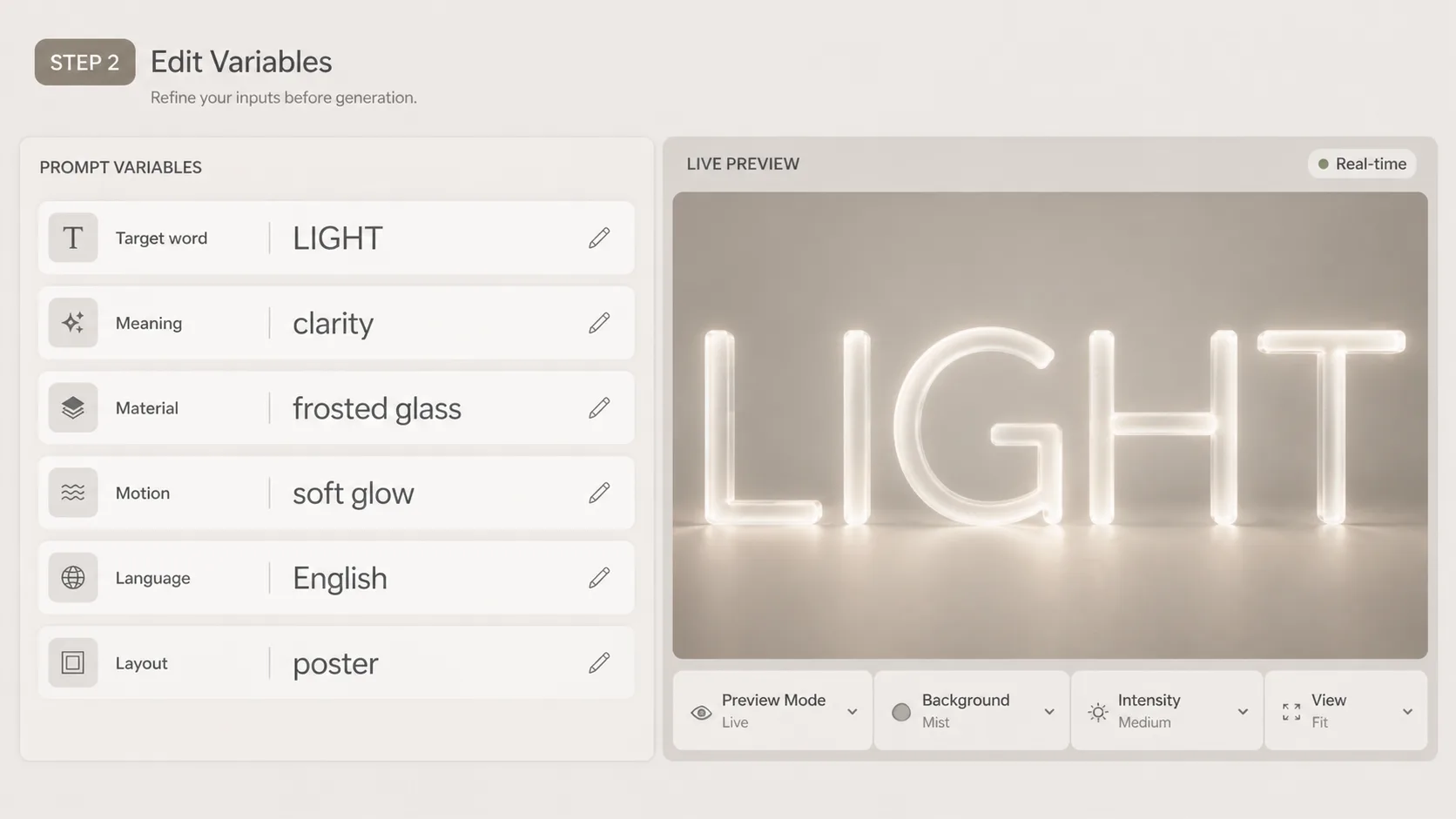
Edit meaning and material
Swap in the word or character, the target language, a short meaning note, font temperament, surface material, motion behavior, lighting, and composition. Keep visible text brief; one word, one character, or a short phrase works best.
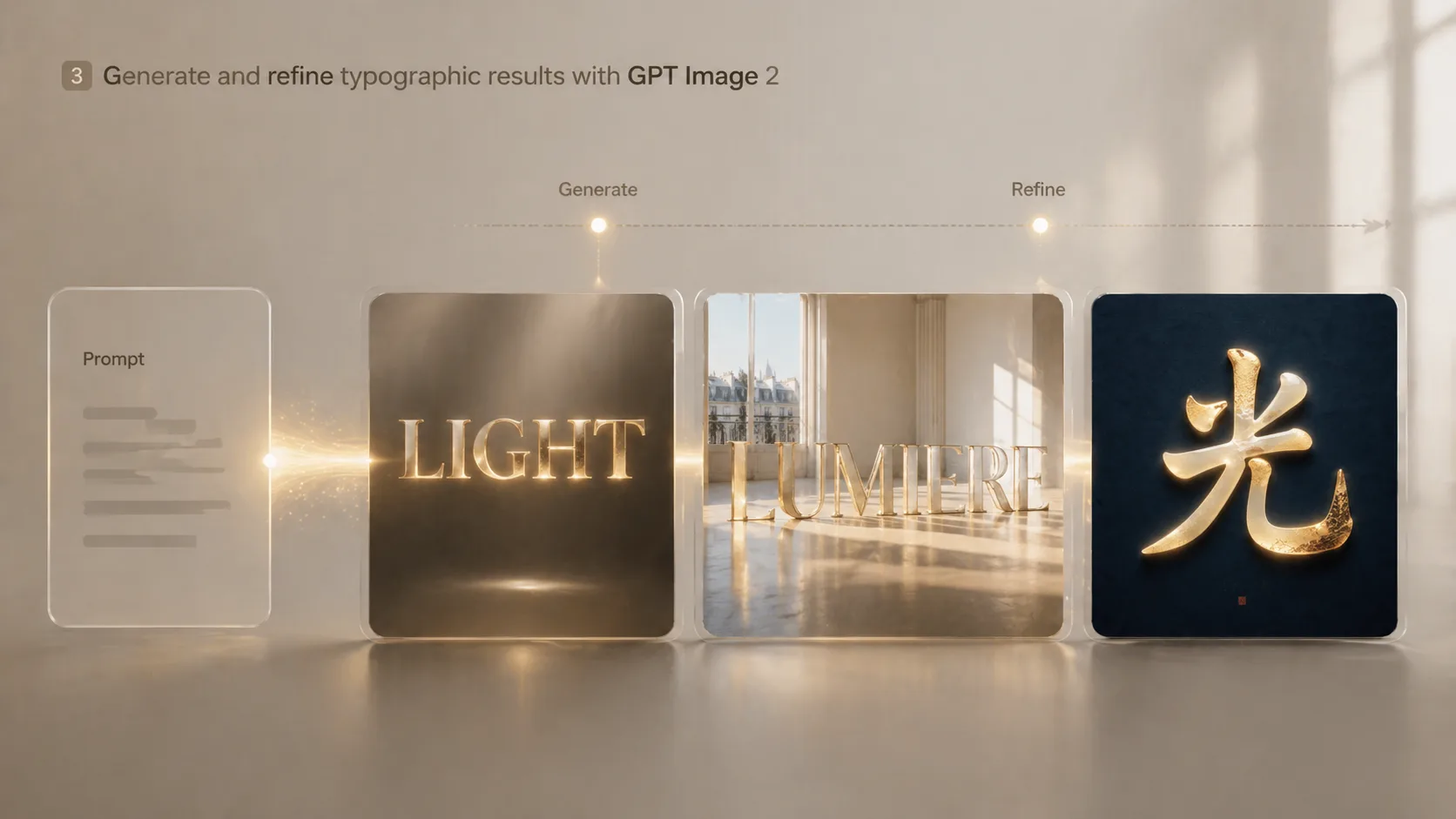
Generate, compare, refine
Run the template in the generator, compare which result keeps the word readable, then reuse the strongest direction. Tighten the prompt by removing extra labels, clarifying the material, or asking for more negative space when the lettering gets crowded.
Word visuals GPT Image 2 prompts FAQ
Answers for creators using GPT Image 2 typography prompts to make readable word posters, character visuals, and semantic lettering concepts.
Generate your word visual
Start from a focused typography prompt, replace the target word or character, and create a readable GPT Image 2 word visual that carries meaning through letterform, material, and composition.