
Browse sample poster results on the right, then tap one to load that prompt back into the generator on the left.
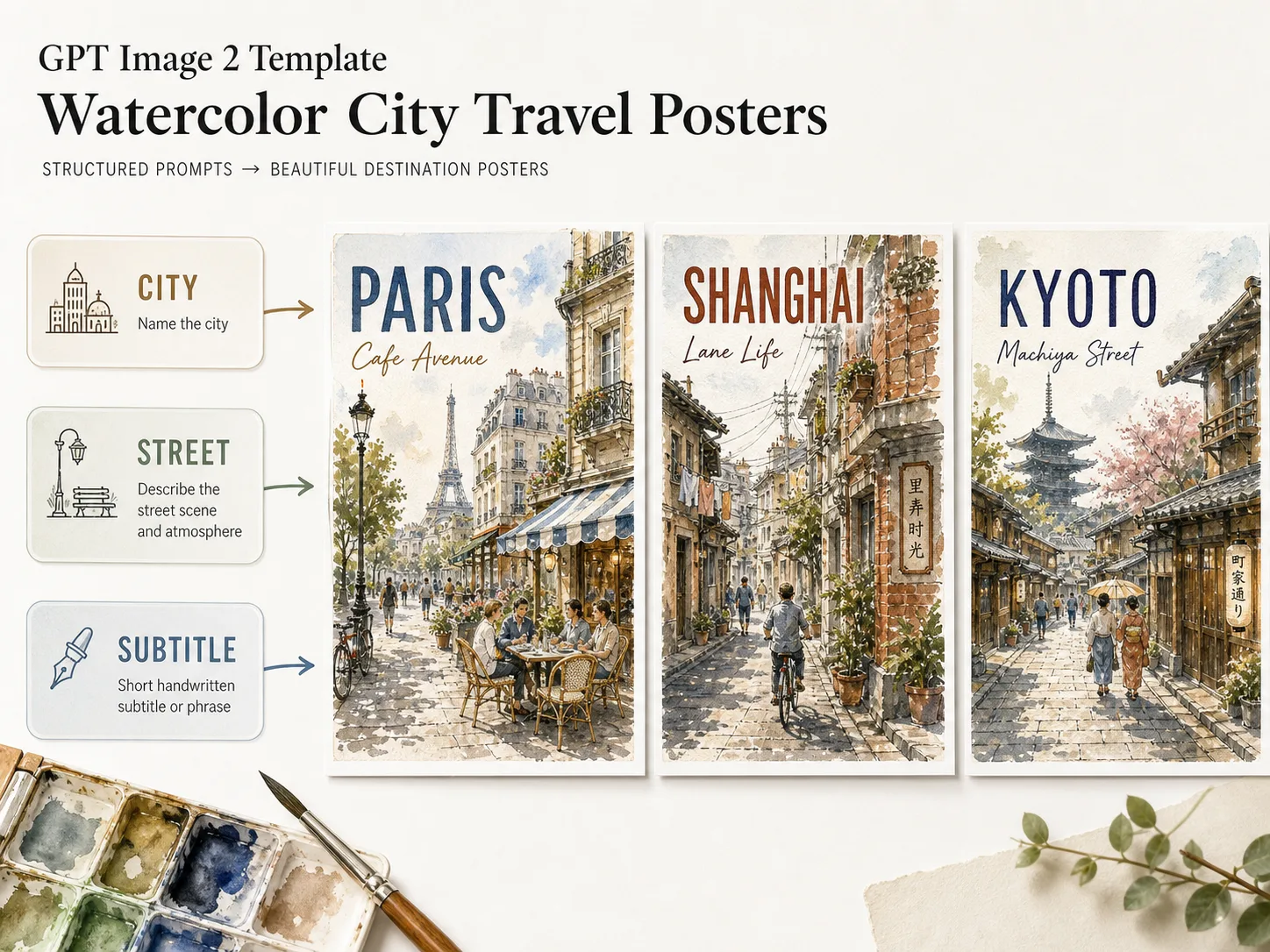
Create watercolor city travel posters with GPT Image 2 prompts
Start from structured watercolor city travel poster GPT Image 2 prompts instead of rebuilding a poster brief from scratch. Each template gives you a clear composition, editable destination variables, short visible text guidance, and a hand-painted urban sketch style that works for city guides, social posts, cafe moodboards, travel campaigns, and editorial poster concepts.
Replaceable destination details
Swap the city name, street, neighborhood, landmark hint, season, subtitle, and color palette while keeping the same premium travel poster layout.
Watercolor urban sketch style
Keep soft ink outlines, transparent watercolor washes, paper texture, white margins, lively pedestrians, local shops, and atmospheric street depth consistent across prompts.
Localized poster typography
Use short native-language city titles and subtitles for English, Chinese, Korean, Japanese, Portuguese, Spanish, German, and French poster samples.
Reusable travel creative system
Generate poster drafts for destination guides, hotel moodboards, cafe campaigns, itinerary covers, social posts, and city illustration concepts without drifting into generic AI art.
How to generate a watercolor travel poster
Choose a template, edit the destination variables, then use GPT Image 2 to generate and refine a poster that keeps the watercolor city style intact.
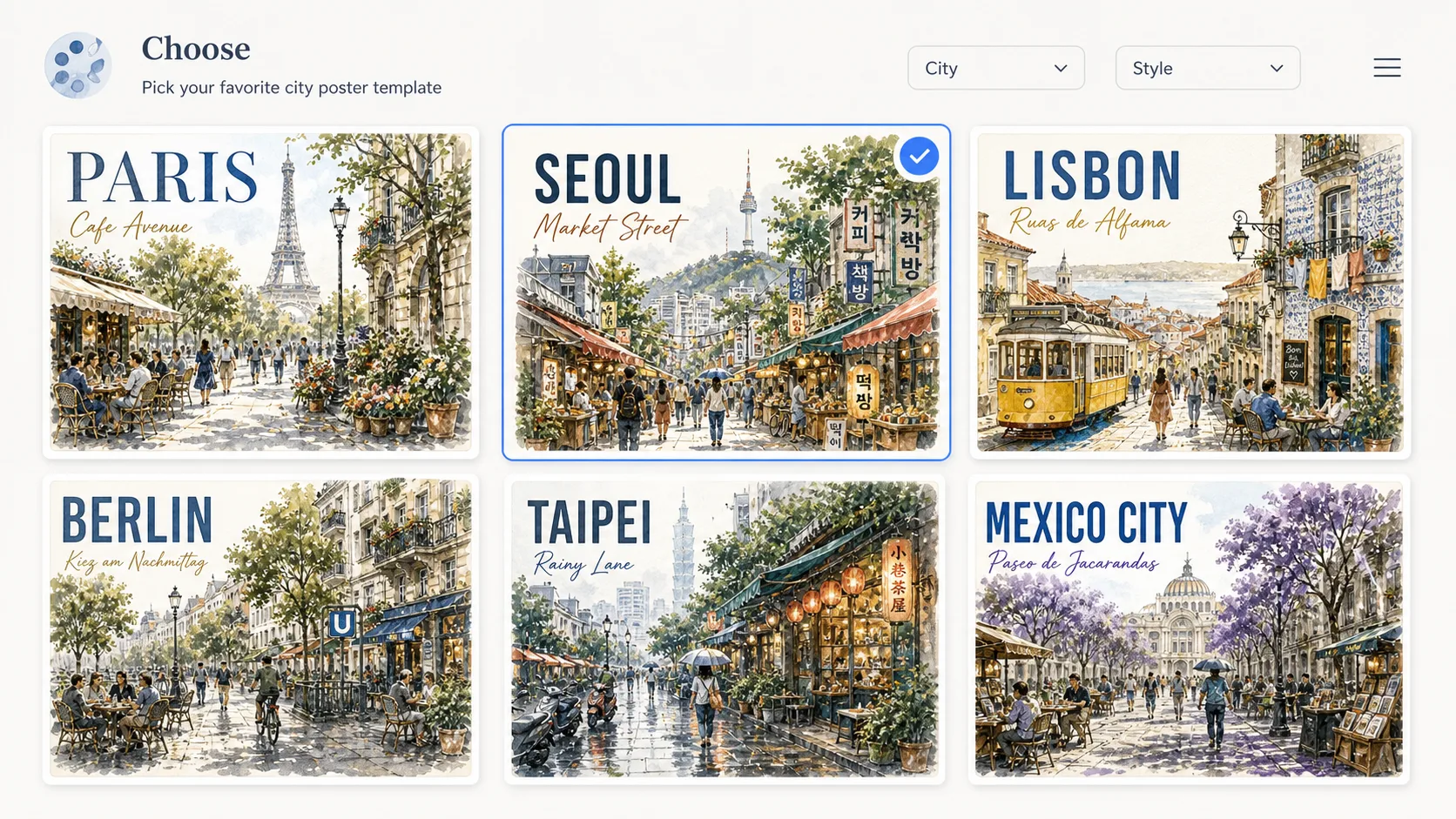
Choose a city poster template
Pick a prompt for the type of place you want to show: a cafe avenue, rainy laneway, market street, tram route, bookshop square, historic district, or broad city boulevard.
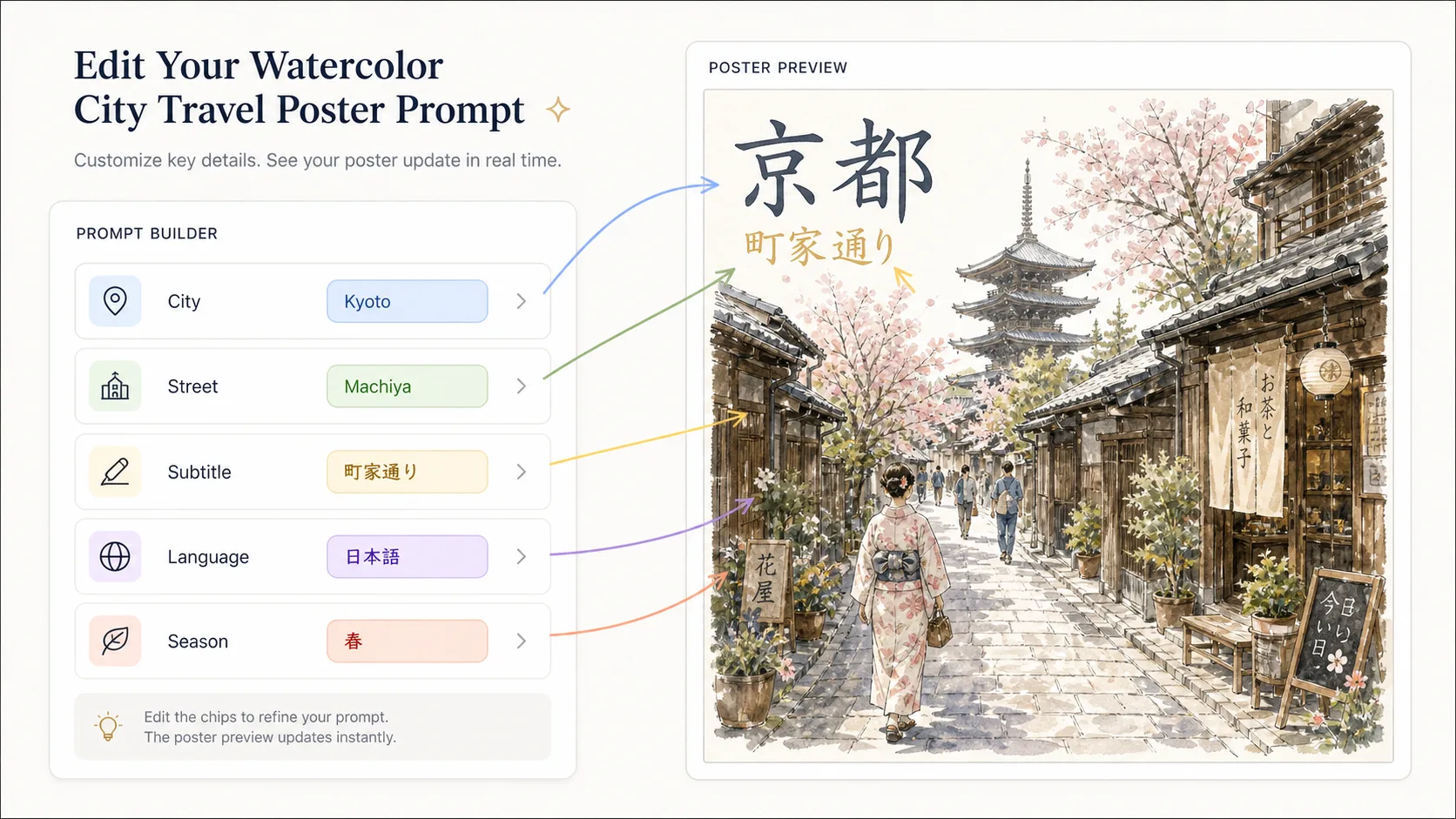
Edit city, street, and visible text
Replace bracketed variables with your city, neighborhood, language, subtitle, landmark hints, season, and palette. Keep visible text short so the poster typography stays readable.
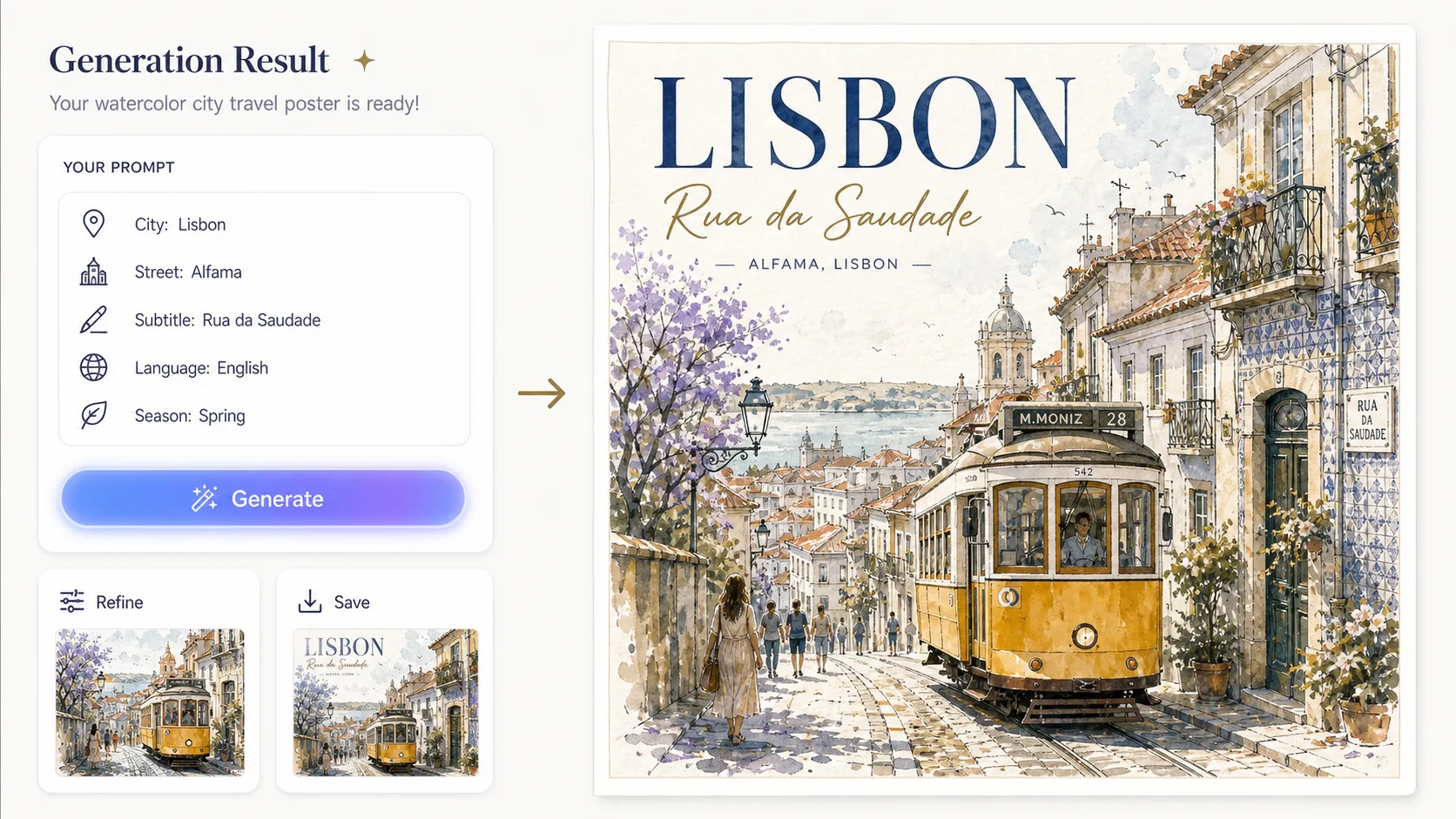
Generate, review, and refine
Run the prompt in the GPT Image 2 generator, compare the composition and lettering, then refine with a reference photo or tighter wording for local architecture and street atmosphere.
Watercolor city poster FAQ
Search-focused answers for using watercolor city travel poster prompts in GPT Image 2.
Generate a watercolor city poster
Start with a reusable template, customize the destination details, and create a GPT Image 2 watercolor travel poster.