
Browse sample poster results on the right, then tap one to load that prompt back into the generator on the left.
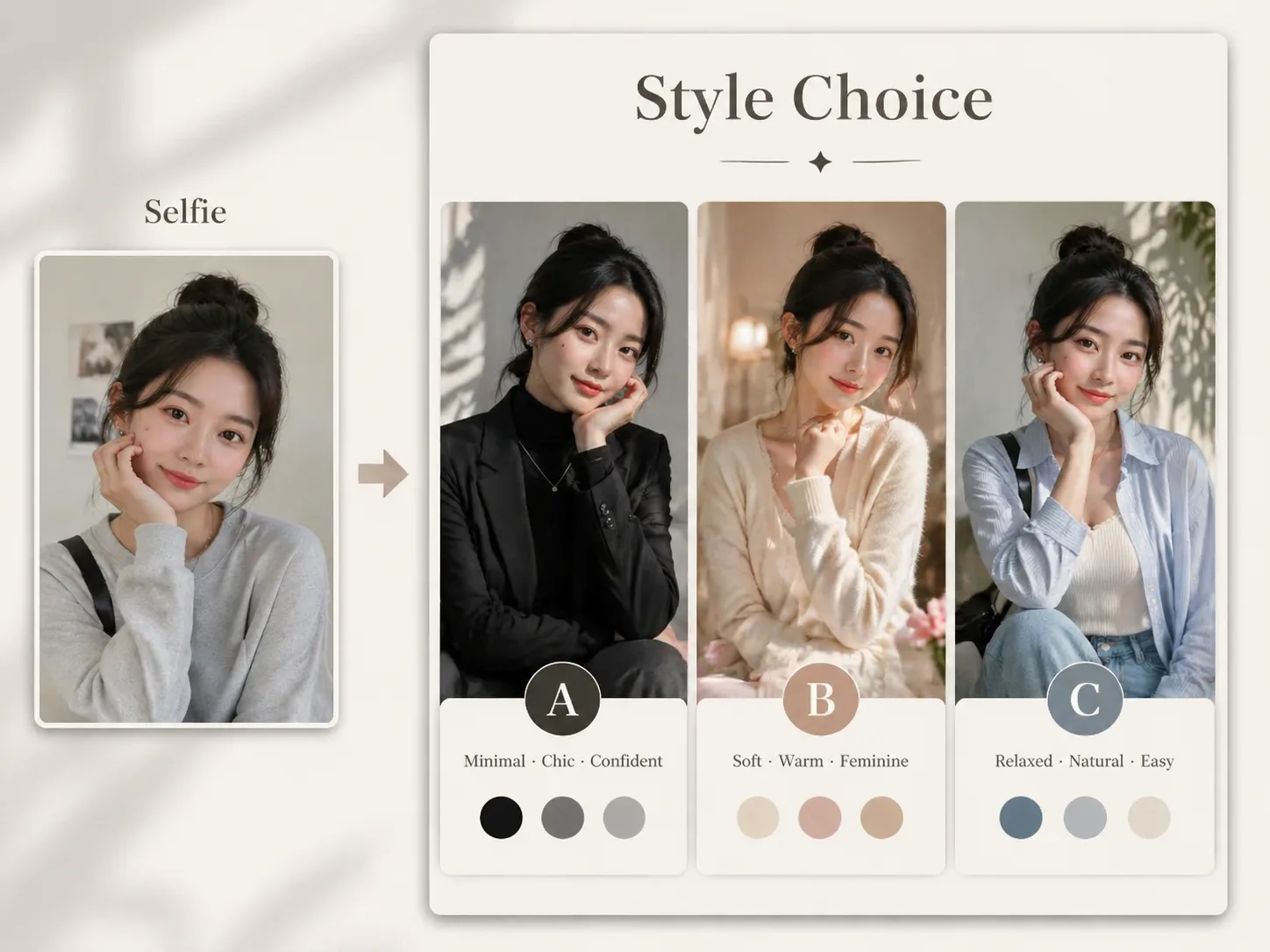
Create style persona posters with GPT Image 2 prompts
Turn a single portrait into three same-person fashion personas, then present them as a polished A/B/C choice poster that followers can react to.
Identity-preserving portrait variations
The prompts keep the same face, age impression, body type, and expression while changing only styling choices, lighting, pose, and palette.
Three clear style directions
Build cool minimal, soft romantic, relaxed casual, workday, date, weekend, Korean minimal, editorial, or capsule wardrobe options in one vertical layout.
Social-ready choice format
Each poster uses short A/B/C labels, emotional taglines, outfit keywords, color swatches, and a simple hook such as asking viewers which version fits best.
Editable prompt variables
Swap the style names, visible language, wardrobe keywords, title, interaction hook, and cultural context before sending the prompt to GPT Image 2.
How to generate an A/B/C style poster
Use this scene when you want a visual style comparison, not a long written fashion report. Start from a portrait reference, choose a persona structure, and refine the poster until each option feels distinct but believable.
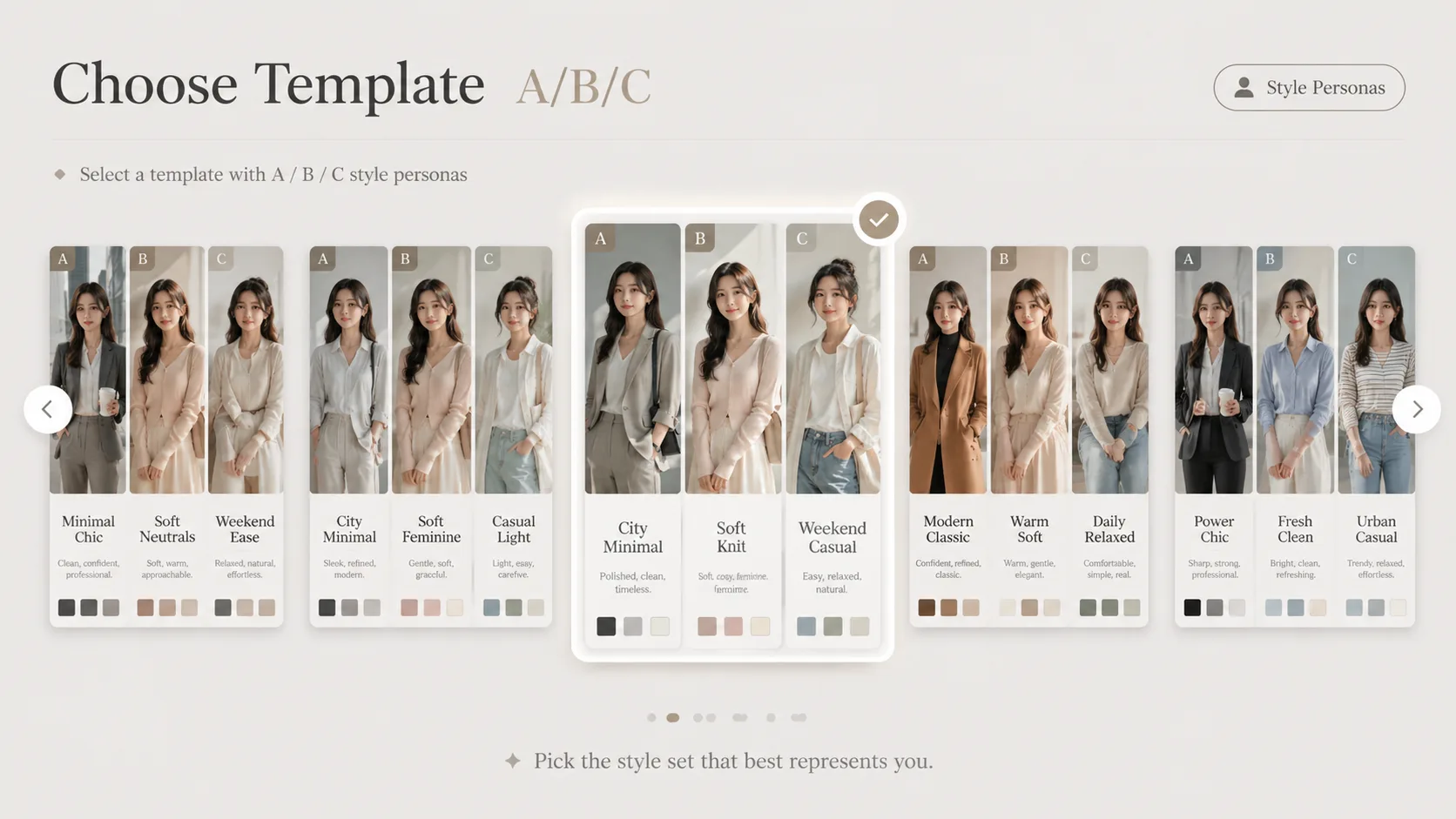
Choose the closest template
Start with the general three-style poster or pick a localized version for Chinese, Japanese, Korean, Portuguese, Spanish, German, or French audience expectations.
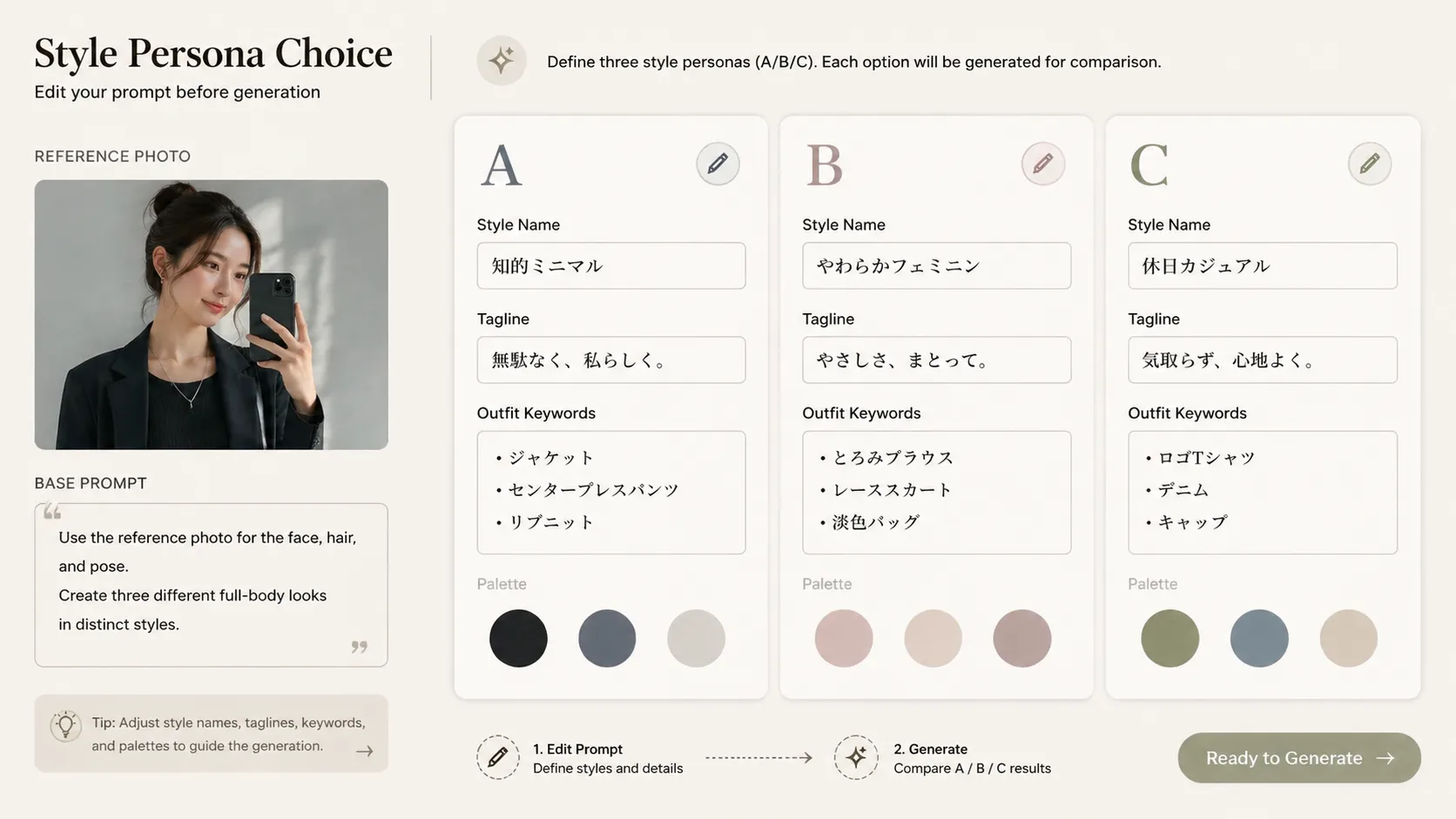
Edit persona labels and wardrobe cues
Replace A/B/C style names, emotional captions, outfit keywords, color swatches, and the top or bottom text so the poster matches your campaign, feed, or styling idea.
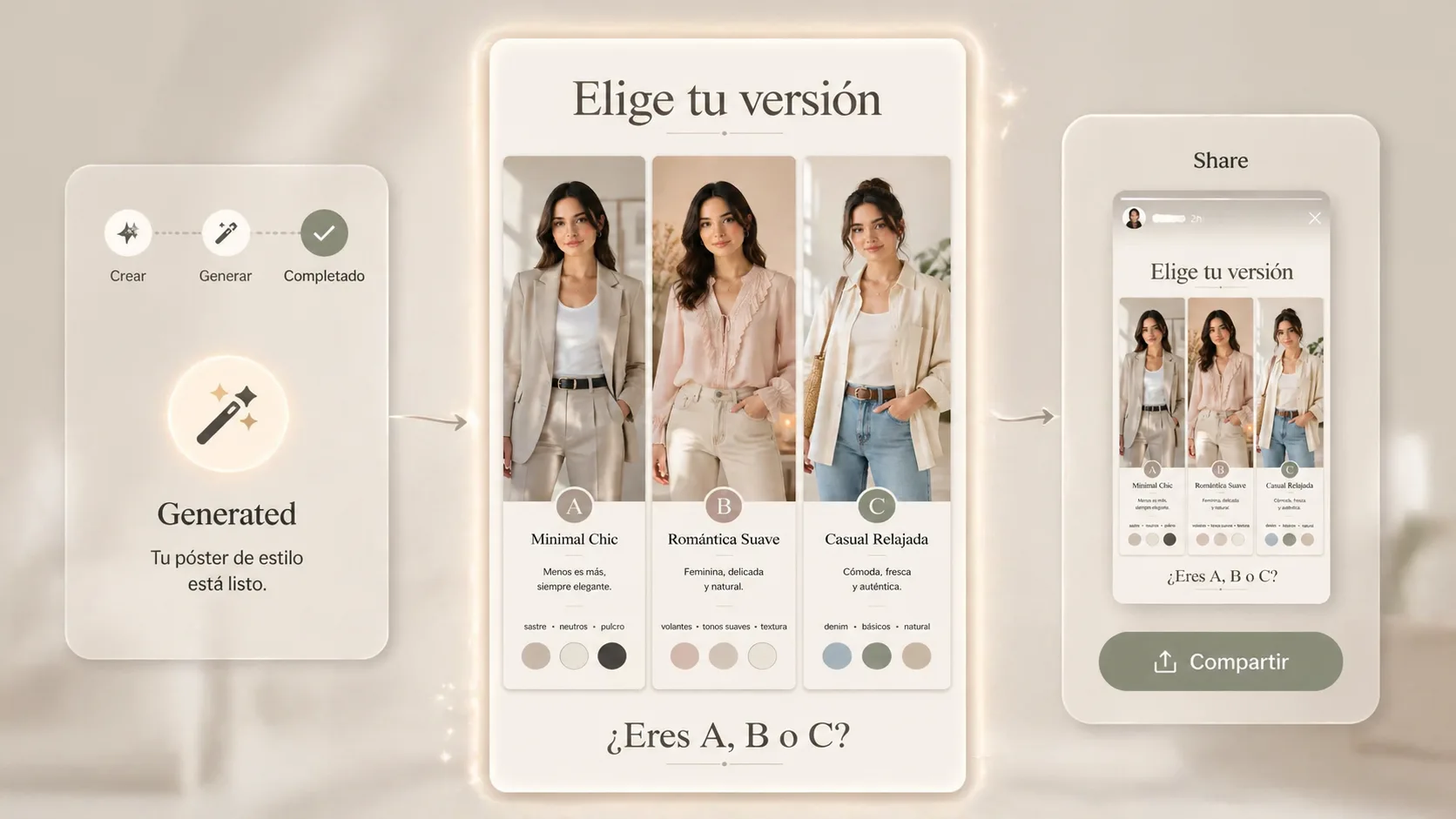
Generate, inspect, and refine
Upload a clear portrait, run GPT Image 2, then refine the prompt if one option changes identity, the text is too long, or the three personas do not contrast enough.
Style persona poster FAQ
Answers for creators and stylists using selfie-based GPT Image 2 poster prompts.
Generate your style choice poster
Start with a GPT Image 2 style persona prompt, upload a portrait, and create three same-person fashion versions ready for an A/B/C social post.