
Browse sample poster results on the right, then tap one to load that prompt back into the generator on the left.
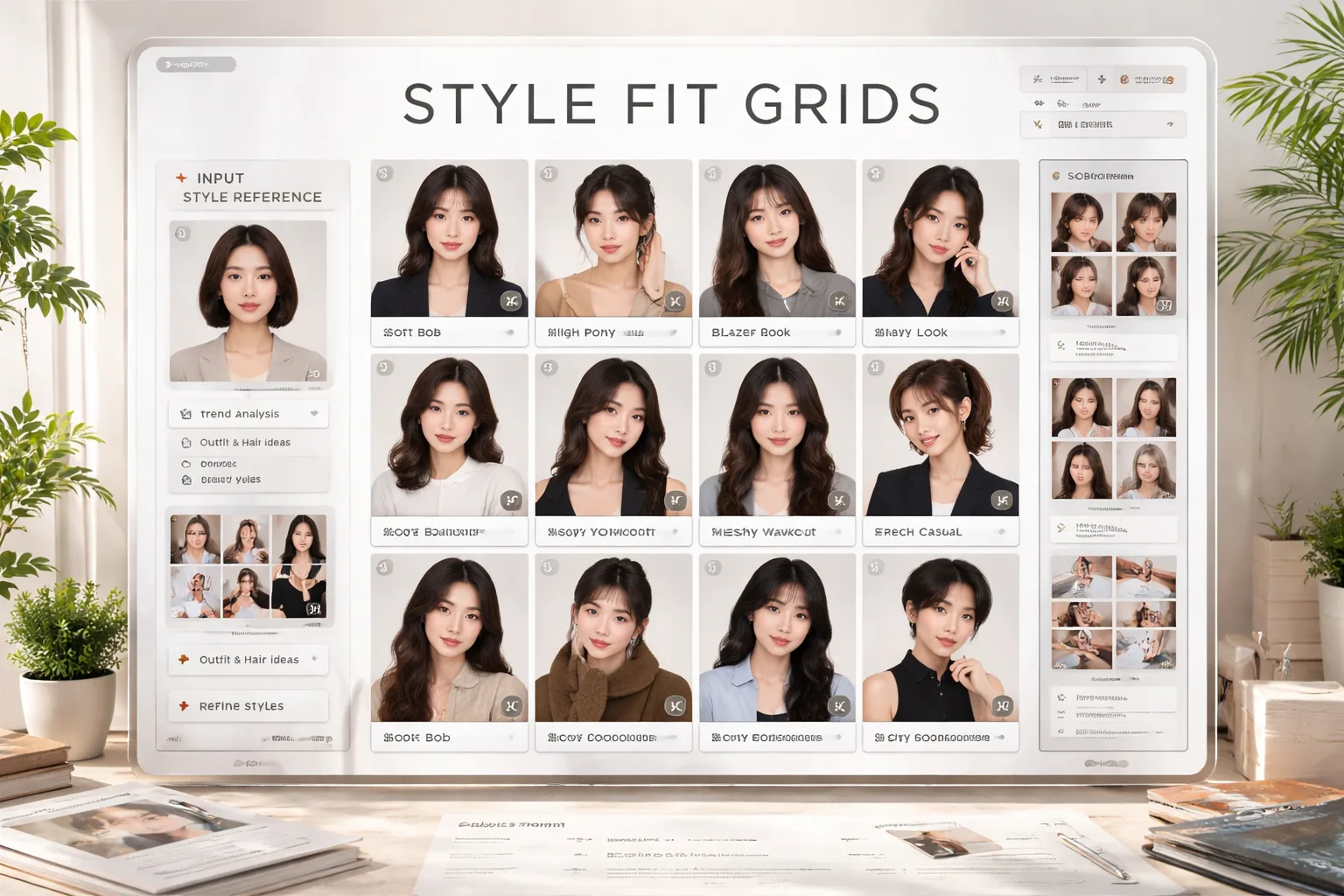
Create style fit scorecards from one reference photo
These style fit scorecard GPT Image 2 prompts help you turn a single adult portrait or full-body reference into a clear grid of hairstyle, outfit, pose, and mood options. Each template keeps the workflow practical: choose the grid size, define the styling theme, adjust the score wording, and generate a polished board that can be reviewed, shared, or refined without pretending the score is an objective judgment.
Hairstyle and outfit grids
Build nine-cell or twelve-cell boards that compare hair shape, clothing silhouette, pose, camera angle, and styling mood in one easy-to-scan image.
Reference-photo consistency
Use an uploaded adult photo as the identity anchor while asking GPT Image 2 to vary styling choices instead of changing age, face, or body proportions.
Editable fit score labels
Rename the score range, ranking badge, grid title, cell labels, and short styling notes so the board fits a client review, social post, or product prototype.
Localized style test layouts
Start from English, Chinese, Korean, Japanese, Portuguese, Spanish, German, or French prompt patterns for social-ready boards with readable labels.
How to generate a style fit grid
Start with a same-intent style fit grid template, replace the variables, then generate and refine the scorecard with GPT Image 2.
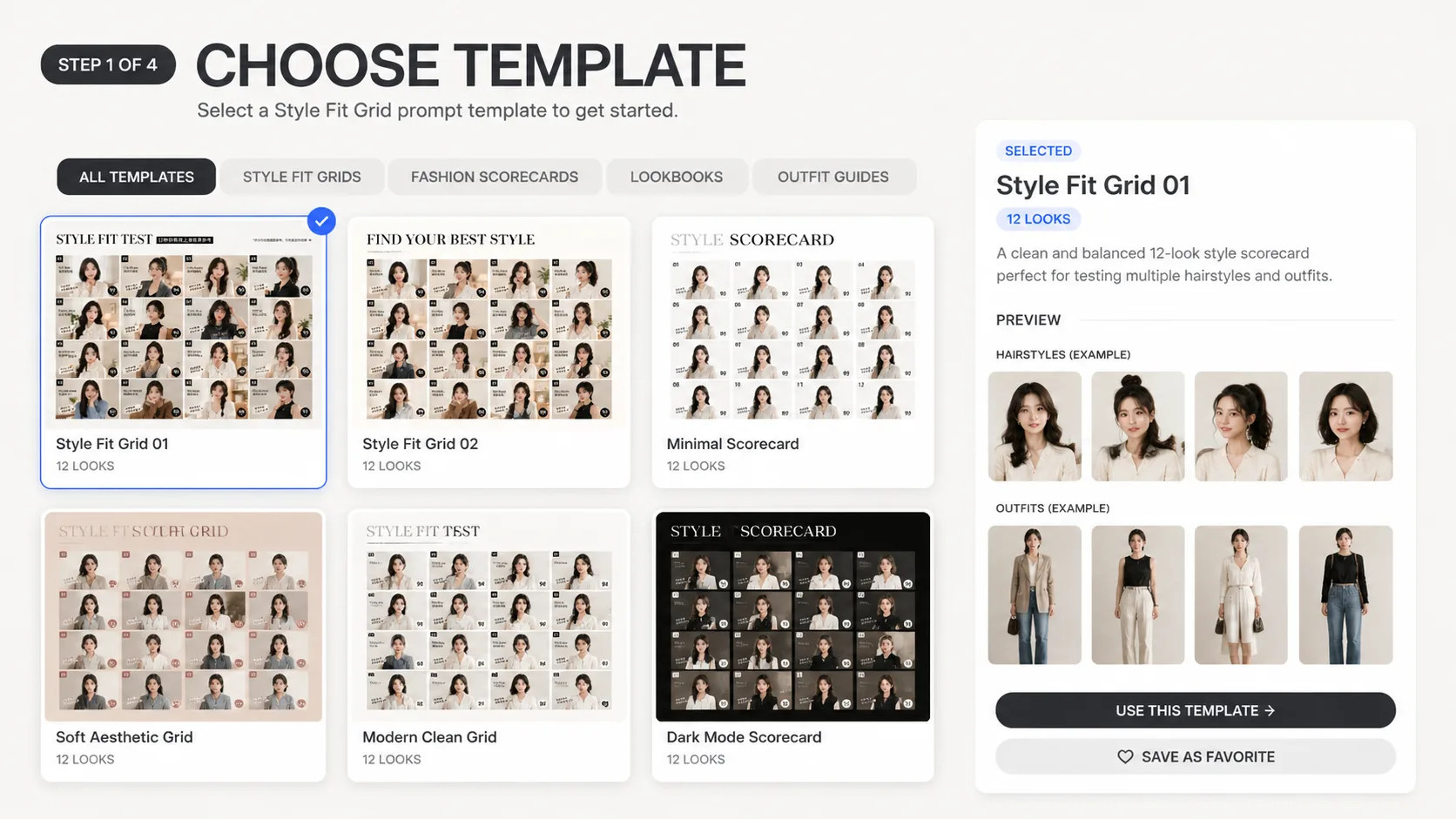
Choose the scorecard format
Pick a 3 x 3, 4 x 3, vertical story, square matrix, or editorial spread template depending on whether you need a compact outfit compatibility prompt, a hairstyle outfit grid generator workflow, or a social ranking board.
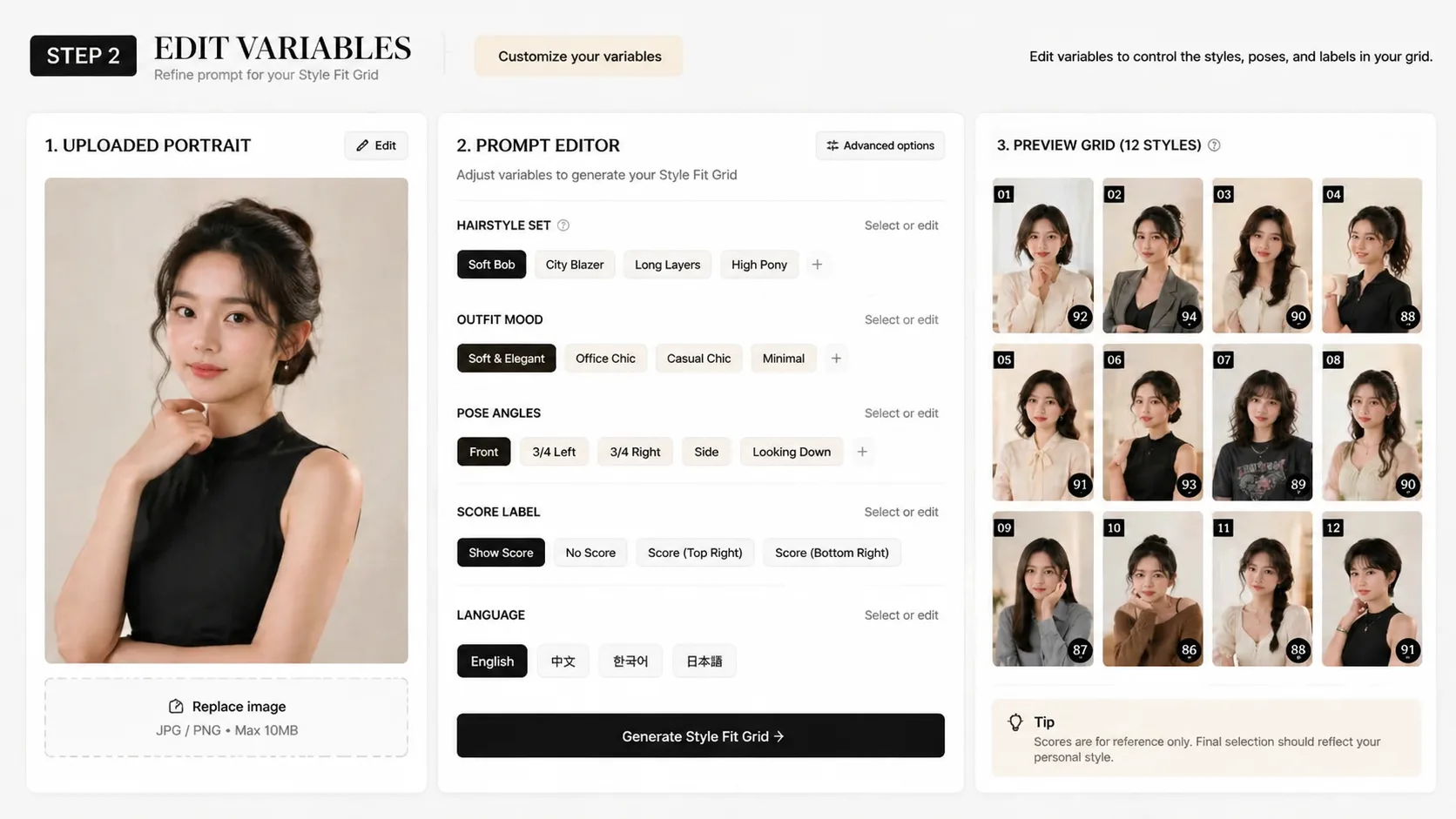
Edit the reference and labels
Upload an adult reference photo, replace the hairstyle set, outfit moods, occasion, city cue, score label, and visible language, then keep the prompt focused on creative styling fit rather than objective appearance scoring.
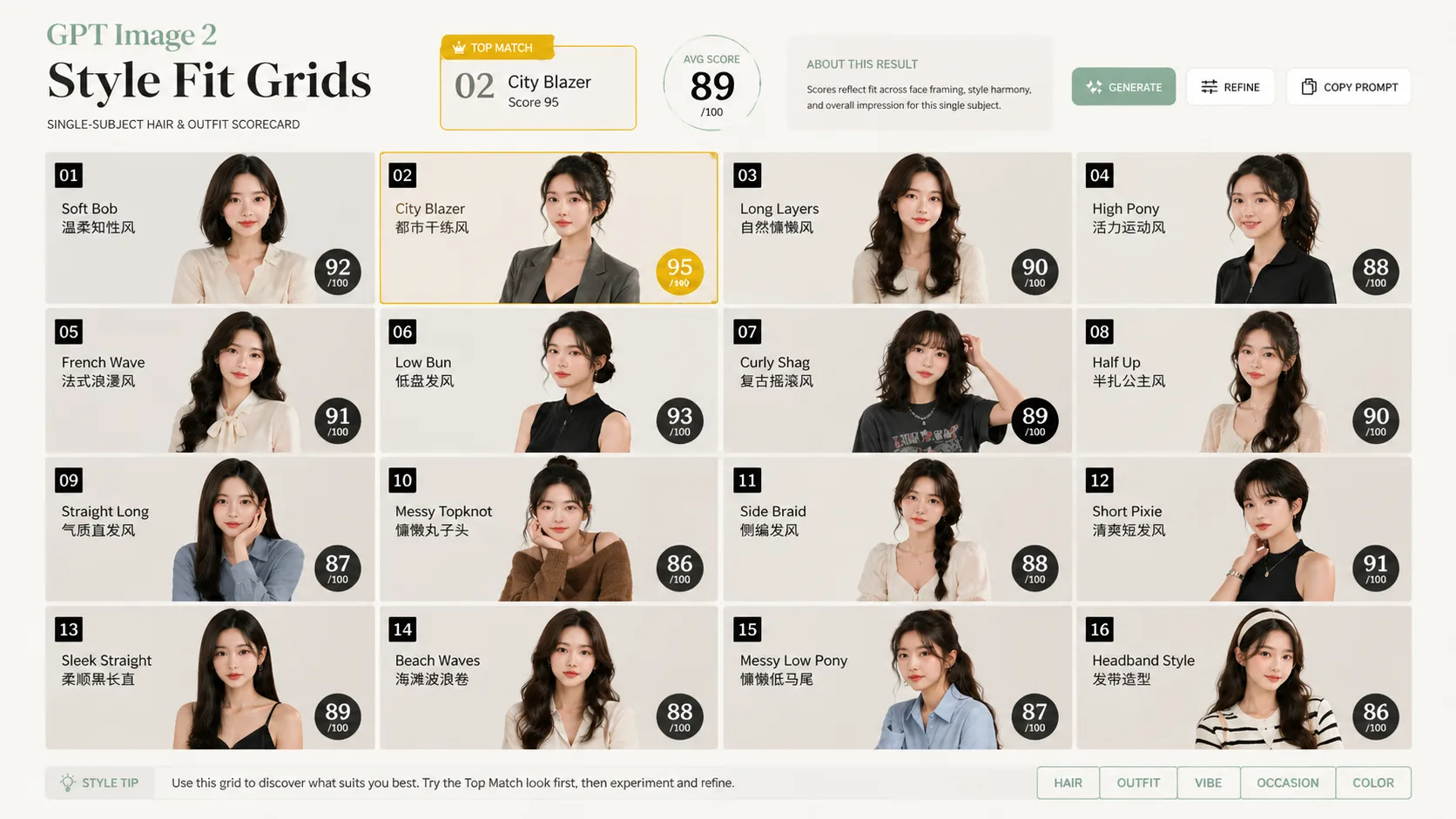
Generate, compare, and refine
Run the prompt with GPT Image 2, review whether the same identity is preserved across the cells, then tighten the grid size, lighting, label length, or score wording for a cleaner second version.
Style fit scorecard FAQ
Search-focused answers for GPT Image 2 style fit grid prompts.
Generate a style fit scorecard
Choose a style fit grid template, add an adult reference photo, and create a ranked hairstyle and outfit board with GPT Image 2.