
Browse sample poster results on the right, then tap one to load that prompt back into the generator on the left.
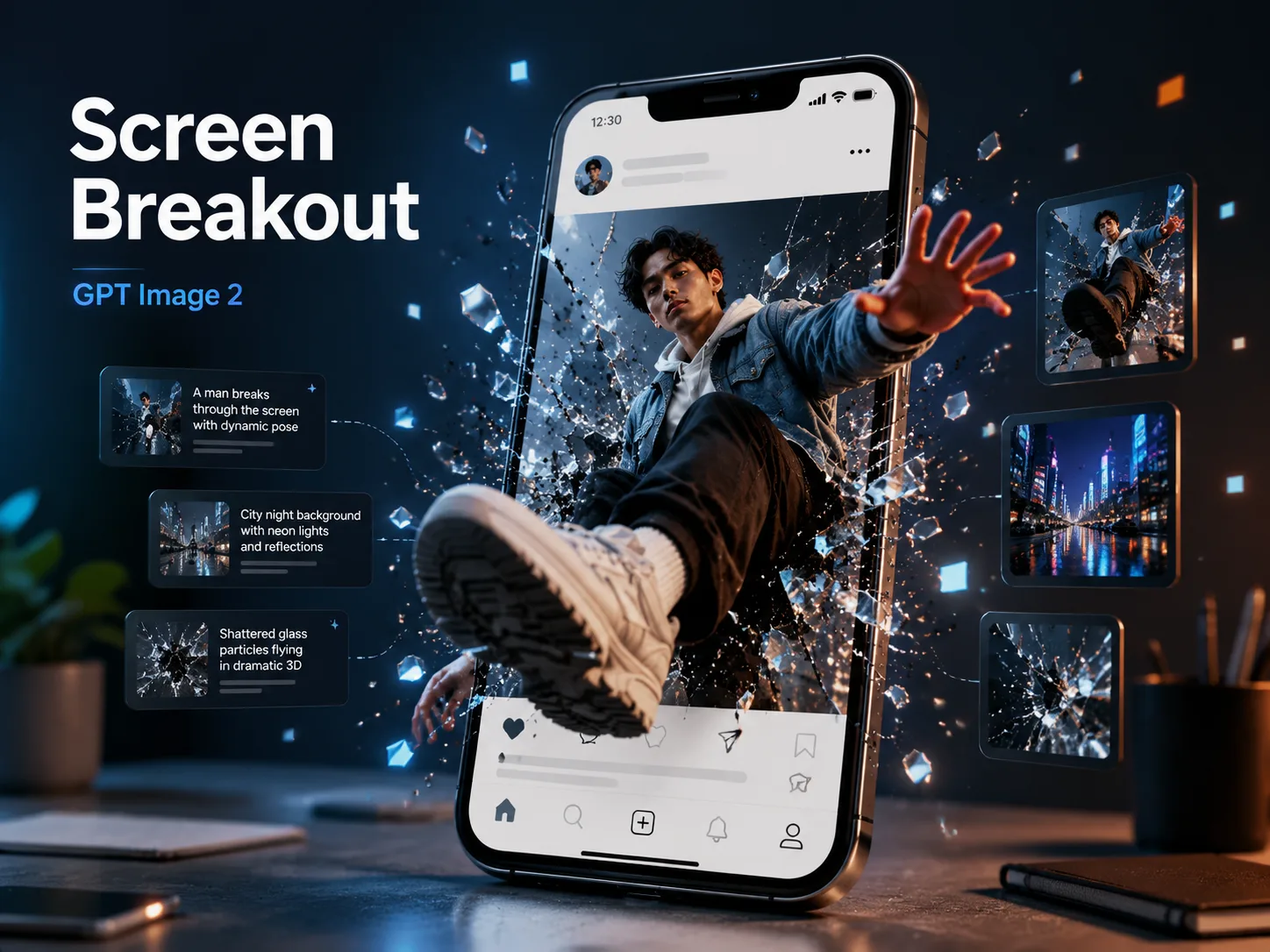
Create screen breakout posters with GPT Image 2 prompts
Turn portraits, products, sports moments, travel memories, performers, manga-inspired heroes, museum objects, or luxury items into phone-screen breakout posters. These screen breakout GPT Image 2 prompts keep the interface original and non-branded while guiding cracked glass, digital debris, readable UI, cinematic perspective, and poster-ready spacing. The goal is not a generic broken-screen effect; it is a complete social post scene where the phone frame, caption, subject, shards, and foreground depth work together.
Original phone-post UI
Build a familiar social-media frame with account rows, captions, interaction icons, and navigation without copying real apps, logos, or branded layouts.
Cracked-glass depth
Direct GPT Image 2 to push a hand, sneaker, product lens, ball, artifact, or bottle through the screen with strong foreshortening and clear foreground separation.
Editable campaign details
Swap the subject, account name, visible caption, lighting mood, glass-break shape, background, and UI labels while keeping the poster composition ready for social use.
Localized poster examples
Use the included examples as close variants for English, Chinese, Korean, Japanese, Portuguese, Spanish, German, and French visible text.
How the phone breakout prompt workflow works
Start from the closest poster template, replace the visual variables, then generate and refine the cracked-screen result in GPT Image 2.
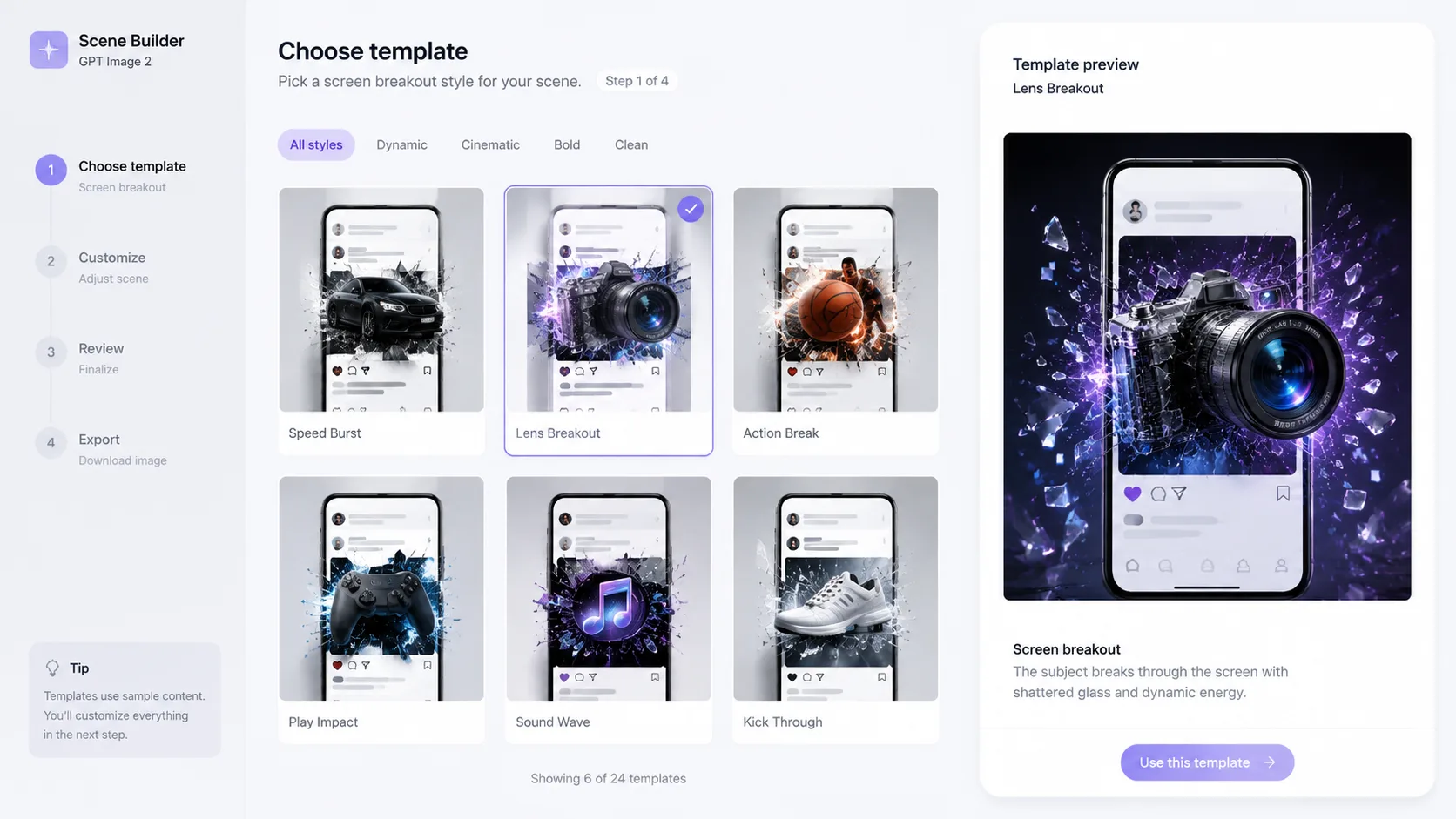
Choose a breakout scene
Pick a portrait, fashion feed, product unbox, performance, manga hero, football card, travel reel, museum exhibit, or perfume story prompt that matches the poster you need.
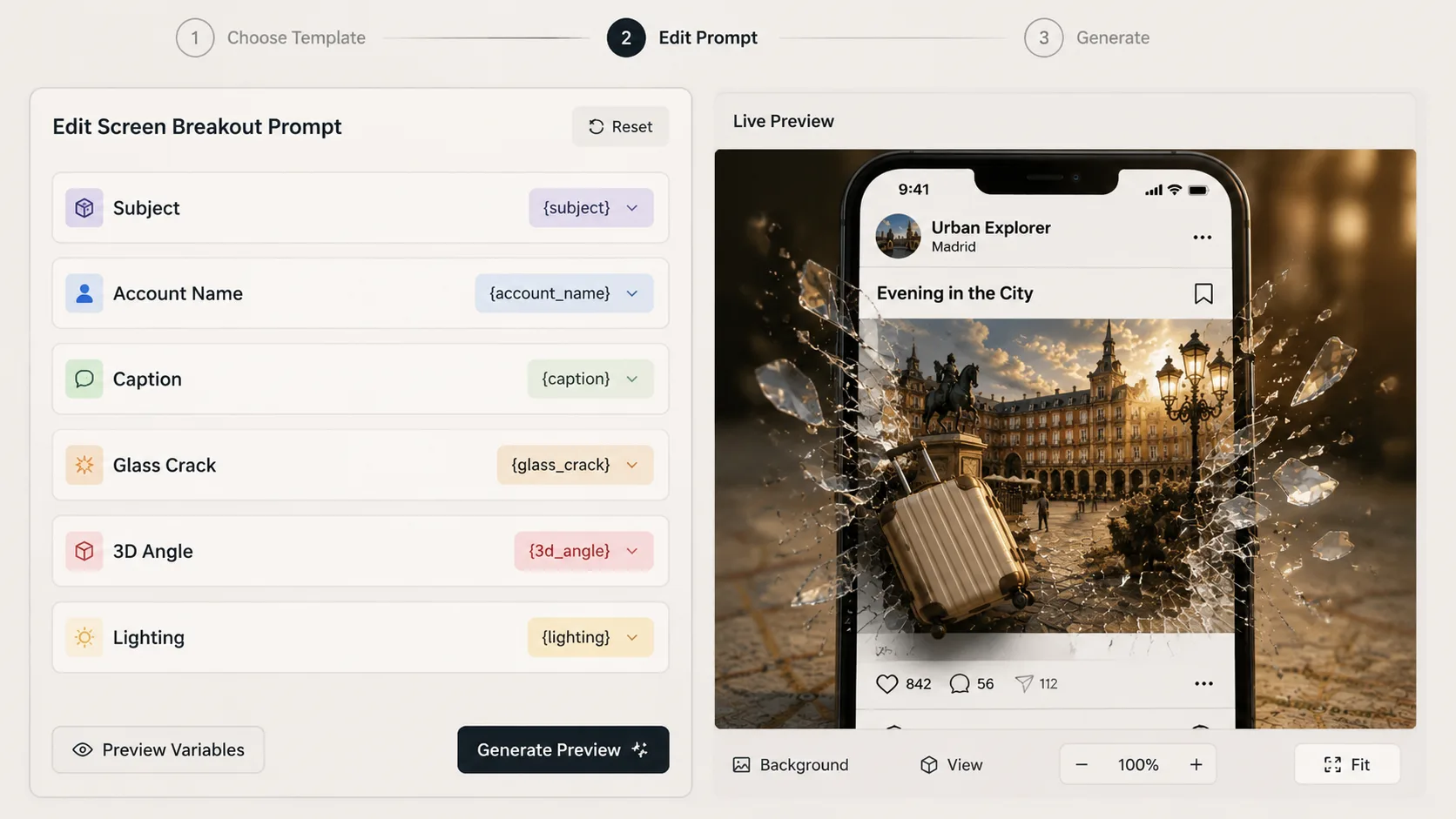
Edit subject and interface variables
Replace names, captions, foreground action, UI language, background setting, glass cracks, lighting palette, and depth cues before sending the prompt.
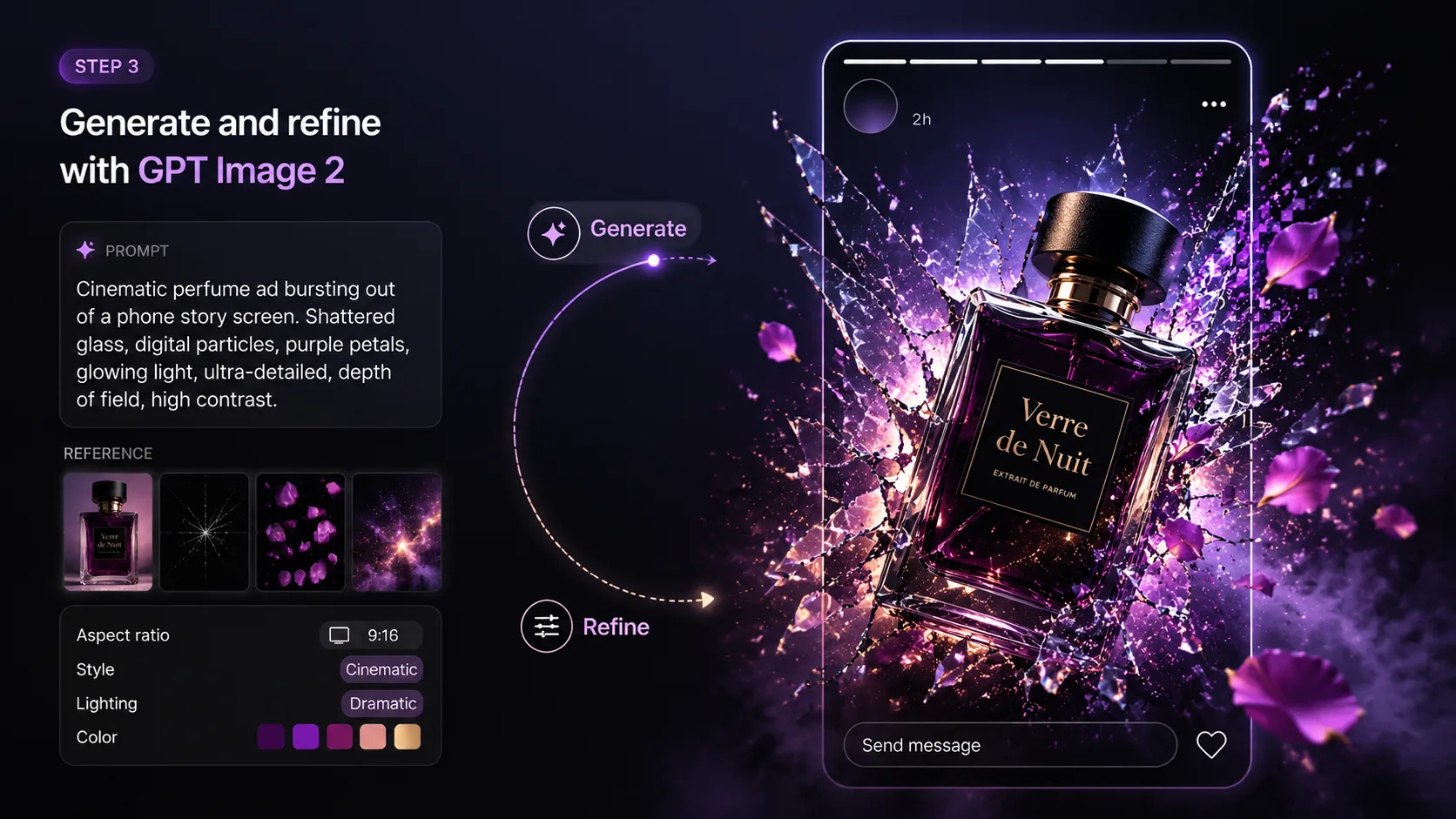
Generate, inspect, and refine
Use GPT Image 2 to create the phone screen breakout poster, then adjust wording for cleaner UI text, a complete phone frame, stronger shards, more believable shadows, or more dramatic 3D perspective. Small prompt changes usually work better than changing the whole template.
Screen Breakout GPT Image 2 FAQ
Answers for creating cracked-glass phone poster prompts safely and consistently.
Generate a screen breakout poster
Choose a template, edit the subject and UI text, then create a cracked-glass phone visual with GPT Image 2.