
Browse sample poster results on the right, then tap one to load that prompt back into the generator on the left.
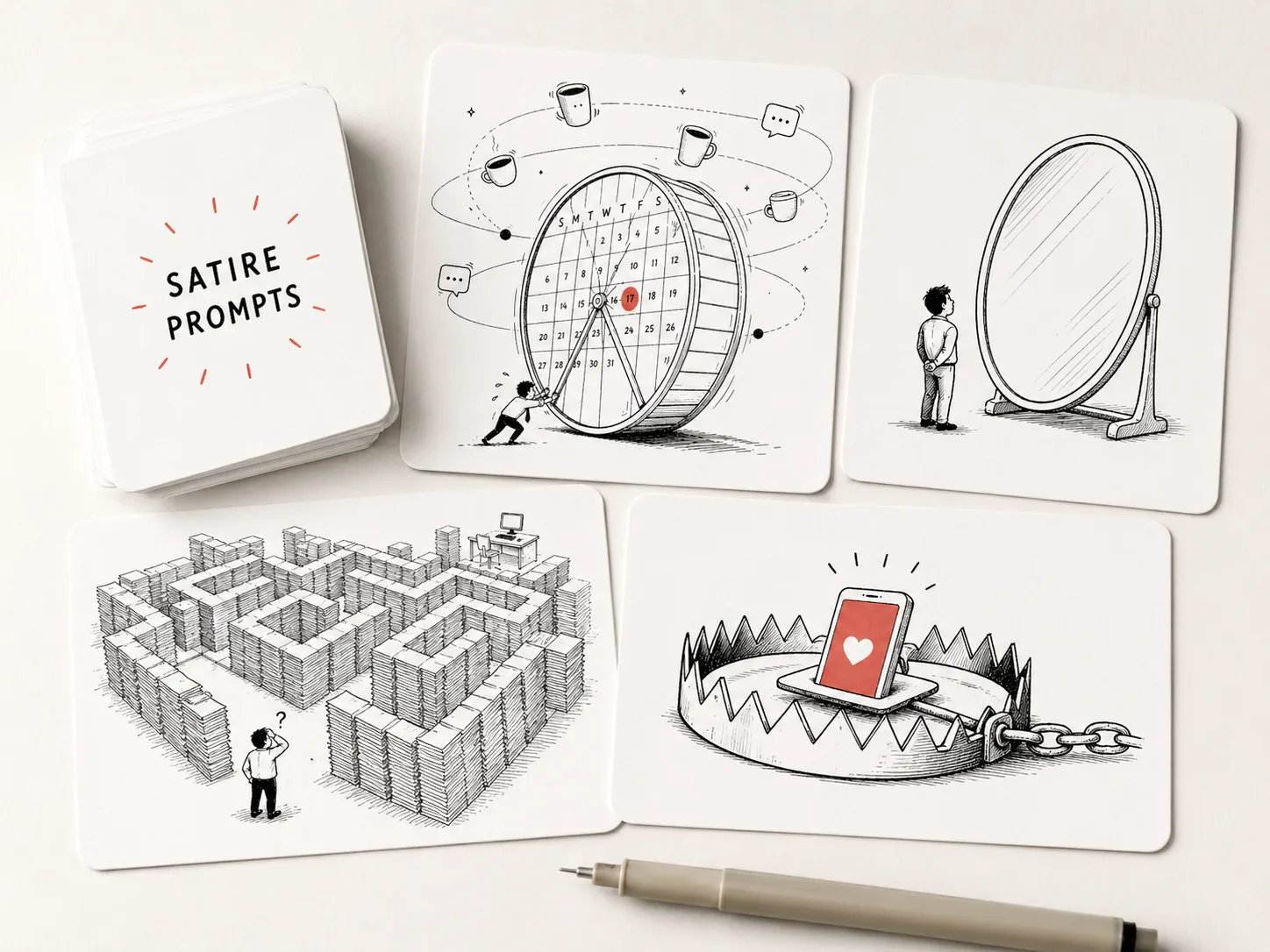
Create satirical line illustration GPT Image 2 prompts
These templates turn an article summary, public debate, workplace tension, or abstract idea into a clean editorial metaphor. Instead of asking GPT Image 2 for a generic cartoon, each prompt defines the tension, visible language, color restraint, line weight, and publication use case.
Editorial visual metaphors
Start with a topic such as attention traps, bureaucracy, workplace pressure, secrecy, beauty standards, or consumer loops, then replace literal explanation with one memorable absurd object, oversized system, or tiny human figure.
Reusable prompt variables
Swap the article summary, core tension, main metaphor, visible title, aspect ratio, and color mode. The structure keeps the result close to satirical line art while still letting each topic feel specific.
Clean cover-ready direction
Aim for black ink, large white space, optional muted accents, and minimal readable labels, so the output can work as an article cover, newsletter image, social commentary post, or classroom discussion visual.
From article idea to editorial satire
Use the scene like a compact creative brief: choose the closest prompt, replace the topic details, generate, then refine the metaphor instead of rewriting the whole prompt.
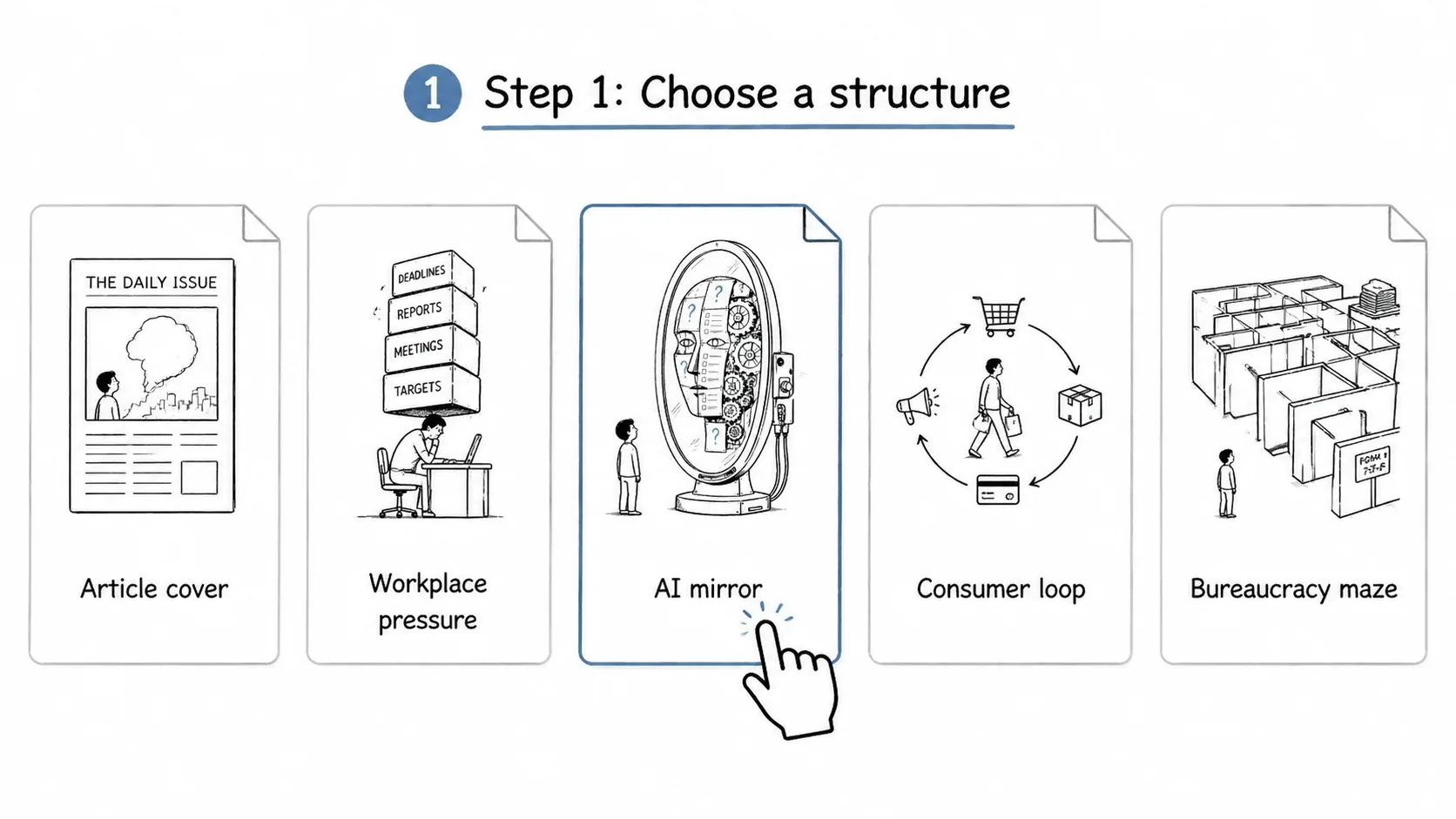
Choose a satirical prompt
Pick an article cover, workplace pressure scene, AI mirror, consumer loop, bureaucracy maze, or attention trap. Each option already frames the output as a GPT Image 2 satirical illustration template.
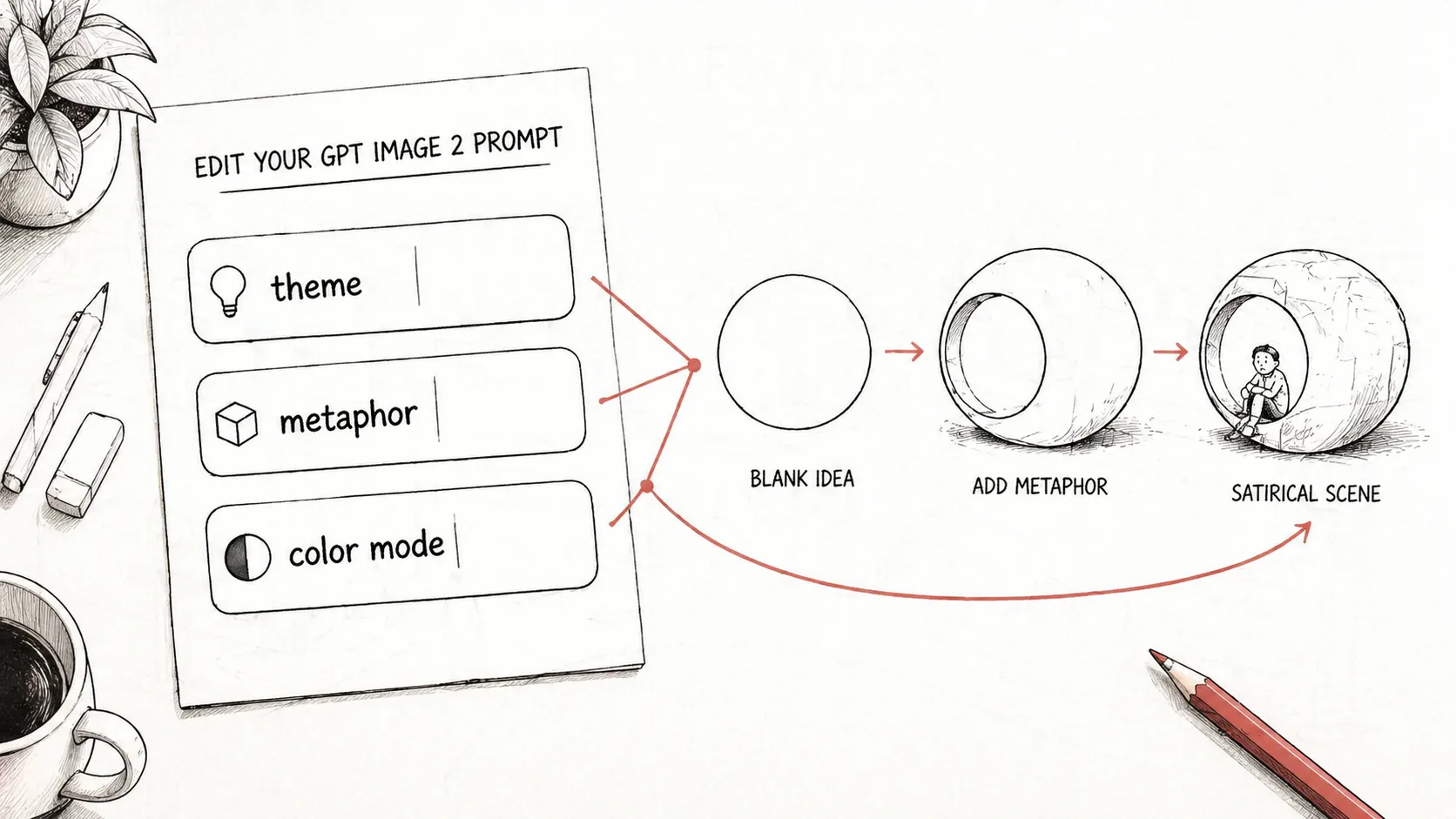
Edit the tension and format
Replace the theme, article summary, visual metaphor, visible language, short title, aspect ratio, and black-and-white or muted-color setting. Keep sensitive subjects reviewed by a human before publishing.
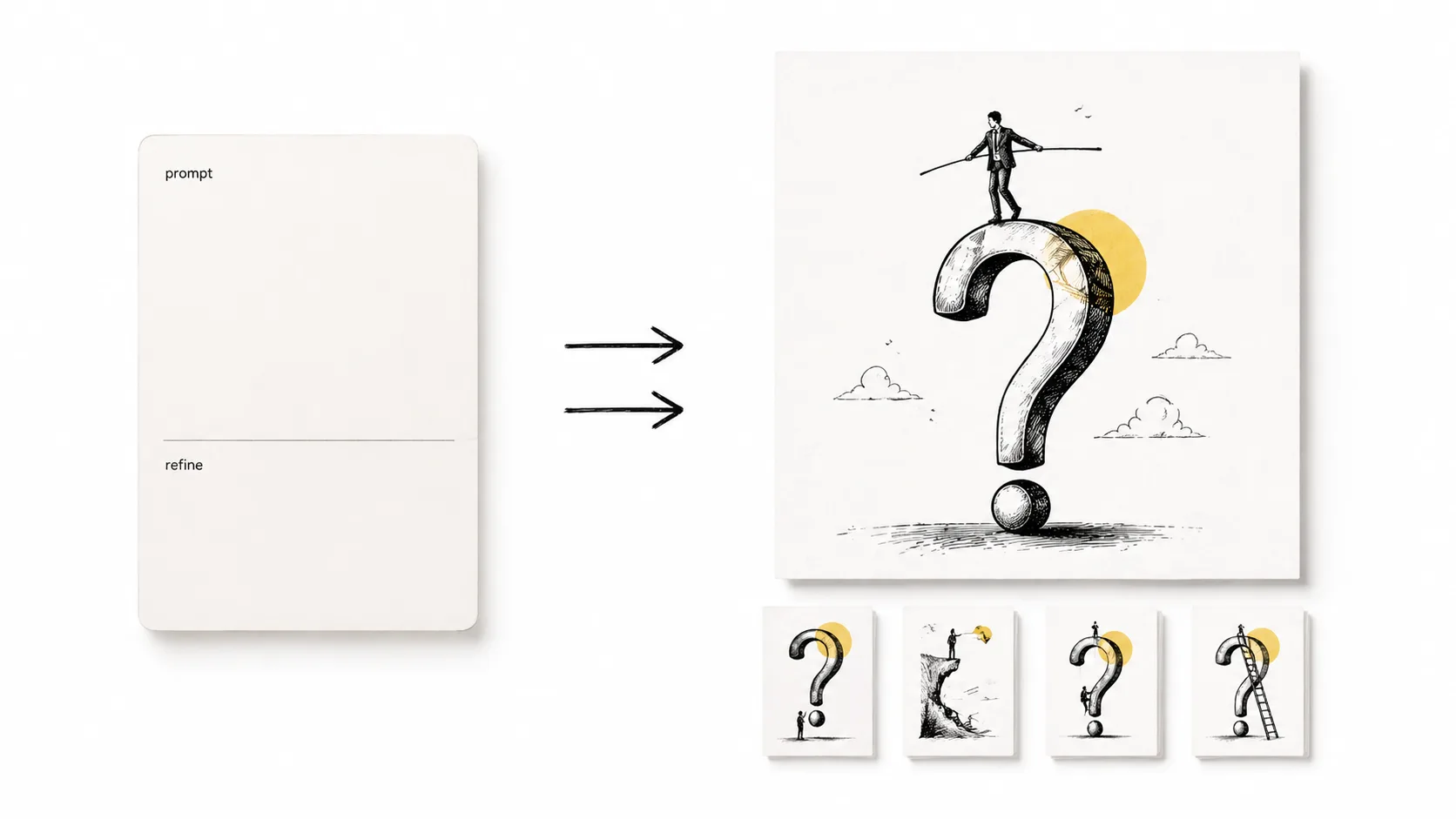
Generate and sharpen the line art
Create the first GPT Image 2 result, compare whether the metaphor is readable at thumbnail size, then adjust scale, labels, negative space, or color accent until the satire lands without dense text.
Satirical line illustration FAQ
Practical answers for using GPT Image 2 prompts to create editorial satire without drifting into named-artist imitation or unsafe targeting.
Generate a satirical line illustration
Choose a template, replace the article theme and metaphor, then use GPT Image 2 to test a clean editorial image direction.