
Browse sample poster results on the right, then tap one to load that prompt back into the generator on the left.
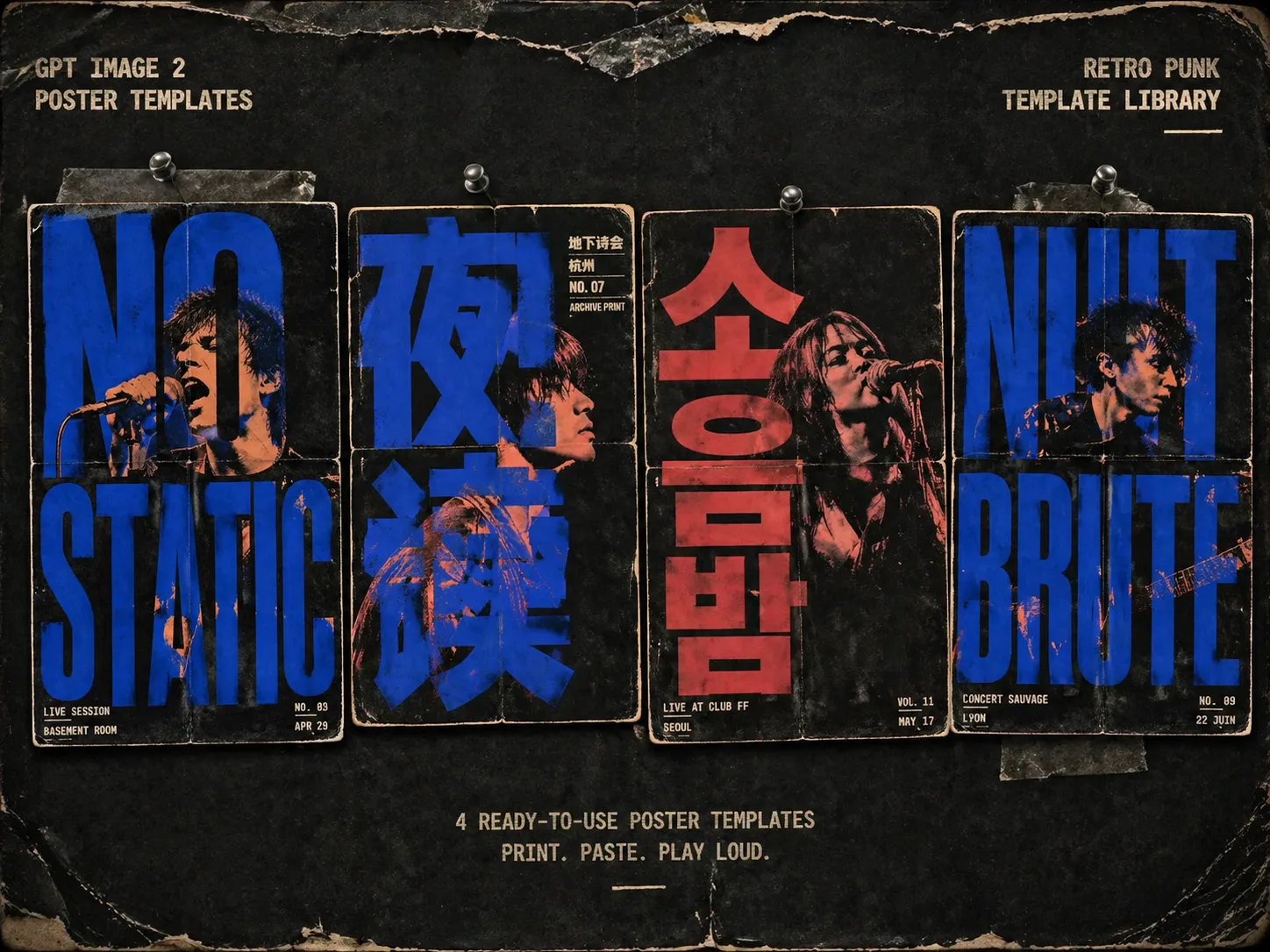
Create retro punk gig poster GPT Image 2 prompts
This template set turns short band names, event phrases, portraits, and venue notes into rough screen print poster concepts. The prompts keep the main word readable and oversized, then weave singers, performers, or uploaded portrait references through the counters, gaps, and negative spaces of the letters. Use it for underground gig flyers, zine covers, tour announcements, late-night radio posters, warehouse events, and typography-led album sleeve concepts without starting from a blank prompt.
Giant readable typography
Each punk gig poster prompt makes the main word or phrase the architecture of the image, so the poster is built from type rather than decorated with a small caption.
Screen print portrait treatment
Use a generated performer or an uploaded portrait reference, then ask GPT Image 2 to preserve identity cues while converting the figure into duotone ink, halftone, and rough paper texture.
Underground flyer texture
The prompt language bakes in xerox grain, risograph overprint, misregistered ink, fold marks, worn borders, paper fibers, and pasted-wall damage.
Editable poster variables
Swap the main word, band name, venue, city, date, short annotations, portrait role, aspect ratio, and ink palette while keeping the retro punk poster system consistent.
How to generate a screen print poster
Start from the poster format that fits your event, replace the visible text and references, then generate with GPT Image 2 and refine the typography until it reads cleanly.
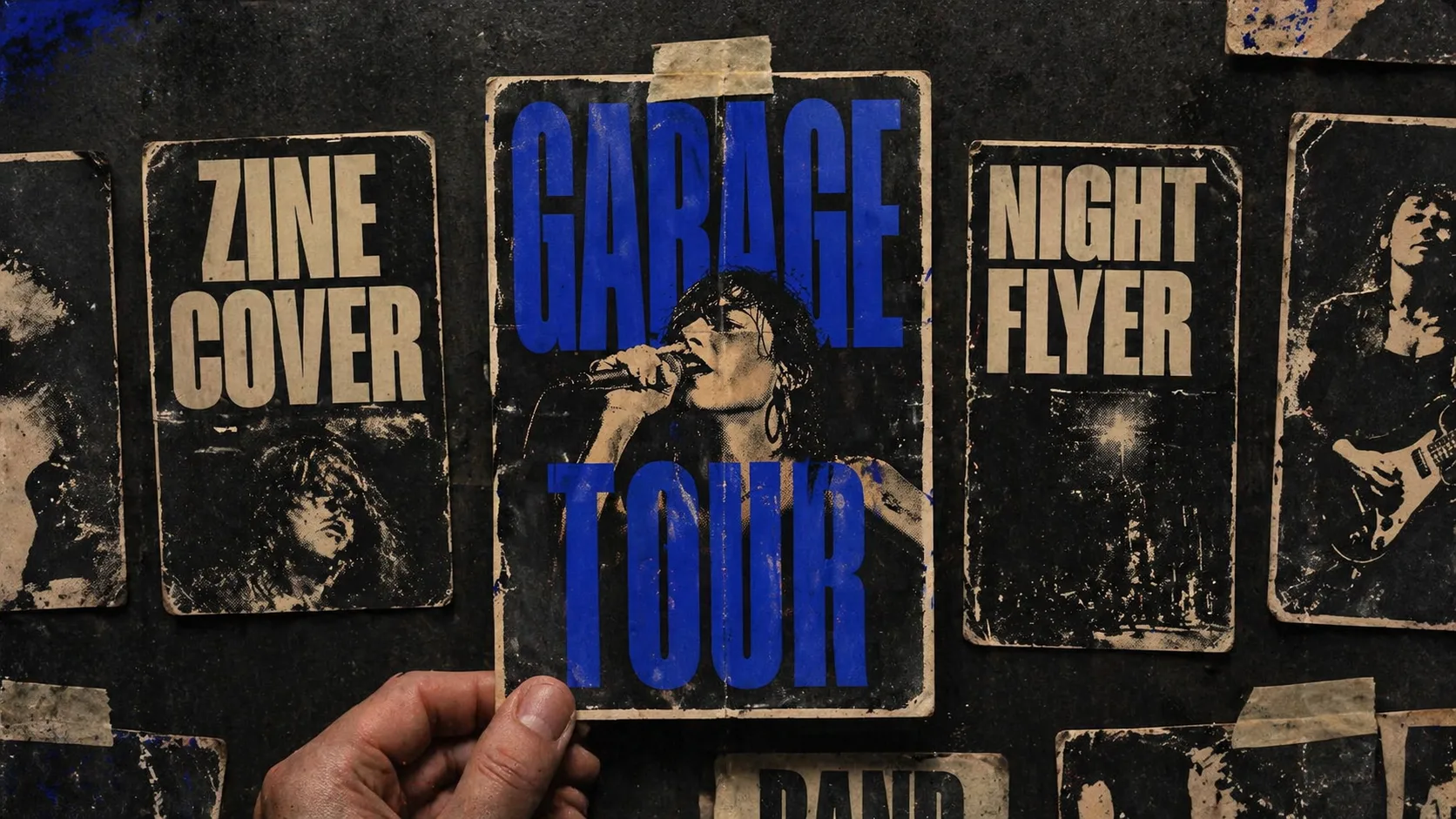
Choose a poster direction
Pick a vertical gig flyer, square zine cover, indie film poster, warehouse techno flyer, protest music poster, or theatre poster based on the final placement.
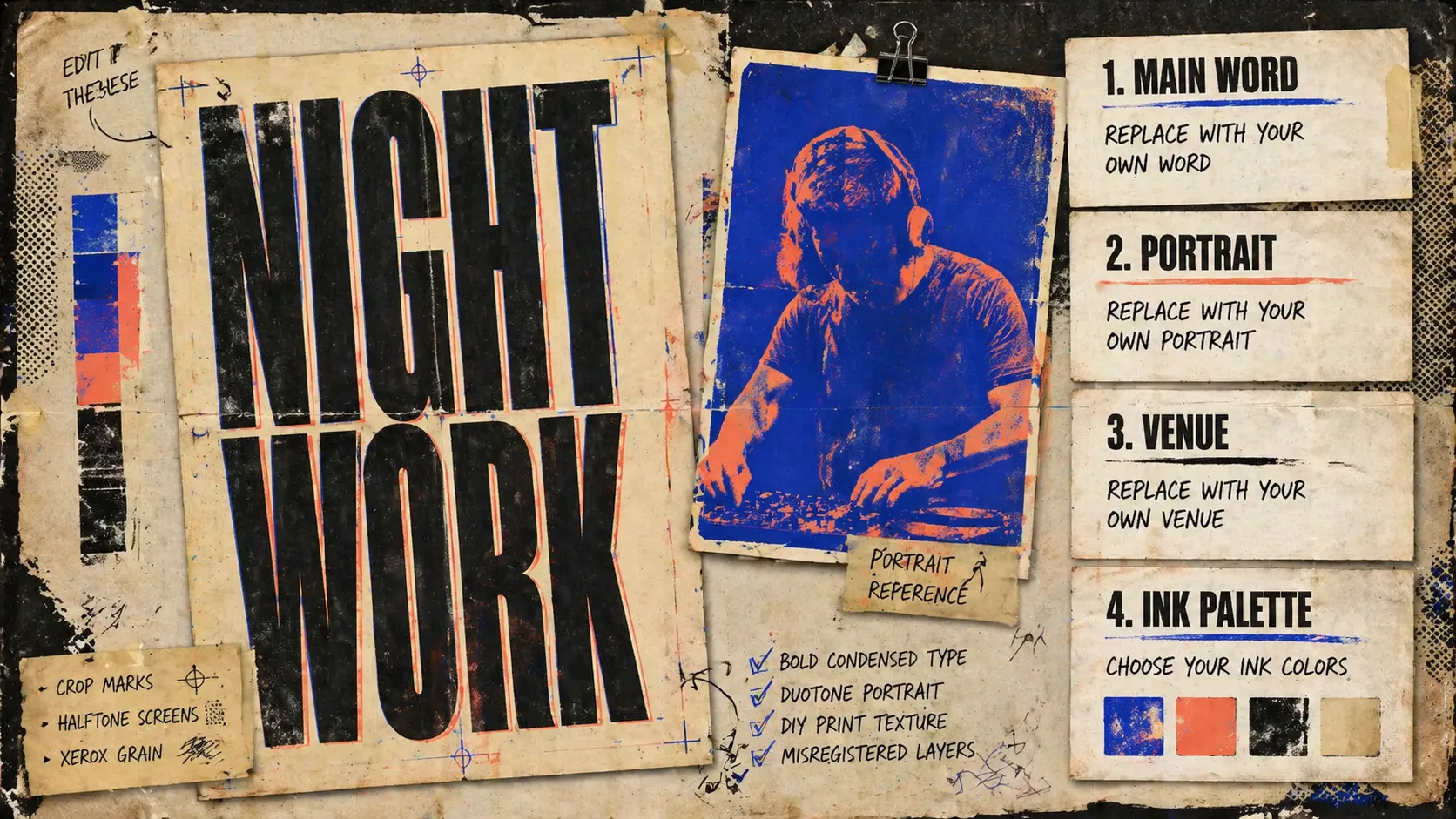
Replace words and references
Edit the main phrase, local flyer notes, venue details, portrait reference, performer type, and two- or three-color ink palette before sending the prompt.
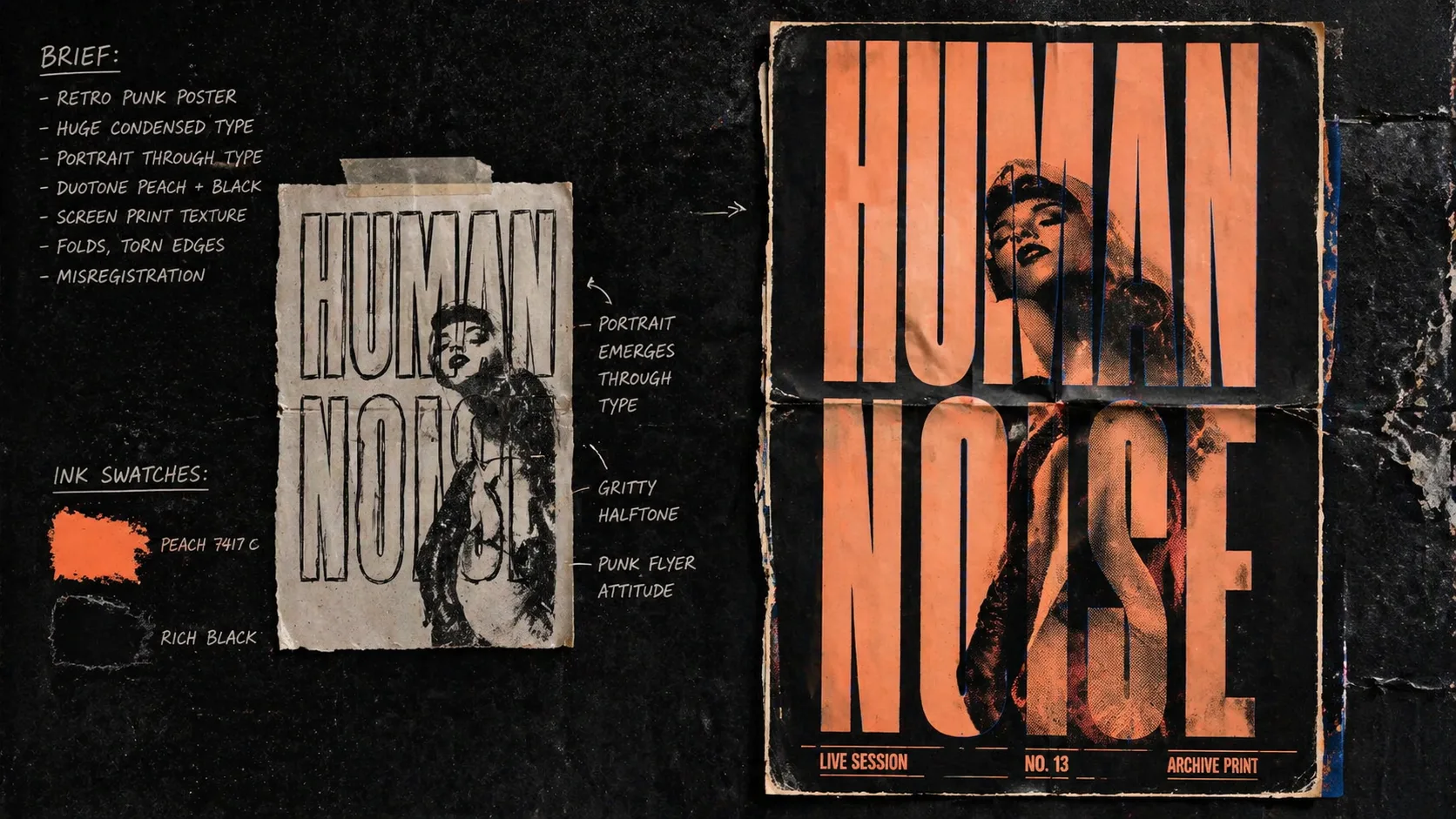
Generate, check, and refine
Create the first image, inspect spelling and readability, then tighten the prompt with clearer text limits, stronger contrast, or less visual clutter.
Retro punk poster prompt FAQ
Practical answers for using this GPT Image 2 prompt set for music posters, zines, and typography-led flyers.
Generate a retro punk poster
Pick a prompt, replace the main text and portrait details, then create a gritty GPT Image 2 poster draft.