
Browse sample poster results on the right, then tap one to load that prompt back into the generator on the left.
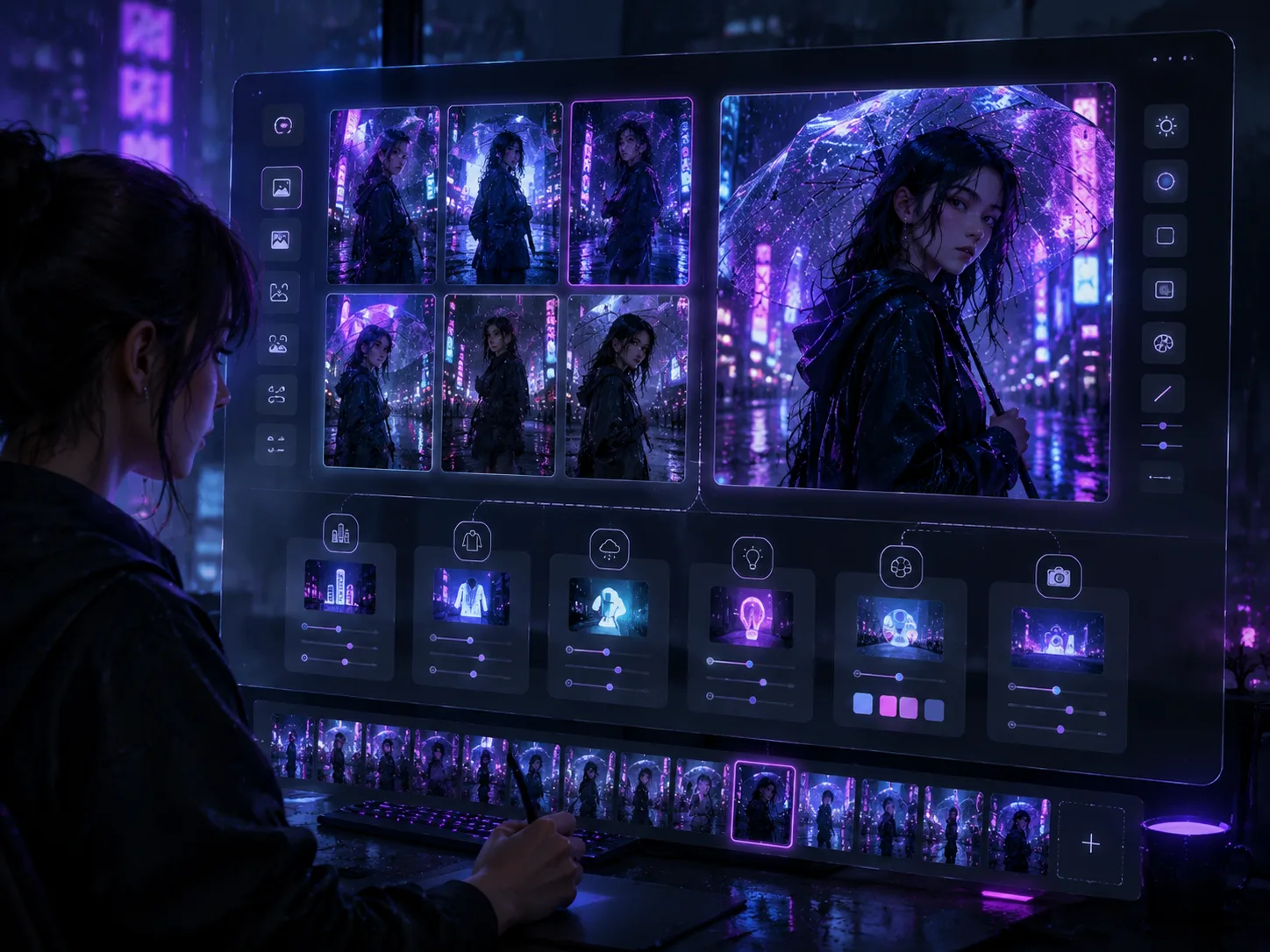
Build rainy neon anime portrait prompts that feel cinematic
This template set turns one clear scene intent into practical GPT Image 2 prompts: original characters framed by rain, neon signage, wet pavement reflections, and expressive anime-real lighting. Use it when you need a reusable cyberpunk anime portrait prompt for a phone wallpaper, music cover mood, social profile image, or poster-ready city-night key visual.
Neon rain atmosphere
Prompt details cover rain streaks, fog, rim light, puddles, and saturated blue, violet, pink, and cyan reflections.
Original character portraits
Swap identity, outfit, expression, city, camera angle, and color palette while avoiding named artists, brands, and copyrighted characters.
Localized city-night scenes
Use sample directions for Tokyo, Shanghai, Taipei, Seoul, Sao Paulo, Mexico City, Berlin, and Paris with fictional local signage.
Wallpaper and poster formats
Choose vertical, square, 4:5, 3:4, or widescreen prompts for wallpapers, posters, profile images, and cinematic key art.
Turn a rainy anime portrait idea into a generated image
Start from a same-intent prompt, edit the character and city variables, then generate a polished GPT Image 2 result you can refine.
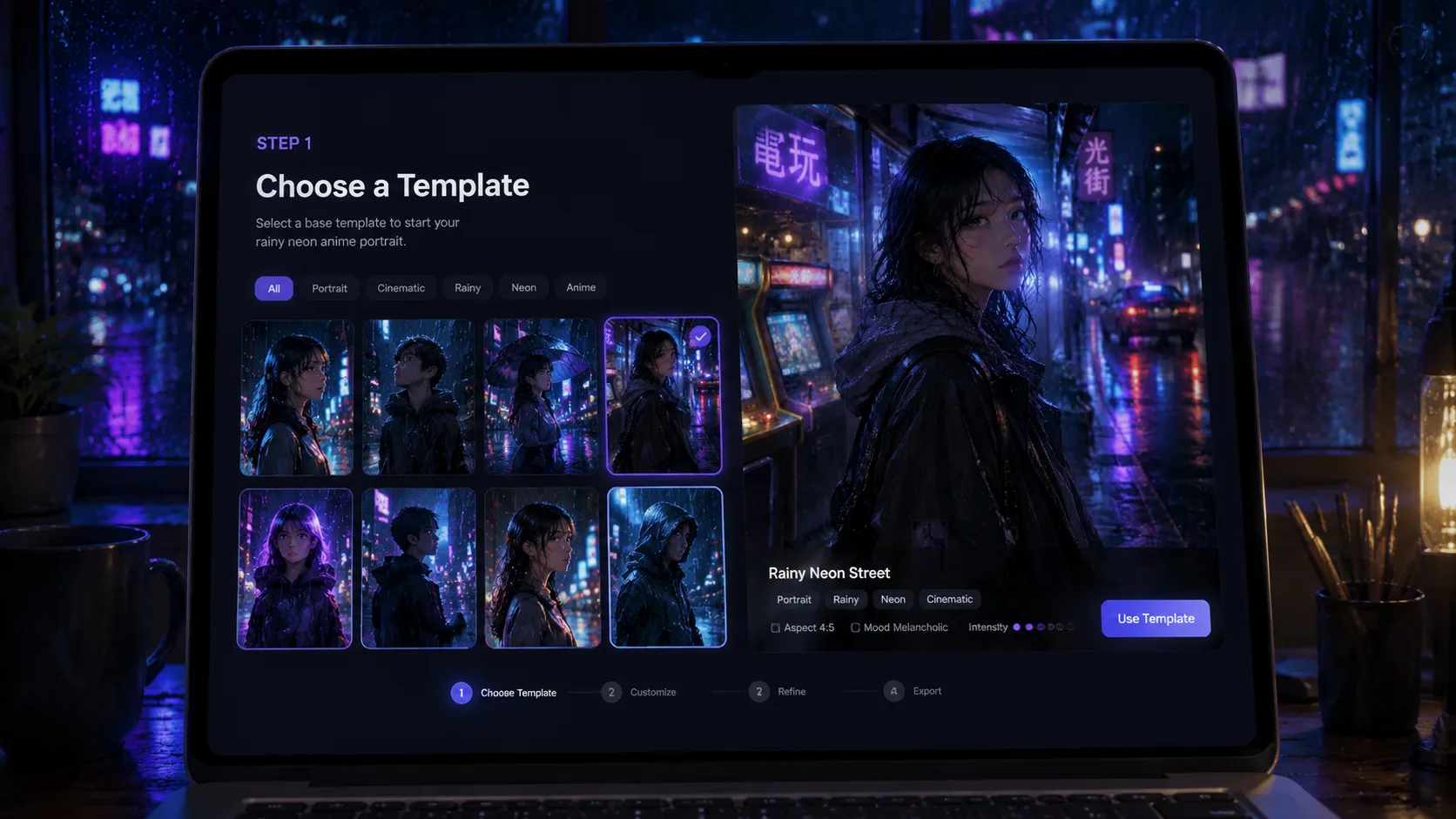
Choose the neon rain setup
Pick a prompt based on the output shape you need: vertical hoodie portrait, rainy crossing, arcade street, subway entrance, station umbrella, night market, tram stop, or cafe window.
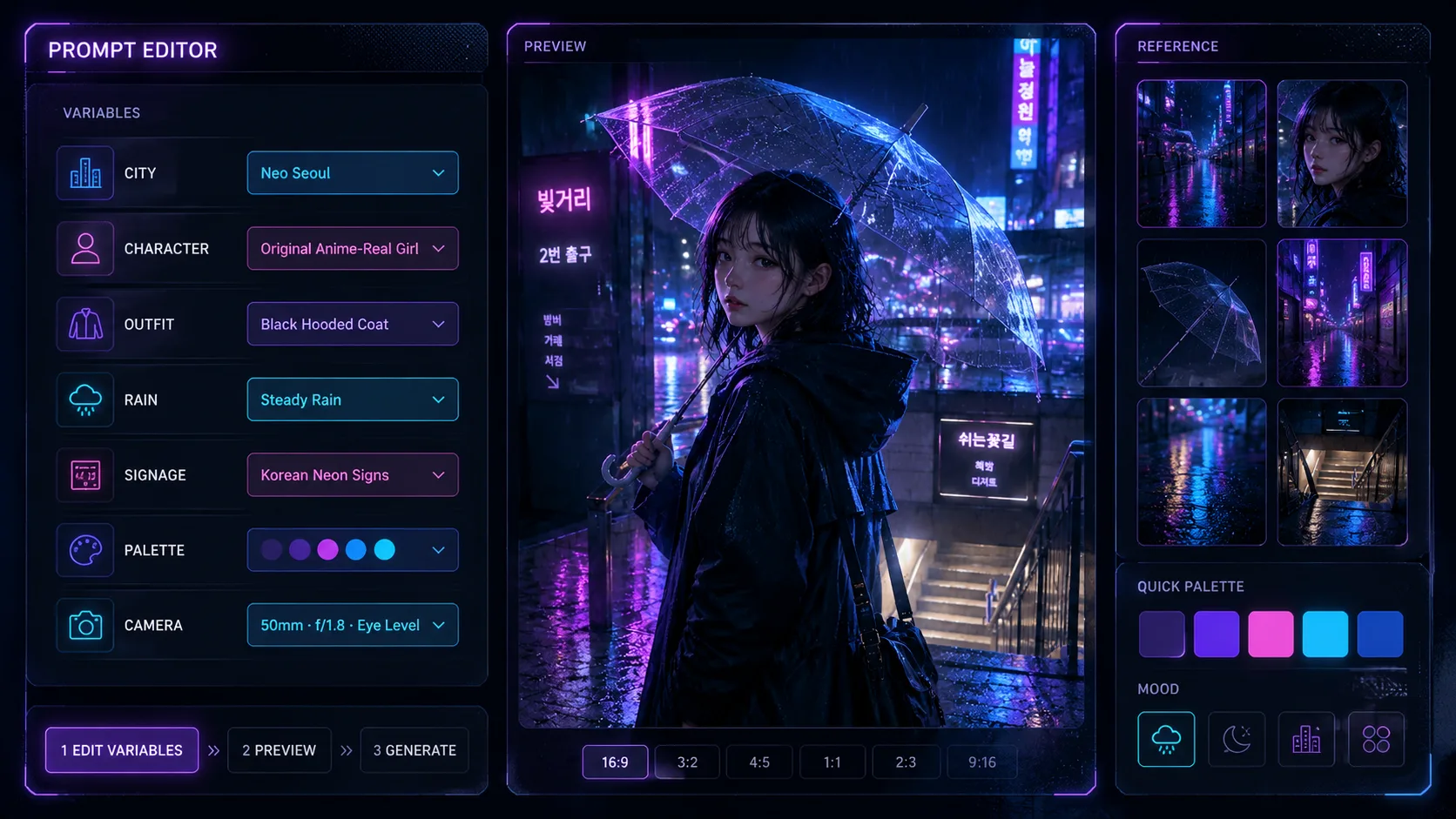
Edit character and scene variables
Replace the character identity, outfit, emotion, city, visible fictional sign words, rain intensity, lens, and neon palette. Add a reference image when you want stronger face, pose, or wardrobe continuity.
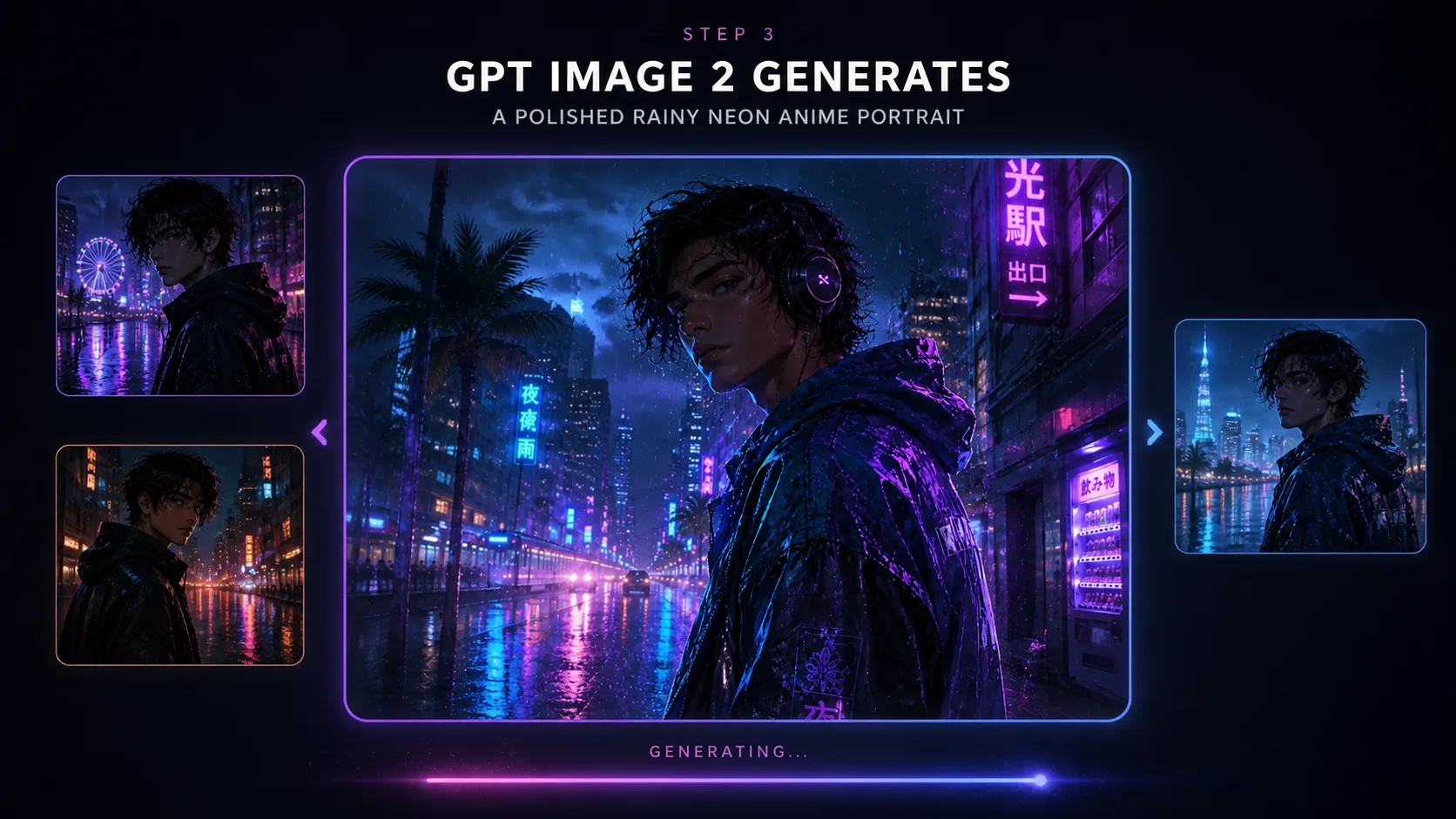
Generate and refine in GPT Image 2
Create the first image, then tighten composition, aspect ratio, lighting contrast, sign language, or mood until the rainy neon anime portrait matches your wallpaper, poster, or key-art goal.
Rainy neon anime prompt FAQ
Search-focused answers for using these GPT Image 2 portrait prompts safely and effectively.
Generate a rainy neon portrait
Open the template, choose a prompt, and create an original GPT Image 2 anime portrait with rain, neon light, and city-night atmosphere.