
Browse sample poster results on the right, then tap one to load that prompt back into the generator on the left.
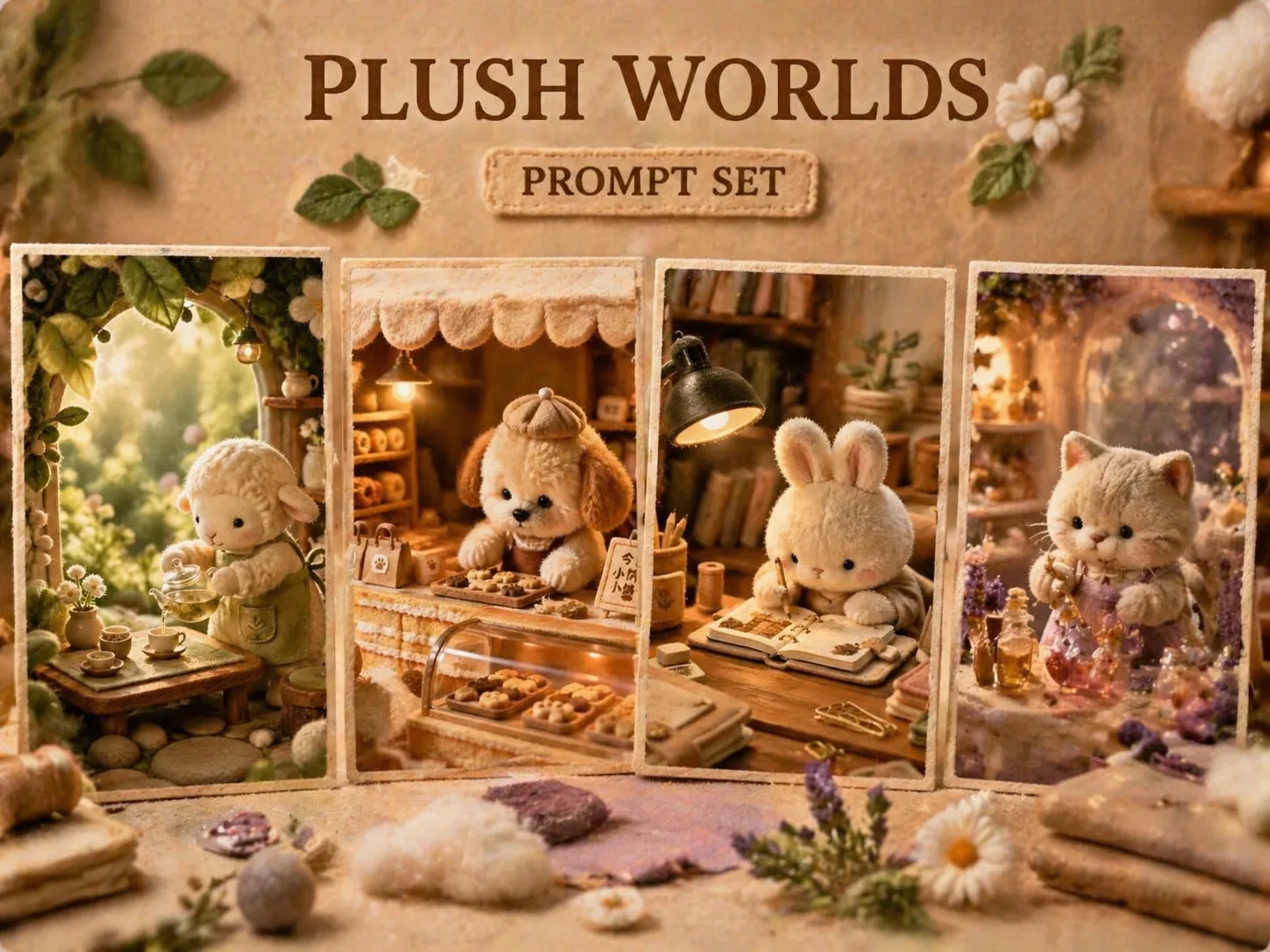
Build plush micro-world poster scenes
These GPT Image 2 prompts turn a brand, product, shop, or seasonal theme into a tactile plush mascot poster with miniature set design and controlled typography.
Plush mascot direction
Shape a soft mascot that fits the project mood, from tea lambs and cafe bears to perfume swans or outdoor hedgehogs, without copying protected characters or real logos.
Miniature material world
Guide GPT Image 2 toward felt leaves, fleece, cotton mist, tiny props, fabric shelves, warm lamps, and shallow-depth macro photography instead of a flat cartoon scene.
Vertical poster composition
Keep each image ready for social posts with foreground blur, clear subject placement, negative space, and restrained readable title text under a small part of the frame.
Reusable scene variables
Replace the brand name, hero product, plush species, poster title, mood, and color palette to create related plush micro world photography prompts quickly.
Generate a plush mascot poster
Start from a focused template, adjust the variables, then use GPT Image 2 to test and refine a warm micro-world poster.
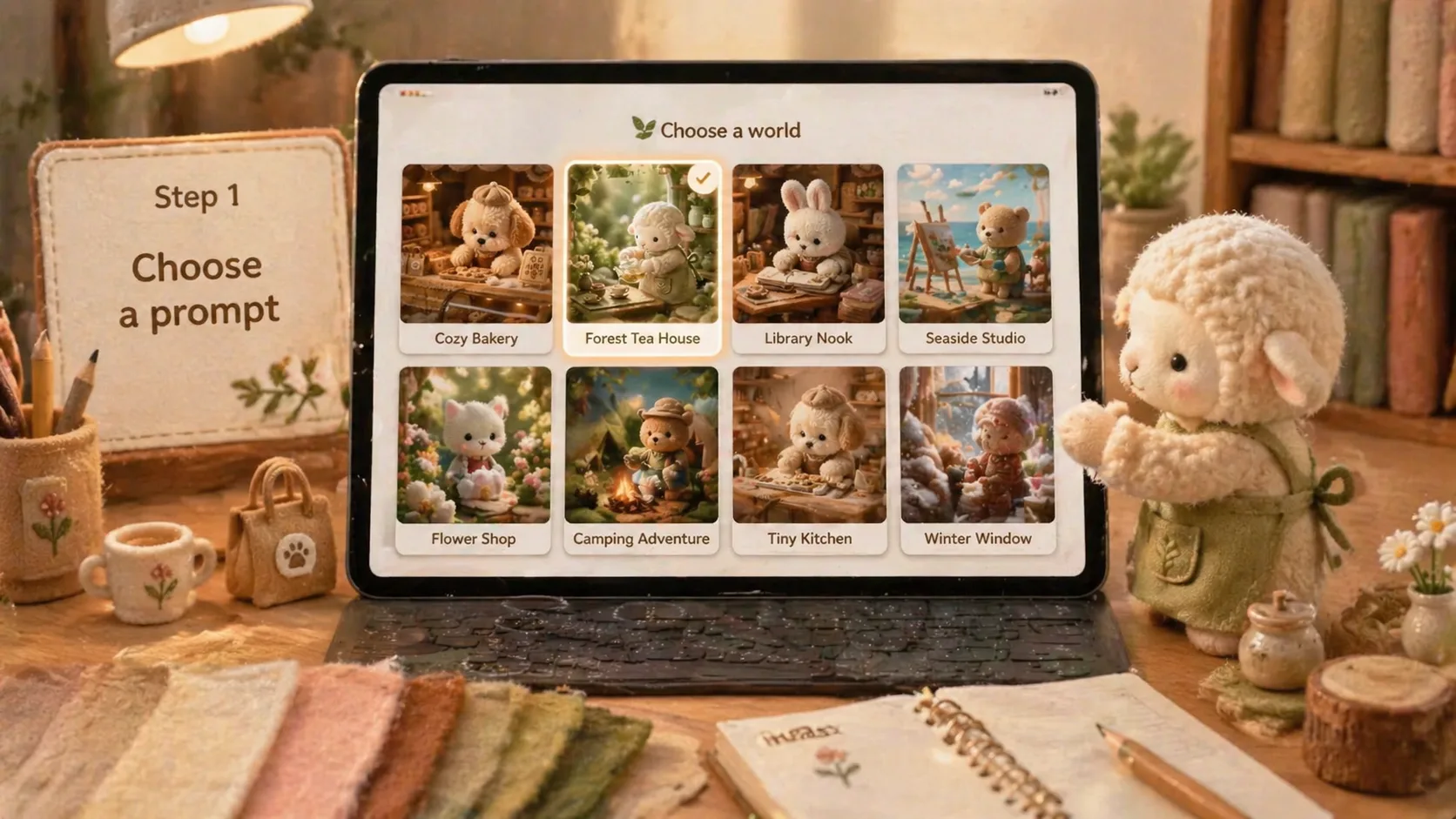
Choose the closest world
Pick a tea garden, pet bakery, stationery desk, reading nook, seasonal station, beach market, flower shop, woodland camp, or perfume atelier prompt as your starting style.
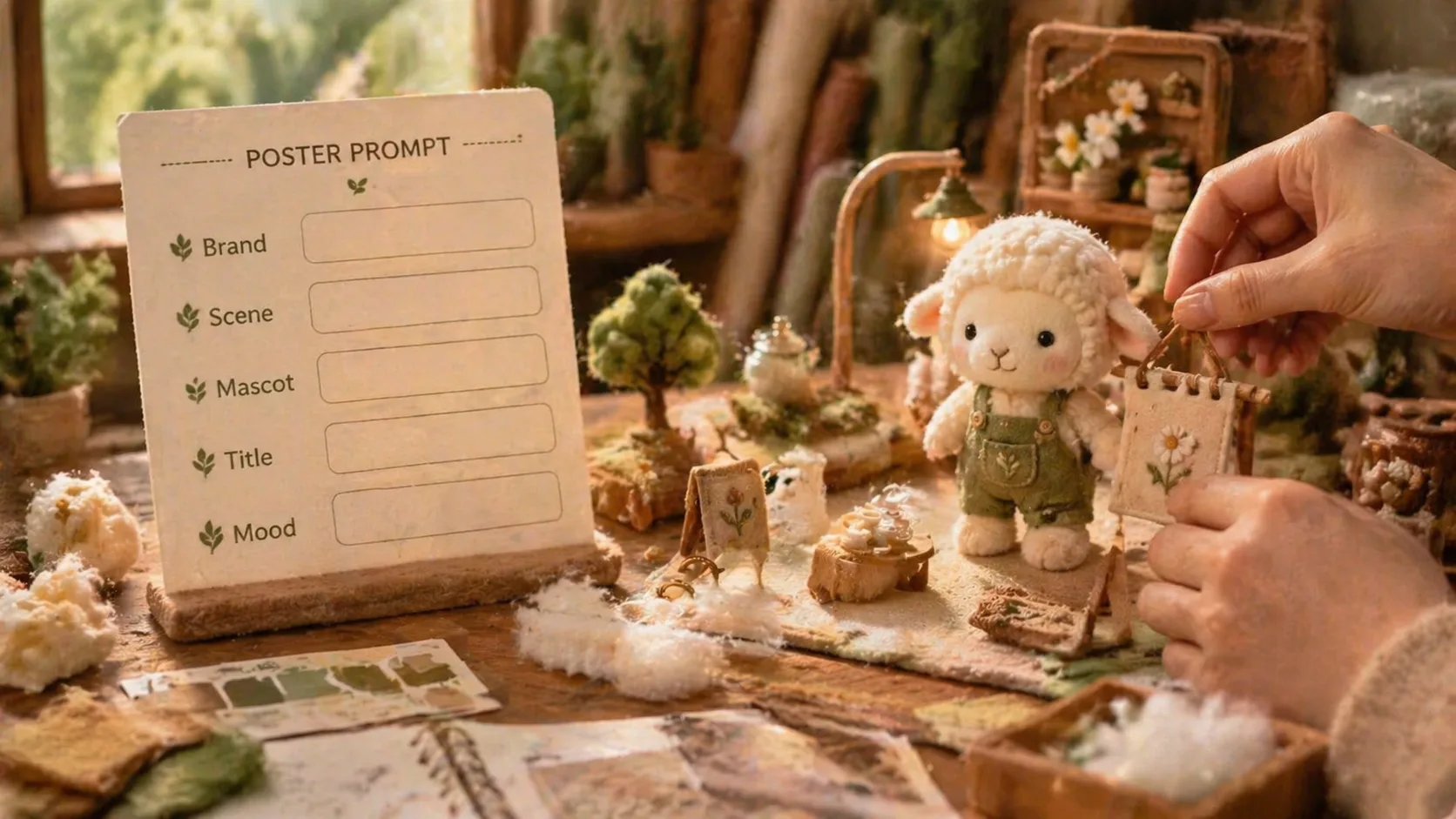
Replace scene variables
Swap in your own project name, product detail, mascot species, poster title, cultural language, material cues, and color mood while keeping the mini-set structure intact.
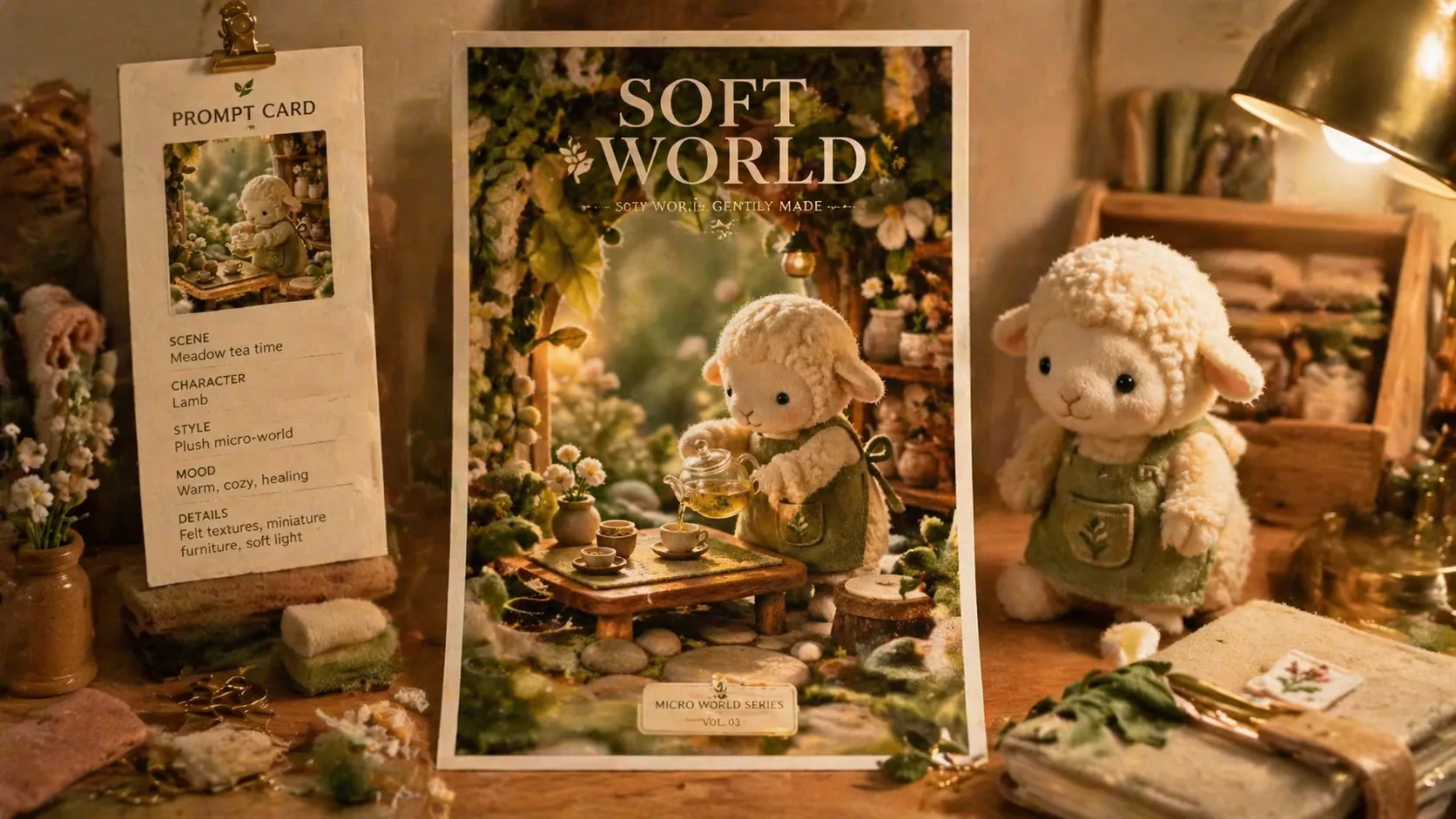
Generate, inspect, refine
Run the prompt in GPT Image 2, check plush fibers, macro depth, lighting, and text clarity, then revise the prompt or add a reference image for another pass.
Plush micro world prompts FAQ
Answers for creating cozy plush mascot posters, miniature brand scenes, and reusable GPT Image 2 prompt templates.
Generate a plush micro world
Pick a plush mascot poster prompt, replace the editable details, and create your next GPT Image 2 social visual.