
Browse sample poster results on the right, then tap one to load that prompt back into the generator on the left.
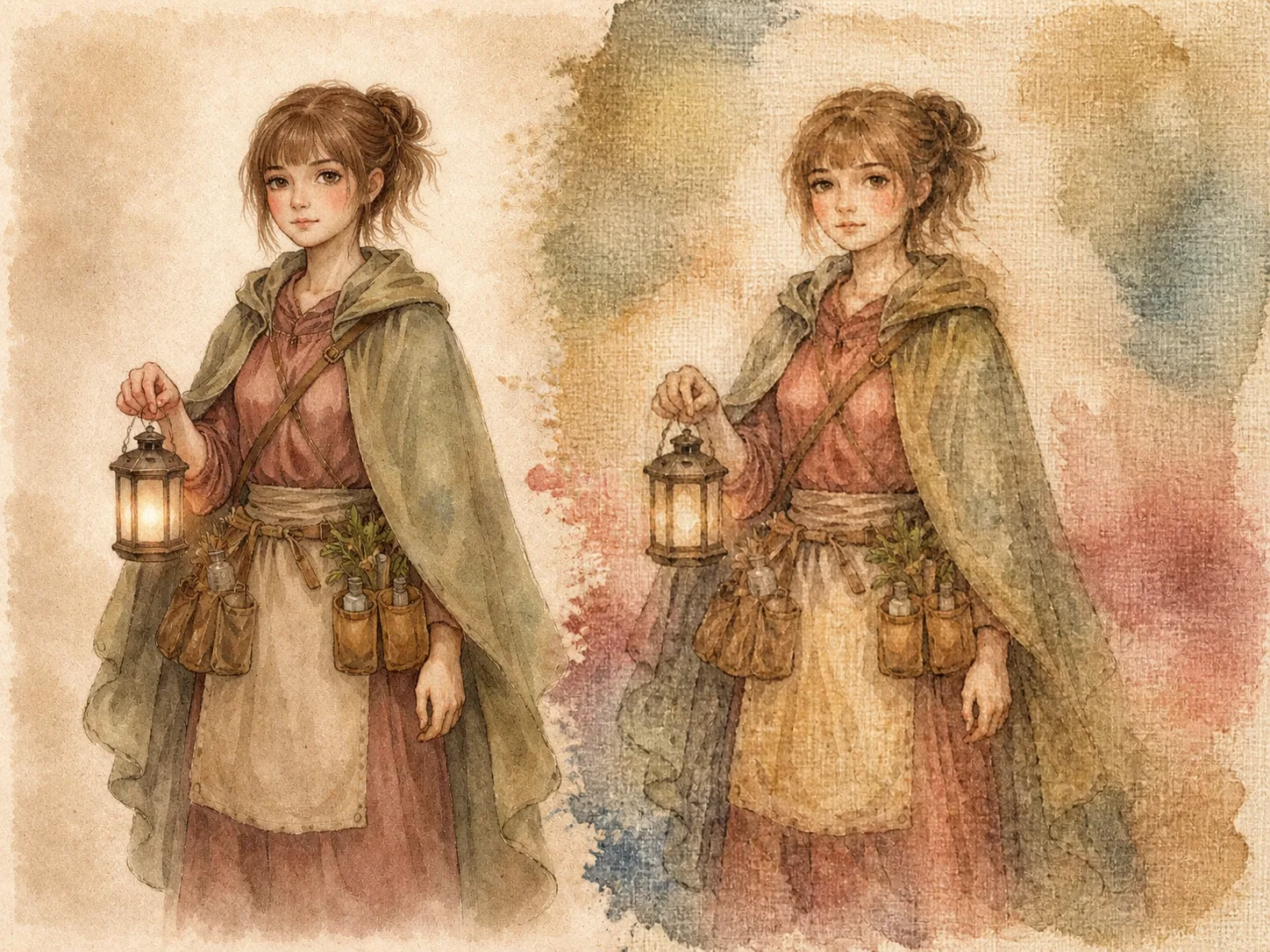
Plant dye canvas art prompts for reference-aware transformations
These plant dye canvas art GPT Image 2 prompts are built for creators who want a handmade botanical pigment look without losing the original subject. Start with a portrait, character sheet, mascot, poster draft, pet image, object sketch, travel memory, or written brief, then guide GPT Image 2 toward woven canvas texture, soft dye bleeding, muted earth colors, and gentle pigment blooms. The goal is not to add decorative leaves everywhere. The templates focus on preserving composition while changing the finish, so the result still feels like your source image.
Preserve the source structure
Use reference-aware wording to keep the pose, silhouette, framing, subject hierarchy, and important identity cues stable while the material style changes.
Build natural pigment texture
Request tea-stain beige, leaf green undertones, faded berry reds, pale indigo, uneven dye spread, canvas weave, and organic color variation.
Adapt the prompt quickly
Replace the subject, mood, palette, softness, and texture strength for portraits, storybook spreads, editorial covers, mascots, and art prints.
Avoid the wrong additions
Each prompt reminds GPT Image 2 not to add dye-source plants, text, logos, extra characters, or glossy digital polish unless your reference already requires them.
How to create natural pigment canvas artwork
Use the template like a controlled style-transfer brief: choose the closest output type, add your reference or subject details, generate, then refine the preservation and dye texture.
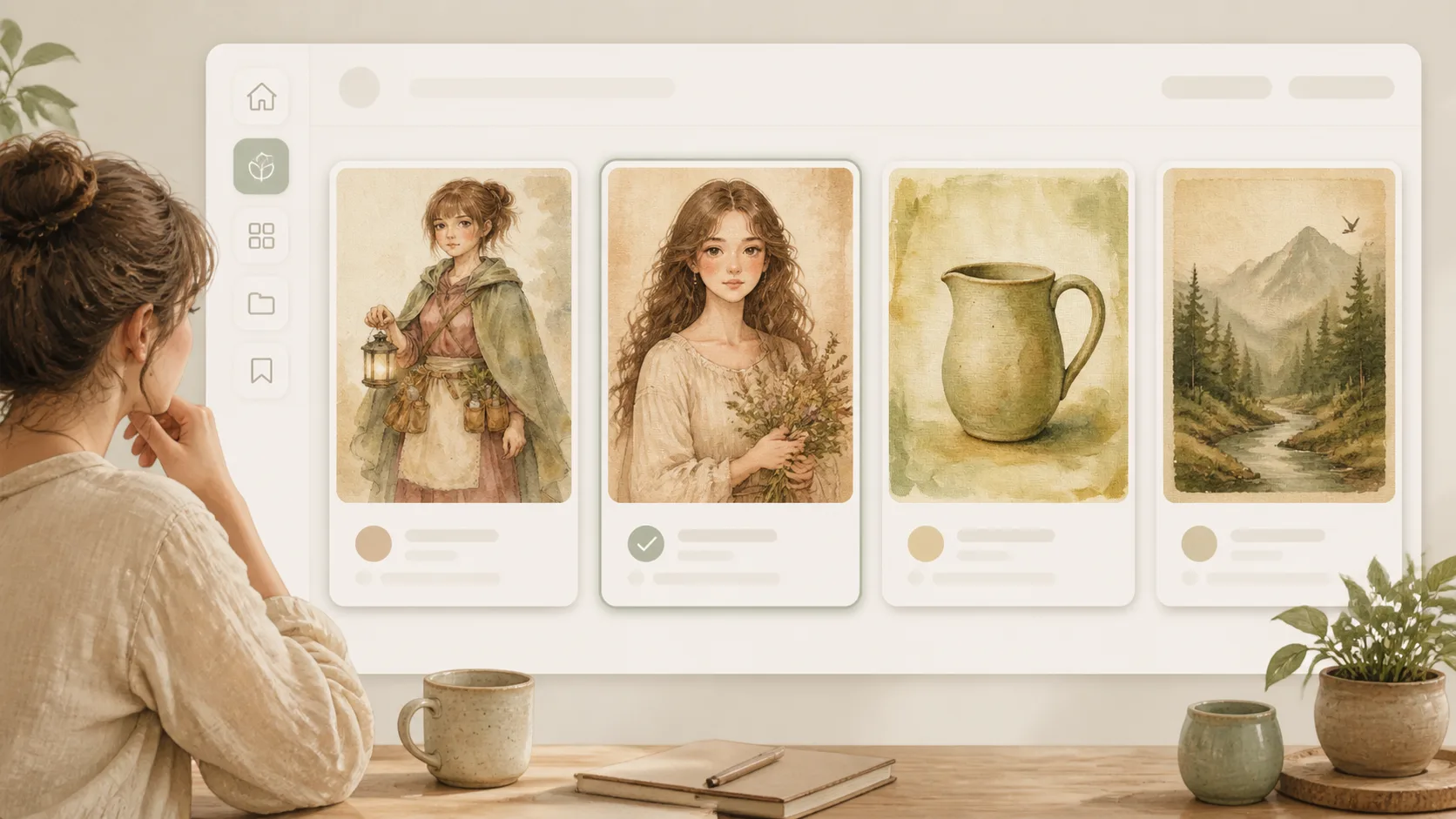
Choose the closest prompt template
Select a character canvas, portrait study, mascot keepsake, storybook spread, poster remix, pet canvas, travel memory, object study, or editorial cover prompt. Matching the output type gives GPT Image 2 better instructions than starting from a generic botanical dye art prompt.
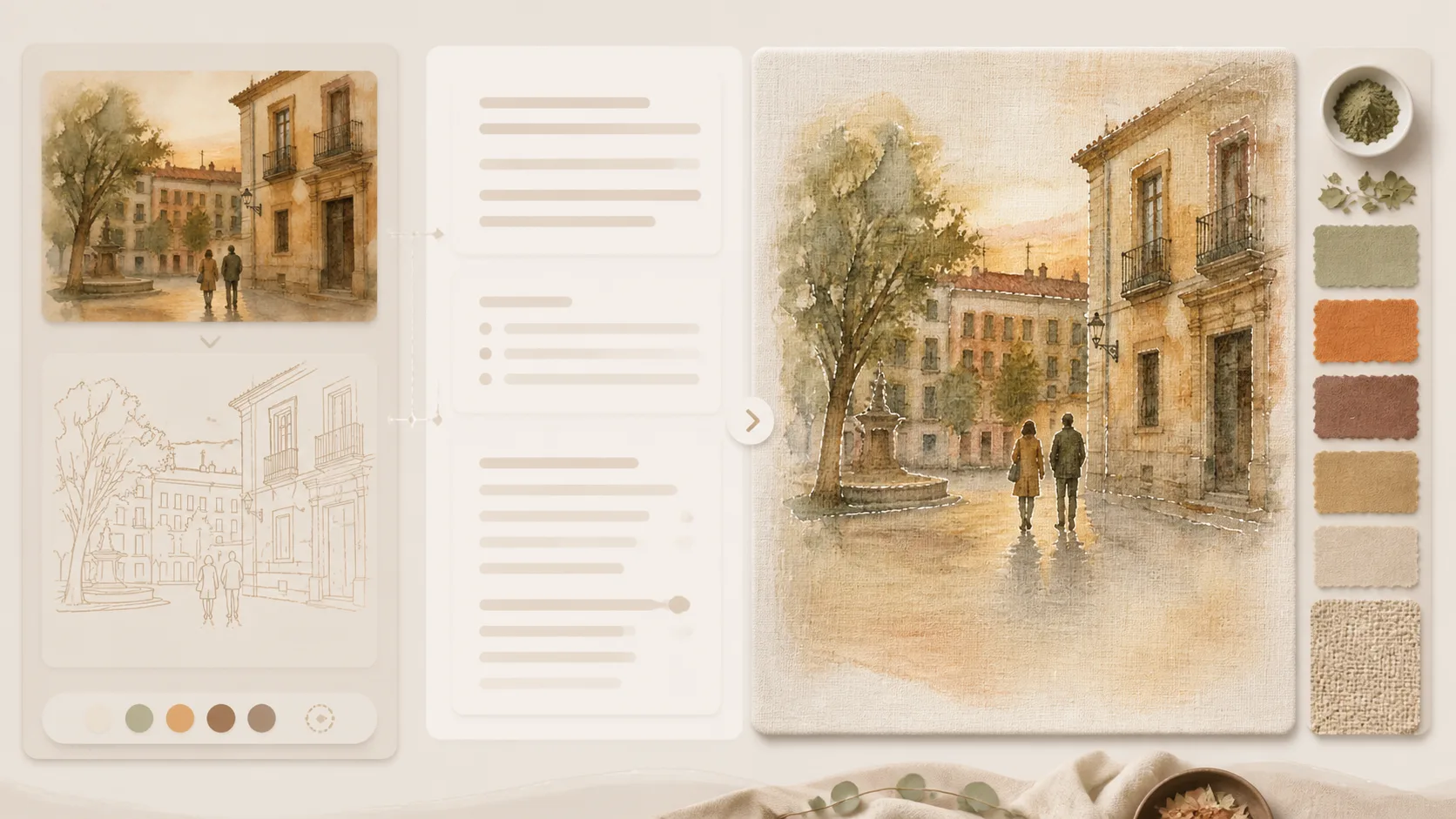
Edit subject, palette, and reference rules
Add your uploaded image or written brief, then adjust the earth-color palette, canvas texture strength, softness, crop, and mood. Keep the preservation sentence when the source composition matters.
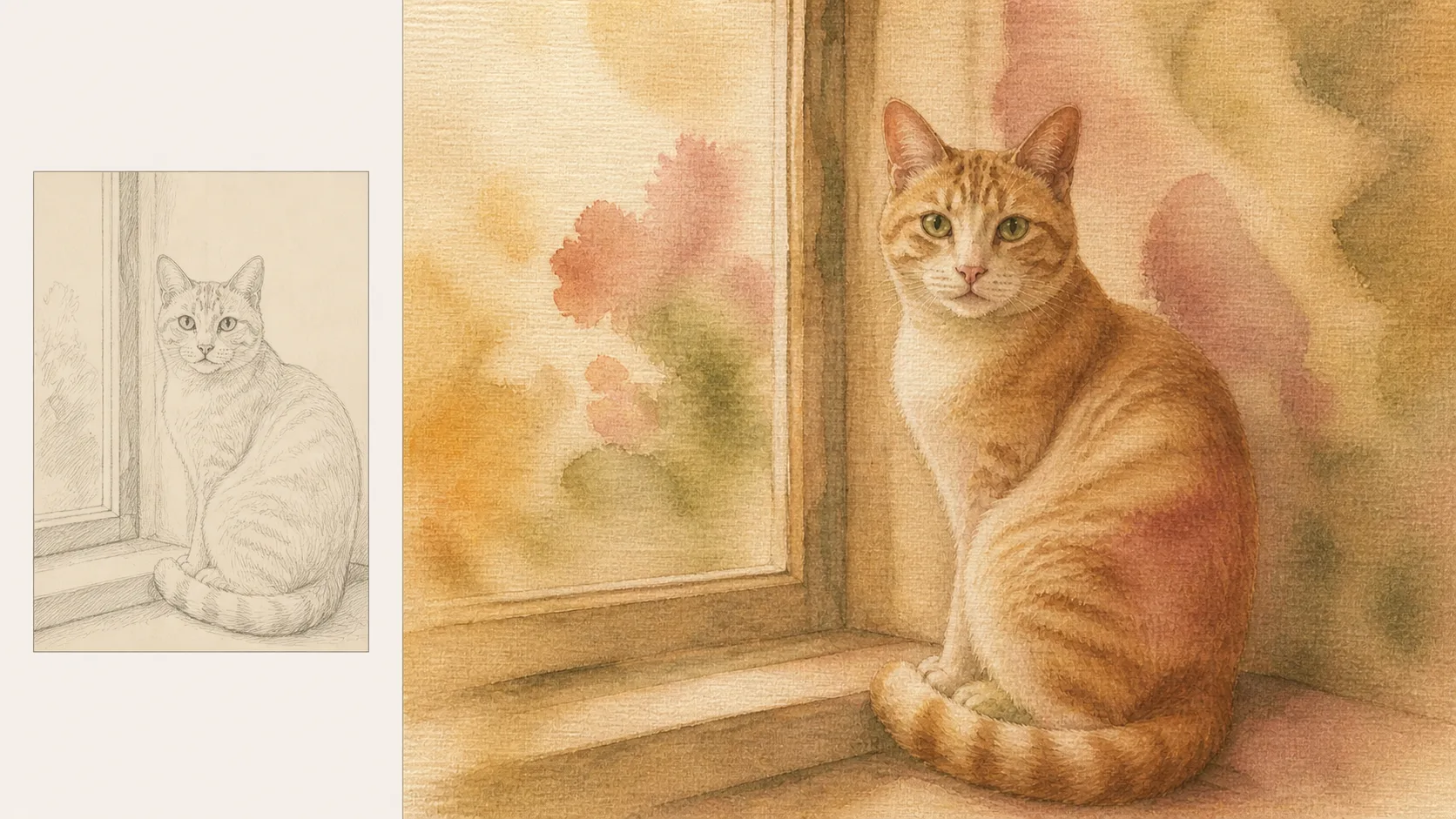
Generate and tune the handmade finish
Create the first GPT Image 2 result, review whether the subject stayed recognizable, then refine color, bleeding, weave visibility, negative space, or text handling before using the image in a poster, card, cover, concept board, or keepsake.
Plant dye canvas prompts FAQ
Search-style answers for using plant dye canvas art GPT Image 2 prompts.
Generate plant-dye canvas art with GPT Image 2
Open a prompt, add your reference image or subject brief, and create a calm natural pigment canvas version in the generator.