
Browse sample poster results on the right, then tap one to load that prompt back into the generator on the left.
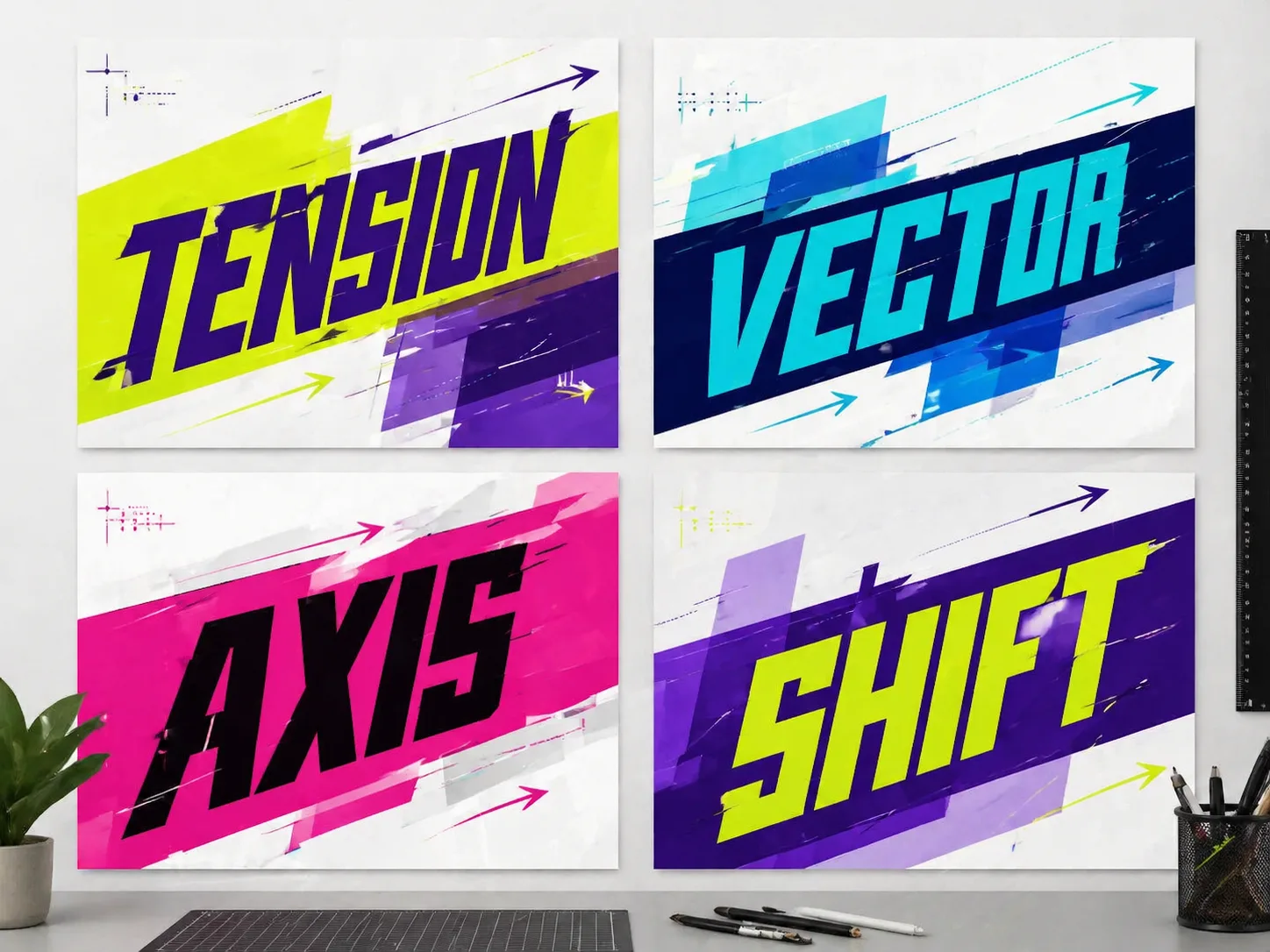
Create readable perspective typography with GPT Image 2
These perspective typography GPT Image 2 prompts turn a short word, slogan, campaign line, or quote into a poster where text stays readable while moving across oblique planar space. They are built for designers who need a repeatable prompt pattern, not a one-off decorative title effect. Each template keeps the practical editing fields visible and easy to replace.
Angled text planes
Place the main phrase across tilted two-dimensional planes with perspective compression, diagonal baselines, and a clear reading order instead of heavy 3D lettering.
Vector-led poster structure
Use arrows, path lines, grids, labels, offset slices, and modular blocks to express motion, conflict, balance, speed, or rupture through the type itself.
Controlled color systems
Guide GPT Image 2 toward vivid high-contrast palettes that match the phrase meaning while avoiding muddy defaults, random decoration, and generic blue-orange poster color.
Reusable prompt variables
Swap the visible language, core text, emotion, cultural context, palette, supporting labels, aspect ratio, and avoid list for every new perspective type poster template.
How to use oblique typography poster prompts
Start from a same-intent perspective type poster template, edit the visible wording and design variables, then generate and refine the result in GPT Image 2.
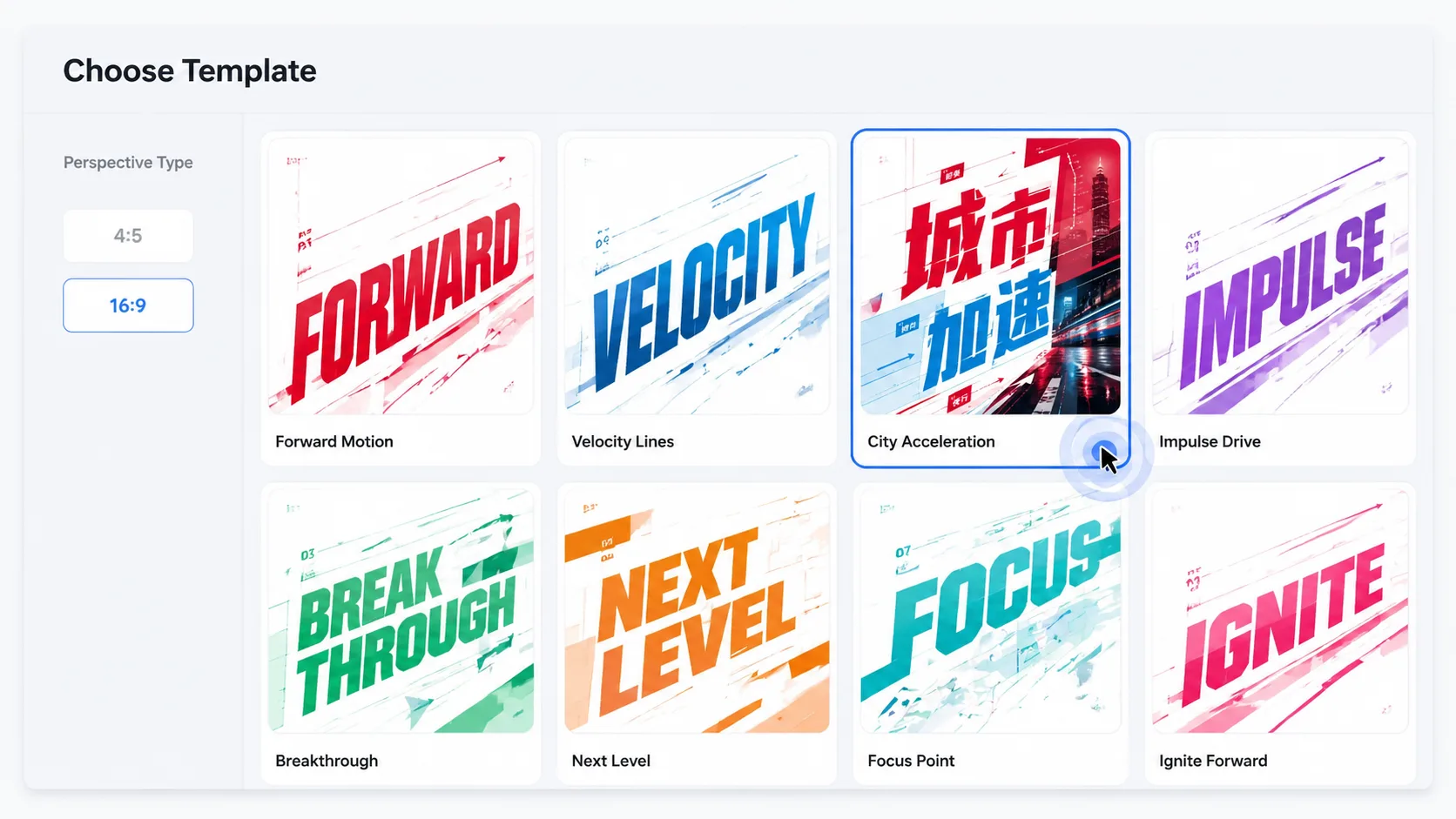
Choose a type direction
Pick the template that matches your language and poster format, such as a conflict word, Chinese slogan, Korean emotion phrase, or editorial French title.
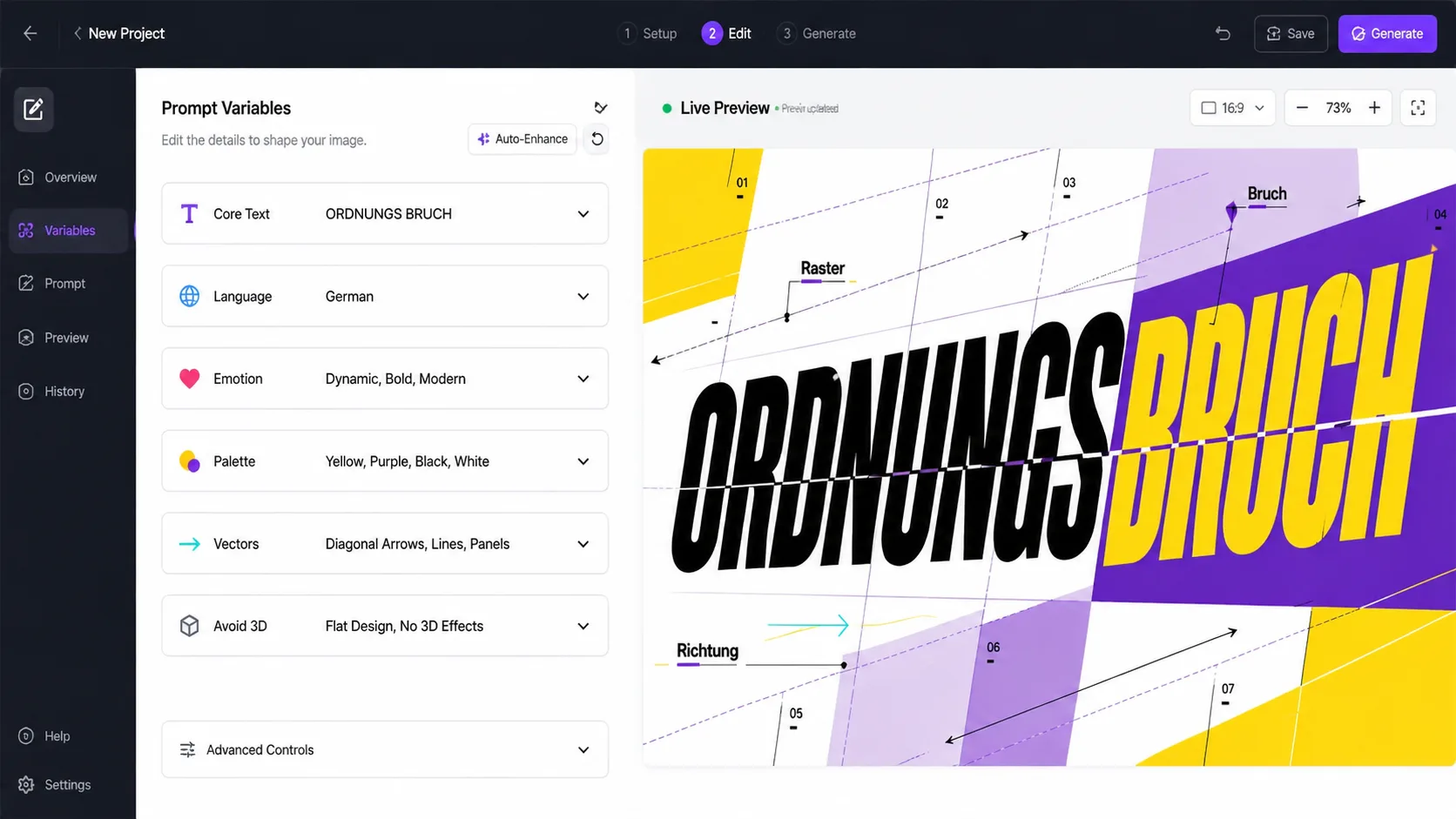
Edit the plane system
Replace the phrase, semantic context, emotion, vector direction, color palette, supporting labels, and forbidden elements before sending the prompt.
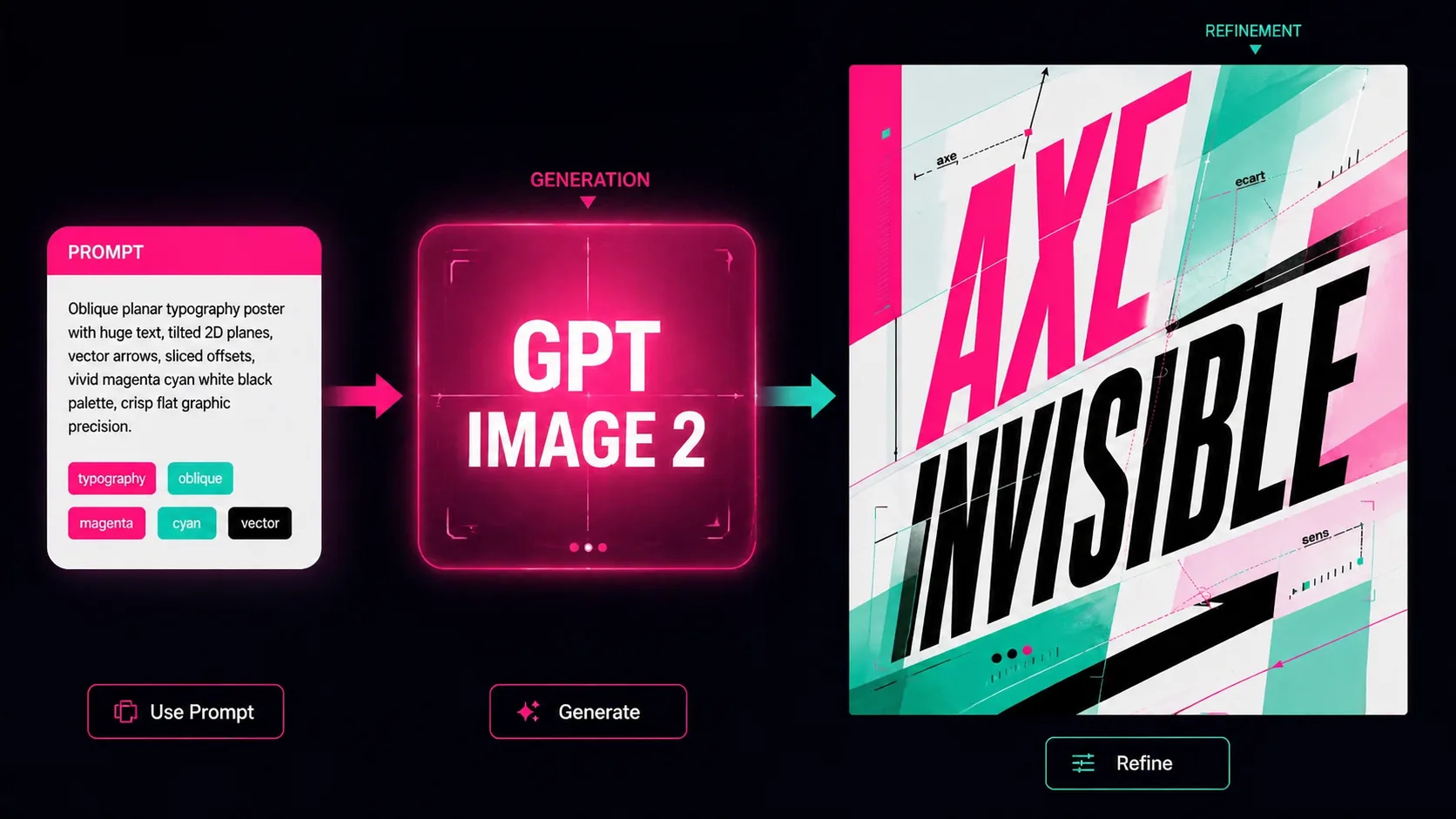
Generate and refine
Create the poster with GPT Image 2, review whether the text is readable, then reuse the strongest prompt to test tighter crops, cleaner labels, or bolder colors.
Perspective typography GPT Image 2 FAQ
Answers for creating oblique type poster prompts, readable text, and reusable GPT Image 2 typography templates.
Generate a perspective type poster
Choose a template, replace the words and visual direction, then create a sharp GPT Image 2 typography poster draft.