
Browse sample poster results on the right, then tap one to load that prompt back into the generator on the left.
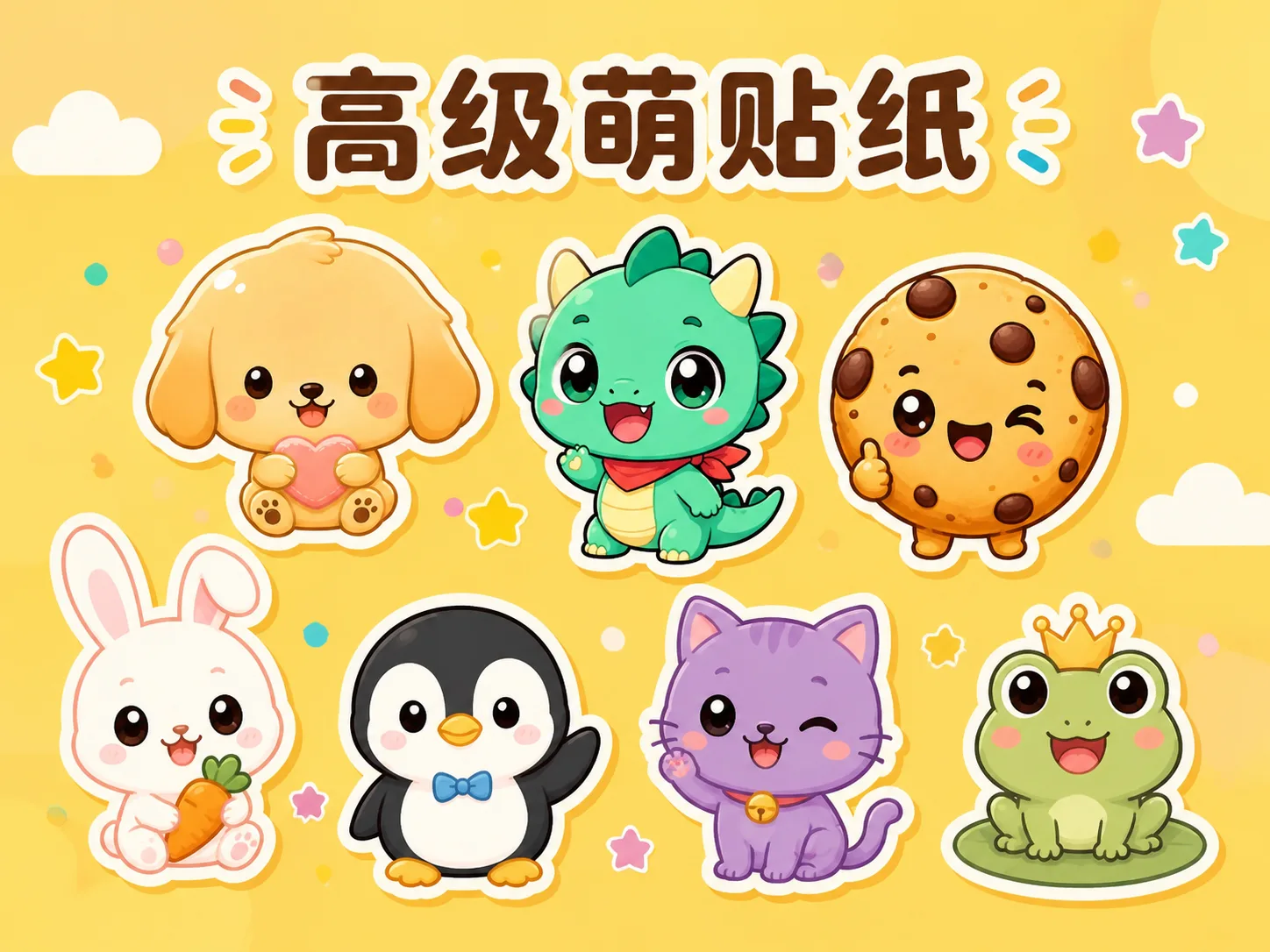
Create one-head chibi stickers with GPT Image 2 prompts
This template page is built for creators who want cute character stickers without writing every visual rule from scratch. Each GPT Image 2 chibi sticker prompt keeps the same intent: a large rounded head, a tiny simplified body, symbolic facial features, high-saturation flat color, crisp sticker edges, and a bright uncluttered background. Use it for original mascots, cozy pets, snack icons, profession characters, holiday gift characters, toy-card concepts, game-item buddies, and social profile icons.
One-head character logic
Prompts define big-head, tiny-body proportions so the result reads clearly as a chibi sticker instead of a normal portrait.
Low-detail sticker control
Texture, complex clothing, crowded props, and dense backgrounds are reduced on purpose, which helps GPT Image 2 keep the character clean at small sizes.
Mascot and avatar range
Swap the character species, object, profession, accessory, palette, mood, or background to create original mascot stickers and profile icons.
Toy-like polish
Crisp outlines, soft shadows, rounded silhouettes, glossy charm, and clean cut edges make each output feel collectible and ready to refine.
From cute character idea to reusable sticker prompt
Start with the closest chibi sticker template, replace the editable variables, then generate and refine the result in GPT Image 2.
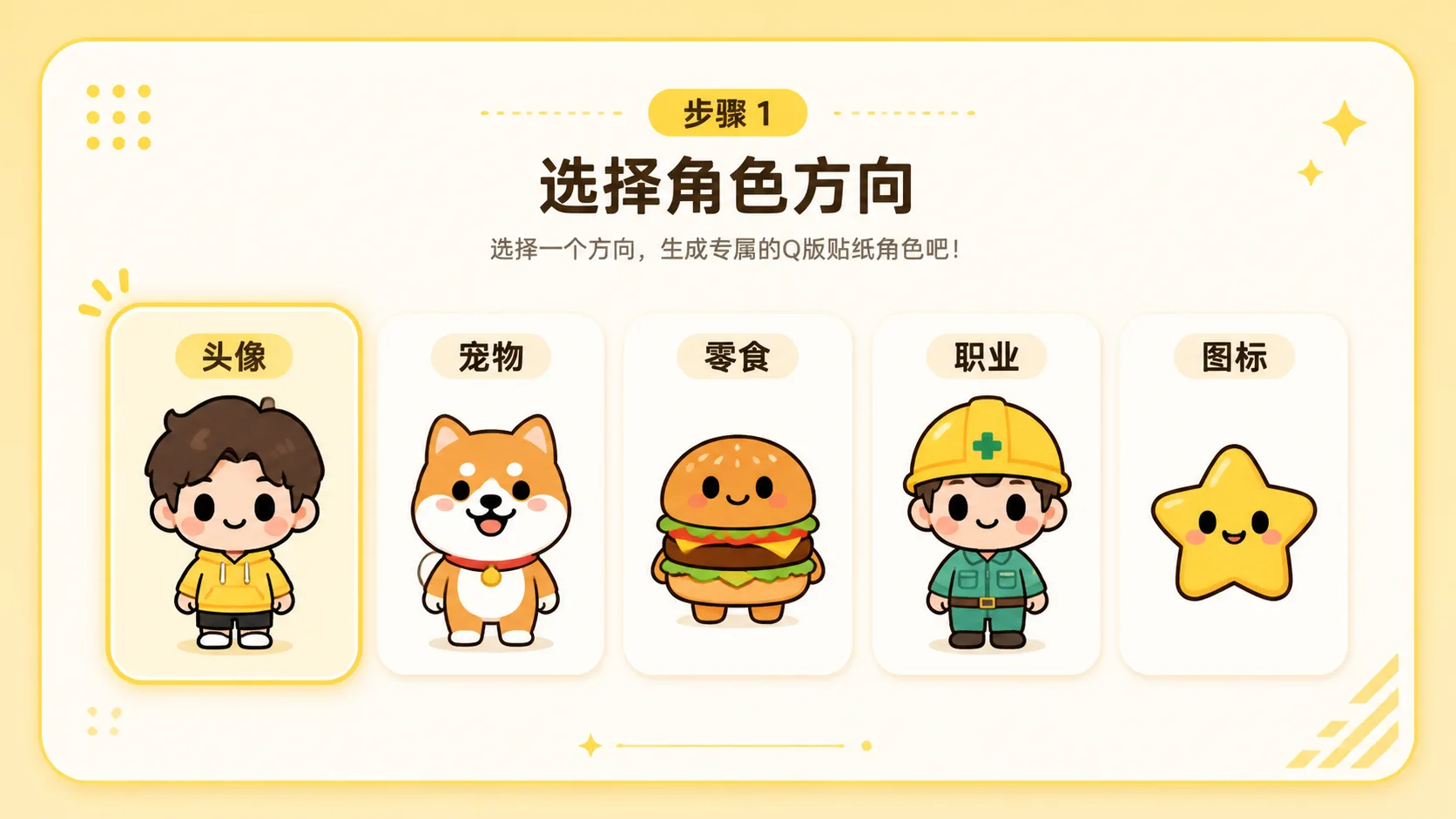
Choose a sticker direction
Pick a prompt for a mascot avatar, cozy pet, snack icon, profession mini character, festival gift, designer toy card, game item buddy, or social profile icon. Each option keeps the same one-head-body style while changing the use case.
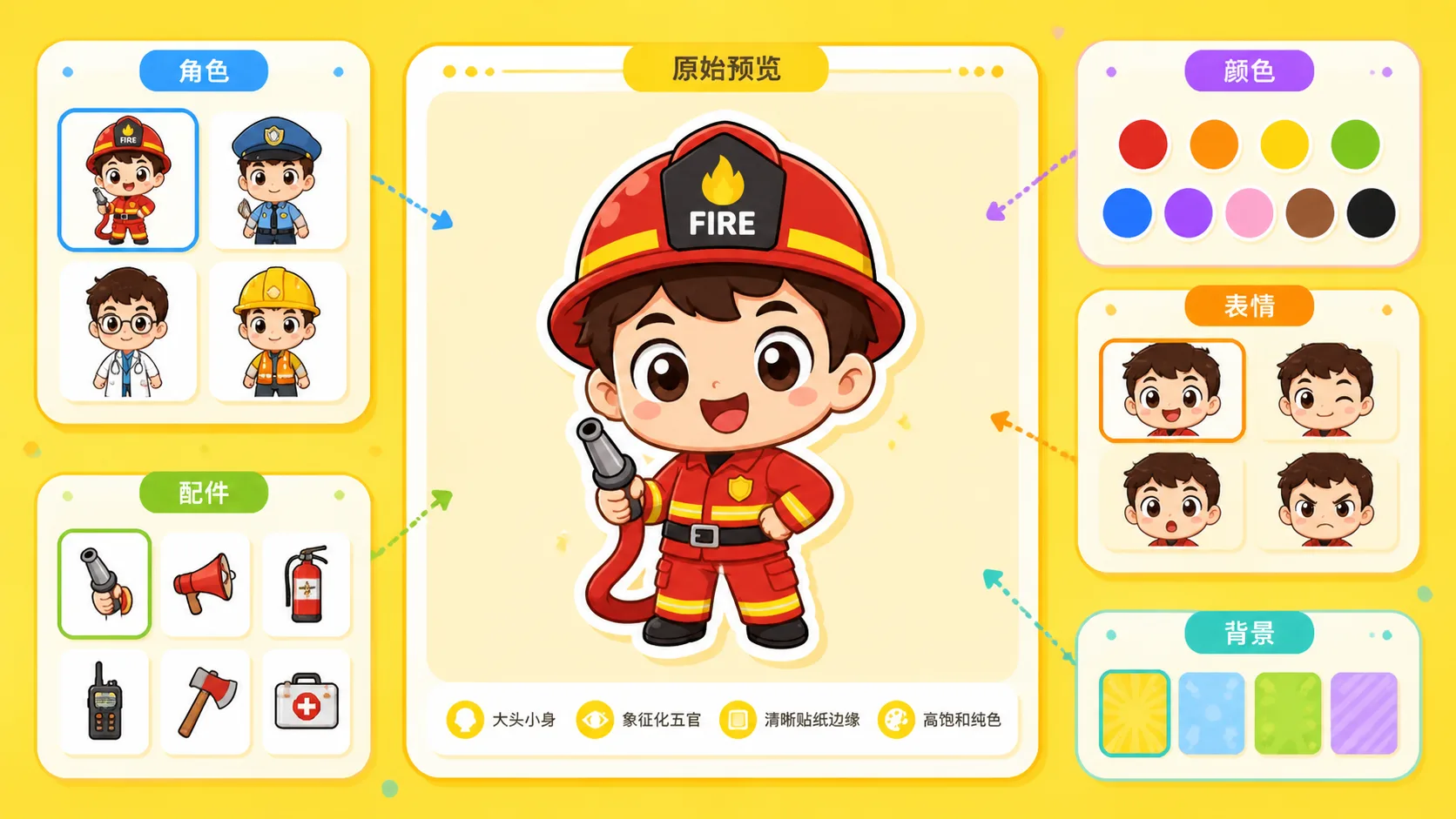
Replace character variables
Edit the bracketed fields for theme, outfit, prop, color palette, emotion, ability cue, or background. Keep the character original and avoid copyrighted characters, brand mascots, readable labels, and trademarked logos.
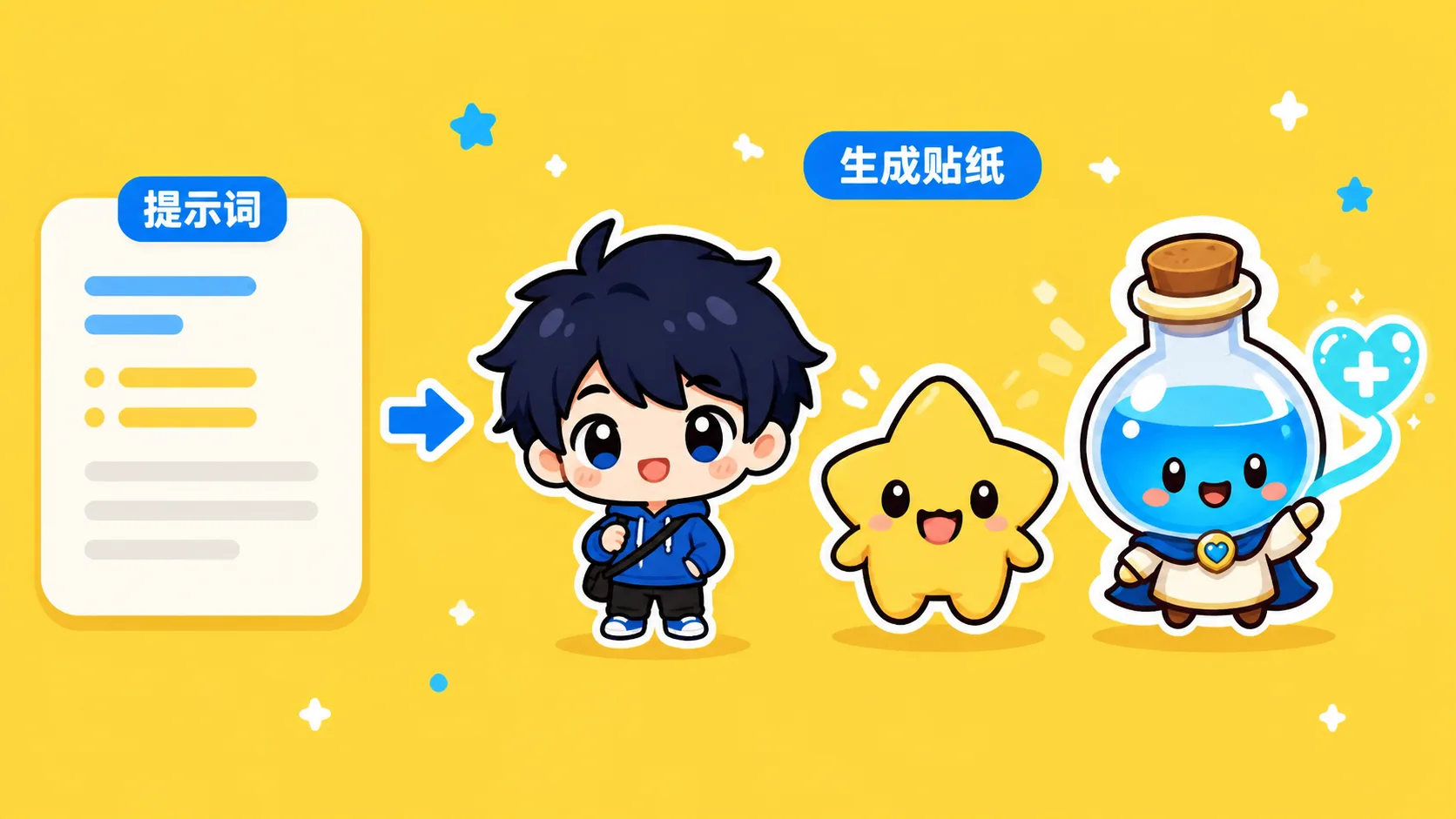
Generate, compare, and refine
Run the prompt in GPT Image 2, inspect the sample image direction, then adjust one variable at a time. Tighten the palette, simplify props, or change the expression until the sticker is readable and collectible.
GPT Image 2 chibi sticker prompt FAQ
Answers for using one-head chibi sticker prompts, mascot templates, and avatar icon ideas.
Generate a chibi sticker now
Choose a one-head chibi prompt, edit the character variables, and create a clean sticker concept with GPT Image 2.