
Browse sample poster results on the right, then tap one to load that prompt back into the generator on the left.
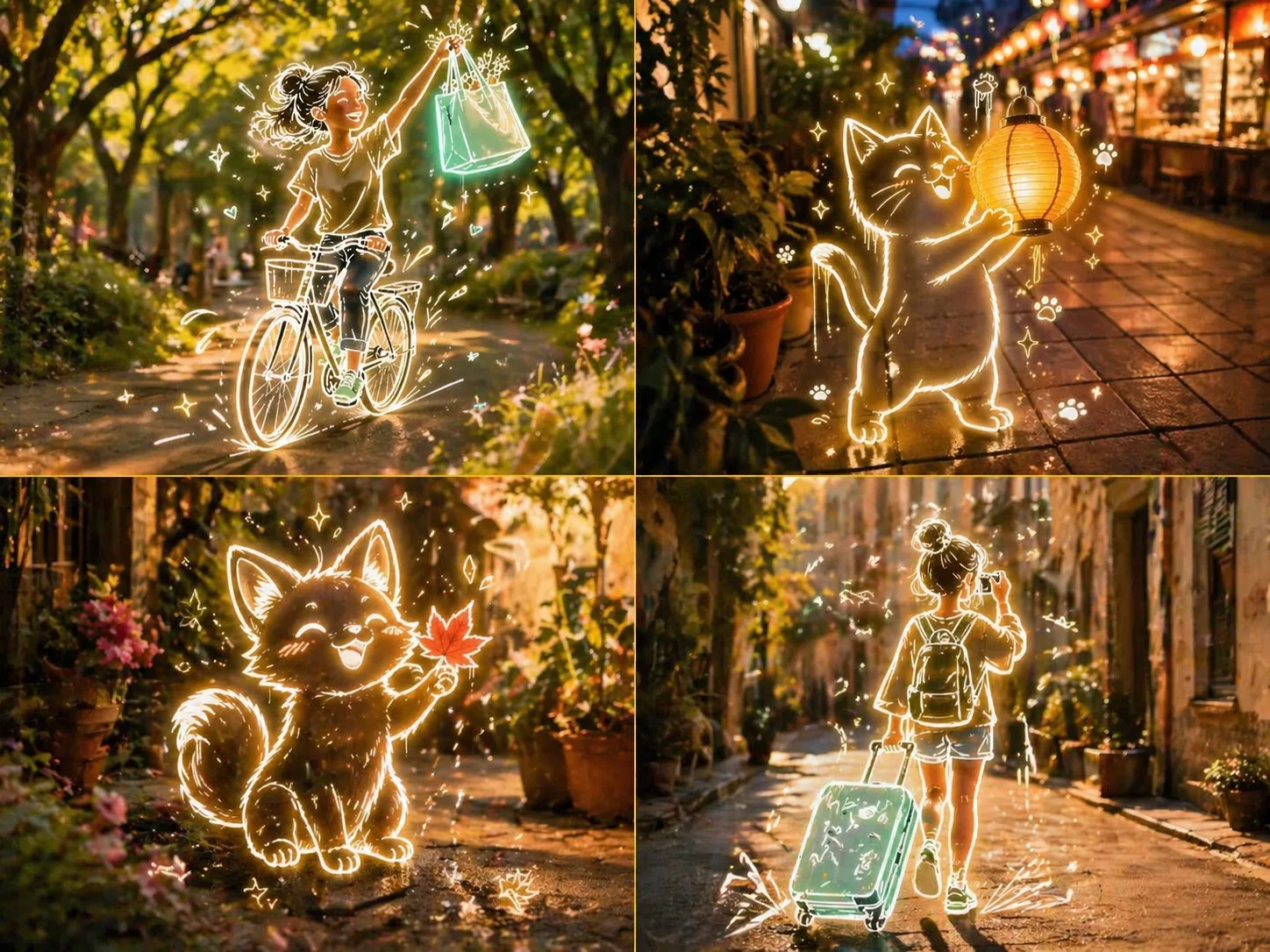
Create photo-based neon sketch art with GPT Image 2
These GPT Image 2 neon sketch prompts are built for creators who want realistic photo scenes with a bright hand-drawn layer on top. Each template starts with a believable blurred background, then adds a glowing line-art subject, playful doodles, sparkles, motion marks, and a clear no-text instruction. Use the prompts as a reusable mixed media photo prompt system for social posts, travel scenes, pets, lifestyle visuals, and product mood shots without writing the structure from scratch. It also keeps the prompt reusable when you need multiple versions with different subjects, places, and aspect ratios.
Real photo base
Keep the background photographic, softly blurred, and atmospheric so the neon sketch layer feels anchored in a real place.
Glowing line art
Add thick luminous outlines, accent colors, sketchy doodles, drips, sparkles, and motion marks around the subject.
Editable variables
Swap the place, foreground subject, object, object color, light mood, and cultural context while keeping the prompt logic intact.
Social-ready output
Generate square, vertical, landscape, pet, travel, cafe, street, and lifestyle visuals that feel playful and shareable.
How the neon sketch art workflow works
Choose a scene template, replace the visible variables, generate with GPT Image 2, then refine the photo base or neon overlay until the image has the right balance of realism and illustration.
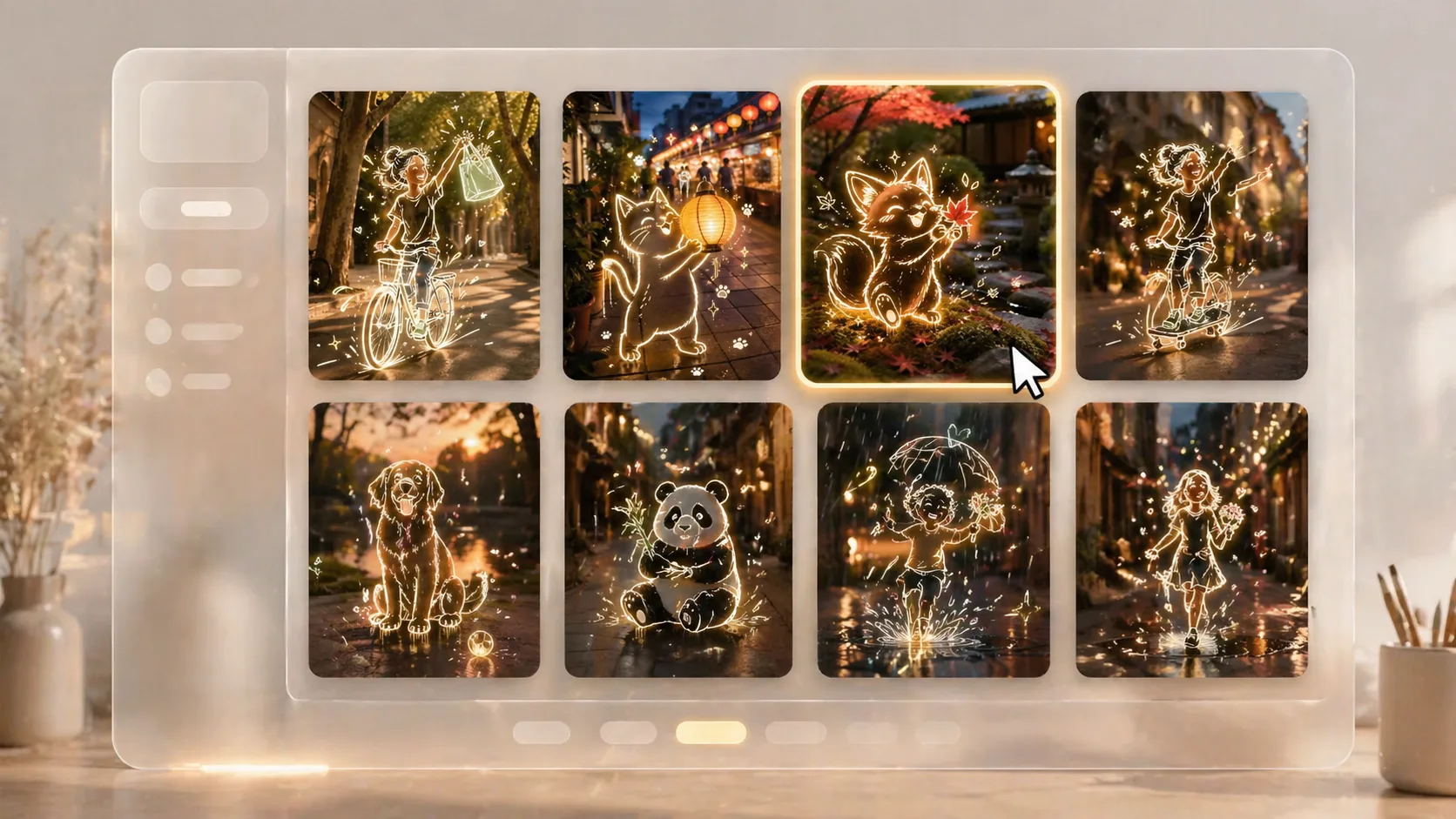
Choose a neon sketch prompt
Pick a template that matches the scene you want, such as a park, market, cafe, garden, rainy street, travel lane, pet moment, or elegant lifestyle image.
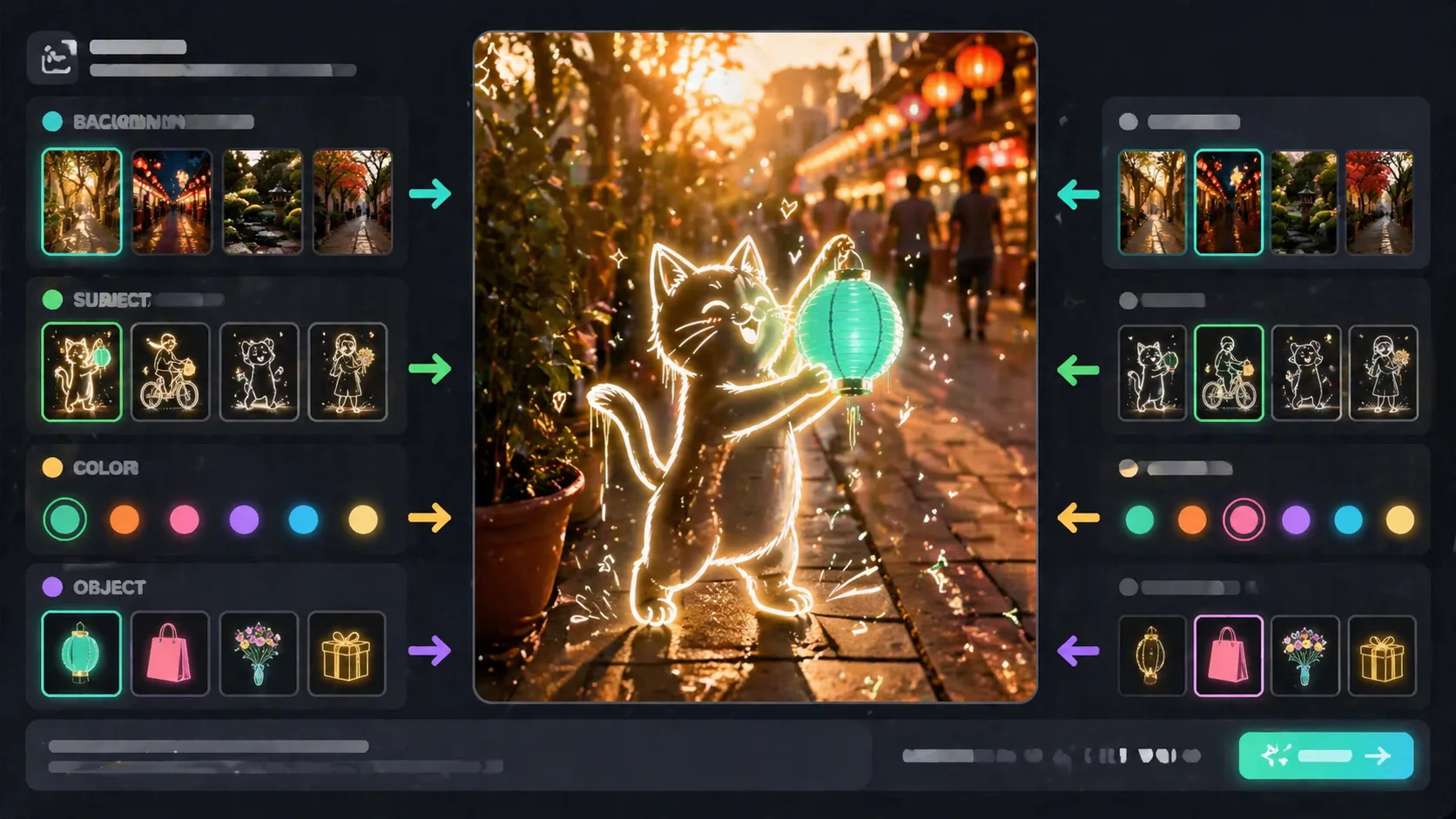
Customize the photo and sketch variables
Edit the background, subject, object, color, weather, lighting, and reference details. Keep the glowing neon line-art foreground and no readable text instruction.
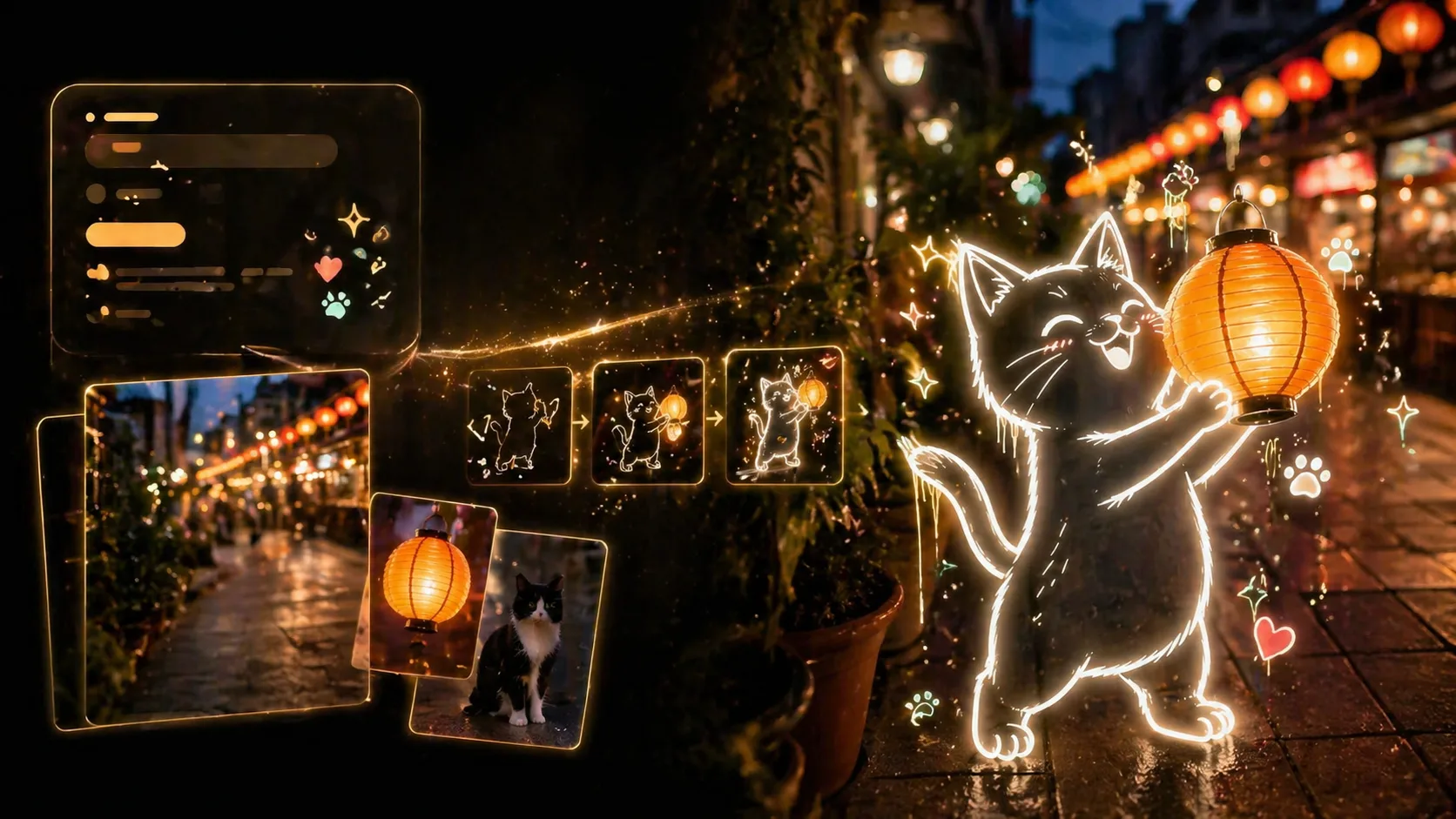
Generate, compare, and refine
Run the prompt in GPT Image 2, compare the result with the sample image, then adjust the subject scale, outline brightness, doodle density, or background mood for another version.
GPT Image 2 neon sketch prompt FAQ
Answers for using neon sketch art prompts, mixed media photo prompts, and glowing line art templates.
Generate neon sketch art with GPT Image 2
Start from a reusable prompt, change the scene variables, and create a glowing photo-plus-line-art image.