
Browse sample poster results on the right, then tap one to load that prompt back into the generator on the left.
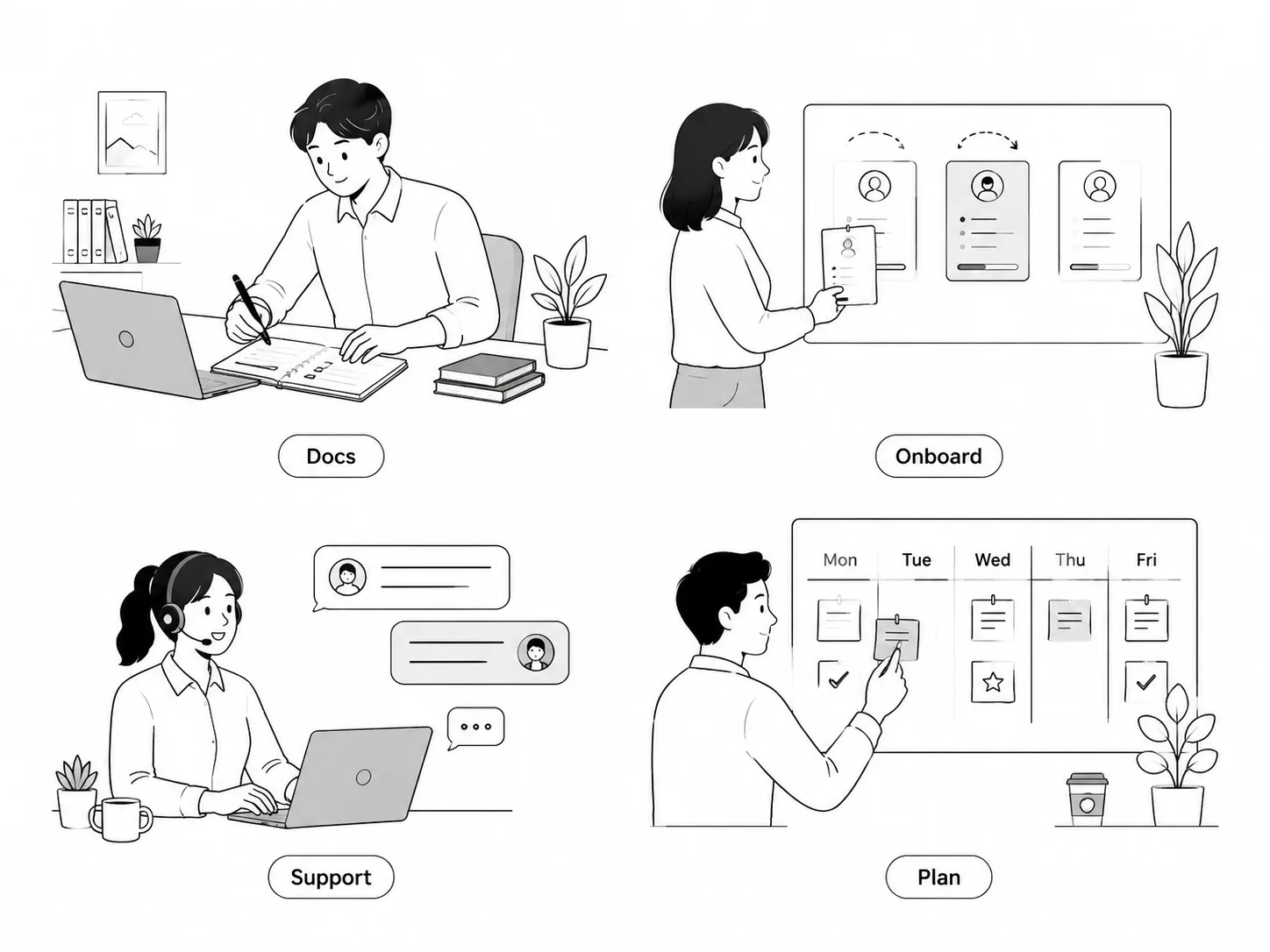
Create monochrome workspace illustrations with GPT Image 2 prompts
This template set helps product teams, documentation writers, founders, educators, and content designers turn everyday work scenes into simple black-and-white spot illustrations. Each prompt keeps the output focused on clean linework, flat monochrome shapes, white backgrounds, expressive adult workplace characters, and short editable labels, so the result can fit help centers, onboarding cards, SaaS empty states, internal explainers, newsletters, and product notes without copying a real brand style.
Clean black-and-white linework
Generate thin black line art, flat gray fills, generous negative space, and simple workplace figures that feel polished without needing a full illustration system.
Reusable product-content scenes
Choose prompts for knowledge bases, checklists, weekly planning, support chats, privacy settings, collaboration notes, newsletters, and SaaS empty states.
Localized visible text
Keep labels short and editable across English, Chinese, Korean, Japanese, Portuguese, Spanish, German, and French examples while avoiding dense unreadable UI copy.
How to use the workspace illustration prompts
Start from a scene that matches the page you are designing, then edit the prompt variables before generating in GPT Image 2.
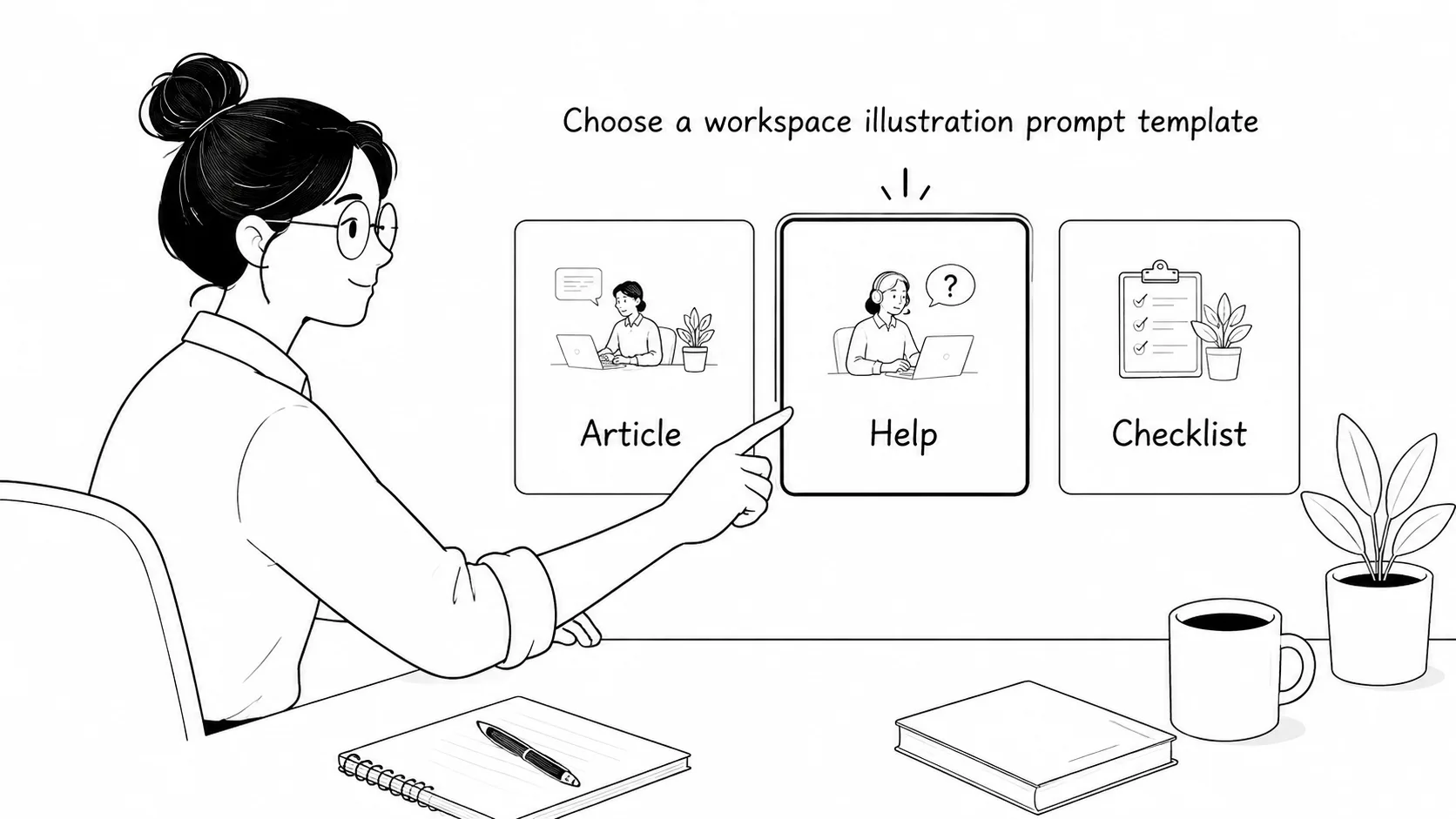
Choose the closest work scenario
Pick a prompt for a docs page, onboarding card, empty state, support note, remote collaboration recap, privacy guide, or newsletter desk instead of starting from a blank prompt.
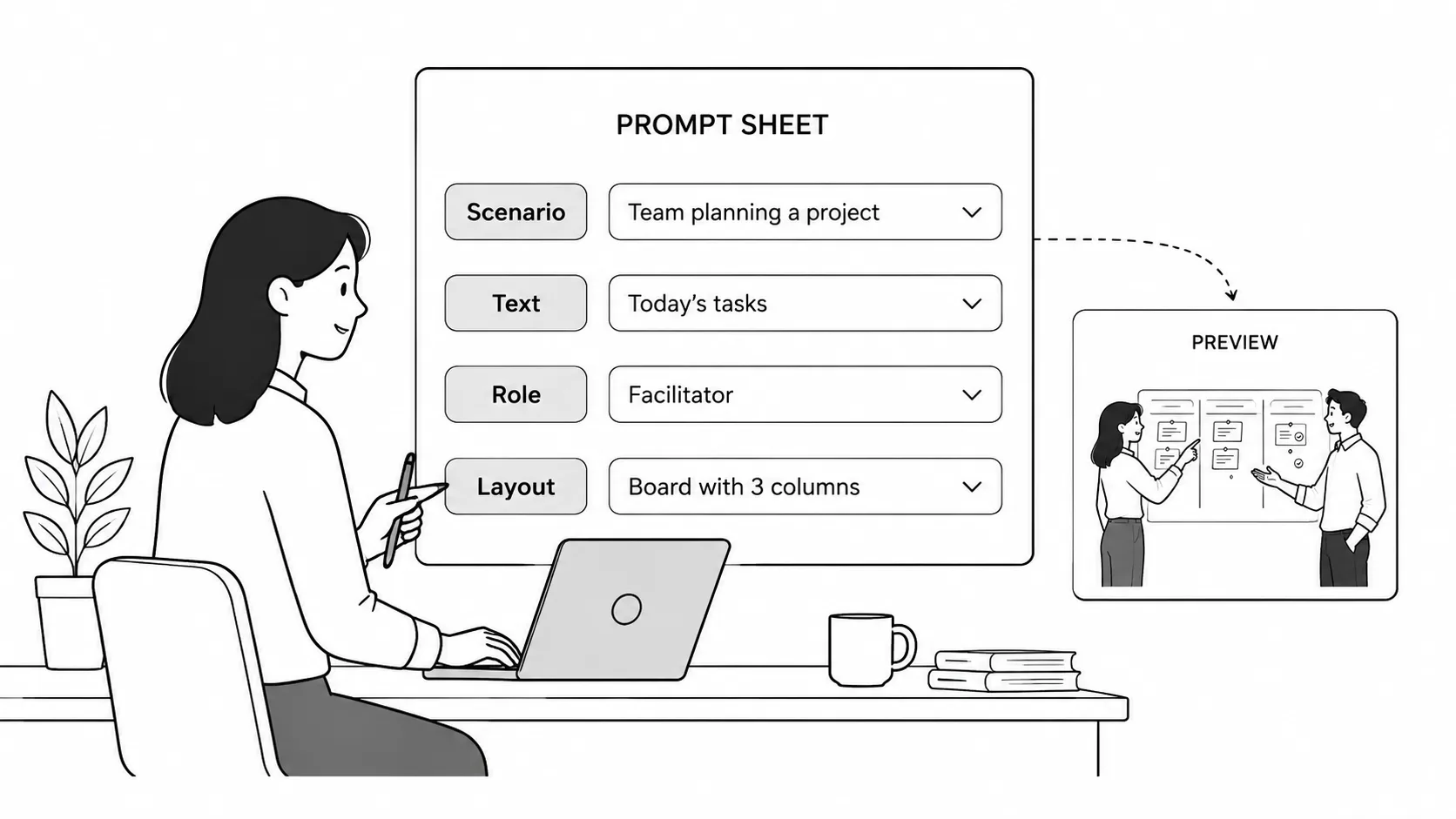
Replace roles, objects, and labels
Swap the character role, desk object, board title, visible short labels, language, and aspect ratio while keeping the monochrome line-art rules intact.
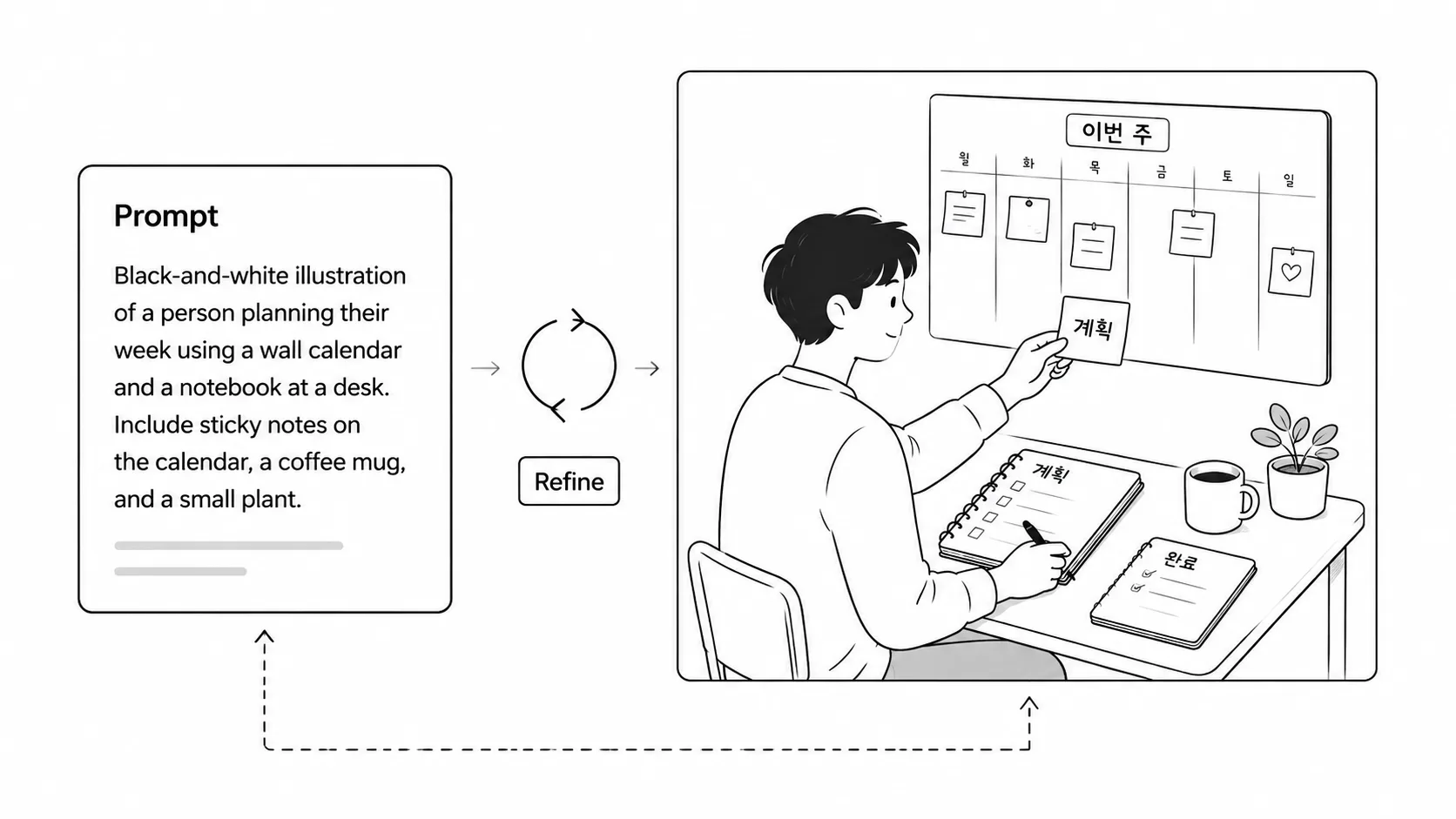
Generate, inspect, and refine
Run the prompt with GPT Image 2, review spacing, gestures, text length, and brand safety, then tighten the wording if the illustration needs simpler shapes or cleaner white space.
Monochrome workspace illustration FAQ
Answers for using GPT Image 2 prompts to create clean black-and-white workplace spot illustrations.
Generate workspace spot art
Open a reusable monochrome illustration prompt, edit the labels and scene, then generate it with GPT Image 2.