
Browse sample poster results on the right, then tap one to load that prompt back into the generator on the left.
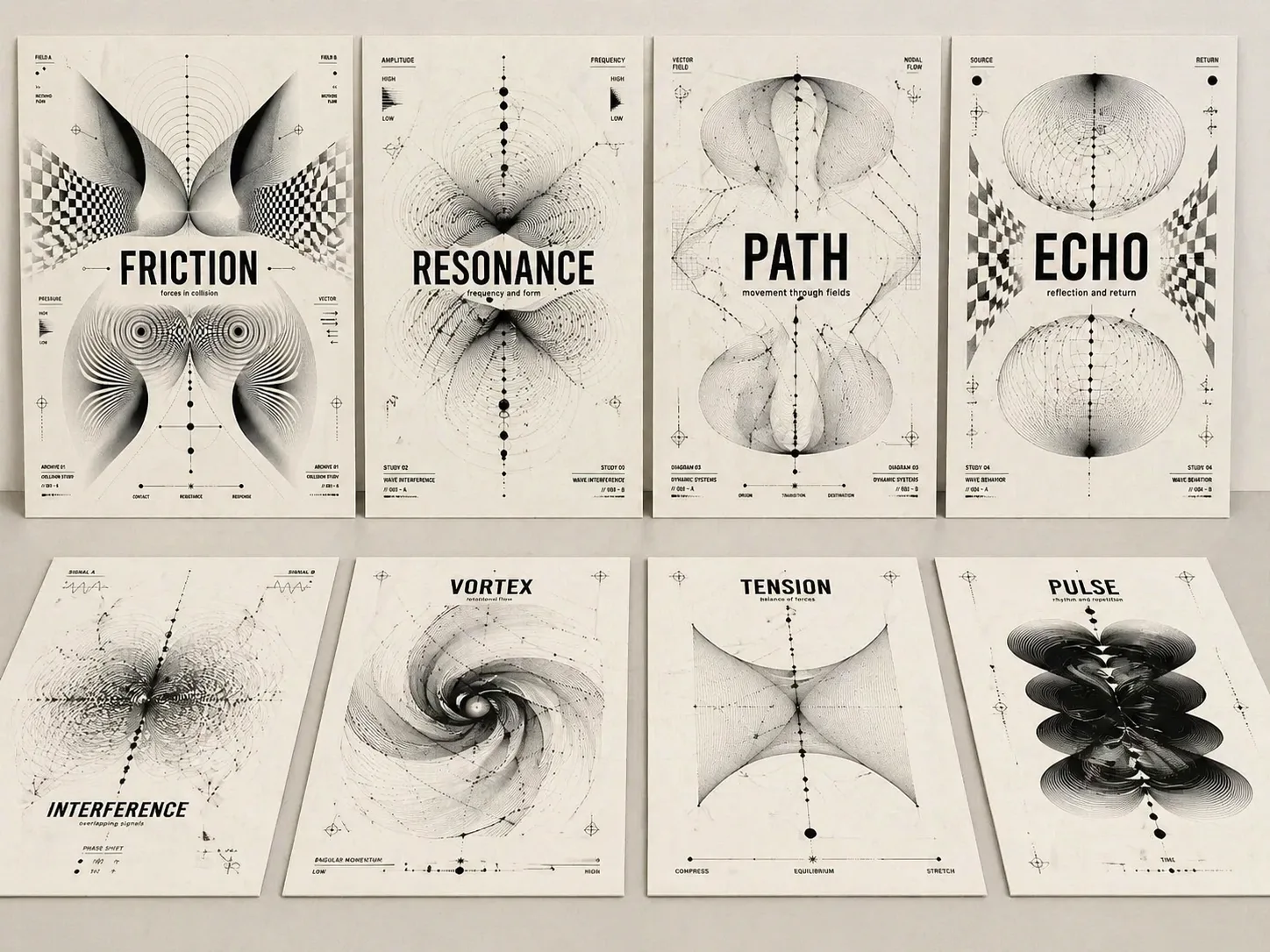
Create optical concept posters with GPT Image 2 prompts
Turn a theme word, essay idea, album title, or exhibition concept into a black-and-white poster where readable type and optical abstraction explain the same idea.
Readable title system
Each optical concept poster GPT Image 2 prompt keeps the theme text large, crisp, and central, so the result works as a cover instead of a decorative pattern.
Monochrome Op Art language
Use moire lines, wave fields, warped grids, parametric arcs, nodes, and biomorphic black shapes to make tension, resonance, memory, paths, or sound visible.
Reusable poster variables
Replace the theme, subtitle, image ratio, archive labels, and concept mood while keeping a stable experimental Swiss poster structure.
Poster-ready outputs
Warm paper texture, disciplined spacing, high-contrast black ink, short labels, and clean hierarchy help each generated image feel like a finished editorial or exhibition piece.
How the optical poster template works
Start from a close-fit poster structure, edit only the variables that define your concept, then generate and refine in GPT Image 2 until the title and abstraction align.
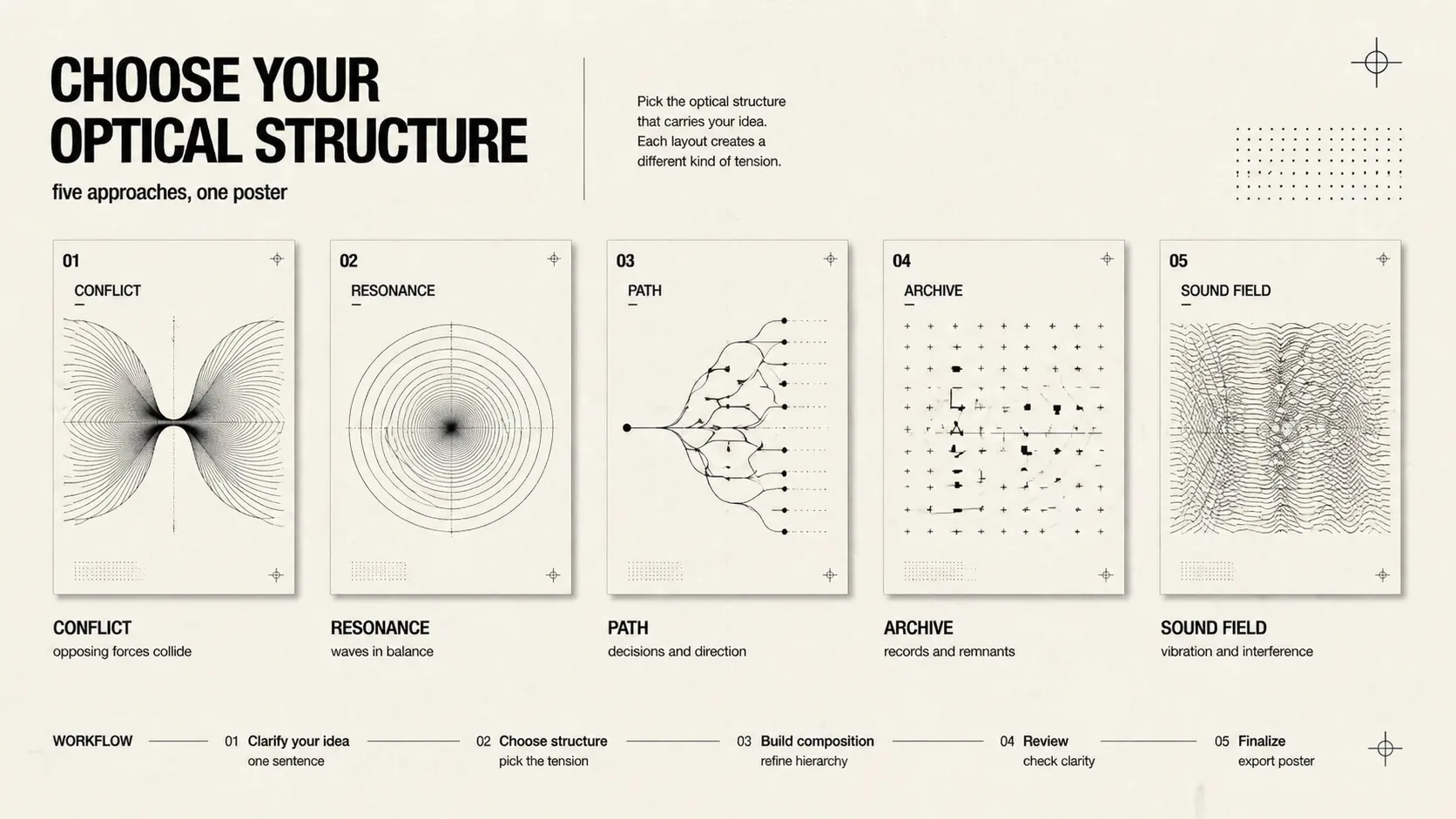
Choose the poster logic
Pick conflict, resonance, decision path, cultural memory, technology grid, music moire, exhibition archive, social cover, or split-force composition based on the idea you need to visualize.
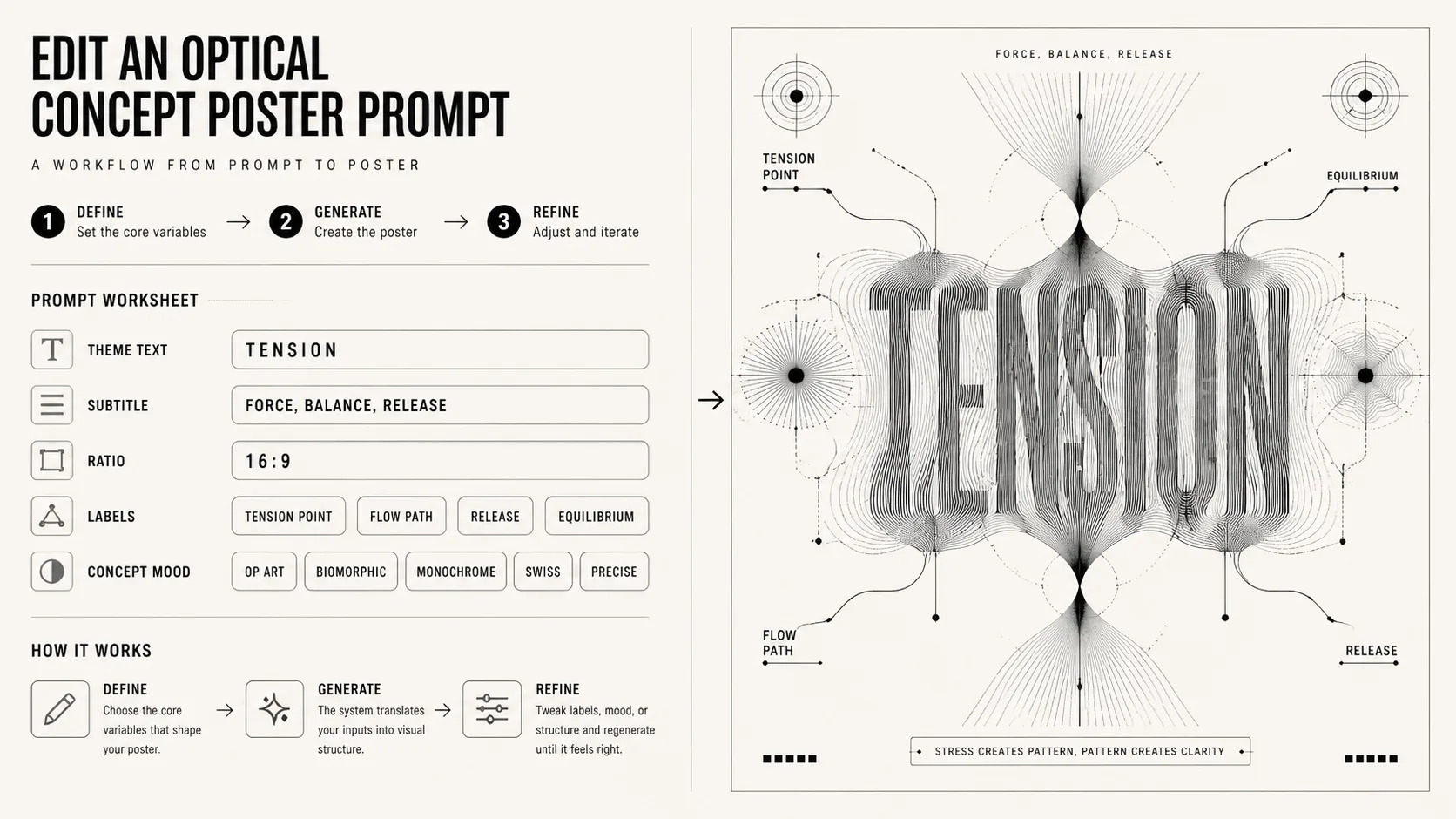
Edit theme and constraints
Swap in your short title, subtitle, ratio, labels, and visual mood. Keep the prompt focused on black-and-white optical abstraction, readable typography, and concept-driven form.
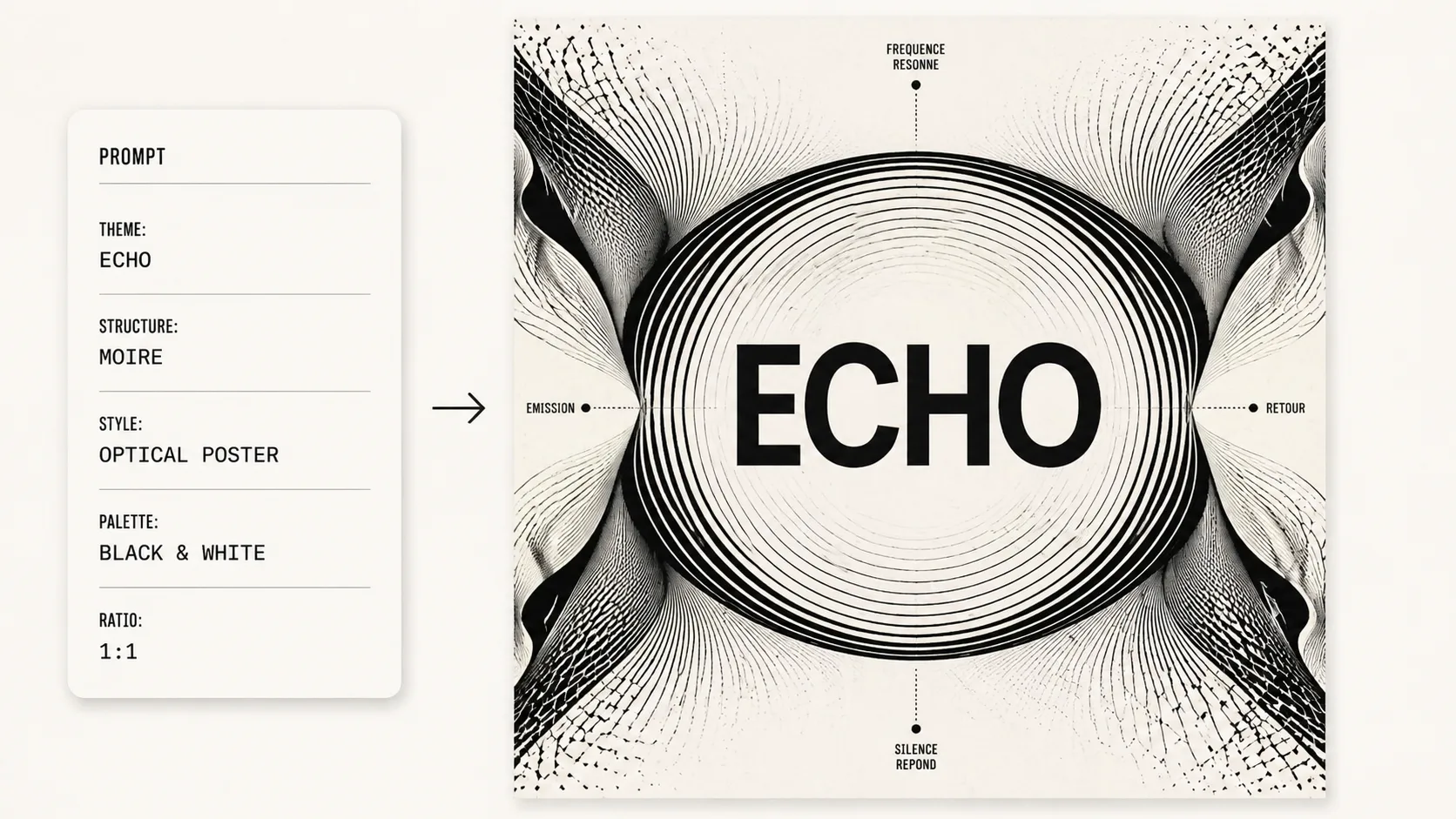
Generate, compare, refine
Run the prompt in GPT Image 2, check whether the title is accurate, then refine the wording around line density, symmetry, negative space, or poster ratio.
Optical concept poster FAQ
Search-focused answers for using GPT Image 2 optical poster prompts without drifting into generic graphic design prompts.
Generate an optical poster
Open a template, replace the concept text, and create a black-and-white GPT Image 2 poster with strong type and optical form.