
Browse sample poster results on the right, then tap one to load that prompt back into the generator on the left.
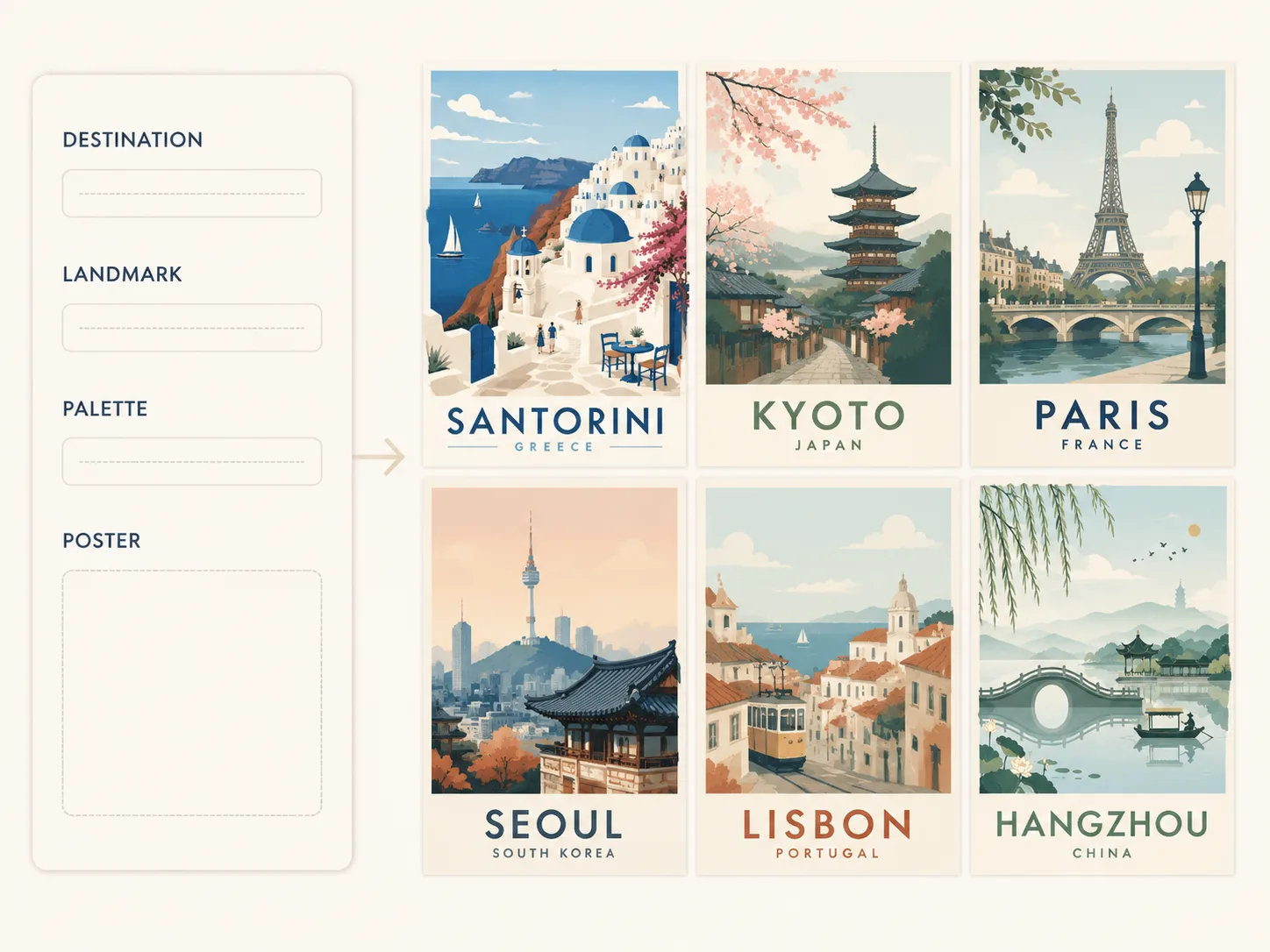
Create minimal vector travel poster GPT Image 2 prompts
Start from reusable destination poster prompts built for flat vector landmarks, restrained palettes, readable typography, and clean editorial composition. The page is meant for creators who need a practical prompt starting point, not a generic design article.
Destination-first poster structure
Each template gives GPT Image 2 a clear travel poster brief: destination name, country or region subtitle, landmark set, foreground details, background shapes, and poster ratio. Replace the city, island, river, market, or cultural district without rebuilding the whole prompt. This keeps the first prompt edit focused on the travel subject instead of making you describe every layout layer manually.
Editable vector style controls
Tune the look through palette notes, season, time of day, typography language, and landmark emphasis. The prompts favor crisp vector edges, mid-century poster balance, simplified geometry, and short visible text instead of photorealistic travel photography. These controls are useful when you need several posters to share one visual system while still feeling local to each destination.
Campaign and creator use cases
Use the scene for tourism concepts, itinerary covers, social posts, scrapbook pages, hospitality visuals, or print mockups. The examples cover Santorini, Hangzhou, Taipei, Seoul, Kyoto, Lisbon, Barcelona, Berlin, and Paris so you can adapt the same pattern to other destinations.
How to generate a clean destination poster
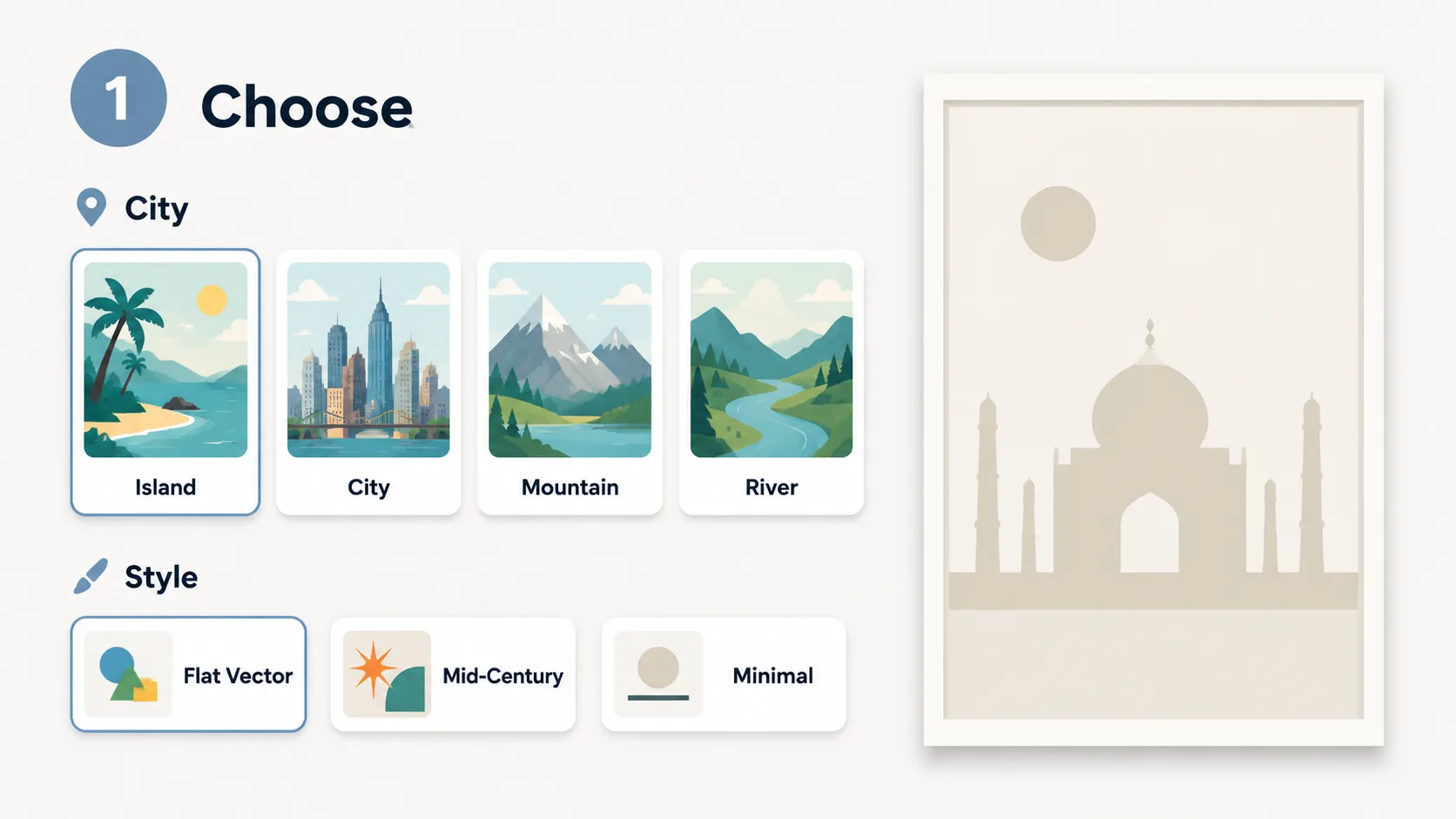
Choose a poster prompt
Select a template by destination mood, poster ratio, and visual language. The set includes island, lake, night market, spring garden, tram street, architecture, museum district, and river-city poster ideas.
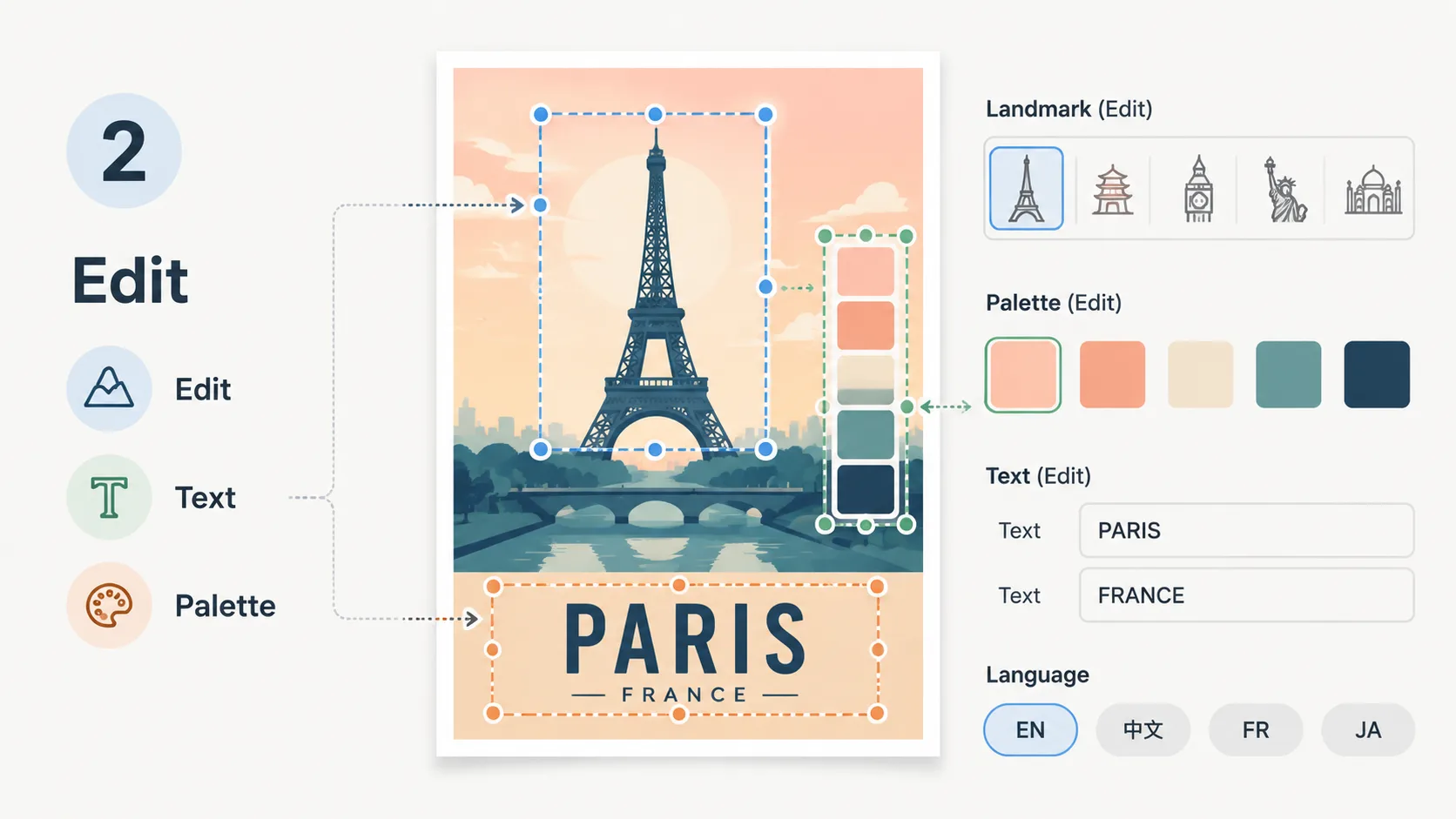
Edit destination details
Replace the destination, landmark, title text, subtitle, palette, and cultural details. Keep visible copy short so GPT Image 2 can render readable typography and a poster layout that still feels intentional.
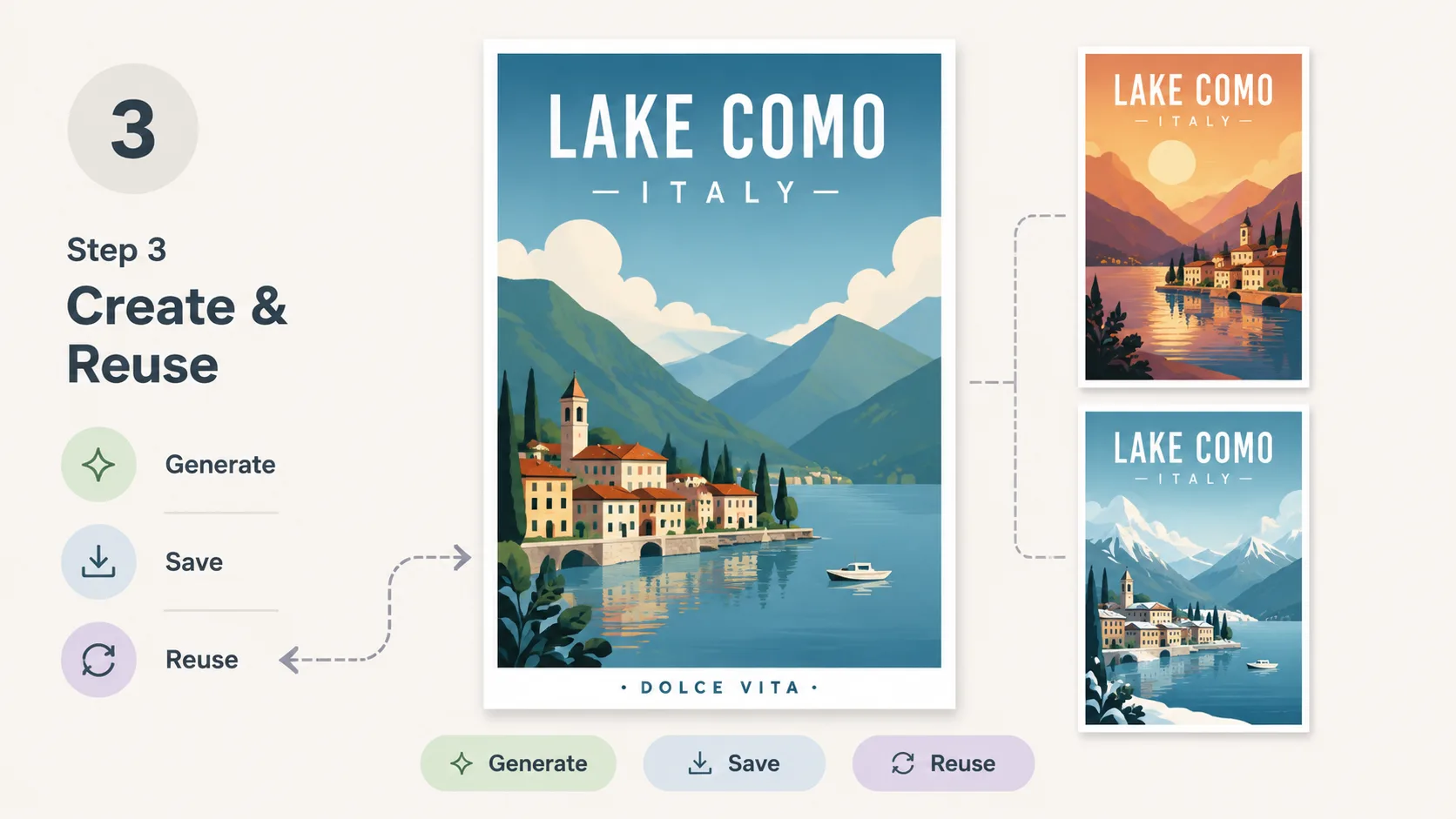
Generate and refine
Send the edited vector travel poster prompt to GPT Image 2, compare the output with the sample image, then reuse the prompt for alternate seasons, languages, color palettes, or nearby landmarks. Because the prompt keeps the structure explicit, small edits can produce a coherent series rather than one-off unrelated images.