
Browse sample poster results on the right, then tap one to load that prompt back into the generator on the left.
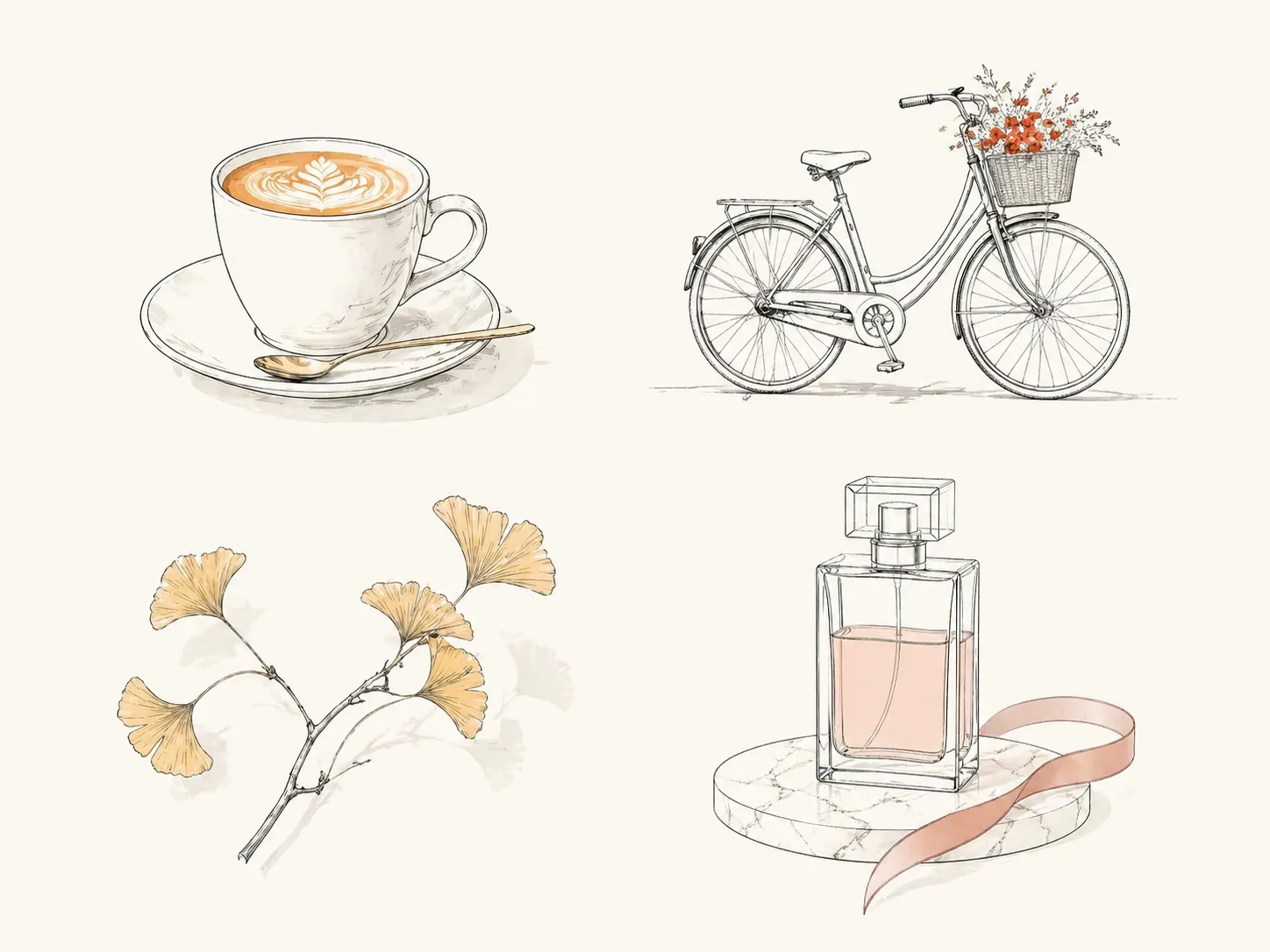
Create minimal line accent illustrations with GPT Image 2
This scene gives you reusable minimal line accent illustration GPT Image 2 prompts for quiet editorial images, presentation visuals, social cards, blog art, and refined product sketches. Each template keeps the same visual grammar: clean thin contour lines, broad negative space, a soft neutral background, and one selective vibrant color accent on the detail that should carry attention.
Controlled accent color
Guide GPT Image 2 toward one intentional focal color instead of a noisy full-color image, so the output stays useful for calm editorial layouts.
Clean line drawing style
Start from prompts that ask for thin contour lines, refined spacing, subtle shadows, and simple object shapes without logos or dense texture.
Reusable subject swaps
Replace a coffee cup, city scene, plant, desk object, travel detail, food still life, or product concept while keeping the same minimal illustration system.
Editorial-ready compositions
Create blog header art, newsletter spots, slide covers, social visuals, and product sketch concepts that leave room for surrounding copy and page design.
Fast visual direction testing
Try different subjects, accent colors, aspect ratios, and cultural contexts before committing to a final design direction or illustration brief.
How to use minimal line illustration prompts
Choose the closest prompt template, edit the variables that matter, then generate and refine a clean GPT Image 2 result.
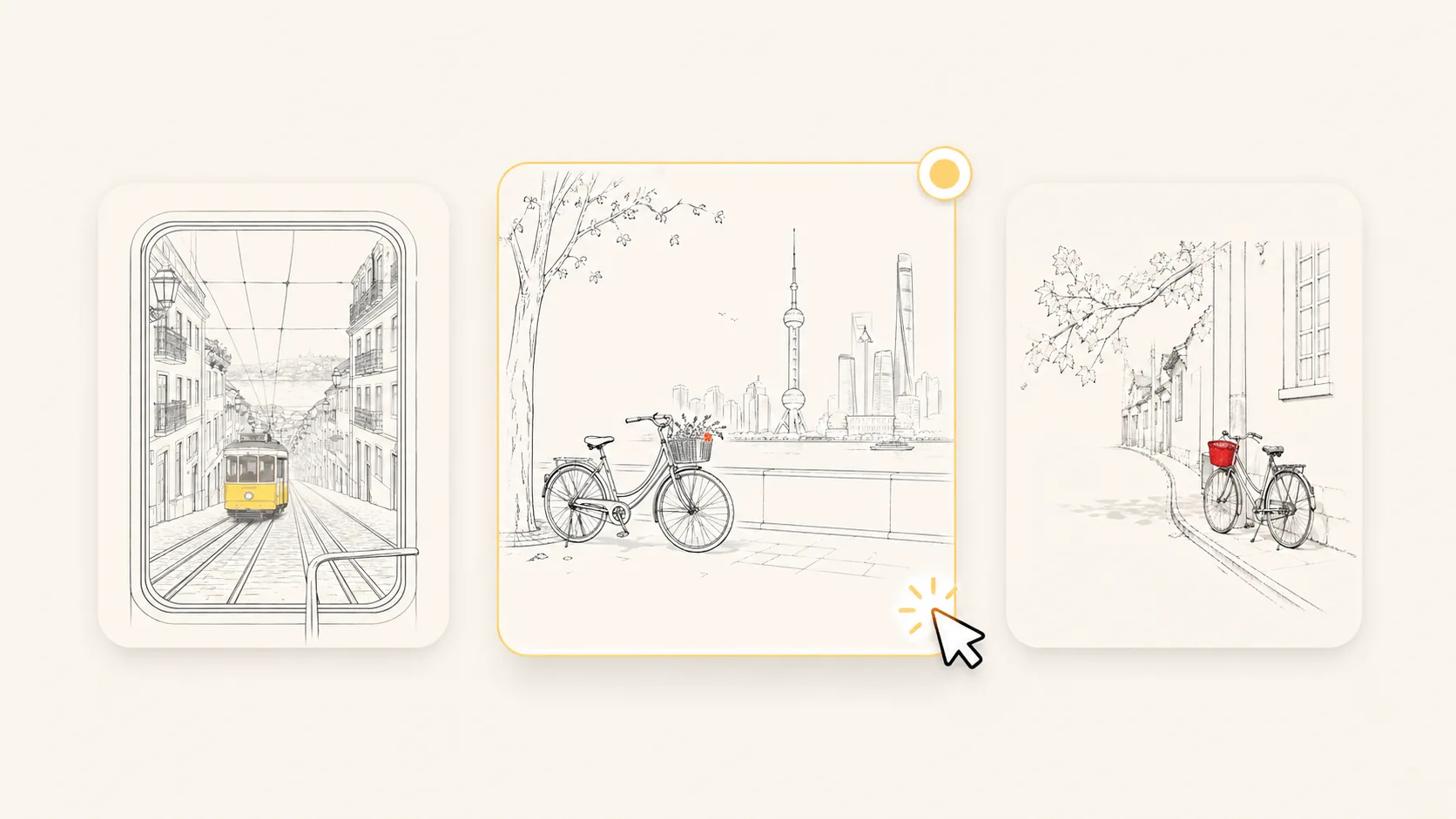
Choose a matching prompt
Pick the template closest to your job: editorial object art, city lifestyle illustration, botanical detail, travel card, food still life, quiet interior, or unbranded product sketch.
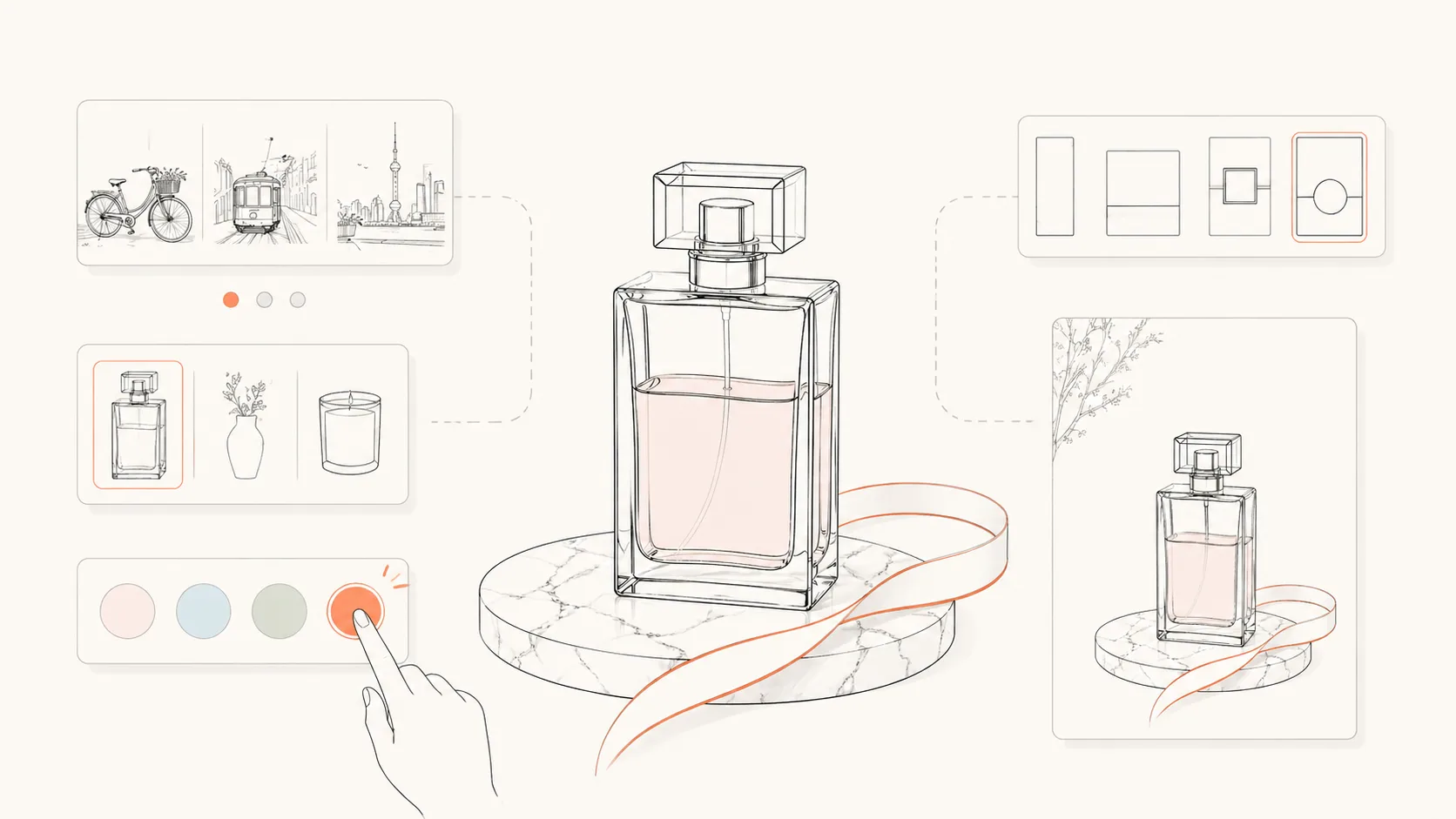
Edit subject and accent
Swap the subject, object, city, plant, color accent, background tone, and composition notes. Keep the negative space and thin-line instructions intact so the style does not drift.
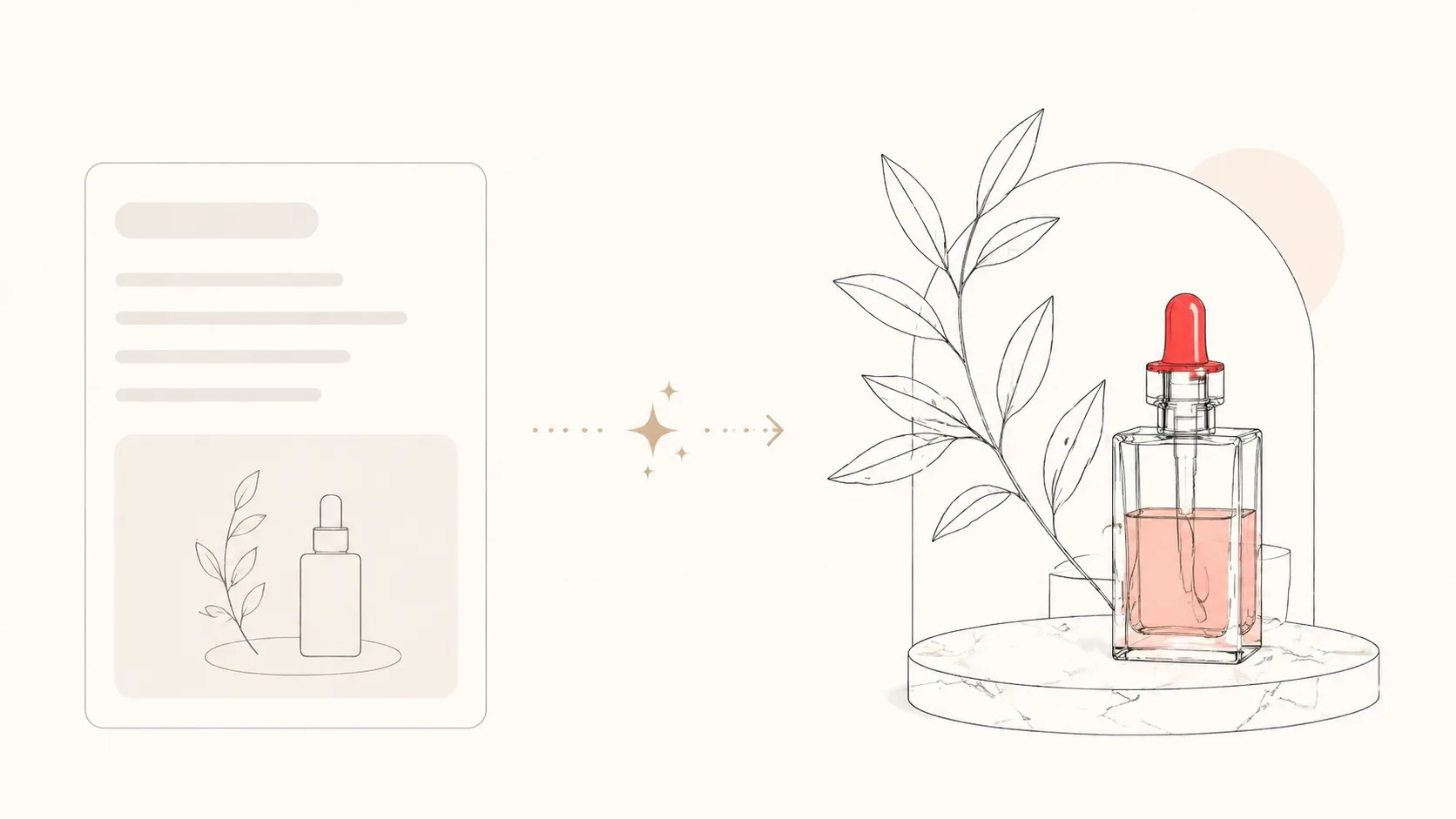
Generate and refine
Run GPT Image 2, compare the sample images, and reuse the best prompt. If a result gets too busy, tighten the prompt around one focal detail, fewer contextual shapes, and no readable text.
Minimal line accent illustration FAQ
Answers for using GPT Image 2 prompts to make clean line art with selective color.
Generate a line accent illustration
Start from a minimal illustration prompt, adjust the subject and color accent, then create a clean GPT Image 2 image.