
Browse sample poster results on the right, then tap one to load that prompt back into the generator on the left.
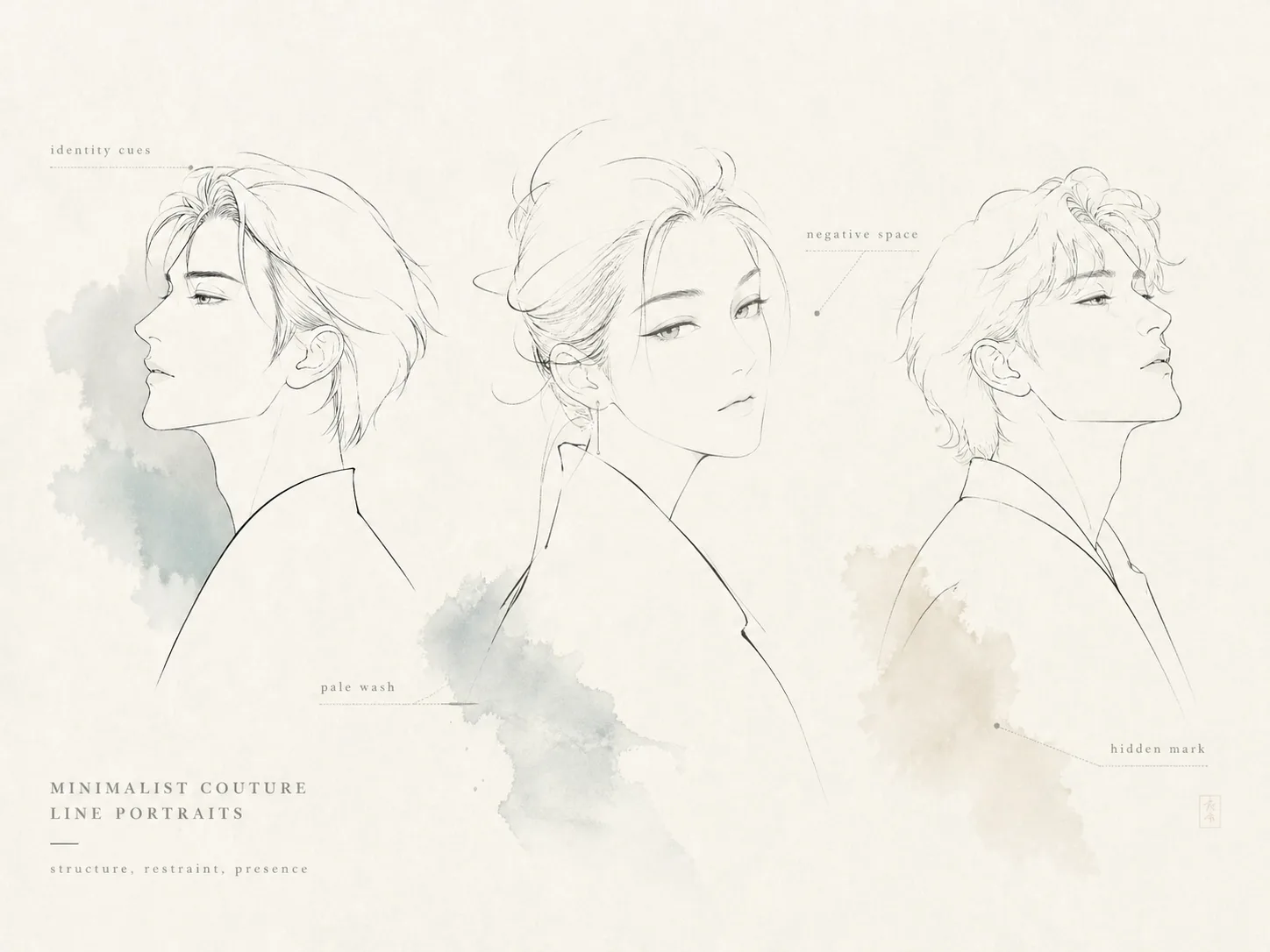
Make minimalist line portraits with couture restraint
These minimalist line portrait GPT Image 2 prompts help you reduce an original character, avatar, or reference portrait to the few contours that matter: face silhouette, hair shape, posture, one garment cue, and a pale wash accent. The goal is not a dense illustration. It is a quiet fashion-editorial portrait that feels recognizable, premium, and intentionally unfinished.
Identity-saving contours
Keep the subject readable through the strongest profile, hairstyle, gaze hint, collar line, and overall mood instead of full facial rendering.
Editorial negative space
Use ivory, paper white, or pale gray emptiness as the main design element, so the portrait feels calm rather than under-drawn.
Couture line-art prompts
Start from reusable prompts for side profiles, avatar crops, beauty headshots, cultural fashion cues, and private atelier-style portraits.
Subtle personal marks
Add only your own low-contrast monogram or margin caption, avoiding real logos, celebrity likenesses, and copied signatures.
How to generate a couture line portrait
Choose a portrait direction, replace the subject variables, then use GPT Image 2 to refine toward less detail and more confidence.
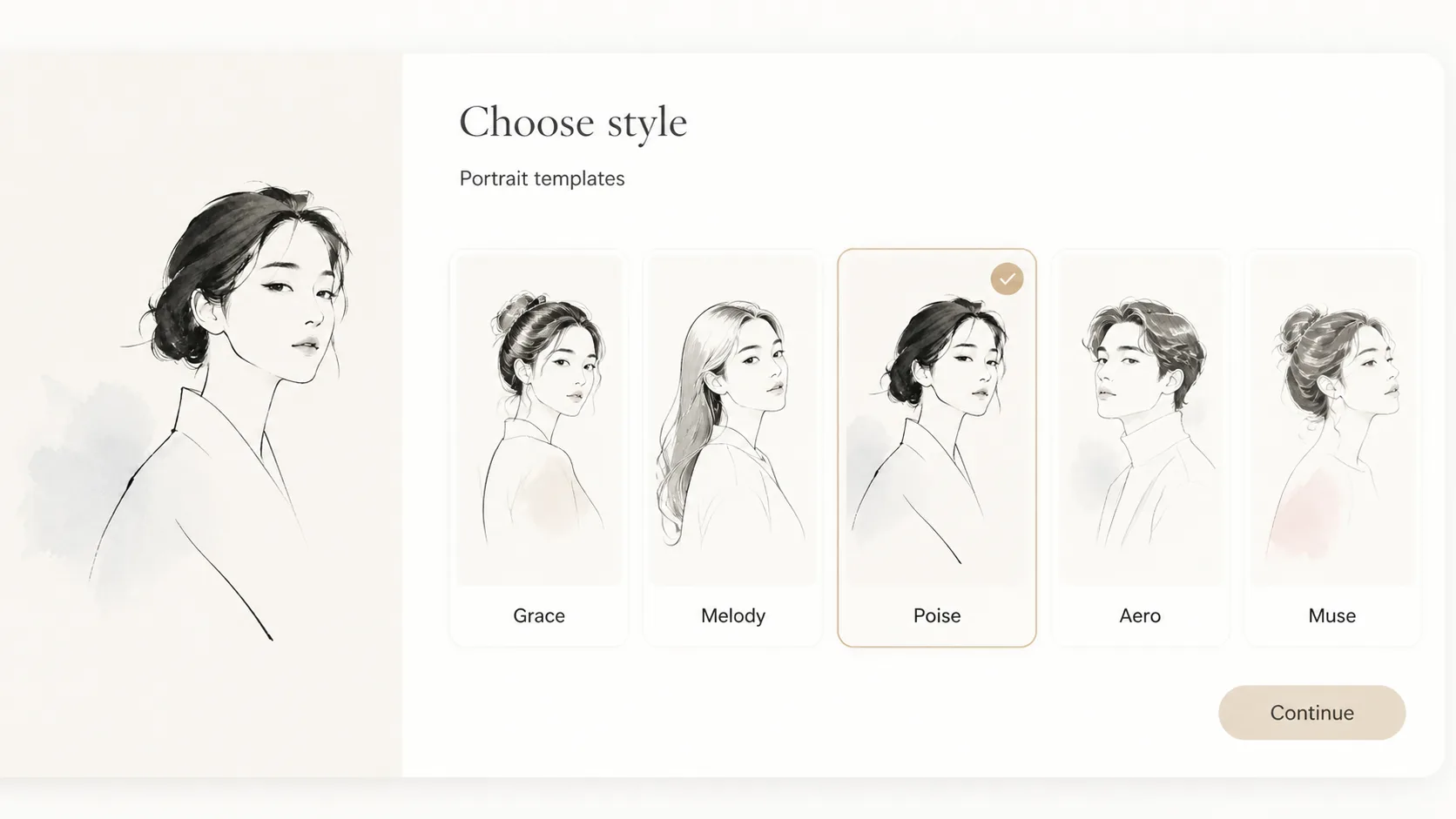
Choose the closest prompt
Pick a prompt for a vertical couture portrait, soft ink character study, side profile, square avatar, fashion headshot, or negative-space poster.
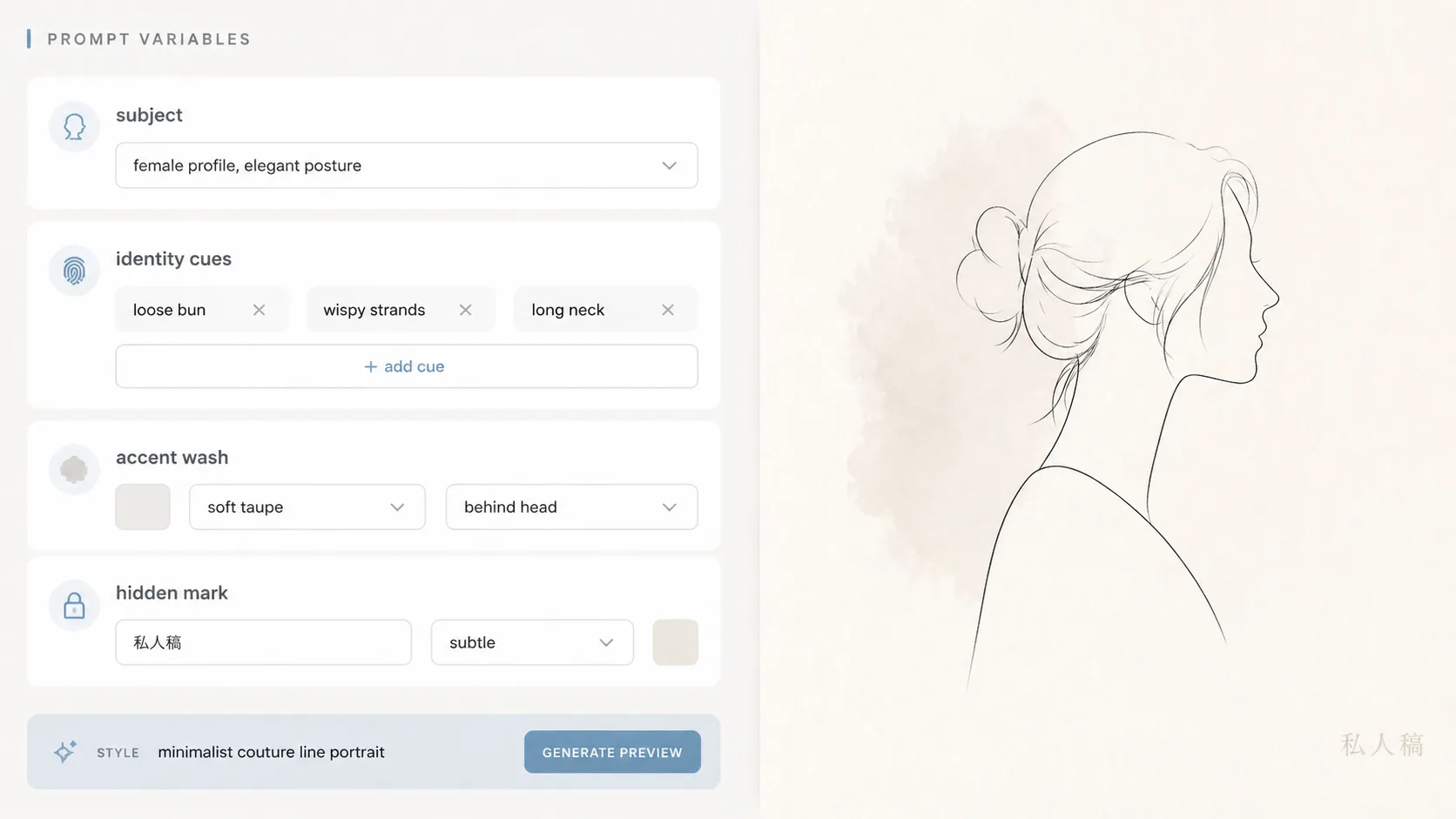
Edit subject and restraint
Replace the original character or reference portrait, then tune identity cues, accent wash color, background paper, line thickness, and optional hidden mark.
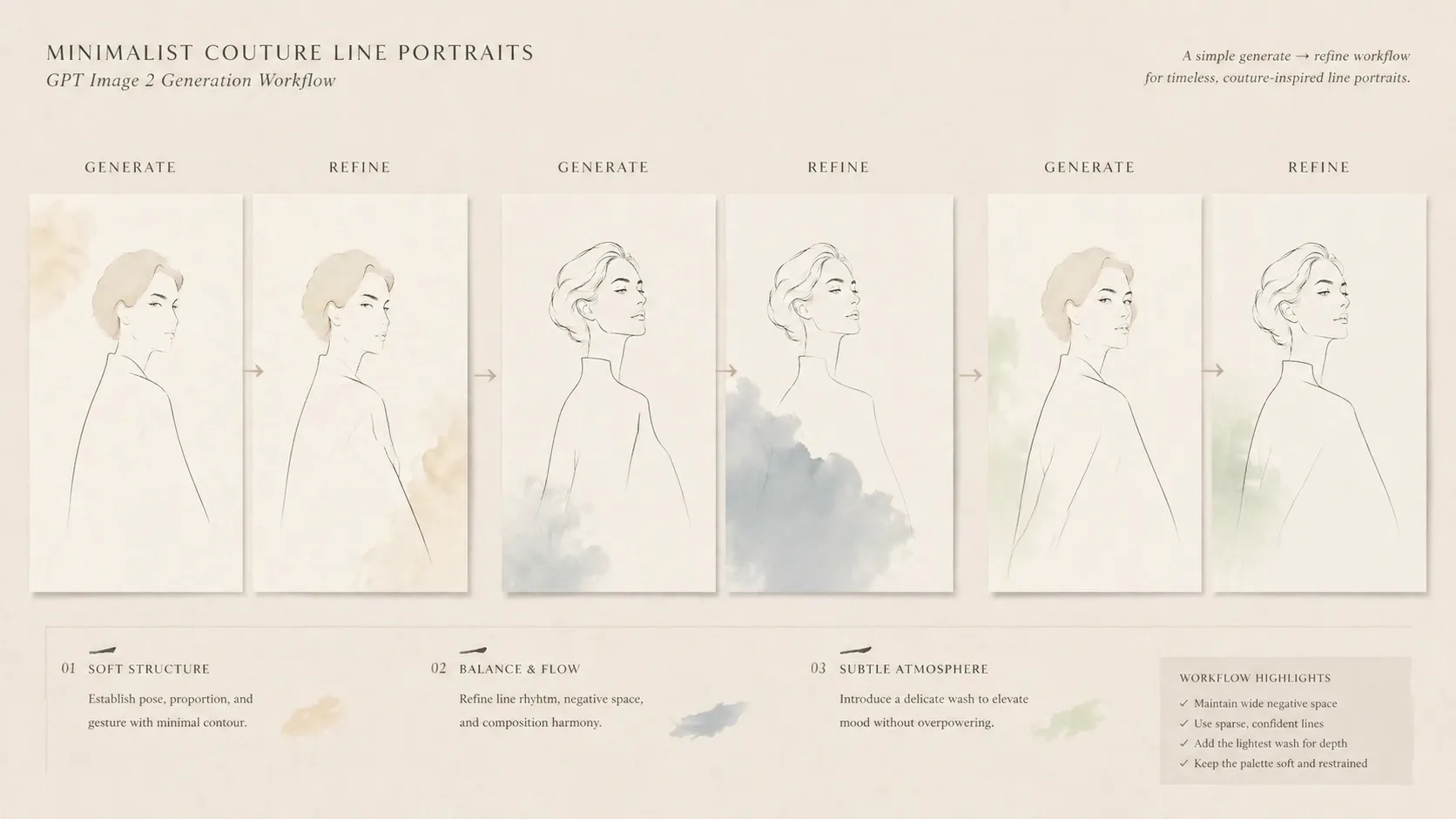
Generate, compare, remove
Create variants with GPT Image 2, keep the version with the clearest silhouette, and revise the prompt to remove busy shading, costume clutter, or random text.
Minimalist line portrait prompt FAQ
Search-style answers for using GPT Image 2 prompts to create sparse couture portrait art.
Generate a couture line portrait
Start with a minimalist portrait prompt, edit the subject cues, and create a clean GPT Image 2 result.