
Browse sample poster results on the right, then tap one to load that prompt back into the generator on the left.
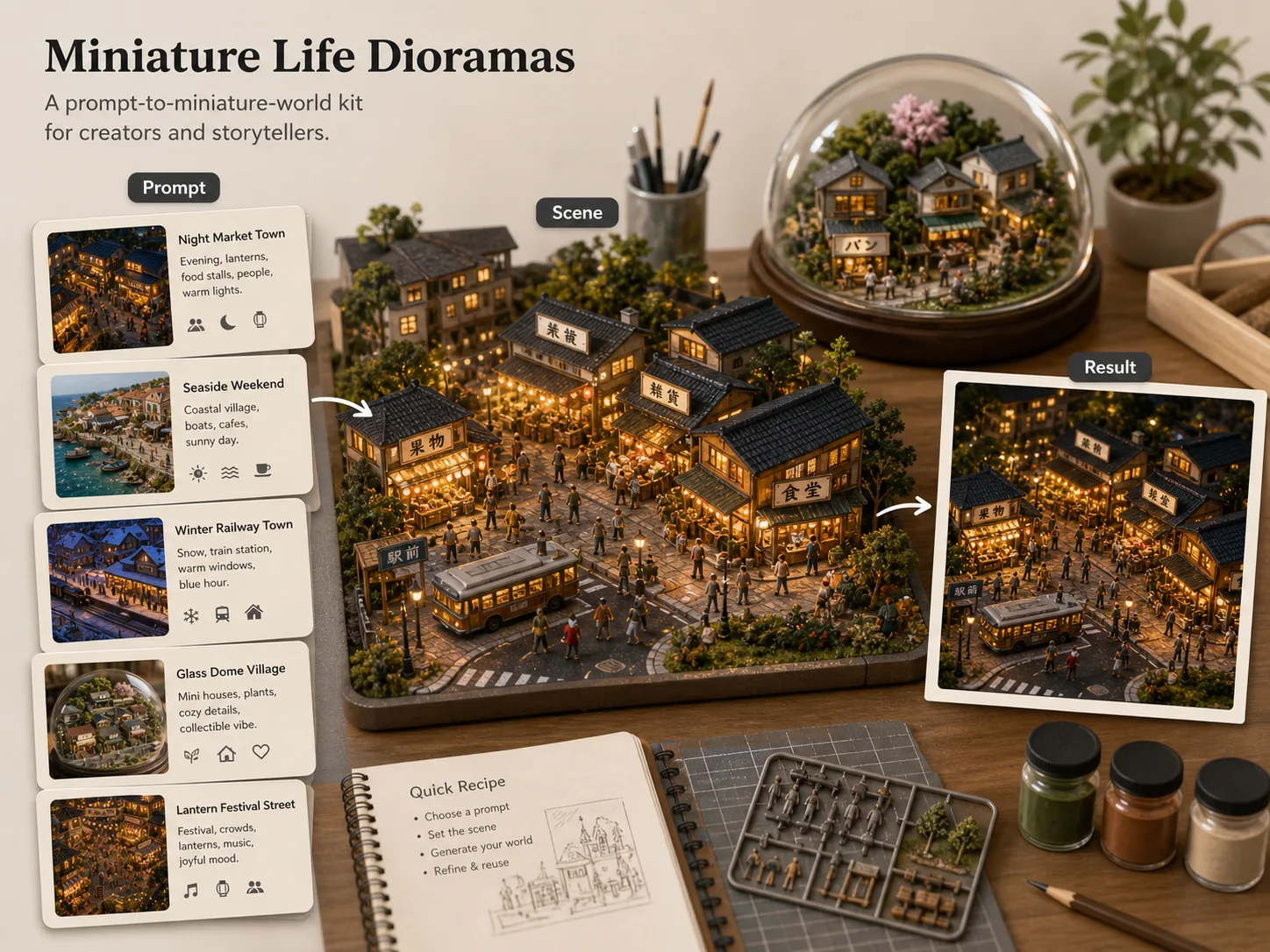
Create warm miniature worlds with GPT Image 2
Use this template as a prompt kit for tabletop cities, towns, night markets, seaside streets, railway villages, and glass-dome displays. Each prompt keeps the miniature model texture, oblique macro camera, short readable signs, and small daily-life gestures aligned so the output feels like a crafted civic world rather than a generic tilt-shift filter.
Miniature city prompt recipes
Start from complete GPT Image 2 prompts for daytime blocks, glowing night cities, market towns, railway stations, and festival streets.
Daily-life detail control
Guide the model toward tiny pedestrians, shopfronts, warm windows, transit stops, street food, plants, vehicles, and lived-in neighborhood activity.
Localized readable signage
Edit the signage language and short shop labels so a miniature city prompt can fit English, Chinese, Korean, Japanese, Portuguese, Spanish, German, or French scenes.
Reference-friendly dioramas
Bring a street photo, town idea, or place mood, then reshape it into a handcrafted miniature world with macro depth, material texture, and cozy storytelling.
How to generate miniature dioramas
Choose a scene prompt, replace the variables that define the tiny world, then generate and refine the result in GPT Image 2.
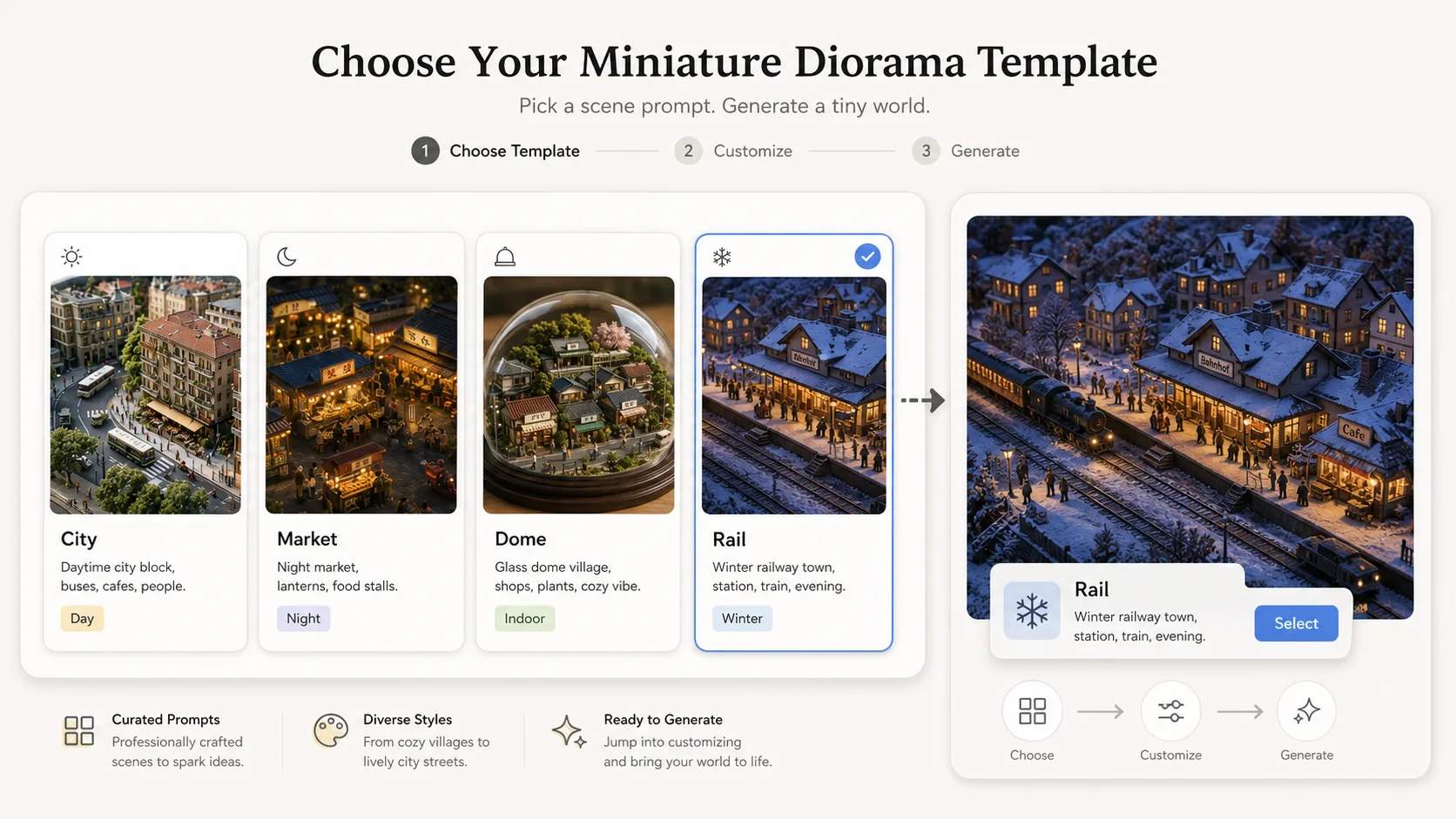
Choose a diorama scene
Pick the closest template: a sunny city block, glowing apartment night scene, local market, glass-dome village, rainy commute, coastal weekend, winter railway town, or lantern festival street.
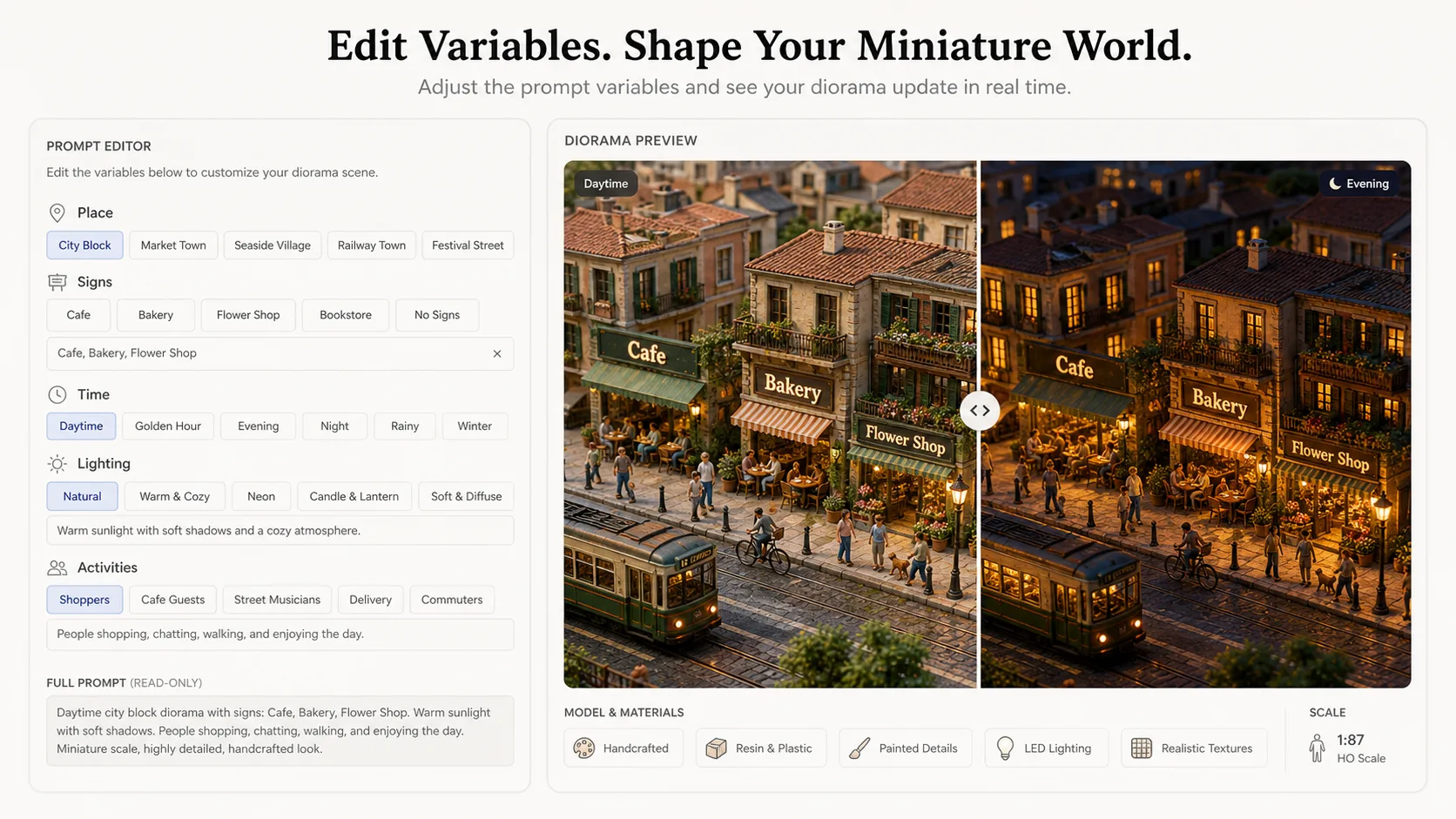
Edit place, signs, and light
Replace the city type, season, time of day, visible signage language, main activities, weather, material finish, and density of tiny people before generating.
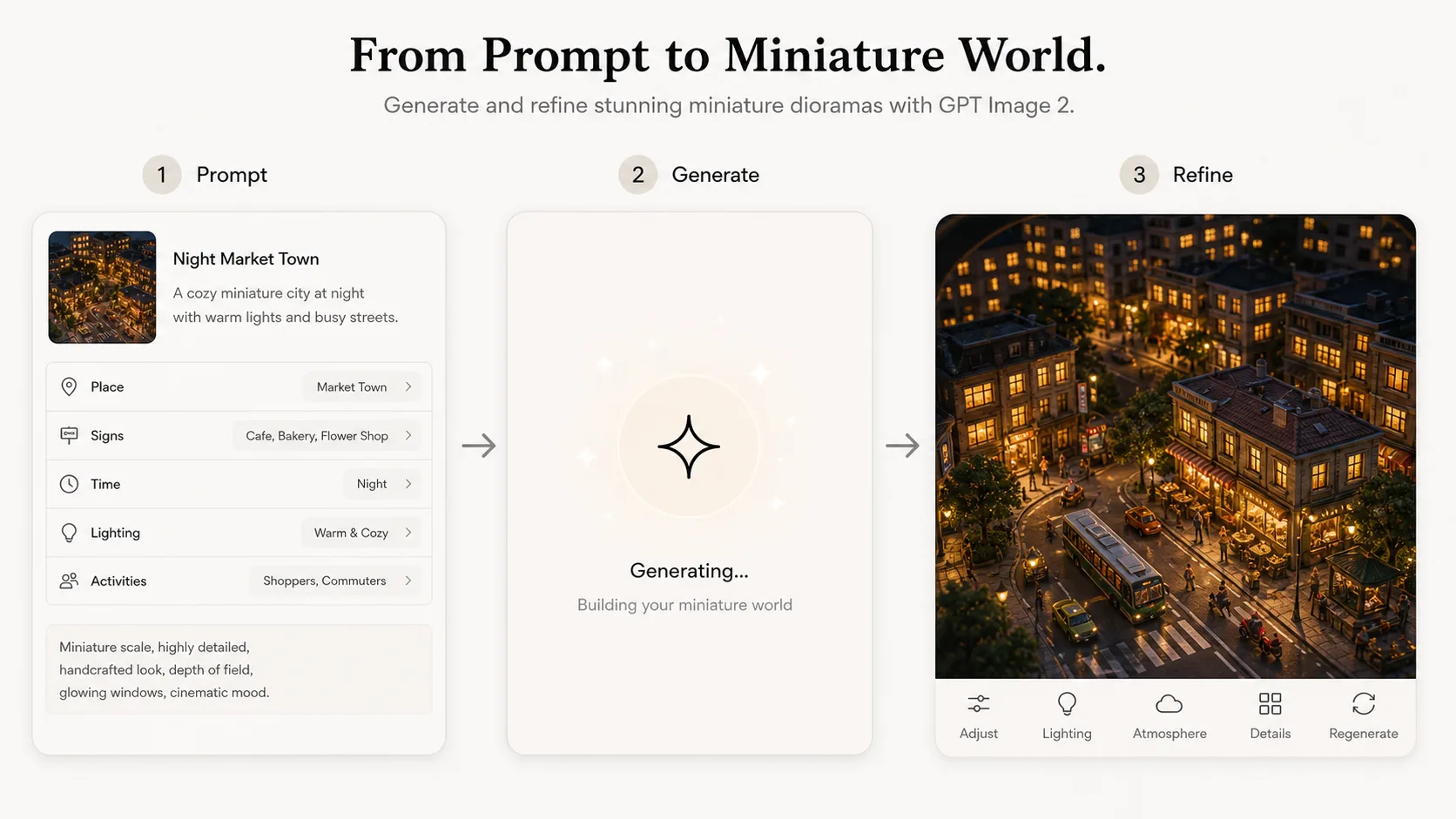
Generate, compare, and refine
Run the prompt with GPT Image 2, review the sample image, then adjust depth of field, warmth, street detail, text length, or reference image guidance for a cleaner miniature world.
Miniature Diorama Prompt FAQ
Answers for creating tiny city and town dioramas with GPT Image 2.
Generate a tiny world
Start from a miniature diorama prompt, edit the place and signs, then create a warm GPT Image 2 scene.