
Browse sample poster results on the right, then tap one to load that prompt back into the generator on the left.
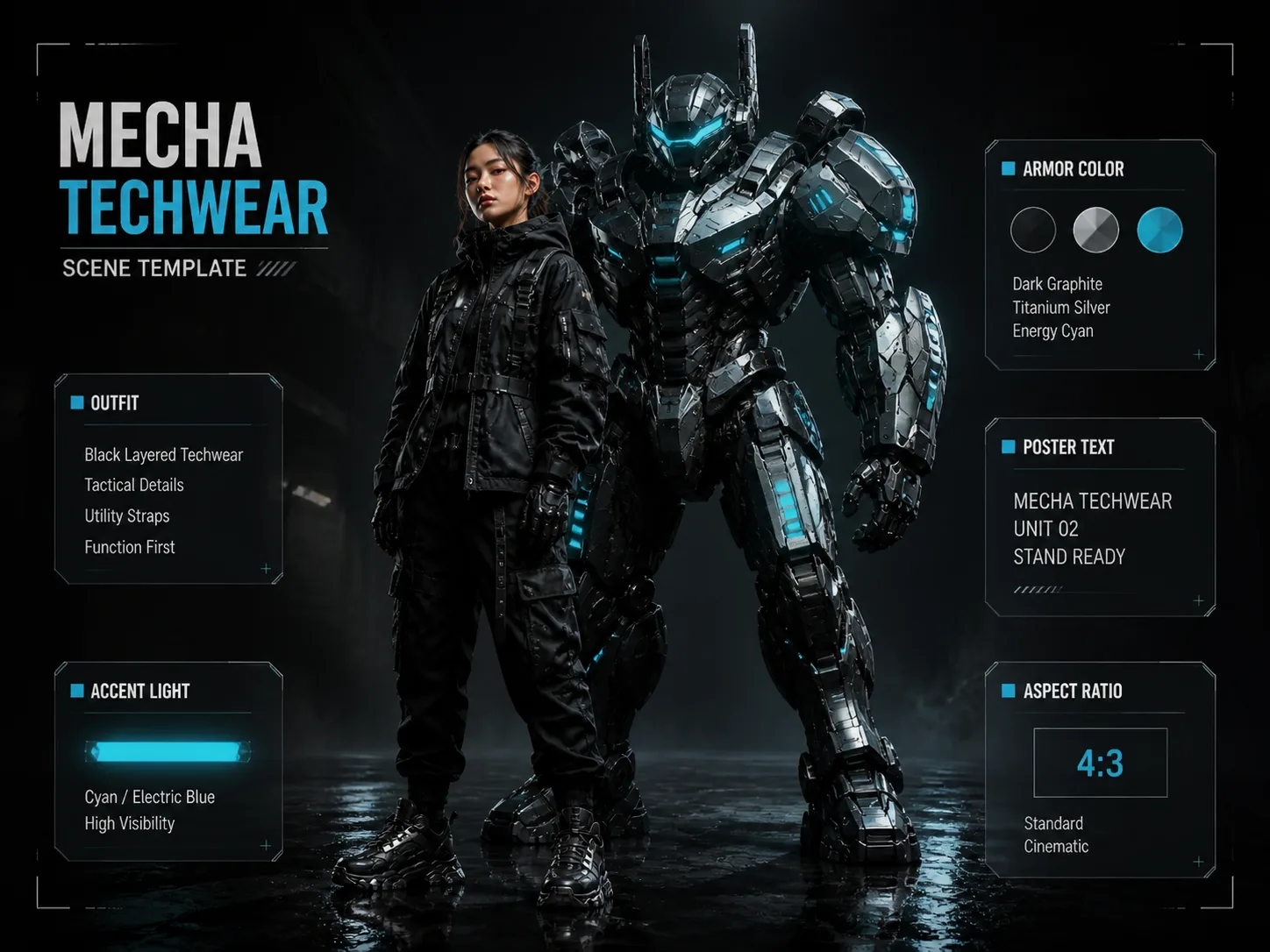
Build mecha-techwear posters with GPT Image 2 prompts
This scene turns an adult fashion subject into a futuristic campaign image where technical clothing, original robotic armor, HUD graphics, and bold poster typography work together.
Editable fashion and armor variables
Replace the model, techwear outfit, mecha silhouette, accent light, poster headline, fictional brand text, and aspect ratio without rewriting the whole prompt.
Poster typography that stays fictional
Prompts guide GPT Image 2 toward readable campaign words, technical labels, and microcopy while avoiding real logos, trademarked robot designs, and known franchises.
Fashion-first sci-fi direction
The templates frame robotic armor as an editorial backdrop, so the result feels like cyber fashion, a lookbook hero, or a social campaign instead of generic robot art.
Reusable prompt workflow
Open a sample, copy the prompt, adjust the variables for your subject or brand concept, then generate and compare vertical, square, and widescreen poster variants.
How to use a mecha fashion poster template
Start from the poster format that matches your channel, edit the visible variables, then use GPT Image 2 to test refined cyber-fashion compositions.
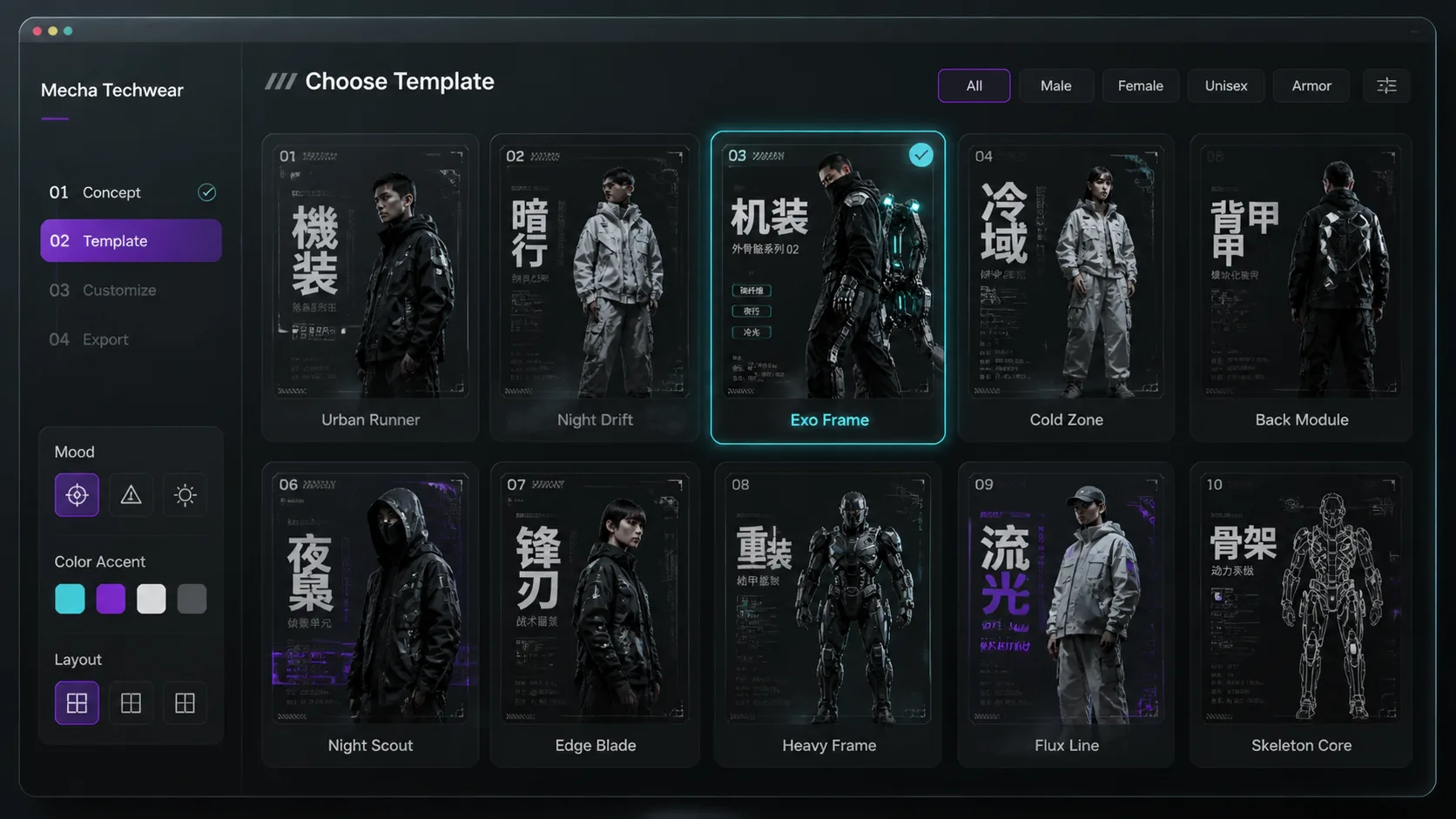
Choose the poster format
Pick a vertical runway poster, square cyber ad, widescreen lookbook hero, magazine cover, or language-specific campaign layout based on the final image crop.
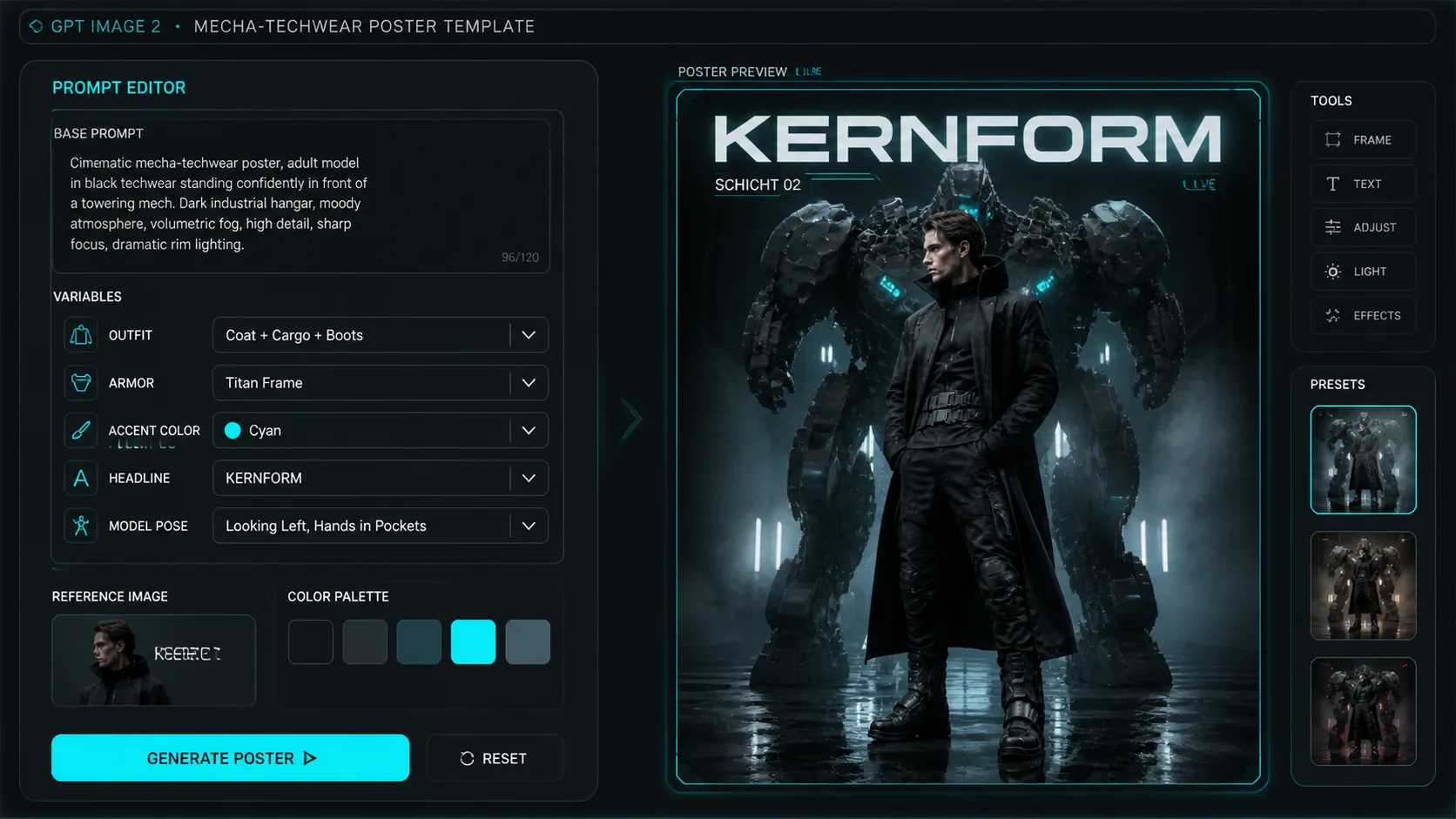
Edit the scene variables
Swap the adult model, clothing pieces, armor surface, accent color, HUD labels, fictional brand name, and short text so the prompt matches your concept.
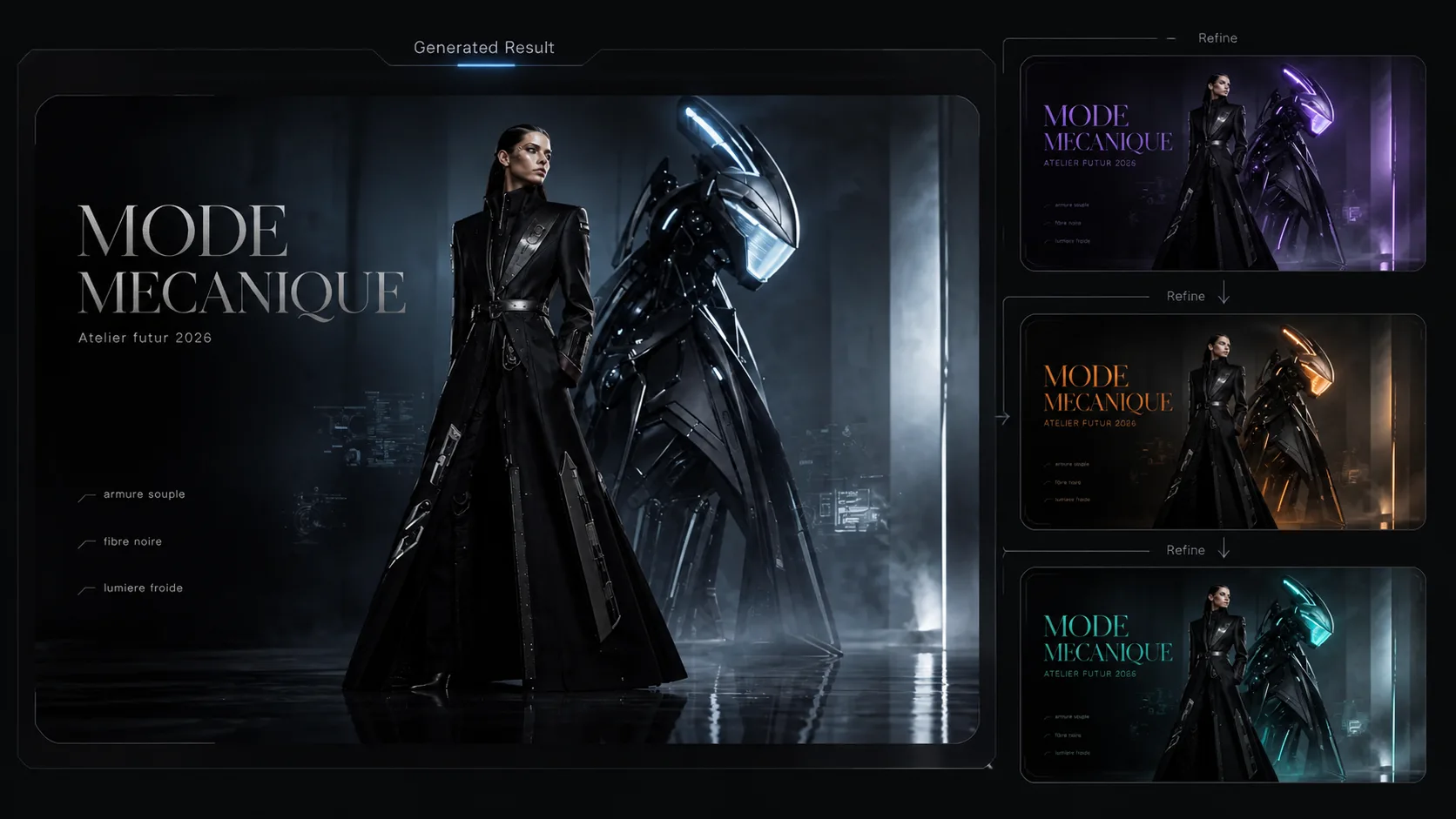
Generate, inspect, and refine
Run the prompt in GPT Image 2, review anatomy, text, lighting, and brand safety, then refine the variables or use the generated image as a reference for another pass.
Mecha techwear GPT Image 2 prompt FAQ
Answers for creators using this scene to make futuristic fashion posters.
Generate a mecha-techwear poster
Choose a template, replace the campaign variables, and create a futuristic fashion poster with GPT Image 2.